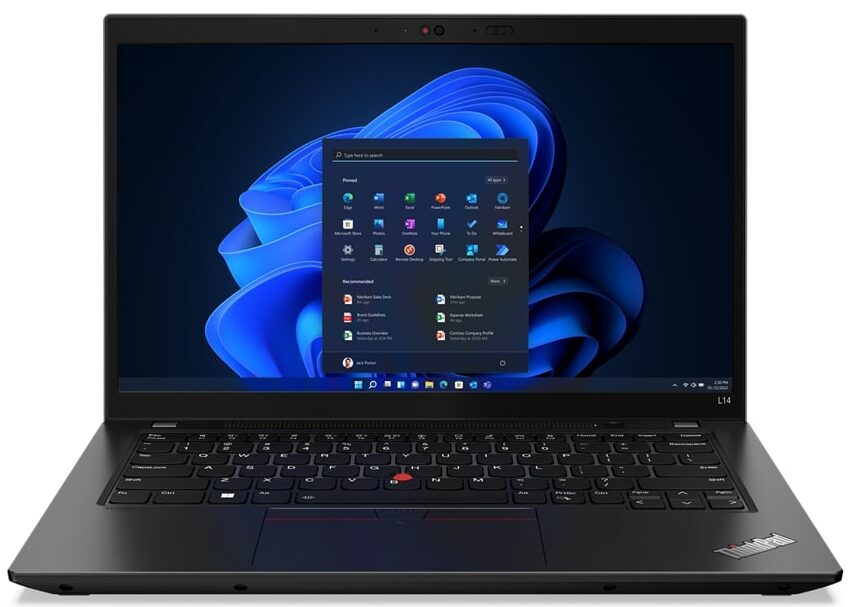
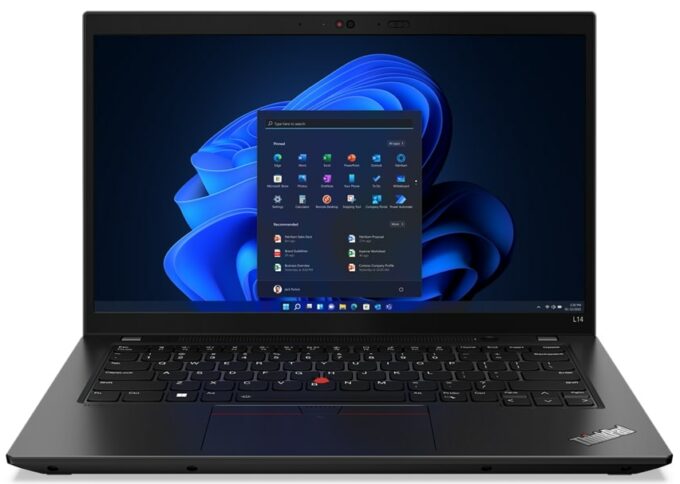
Lenovo ThinkPad L14 Gen 3
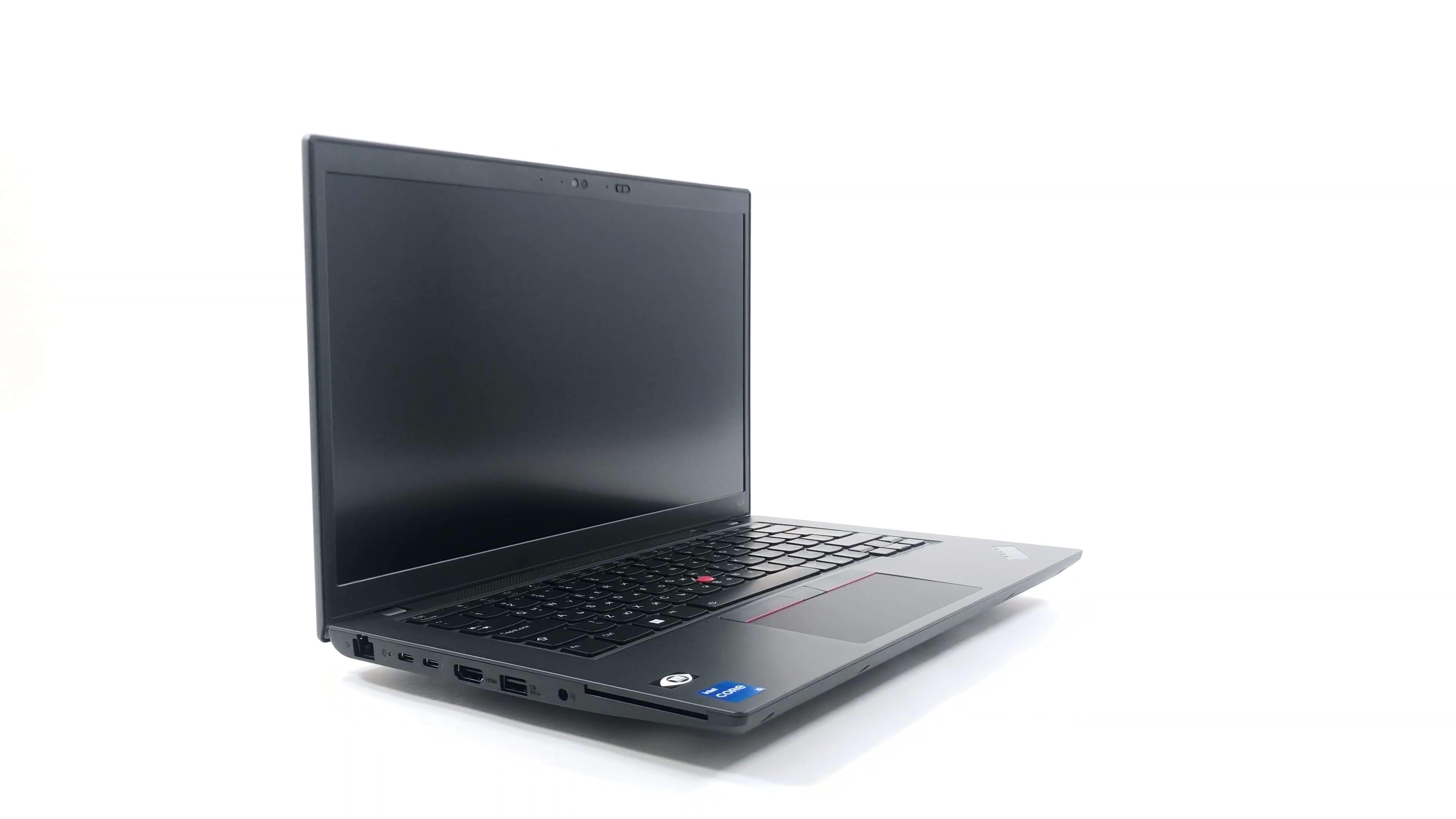


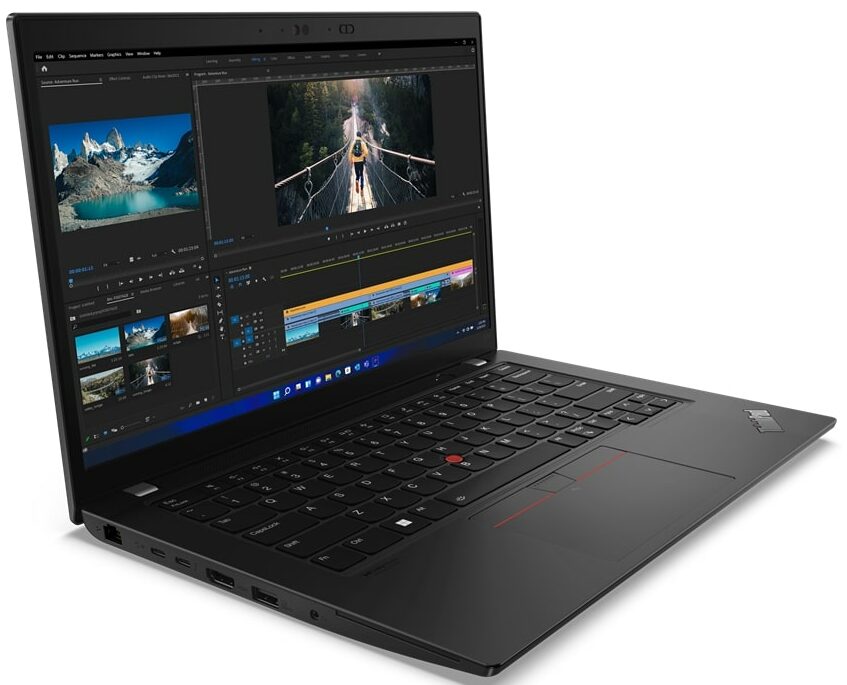
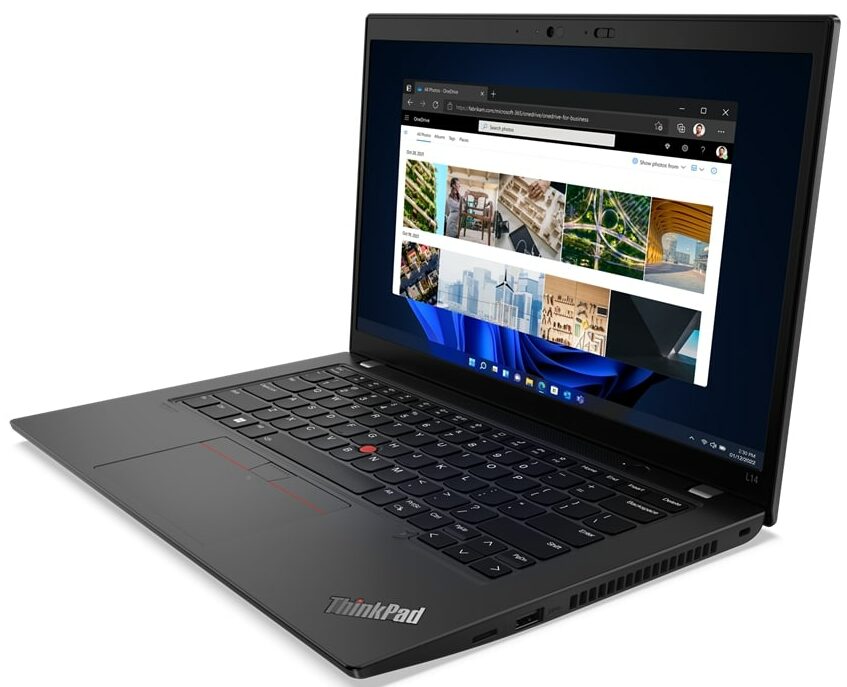
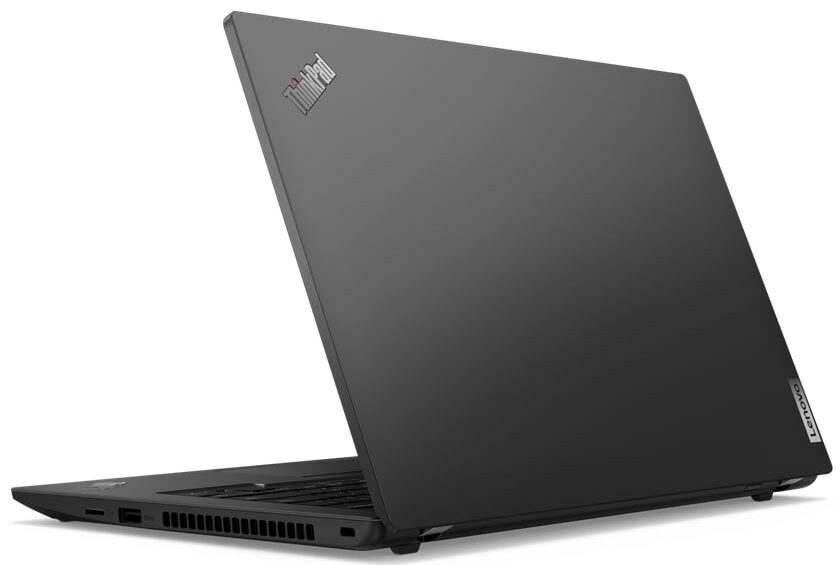
- Date Published: 28 Apr 2025
- Intel Core i7-1255U
- Intel Iris Xe Graphics G7 (96EU)
- 14.0”, Full HD (1920 x 1080), IPS
- 1000GB SSD
- 32GB RAM
- 1.39 kg (3.1 lbs)
Specs

- HDD/SSD
- 1000GB SSD
- M.2 Slot
- 1x 2242 M.2 PCIe x4 Gen 4 See photo
- RAM
- 32GB RAM
- OS
- Windows 11 Pro
- Body Material
- Plastic / Polycarbonate, Aluminum, Carbon
- Dimensions
- 325.4 x 217 x 18.73 - 19.63 mm (12.81" x 8.54" x 0.74")
- Weight
- 1.39 kg (3.1 lbs)
- Ports and connectivity
- 1x USB Type-A
- 3.2 Gen 1 (5 Gbps)
- 1x USB Type-A
- 3.2 Gen 1 (5 Gbps), Sleep and Charge
- 1x USB Type-C
- 3.2 Gen 1 (5 Gbps), Power Delivery (PD), DisplayPort
- 1x USB Type-C
- 4.0, Thunderbolt 4, Power Delivery (PD), DisplayPort
- HDMI
- 2.1
- Card Reader
- MicroSD
- Ethernet LAN
- 10, 100, 1000 Mbit/s
- Wi-Fi
- 802.11ax
- Bluetooth
- 5.2
- Audio jack
- 3.5mm Combo Jack
- Features
- Fingerprint reader
- Web camera
- HD / FHD
- Backlit keyboard
- Microphone
- Dual Array Microphone, far-field, Dolby Voice
- Speakers
- 2x 2W Stereo Speakers, Dolby Atmos
- Security Lock slot
- Kensington Lock
Portability
Review
Lenovo ThinkPad L14 Gen 3 in-depth review
As you can imagine, Lenovo makes a lot of laptops. But the ThinkPad is arguably their most recognizable product lineup. What is even funnier, is that Lenovo isn't the creator of this brand - it was IBM, but Lenovo has purchased it 17 years ago. Interestingly, some of the original features, which are connected to the product are still here - the fantastic keyboard, the TrackPoint, and most importantly - the reliability.Today, we have a member of this wide family. It sits in the middle of the price range and is called the ThinkPad L14 Gen 3. From our experience with previous versions of this device, we can say that it is known for its upgradeability, wide I/O, and not very expensive price tag.Although it hasn't changed much through the years, we expect to see some sort of upgrade. N[...]
Read the full review
Pros
- Great performance in short loads
- The display doesn't use PWM to adjust its brightness levels (Chi Mei (Innolux) N140HCA-E5B (LEN40A9))
- Pleasant spill-resistant keyboard with long travel, clicky feedback, and a backlight
- Great I/O selection with Thunderbolt 4, MicroSD, and LTE support
- Charges with USB Type-C
- Optional IR face recognition system and a fingerprint reader
Cons
- Processor frequency drops in long runs
- Its display covers only 51% of sRGB (Chi Mei (Innolux) N140HCA-E5B (LEN40A9))
Disassembly, maintenance and upgrade options
If you're looking for a robust business notebook, that will let you upgrade it in the future, then the ThinkPad L14 Gen 3 is a pretty good choice.Check out all Lenovo ThinkPad L14 Gen 3 prices and configurations in our Specs System or read more in our In-Depth review.1. Remove the bottom plate To get inside this notebook, you first need to remove the SIM card tray. Then, undo all 11 captive Phillips-head screws, and pry the bottom panel with a plastic tool.2. Battery This laptop's battery has a capacity of 57Wh. It lasts for 11 hours of Web browsing, or 10 hours of video [...]
Read more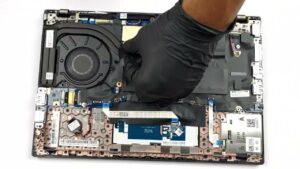


![[August 2026] Global Ranking of Best-Selling Laptop GPUs on Amazon – Apple Reigns Supreme, NVIDIA’s RTX 5060 Tops Dedicated Chart](https://laptopmedia.com/wp-content/uploads/2026/09/Best-Selling-GPUs-GLOBAL-Top-10-400x225.jpg)
![[August 2026] Global Ranking of Best-Selling Laptop CPUs on Amazon – Apple Dominates Both Budget and Premium: A18 Pro and M5 Crush Intel and AMD in August 2026](https://laptopmedia.com/wp-content/uploads/2026/09/Best-Selling-CPUs-GLOBAL-Top-10-400x225.jpg)
![[August 2026] Amazon Global: Top 10 Best-Selling Laptops – Apple MacBook Neo Dominates the Charts as Budget and Mid-Range Windows Portables Fight for Volume](https://laptopmedia.com/wp-content/uploads/2026/09/Best-Selling-Laptops-GLOBAL-Top-10-400x225.jpg)
![[August 2026] Best-Selling Laptop Brands on Amazon Global – Apple Dominates Revenue While HP Leads in Model Variety](https://laptopmedia.com/wp-content/uploads/2026/09/GLOBAL-Best-Brands-400x225.jpg)
![[August 2026] Amazon Global: Top 10 Best-Selling Gaming Laptops – HP Victus 15 Captures the Crown as Budget-Friendly Models Dominate the Charts](https://laptopmedia.com/wp-content/uploads/2026/09/Best-Selling-Gaming-Laptops-GLOBAL-Top-10-400x225.jpg)

