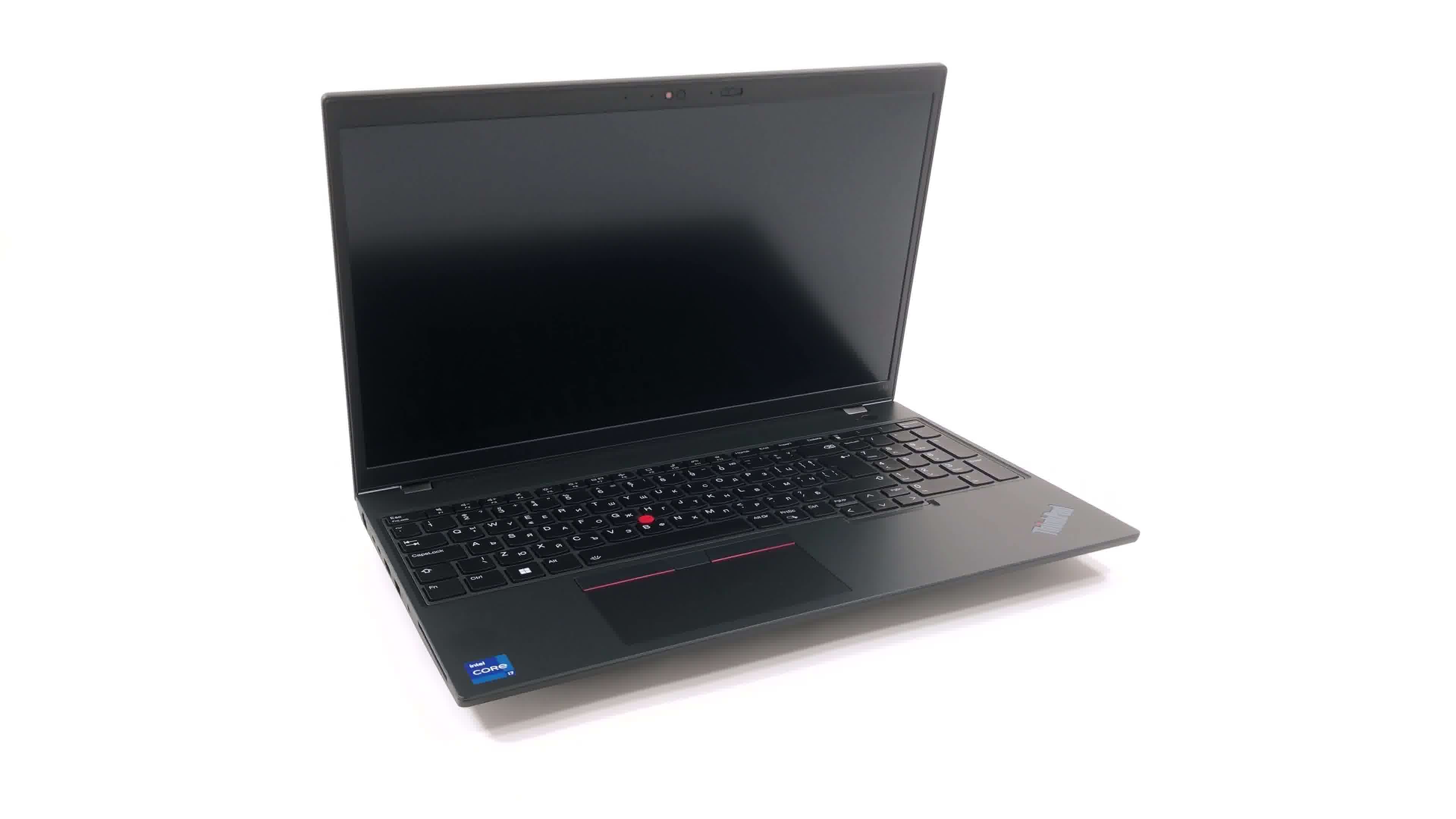
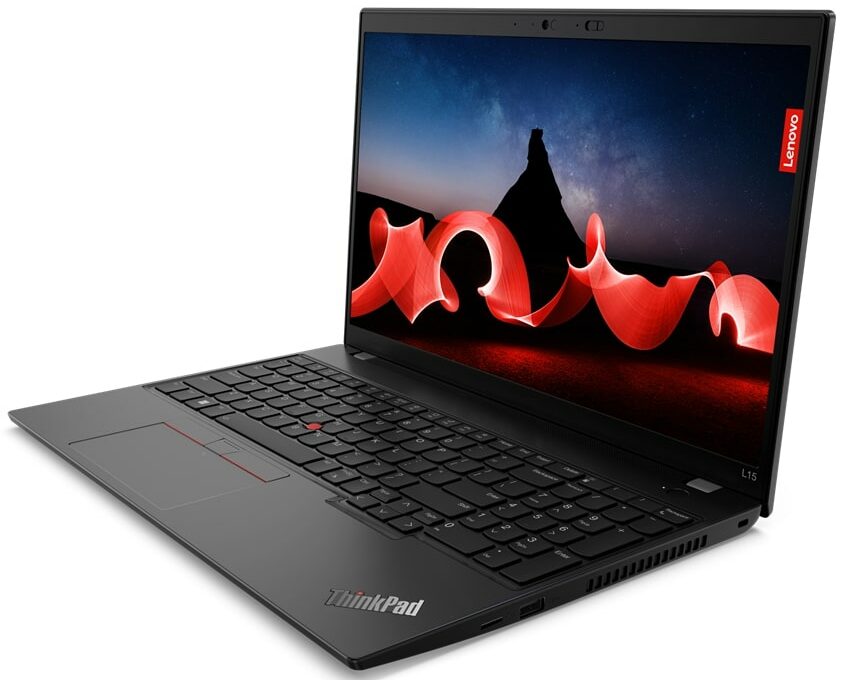
Lenovo ThinkPad L15 Gen 4

- Date Published: 21 Dec 2023
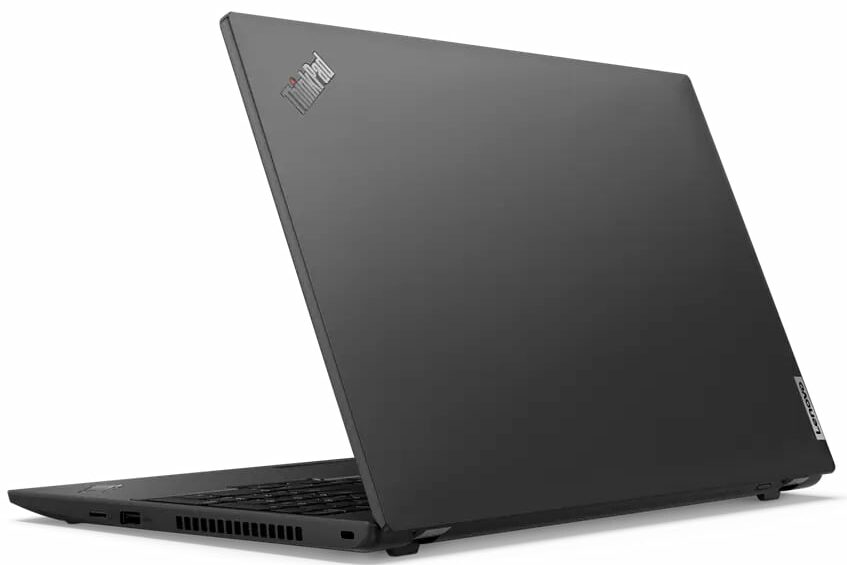
- Intel Core i7-1365U
- Intel Iris Xe Graphics G7 (96EU)
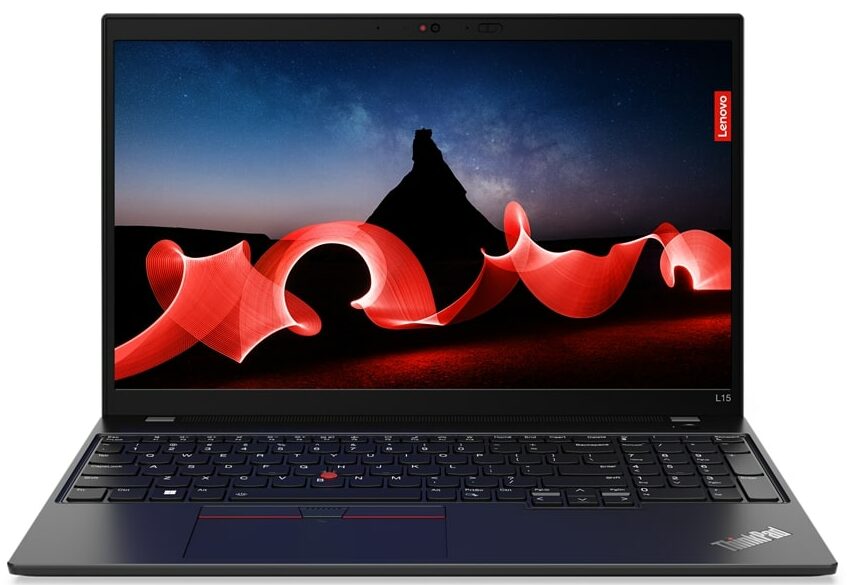
- 15.6”, Full HD (1920 x 1080), IPS
- 512GB SSD
- 16GB DDR4
- 1.77 kg (3.9 lbs)

Specs

- HDD/SSD
- 512GB SSD
- M.2 Slot
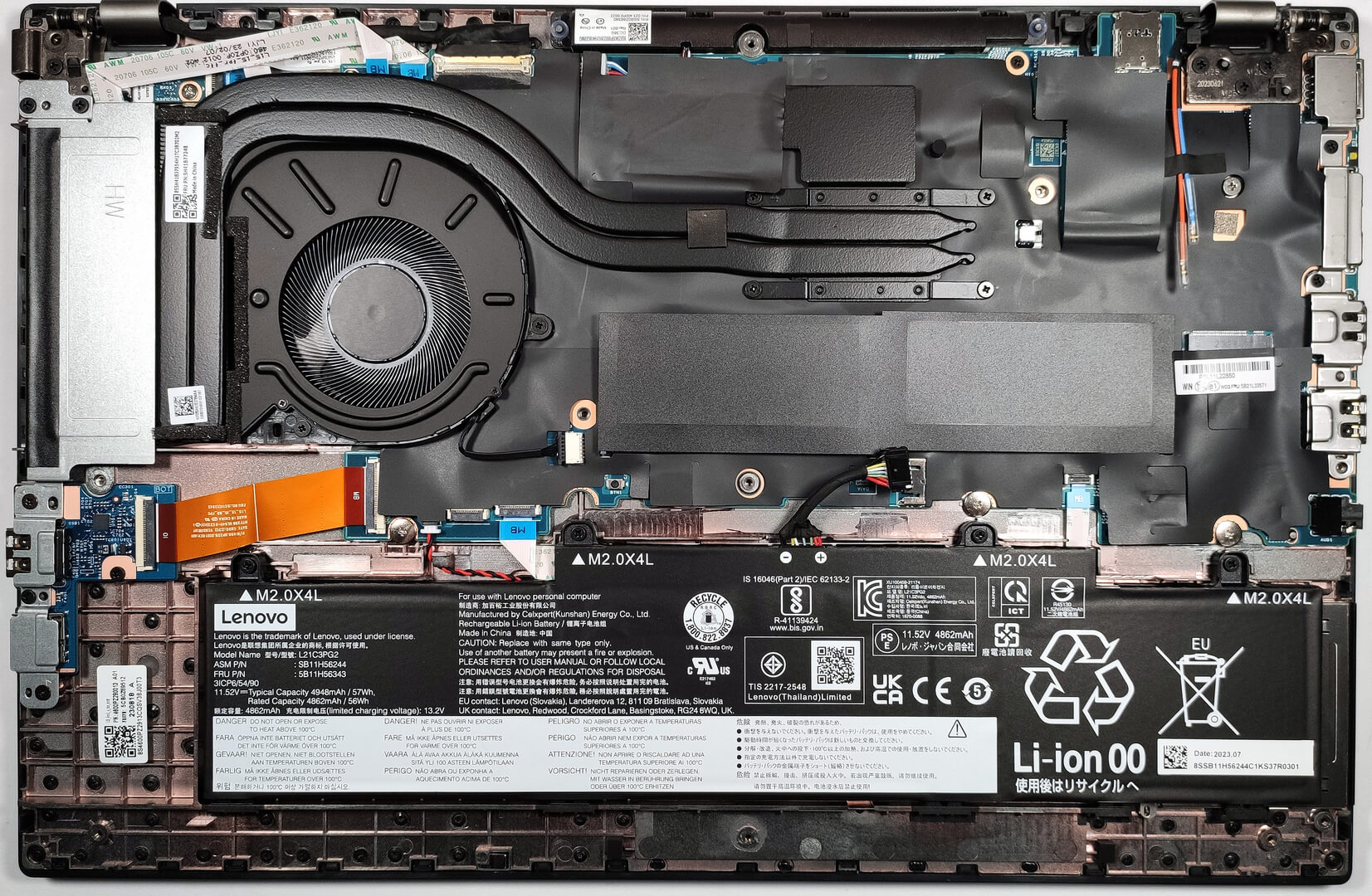
- 1x 2242 M.2 NVMe PCIe 4.0 x4 See photo
- RAM
- 16GB DDR4
- OS
- Windows 11 Pro
- Body Material
- Plastic / Polycarbonate
- Dimensions
- 360.2 x 237 x 19.93 mm (14.18" x 9.33" x 0.78")
- Weight
- 1.77 kg (3.9 lbs)
- Ports and connectivity
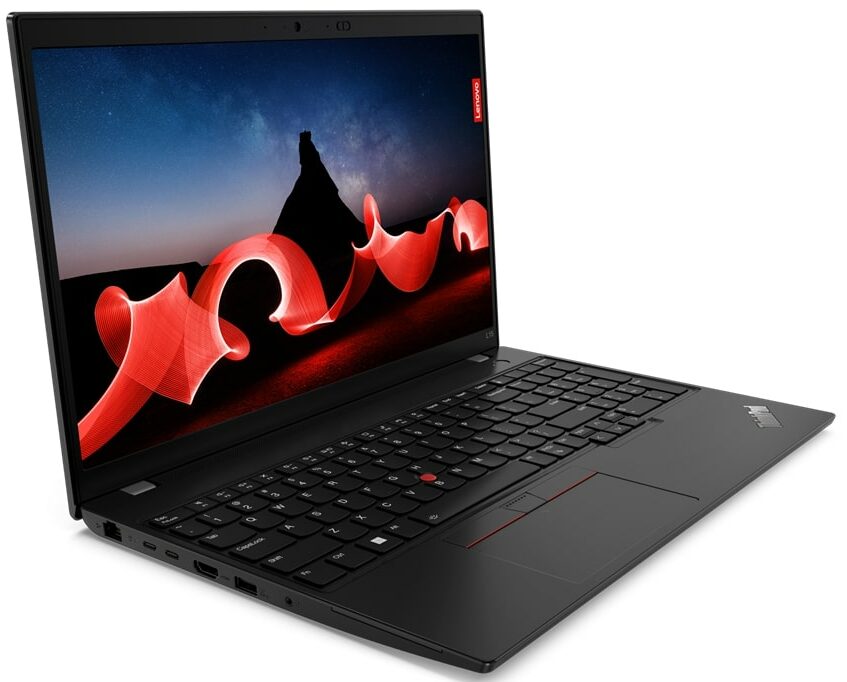
- 1x USB Type-A
- 3.2 Gen 1 (5 Gbps)
- 1x USB Type-A
- 3.2 Gen 1 (5 Gbps), Sleep and Charge
- 1x USB Type-C
- 3.2 Gen 2 (10 Gbps), Power Delivery (PD), DisplayPort
- 1x USB Type-C
- 4.0, Thunderbolt 4, Power Delivery (PD), DisplayPort
- HDMI
- 2.1 (4K@60Hz)
- Card Reader
- microSD (microSD, microSDHC, microSDXC)
- Ethernet LAN
- 10, 100, 1000 Mbit/s
- Wi-Fi
- 802.11ax
- Bluetooth
- 5.1
- Audio jack
- 3.5mm Combo Jack
- Features
- Fingerprint reader
- Web camera
- FHD IR with privacy shutter, fixed focus
- Backlit keyboard
- Microphone
- Dual-microphone array, far-field, Dolby Voice
- Speakers
- 2x 2W Stereo Speakers, Dolby Audio
- Optical drive
- Security Lock slot
- Kensington Nano Lock
Portability
Review
Lenovo ThinkPad L15 Gen 4 in-depth review
The Lenovo ThinkPad L15 Gen 4 (Intel) is a device that will not try to impress you with its design because it's a typical business laptop that is meant for work. Expectedly, the security is on point - a fingerprint reader, Intel vPro CPUs, a Web camera with a privacy shutter, a Security Lock Slot, and a dTPM module (the first two extras are optional). Some models are certified as a Microsoft 11 Secured-core PC so they offer an extra layer of protection against advanced malware.Good connectivity is a must for such a machine and that's why this notebook has (optional) 4G connectivity, NFC, and Wi-Fi 6E. We are also happy to see a Thunderbolt 4 port and a microSD card reader. The hardware seems standard for a 2023 office machine. You can choose among nine CPU options including Raptor Lak[...]
Read the full review
Pros
- Almost quiet under max load
- 2x SODIMM slots
- PWM-free display (Innolux N156HCA-E5B (LEN40BA))
- Optional IR face recognition + Fingerprint reader
- Comfortable spill-resistant keyboard
- Thunderbolt 4 + MicroSD card slot + optional LTE support and Smart card reader
- High P and E core clock during any kind of load
- Many CPU options
Cons
- Lacks 5G support
- Just one M.2 slot
- The touchpad accuracy isn't great
- Covers only 52% of the sRGB color gamut (Innolux N156HCA-E5B (LEN40BA))
Disassembly, maintenance and upgrade options
Opening the LaptopUndo the 10 Phillips-head screws securing the bottom panel of the laptop. Eject the SIM card tray using a SIM eject tool or a small pin. Use a plastic pry tool to gently separate the bottom panel from the chassis. Start from one corner and work your way around carefully.Caution: Be gentle to avoid damaging the clips that hold the bottom panel in place.Removing the BatteryDisconnect the battery connector from the mainboard by gently pulling it out with a plastic tool. Undo the four Phillips-head screws that secure the battery to the chassis[...]
Read more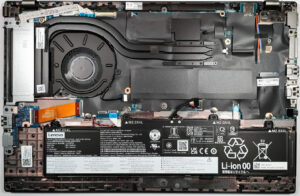


![[June 2026] Best-Selling Laptop Brands on Amazon Global – Apple’s Unrivaled Dominance in Units and Revenue](https://laptopmedia.com/wp-content/uploads/2026/07/GLOBAL-Best-Brands-400x225.jpg)
![[June 2026] Amazon Global: Top 10 Best-Selling Laptops – Apple’s New MacBook Neo Storms to #1, Reshaping the Market with Affordability](https://laptopmedia.com/wp-content/uploads/2026/07/Best-Selling-Laptops-GLOBAL-Top-10-400x225.jpg)
![[June 2026] Amazon Global: Top 10 Best-Selling Gaming Laptops – Acer’s Nitro V 16S AI Dominates Sales, While ASUS Leads Overall Revenue](https://laptopmedia.com/wp-content/uploads/2026/07/Best-Selling-Gaming-Laptops-GLOBAL-Top-10-400x225.jpg)
![[June 2026] Global Ranking of Best-Selling Laptop GPUs on Amazon – NVIDIA RTX 5060 is the Top-Selling Dedicated GPU](https://laptopmedia.com/wp-content/uploads/2026/07/Best-Selling-GPUs-GLOBAL-Top-10-400x225.jpg)
![[June 2026] Global Ranking of Best-Selling Laptop CPUs on Amazon – Apple M5 Dominates, AMD Ryzen 7 260 Gets Solid Premium Share](https://laptopmedia.com/wp-content/uploads/2026/07/Best-Selling-CPUs-GLOBAL-Top-10-400x225.jpg)