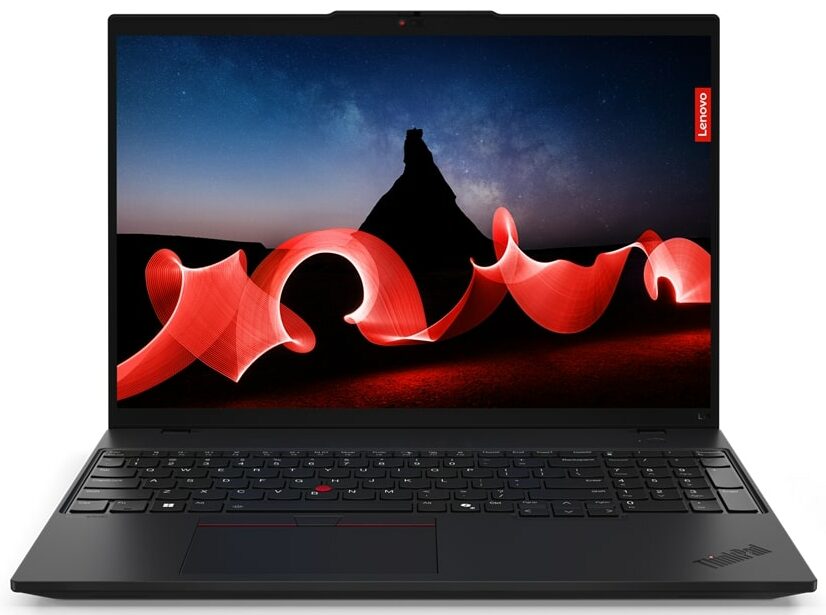
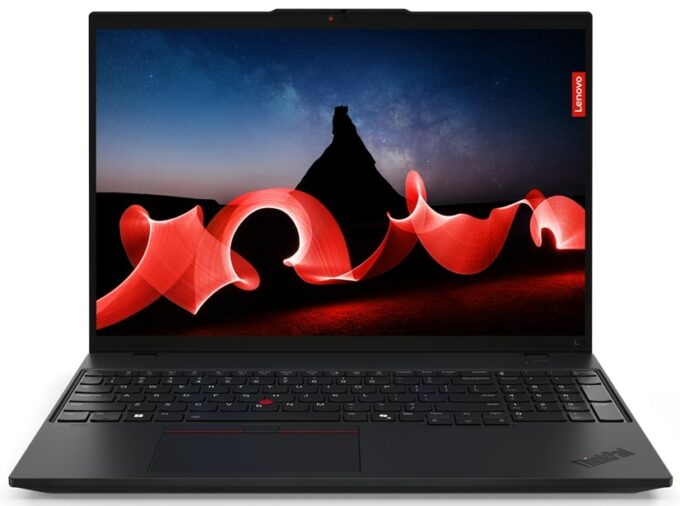
Lenovo ThinkPad L16 Gen 1
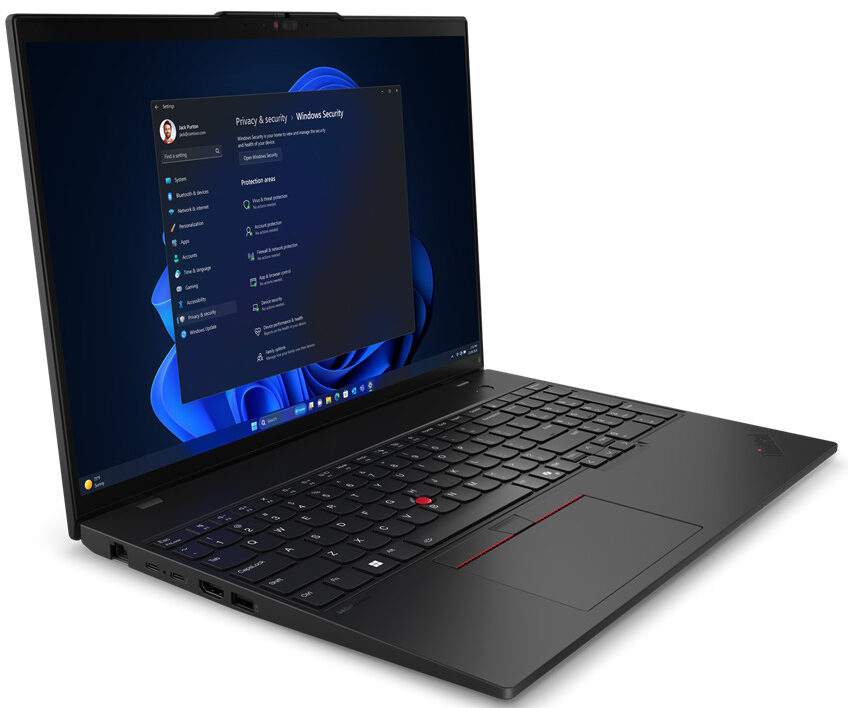
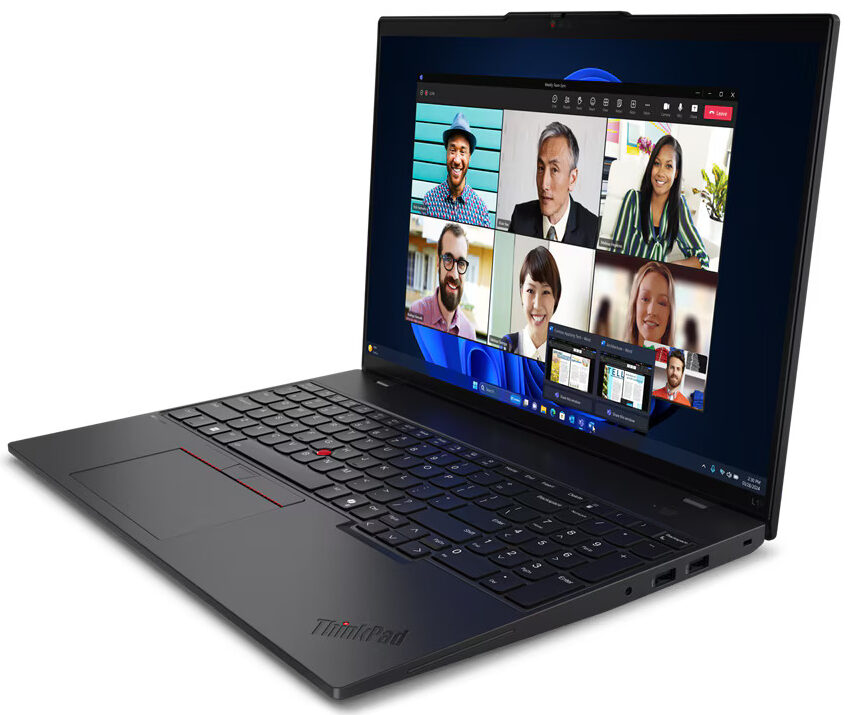
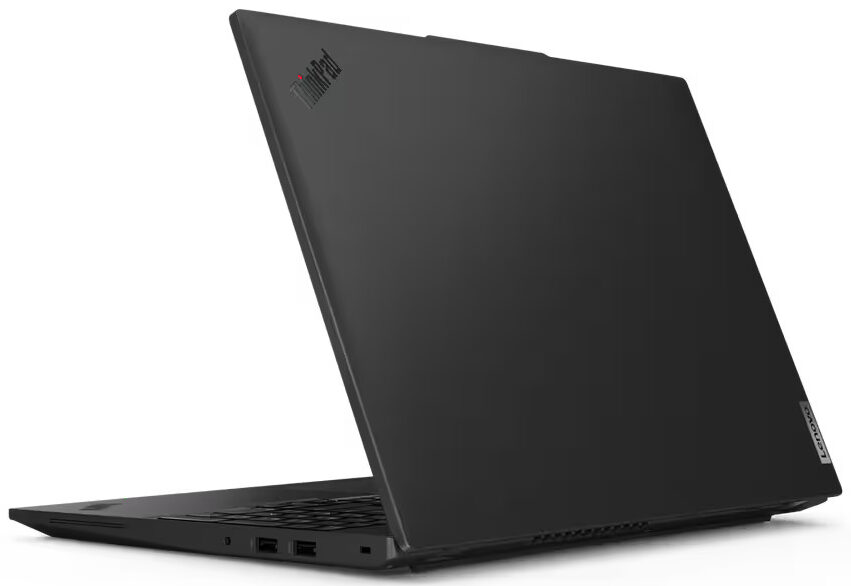
- Date Published: 30 Jan 2025
- Intel Core Ultra 7 155U
- Intel Graphics (4-Cores)
- 16.0”, WUXGA (1920 x 1200), IPS
- 2000GB SSD
- 64GB RAM
- 1.77 kg (3.9 lbs)
Specs
- Display

- HDD/SSD
- 2000GB SSD
- M.2 Slot
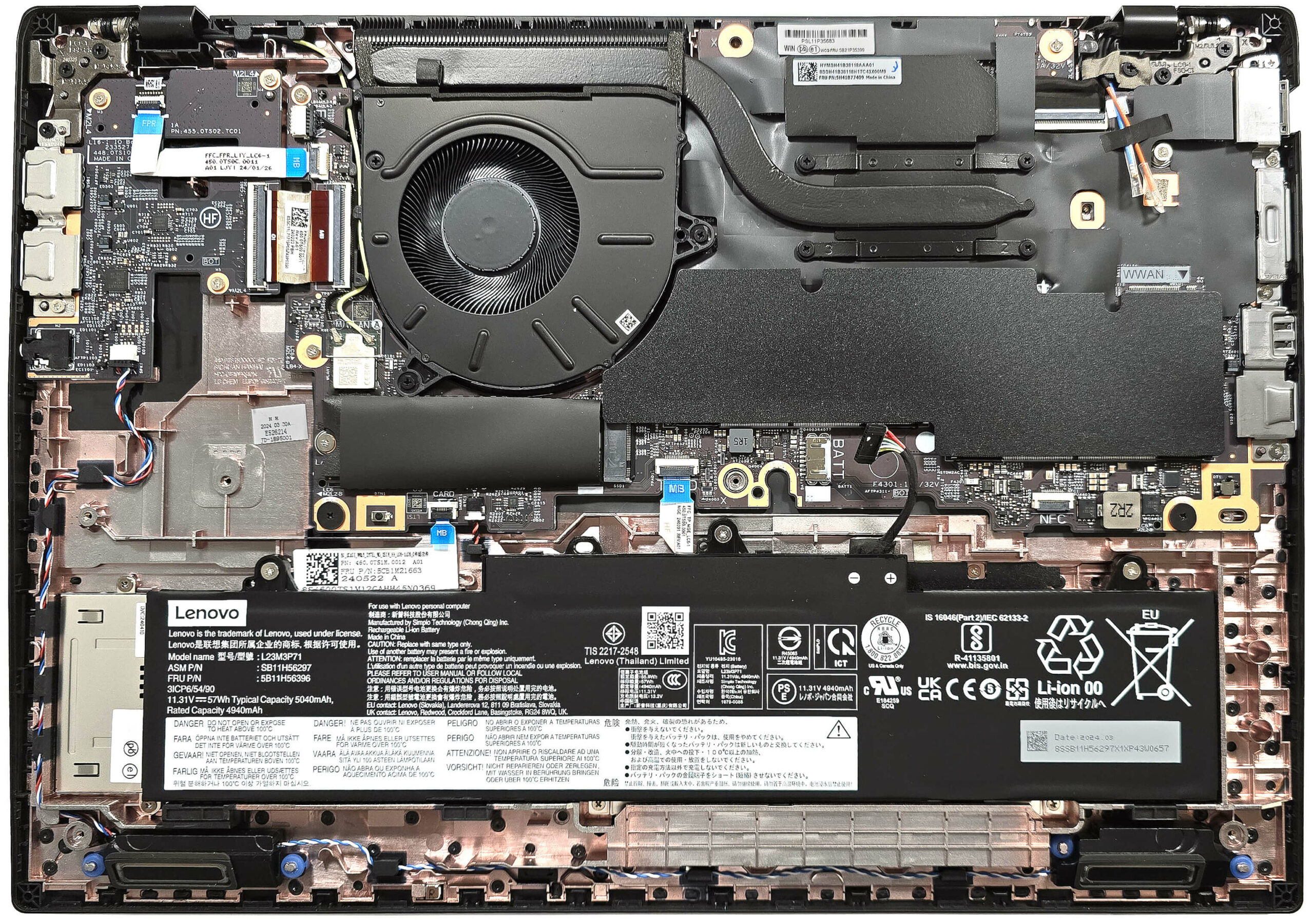
- 1x 2280 M.2 NVMe PCIe 4.0 x4 See photo
- RAM
- 64GB RAM
- OS
- Windows 11 Pro
- Body Material
- Plastic / Polycarbonate
- Dimensions
- 357.2 x 253.4 x 20.78 mm (14.06" x 9.98" x 0.82")
- Weight
- 1.77 kg (3.9 lbs)
- Ports and connectivity
- 1x USB Type-A
- 2.0
- 1x USB Type-A
- 3.2 Gen 1 (5 Gbps)
- 1x USB Type-A
- 3.2 Gen 1 (5 Gbps), Sleep and Charge
- 1x USB Type-C
- 3.2 Gen 2x2 (20 Gbps), Power Delivery (PD), DisplayPort
- 1x USB Type-C
- 4.0, Thunderbolt 4, Power Delivery (PD), DisplayPort
- HDMI
- 2.1 (4K@60Hz)
- Card Reader
- Ethernet LAN
- 10, 100, 1000 Mbit/s
- Wi-Fi
- 802.11be
- Bluetooth
- 5.4
- Audio jack
- 3.5mm Combo Jack
- Features
- Fingerprint reader
- Web camera
- 5.0MP + IR discrete, with privacy shutter, fixed focus
- Backlit keyboard
- Microphone
- Dual-microphone array, far-field, Dolby Voice
- Speakers
- 2x 2W Stereo Speakers, Dolby Audio
- Security Lock slot
- Kensington Nano Lock
- Gifts
- 32GB USB Drive
Portability
Review
Lenovo ThinkPad L16 Gen 1 in-depth review
Most business laptops that offer up-to-date hardware and features are expensive. Of course, you can find devices in this segment that don't cost an arm and a leg. Just like the Intel version of the ThinkPad L16 Gen 1 which is powered by Intel Meteor Lake processors. If you care about battery life, a 15W U-series chip is the better choice and you can also find this machine with 28W CPUs that are more suitable for heavy workloads.You also get decent upgradability alongside a modern port selection. The base security features seem good for the class, including a privacy shutter, a Kensington Nano Security slot, a self-healing BIOS, and a dTPM 2.0 chip. The fingerprint reader, the IR Web camera, and the Smart card reader are optional. Interestingly, even the keyboard's backlight will cost y[...]
Read the full review
Pros
- Rigid build
- Good overall performance
- The fan is quiet during max CPU stress in "Best Performance" mode
- PWM-free panel (LEN41B5)
- Comfortable viewing angles (LEN41B5)
- 360 nits of max brightness (LEN41B5)
- Good audio quality
- Web camera with a privacy shutter
- Modern port selection with two Type-C ports
- The CPU can sustain high P-core and E-core clocks in long loads (~3.50 GHz / 3.00 GHz)
- Comfortable keyboard + smooth touchpad
- 2x SODIMMs
- The bottom panel is easy to open
- 4G, NFC, Smart Card reader, vPro CPU, 5MP IR Web camera, and fingerprint reader (all are optional)
Cons
- Plastic build
- Too many optional features
- Just one M.2 slot
Disassembly, maintenance and upgrade options
Opening the DeviceUndo the ten captive Phillips-head screws securing the bottom panel. Remove the SIM card tray. Use a thin plastic tool to pry the top two corners. Next, pry the sides and the back, and then pop the front to remove the panel.More info: Here's how the bottom panel looks on the inside.Battery RemovalDetach the battery connector from the mainboard. Undo the three Phillips-head screws securing the battery to the chassis. Lift the battery to remove it from the device.Note: This laptop comes with an optional 57Wh battery, while[...]
Read more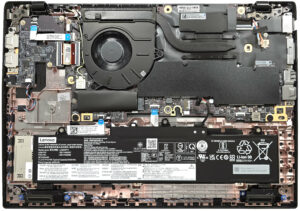


![[June 2026] Best-Selling Laptop Brands on Amazon Global – Apple’s Unrivaled Dominance in Units and Revenue](https://laptopmedia.com/wp-content/uploads/2026/07/GLOBAL-Best-Brands-400x225.jpg)
![[June 2026] Amazon Global: Top 10 Best-Selling Laptops – Apple’s New MacBook Neo Storms to #1, Reshaping the Market with Affordability](https://laptopmedia.com/wp-content/uploads/2026/07/Best-Selling-Laptops-GLOBAL-Top-10-400x225.jpg)
![[June 2026] Amazon Global: Top 10 Best-Selling Gaming Laptops – Acer’s Nitro V 16S AI Dominates Sales, While ASUS Leads Overall Revenue](https://laptopmedia.com/wp-content/uploads/2026/07/Best-Selling-Gaming-Laptops-GLOBAL-Top-10-400x225.jpg)
![[June 2026] Global Ranking of Best-Selling Laptop GPUs on Amazon – NVIDIA RTX 5060 is the Top-Selling Dedicated GPU](https://laptopmedia.com/wp-content/uploads/2026/07/Best-Selling-GPUs-GLOBAL-Top-10-400x225.jpg)
![[June 2026] Global Ranking of Best-Selling Laptop CPUs on Amazon – Apple M5 Dominates, AMD Ryzen 7 260 Gets Solid Premium Share](https://laptopmedia.com/wp-content/uploads/2026/07/Best-Selling-CPUs-GLOBAL-Top-10-400x225.jpg)