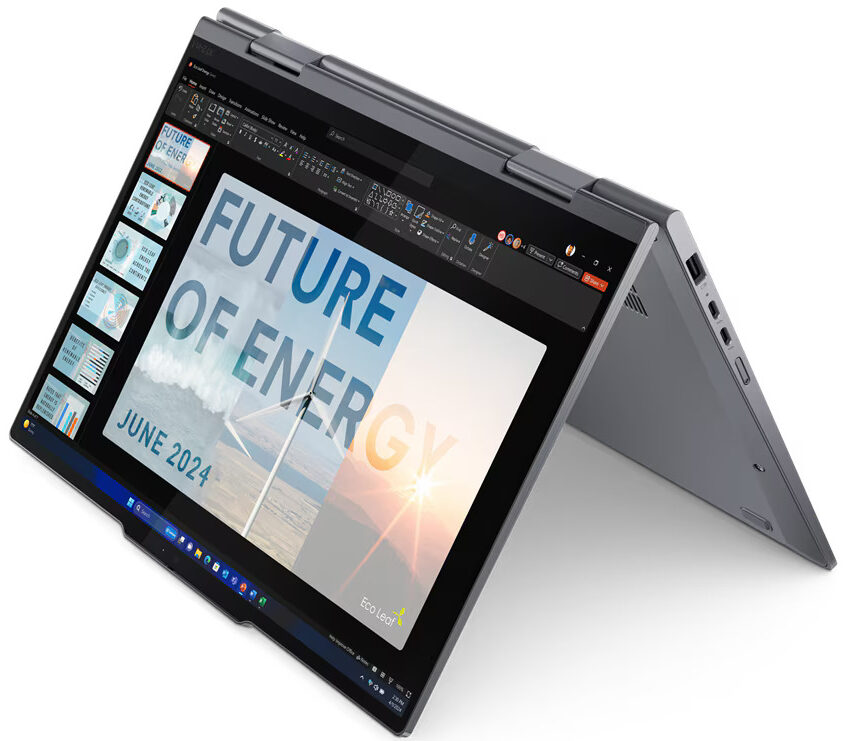
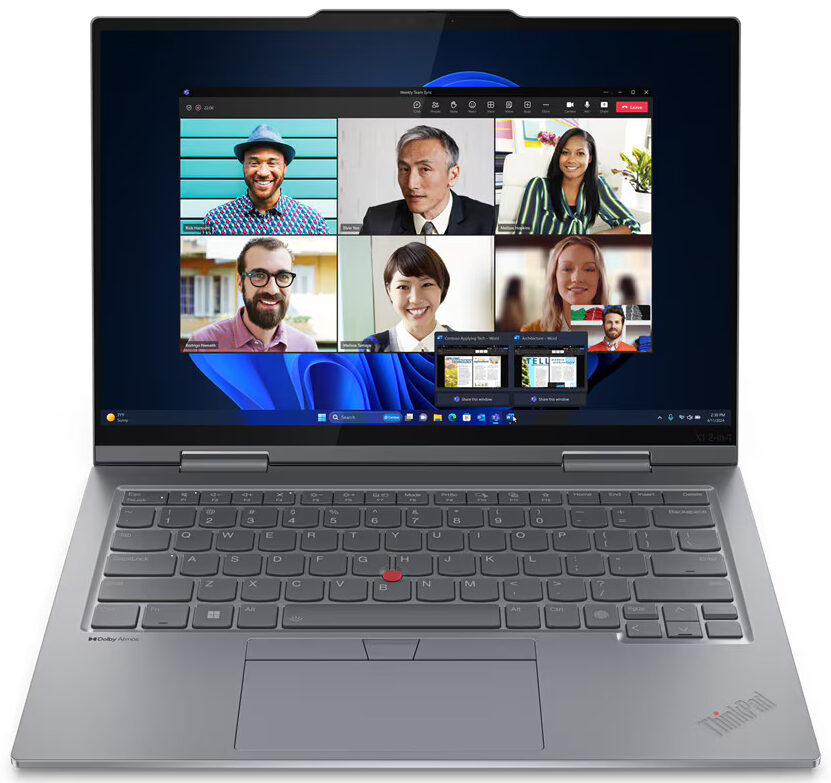
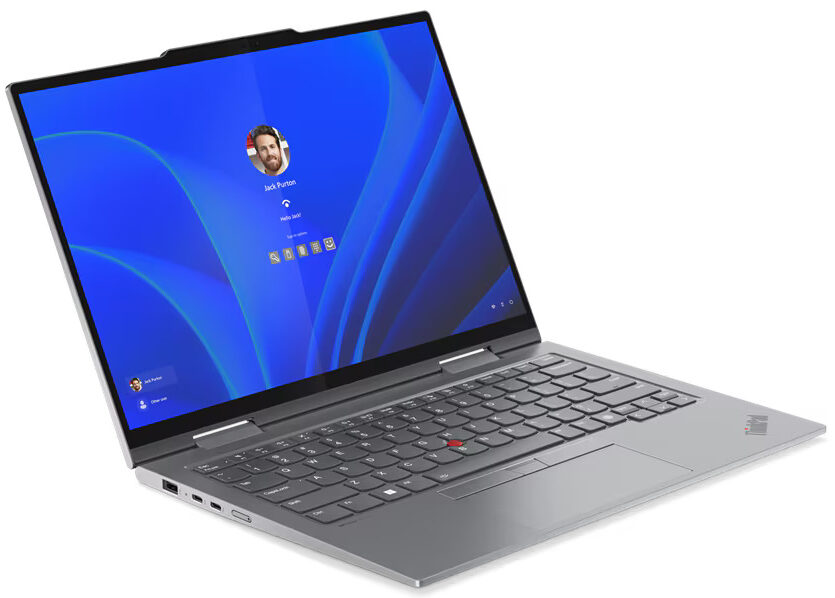
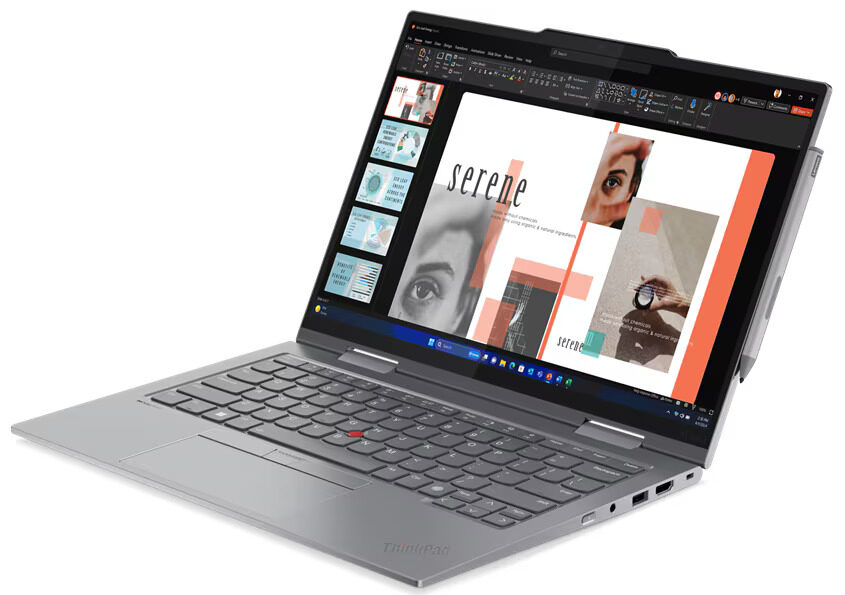
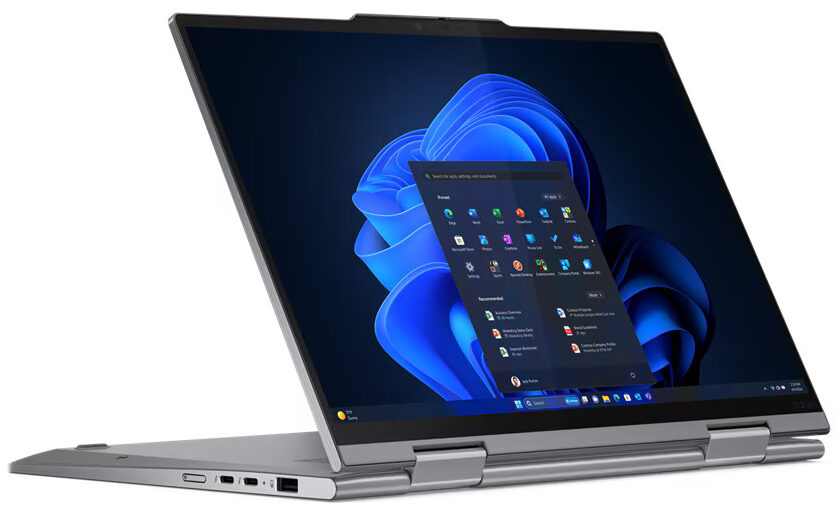
Lenovo ThinkPad X1 2-in-1 Gen 9
- Date Published: 20 Sep 2024
- Intel Core Ultra 7 165U
- Intel Graphics (4-Cores)
- 14.0”, WUXGA (1920 x 1200), IPS
- 1000GB SSD
- 32GB RAM
- 1.35 kg (3 lbs)
Review
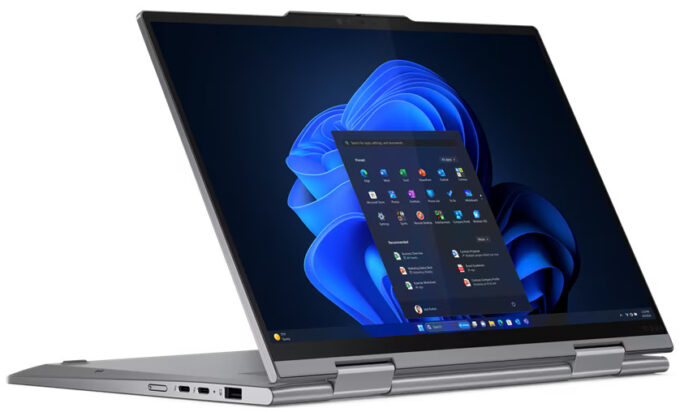
Lenovo ThinkPad X1 2-in-1 Gen 9 in-depth review
When you see "ThinkPad X1 2-in-1," you expect the best - a no-compromise blend of performance, portability, and premium features. And the Gen 9 certainly makes a strong first impression with its sleek design, fantastic keyboard, and a truly jaw-dropping 2.8K OLED screen. It feels every bit the high-end convertible.It certainly ticks many boxes. But is ticking most boxes enough when you're paying a premium? Can it handle demanding tasks without breaking a sweat? More importantly, can it last through your workday without needing a charger, especially when competitors are setting records?So, should you invest in this impressive piece of ThinkPad engineering, or is that "better" rival the smarter buy? We've pushed the X1 2-in-1 Gen 9 to its limits – read on for the detailed breakdown, [...]
Read the full review
Pros
- Excellent build quality and premium materials (aluminium)
- Thin, light, and highly portable design
- Superb keyboard with comfortable typing and TrackPoint
- Stunning 2.8K OLED display with 120Hz, full DCI-P3 coverage, and good accuracy
- Versatile 2-in-1 functionality with sturdy hinges
- Good port selection including two Thunderbolt 4 ports and HDMI 2.1
- Very fast and upgradeable M.2 PCIe 4.0 SSD
- FHD webcam with IR and physical privacy shutter
- Very good sound quality
Cons
- Soldered RAM (non-upgradable)
- Performance throttles significantly under sustained heavy load
- Battery life lags behind key competitors like the Lenovo Yoga 9i 2-in-1
- Glossy display is rather reflective
Disassembly, maintenance and upgrade options
Opening the Lenovo ThinkPad X1 2-in-1 Gen 9 Hint: Ensure the laptop is powered off and unplugged before starting.Use a Phillips PH1 screwdriver to remove the four screws securing the bottom panel. With a thin plastic pry tool, begin detaching the clips starting from the hinge area. Carefully work around the chassis until the bottom panel is fully unclipped and lifts off smoothly.More info: This straightforward design gives quick access to the battery, SSD, Wi-Fi module, and cooling system.Battery Removal Caution: Use a PH0 screwdriver and avoid force, as the b[...]
Read more


![[June 2026] Best-Selling Laptop Brands on Amazon Global – Apple’s Unrivaled Dominance in Units and Revenue](https://laptopmedia.com/wp-content/uploads/2026/07/GLOBAL-Best-Brands-400x225.jpg)
![[June 2026] Amazon Global: Top 10 Best-Selling Laptops – Apple’s New MacBook Neo Storms to #1, Reshaping the Market with Affordability](https://laptopmedia.com/wp-content/uploads/2026/07/Best-Selling-Laptops-GLOBAL-Top-10-400x225.jpg)
![[June 2026] Amazon Global: Top 10 Best-Selling Gaming Laptops – Acer’s Nitro V 16S AI Dominates Sales, While ASUS Leads Overall Revenue](https://laptopmedia.com/wp-content/uploads/2026/07/Best-Selling-Gaming-Laptops-GLOBAL-Top-10-400x225.jpg)
![[June 2026] Global Ranking of Best-Selling Laptop GPUs on Amazon – NVIDIA RTX 5060 is the Top-Selling Dedicated GPU](https://laptopmedia.com/wp-content/uploads/2026/07/Best-Selling-GPUs-GLOBAL-Top-10-400x225.jpg)
![[June 2026] Global Ranking of Best-Selling Laptop CPUs on Amazon – Apple M5 Dominates, AMD Ryzen 7 260 Gets Solid Premium Share](https://laptopmedia.com/wp-content/uploads/2026/07/Best-Selling-CPUs-GLOBAL-Top-10-400x225.jpg)
