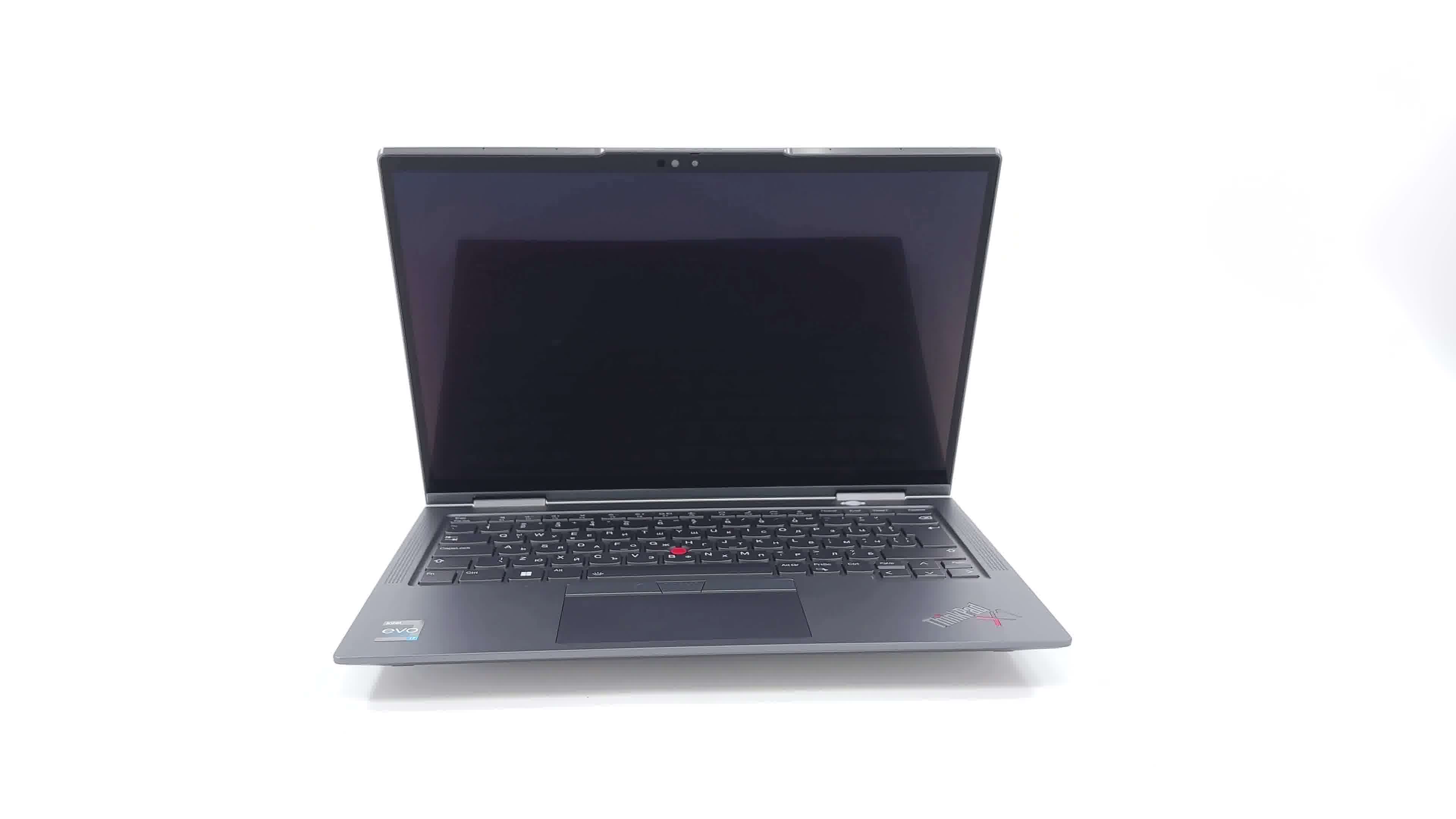
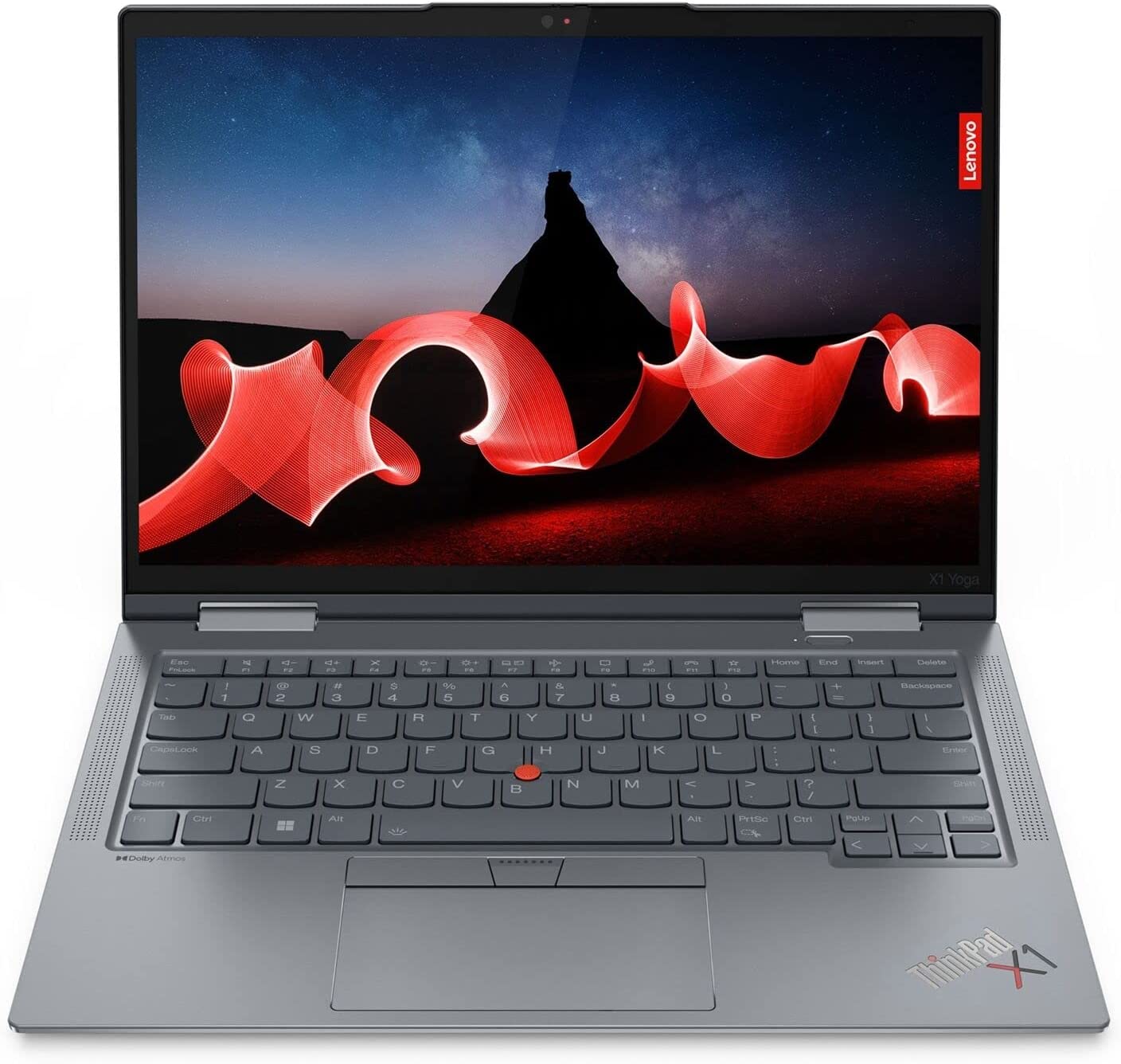
Lenovo ThinkPad X1 Yoga Gen 8

- Date Published: 02 Jun 2023
- Intel Core i7-1365U
- Intel Iris Xe Graphics G7 (96EU)
- 14.0”, WUXGA (1920 x 1200), IPS
- 2000GB SSD
- 32GB LPDDR5x
- 1.38 kg (3 lbs)
Specs
- Display
- HDD/SSD
- 2TB SSD
- M.2 Slot
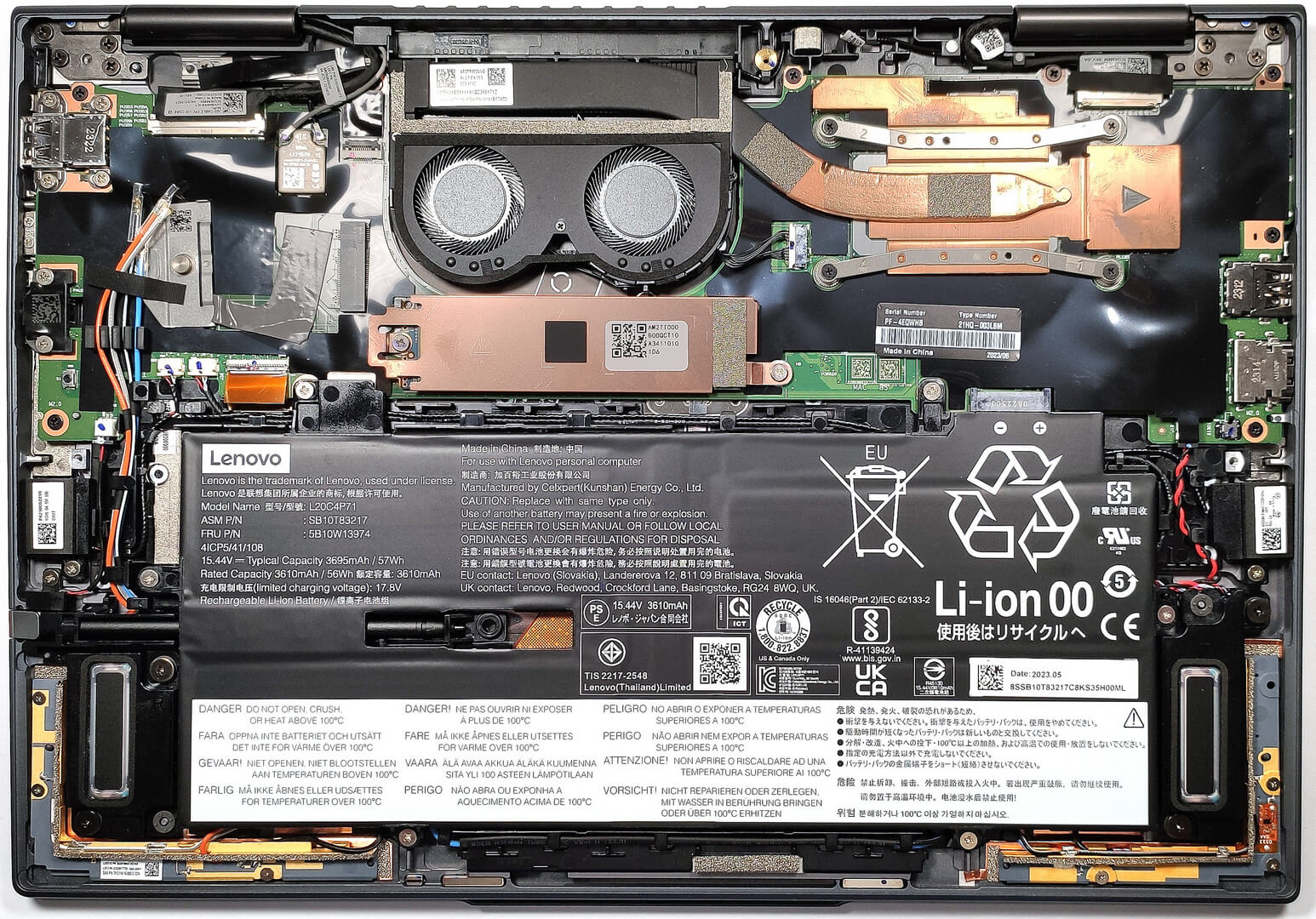
- 1x 2280 M.2 NVMe PCIe 4.0 x4 See photo
- RAM
- 32GB LPDDR5x
- OS
- Windows 11 Pro
- Body Material
- Aluminum
- Dimensions
- 314.4 x 222.3 x 15.53 mm (12.38" x 8.75" x 0.61")
- Weight
- 1.38 kg (3 lbs)
- Ports and connectivity
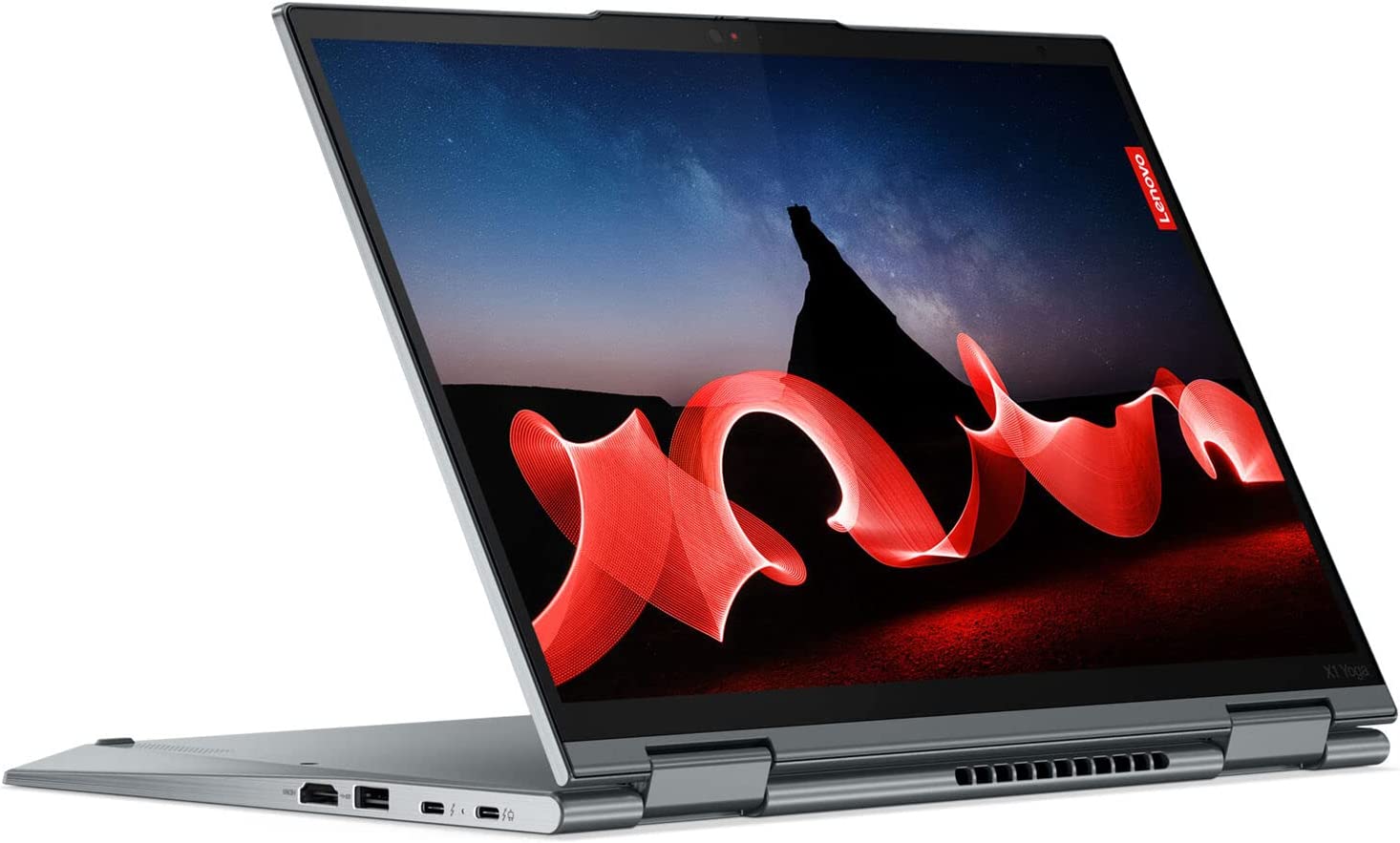
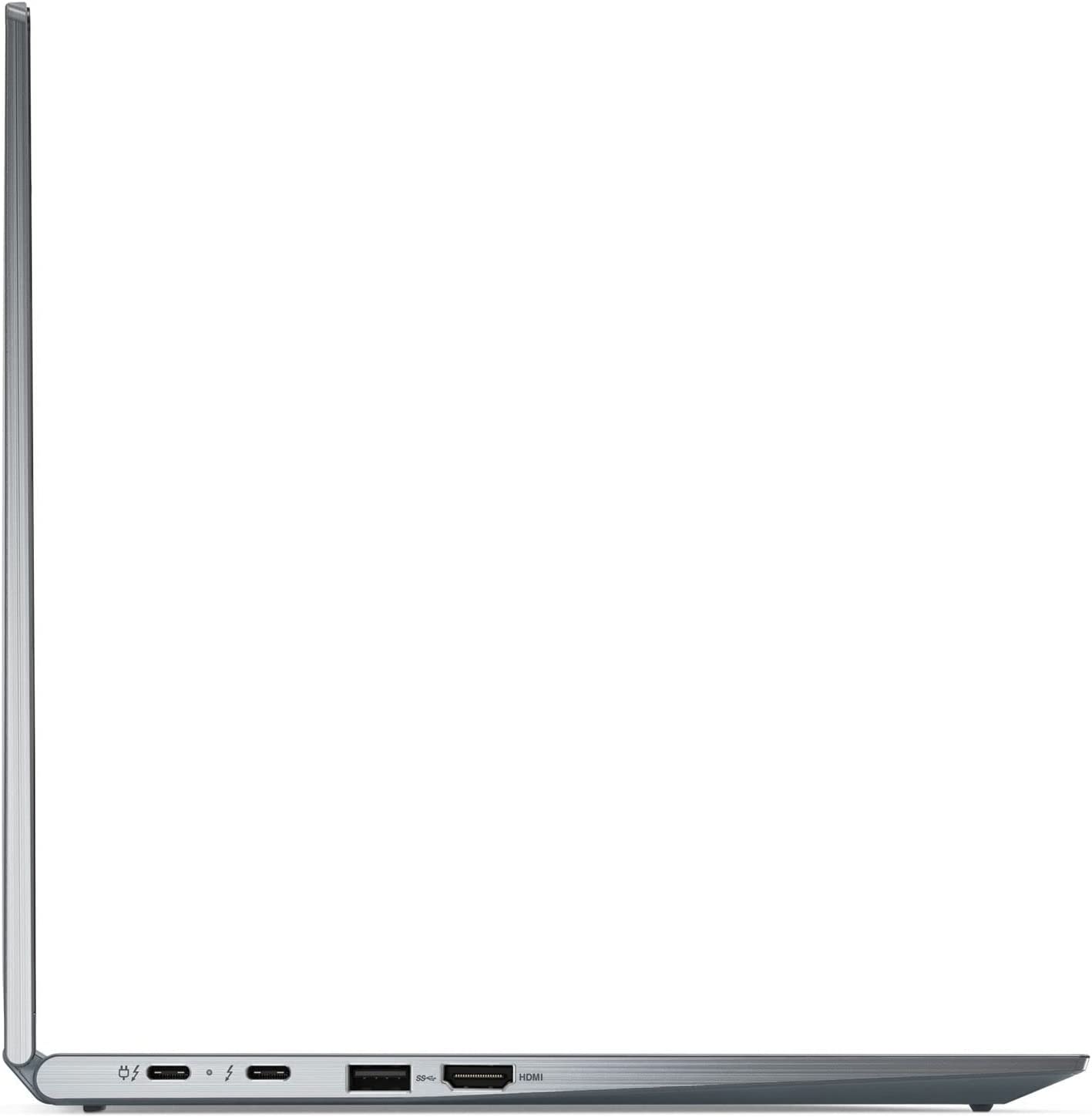
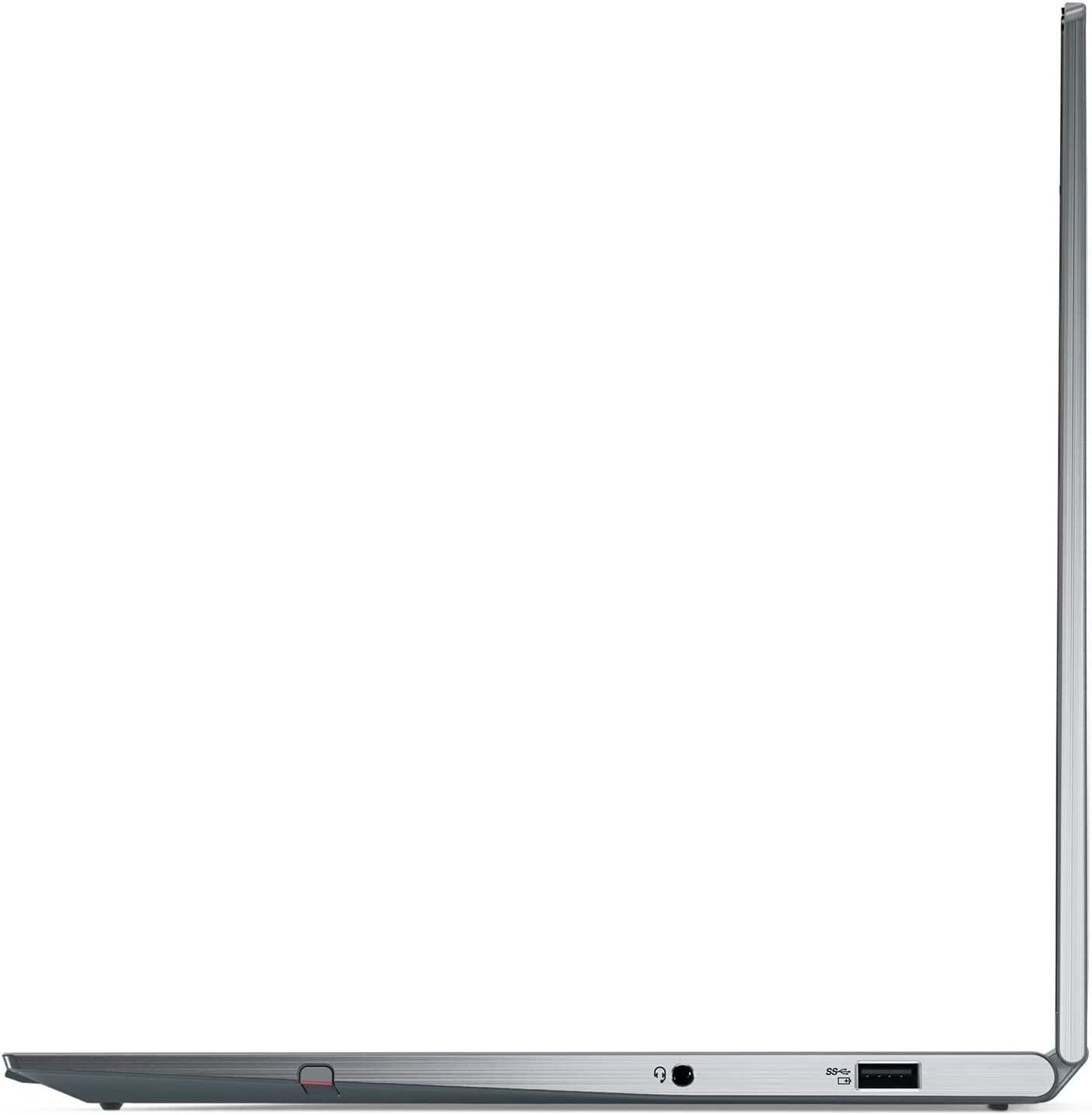
- 1x USB Type-A
- 3.2 Gen 1 (5 Gbps)
- 1x USB Type-A
- 3.2 Gen 1 (5 Gbps), Sleep and Charge
- 2x USB Type-C
- 4.0, Thunderbolt 4, Power Delivery (PD), DisplayPort
- HDMI
- 2.0b
- Card Reader
- Ethernet LAN
- Wi-Fi
- 802.11ax
- Bluetooth
- 5.1
- Audio jack
- 3.5mm Combo Jack
- Features
- Fingerprint reader
- Web camera
- HD / FHD / IR with privacy shutter, MIPI, fixed focus, Computer Vision
- Backlit keyboard
- Microphone
- Quad Array Microphone, 360° far-field, Dolby Voice
- Speakers
- 2x 2W woofers + 2x 0.8W tweeters Stereo Speakers, Dolby Atmos
- Optical drive
- Security Lock slot
- Kensington Nano Lock
Portability
Review
Lenovo ThinkPad X1 Yoga Gen 8 in-depth review
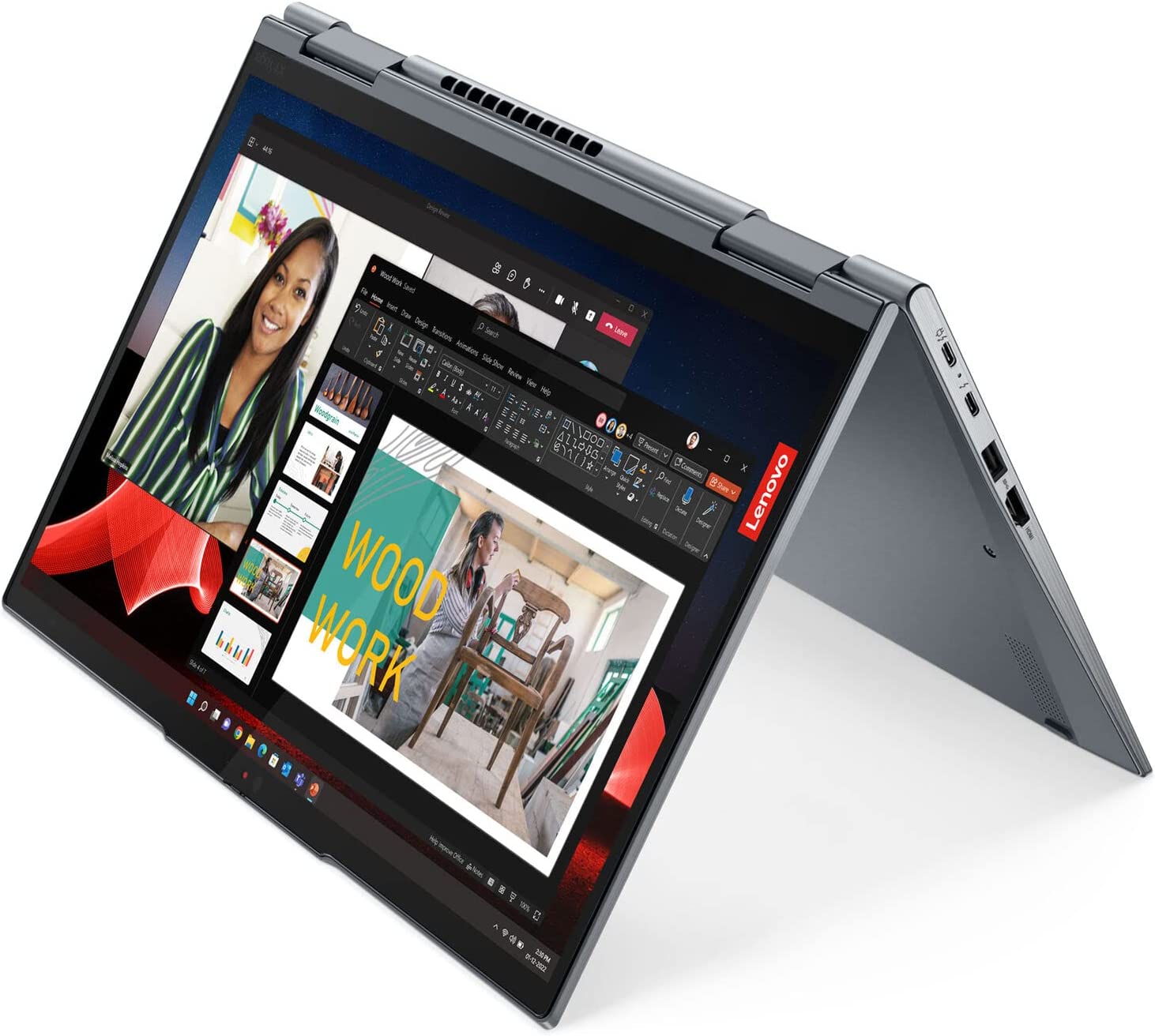
Business devices are constantly evolving and the. Now, you can find them in many different shapes and forms factors starting from ultra-light laptops to heavy workstations meant for 24/7 work. The Lenovo ThinkPad X1 Yoga Gen 8 is a pure office machine that many CEOs should like because it's not cheap at all but it comes with many goodies under the hood.It's a light and thin notebook but you can configure it with Intel Raptor Lake U or P chips and you have seven processor options at your disposal. Expectedly, you're not going to find dGPU options here which is something normal for such a compact device. The main event is the 390-degree hinge. You can quickly transform the notebook into a tablet or you can use it in tent mode. You can also have more fun with the device thanks to the incl[...]
Read the full review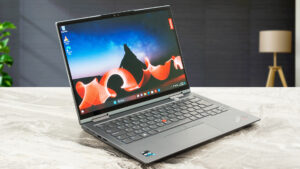
Pros
- Comfortable and quiet keyboard + smooth touchpad
- 100% sRGB and 100% DCI-P3 coverage (Samsung AMOLED ATNA40YN01-0 (INT3480))
- Infinite contrast ratio and fast pixel response times (Samsung AMOLED ATNA40YN01-0 (INT3480))
- Lenovo Integrated Pen is part of the package
- Thin, light, and portable
- Modern I/O that includes two Thunderbolt 4 ports
- Wi-Fi 6E + optional IR face recognition, fingerprint reader, and 5G support (option)
- Up to 64GB LPDDR5x-6000MHz RAM
- Great build quality
- Good battery life given the 4K OLED panel
- Comfortable under load
- The CPU can sustain high frequencies under any kind of load
Cons
- Soldered memory and just one M.2 slot
- Expensive
- High CPU temperatures in short and medium loads
- PWM usage (Samsung AMOLED ATNA40YN01-0 (INT3480))
Disassembly, maintenance and upgrade options
Opening the LaptopUndo the 5 captive Phillips-head screws securing the bottom panel of the laptop. Use a plastic pry tool to gently separate the bottom panel from the chassis, starting from one of the top corners.Caution: Be gentle to avoid damaging the internal components or the clips that hold the bottom panel in place.Removing the BatteryWear gloves to prevent short circuits when handling the battery connector, which is built into the unit. Disconnect the battery connector from the mainboard. Undo the 6 Phillips-head screws that secure the battery to the[...]
Read more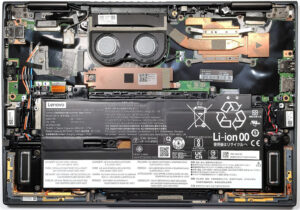


![[June 2026] Best-Selling Laptop Brands on Amazon Global – Apple’s Unrivaled Dominance in Units and Revenue](https://laptopmedia.com/wp-content/uploads/2026/07/GLOBAL-Best-Brands-400x225.jpg)
![[June 2026] Amazon Global: Top 10 Best-Selling Laptops – Apple’s New MacBook Neo Storms to #1, Reshaping the Market with Affordability](https://laptopmedia.com/wp-content/uploads/2026/07/Best-Selling-Laptops-GLOBAL-Top-10-400x225.jpg)
![[June 2026] Amazon Global: Top 10 Best-Selling Gaming Laptops – Acer’s Nitro V 16S AI Dominates Sales, While ASUS Leads Overall Revenue](https://laptopmedia.com/wp-content/uploads/2026/07/Best-Selling-Gaming-Laptops-GLOBAL-Top-10-400x225.jpg)
![[June 2026] Global Ranking of Best-Selling Laptop GPUs on Amazon – NVIDIA RTX 5060 is the Top-Selling Dedicated GPU](https://laptopmedia.com/wp-content/uploads/2026/07/Best-Selling-GPUs-GLOBAL-Top-10-400x225.jpg)
![[June 2026] Global Ranking of Best-Selling Laptop CPUs on Amazon – Apple M5 Dominates, AMD Ryzen 7 260 Gets Solid Premium Share](https://laptopmedia.com/wp-content/uploads/2026/07/Best-Selling-CPUs-GLOBAL-Top-10-400x225.jpg)