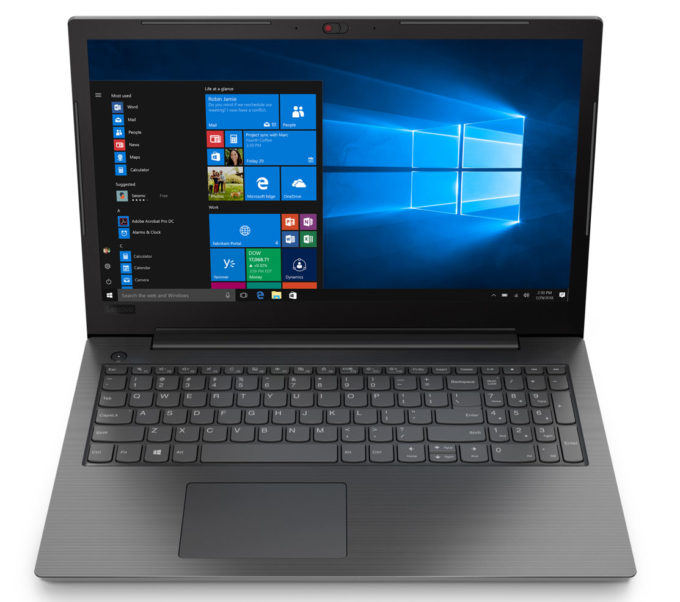
Lenovo V130 15
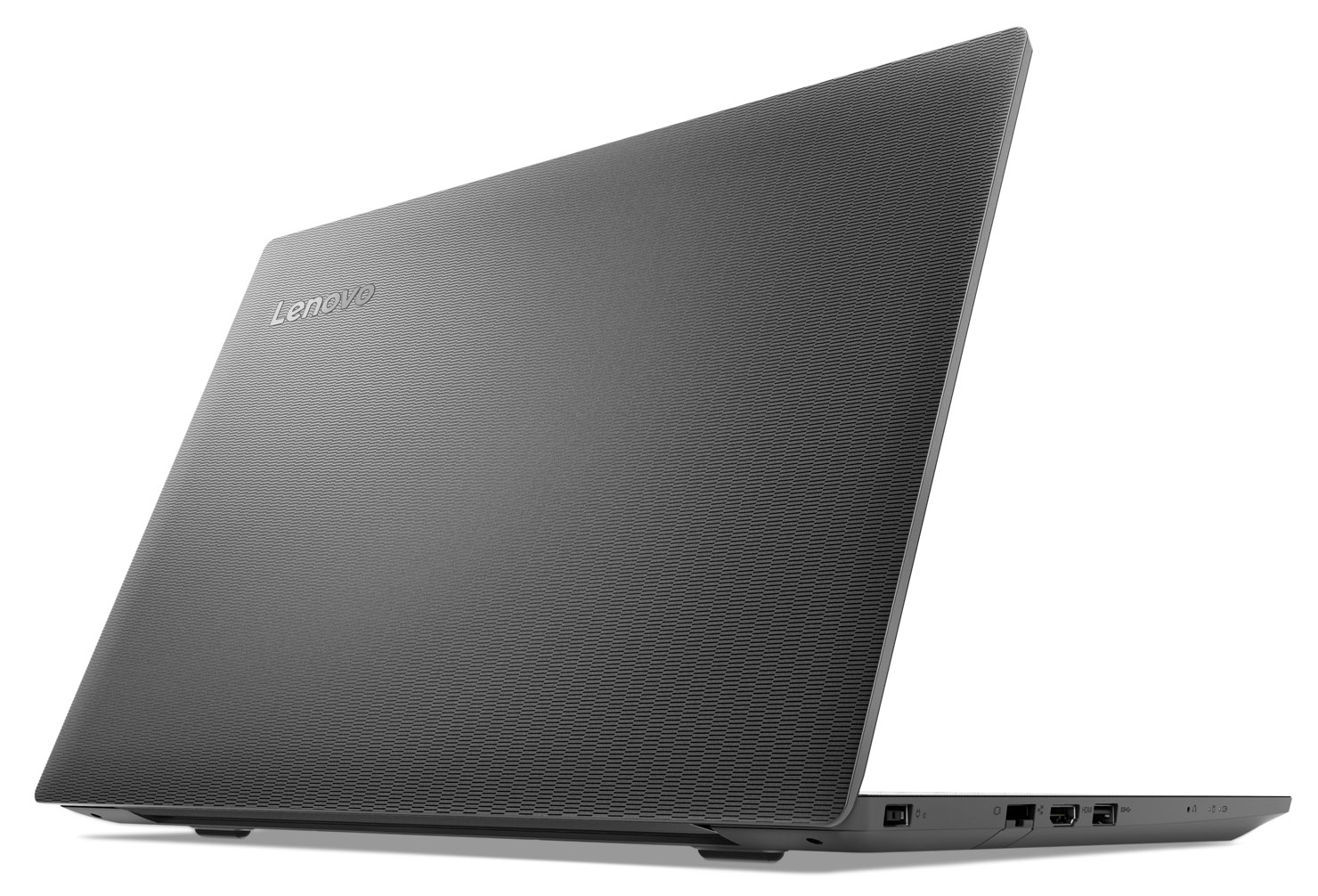
- Date Published: 25 Feb 2021
- Intel Celeron N4000
- Intel UHD Graphics 600
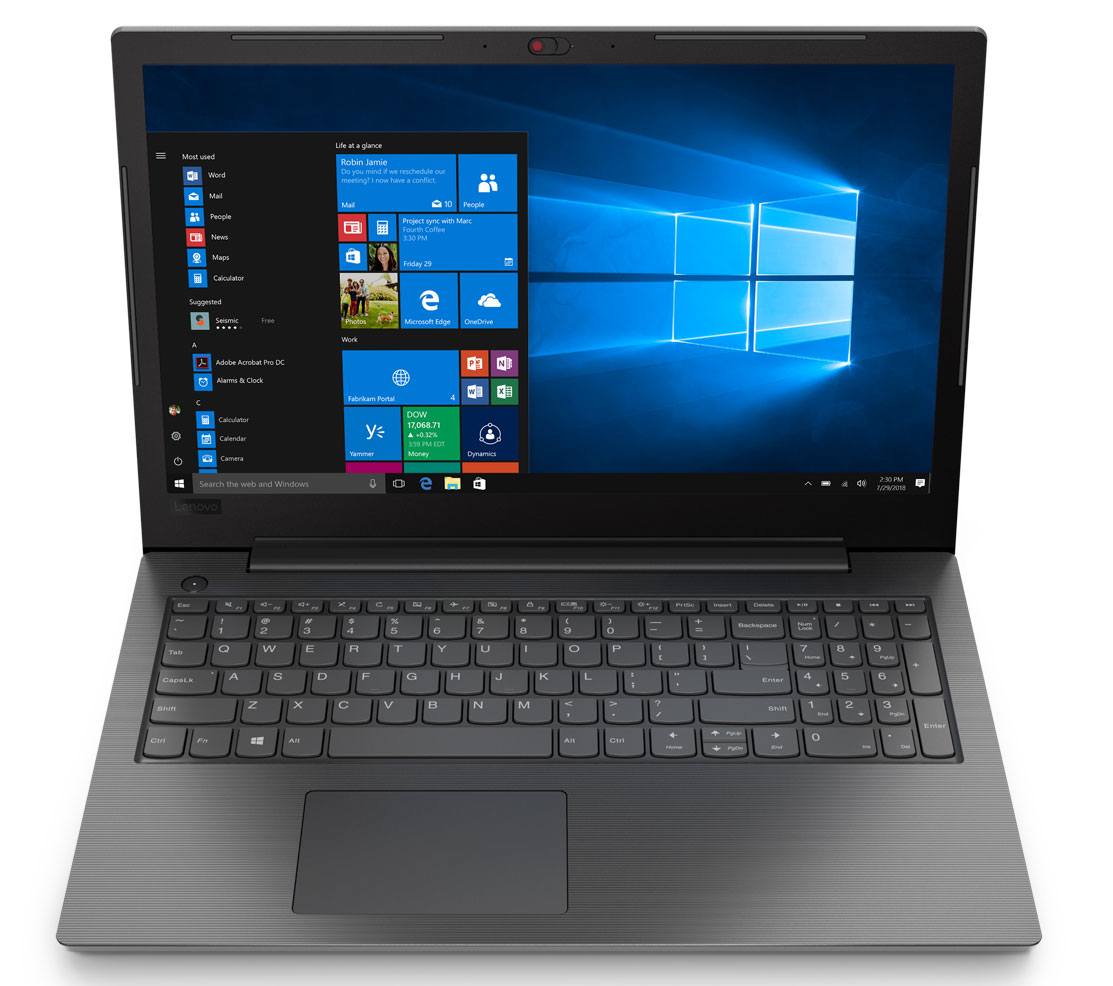
- 15.6”, HD (1366 x 768), TN
- 500GB HDD
- 4GB DDR4, 2400 MHz
- 1.85 kg (4.1 lbs)
Specs
- Display

- HDD/SSD
- 500GB HDD, 5400 rpm
- RAM
- 4GB DDR4, 2400 MHz
- OS
- Windows 10 Home
- Body Material
- Plastic / Polycarbonate
- Dimensions
- 375 x 253 x 22.3 mm (14.76" x 9.96" x 0.88")
- Weight
- 1.85 kg (4.1 lbs)
- Ports and connectivity
- 1x USB Type-A
- 3.2 Gen 1 (5 Gbps)
- 1x USB Type-A
- 2.0
- HDMI
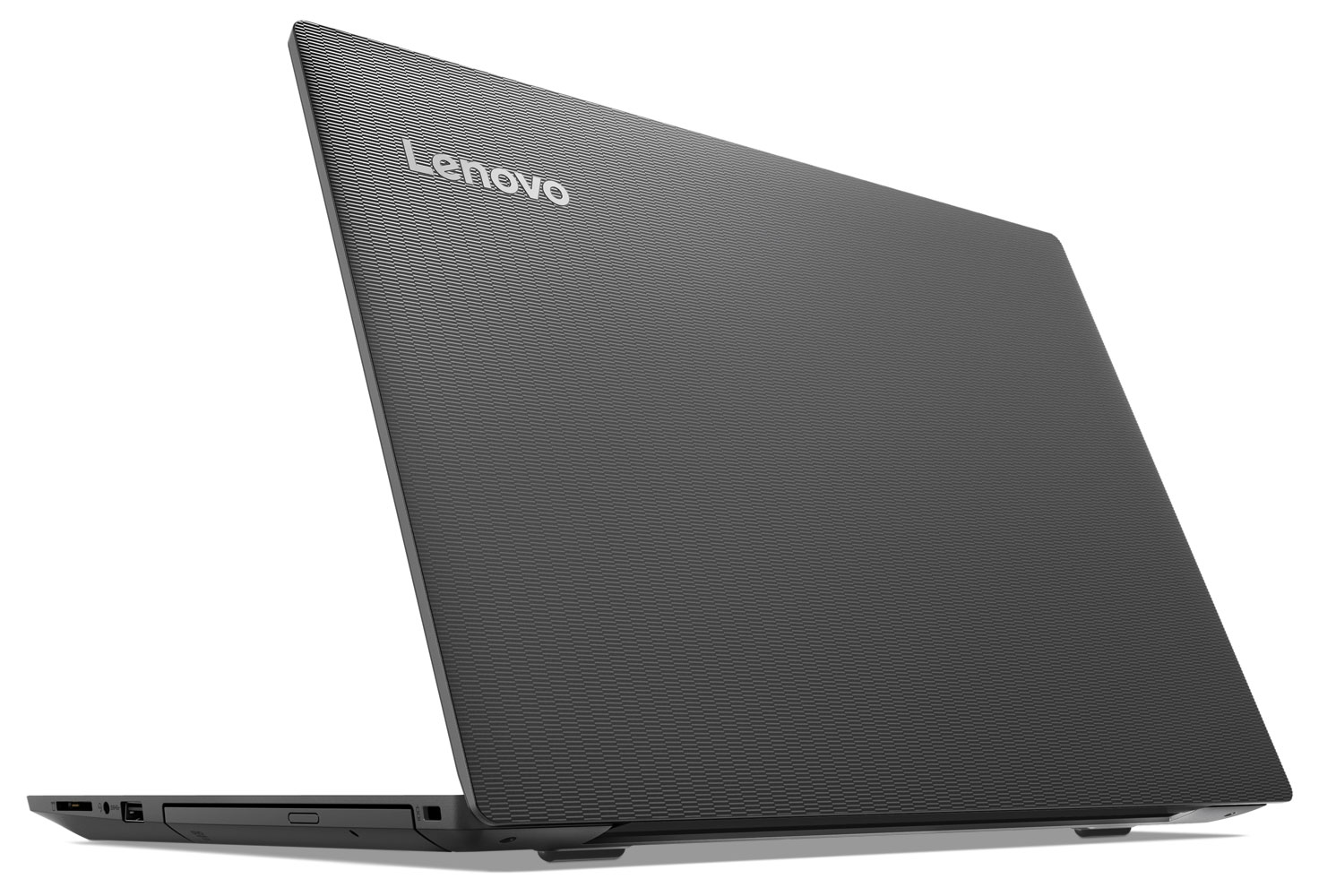
- Card Reader
- SD, SDHC, SDXC
- Ethernet LAN
- Wi-Fi
- 802.11ac
- Bluetooth
- 4.1
- Audio jack
- combo audio / microphone jack
- Features
- Fingerprint reader
- Web camera
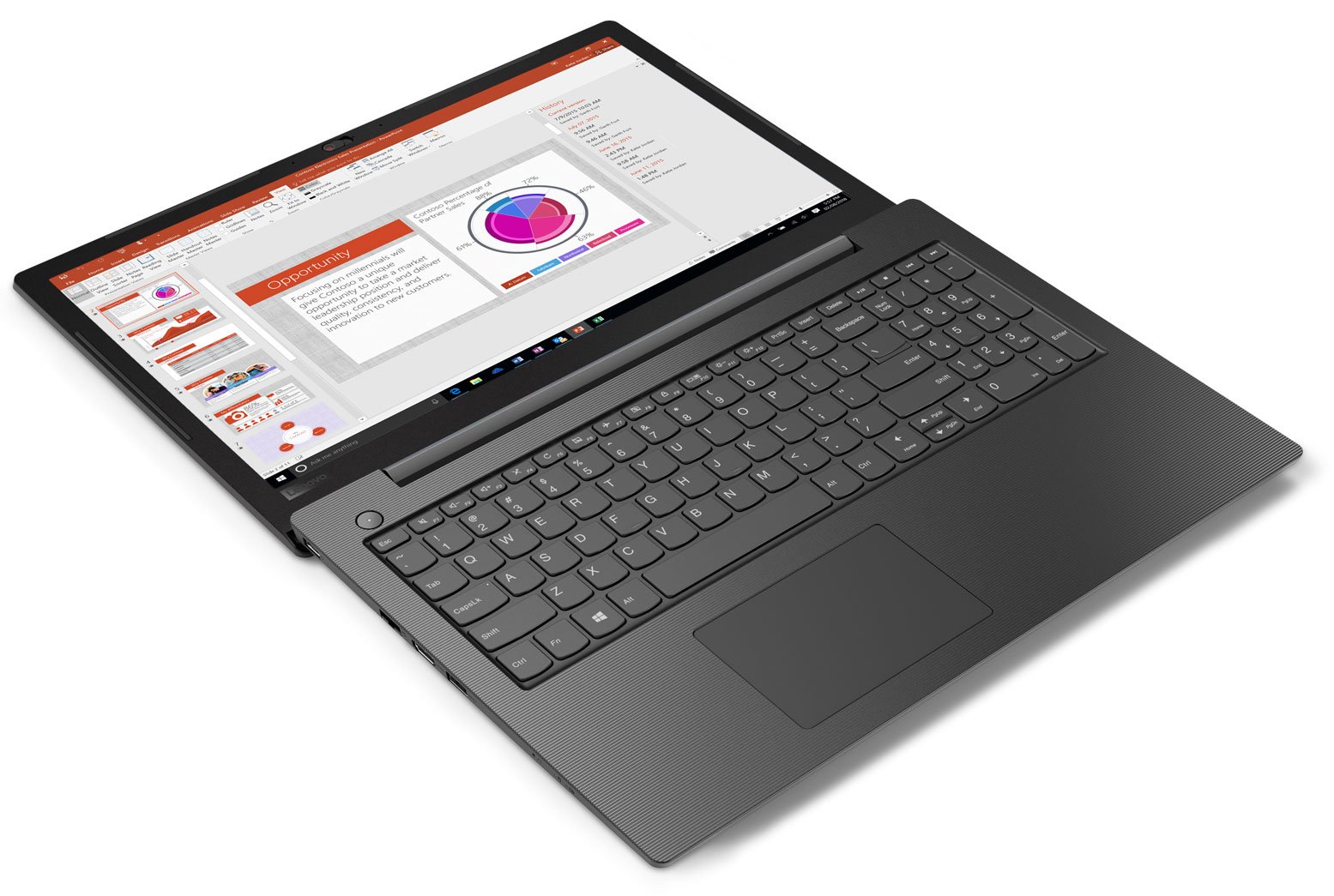
- Backlit keyboard
- Speakers
- 2x 2W
- Optical drive
- Security Lock slot
- Spill-resistant keyboard
Portability
Review
Lenovo V130 15 in-depth review
Need a 15-inch budget notebook for your everyday hassle? Lenovo has something on offer! It is the V130 (15), which is an extremely affordable notebook. Of course, one shouldn't expect a terribly powerful machine to come out of it. Instead, it is aimed to aid your small-to-medium business.Honestly, we've reviewed plenty of budget-oriented notebooks and none of them is really exciting. But it is always a good idea to compare how the lower tier models fair across the years. One of the main reasons for that is that they often use dated hardware and chassis, borrowed from older series. If you have checked out our Lenovo V155 (15) review, you would know that it packs both brand new AMD components (or at least a year old ones), and a bezel-less display, which always looks better than the one[...]
Read the full review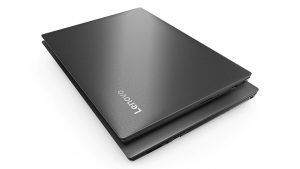
Pros
- Appealing price tag
- Decent battery life
- It has an optical drive and an SD card reader
- Doesn't use aggressive PWM for brightness adjustment (Innolux N156HGA-EA3 (CMN15F5))
- Comfortable keyboard
Cons
- Poor build quality and a dated design
- No Type-C port
- TN panel has naturally poor viewing angles (Innolux N156HGA-EA3 (CMN15F5))
- Poor contrast ratio and only 50% of sRGB color coverage (Innolux N156HGA-EA3 (CMN15F5))
- Unsatisfying touchpad
Disassembly, maintenance and upgrade options
Value, or cheap piece of machinery? You decide.Check out all Lenovo V130 (15) prices and configurations in our Specs System or read more in our In-Depth review.1. Remove the bottom plate First, you need to remove the optical drive tray. It is held in place by a single Phillips-head screw. Then, there are 13 more Phillips-head suckers waiting for you all around the panel.2. Battery Sadly, the battery has merely 30Wh of capacity.3. Memory and storage To access the memory, you have to peel the insulation shield. While on the storage side, there is an M.2 slot for quic[...]
Read more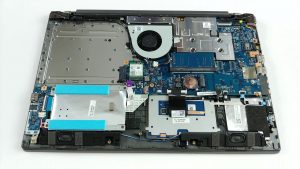


![[June 2026] Best-Selling Laptop Brands on Amazon Global – Apple’s Unrivaled Dominance in Units and Revenue](https://laptopmedia.com/wp-content/uploads/2026/07/GLOBAL-Best-Brands-400x225.jpg)
![[June 2026] Amazon Global: Top 10 Best-Selling Laptops – Apple’s New MacBook Neo Storms to #1, Reshaping the Market with Affordability](https://laptopmedia.com/wp-content/uploads/2026/07/Best-Selling-Laptops-GLOBAL-Top-10-400x225.jpg)
![[June 2026] Amazon Global: Top 10 Best-Selling Gaming Laptops – Acer’s Nitro V 16S AI Dominates Sales, While ASUS Leads Overall Revenue](https://laptopmedia.com/wp-content/uploads/2026/07/Best-Selling-Gaming-Laptops-GLOBAL-Top-10-400x225.jpg)
![[June 2026] Global Ranking of Best-Selling Laptop GPUs on Amazon – NVIDIA RTX 5060 is the Top-Selling Dedicated GPU](https://laptopmedia.com/wp-content/uploads/2026/07/Best-Selling-GPUs-GLOBAL-Top-10-400x225.jpg)
![[June 2026] Global Ranking of Best-Selling Laptop CPUs on Amazon – Apple M5 Dominates, AMD Ryzen 7 260 Gets Solid Premium Share](https://laptopmedia.com/wp-content/uploads/2026/07/Best-Selling-CPUs-GLOBAL-Top-10-400x225.jpg)
