Lenovo Yoga 7 2-in-1


- Date Published: 26 Sep 2024
- Intel Core Ultra 7 155U
- Intel Graphics (4-Cores)
- 14.0”, WUXGA (1920 x 1200), IPS
- 1000GB SSD
- 16GB RAM
- 1.49 kg (3.3 lbs)
Specs
- Display
- HDD/SSD
- 1000GB SSD
- M.2 Slot
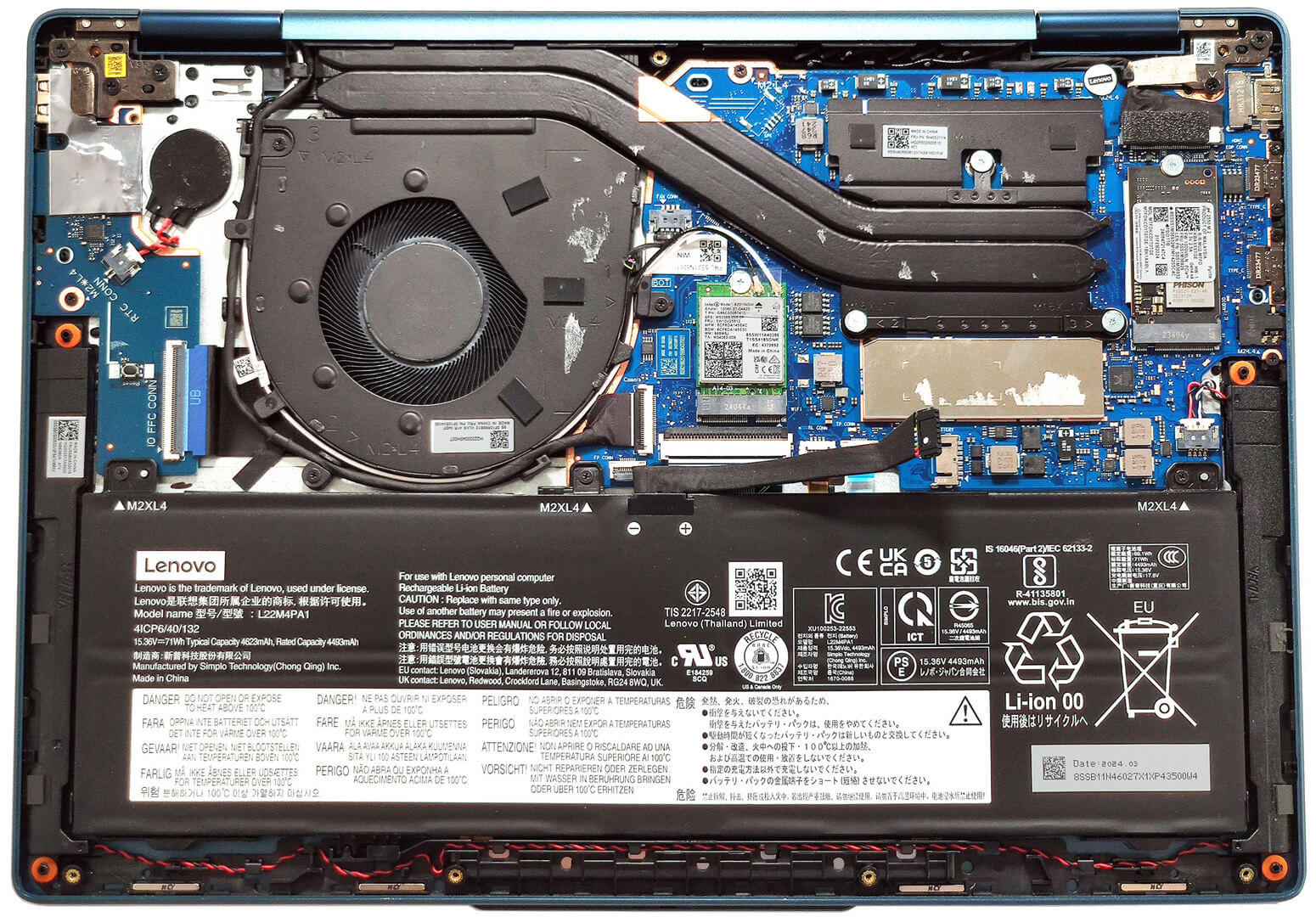
- 1x 2242 M.2 NVMe PCIe 4.0 x4 See photo
- RAM
- 16GB RAM
- OS
- Windows 10 Pro
- Body Material
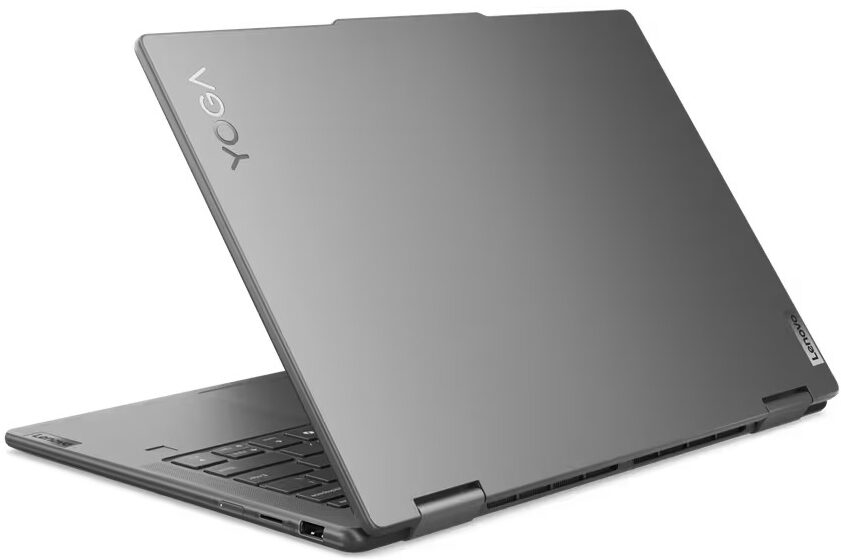
- Aluminum
- Dimensions
- 317.72 x 222.13 x 16.64 mm (12.51" x 8.75" x 0.66")
- Weight
- 1.49 kg (3.3 lbs)
- Ports and connectivity
- 1x USB Type-A
- 3.2 Gen 1 (5 Gbps), Sleep and Charge
- 2x USB Type-C
- 4.0, Thunderbolt 4, Power Delivery (PD), DisplayPort
- HDMI
- 2.1 (4K@60Hz)
- Card Reader
- microSD (microSD, microSDHC, microSDXC)
- Ethernet LAN
- Wi-Fi
- 802.11ax
- Bluetooth
- 5.2
- Audio jack
- 3.5mm Combo Jack
- Features
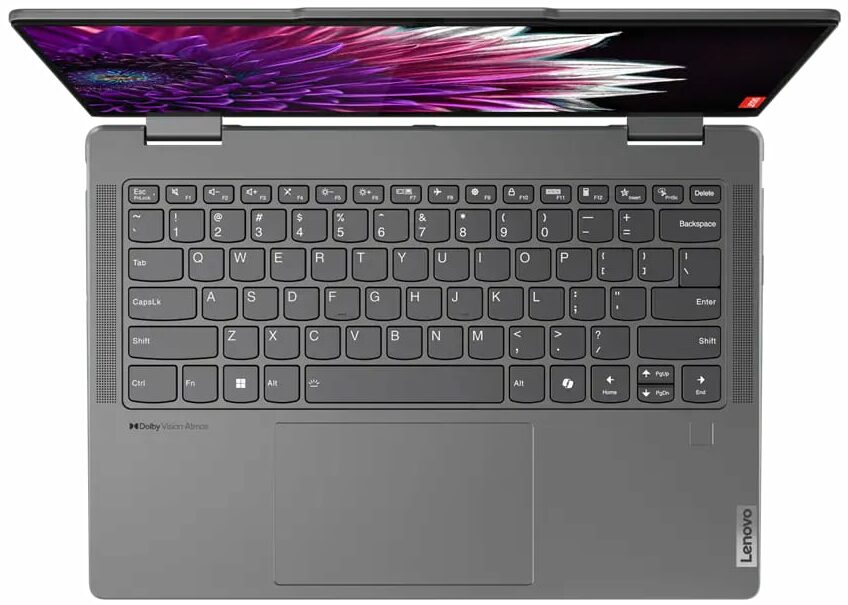
- Fingerprint reader
- Web camera
- FHD IR with privacy shutter, fixed focus
- Backlit keyboard
- Microphone
- Dual Microphone Array
- Speakers
- 2x 2W Stereo Speakers, optimized with Dolby Atmos, Smart Amplifier (AMP)
- Security Lock slot
Portability
Review
Lenovo Yoga 7 2-in-1 in-depth review
With the new Intel Meteor Lake chips, the laptop transformers have gotten a speed boost alongside AI functionality. Just like the Lenovo Yoga 7i 2-in-1 (14″, Gen 9) that is offered with two Intel Meteor Lake-H and two Meteor Lake-U series CPUs. If your main focus is performance, a 28W processor should be the way to go. On the other hand, if you want the best possible battery life, get an Intel Evo-certified laptop (option) with a 15W processor. This is a portable 2-in-1 machine and that's why you can rely on the iGPU inside the CPU. In this case, these are the Intel Arc (7-Cores) and Arc (8-Cores) which pack a punch despite being integrated solutions. The memory is soldered and the storage upgradability is limited which is normal since we are talking about a small and light machine.The[...]
Read the full review
Pros
- Solid aluminum build
- The fan remains almost quiet during full CPU loads in "Performance" mode
- 100% sRGB and DCI-P3 coverage (LEN88AC)
- High max brightness in SDR (387 nits) and HDR mode (594 nits) (LEN88AC)
- Infinite contrast ratio + 16:10 aspect ratio (LEN88AC)
- Good audio quality
- Type-C charging
- 1080p IR camera with an E-shutter
- Modern I/O with two Thunderbolt 4 ports and MicroSD card reader
- The CPU can sustain good clocks and power limits in short and medium loads (~2.8 GHz / 2.30GHz for the P and E cores + 53W)
- Comfortable backlit keyboard plus smooth touchpad
- Optional fingerprint reader and Intel Evo certification
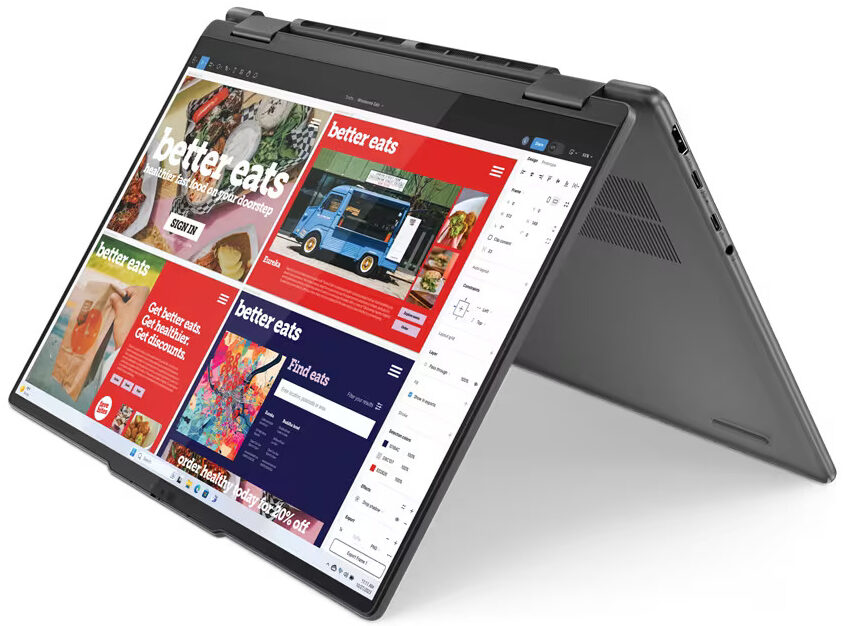
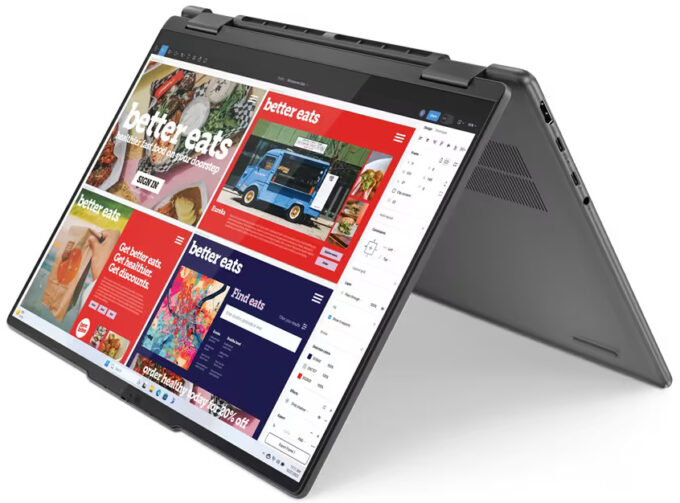
- Smooth 360-degree hinge that supports laptop, tent, stand, and tablet modes
- Optional Lenovo Pen
Cons
- Soldered memory and just one M.2 slot
- Low CPU P-core clocks and power limit in longer loads (1.14 GHz / 22W)
- PWM usage (LEN88AC)
Disassembly, maintenance and upgrade options
Opening the DeviceUndo the seven Torx-head screws securing the bottom panel. Lift the top two corners with a thin plastic tool to create a gap and pry the sides. Pry the front of the panel. Do not pop the back; instead, lift the front of the panel and slide it forward to remove it.More info: Here's how the bottom panel looks on the inside.Battery RemovalUnplug the battery connector from the motherboard. Undo the 3 Phillips-head screws securing the battery. Lift the battery to remove it from the device.Note: The device uses a 71Wh battery, prov[...]
Read more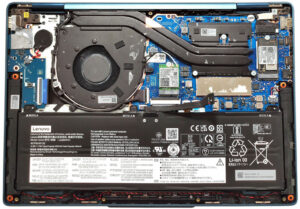


![[June 2026] Best-Selling Laptop Brands on Amazon Global – Apple’s Unrivaled Dominance in Units and Revenue](https://laptopmedia.com/wp-content/uploads/2026/07/GLOBAL-Best-Brands-400x225.jpg)
![[June 2026] Amazon Global: Top 10 Best-Selling Laptops – Apple’s New MacBook Neo Storms to #1, Reshaping the Market with Affordability](https://laptopmedia.com/wp-content/uploads/2026/07/Best-Selling-Laptops-GLOBAL-Top-10-400x225.jpg)
![[June 2026] Amazon Global: Top 10 Best-Selling Gaming Laptops – Acer’s Nitro V 16S AI Dominates Sales, While ASUS Leads Overall Revenue](https://laptopmedia.com/wp-content/uploads/2026/07/Best-Selling-Gaming-Laptops-GLOBAL-Top-10-400x225.jpg)
![[June 2026] Global Ranking of Best-Selling Laptop GPUs on Amazon – NVIDIA RTX 5060 is the Top-Selling Dedicated GPU](https://laptopmedia.com/wp-content/uploads/2026/07/Best-Selling-GPUs-GLOBAL-Top-10-400x225.jpg)
![[June 2026] Global Ranking of Best-Selling Laptop CPUs on Amazon – Apple M5 Dominates, AMD Ryzen 7 260 Gets Solid Premium Share](https://laptopmedia.com/wp-content/uploads/2026/07/Best-Selling-CPUs-GLOBAL-Top-10-400x225.jpg)