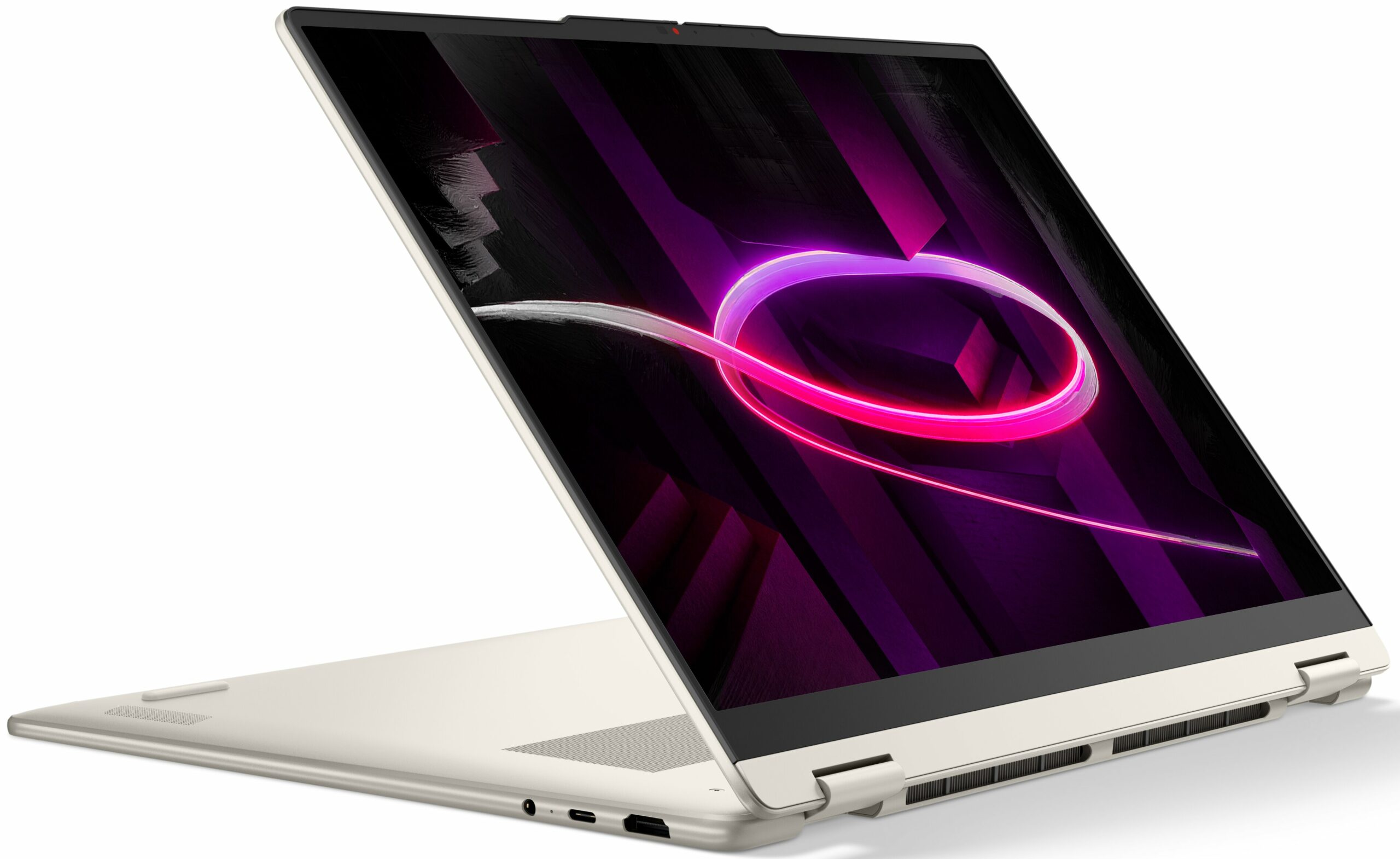
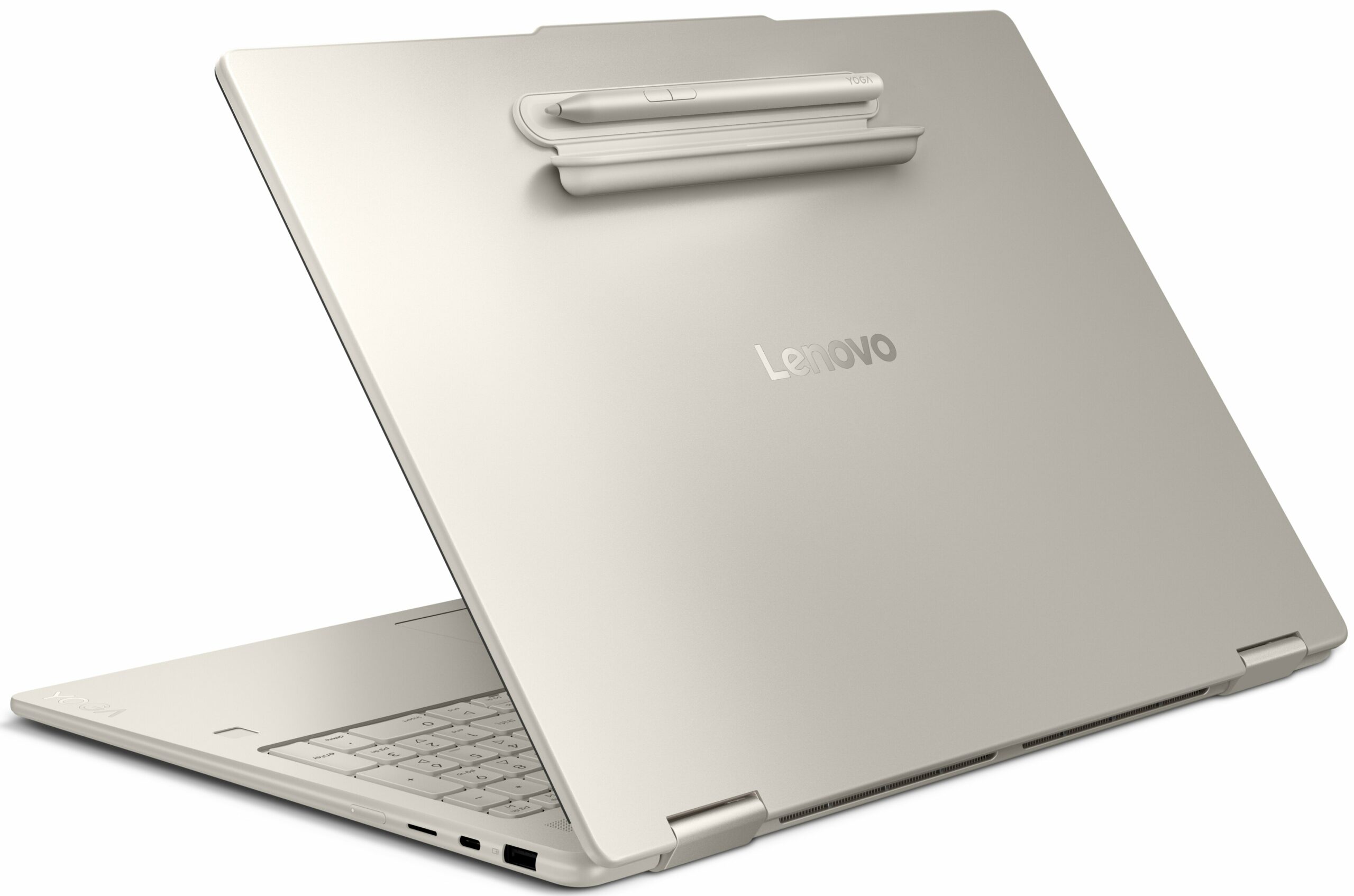
Lenovo Yoga 7a 2-in-1




- Date Published: 01 Jul 2026
- AMD Ryzen AI 7 445
- AMD Radeon 840M
- 16.0″, 2.8K (2880 x 1800), 120 Hz, OLED
- 1000GB SSD
- 32GB RAM
- 1.74 kg (3.8 lbs)
Specs
- HDD/SSD
- 1000GB SSD
- M.2 Slot
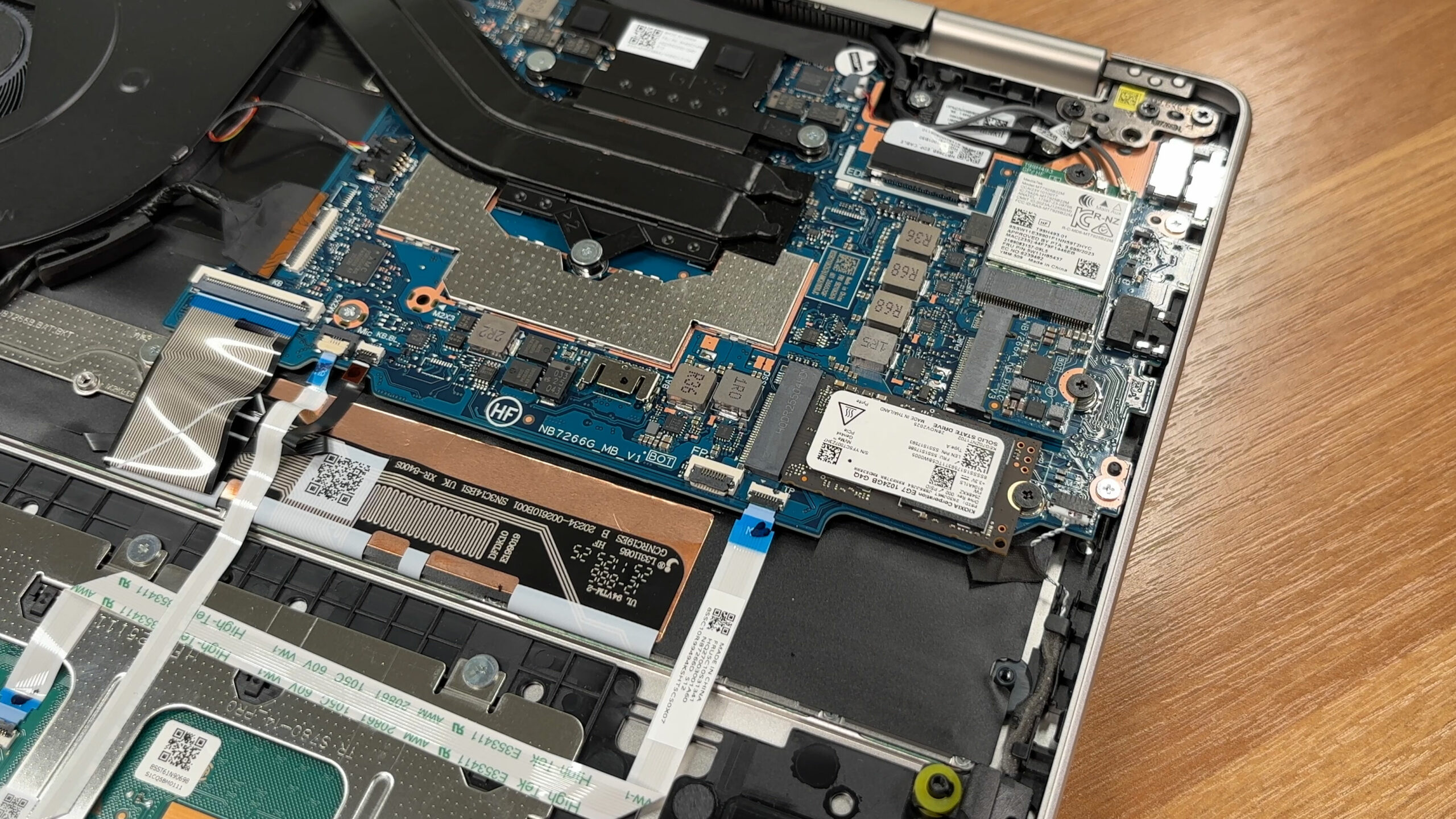
- 1x 2242 M.2 NVMe PCIe 4.0 x4 See photo
- RAM
- 32GB RAM
- OS
- Windows 11 Home
- Body Material
- Aluminum
- Dimensions
- 360 x 257 x 15.85 mm (14.17" x 10.12" x 0.62")
- Weight
- 1.74 kg (3.8 lbs)
- Ports and connectivity
- 1x USB Type-A
- 3.2 Gen 1 (5 Gbps), Sleep and Charge
- 1x USB Type-C
- 3.2 Gen 2 (10 Gbps), Power Delivery (PD), DisplayPort
- HDMI
- 2.1 (4K@60Hz)
- Card Reader
- microSD (microSD, microSDHC, microSDXC)
- Ethernet LAN
- Wi-Fi
- Wi-Fi 7
- Bluetooth
- 5.4
- Audio jack
- 3.5mm Combo Jack
- Features
- Fingerprint reader
- Web camera
- 5.0MP + IR, with privacy shutter, fixed focus
- Backlit keyboard
- Microphone
- Quad-microphone array, 3D array
- Speakers
- 4 stereo speakers, 2W x2 (woofers), 2W x2 (tweeters), optimized with Dolby Atmos®, Smart Amplifier (AMP)
- Security Lock slot
- Gifts
- 3 Months Premium Care
Portability
Review
Lenovo Yoga 7a 2-in-1 in-depth review
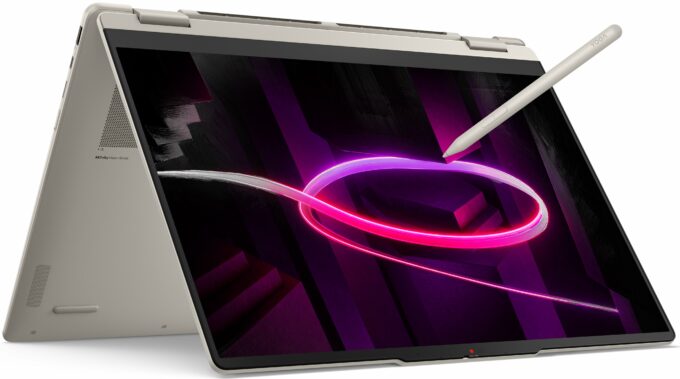
The Lenovo Yoga 7a 2-in-1 (16", Gen 11) aims to bring flagship luxury to the masses. Dressed in a sophisticated, fingerprint-resistant "Seashell" aluminum chassis, it looks and feels like a laptop that should cost significantly more. With its expansive, vibrant OLED display and the versatility of a 360-degree hinge, it’s designed to be a centerpiece for both creativity and entertainment. But achieving this premium aesthetic at a more accessible price point inevitably means compromises must be made behind the scenes. We dive deep to find out if its restrictive upgrade options and middling battery life are acceptable trade-offs for its stunning design and display.TESTED CONFIGURATION:- AMD Ryzen AI 7 445 - AMD Radeon 840M - 32GB RAM - 1TB SSD NVMe - 16.0″, 2.8K (2880 x 1800),[...]
Read the full review
Pros
- Stunning 2.8K 120Hz OLED display with perfect colors
- Exceptional, tank-like all-aluminium build quality
- Finish is highly resistant to fingerprints
- PWM-free display is great for eye comfort
- Comfortable keyboard and smooth glass trackpad
- Physical privacy shutter for the webcam
Cons
- Soldered RAM with no upgrade options
- Only one M.2 slot, limited to the short 2242 format
- Battery life is underwhelming compared to rivals
- Highly reflective glossy screen
- No USB4 or Thunderbolt support
Disassembly, maintenance and upgrade options
Step 1: Removing the bottom panelPower off the laptop and place it on a soft, clean surface. Undo the 7 Torx T5 screws securing the bottom plate. Use a thin plastic pry tool to release the clips around the perimeter. Lift the bottom cover away from the chassis.More info: Once inside, the layout is clean and easy to understand, with the battery at the front, the cooling system across the upper half, and the upgradeable modules grouped on the right side.Step 2: Battery removalDisconnect the battery cable from the motherboard before touching any othe[...]
Read more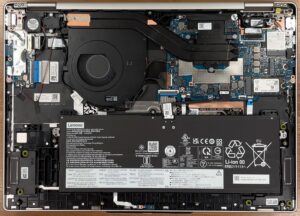


![[June 2026] Best-Selling Laptop Brands on Amazon Global – Apple’s Unrivaled Dominance in Units and Revenue](https://laptopmedia.com/wp-content/uploads/2026/07/GLOBAL-Best-Brands-400x225.jpg)
![[June 2026] Amazon Global: Top 10 Best-Selling Laptops – Apple’s New MacBook Neo Storms to #1, Reshaping the Market with Affordability](https://laptopmedia.com/wp-content/uploads/2026/07/Best-Selling-Laptops-GLOBAL-Top-10-400x225.jpg)
![[June 2026] Amazon Global: Top 10 Best-Selling Gaming Laptops – Acer’s Nitro V 16S AI Dominates Sales, While ASUS Leads Overall Revenue](https://laptopmedia.com/wp-content/uploads/2026/07/Best-Selling-Gaming-Laptops-GLOBAL-Top-10-400x225.jpg)
![[June 2026] Global Ranking of Best-Selling Laptop GPUs on Amazon – NVIDIA RTX 5060 is the Top-Selling Dedicated GPU](https://laptopmedia.com/wp-content/uploads/2026/07/Best-Selling-GPUs-GLOBAL-Top-10-400x225.jpg)
![[June 2026] Global Ranking of Best-Selling Laptop CPUs on Amazon – Apple M5 Dominates, AMD Ryzen 7 260 Gets Solid Premium Share](https://laptopmedia.com/wp-content/uploads/2026/07/Best-Selling-CPUs-GLOBAL-Top-10-400x225.jpg)