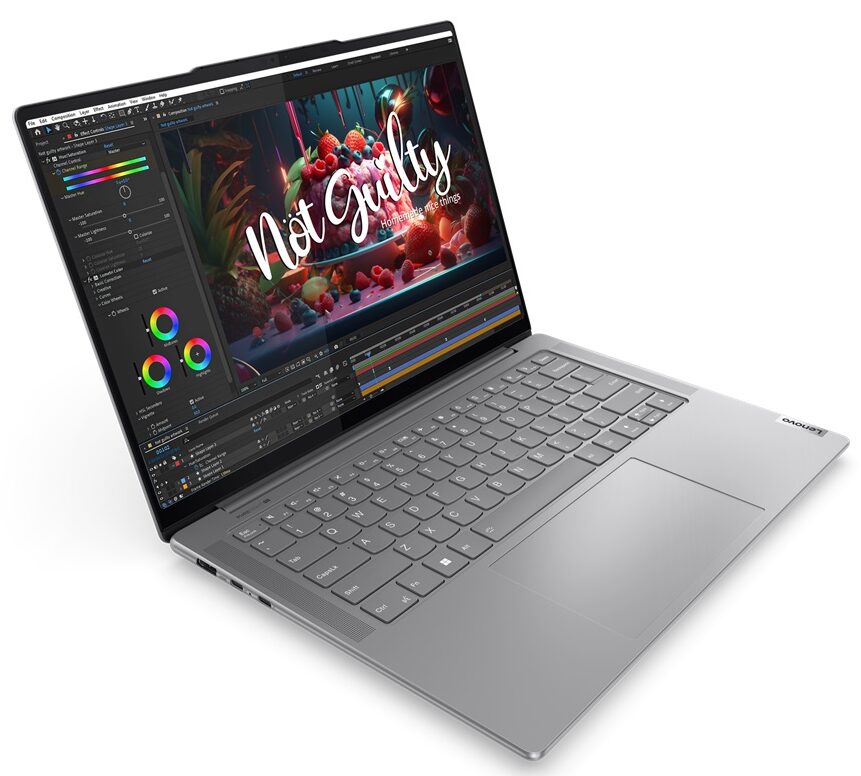
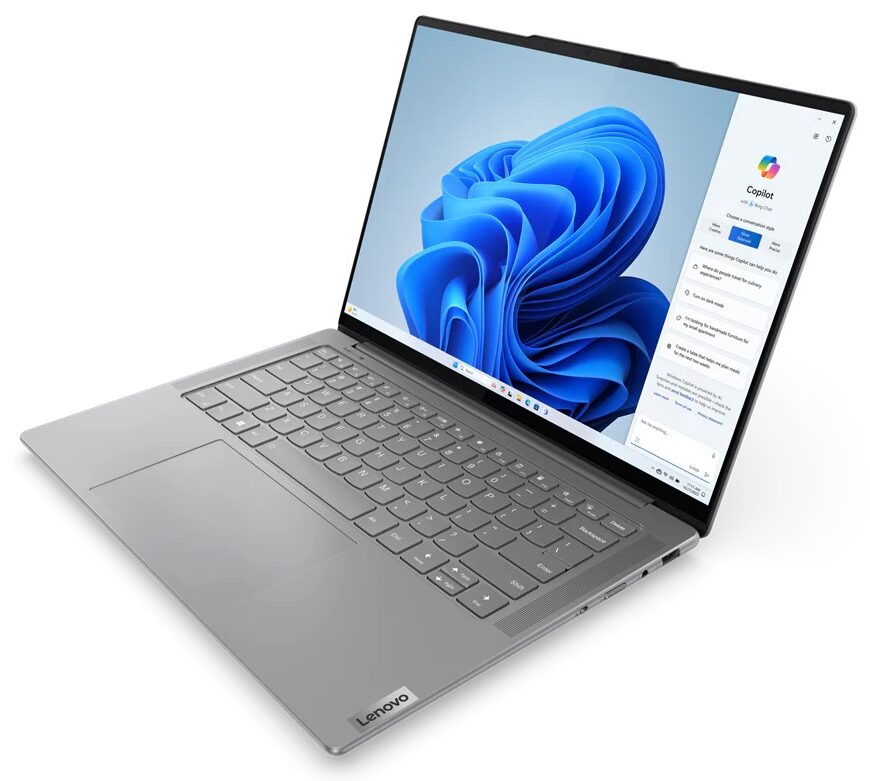
Lenovo Yoga Pro 7i

- Date Published: 13 Feb 2025
- Intel Core Ultra 5 125H
- Intel Arc (7-Cores)
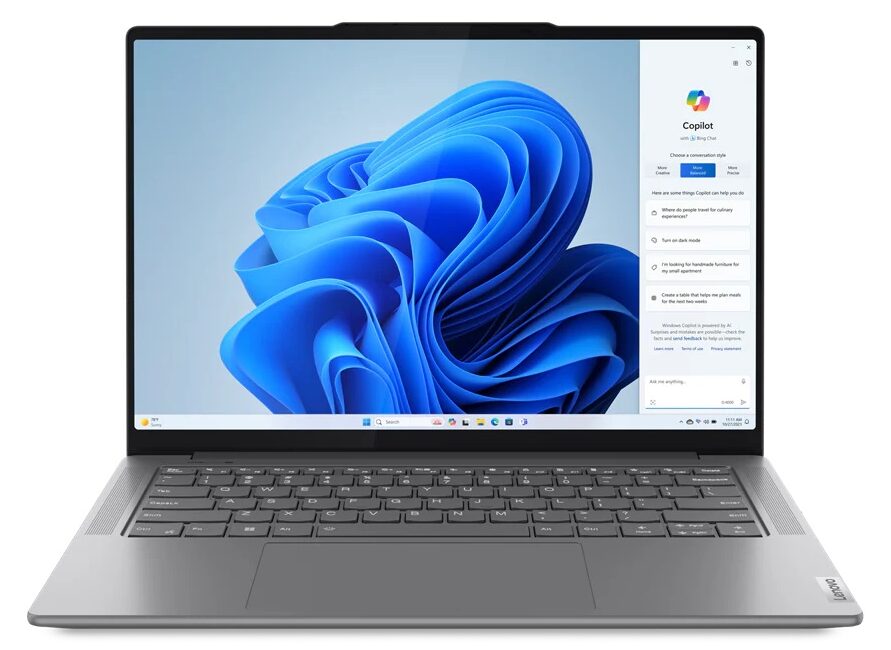
- 14.5”, 3K (3072 x 1920), 120 Hz, IPS
- 1000GB SSD
- 32GB RAM
- 1.49 kg (3.3 lbs)

Specs

- HDD/SSD
- 1000GB SSD
- M.2 Slot
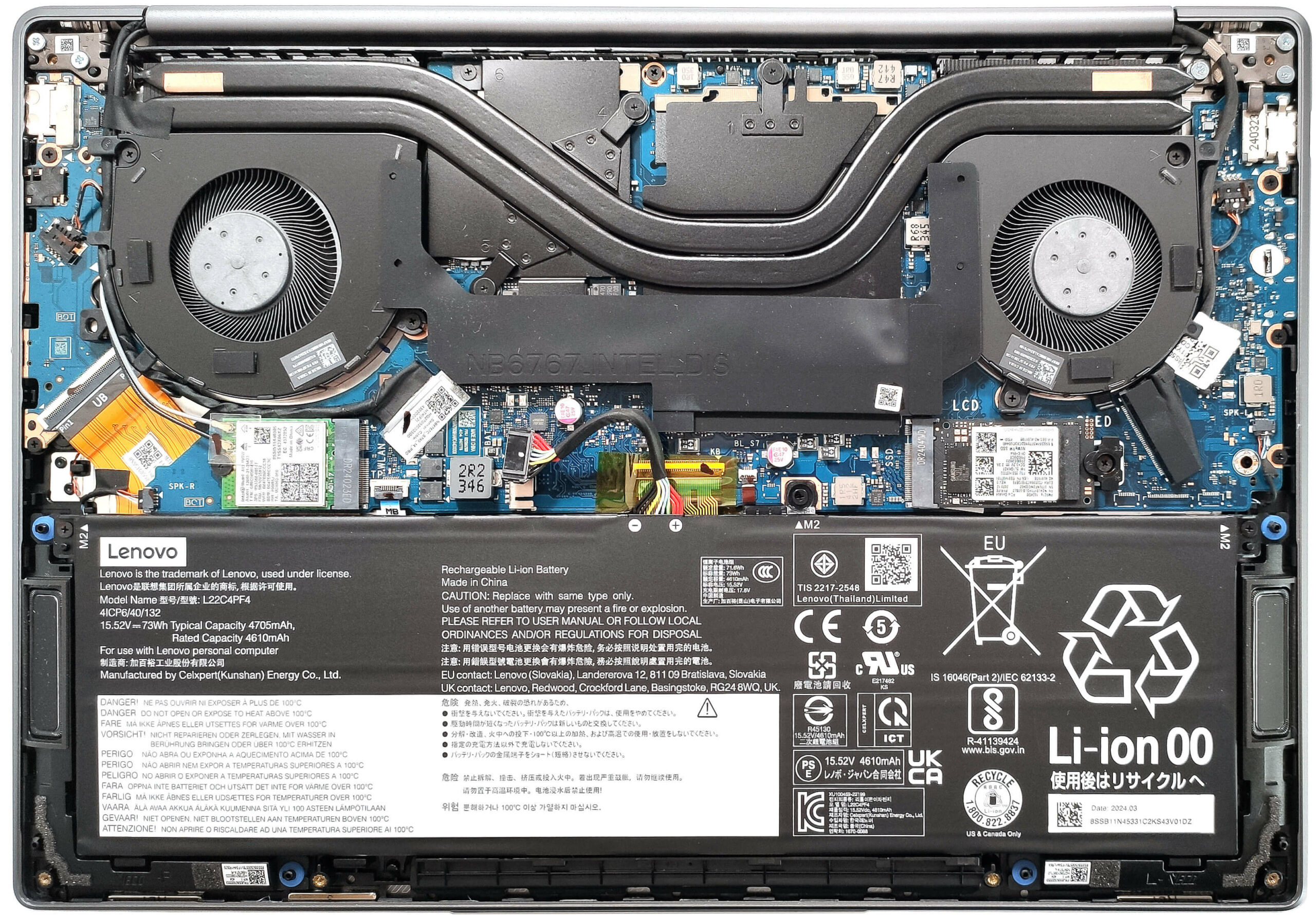
- 1x 2242 M.2 NVMe PCIe 4.0 x4 or 2x 2280 M.2 NVMe PCIe 4.0 x4 + 1x 2242 M.2 NVMe PCIe 4.0 x4 See photo
- RAM
- 32GB RAM
- OS
- Windows 11 Home
- Body Material
- Aluminum
- Dimensions
- 325.5 x 226.49 x 16.6 mm (12.81" x 8.92" x 0.65")
- Weight
- 1.49 kg (3.3 lbs)
- Ports and connectivity
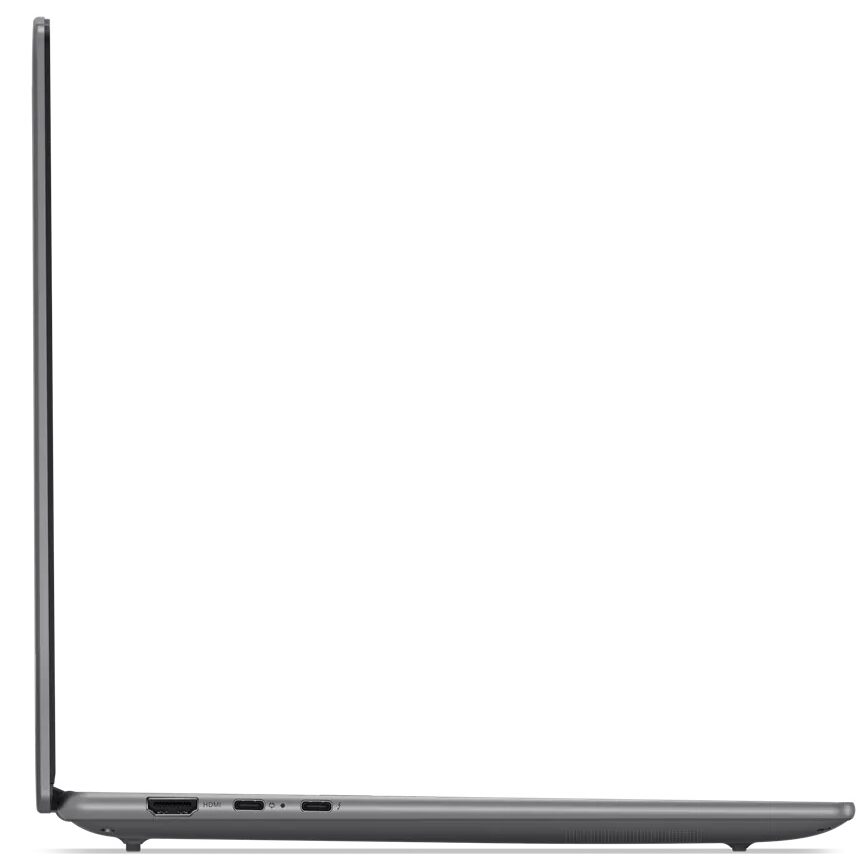
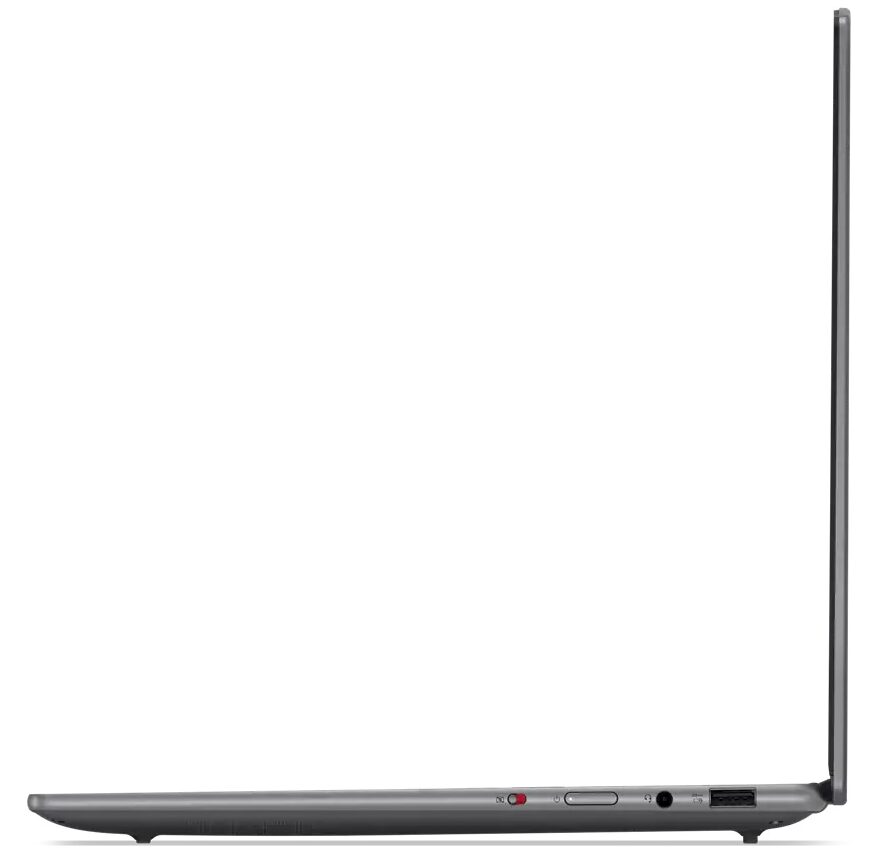
- 1x USB Type-A
- 3.2 Gen 1 (5 Gbps), Sleep and Charge
- 1x USB Type-C
- 3.2 Gen 2 (10 Gbps), Power Delivery (PD), DisplayPort
- 1x USB Type-C
- 4.0, Thunderbolt 4, Power Delivery (PD), DisplayPort
- HDMI
- 2.1
- Card Reader
- Ethernet LAN
- Wi-Fi
- 802.11ax
- Bluetooth
- 5.3
- Audio jack
- 3.5mm Combo Jack
- Features
- Fingerprint reader
- Web camera
- FHD IR with E-shutter, fixed focus, with ToF sensor
- Backlit keyboard
- Microphone
- Quad-microphone array
- Speakers
- 4x Stereo Speakers (2x 2W Woofers + 2x 2W Tweeters) optimized with Dolby Atmos, Smart Amplifier (AMP)
- Security Lock slot
Portability
Review
Lenovo Yoga Pro 7i in-depth review
Lenovo positions the Yoga Pro 7i 14 as a "14.5" studio-grade creator laptop". That sounds logical since this machine can be found with 28W Meteor Lake-H CPUs and NVIDIA RTX 4000 graphics cards with modest TGPs.Also, the display department impresses with its three Dolby Vision-certified models. You can choose from two IPS panels—a 1600p 90Hz variant or a 1920p 120Hz touchscreen. Plus, there's a 120Hz 1800p OLED unit with HDR capabilities—this one might just be our favorite.Keep an eye on the specs before buying because the devices with a dGPU have just one M.2 slot while the iGPU-only iterations offer a pair of Gen 4 slots. The memory is soldered but that's somehow expected for a compact notebook. Still, you get a quality four stereo speaker setup optimized with Dolby Atmos and Wi-F[...]
Read the full review
Pros
- Solid aluminum build
- Great overall performance for a 14-incher
- The fans aren't too noisy under full CPU loads in "Performance" mode
- 404 nits of max brightness in SDR mode (LEN8AC1)
- Comfortable viewing angles + 16:10 aspect ratio (LEN8AC1)
- 100% sRGB and DCI-P3 coverage + accurate colors with our "Design and Gaming" profile (LEN8AC1)
- Infinite contrast ratio (LEN8AC1)
- Good audio quality
- IR Web camera with an E-shutter shutter
- Modern port selection with two Type-C ports
- The CPU can sustain high P-core and E-core clocks in long loads (~2.80 GHz / 2.40 GHz)
- Comfortable backlit keyboard + big and smooth touchpad
- Up to 32GB of LPDDR5x RAM
- The bottom panel is easy to open
- The iGPU-only laptops have 2x M.2 slots
- Pretty snappy NVMe (1TB SAMSUNG PM9C1a)
Cons
- Only two USB ports are available when the AC adapter is plugged in
- The dGPU iterations have just one 2242 Gen 4 slot
- Lacks a fingerprint reader, NFC, and SIM slot
- Super reflective screen surface (OLED variant)
Disassembly, maintenance and upgrade options
Opening the Lenovo Yoga Pro 7i Hint: Ensure the laptop is powered off and unplugged before starting.Undo the six Phillips-head screws securing the bottom panel of the laptop. Pop the bottom panel near the hinge cover, starting from the top two corners. Use a thin plastic tool to carefully pry open the sides and front, leaving the rear for last. Gently remove the bottom panel to access the internals.More info: The inside of the metal bottom plate includes preinstalled thermal pads for the SSD and a large SMD power inductor on the motherboard.Battery Removal [...]
Read more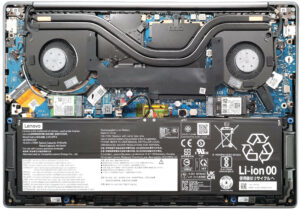


![[June 2026] Best-Selling Laptop Brands on Amazon Global – Apple’s Unrivaled Dominance in Units and Revenue](https://laptopmedia.com/wp-content/uploads/2026/07/GLOBAL-Best-Brands-400x225.jpg)
![[June 2026] Amazon Global: Top 10 Best-Selling Laptops – Apple’s New MacBook Neo Storms to #1, Reshaping the Market with Affordability](https://laptopmedia.com/wp-content/uploads/2026/07/Best-Selling-Laptops-GLOBAL-Top-10-400x225.jpg)
![[June 2026] Amazon Global: Top 10 Best-Selling Gaming Laptops – Acer’s Nitro V 16S AI Dominates Sales, While ASUS Leads Overall Revenue](https://laptopmedia.com/wp-content/uploads/2026/07/Best-Selling-Gaming-Laptops-GLOBAL-Top-10-400x225.jpg)
![[June 2026] Global Ranking of Best-Selling Laptop GPUs on Amazon – NVIDIA RTX 5060 is the Top-Selling Dedicated GPU](https://laptopmedia.com/wp-content/uploads/2026/07/Best-Selling-GPUs-GLOBAL-Top-10-400x225.jpg)
![[June 2026] Global Ranking of Best-Selling Laptop CPUs on Amazon – Apple M5 Dominates, AMD Ryzen 7 260 Gets Solid Premium Share](https://laptopmedia.com/wp-content/uploads/2026/07/Best-Selling-CPUs-GLOBAL-Top-10-400x225.jpg)