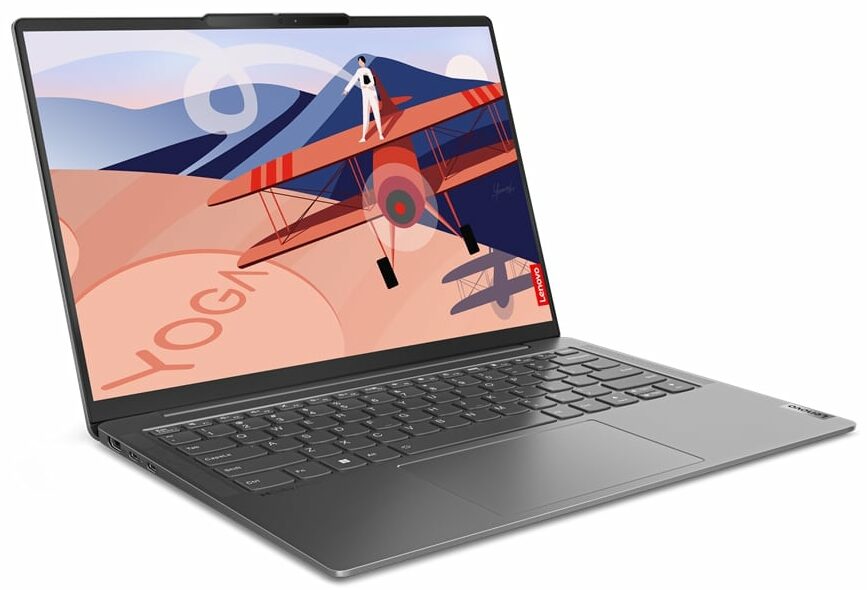
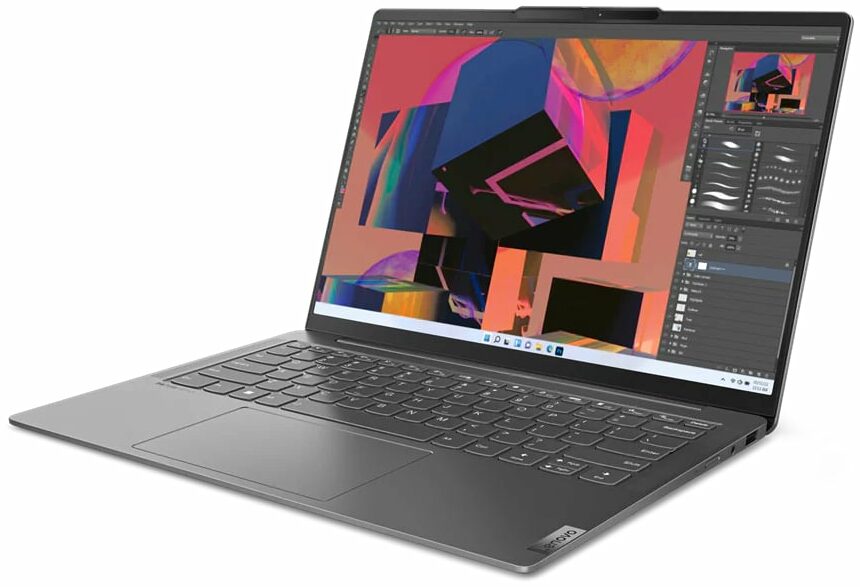
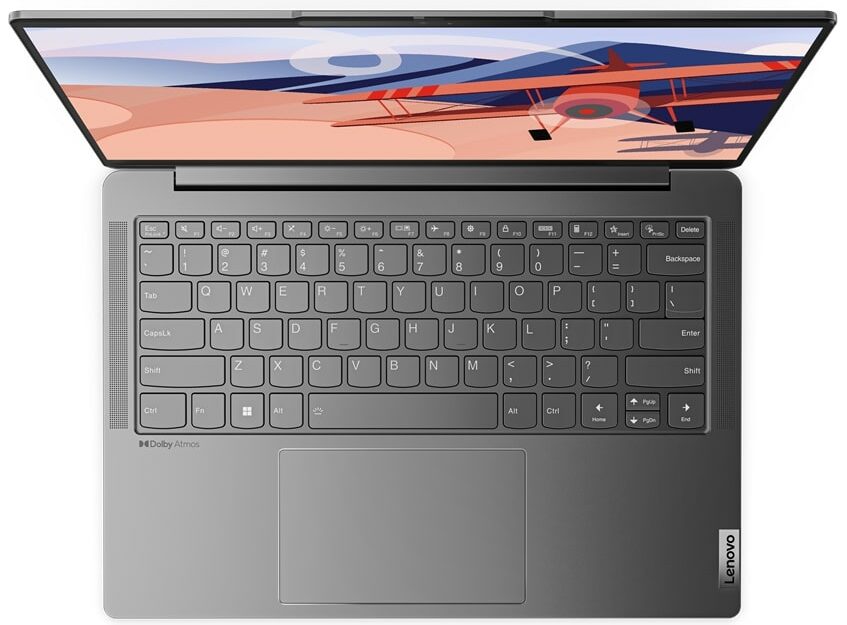
Lenovo Yoga Slim 6i
_000046.jpg)


- Date Published: 25 Nov 2024
- AMD Ryzen 7 7840U
- AMD Radeon 780M
- 14.0”, WUXGA (1920 x 1200), OLED
- 1000GB SSD
- 16GB RAM
- 1.31 kg (2.9 lbs)
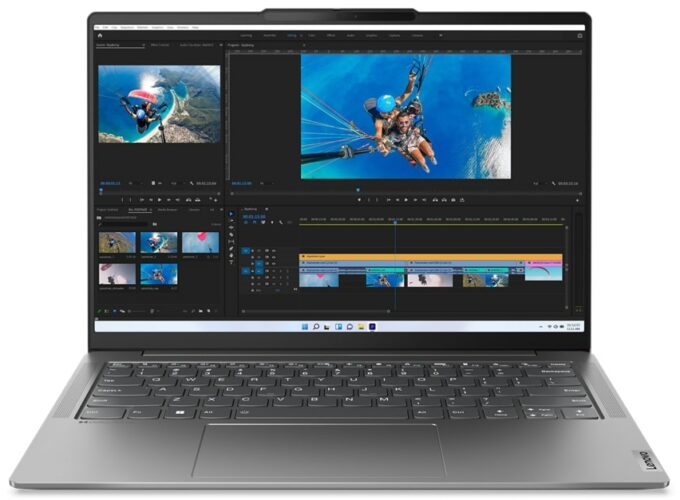
Specs
- Display
- HDD/SSD
- 1000GB SSD
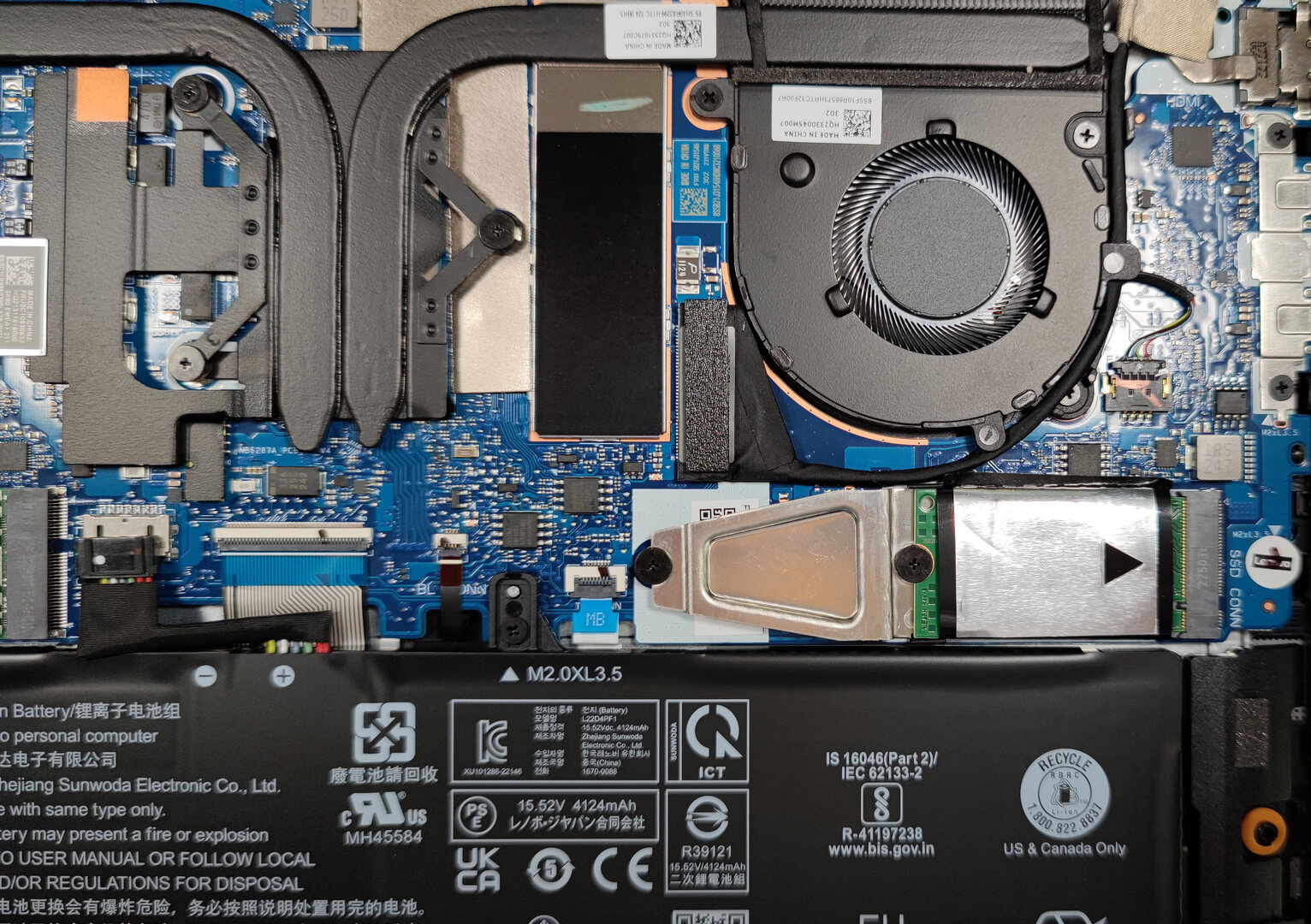
- M.2 Slot
- 1x 2280 PCIe NVMe 4.0 x4 See photo
- RAM
- 16GB RAM
- OS
- Windows 11 Home
- Body Material
- Aluminum
- Dimensions
- 312 x 221 x 14.9 mm (12.28" x 8.70" x 0.59")
- Weight
- 1.31 kg (2.9 lbs)
- Ports and connectivity
- 1x USB Type-A
- 3.2 Gen 1 (5 Gbps)
- 2x USB Type-C
- 4.0, Thunderbolt 4, Power Delivery (PD), DisplayPort
- HDMI
- 2.1 (4K@60Hz)
- Card Reader
- Ethernet LAN
- Wi-Fi
- 802.11ax
- Bluetooth
- 5.1
- Audio jack
- 3.5mm Combo Jack
- Features
- Fingerprint reader
- Web camera
- FHD 1080p + IR, with privacy shutter, fixed focus, with ToF sensor
- Backlit keyboard
- Microphone
- Dual Microphone Array with noise-cancelling
- Speakers
- 2x 2W Stereo Speakers, Dolby Atmos
Portability
Review
Lenovo Yoga Slim 6i in-depth review
The Lenovo Yoga devices are already popular. The manufacturer is offering many laptops in different price categories and in this article we'll show you the not-so-expensive Lenovo Yoga Slim 6i (14", Gen 8, 14IAP8). Ah, yes, the name of the series is long and strange but for a reason. This is an Intel-based machine that can be picked with Alder Lake P CPUs. Given the thin profile of the laptop it'll be very interesting to see how to cooling will handle the 28W chip during our testing.Keep in mind that there is another series with almost the same specs as the one here. It's called Lenovo Yoga Slim 6i (14″, Gen 8, 14IRP8) and it comes with Raptor Lake P processors and with slightly faster memory. Apart from that, our device (with the 12th Gen CPUs options) has passed the MIL-STD-810H mili[...]
Read the full review
Pros
- Thin and light machine
- Strong aluminum chassis
- Covers 93% of the sRGB color gamut and has accurate color representation with our Gaming and Web design profile (LEN040WU+)
- High resolution and 16:10 aspect ratio
- No PWM (LEN040WU+)
- 2x Thunderbolt 4
- Good performance for its class
- Full HD Web camera + IR and ToF sensors
- Good battery life
Cons
- Soldered memory and just one M.2 slot
- No SD card slot
Disassembly, maintenance and upgrade options
Step 1: Removing the Bottom Plate of Lenovo Yoga Slim 6i (14, Gen 8, 14IAP8)Turn off the Lenovo Yoga Slim 6i and place it on a protective surface to prevent damage. Remove the 6 Torx-head screws securing the bottom plate. Carefully use a plastic pry tool to detach the bottom panel, starting at one of the top corners and proceeding gently around the edges.Hint: Be meticulous during the prying process to avoid damaging the device.Step 2: Battery RemovalDisconnect the battery by detaching its connector from the motherboard. Remove the 2 Phillips-head screws ho[...]
Read more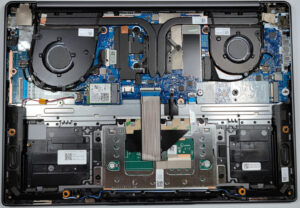


![[June 2026] Best-Selling Laptop Brands on Amazon Global – Apple’s Unrivaled Dominance in Units and Revenue](https://laptopmedia.com/wp-content/uploads/2026/07/GLOBAL-Best-Brands-400x225.jpg)
![[June 2026] Amazon Global: Top 10 Best-Selling Laptops – Apple’s New MacBook Neo Storms to #1, Reshaping the Market with Affordability](https://laptopmedia.com/wp-content/uploads/2026/07/Best-Selling-Laptops-GLOBAL-Top-10-400x225.jpg)
![[June 2026] Amazon Global: Top 10 Best-Selling Gaming Laptops – Acer’s Nitro V 16S AI Dominates Sales, While ASUS Leads Overall Revenue](https://laptopmedia.com/wp-content/uploads/2026/07/Best-Selling-Gaming-Laptops-GLOBAL-Top-10-400x225.jpg)
![[June 2026] Global Ranking of Best-Selling Laptop GPUs on Amazon – NVIDIA RTX 5060 is the Top-Selling Dedicated GPU](https://laptopmedia.com/wp-content/uploads/2026/07/Best-Selling-GPUs-GLOBAL-Top-10-400x225.jpg)
![[June 2026] Global Ranking of Best-Selling Laptop CPUs on Amazon – Apple M5 Dominates, AMD Ryzen 7 260 Gets Solid Premium Share](https://laptopmedia.com/wp-content/uploads/2026/07/Best-Selling-CPUs-GLOBAL-Top-10-400x225.jpg)