Lenovo Yoga Slim 7i
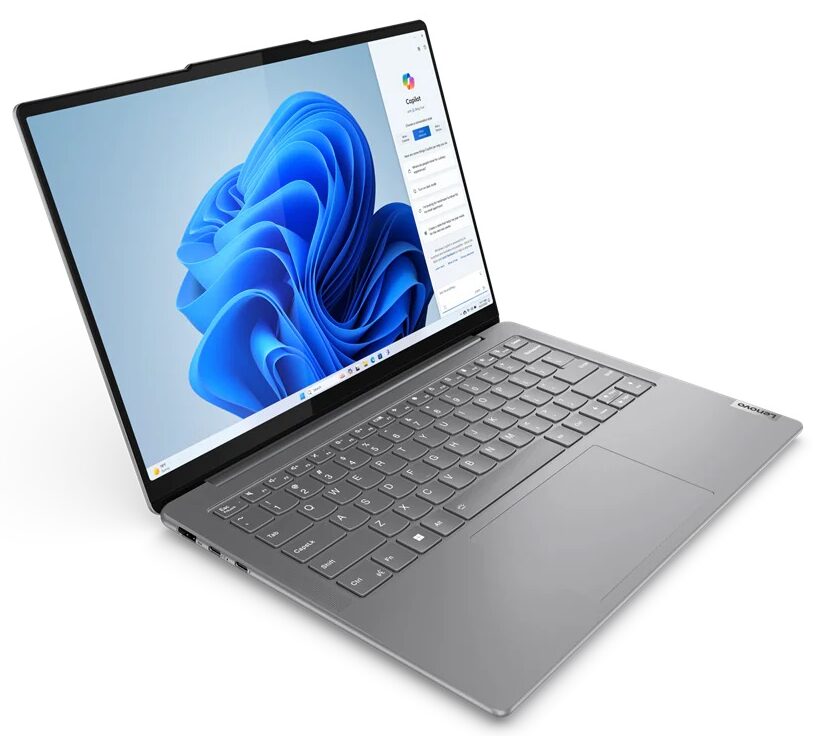
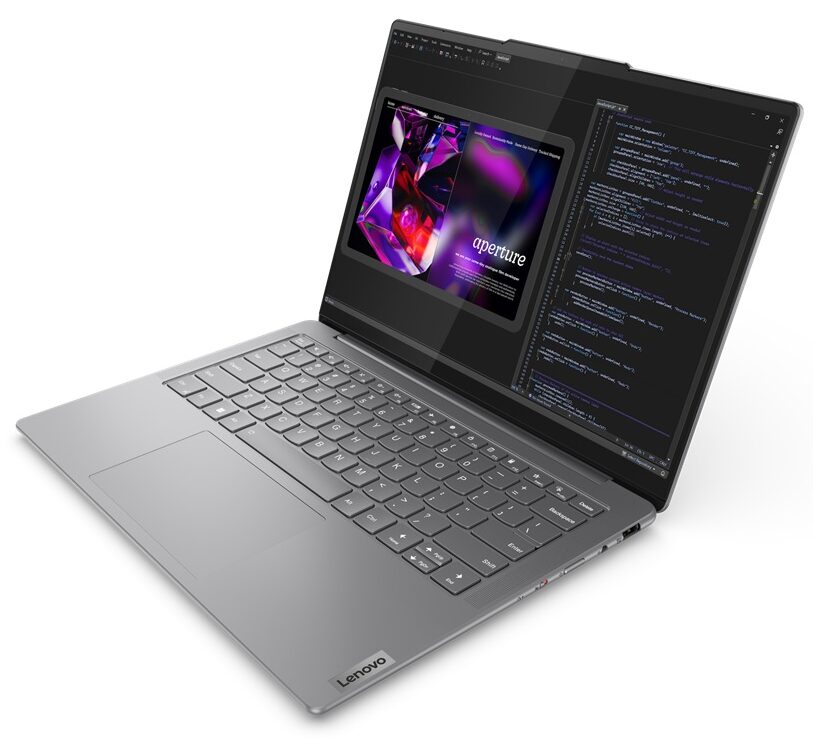
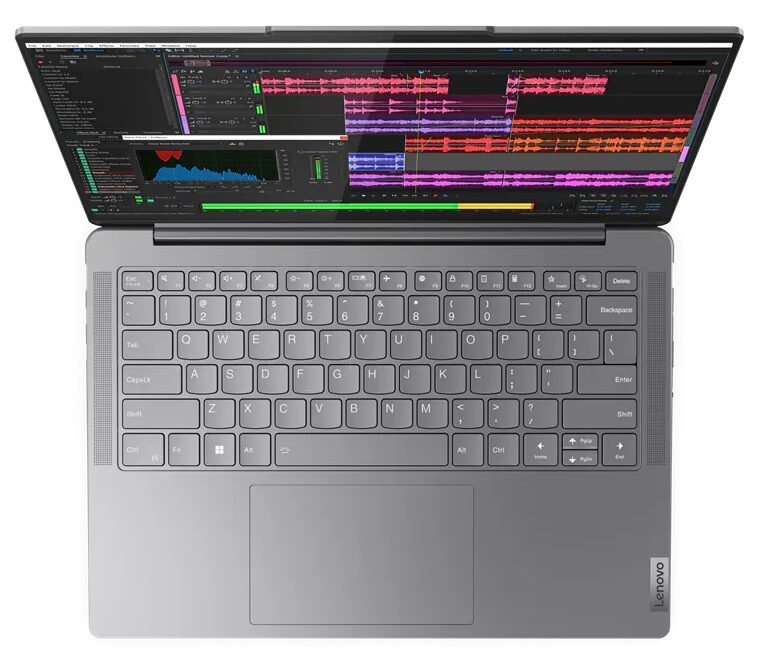
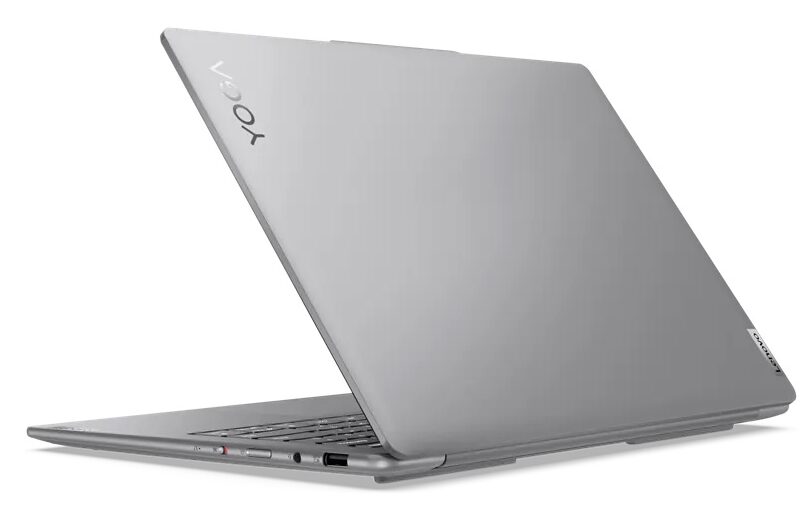
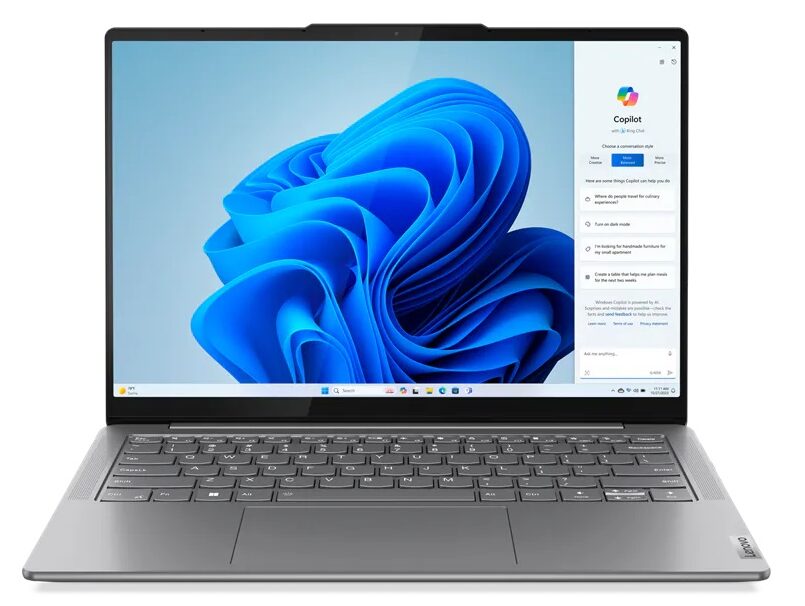
- Date Published: 20 May 2026
- Intel Core Ultra 9 185H
- Intel Arc (8-Cores)
- 14.0”, WUXGA (1920 x 1200), OLED
- 1000GB SSD
- 32GB RAM
- 1.39 kg (3.1 lbs)
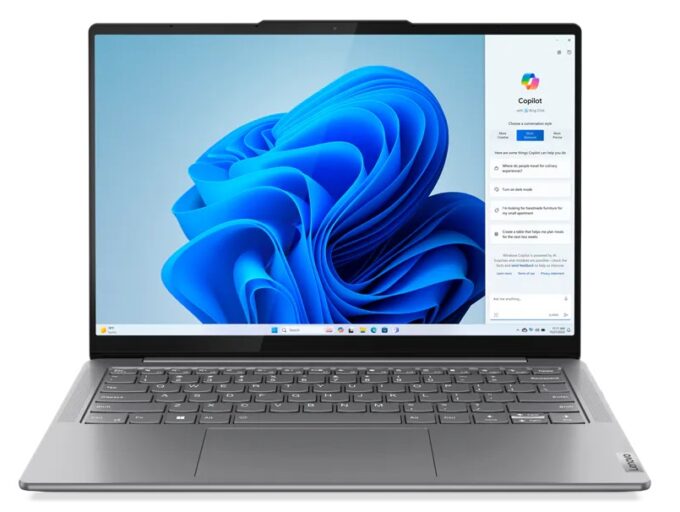
Specs
- Display

- HDD/SSD
- 1000GB SSD
- M.2 Slot
- 1x 2242 / 2280 M.2 NVMe PCIe 4.0 x4 See photo
- RAM
- 32GB RAM
- OS
- Windows 11 Home
- Body Material
- Aluminum
- Dimensions
- 312 x 221 x 14.9 mm (12.28" x 8.70" x 0.59")
- Weight
- 1.39 kg (3.1 lbs)
- Ports and connectivity
- 1x USB Type-A
- 3.2 Gen 1 (5 Gbps), Sleep and Charge
- 2x USB Type-C
- 4.0, Thunderbolt 4, Power Delivery (PD), DisplayPort
- HDMI
- 2.1 (4K@60Hz)
- Card Reader
- Ethernet LAN
- Wi-Fi
- 802.11ax
- Bluetooth
- 5.3
- Audio jack
- 3.5mm Combo Jack
- Features
- Fingerprint reader
- Web camera
- FHD IR with E-shutter, fixed focus, with ToF sensor
- Backlit keyboard
- Microphone
- Quad-microphone array
- Speakers
- 4x 2W Stereo Speakers, Dolby Atmos, Smart Amplifier (AMP)
- Security Lock slot
- Gifts
- Microsoft 365 Basic + Office Home 2024
- Gifts
- 1Yr ADP Free
Portability
Review
Lenovo Yoga Slim 7i in-depth review
When it comes to small and powerful machines, Lenovo and its well-known Yoga lineup provide a large number of devices of various sizes. If you are on the hunt for something powerful and light, the Yoga Slim 7i (14", Gen 9) could impress you with its snappy performance thanks to the 28W Intel Meteor Lake CPUs. Considering the size of this notebook, the lack of dGPUs isn't unusual. However, the integrated Intel Arc (8-Cores) or Arc (7-Cores) has enough power for playing light games with a high FPS.The machine has a 65Wh battery that supports Rapid Charge. If you are often on the go and you value battery life more than anything, look for a notebook with Intel Evo certification (option) which boosts the autonomous life with its additional optimizations. The upgradability here is poor but t[...]
Read the full review
Pros
- Solid aluminum build
- The fans aren't intrusively noisy during full CPU loads in "Performance" mode
- 100% sRGB and DCI-P3 coverage (LEN88AC)
- High max brightness in SDR (388 nits) and HDR mode (627 nits) (LEN88AC)
- Infinite contrast ratio + 16:10 aspect ratio (LEN88AC)
- Good audio quality
- Type-C charging
- 1080p IR camera with an E-shutter
- Modern I/O with two Thunderbolt 4 ports
- The CPU can sustain good clocks and power limits under long 100% loads
- Comfortable backlit keyboard plus large and smooth touchpad
Cons
- Soldered memory and just one M.2 slot
- Lacks a fingerprint reader
- PWM usage (LEN88AC)
Disassembly, maintenance and upgrade options
Opening the DeviceUndo the six Torx-head screws securing the bottom panel. Use a lever tool to lift the zone behind the hinge near the top corners to create a slight gap. Pry the sides with a thin plastic tool, starting with one side and then the other. Once the sides are pried, move to the front and pry it open. Lift the rear and insert a thin plastic tool between the plate and the chassis. Slide the tool until the back is fully popped.More info: Here's how the bottom panel looks on the inside.Battery RemovalUnplug the battery connector. Undo the[...]
Read more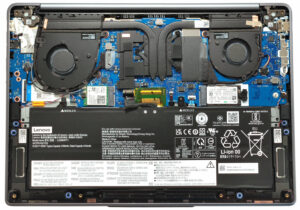


![[June 2026] Best-Selling Laptop Brands on Amazon Global – Apple’s Unrivaled Dominance in Units and Revenue](https://laptopmedia.com/wp-content/uploads/2026/07/GLOBAL-Best-Brands-400x225.jpg)
![[June 2026] Amazon Global: Top 10 Best-Selling Laptops – Apple’s New MacBook Neo Storms to #1, Reshaping the Market with Affordability](https://laptopmedia.com/wp-content/uploads/2026/07/Best-Selling-Laptops-GLOBAL-Top-10-400x225.jpg)
![[June 2026] Amazon Global: Top 10 Best-Selling Gaming Laptops – Acer’s Nitro V 16S AI Dominates Sales, While ASUS Leads Overall Revenue](https://laptopmedia.com/wp-content/uploads/2026/07/Best-Selling-Gaming-Laptops-GLOBAL-Top-10-400x225.jpg)
![[June 2026] Global Ranking of Best-Selling Laptop GPUs on Amazon – NVIDIA RTX 5060 is the Top-Selling Dedicated GPU](https://laptopmedia.com/wp-content/uploads/2026/07/Best-Selling-GPUs-GLOBAL-Top-10-400x225.jpg)
![[June 2026] Global Ranking of Best-Selling Laptop CPUs on Amazon – Apple M5 Dominates, AMD Ryzen 7 260 Gets Solid Premium Share](https://laptopmedia.com/wp-content/uploads/2026/07/Best-Selling-CPUs-GLOBAL-Top-10-400x225.jpg)

