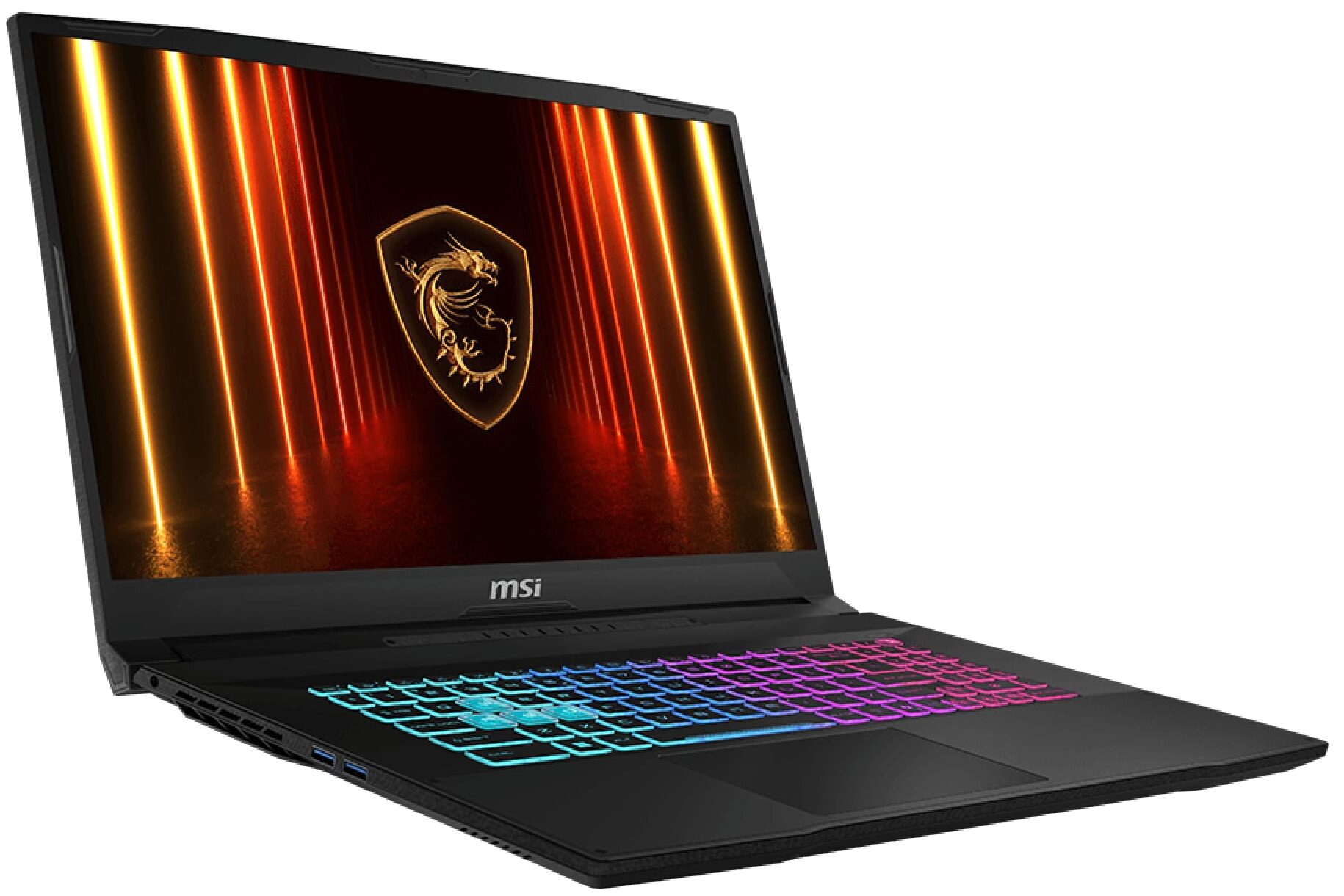
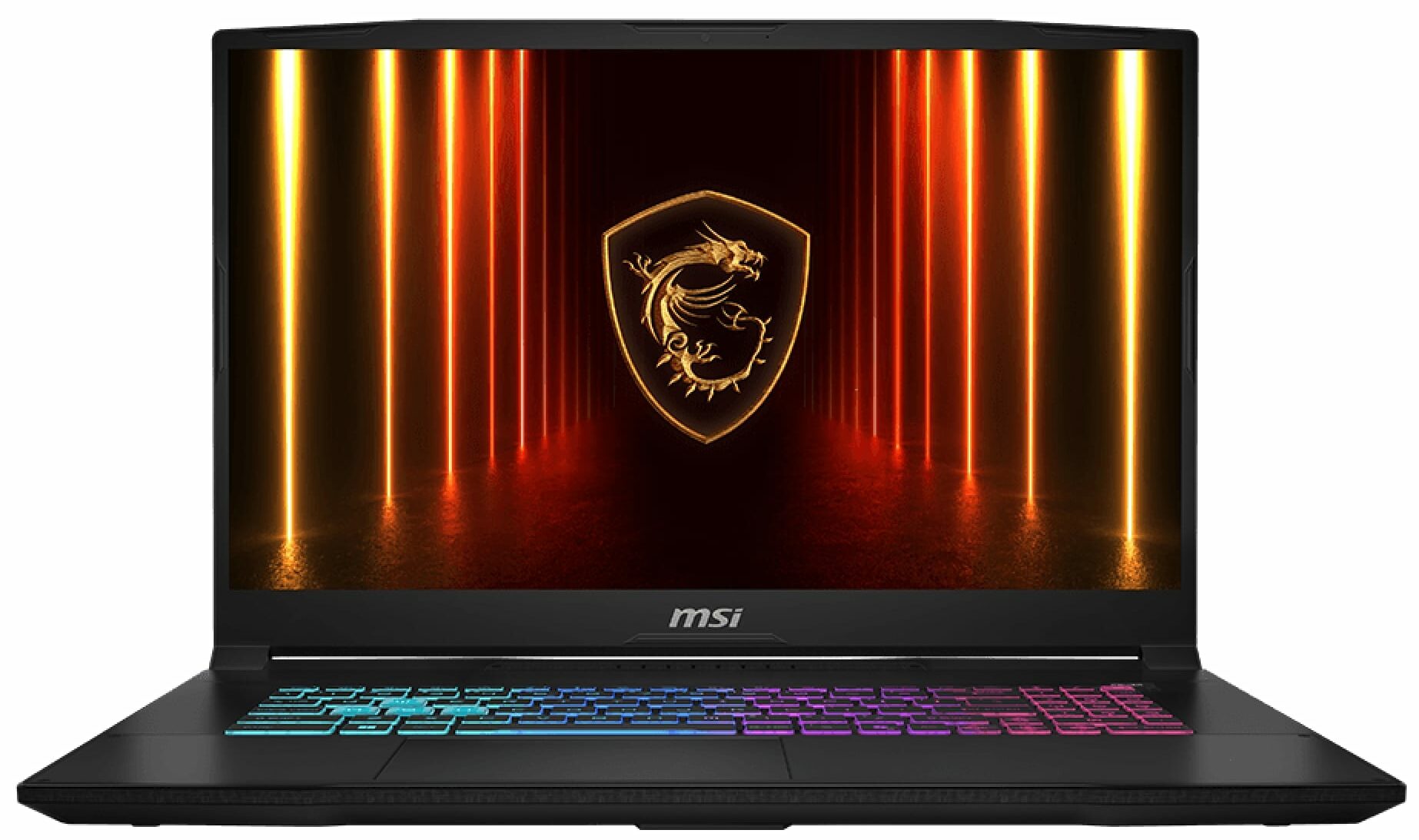
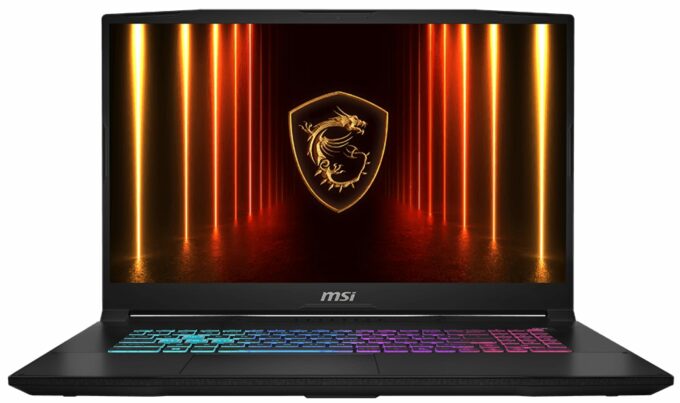
MSI Katana 17 HX


- Date Published: 01 Jul 2026
- Intel Core i7-14650HX
- NVIDIA GeForce RTX 5060 (Laptop)
- 17.3", QHD (2560 x 1440), 240 Hz, IPS
- 1000GB SSD
- 16GB RAM
- 2.70 kg (6 lbs)
Specs

- HDD/SSD
- 1000GB SSD
- M.2 Slot
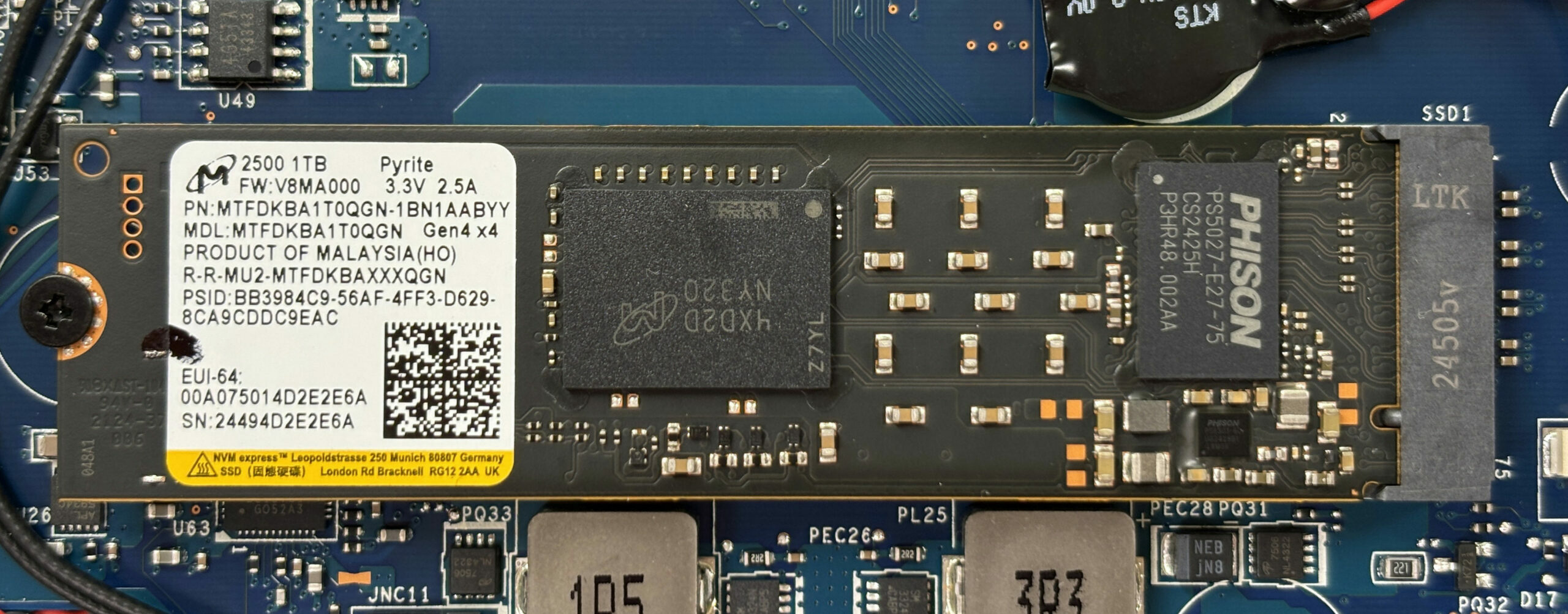
- 1x 2280 M.2 NVMe PCIe 4.0 x4 See photo
- RAM
- 16GB RAM
- OS
- Windows 11 Home
- Body Material
- Plastic / Polycarbonate
- Dimensions
- 398 x 275.6 x 27.8 mm (15.67" x 10.85" x 1.09")
- Weight
- 2.70 kg (6 lbs)
- Ports and connectivity
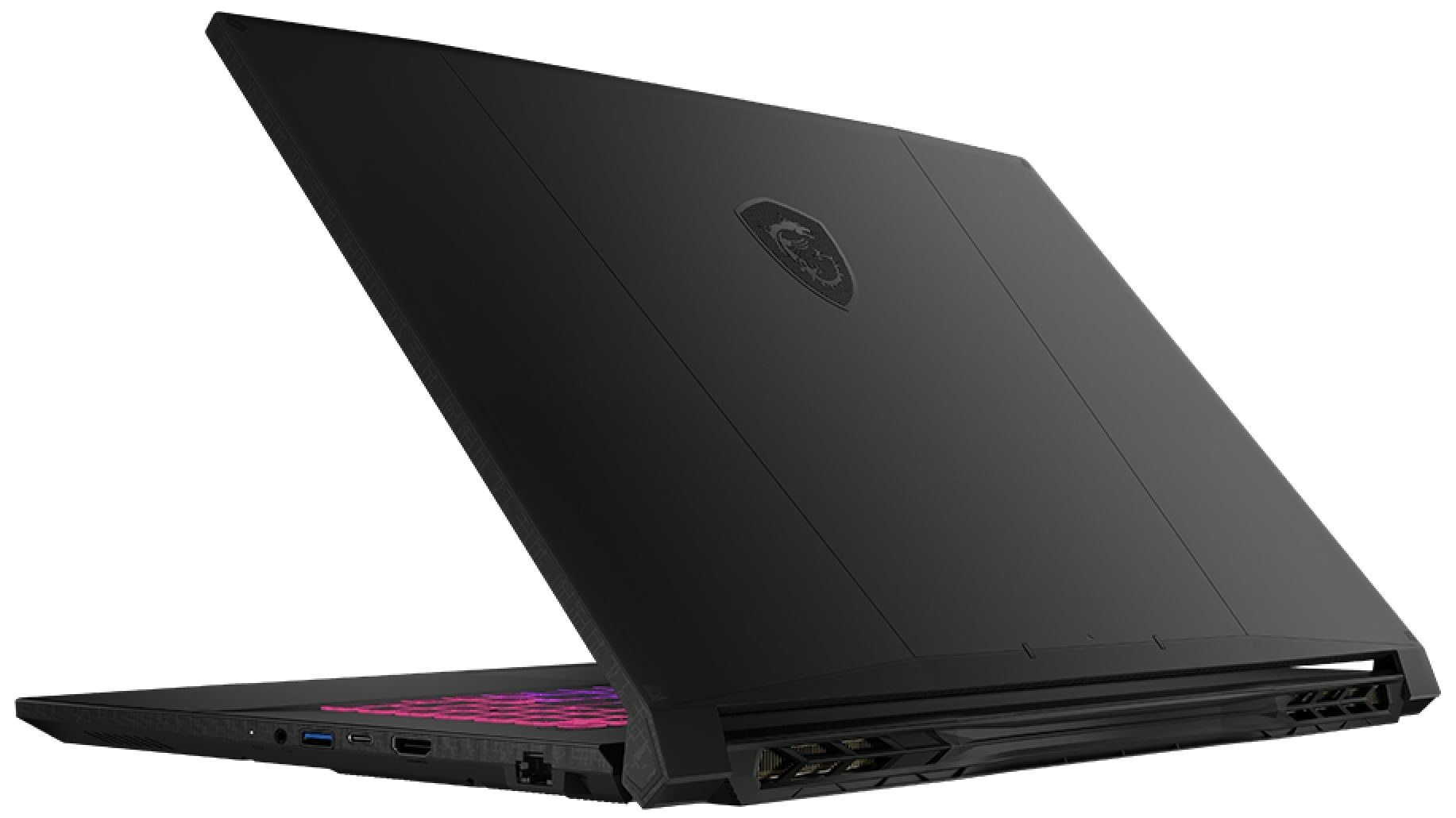
- 3x USB Type-A
- 3.2 Gen 2 (10 Gbps)
- 1x USB Type-C
- 3.2 Gen 2 (10 Gbps), Power Delivery (PD), DisplayPort
- HDMI
- 2.1 (8K@60Hz / 4K@120Hz)
- Card Reader
- Ethernet LAN
- 10, 100, 1000 Mbit/s
- Wi-Fi
- Wi-Fi 6E
- Bluetooth
- 5.3
- Audio jack
- 3.5mm Combo Jack
- Features
- Fingerprint reader
- Web camera
- HD
- Backlit keyboard
- Microphone
- Speakers
- 2x 2W Stereo Speakers
- Security Lock slot
Portability
Review
MSI Katana 17 HX in-depth review
The MSI Katana 17 HX (B14Wx) enters the 17-inch gaming laptop arena with a clear mission: to deliver a big-screen experience and powerful performance without the premium price tag of flagship models. At first glance, its all-plastic build might seem modest, but beneath the surface lies a machine that punches well above its weight. With a surprisingly excellent QHD display and robust internals, it aims to be the pragmatic choice for gamers who care more about frame rates and image quality than flashy materials. But does this focus on function over form result in a winning formula, or does it cut too many corners?You can check the prices and configurations in our Specs System: https://laptopmedia.com/series/msi-katana-17-hx-b14wx/Specs, Drivers, What's in the boxDrivers[...]
Read the full review
Pros
- Excellent QHD 240Hz display with great color accuracy and no PWM
- Solid gaming performance with good thermal stability
- Two user-accessible RAM slots for easy upgrades
- Fingerprint-resistant chassis
- Decent battery life for a 17-inch gaming laptop
- Full-sized arrow keys (though cramped)
Cons
- Only one M.2 slot limits storage expansion
- Small trackpad for a 17-inch laptop
- No privacy shutter or biometric login options
- Fans can be audible at idle
Disassembly, maintenance and upgrade options
Before you start: Power the laptop off, unplug the charger and all peripherals, and hold the power button for a few seconds to discharge residual power. Work on a clean surface and use ESD protection if available. Opening the bottom panelRemove all bottom screws securing the base cover. Use a thin plastic pry tool to release the clips around the edges, starting from an area that gives you the easiest initial gap. Work your way around the sides and front, then finish near the hinge side, and lift the bottom panel away. Internal layout over[...]
Read more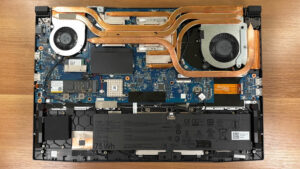


![[June 2026] Best-Selling Laptop Brands on Amazon Global – Apple’s Unrivaled Dominance in Units and Revenue](https://laptopmedia.com/wp-content/uploads/2026/07/GLOBAL-Best-Brands-400x225.jpg)
![[June 2026] Amazon Global: Top 10 Best-Selling Laptops – Apple’s New MacBook Neo Storms to #1, Reshaping the Market with Affordability](https://laptopmedia.com/wp-content/uploads/2026/07/Best-Selling-Laptops-GLOBAL-Top-10-400x225.jpg)
![[June 2026] Amazon Global: Top 10 Best-Selling Gaming Laptops – Acer’s Nitro V 16S AI Dominates Sales, While ASUS Leads Overall Revenue](https://laptopmedia.com/wp-content/uploads/2026/07/Best-Selling-Gaming-Laptops-GLOBAL-Top-10-400x225.jpg)
![[June 2026] Global Ranking of Best-Selling Laptop GPUs on Amazon – NVIDIA RTX 5060 is the Top-Selling Dedicated GPU](https://laptopmedia.com/wp-content/uploads/2026/07/Best-Selling-GPUs-GLOBAL-Top-10-400x225.jpg)
![[June 2026] Global Ranking of Best-Selling Laptop CPUs on Amazon – Apple M5 Dominates, AMD Ryzen 7 260 Gets Solid Premium Share](https://laptopmedia.com/wp-content/uploads/2026/07/Best-Selling-CPUs-GLOBAL-Top-10-400x225.jpg)