MSI Prestige 14
 45.jpg)

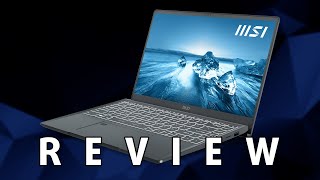
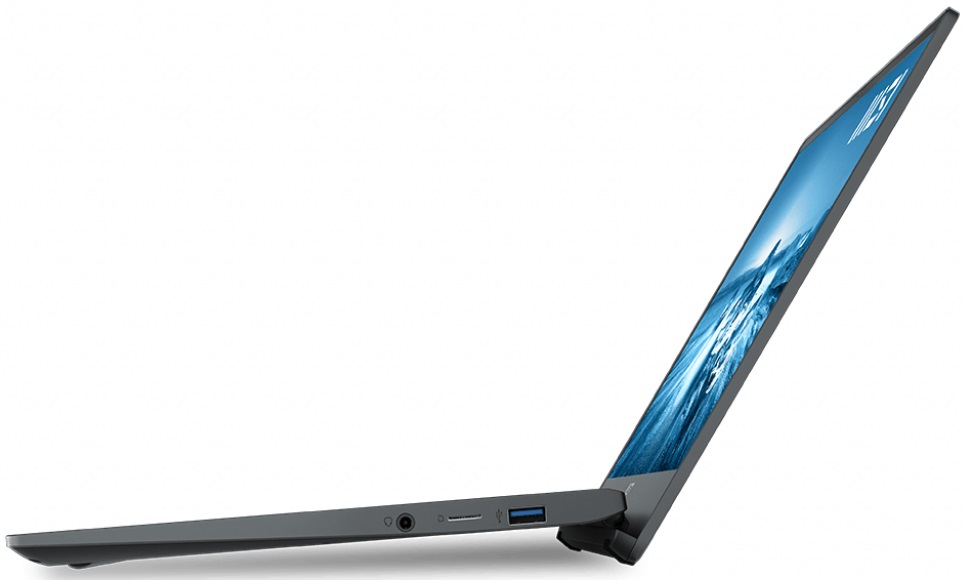
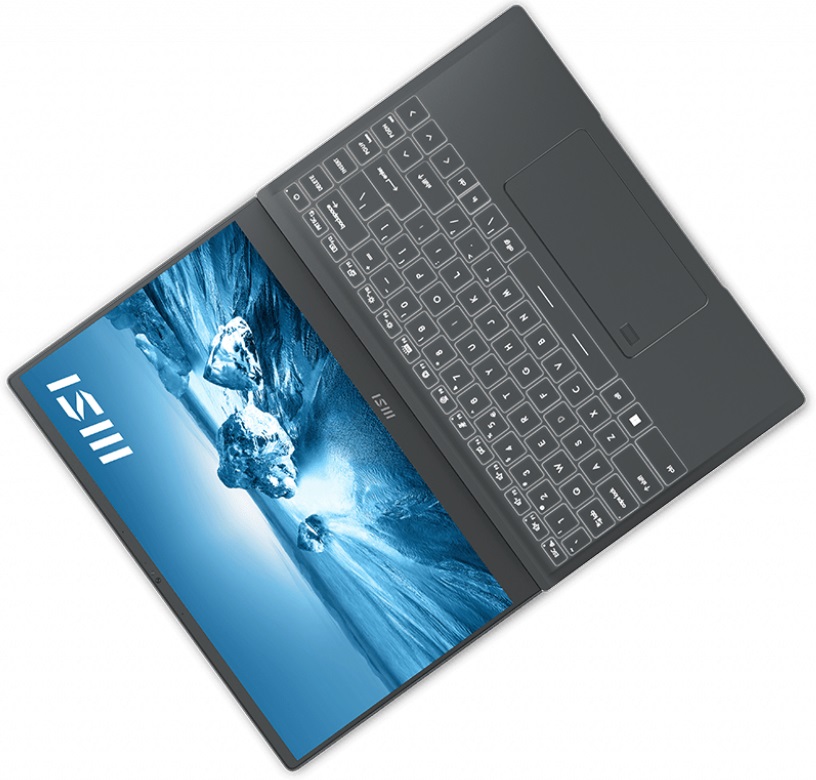
- Date Published: 22 Jan 2025
- Intel Core i7-1260P
- NVIDIA GeForce RTX 3050 (Laptop, 35W)
- 14.0”, Full HD (1920 x 1080), IPS
- 512GB SSD
- 16GB RAM
- 1.29 kg (2.8 lbs)
Specs

- HDD/SSD
- 512GB SSD
- M.2 Slot
- 1x 2280 PCIe NVMe 4.0 x4 See photo
- RAM
- 16GB RAM
- OS
- Windows 11 Pro
- Body Material
- Aluminum
- Dimensions
- 319 x 219 x 15.9 mm (12.56" x 8.62" x 0.63")
- Weight
- 1.29 kg (2.8 lbs)
- Ports and connectivity
- 1x USB Type-A
- 3.2 Gen 1 (5 Gbps)
- 2x USB Type-C
- 4.0, Thunderbolt 4, Power Delivery (PD), DisplayPort
- Card Reader
- MicroSD
- Wi-Fi
- 802.11ax
- Bluetooth
- 5.2
- Audio jack
- 3.5mm Combo Jack
- Features
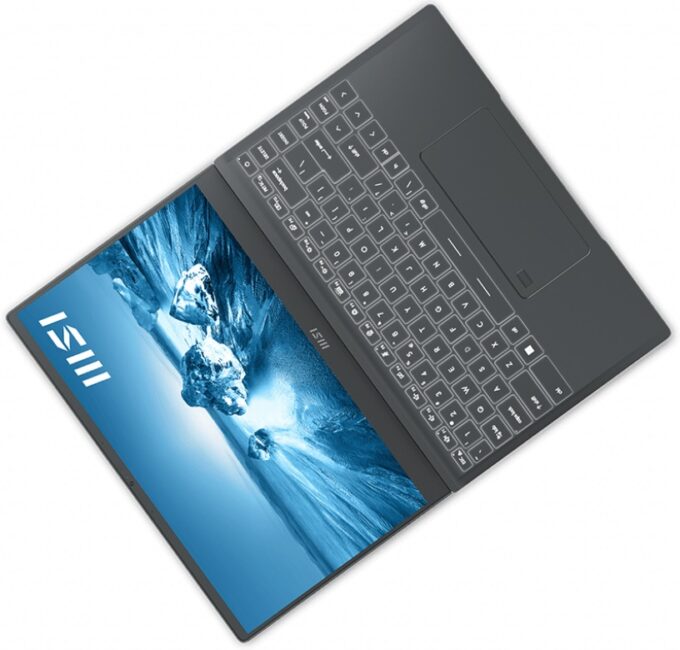
- Fingerprint reader
- Web camera
- HD
- Backlit keyboard
- Microphone
- Speakers
- 2x 2W, Stereo Speakers
Portability
Review
MSI Prestige 14 in-depth review
Sometimes you find yourself struggling to cope with your work. And many times, the reason for that is not the work itself, but what sits inside your brain. Burning out is a big issue in the modern world, as more and more people feel the stress of overperforming. To do so, one would want to take his/her time and enjoy life. In this case, the Prestige 14 (A12M) might come in handy, as it can be both your workhorse and entertainment machine.See, much like the smartphone, laptops have become a portal to not only the virtual world but a hub to the real world as well. After all, you use your mobile device to look for a place to go on the weekend, book your next trip, or buy a new set of shoes.This theory is further affirmed if you are a photographer or videographer. Basically, you captu[...]
Read the full review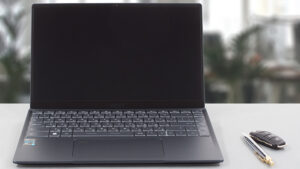
Pros
- Two Thunderbolt 4 connectors and a MicroSD card reader
- Very thin and light body
- Its Full HD IPS panel has comfortable viewing angles and a good contrast ratio (AUO B140HAN06.2 (AUO623D))
- Covers 98% of sRGB and our Gaming and Web design profile helps it reach an Average dE of <2.0 (AUO B140HAN06.2 (AUO623D))
- No PWM (AUO B140HAN06.2 (AUO623D))
- Very high CPU performance
Cons
- Very warm and loud during gameplay
- Soldered memory (although working at quad-channel mode)
- Its cooling can't keep high clocks for long periods of time
Disassembly, maintenance and upgrade options
Surprisingly, the Prestige 14 (A12M) does not let you upgrade its memory. On the bright side, you can still take advantage of Gen 4 SSDs.Check out all MSI Prestige 14 (A12M) prices and configurations in our Specs System or read more in our In-Depth review.1. Remove the bottom plate To access this notebook's internals, you need to undo 7 Phillips-head screws. Then, pry the bottom panel with a plastic tool and lift it away from the chassis.2. Battery Inside, we find a 53.8Wh battery pack. It lasts for nearly 10 hours of Web browsing, or 8 hours of video playback. To remove [...]
Read more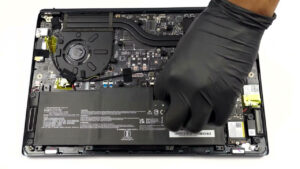


![[June 2026] Best-Selling Laptop Brands on Amazon Global – Apple’s Unrivaled Dominance in Units and Revenue](https://laptopmedia.com/wp-content/uploads/2026/07/GLOBAL-Best-Brands-400x225.jpg)
![[June 2026] Amazon Global: Top 10 Best-Selling Laptops – Apple’s New MacBook Neo Storms to #1, Reshaping the Market with Affordability](https://laptopmedia.com/wp-content/uploads/2026/07/Best-Selling-Laptops-GLOBAL-Top-10-400x225.jpg)
![[June 2026] Amazon Global: Top 10 Best-Selling Gaming Laptops – Acer’s Nitro V 16S AI Dominates Sales, While ASUS Leads Overall Revenue](https://laptopmedia.com/wp-content/uploads/2026/07/Best-Selling-Gaming-Laptops-GLOBAL-Top-10-400x225.jpg)
![[June 2026] Global Ranking of Best-Selling Laptop GPUs on Amazon – NVIDIA RTX 5060 is the Top-Selling Dedicated GPU](https://laptopmedia.com/wp-content/uploads/2026/07/Best-Selling-GPUs-GLOBAL-Top-10-400x225.jpg)
![[June 2026] Global Ranking of Best-Selling Laptop CPUs on Amazon – Apple M5 Dominates, AMD Ryzen 7 260 Gets Solid Premium Share](https://laptopmedia.com/wp-content/uploads/2026/07/Best-Selling-CPUs-GLOBAL-Top-10-400x225.jpg)

