MSI PX60-6QE
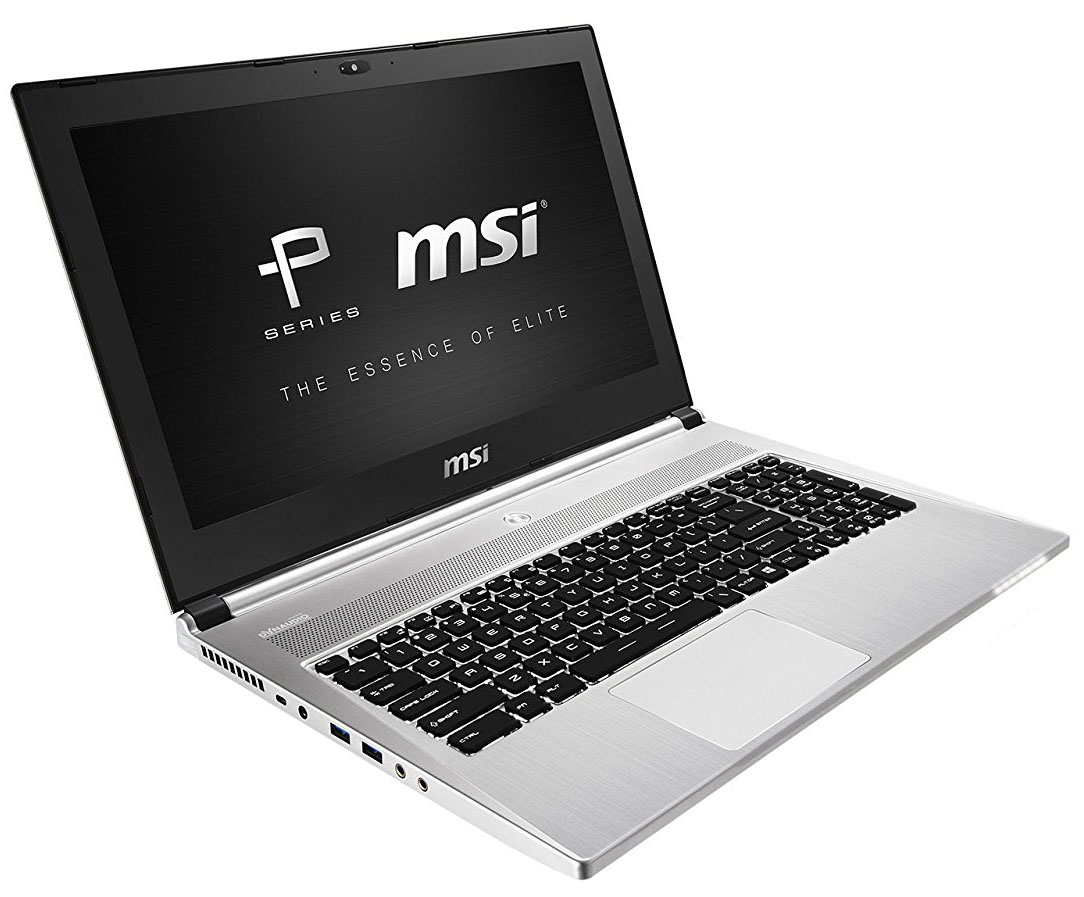
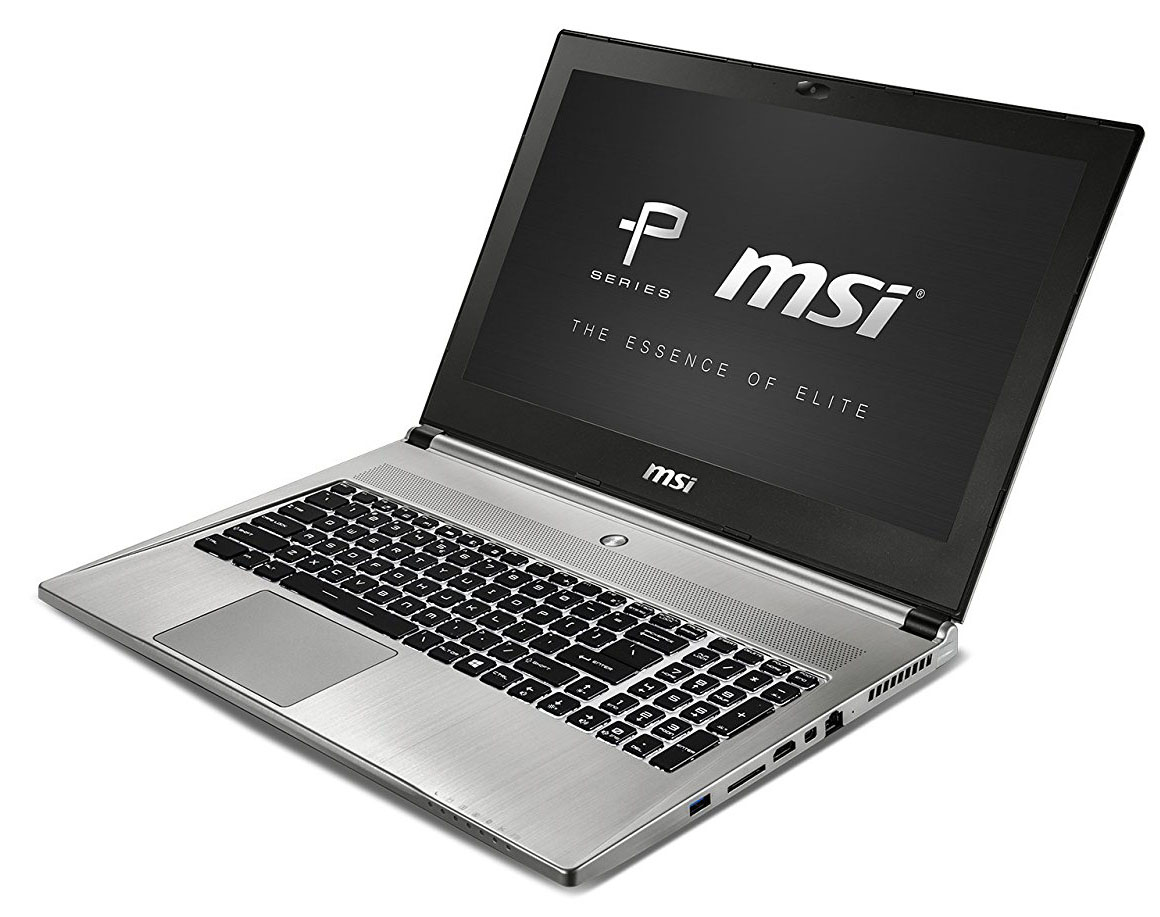
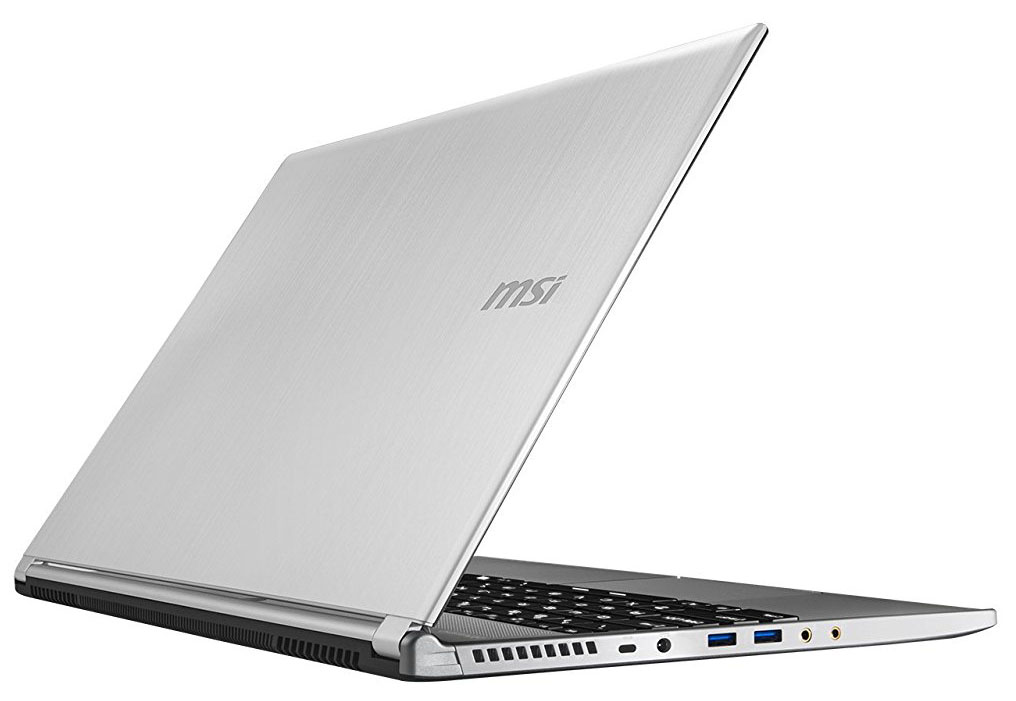
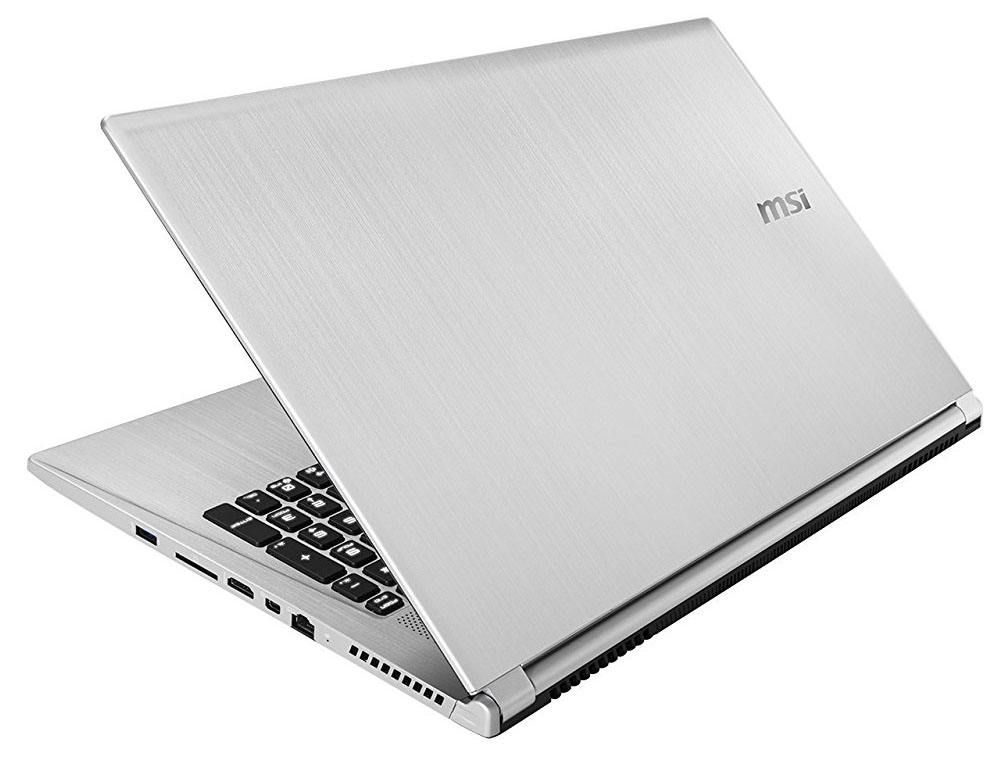

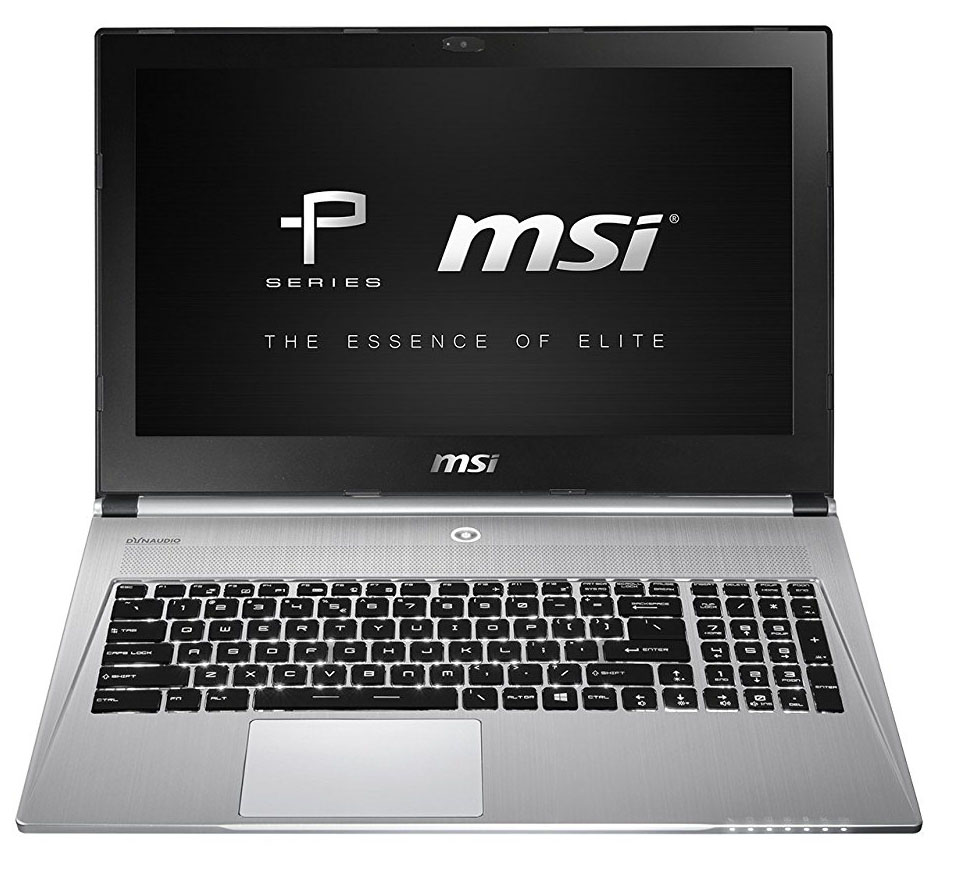
- Date Published: 19 Dec 2016
- Intel Core i7-6700HQ
- NVIDIA GeForce GTX 960M (2GB GDDR5)
- 15.6”, Full HD (1920 x 1080), IPS
- 256GB SSD + 1000GB HDD
- 32GB DDR4
- 1.90 kg (4.2 lbs)
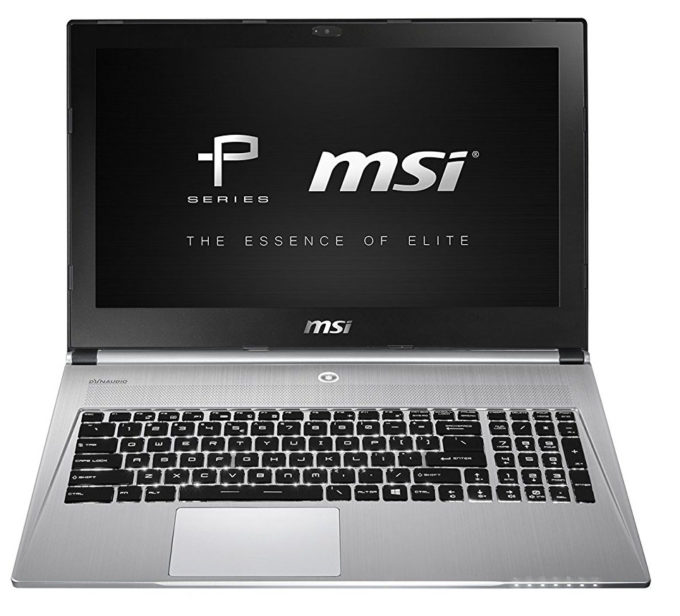
Specs
- HDD/SSD
- 256GB SSD + 1TB HDD, 5400 rpm
- M.2 Slot
- 1x 2280 PCIe NVMe
- RAM
- 32GB DDR4
- Body Material
- Aluminum
- Dimensions
- 390 x 266 x 20 mm (15.35" x 10.47" x 0.79")
- Weight
- 1.90 kg (4.2 lbs)
- Ports and connectivity
- 2x USB Type-A
- 3.2 Gen 1 (5 Gbps)
- 1x USB Type-C
- 3.2 Gen 2 (10 Gbps), Thunderbolt 3
- HDMI
- 1.4
- Mini DisplayPort
- Card Reader
- SD, SDHC, SDXC
- Ethernet LAN
- 10, 100, 1000 Mbit/s
- Wi-Fi
- 802.11ac
- Bluetooth
- 4.0
- Audio jack
- 2x 3.5 mm jacks for headset and external microphone
- Features
- Web camera
- 1080p Full HD
- Microphone
- Speakers
- 4x
- Optical drive
- Security Lock slot
Portability
Review
MSI PX60-6QE in-depth review
The MSI Prestige PX60 is the second notebook we were able to snatch from the company and there are more devices to come in the near future. Anyway, the PX60 is part of the relatively new Prestige lineup, which aims to expand the OEMs business beyond the gaming segment of the market.So in this regard, the PX60 is basically a rebranded GS60 laptop but loses the aggressive paint job and design. The chassis is rather the same. It's a compelling choice among other multimedia notebooks like the ASUS N552VX, Lenovo Ideapad 700 sporting similar specs but somehow lower price tag. This might actually be the biggest downside of the PX60 - higher price while offering a subpar TN panel instead of an IPS matrix, which can be found in numerous similarly priced notebooks like the ASUS ROG GL552VW,[...]
Read the full review
Pros
- Good build quality
- Relatively compact and lightweight
- Excellent keyboard and good touchpad
- Supports M.2 PCIe NVMe SSDs
- The display offers 100% sRGB coverage
- Efficient cooling system keeping temperatures low on the outside and inside
Cons
- Constant fan noise even when idle
- TN display with low contrast, low maximum brightness and poor viewing angles
- Aggressive PWM from 0 to 99% brightness (Health-Guard profile fixes that)
- Slightly pricier than its competitors
- Subpar battery life


![[June 2026] Best-Selling Laptop Brands on Amazon Global – Apple’s Unrivaled Dominance in Units and Revenue](https://laptopmedia.com/wp-content/uploads/2026/07/GLOBAL-Best-Brands-400x225.jpg)
![[June 2026] Amazon Global: Top 10 Best-Selling Laptops – Apple’s New MacBook Neo Storms to #1, Reshaping the Market with Affordability](https://laptopmedia.com/wp-content/uploads/2026/07/Best-Selling-Laptops-GLOBAL-Top-10-400x225.jpg)
![[June 2026] Amazon Global: Top 10 Best-Selling Gaming Laptops – Acer’s Nitro V 16S AI Dominates Sales, While ASUS Leads Overall Revenue](https://laptopmedia.com/wp-content/uploads/2026/07/Best-Selling-Gaming-Laptops-GLOBAL-Top-10-400x225.jpg)
![[June 2026] Global Ranking of Best-Selling Laptop GPUs on Amazon – NVIDIA RTX 5060 is the Top-Selling Dedicated GPU](https://laptopmedia.com/wp-content/uploads/2026/07/Best-Selling-GPUs-GLOBAL-Top-10-400x225.jpg)
![[June 2026] Global Ranking of Best-Selling Laptop CPUs on Amazon – Apple M5 Dominates, AMD Ryzen 7 260 Gets Solid Premium Share](https://laptopmedia.com/wp-content/uploads/2026/07/Best-Selling-CPUs-GLOBAL-Top-10-400x225.jpg)
