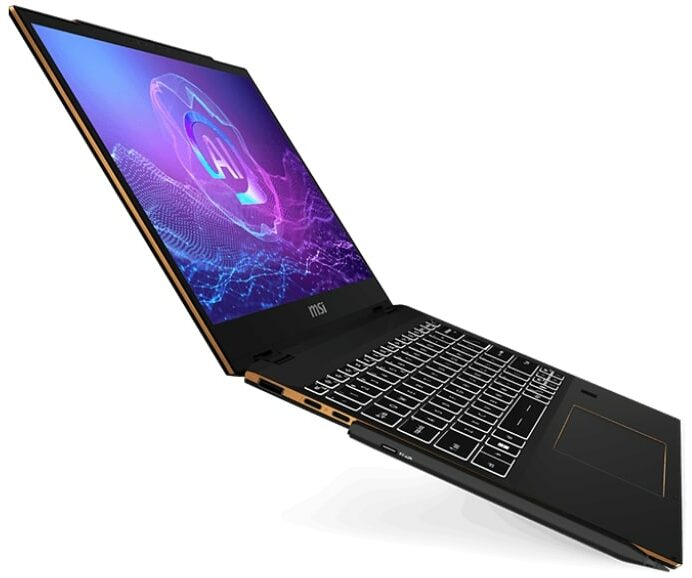
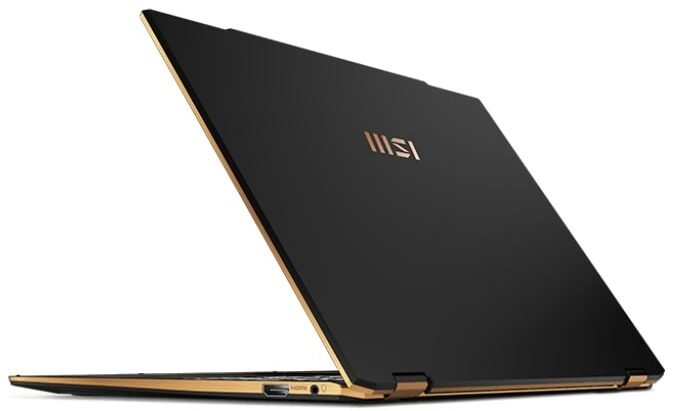
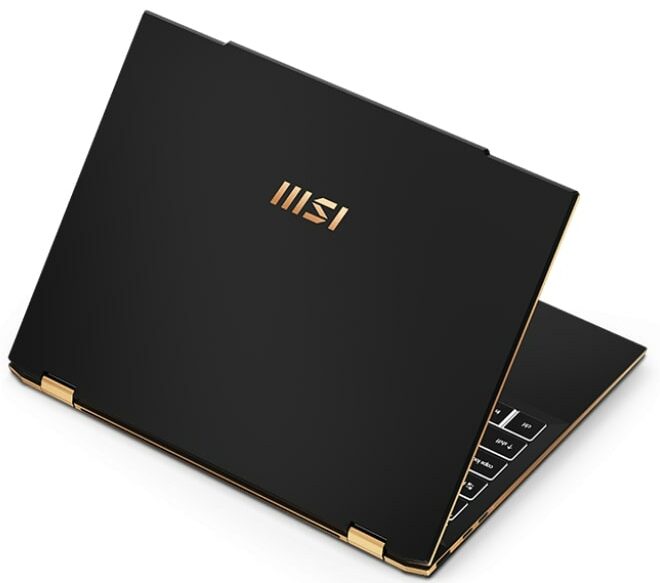
MSI Summit 13 AI+ Evo
- Date Published: 24 Sep 2024
- Intel Core Ultra 7 258V
- Intel Arc Graphics 140V
- 13.3”, WUXGA (1920 x 1200), IPS
- 1000GB SSD
- 32GB RAM
- 1.35 kg (3 lbs)
Specs
- Display

- HDD/SSD
- 1000GB SSD
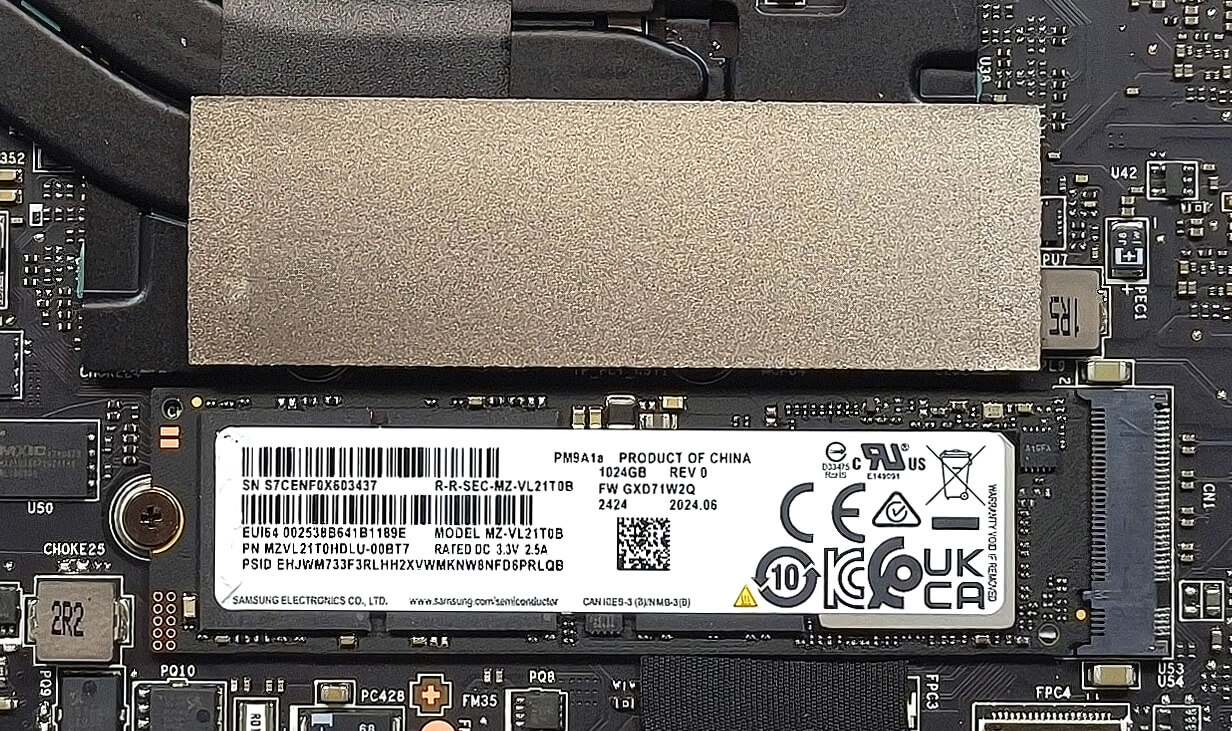
- M.2 Slot
- 1x 2280 M.2 NVMe PCIe 4.0 x4 See photo
- RAM
- 32GB RAM
- OS
- Windows 11 Pro
- Dimensions
- 300.2 x 222.25 x 15.9 - 16.2 mm (11.82" x 8.75" x 0.63")
- Weight
- 1.35 kg (3 lbs)
- Ports and connectivity
- 1x USB Type-A
- 3.2 Gen 1 (5 Gbps)
- 2x USB Type-C
- 4.0, Thunderbolt 4, Power Delivery (PD), DisplayPort
- HDMI
- 2.1
- Card Reader
- Ethernet LAN
- Wi-Fi
- Wi-Fi 7
- Bluetooth
- 5.4
- Audio jack
- 3.5mm Combo Jack
- Features
- Fingerprint reader
- Web camera
- IR FHD type (30fps@1080p) with HDR 3D Noise Reduction+ (3DNR+)
- Backlit keyboard
- Microphone
- 3x Spatial Array Microphone with AI Noise Cancellation Pro
- Speakers
- 2x 2W Stereo Speakers
- Optical drive
- Security Lock slot
Portability
Review
MSI Summit 13 AI+ Evo in-depth review
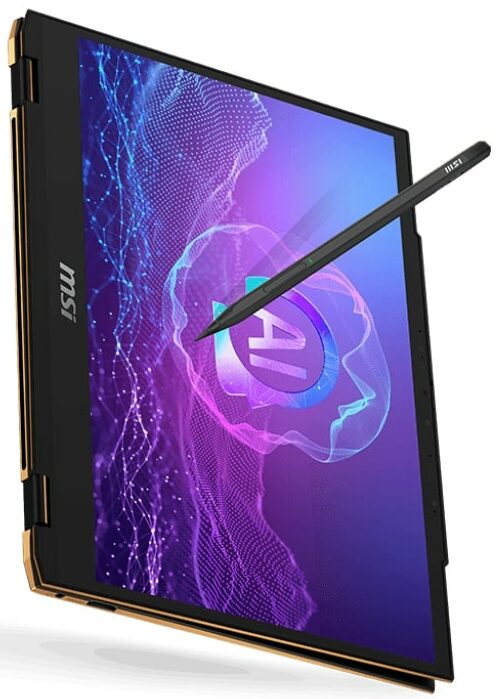
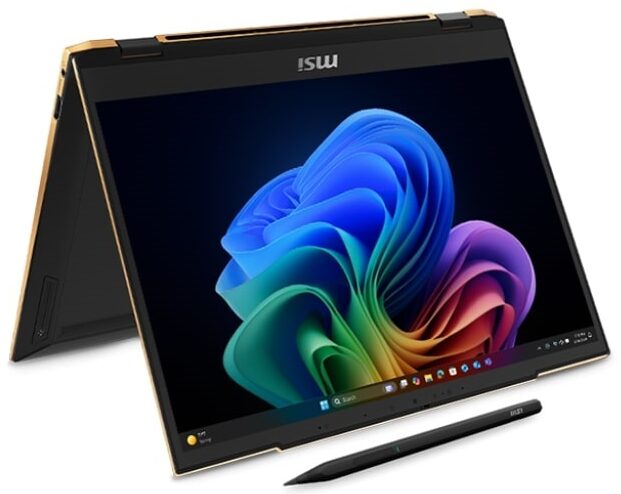
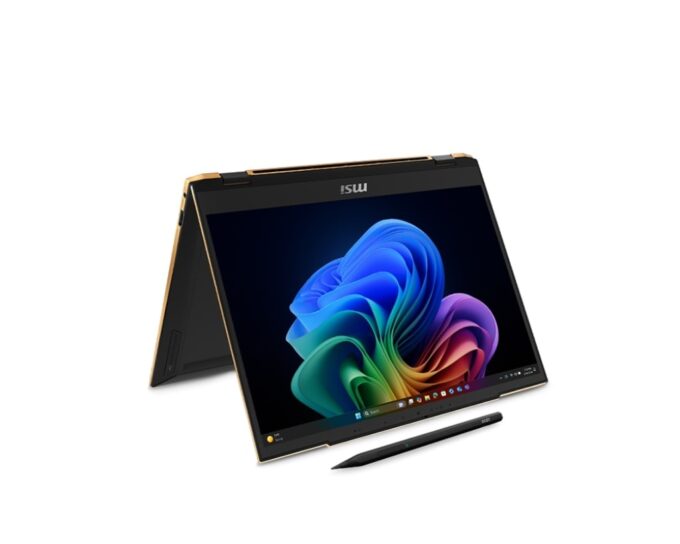
The Summit 13 AI+ Evo A2VM sports similar design and hardware as its Prestige 13 AI+ Evo A2VM sibling that we already have tested. Of course, there are some differences between the two. The Summit version has slighly hindered port selection, a heftier cooling compared to the Prestige iteration, and 2-in-1 capabilities. The former is another Intel Evo Edition Copilot+ PC by MSI that is equipped with efficient Lunar Lake CPUs that boast snappy iGPU and beefy NPU for AI tasks. The upgradability may be non-existent, but you are treated with Wi-Fi 7 connectivity and many security features, including a dTPM 2.0 chip, an IR Web camera, and a fingerprint reader.The machine that we picked has the default 13.3" 1200p IPS screen. If money isn't a problem, you can opt for a QHD+ OLED panel. But he[...]
Read the full review
Pros
- Good overall performance for a light 13-inch 2-in-1 machine
- Up to 32GB LPDDR5x
- 1540:1 contrast ratio + wide viewing angles (CMN13C6)
- 92% DCI-P3 coverage + accurate colors with our "Design and Office" profile (CMN13C6)
- 421 nits of max brightness (CMN13C6)
- PWM-free (CMN13C6)
- Comfortable keyboard
- Smooth and accurate touchpad
- Solid metal chassis
- The Core Ultra 7 258V maintains a 2.73 GHz / 3.19 GHz and LP-E core clock in long loads
- The MSI Center offers plenty of customizations
- 2x Thunderbolt 4s
- IR Web Camera
- Fingerprint reader
- dTPM 2.0 + privacy shutter
- The fans are turned off during light loads, even in "Extreme Performance" mode
- Fast SSD (SAMSUNG PM9A1a)
- 70Wh battery that lasts for around 20 hours of videos on a single charge
- Intel Evo-certified laptop
- Copilot+ PC
- 360-degree hinge
- Wi-Fi 7 + Bluetooth 5.4
- Light and thin (1.35 kg/ 15.9 -16.2 mm)
- Great iGPU performance
- Cooler Boost function for increased cooling capabilities
- Lid with a lever design
Cons
- High price
- Limited upgradability
- You can't open the lid with one hand
- Fingeprint magnet
- Noisy fans in "Extreme performance" mode
Disassembly, maintenance and upgrade options
Step 1: Opening the MSI Summit 13 AI+ Evo (A2VMx)Power off the laptop and place it on a static-free surface. Undo the four Phillips-head screws securing the bottom panel. Note: the top screws are hidden beneath the rubber feet, which you must gently unglue first. Insert a thin plastic pry tool at the upper edges near the hinges and begin popping the panel upwards. Continue prying along the sides and the front edges of the laptop. Finish by working your way along the rear to fully detach the bottom plate.More info: The inside of the bottom panel has a plastic film p[...]
Read more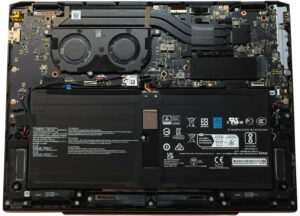


![[June 2026] Best-Selling Laptop Brands on Amazon Global – Apple’s Unrivaled Dominance in Units and Revenue](https://laptopmedia.com/wp-content/uploads/2026/07/GLOBAL-Best-Brands-400x225.jpg)
![[June 2026] Amazon Global: Top 10 Best-Selling Laptops – Apple’s New MacBook Neo Storms to #1, Reshaping the Market with Affordability](https://laptopmedia.com/wp-content/uploads/2026/07/Best-Selling-Laptops-GLOBAL-Top-10-400x225.jpg)
![[June 2026] Amazon Global: Top 10 Best-Selling Gaming Laptops – Acer’s Nitro V 16S AI Dominates Sales, While ASUS Leads Overall Revenue](https://laptopmedia.com/wp-content/uploads/2026/07/Best-Selling-Gaming-Laptops-GLOBAL-Top-10-400x225.jpg)
![[June 2026] Global Ranking of Best-Selling Laptop GPUs on Amazon – NVIDIA RTX 5060 is the Top-Selling Dedicated GPU](https://laptopmedia.com/wp-content/uploads/2026/07/Best-Selling-GPUs-GLOBAL-Top-10-400x225.jpg)
![[June 2026] Global Ranking of Best-Selling Laptop CPUs on Amazon – Apple M5 Dominates, AMD Ryzen 7 260 Gets Solid Premium Share](https://laptopmedia.com/wp-content/uploads/2026/07/Best-Selling-CPUs-GLOBAL-Top-10-400x225.jpg)