How to open MSI Summit 13 AI+ Evo (A2VMx) – disassembly and upgrade options
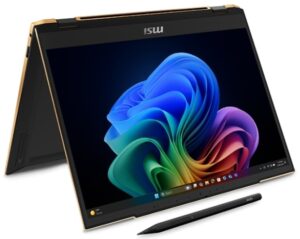
Step 1: Opening the MSI Summit 13 AI+ Evo (A2VMx)
- Power off the laptop and place it on a static-free surface.
- Undo the four Phillips-head screws securing the bottom panel. Note: the top screws are hidden beneath the rubber feet, which you must gently unglue first.
- Insert a thin plastic pry tool at the upper edges near the hinges and begin popping the panel upwards.
- Continue prying along the sides and the front edges of the laptop. Finish by working your way along the rear to fully detach the bottom plate.
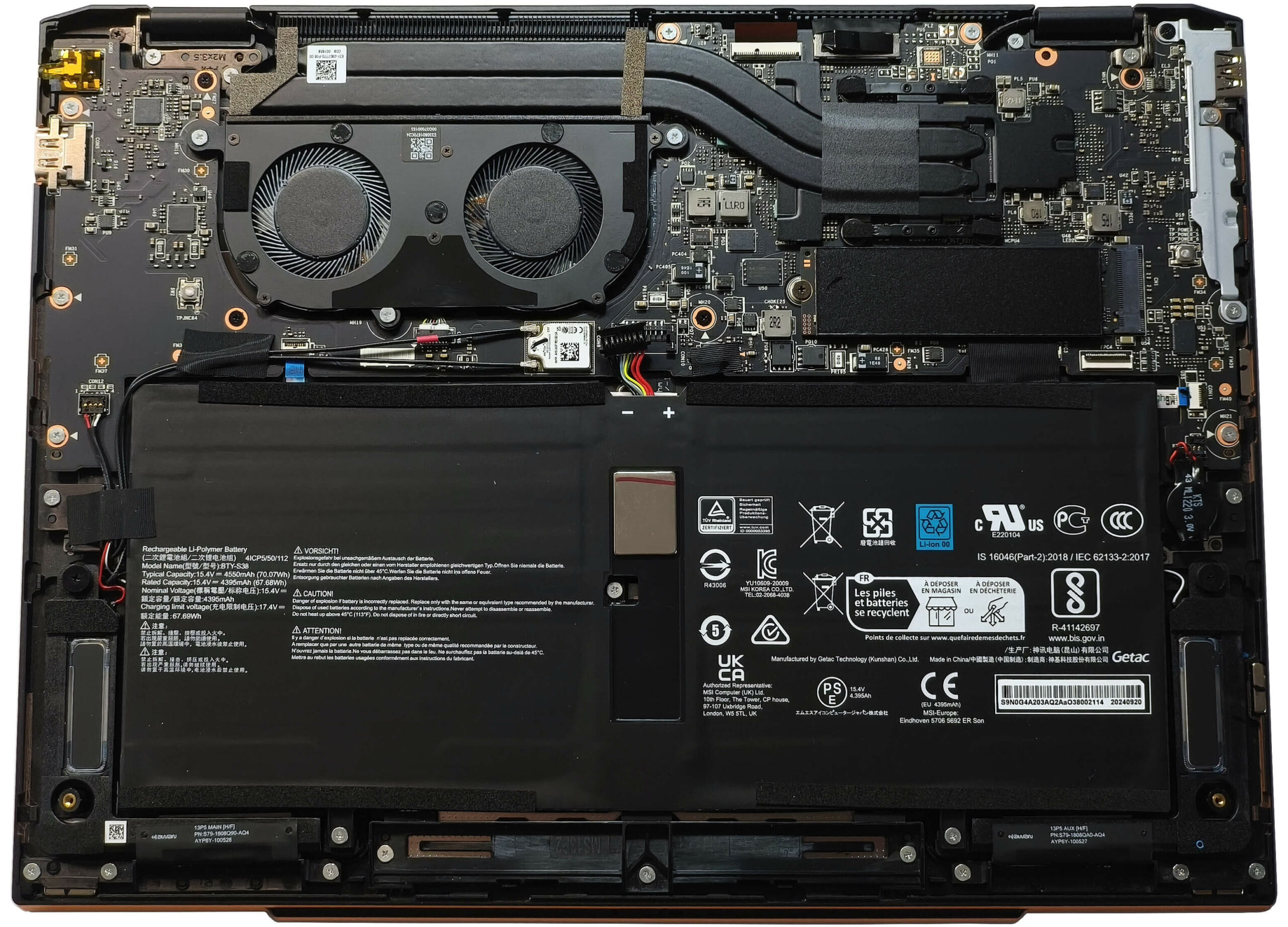
More info: The inside of the bottom panel has a plastic film partially covering the ventilation grill.
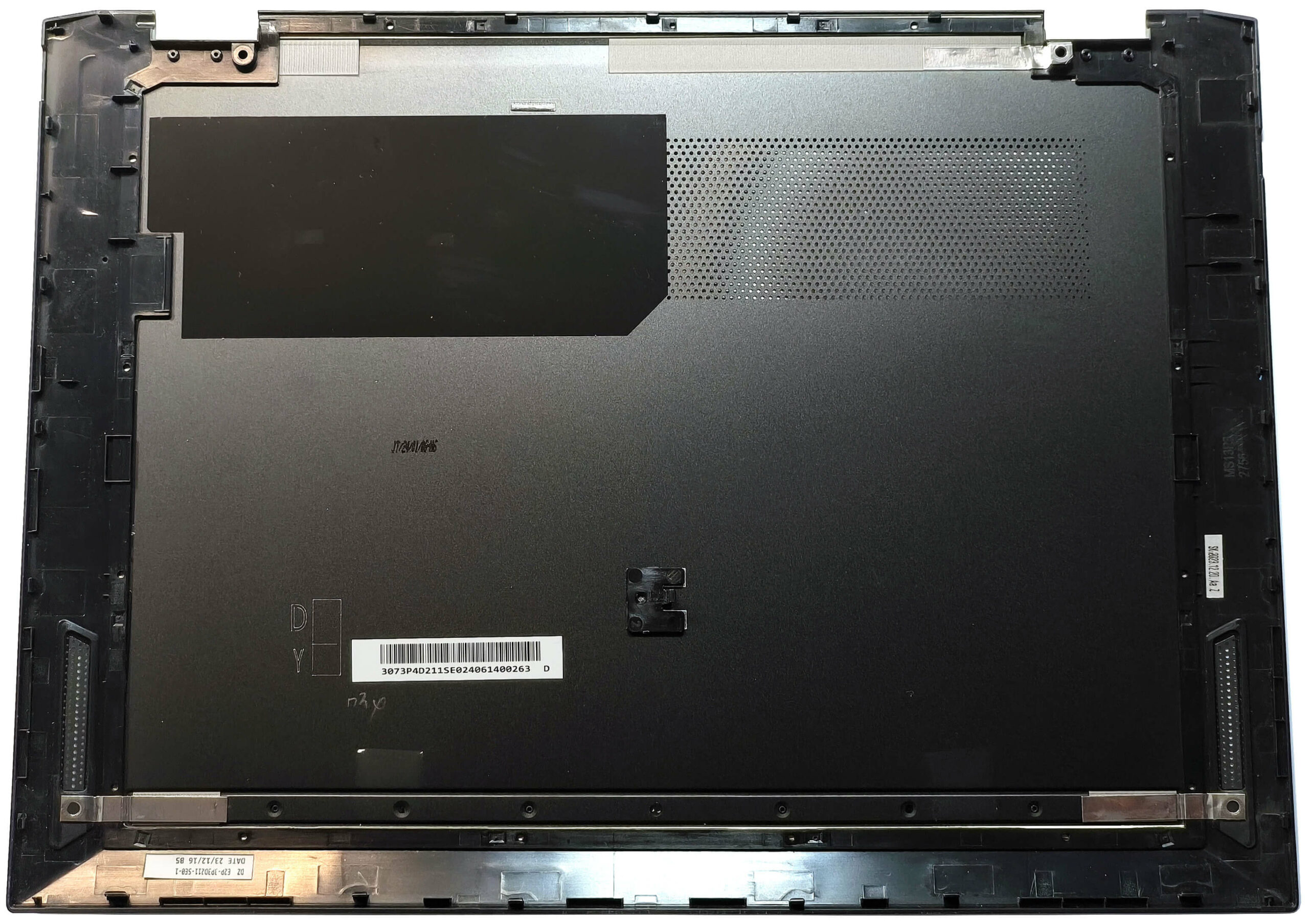
Step 2: Battery Removal
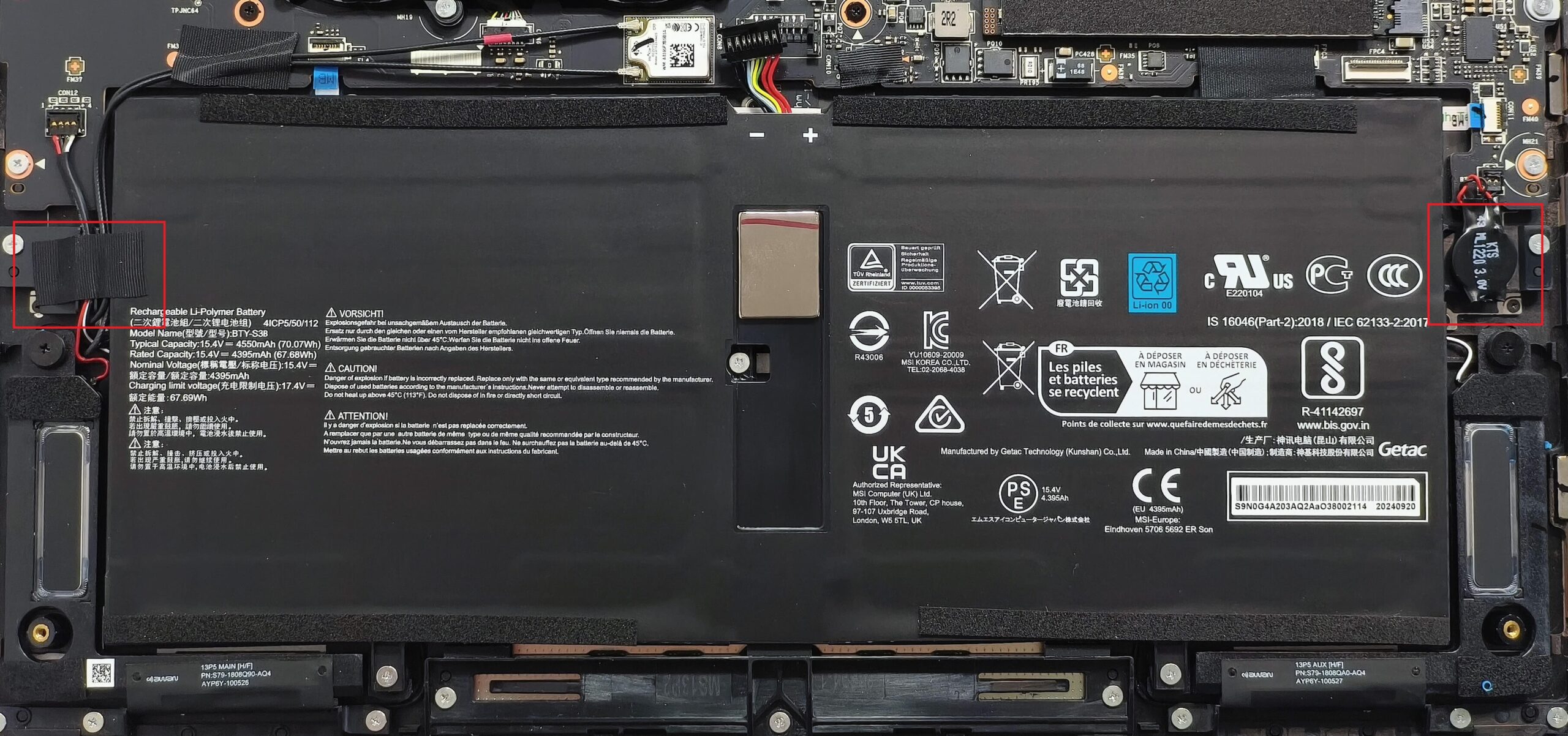
- Locate the 70Wh battery spanning the lower part of the chassis.
- Pop the front of the battery connector and gently push it slightly toward the SSD to disconnect it from the motherboard.
- Undo the five Phillips-head screws that secure the battery to the base.
- Unglue the CMOS battery from the motherboard on the right side.
- Carefully untangle the speaker cables on the left, then lift the battery out of the laptop.
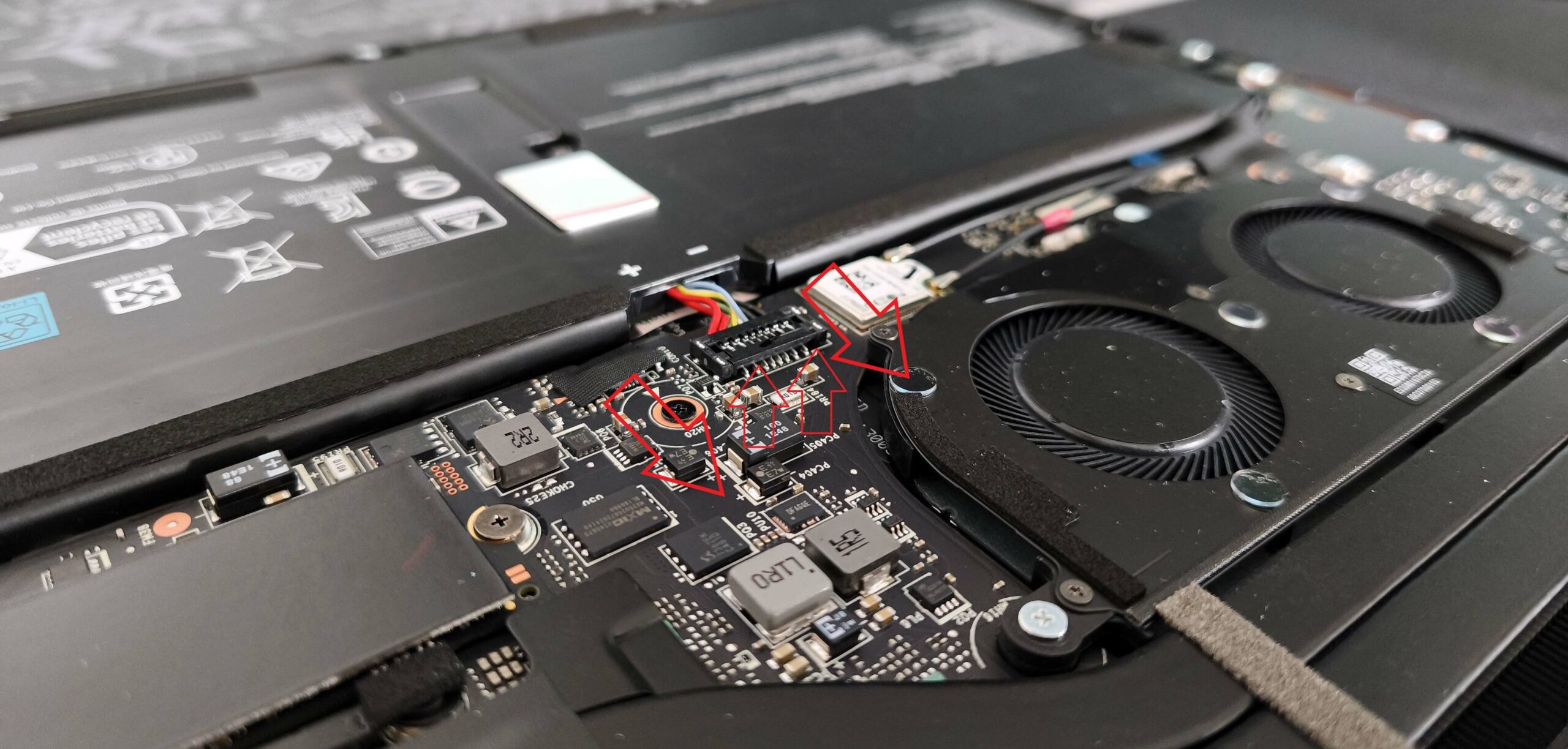
More info: The 70Wh battery provides impressive endurance, lasting around 20.5 hours of video playback.
Memory Information
- The memory is soldered to the motherboard, typical for thin Copilot+ devices.
- This model comes with up to 32GB of LPDDR5x-8533MHz RAM in dual-channel mode, offering plenty of performance for multitasking.
Storage Upgrade
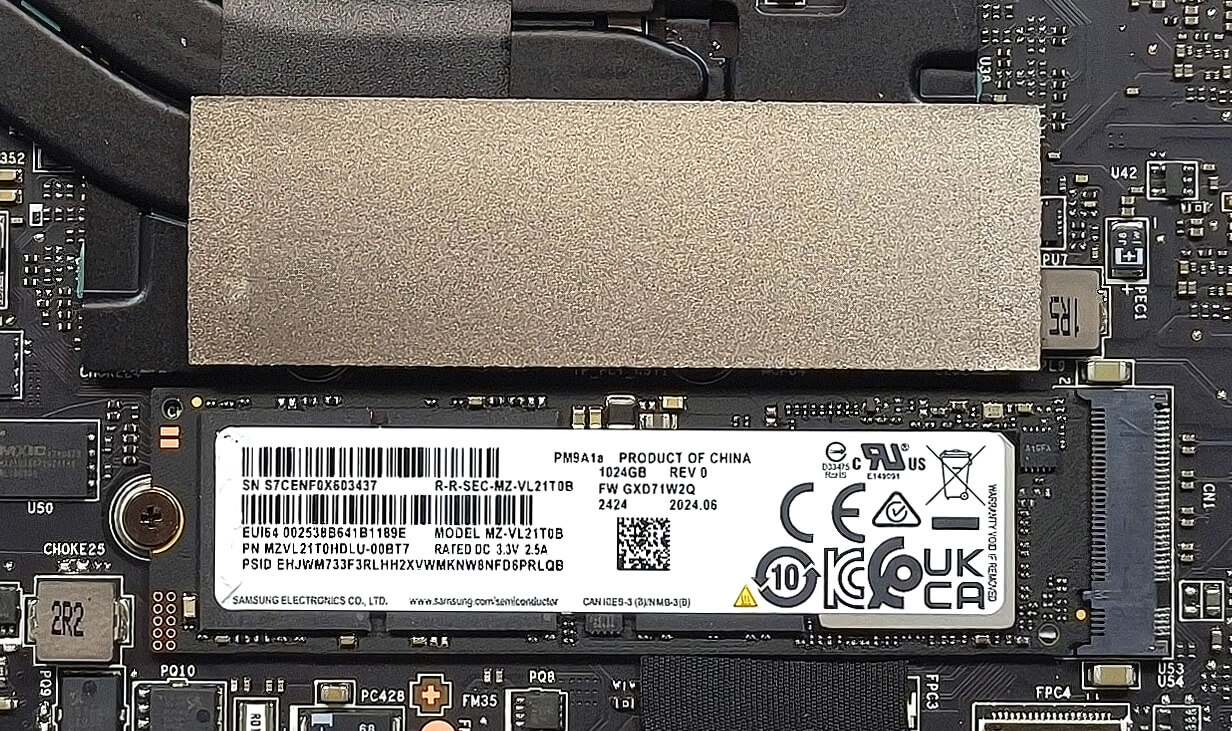
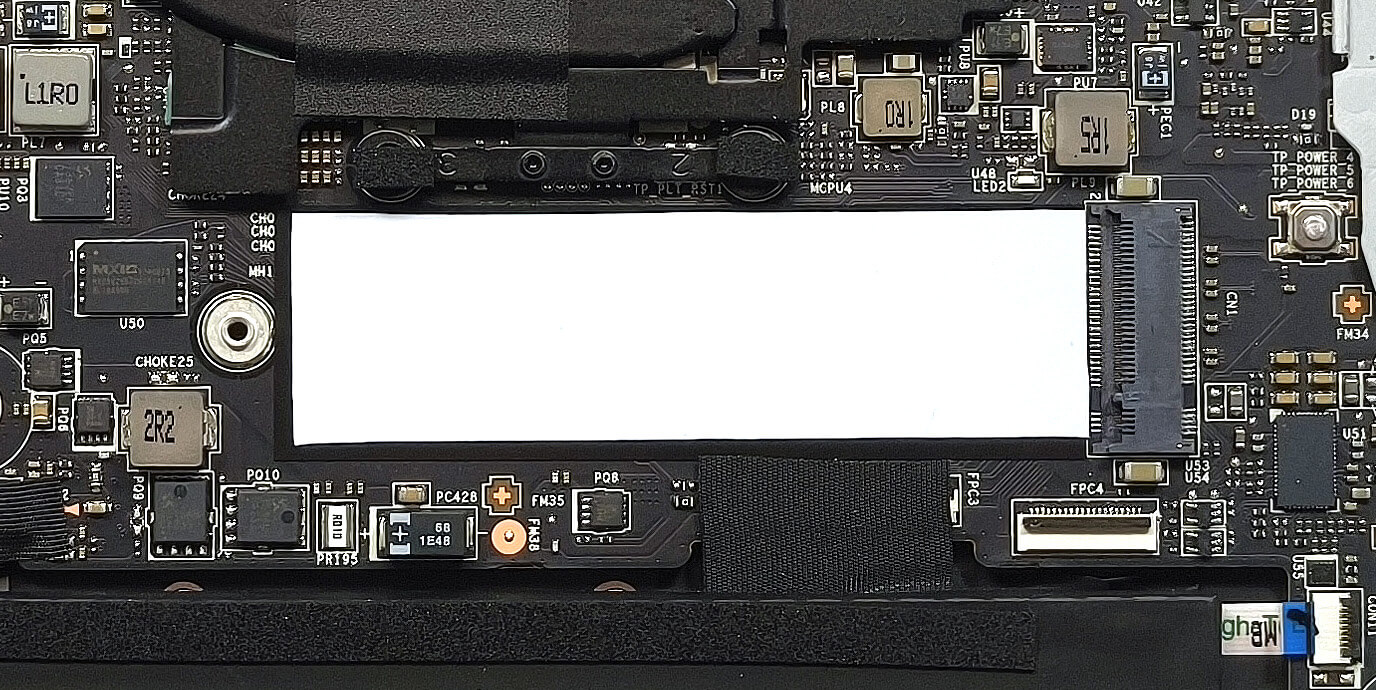
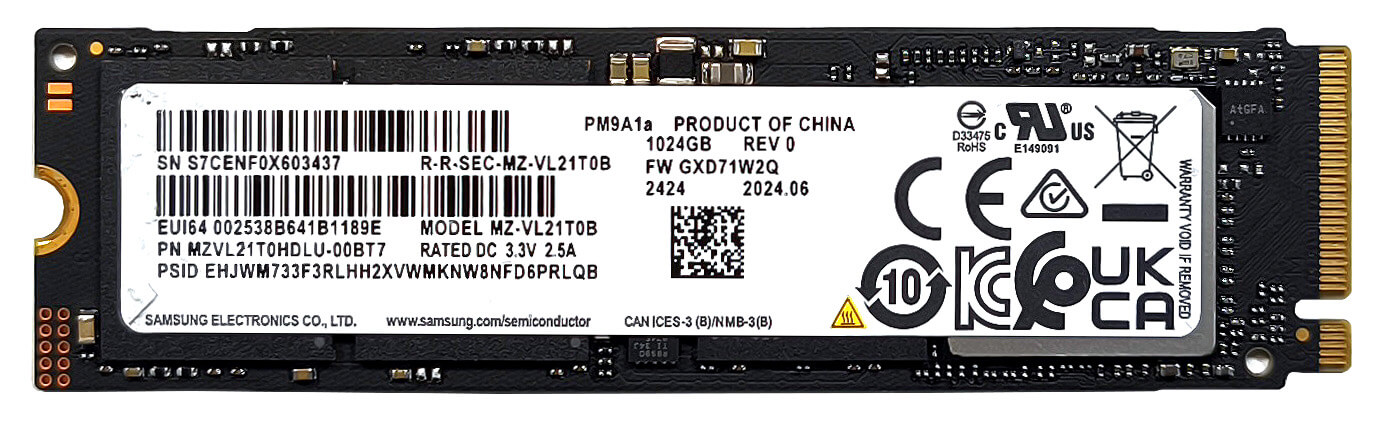
- Locate the single M.2 slot, compatible with 2280 Gen 4 SSDs.
- Remove the installed SSD if upgrading, then insert your new drive into the slot at an angle and secure it with the heat shield and existing screw.
- A thermal pad in front of the slot provides additional heat dissipation.
Hint: Don’t forget to check out our Top M.2 SSDs Performance Rankings for insights on the best storage options available.
You can buy Gen 4 NVMe SSDs here: Buy from Amazon.com (#CommissionsEarned)
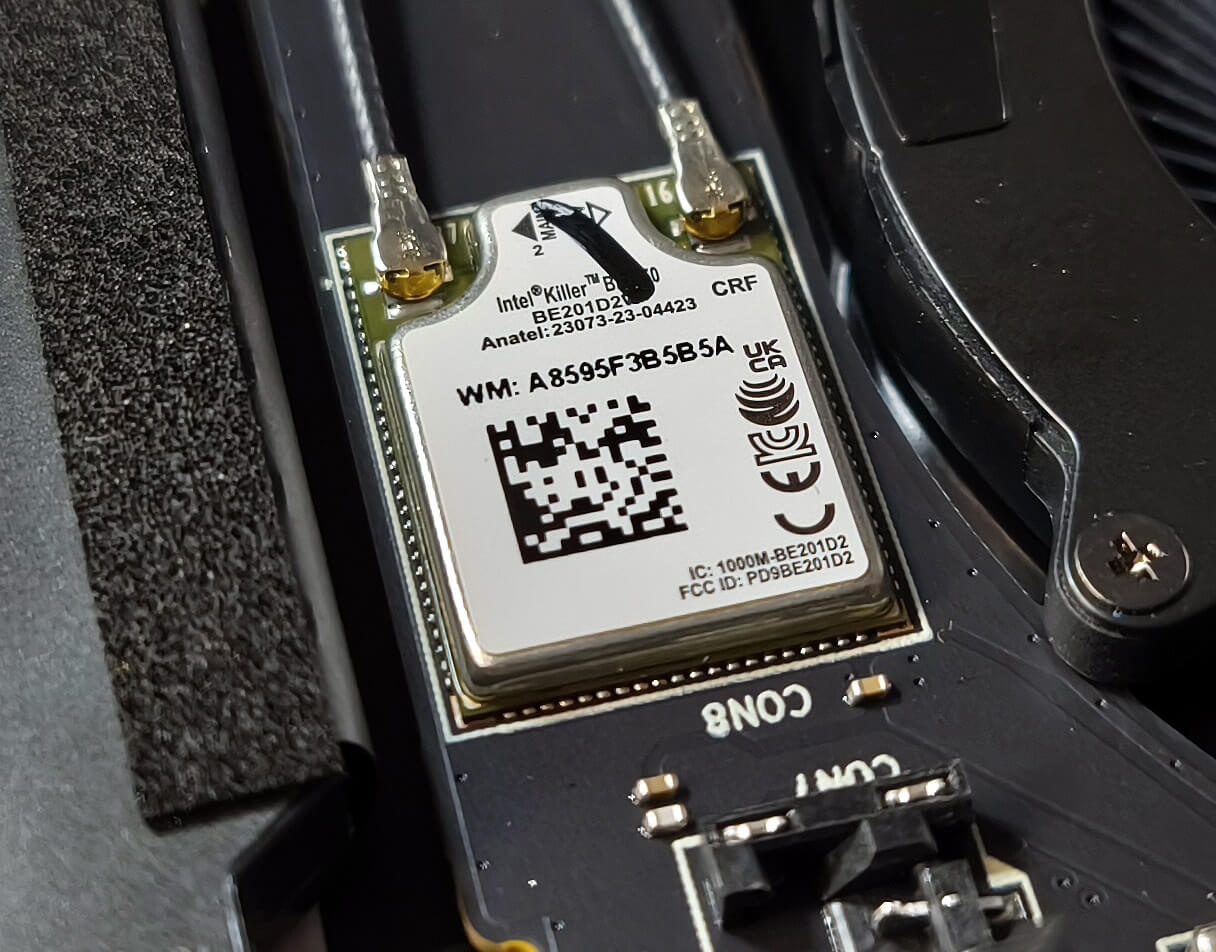
Wireless Module
- Unfortunately, the Wi-Fi 7 card is soldered, meaning upgrades or replacements aren’t possible.
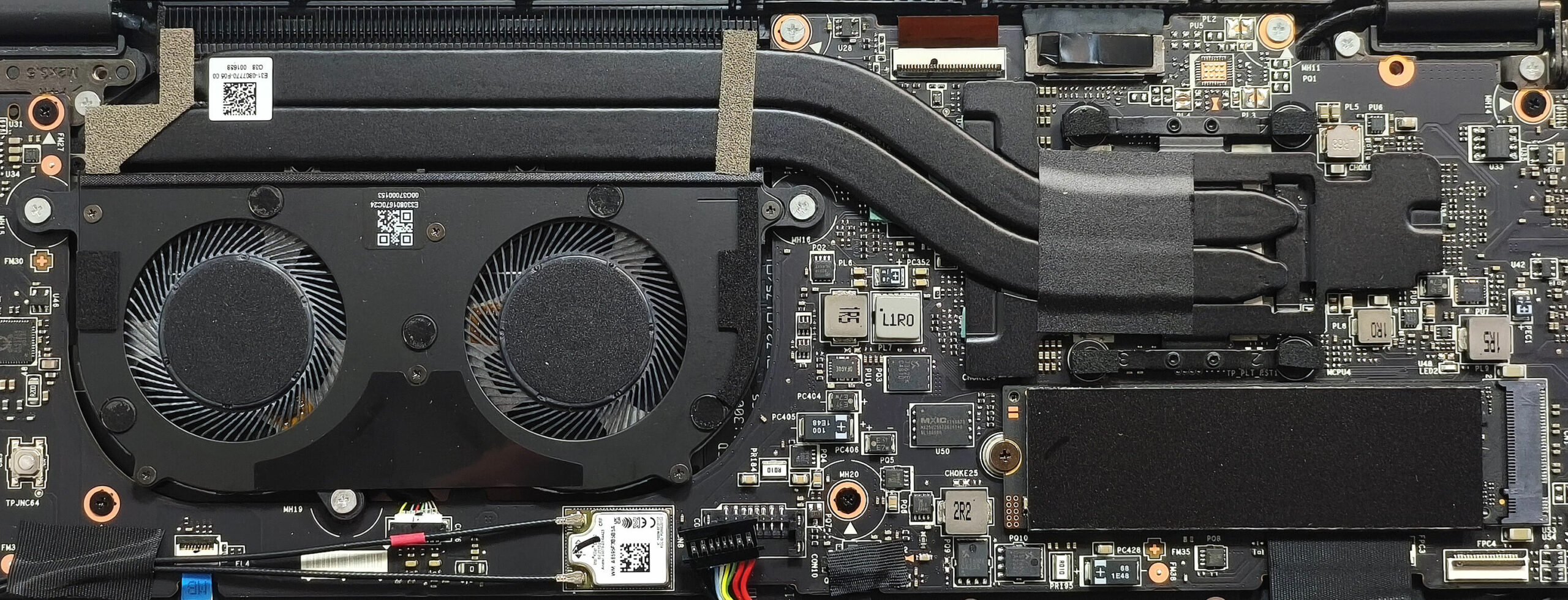
Cooling System Overview
- The thermal solution is appropriate for a device with a 17W CPU.
- It consists of two fans, a pair of long heat pipes, one large heat sink, and a heat spreader for effective cooling.
More info: Despite being a thin Copilot+ PC, the Summit 13 AI+ Evo offers excellent battery life and solid cooling while keeping maintenance straightforward.
MSI Summit 13 AI+ Evo (A2VMx) in-depth review
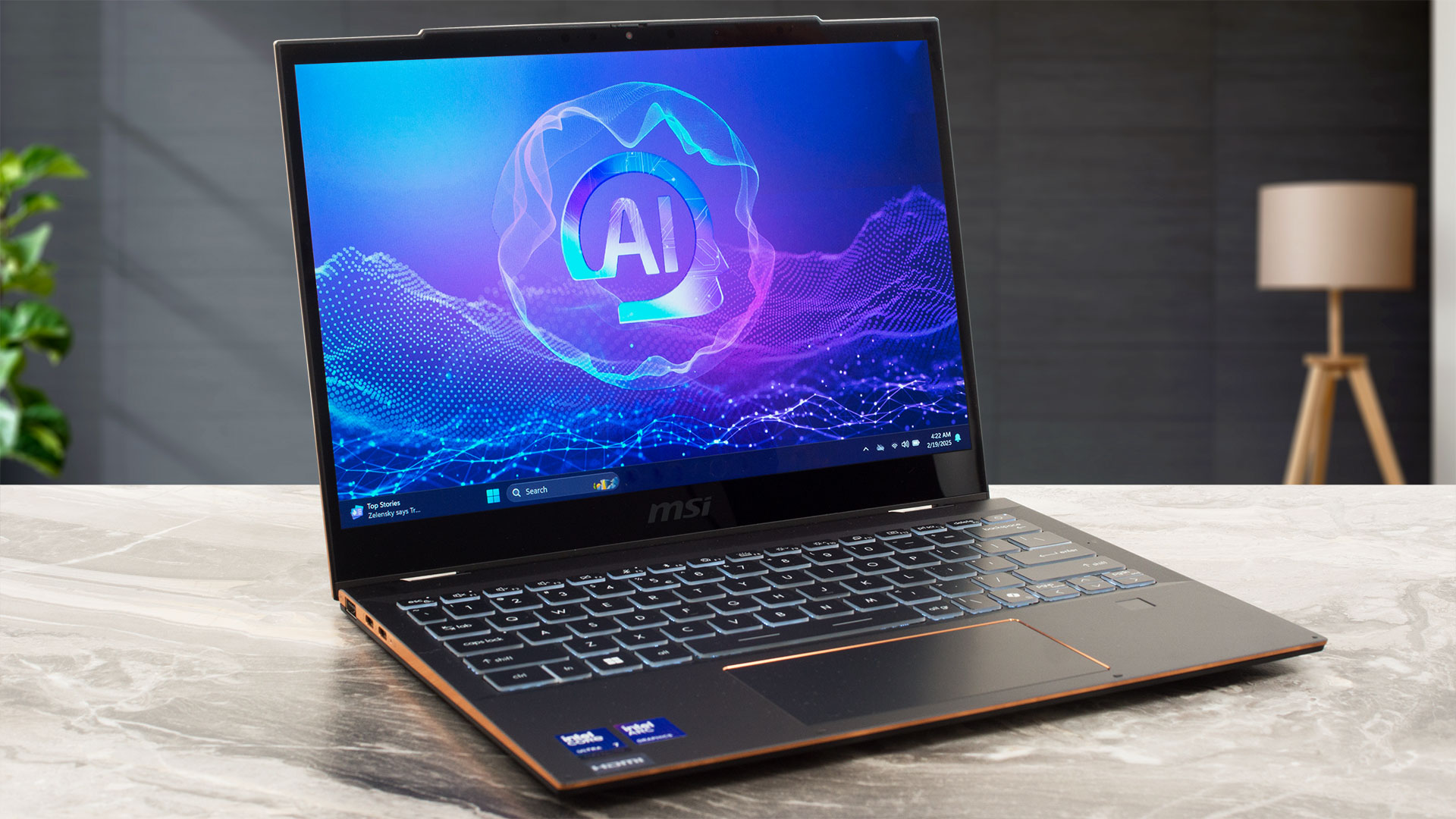
The Summit 13 AI+ Evo A2VM sports similar design and hardware as its Prestige 13 AI+ Evo A2VM sibling that we already have tested. Of course, there are some differences between the two. The Summit version has slighly hindered port selection, a heftier cooling compared to the Prestige iteration, and 2-in-1 capabilities. The former is another Intel Evo Edition Copilot+ PC by MSI that is equipped with efficient Lunar Lake CPUs that boast snappy iGPU and beefy NPU for AI tasks. The upgradability may be non-existent, but you are treated with Wi-Fi 7 connectivity and many security features, includin[...]
Pros
- Good overall performance for a light 13-inch 2-in-1 machine
- Up to 32GB LPDDR5x
- 1540:1 contrast ratio + wide viewing angles (CMN13C6)
- 92% DCI-P3 coverage + accurate colors with our "Design and Office" profile (CMN13C6)
- 421 nits of max brightness (CMN13C6)
- PWM-free (CMN13C6)
- Comfortable keyboard
- Smooth and accurate touchpad
- Solid metal chassis
- The Core Ultra 7 258V maintains a 2.73 GHz / 3.19 GHz and LP-E core clock in long loads
- The MSI Center offers plenty of customizations
- 2x Thunderbolt 4s
- IR Web Camera
- Fingerprint reader
- dTPM 2.0 + privacy shutter
- The fans are turned off during light loads, even in "Extreme Performance" mode
- Fast SSD (SAMSUNG PM9A1a)
- 70Wh battery that lasts for around 20 hours of videos on a single charge
- Intel Evo-certified laptop
- Copilot+ PC
- 360-degree hinge
- Wi-Fi 7 + Bluetooth 5.4
- Light and thin (1.35 kg/ 15.9 -16.2 mm)
- Great iGPU performance
- Cooler Boost function for increased cooling capabilities
- Lid with a lever design
Cons
- High price
- Limited upgradability
- You can't open the lid with one hand
- Fingeprint magnet
- Noisy fans in "Extreme performance" mode
 Author: Dimitar Stalev

![[August 2026] Amazon Italy: Top 10 Best-Selling Laptops – Apple MacBook Neo Claims the Crown as Budget and Mid-Range Windows Machines Dominate Volume](https://laptopmedia.com/wp-content/uploads/2026/09/Best-Selling-Laptops-IT-Top-10-400x225.jpg)
![[August 2026] Amazon Italy: Top 7 Best-Selling Gaming Laptops – ASUS V16 Claims the #1 Spot Amid Strong Mid-Range Demand](https://laptopmedia.com/wp-content/uploads/2026/09/Best-Selling-Gaming-Laptops-IT-Top-10-400x225.jpg)
![[August 2026] Best-Selling Laptop Brands on Amazon Italy – Lenovo Dominates Market Share and Revenue Leadership](https://laptopmedia.com/wp-content/uploads/2026/09/IT-Best-Brands-400x225.jpg)
![[August 2026] Amazon India: Top 10 Best-Selling Laptops – Apple MacBook Neo Dominates the Charts with Massive Sales Lead](https://laptopmedia.com/wp-content/uploads/2026/09/Best-Selling-Laptops-IN-Top-10-400x225.jpg)
![[August 2026] Amazon India: Top 10 Best-Selling Gaming Laptops – HP Victus 15 Dominates the Market with Massive Unit Lead](https://laptopmedia.com/wp-content/uploads/2026/09/Best-Selling-Gaming-Laptops-IN-Top-10-400x225.jpg)
