
- Date Published: 26 Nov 2025
- Intel Core i7-12650H
- NVIDIA GeForce RTX 4050 (Laptop, 45W)
- 15.6”, Full HD (1920 x 1080), 144 Hz, IPS
- 2000GB SSD
- 16GB RAM
- 1.86 kg (4.1 lbs)
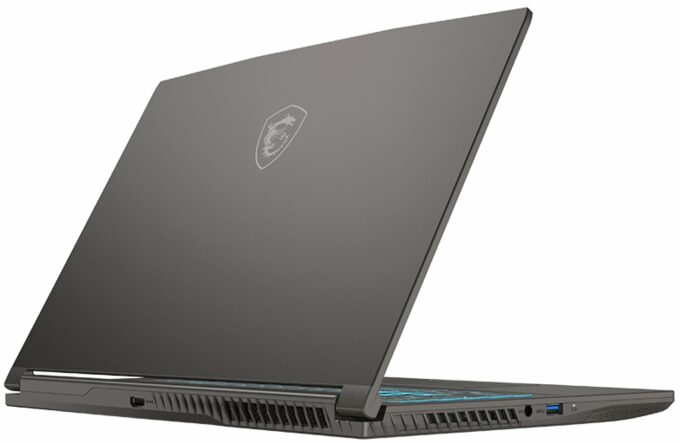
Specs

- HDD/SSD
- 2000GB SSD
- M.2 Slot
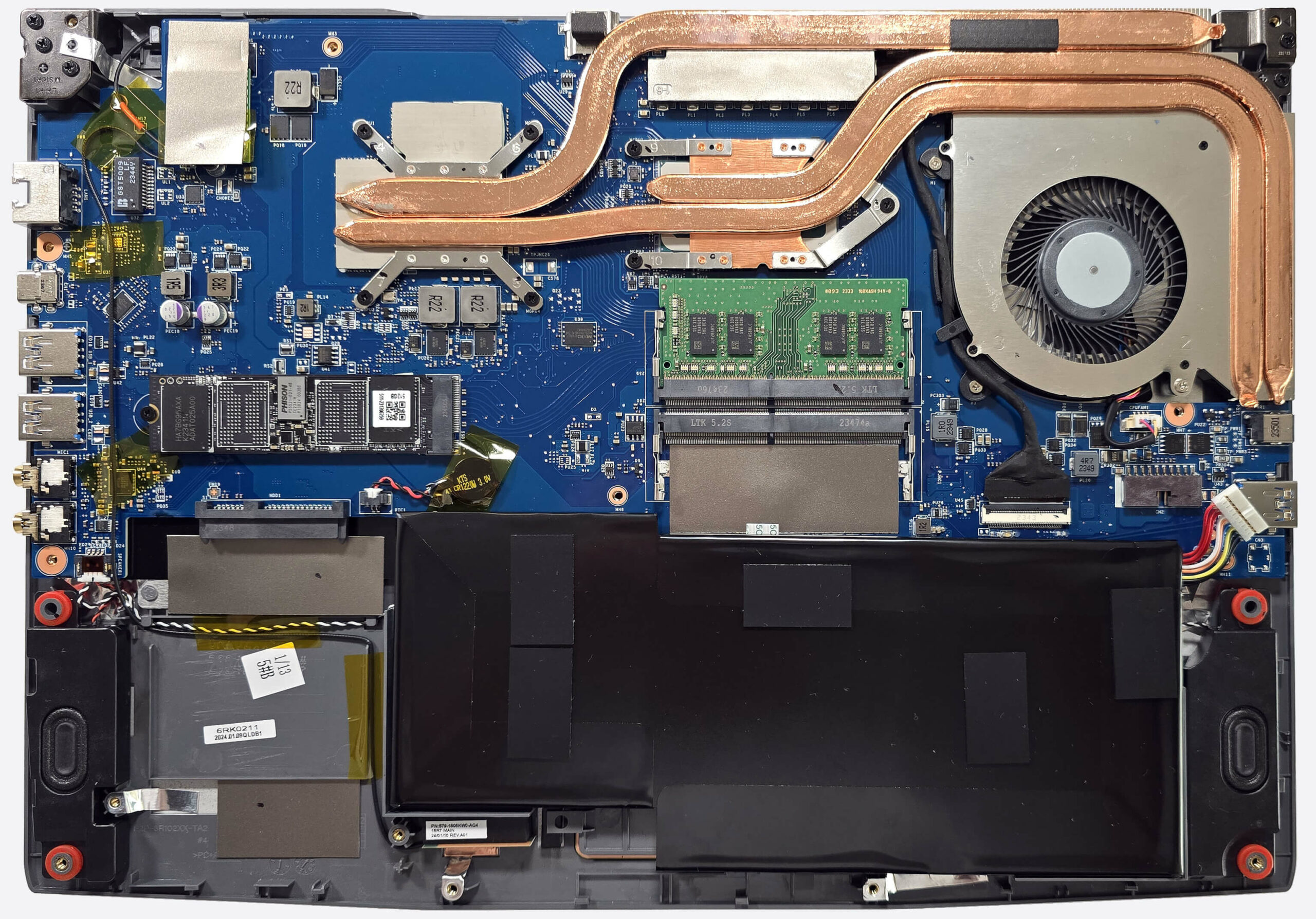
- 1x 2280 M.2 NVMe PCIe 4.0 x4 + SATA slot See photo
- RAM
- 16GB RAM
- OS
- Windows 10 Home
- Body Material
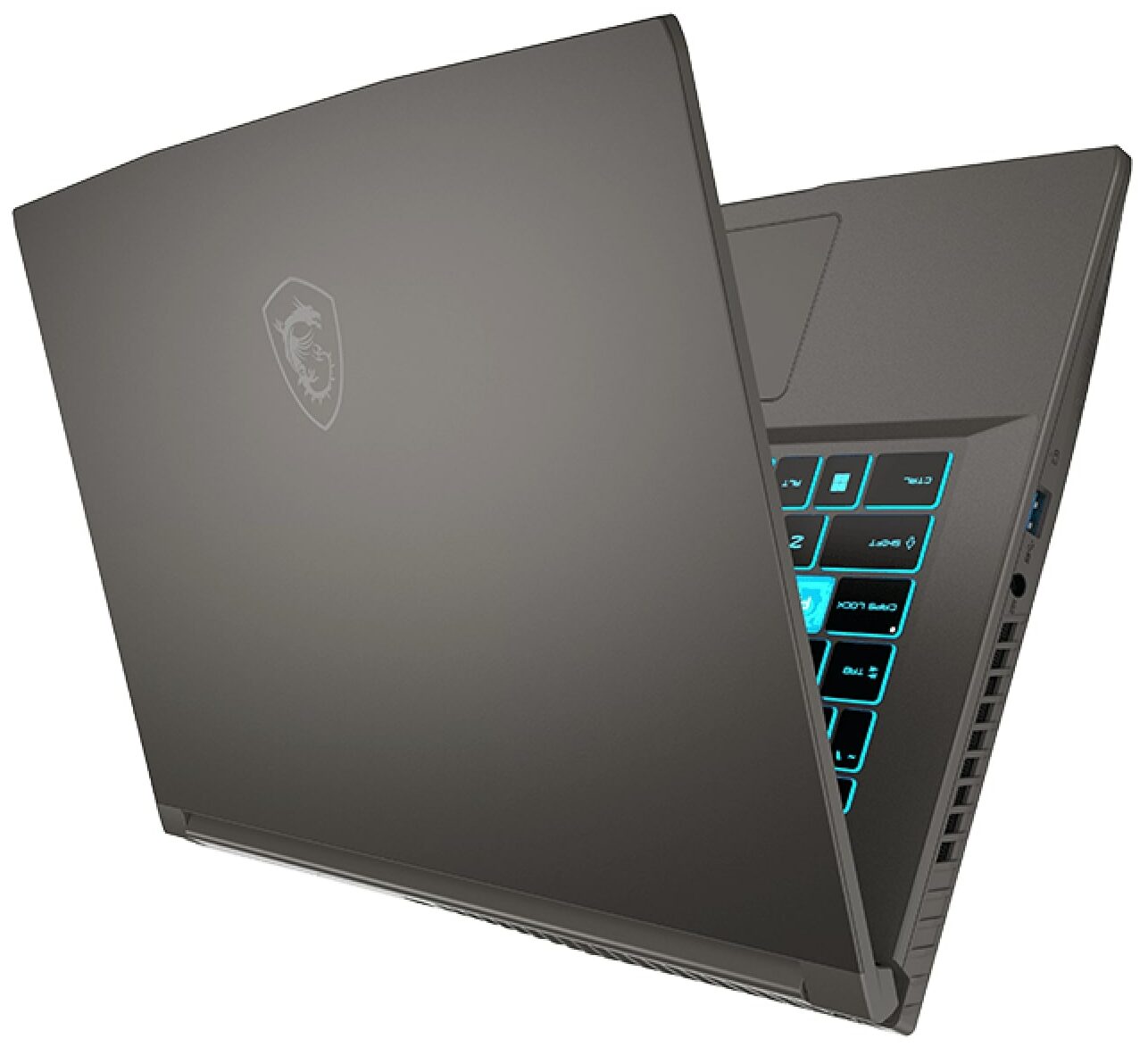
- Plastic / Polycarbonate, Aluminum
- Dimensions
- 359 x 254 x 21.7 mm (14.13" x 10.00" x 0.85")
- Weight
- 1.86 kg (4.1 lbs)
- Ports and connectivity
- 3x USB Type-A
- 3.2 Gen 1 (5 Gbps)
- 1x USB Type-C
- 3.2 Gen 1 (5 Gbps), DisplayPort
- HDMI
- Card Reader
- Ethernet LAN
- 10, 100, 1000 Mbit/s
- Wi-Fi
- 802.11ax
- Bluetooth
- 5.3
- Audio jack
- 1x Headphone Jack + 1x Microphone Jack
- Features
- Fingerprint reader
- Web camera
- HD
- Backlit keyboard
- Microphone
- Speakers
- 2x 2W Stereo Speakers, DTS Audio, Hi-Res Audio
- Security Lock slot
- Kensington Lock
- Gifts
- 32GB USB Drive
Portability
Review
MSI Thin 15 in-depth review
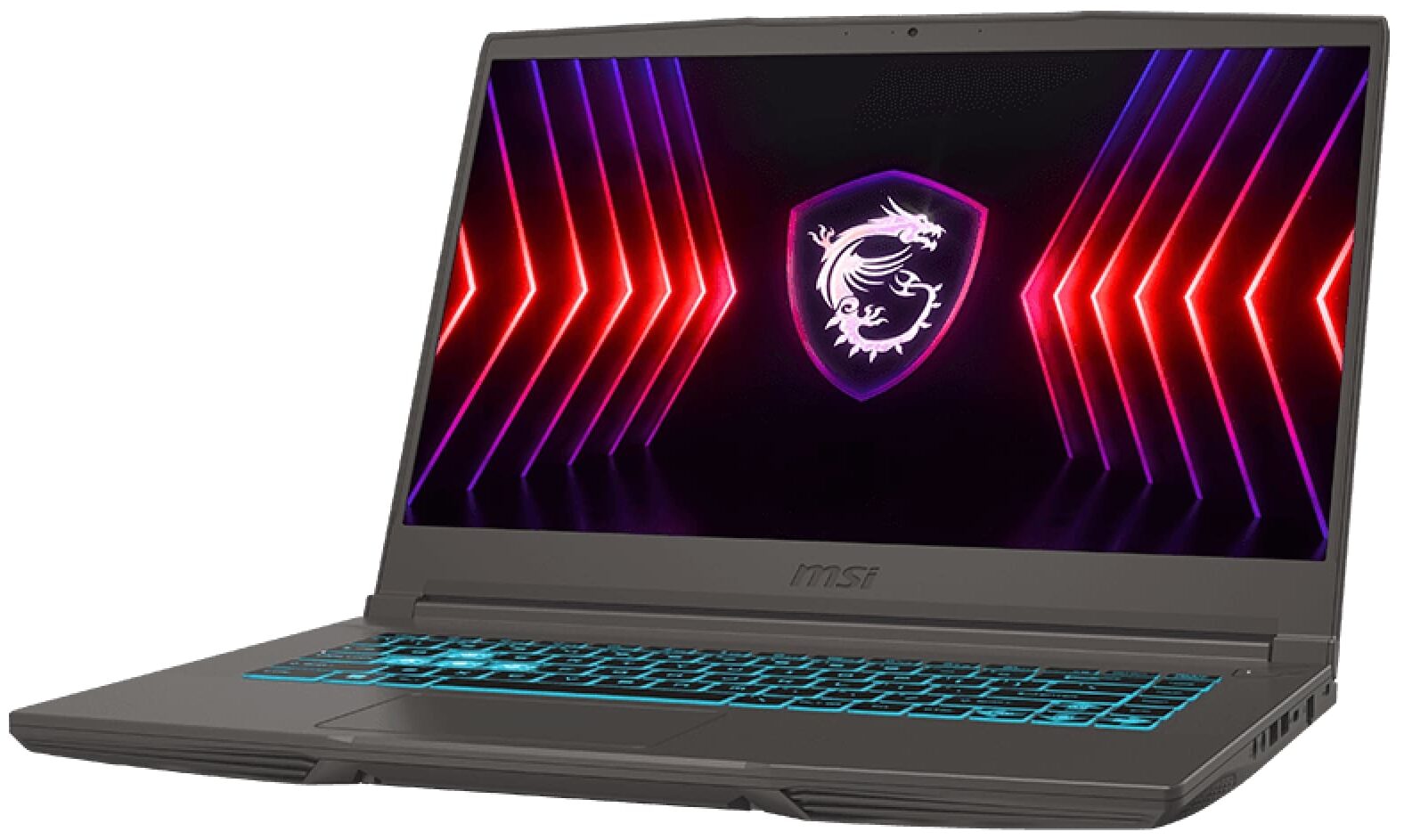
In 2024, the market offers a lot of budget gaming laptops and some of them are pretty capable for their price. One of the notable mentions in this category is the Acer Nitro V 15 (ANV15-41) which is a great bang for the buck but has one bad flaw - the super high noise during CPU-heavy tasks. On the other hand, we got the MSI Thin 15 B12U which is also an inexpensive gaming machine and it looks pretty sleek for its class.This one is offered with Intel Alder Lake-H CPUs and up to RTX 3050 with 4GB VRAM. The 12th Gen 45W chips are still a good choice for the budget segment. They pack tons of power for everyday tasks or playing games. We decided to buy perhaps the most affordable version of this notebook with an i5 CPU, RTX 2050, and just 8GB of RAM. Yep, just one of the two SODIMMs is occ[...]
Read the full review
Pros
- Good overall performance for the class
- 2x SODIMMs + 1x M.2 slot + 1x SATA slot
- PWM-free (CMN1521)
- Wide viewing angles (CMN1521)
- Good backlit keyboard
- Aluminum lid and top base cover
- The Core i5-12450H can sustain 3.20 GHz / 2.60 GHz P and E core frequencies during long CPU loads
- The MSI Center offers plenty of customizations
- 4x USB ports
- Light device - 1.86 kg
- Acceptable noise levels during gaming
- The RTX 2050 can maintain a stable 45W TGP even in "Balanced" mode
- Good sound quality
- Decently fast and well-cooled SSD (512GB Phison ESO512GHLCA1-21C-2MS)
- Aluminum lid and top chassis cover
Cons
- Just Gen 1 USB ports
- Slight wobble in the middle of the keyboard during harsh typing
- Low sRGB coverage (CMN1521)
- Short battery life
Disassembly, maintenance and upgrade options
Opening the Device Hint: Ensure the laptop is powered off and disconnected from any power source before starting.Undo the twelve Phillips-head screws on the bottom panel of the laptop. Use a thin plastic tool to pop the rear close to the Kensington Lock slot. Insert the tool deeper into the chassis to create a small gap on the side and pop it. Pry the other side as well as the front to fully pop the back panel. Since the Headphone and Microphone jacks slightly stick out of the motherboard, lift the plate on the right and slide it to the left.More info: [...]
Read more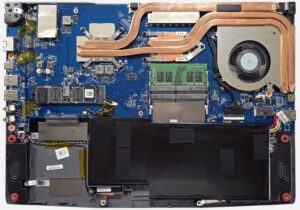


![[June 2026] Best-Selling Laptop Brands on Amazon Global – Apple’s Unrivaled Dominance in Units and Revenue](https://laptopmedia.com/wp-content/uploads/2026/07/GLOBAL-Best-Brands-400x225.jpg)
![[June 2026] Amazon Global: Top 10 Best-Selling Laptops – Apple’s New MacBook Neo Storms to #1, Reshaping the Market with Affordability](https://laptopmedia.com/wp-content/uploads/2026/07/Best-Selling-Laptops-GLOBAL-Top-10-400x225.jpg)
![[June 2026] Amazon Global: Top 10 Best-Selling Gaming Laptops – Acer’s Nitro V 16S AI Dominates Sales, While ASUS Leads Overall Revenue](https://laptopmedia.com/wp-content/uploads/2026/07/Best-Selling-Gaming-Laptops-GLOBAL-Top-10-400x225.jpg)
![[June 2026] Global Ranking of Best-Selling Laptop GPUs on Amazon – NVIDIA RTX 5060 is the Top-Selling Dedicated GPU](https://laptopmedia.com/wp-content/uploads/2026/07/Best-Selling-GPUs-GLOBAL-Top-10-400x225.jpg)
![[June 2026] Global Ranking of Best-Selling Laptop CPUs on Amazon – Apple M5 Dominates, AMD Ryzen 7 260 Gets Solid Premium Share](https://laptopmedia.com/wp-content/uploads/2026/07/Best-Selling-CPUs-GLOBAL-Top-10-400x225.jpg)