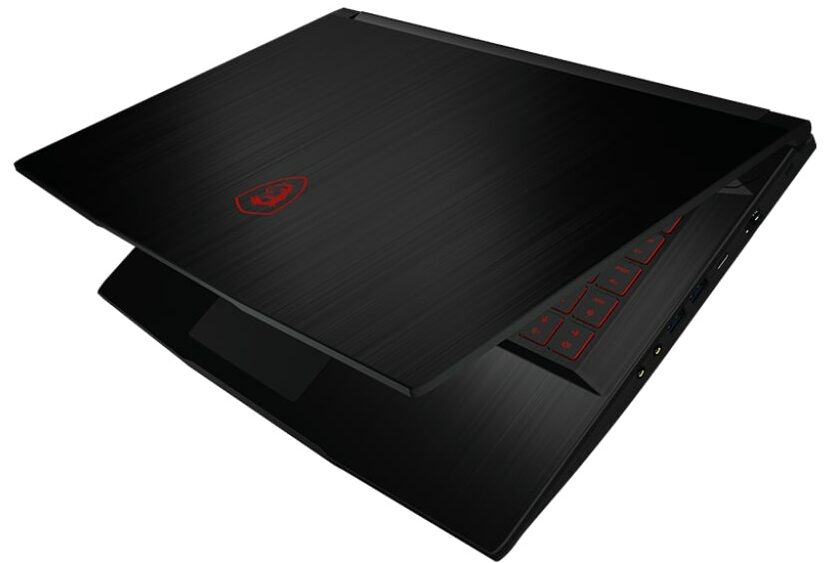
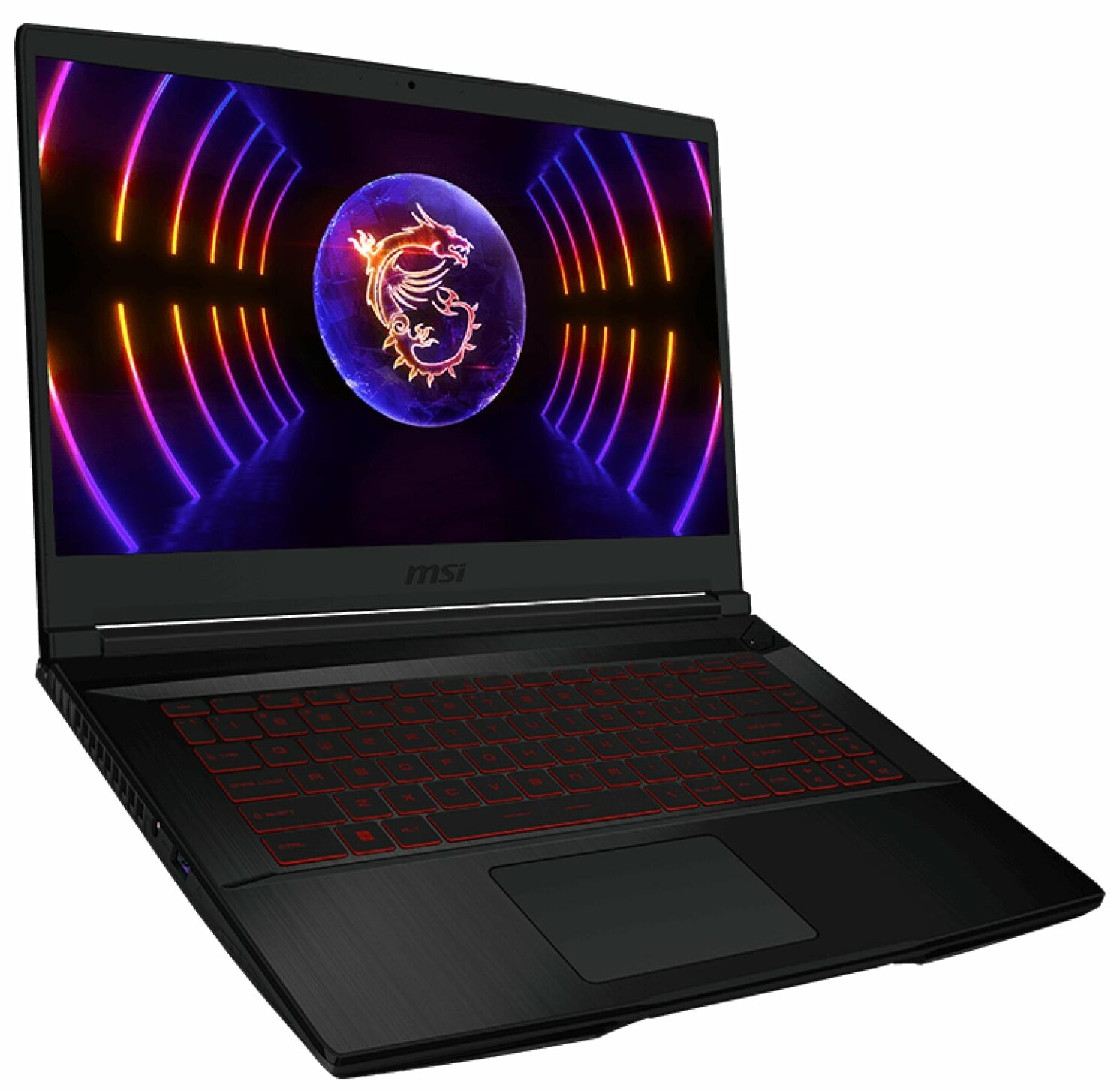
MSI Thin GF63
_000052.jpg)

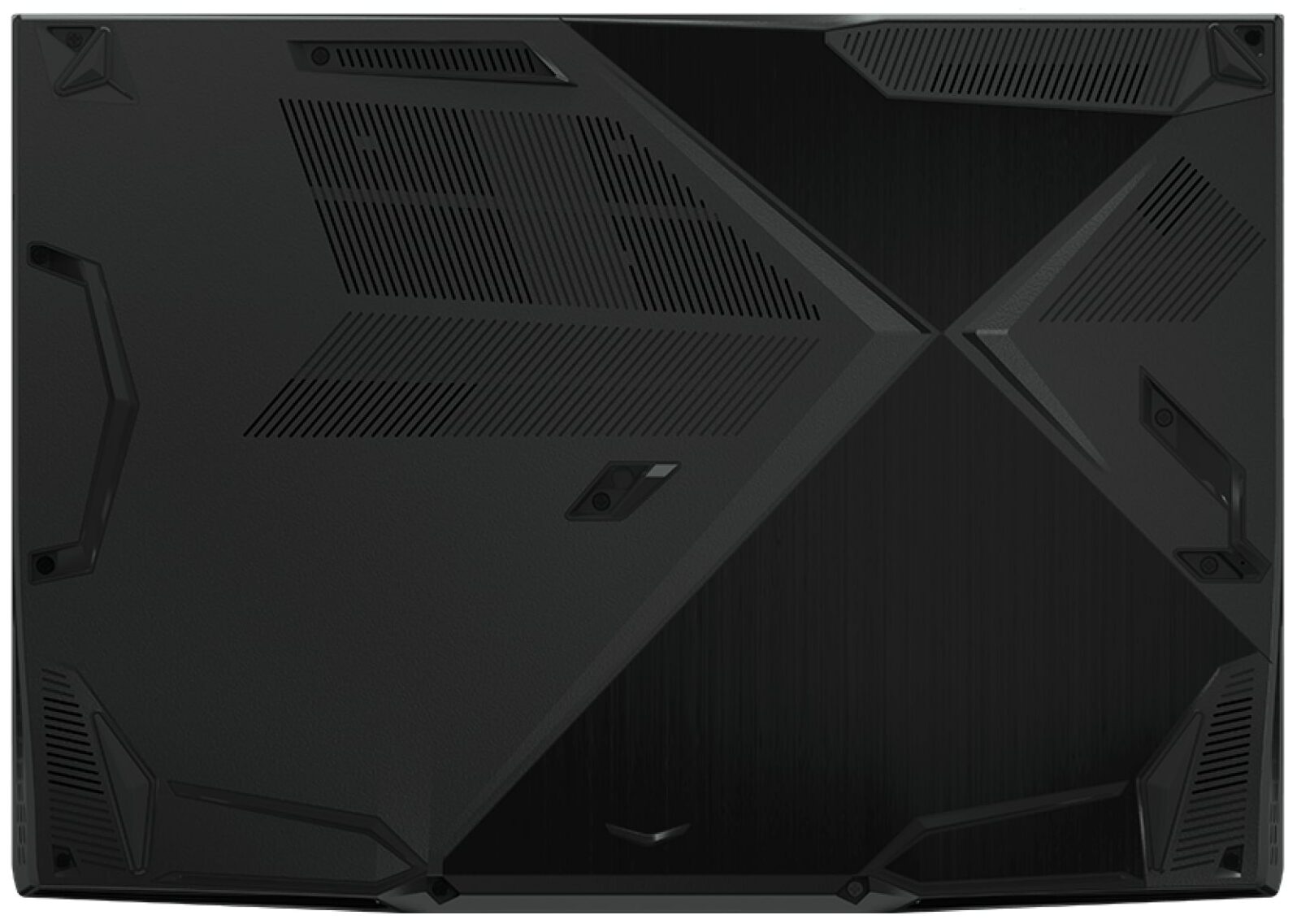
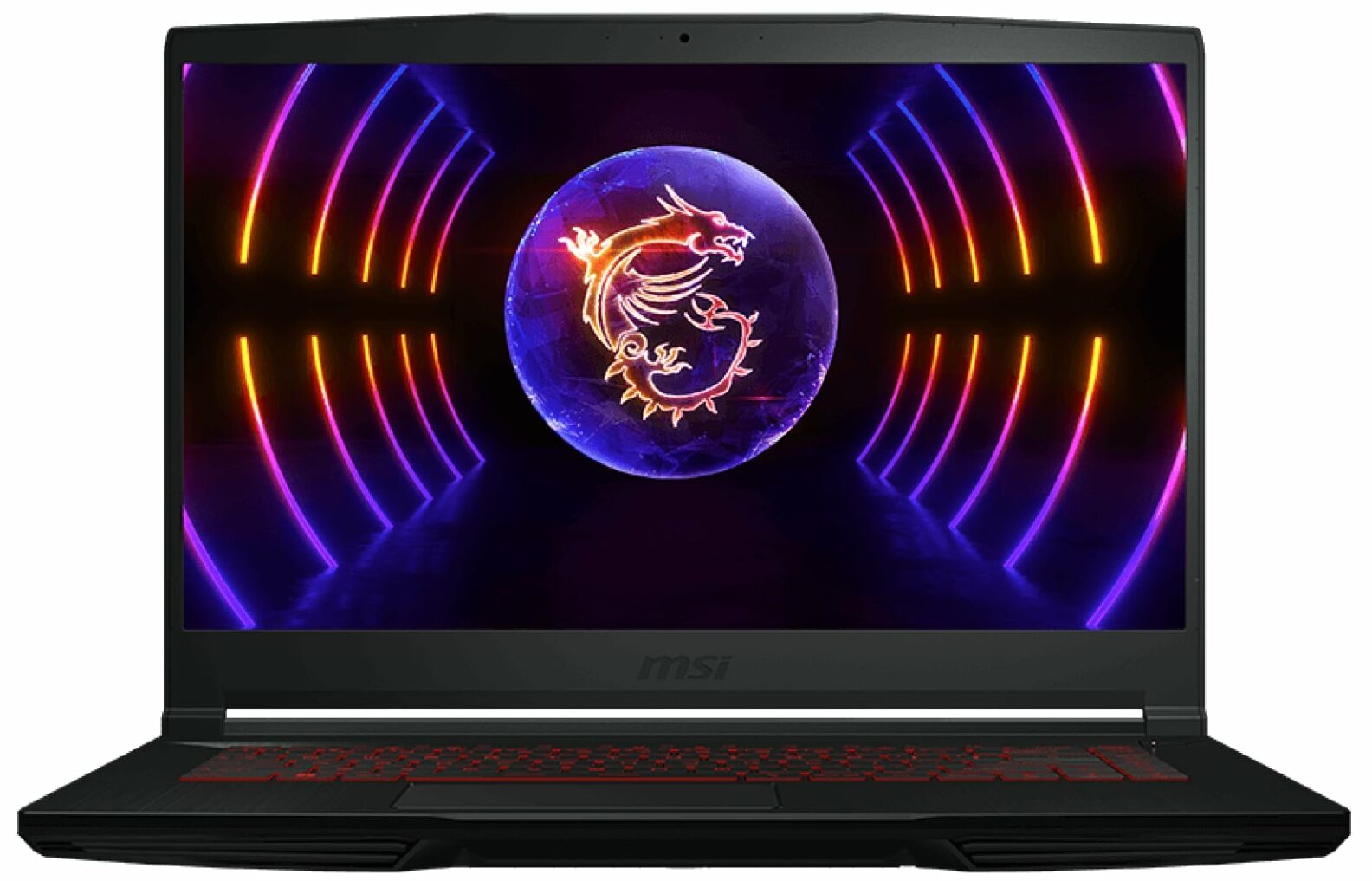
- Date Published: 18 Jun 2024
- Intel Core i7-12650H
- NVIDIA GeForce RTX 4050 (Laptop, 45W)
- 15.6”, Full HD (1920 x 1080), 144 Hz, IPS
- 4000GB SSD
- 64GB RAM
- 1.86 kg (4.1 lbs)
Specs

- HDD/SSD
- 4000GB SSD
- M.2 Slot
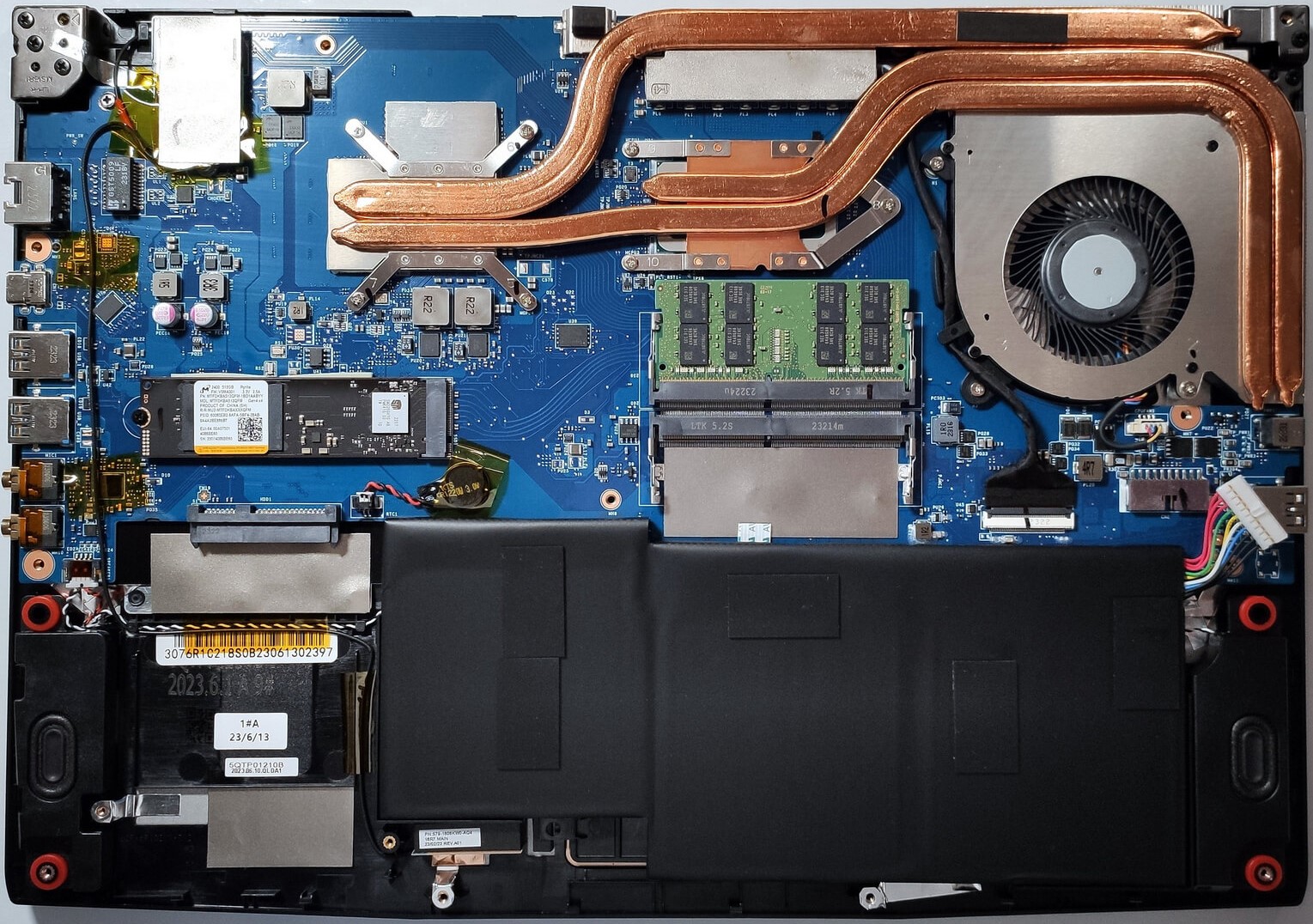
- 1x 2280 M.2 NVMe PCIe 4.0 x4 + 1x SATA See photo
- RAM
- 64GB RAM
- OS
- Windows 11 Pro
- Body Material
- Plastic / Polycarbonate, Aluminum
- Dimensions
- 359 x 254 x 21.7 mm (14.13" x 10.00" x 0.85")
- Weight
- 1.86 kg (4.1 lbs)
- Ports and connectivity
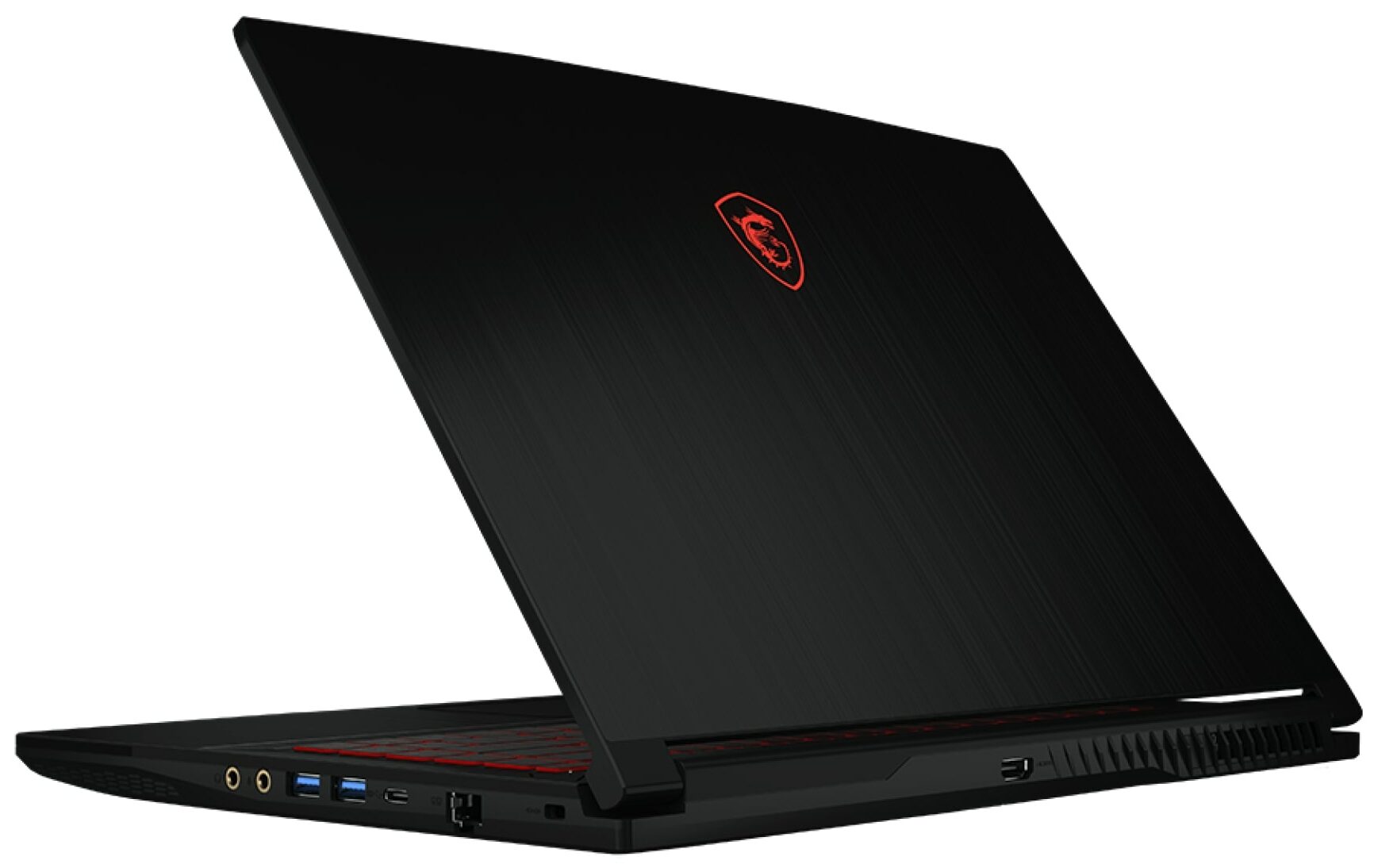
- 3x USB Type-A
- 3.2 Gen 1 (5 Gbps)
- 1x USB Type-C
- 3.2 Gen 1 (5 Gbps), DisplayPort
- HDMI
- 1.4
- Card Reader
- Ethernet LAN
- 10, 100, 1000 Mbit/s
- Wi-Fi
- 802.11ax
- Bluetooth
- 5.2
- Audio jack
- 3.5mm Combo Jack
- Features
- Fingerprint reader
- Web camera
- HD
- Backlit keyboard
- Microphone
- Speakers
- 2x 2W Stereo Speakers, Nahimic 3
- Security Lock slot
- Gifts
- Laptop Stand
Portability
Review
MSI Thin GF63 in-depth review
In the last few years, finding a decent gaming laptop that isn't expensive is a hard job. One of the possible offerings is the MSI Thin GF63 (12V). The manufacturer has made a lot of right choices in order to keep the end price as low as possible.This machine can be configured with Intel Alder Lake-H CPUs which isn't bad at all. These chips still pack plenty of power but they cost less than their new Raptor Lake siblings. The laptop relies on DDR4 memory which is another cost-saving method. Given the choice of mid-range GeForce RTX 4000 GPUs with very modest TGPs, the old RAM version shouldn't be much of a problem / bottleneck.There is just one display model but since it's an IPS variant with a high refresh rate, we can call it a day. MSI mentions that the cooler solution of this m[...]
Read the full review
Pros
- Decent gaming performance
- 1x M.2 PCIe x4 Gen 4 slot, 1x SATA slot, and 2x DDR5 RAM SODIMM slots in dual channel
- 144Hz refresh rate (AUO B156HAN15.1 (AUOD0A2))
- No PWM (AUO B156HAN15.1 (AUOD0A2))
- Good and quiet keyboard
- Adequate build quality
Cons
- No SD card and No Thunderbolt 4
- All ports are rated at 5GBps
- Covers only 54% of sRGB (AUO B156HAN15.1 (AUOD0A2))
- The touchpad quality is questionable
- The fan has a weird temperature hysteresis in idle
- The removal of the bottom plate is complicated
- The battery is glued to the base
Disassembly, maintenance and upgrade options
Step 1: Accessing the Internal ComponentsEnsure the MSI Thin GF63 (12Vx) is powered off and placed on a soft, clean surface to prevent scratches or damage. Remove the 12 Phillips-head screws from the bottom of the laptop. Begin the prying process from the front of the device, carefully working your way around, and leave the back side for the end. Flip the laptop to pop up the small cap behind the lid, then use a plastic tool to pry the last section.Hint: Proceed with caution to avoid damaging the internal clips or the laptop casing.Step 2: Removing the Battery [...]
Read more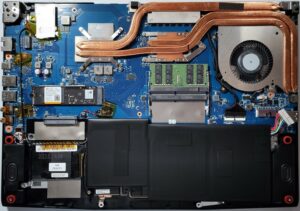


![[June 2026] Best-Selling Laptop Brands on Amazon Global – Apple’s Unrivaled Dominance in Units and Revenue](https://laptopmedia.com/wp-content/uploads/2026/07/GLOBAL-Best-Brands-400x225.jpg)
![[June 2026] Amazon Global: Top 10 Best-Selling Laptops – Apple’s New MacBook Neo Storms to #1, Reshaping the Market with Affordability](https://laptopmedia.com/wp-content/uploads/2026/07/Best-Selling-Laptops-GLOBAL-Top-10-400x225.jpg)
![[June 2026] Amazon Global: Top 10 Best-Selling Gaming Laptops – Acer’s Nitro V 16S AI Dominates Sales, While ASUS Leads Overall Revenue](https://laptopmedia.com/wp-content/uploads/2026/07/Best-Selling-Gaming-Laptops-GLOBAL-Top-10-400x225.jpg)
![[June 2026] Global Ranking of Best-Selling Laptop GPUs on Amazon – NVIDIA RTX 5060 is the Top-Selling Dedicated GPU](https://laptopmedia.com/wp-content/uploads/2026/07/Best-Selling-GPUs-GLOBAL-Top-10-400x225.jpg)
![[June 2026] Global Ranking of Best-Selling Laptop CPUs on Amazon – Apple M5 Dominates, AMD Ryzen 7 260 Gets Solid Premium Share](https://laptopmedia.com/wp-content/uploads/2026/07/Best-Selling-CPUs-GLOBAL-Top-10-400x225.jpg)