MSI Vector GP78 HX


- Date Published: 04 Jul 2025
- Intel Core i9-13980HX
- NVIDIA GeForce RTX 4080 (Laptop, 175W)
- 17.0”, QHD+ (2560 x 1600), 240 Hz, IPS
- 1000GB SSD
- 32GB RAM
- 3.00 kg (6.6 lbs)
Specs

- HDD/SSD
- 1000GB SSD
- M.2 Slot
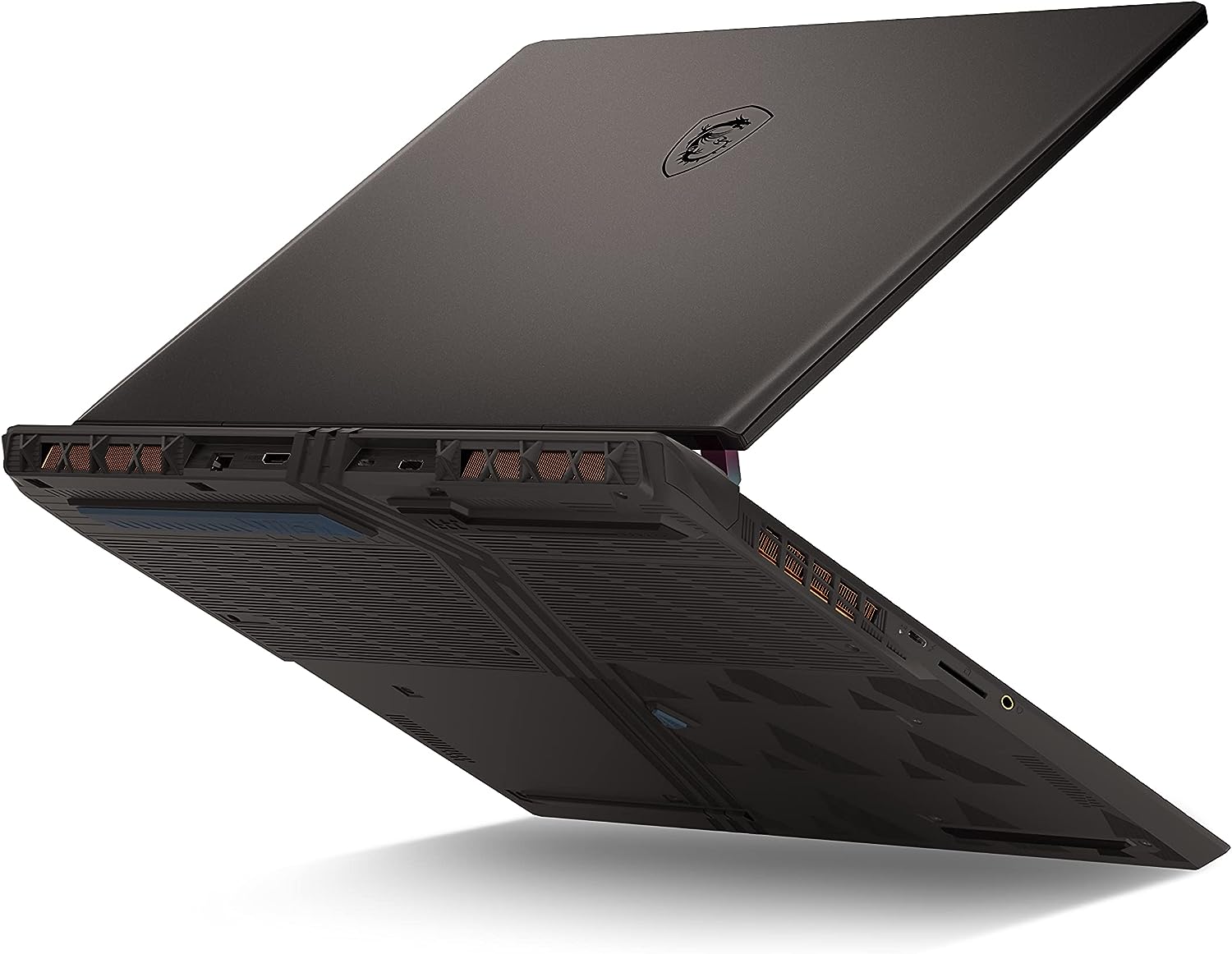
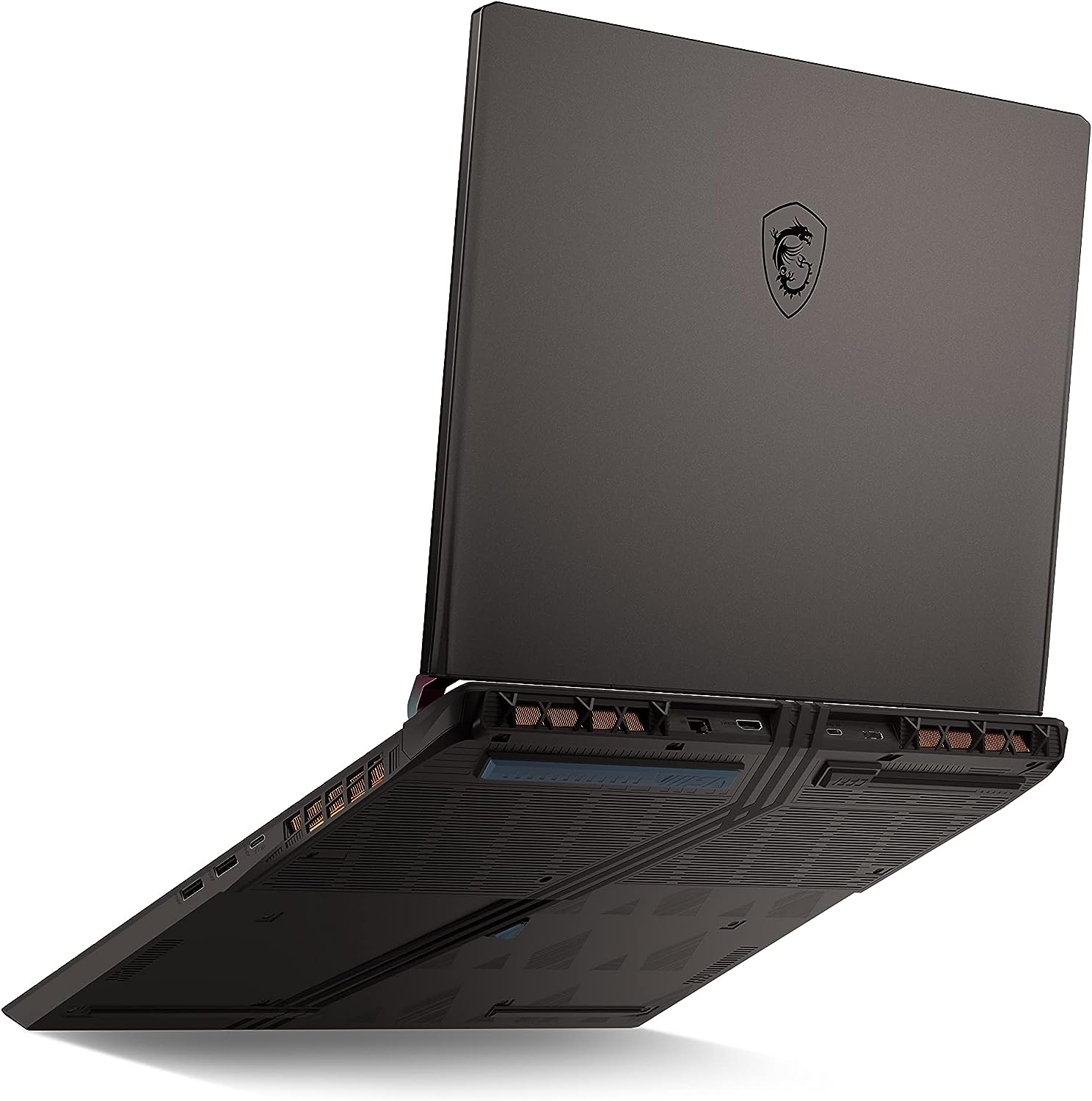
- 1x 2280 M.2 NVMe PCIe 5.0 x4 + 1x 2280 M.2 NVMe PCIe 4.0 x4 See photo
- RAM
- 32GB RAM
- OS
- Windows 11 Pro
- Body Material
- Plastic / Polycarbonate, Aluminum
- Dimensions
- 380.34 x 297.97 x 23.55 ~ 29.45 mm (14.97" x 11.73" x 0.93")
- Weight
- 3.00 kg (6.6 lbs)
- Ports and connectivity
- 1x USB Type-A
- 3.2 Gen 1 (5 Gbps)
- 1x USB Type-A
- 3.2 Gen 2 (10 Gbps)
- 1x USB Type-C
- 3.2 Gen 2 (10 Gbps), DisplayPort
- 1x USB Type-C
- 3.2 Gen 2 (10 Gbps), Power Delivery (PD), DisplayPort
- 1x USB Type-C
- 4.0, Thunderbolt 4, DisplayPort
- HDMI
- 2.1 (8K@60Hz / 4K@120Hz)
- Card Reader
- SD (SD, SDHC, SDXC)
- Ethernet LAN
- 10, 100, 1000, 2500 Mbit/s
- Wi-Fi
- 802.11ax
- Bluetooth
- 5.3
- Audio jack
- 3.5mm Combo Jack
- Features
- Fingerprint reader
- Web camera
- HD
- Backlit keyboard
- Microphone
- Speakers
- 2x 2W Stereo Speakers, Nahimic Audio
- Security Lock slot
Portability
Review
MSI Vector GP78 HX in-depth review
This year MSI is offering some pretty good gaming devices with big displays. The Raider GE78 HX (13VX) is an impressive tool for playing games and we just didn't like the high price and the noisy fans under load. Now, we are about to show you the MSI Vector GP78 HX (13V). Since it's a Vector device, this one is more or less a step-down version of its Raider sibling but it comes with a bit lower price tag.It's not cheap at all because it can be configured with one of the most powerful CPU and GPU options for 2023. This includes 24-core Intel Raptor Lake HX processors and NVIDIA GeForce RTX 4000 graphics cards with hefty TGPs. Since we want to see how good the cooling is, we bought a maxed-out version with a 175W GeForce RTX 4090. It'll be interesting to see if this machine is as loud as[...]
Read the full review
Pros
- The MSI Center offers many performance presets as well as other handy features
- Top-notch performance
- 100% sRGB and DCI-P3 coverage and accurate color representation thanks to our Gaming and Web design profile (AUO B170QAN01.2 (AUO84A6))
- PWM-free (AUO B170QAN01.2 (AUO84A6))
- 240Hz display with high maximum brightness and very quick pixel response times (AUO B170QAN01.2 (AUO84A6))
- The 175W RTX 4090 is crazy fast
- Wi-Fi 6E and 2.5Gbit LAN on board
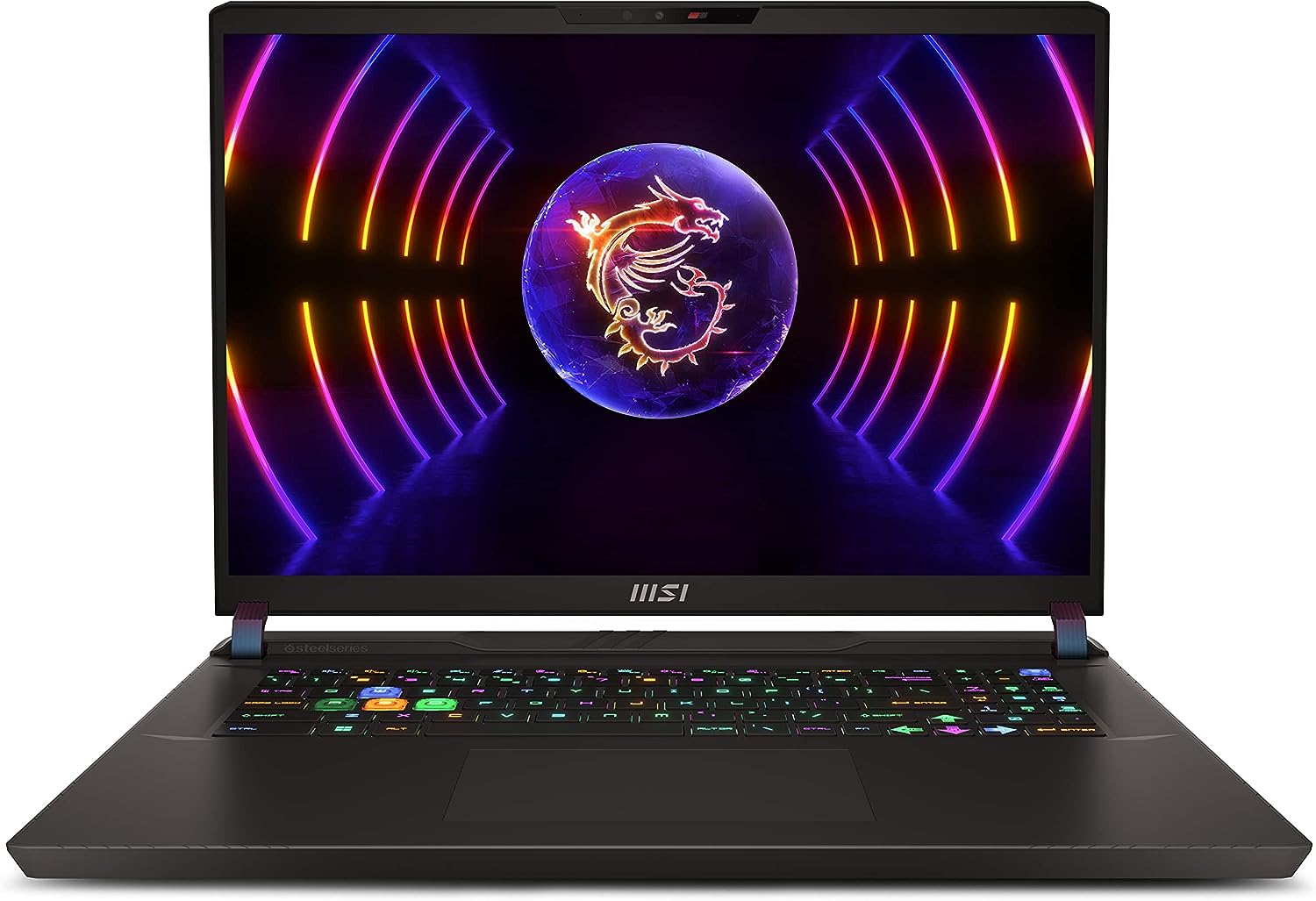
- Great SteelSeries keyboard and smooth touchpad
- 2x DDR5 SODIMM + 2x M.2 slots (one is compatible with Gen 5 SSDs)
- The CPU can maintain ~4.50GHz P core clock as well as above 200W in short and medium loads and nearly 4.00 GHz under long stress
Cons
- Loud fans in "Extreme Performance" mode
- Pricey
- The removal of the bottom plate is a bit complicated
Disassembly, maintenance and upgrade options
Opening the LaptopUndo the 13 Phillips-head screws securing the bottom panel of the laptop. Flip the laptop to remove the back plastic shroud behind the lid, starting from one of the sides close to the bottom panel, working your way around the backside. Lift the hinge cover away from the laptop. With the laptop lid open, use a plastic pry tool to carefully separate the bottom plate from the chassis. Flip the machine upside down and raise the bottom plate by holding firmly the two exhaust vents on the back.Caution: Be careful not to damage the internal components or [...]
Read more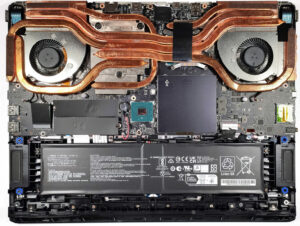


![[June 2026] Best-Selling Laptop Brands on Amazon Global – Apple’s Unrivaled Dominance in Units and Revenue](https://laptopmedia.com/wp-content/uploads/2026/07/GLOBAL-Best-Brands-400x225.jpg)
![[June 2026] Amazon Global: Top 10 Best-Selling Laptops – Apple’s New MacBook Neo Storms to #1, Reshaping the Market with Affordability](https://laptopmedia.com/wp-content/uploads/2026/07/Best-Selling-Laptops-GLOBAL-Top-10-400x225.jpg)
![[June 2026] Amazon Global: Top 10 Best-Selling Gaming Laptops – Acer’s Nitro V 16S AI Dominates Sales, While ASUS Leads Overall Revenue](https://laptopmedia.com/wp-content/uploads/2026/07/Best-Selling-Gaming-Laptops-GLOBAL-Top-10-400x225.jpg)
![[June 2026] Global Ranking of Best-Selling Laptop GPUs on Amazon – NVIDIA RTX 5060 is the Top-Selling Dedicated GPU](https://laptopmedia.com/wp-content/uploads/2026/07/Best-Selling-GPUs-GLOBAL-Top-10-400x225.jpg)
![[June 2026] Global Ranking of Best-Selling Laptop CPUs on Amazon – Apple M5 Dominates, AMD Ryzen 7 260 Gets Solid Premium Share](https://laptopmedia.com/wp-content/uploads/2026/07/Best-Selling-CPUs-GLOBAL-Top-10-400x225.jpg)

