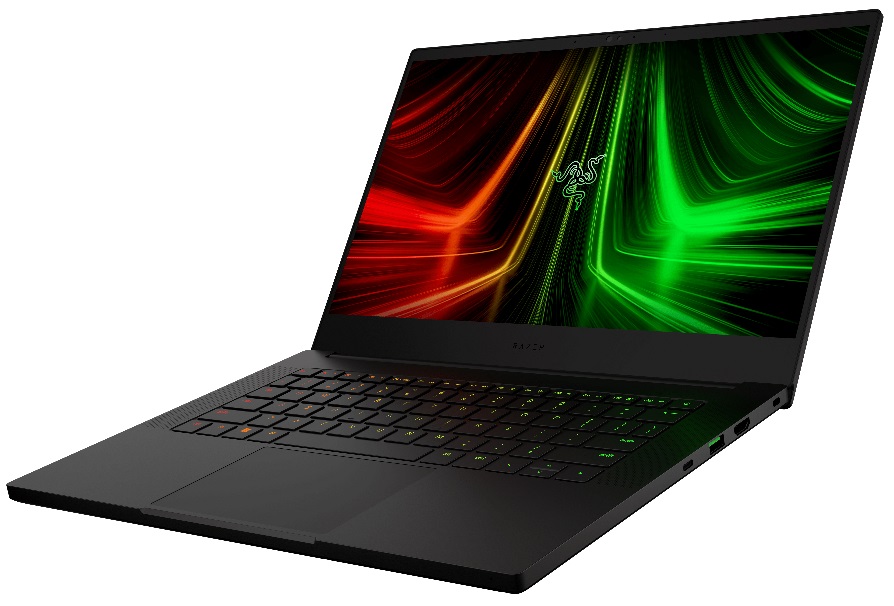
Razer Blade 14
_000042.jpg)



- Date Published: 06 Jan 2022
- AMD Ryzen 9 6900HX
- NVIDIA GeForce RTX 3080 Ti (Laptop, 100W)
- 14.0", FHD (1920 x 1080), 144 Hz, IPS
- 1000GB SSD
- 16GB DDR5
- 1.78 kg (3.9 lbs)
Specs
- HDD/SSD
- 1TB SSD
- M.2 Slot
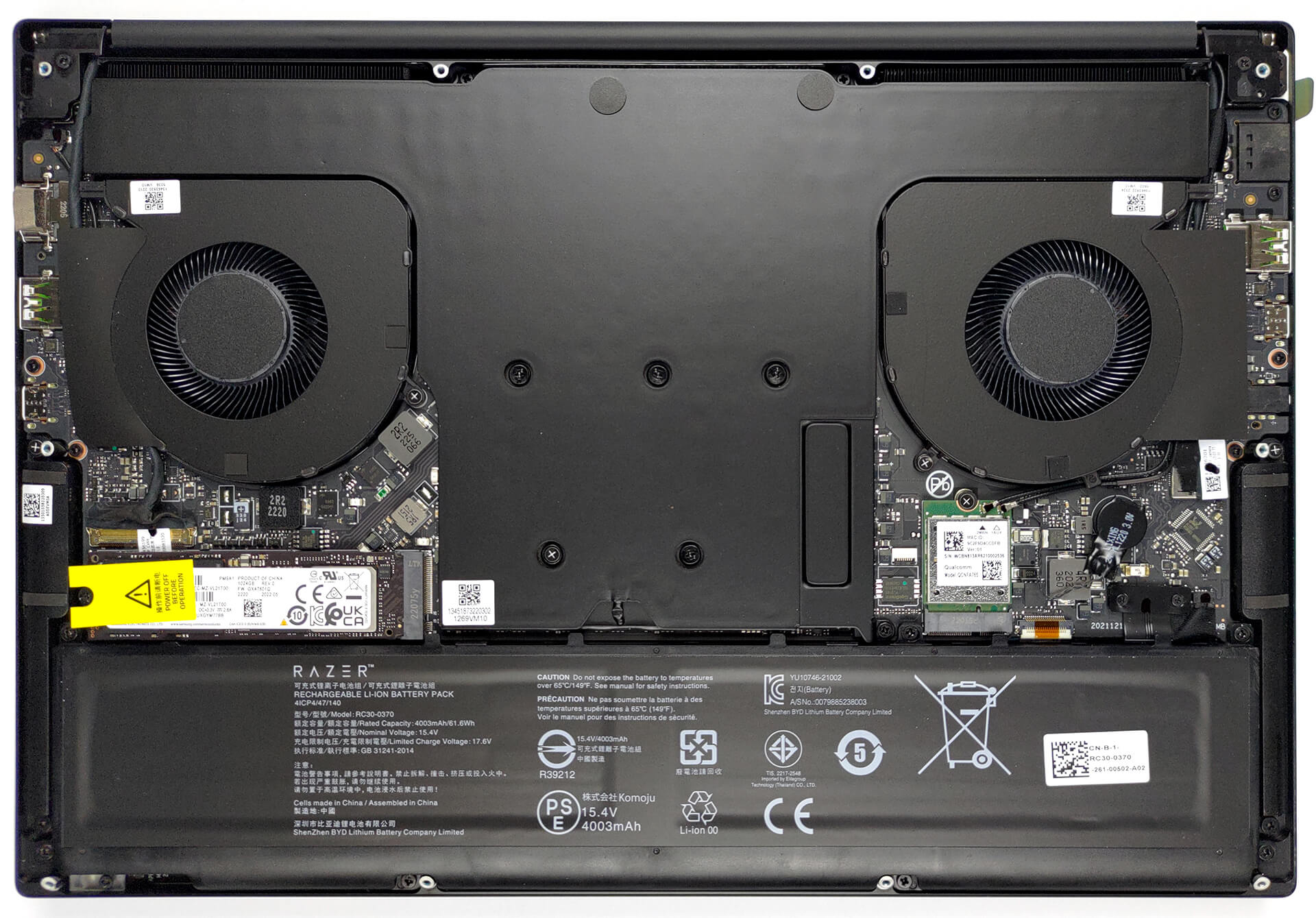
- 1x 2280 PCIe NVMe 4.0 x4 See photo
- RAM
- 16GB DDR5
- OS
- Windows 11 Home
- Body Material
- Aluminum
- Dimensions
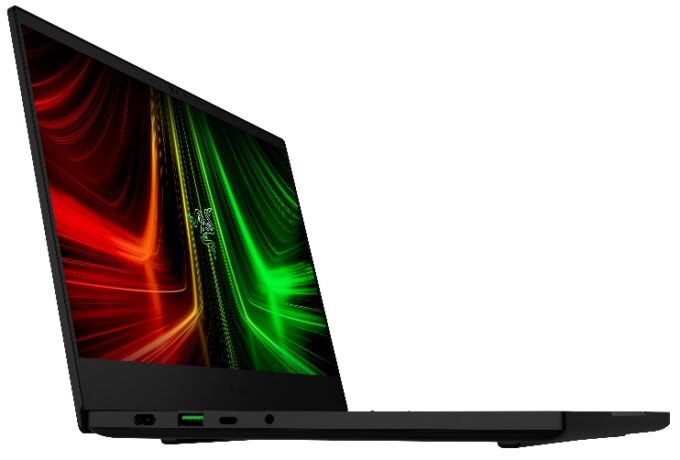
- 319.7 x 220 x 16.8 mm (12.59" x 8.66" x 0.66")
- Weight
- 1.78 kg (3.9 lbs)
- Ports and connectivity
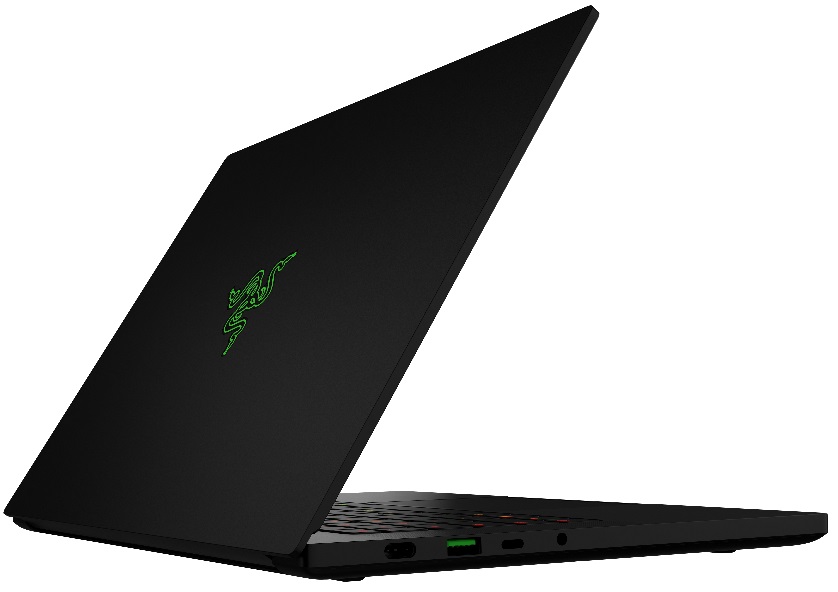
- 2x USB Type-A
- 3.2 Gen 2 (10 Gbps)
- 2x USB Type-C
- 3.2 Gen 2 (10 Gbps), Power Delivery (PD), DisplayPort
- HDMI
- 2.1
- Card Reader
- Ethernet LAN
- Wi-Fi
- 802.11ax
- Bluetooth
- 5.2
- Audio jack
- 3.5mm Combo Jack
- Features
- Fingerprint reader
- Backlit keyboard
- Microphone
- Array Microphone
- Speakers
- Stereo Speakers, THX Spartial Audio
- Optical drive
- Security Lock slot
- Kensington Lock
Portability
Review
Razer Blade 14 in-depth review
Together with Alienware, Razer pioneered the 14-inch gaming form factor. Inevitably, we have to ask the question, are small gaming laptops worth it? Isn't it uncomfortable to stare at the tiny screen, looking at details, which are undoubtedly better seen with a larger display?Nevertheless, the beauty of the small and portable chassis is unquestionable. But what is significantly more impressive in our view, is the fact that you can find this 14-incher with an RTX 3080 Ti. Like, what the hell?! Some behemoths barely manage to maintain the temperature on an RTX 3050 Ti, so what could possibly make the Blade 14 adequate enough?Well, spoiler alert, there is a vapor chamber inside. Actually, you can check our review of the Blade 15, which also features such a cooling solution. In contra[...]
Read the full review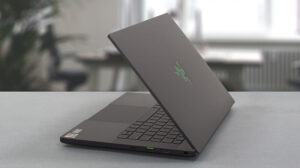
Pros
- 100% sRGB and 98% DCI-P3 color coverage and has accurate color representation with our Gaming and Web design profile (165Hz 1440p panel)
- Snappy panels with quick response times
- Vapor chamber cooling system
- IR face recognition
- Wi-Fi 6E
- Has a MUX switch
Cons
- Subpar battery life
- Its keyboard is not ideal for gaming
- Soldered memory
Disassembly, maintenance and upgrade options
The least gaming laptops should do is offer you the option to put more for the future. Well, the Blade 14 (Early 2022) is just too small.Check out all Razer Blade 14 (Early 2022) prices and configurations in our Specs System, or read more in our In-Depth review.1. Remove the bottom plate To access this notebook's internals, you need to undo 10 Torx-head screws. Then, gently pry the bottom panel with a plastic tool, and lift it from the chassis.2. Remove the battery Here, we find a 61.6Wh battery pack. To continue, unplug the battery connector from the motherboard.3.[...]
Read more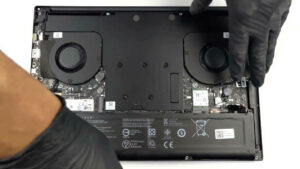


![[June 2026] Best-Selling Laptop Brands on Amazon Global – Apple’s Unrivaled Dominance in Units and Revenue](https://laptopmedia.com/wp-content/uploads/2026/07/GLOBAL-Best-Brands-400x225.jpg)
![[June 2026] Amazon Global: Top 10 Best-Selling Laptops – Apple’s New MacBook Neo Storms to #1, Reshaping the Market with Affordability](https://laptopmedia.com/wp-content/uploads/2026/07/Best-Selling-Laptops-GLOBAL-Top-10-400x225.jpg)
![[June 2026] Amazon Global: Top 10 Best-Selling Gaming Laptops – Acer’s Nitro V 16S AI Dominates Sales, While ASUS Leads Overall Revenue](https://laptopmedia.com/wp-content/uploads/2026/07/Best-Selling-Gaming-Laptops-GLOBAL-Top-10-400x225.jpg)
![[June 2026] Global Ranking of Best-Selling Laptop GPUs on Amazon – NVIDIA RTX 5060 is the Top-Selling Dedicated GPU](https://laptopmedia.com/wp-content/uploads/2026/07/Best-Selling-GPUs-GLOBAL-Top-10-400x225.jpg)
![[June 2026] Global Ranking of Best-Selling Laptop CPUs on Amazon – Apple M5 Dominates, AMD Ryzen 7 260 Gets Solid Premium Share](https://laptopmedia.com/wp-content/uploads/2026/07/Best-Selling-CPUs-GLOBAL-Top-10-400x225.jpg)