Lenovo Yoga 9 (14″, 2023) review – fantastic build quality, efficiency, and performance
Design and construction
This machine has a fantastic build quality. It is entirely made out of aluminum, and neither the lid nor the base show some meaningful flex when we twist them. The laptop is pretty thin – 15.25mm and weighs 1.40 kg. This gives it some much-needed heft while remaining fit.
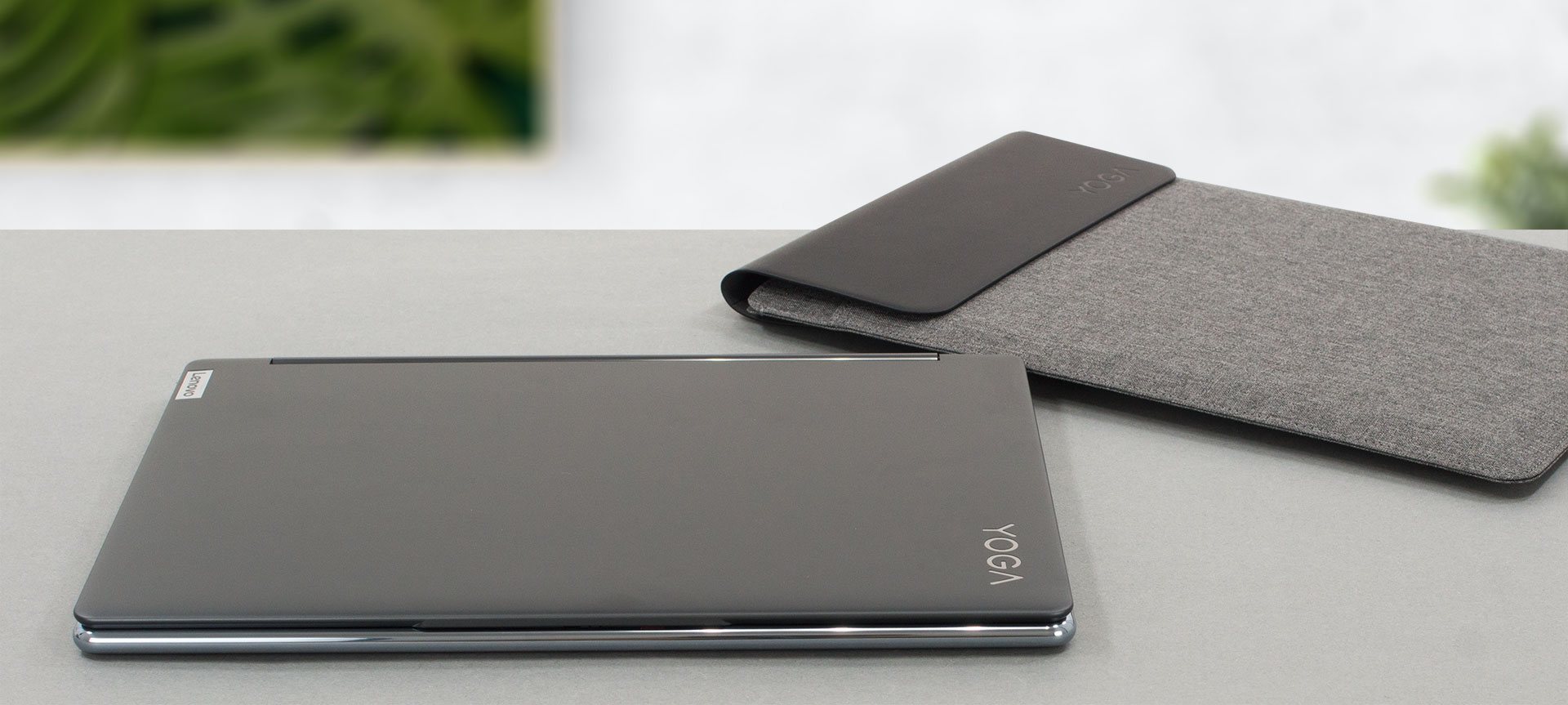
As you can see, the base features polished sides all around it. It looks super cool and makes gripping the laptop really easy, and not painful at all. This is a feature that we saw last year, but its resemblance of the iPhone X to the iPhone 11 is mindblowing.
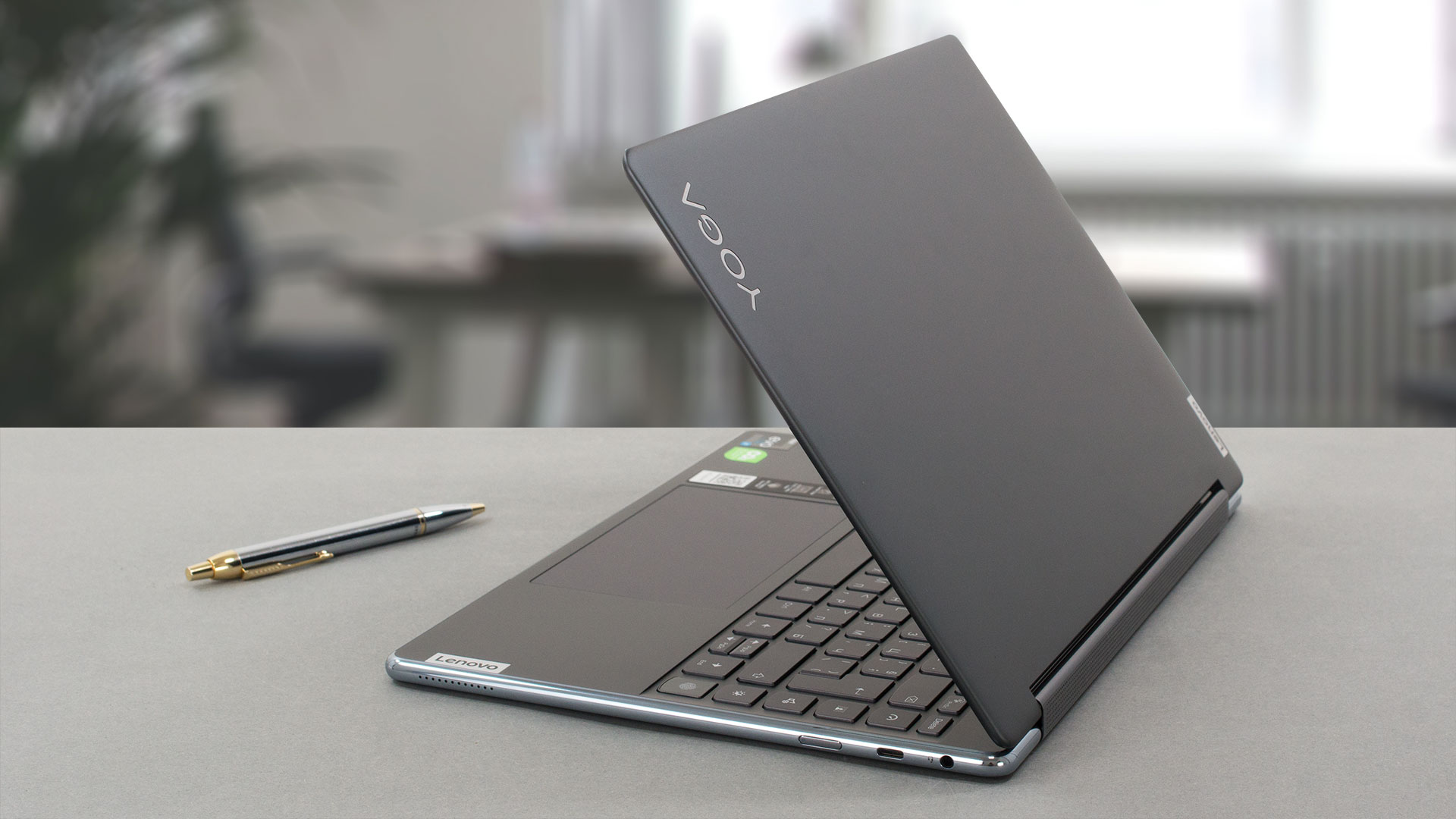
This device has great hinges. They allow you to open the lid with one hand and then quickly stiffen up as soon as you reach about 90-100°. To be honest, the only flex we saw from the lid is from the bottom, where it meets the hinges.

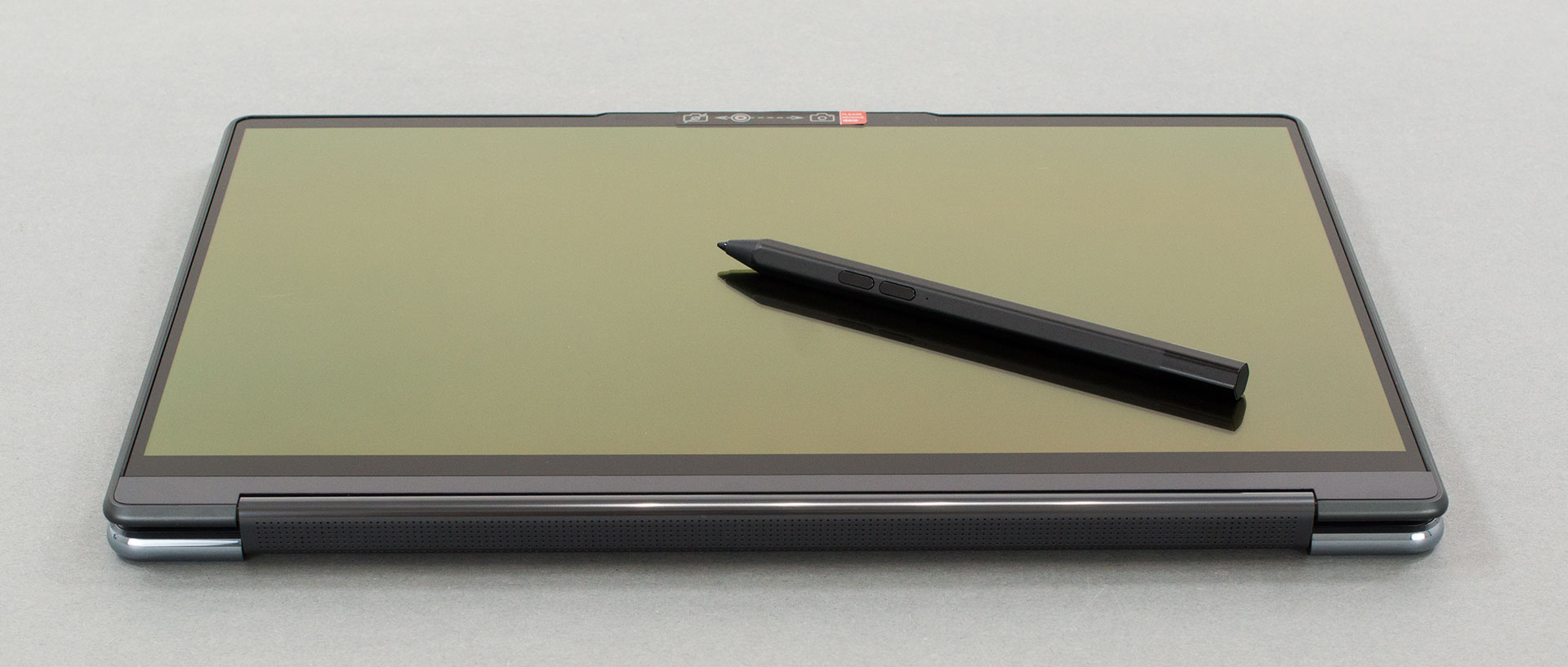
On the other hand, the OLED display is protected by a glass cover, which works great with the included stylus. The bezels around the screen are pretty thin, with the exception of the bottom one, which is twice the size of the one at the top. Speaking of which, above the display, you can see a gentle notch, which houses the 1080p Web camera, its privacy shutter, the IR face recognition scanner, and the proximity sensor. All of this allows you to use Windows Hello and Lenovo’s Zero-touch functionality.
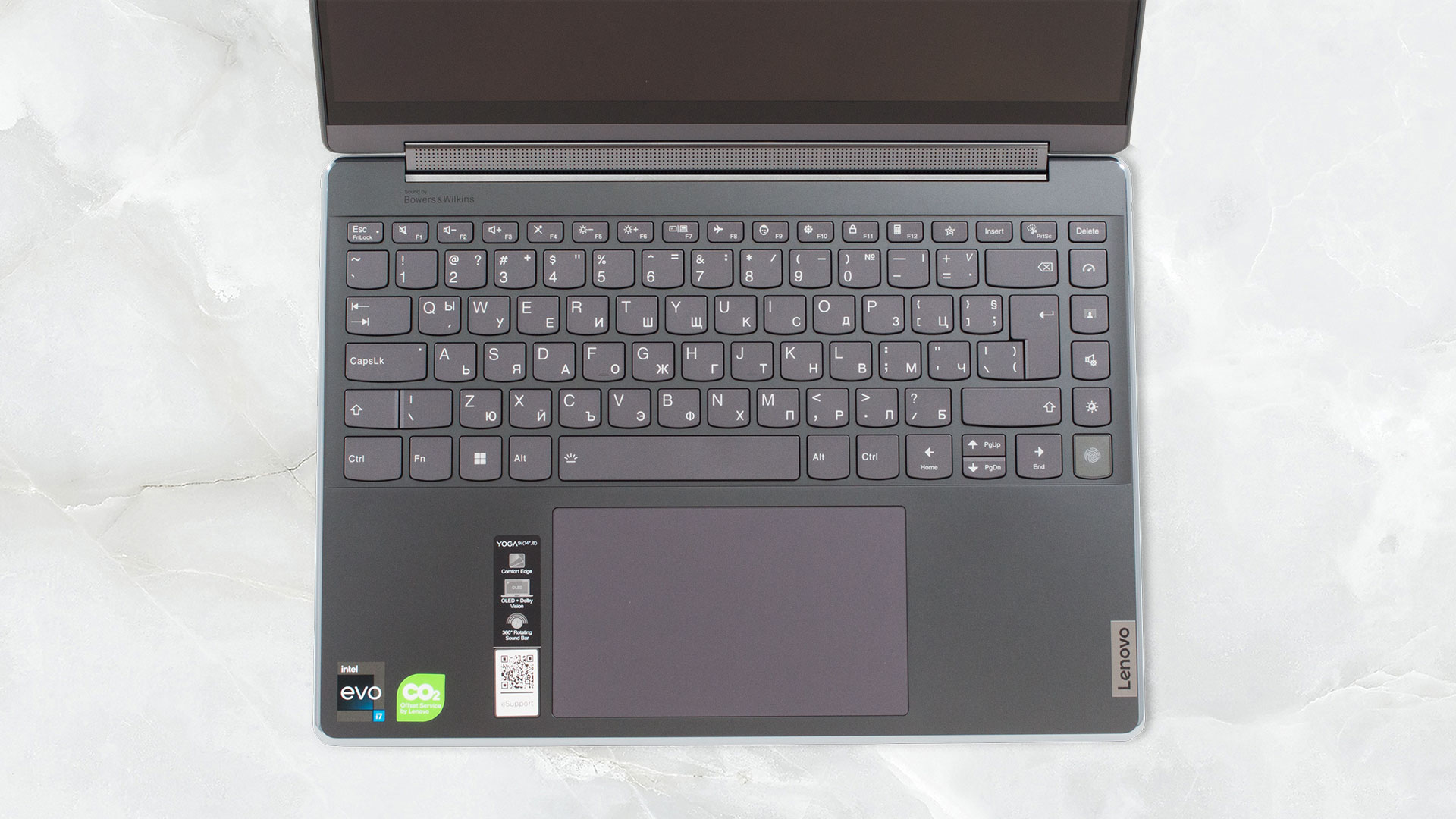
Moving to the base, we see a very well-sized keyboard. Its keycaps are large, key travel decent, and feedback-clicky. It is very comfortable to use. In addition, it sports a backlight and has a column of keys. They allow you control over the performance profile, volume, and brightness, and not in the last place – to quickly blur your background. This reminds you of the business heritage of the device. Let’s not forget the fingerprint reader.

Below the fantastic keyboard, there is an enormous touchpad. It has a size of 80 by 135 mm and comes with a glass surface. It is really easy to use, thanks to the smooth gliding experience, and pretty fast response rate. In case you’ve missed it, there are two Bowers & Wilkins tweeters housed inside the hinge cover.
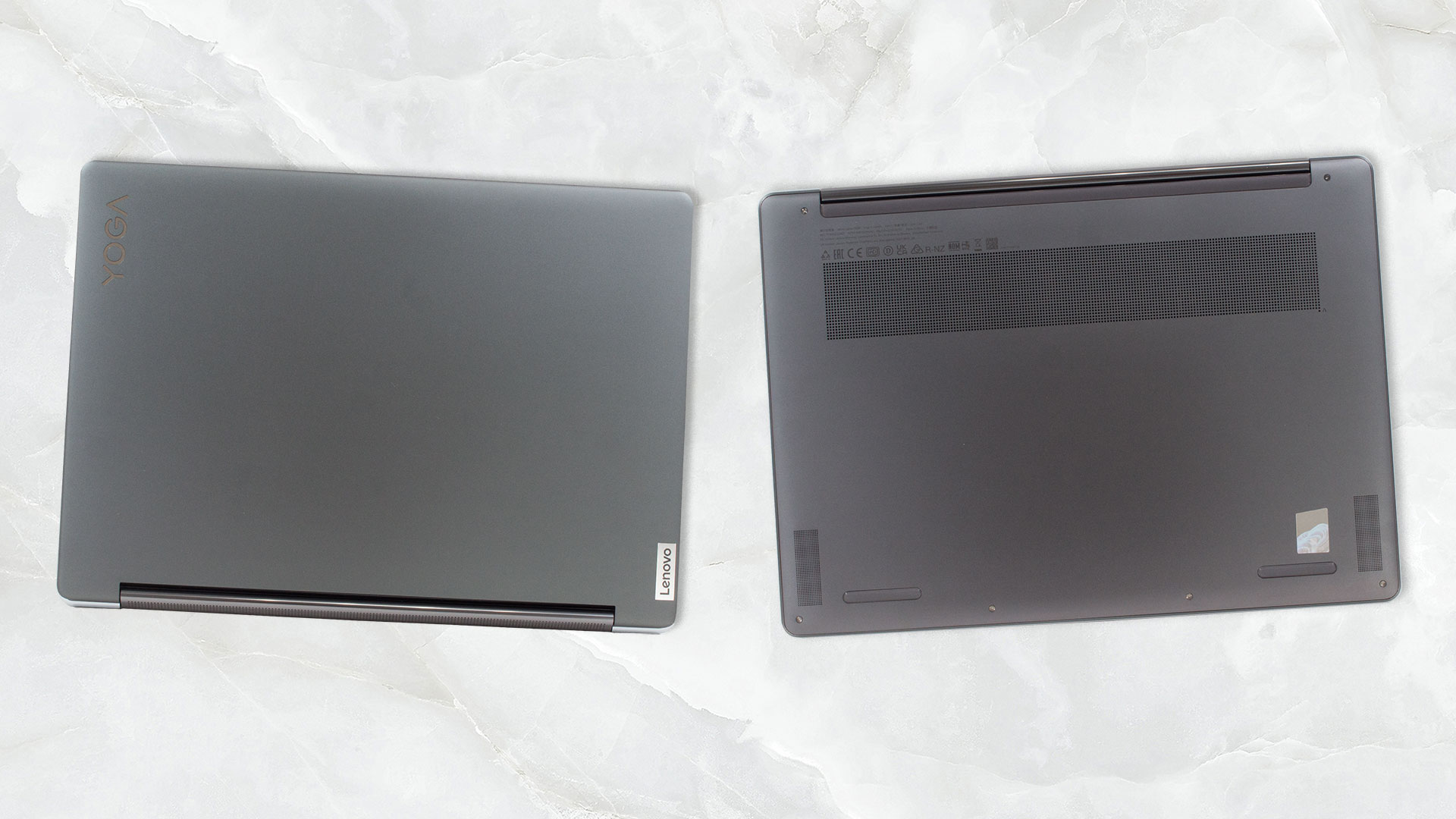
The two other speakers (3W woofers) are located at the bottom. There, you can also see the ventilation grill. It is pretty wide because it supplies cool air to two fans. The air is then exhausted as heat through two vents on the back of the base.
Ports
On the left side, there is a USB Type-A 3.2 (Gen. 2) port and two Thunderbolt 4 connectors. Then, on the right, you will find an Audio jack, a USB Type-C 3.2 (Gen. 2) port with Power Delivery 3.0 and DisplayPort 1.4 capability, and the power button.


 Author: Alex Iliev
 Author: eng. Kroum NikolovHead of Engineering at LaptopMedia.com, inventor and innovator with 40+ years of experience in electronics and high technology.

![[August 2026] Amazon USA: Top 10 Best-Selling Laptops – Apple MacBook Neo Dominates the Market with Massive Unit Sales!](https://laptopmedia.com/wp-content/uploads/2026/09/Best-Selling-Laptops-COM-Top-10-400x225.jpg)
![[August 2026] Amazon USA: Top 10 Best-Selling Gaming Laptops – ASUS ROG Strix G16 Dominates the Market with Massive Unit Sales](https://laptopmedia.com/wp-content/uploads/2026/09/Best-Selling-Gaming-Laptops-COM-Top-10-400x225.jpg)
![[July 2026] Amazon Global: Top 10 Best-Selling Laptops – Apple MacBook Neo Dominates the Charts as Budget and Premium Notebooks Split the Market](https://laptopmedia.com/wp-content/uploads/2026/08/Best-Selling-Laptops-GLOBAL-Top-10-400x225.jpg)
![[July 2026] Amazon Global: Top 10 Best-Selling Gaming Laptops – ASUS ROG Strix G16 Dominates the Global Market with Record-Breaking Unit Sales](https://laptopmedia.com/wp-content/uploads/2026/08/Best-Selling-Gaming-Laptops-GLOBAL-Top-10-400x225.jpg)
![[July 2026] Global Ranking of Best-Selling Laptop GPUs on Amazon – RTX 5060 Dominate Premium, Intel Still Rules Budget](https://laptopmedia.com/wp-content/uploads/2026/08/Best-Selling-GPUs-GLOBAL-Top-10-400x225.jpg)

Are the transistors on the board till poor as they were with previous ‘chinayogas’ ?
I have bought the maxed out version of this laptop a year ago (only difference is that I have the Core i7-1260P which is very similar in performance to the Core i7-1360P) for 2000€ for use in university lectures. Sadly its pretty bad: -It gets very hot just using OneNote, especially in tablet mode when you write on the screen. The screen has super high friction which makes it hard to write (nothing like the smooth feeling of an iPad or Samsung tablet/convertible). -The included pen (precision pen 2) turns itself off while writing even if its fully charged (should… Read more »
So the Yoga 9 (in this article) comes before the Yoga 7 (your buying advice)?