How to open Acer Aspire Go 15 (AG15-31P) – disassembly and upgrade options

Opening the Acer Aspire Go 15 (AG15-31P)
Hint: Make sure the laptop is fully powered off and unplugged before proceeding.
- Use a Phillips PH0 screwdriver to remove the 10 screws securing the bottom cover.
- With a thin plastic pry tool, begin releasing the clips near the hinge area.
- Work your way around the perimeter to fully detach the bottom panel without damaging the clips.
More info: The inside of the panel is pressure-fitted with plastic guides that help hold the battery in place.
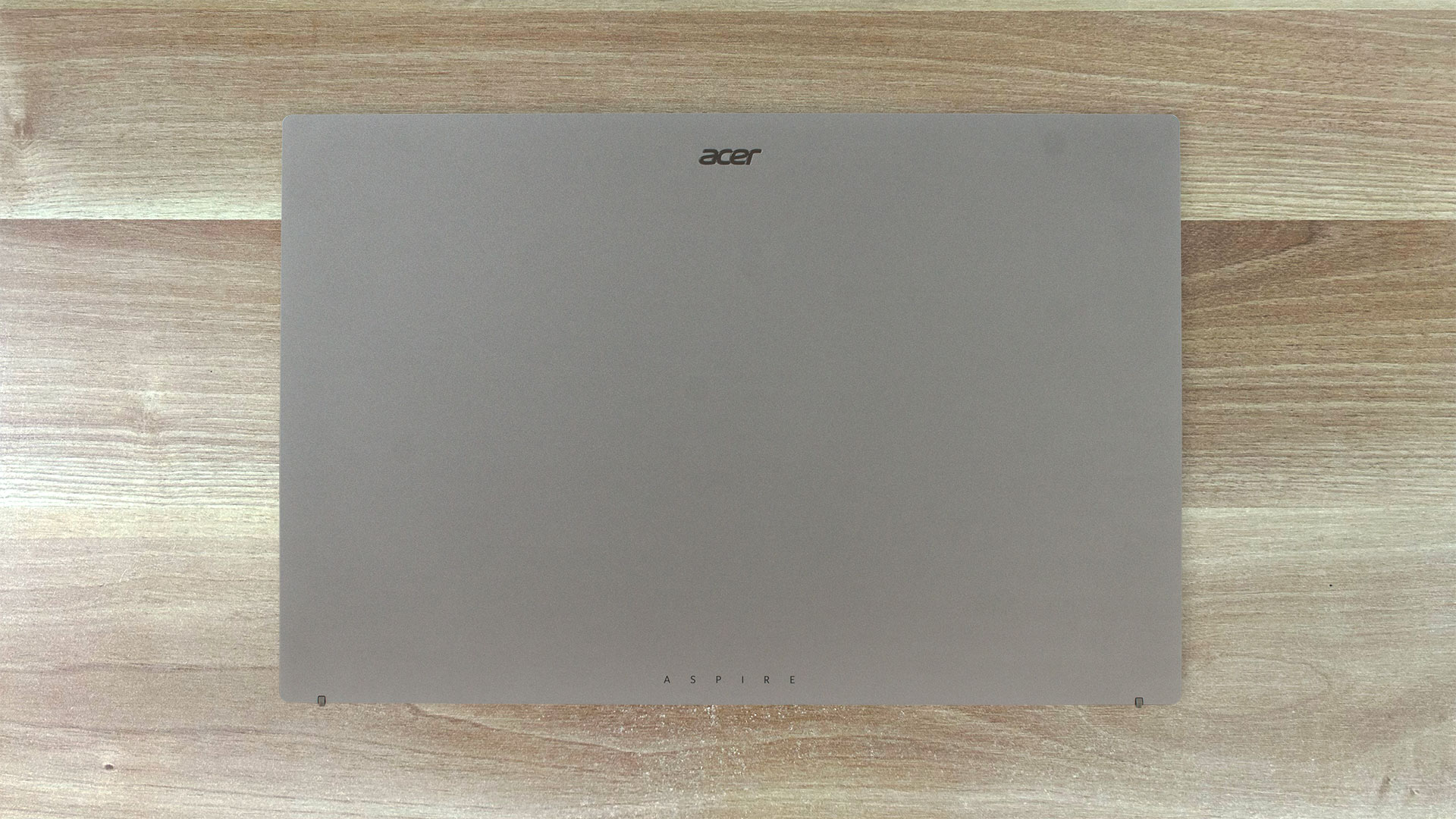
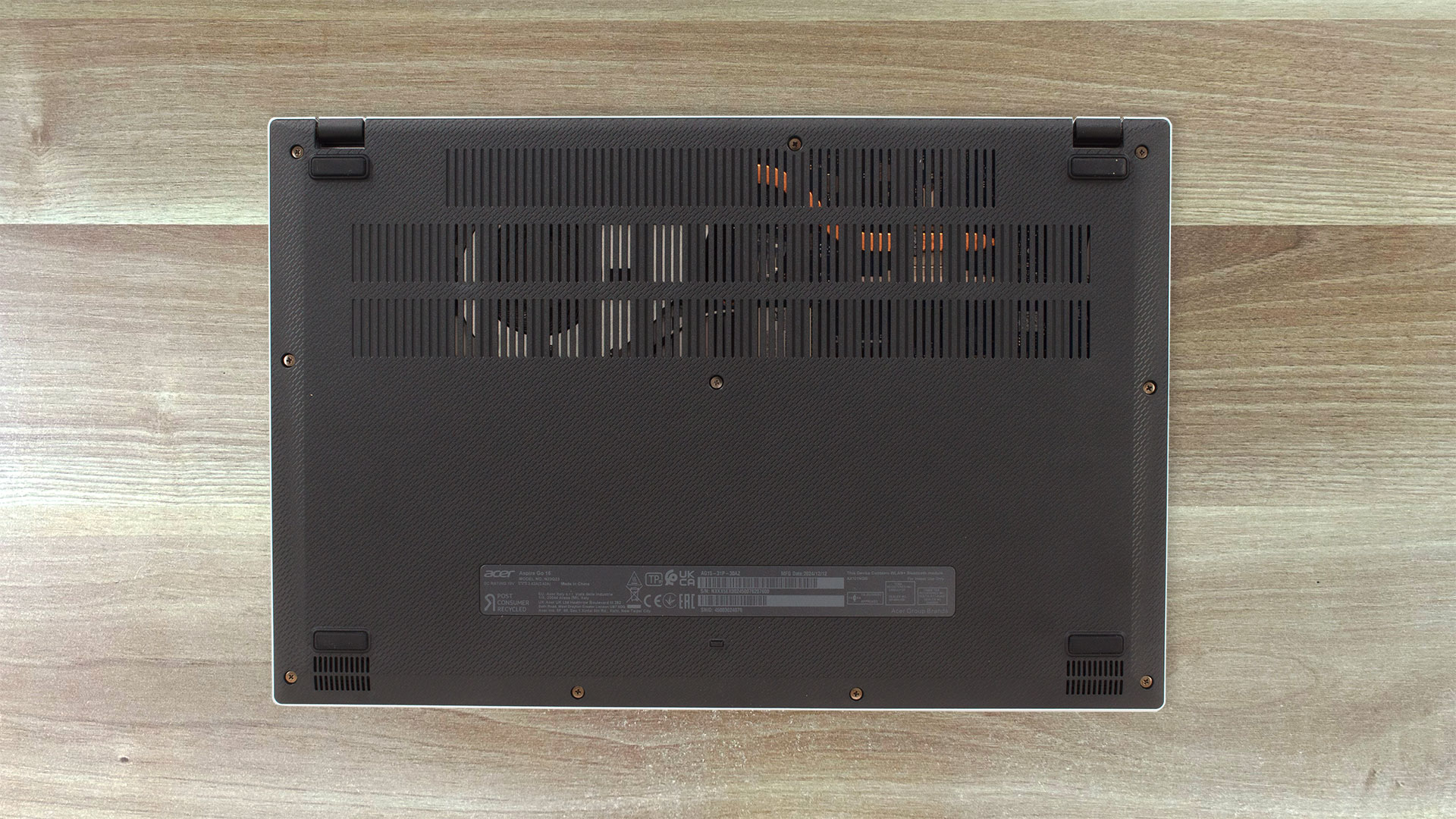
Battery Removal
Caution: Use a pointed plastic tool to avoid damaging the connector.
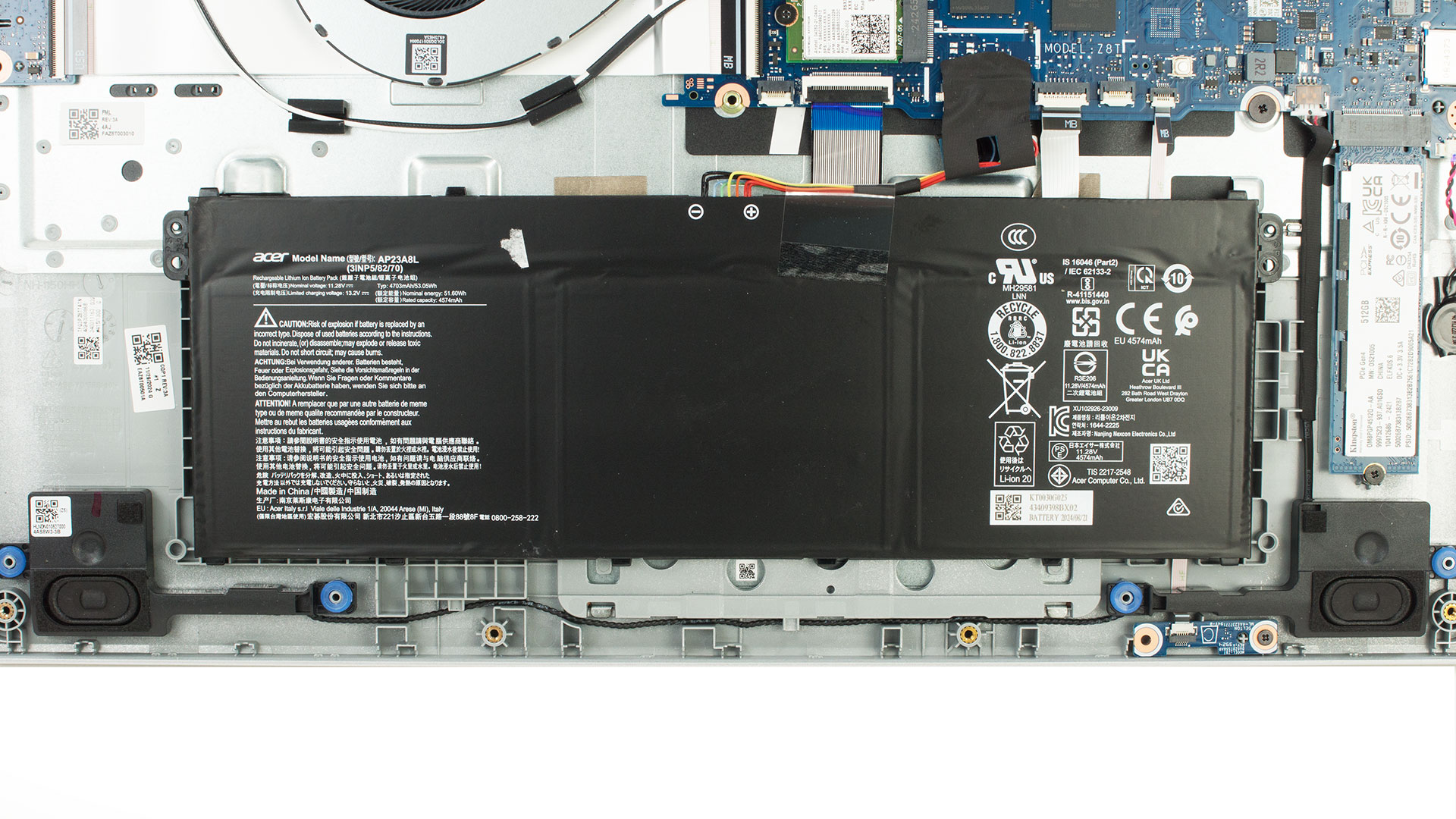
- Disconnect the battery connector from the motherboard by gently prying it up.
- The battery is not screwed in—it is held in place by plastic guides and pressure from the back cover.
- Lift the battery out carefully.
More info: This model uses a lithium-ion battery (model AP23A8L), rated at 4700 mAh, 11.2V.
You can find compatible batteries here: Buy from Amazon.com (#CommissionsEarned)
Storage Upgrade
Hint: Always ground yourself to avoid static discharge when handling SSDs.
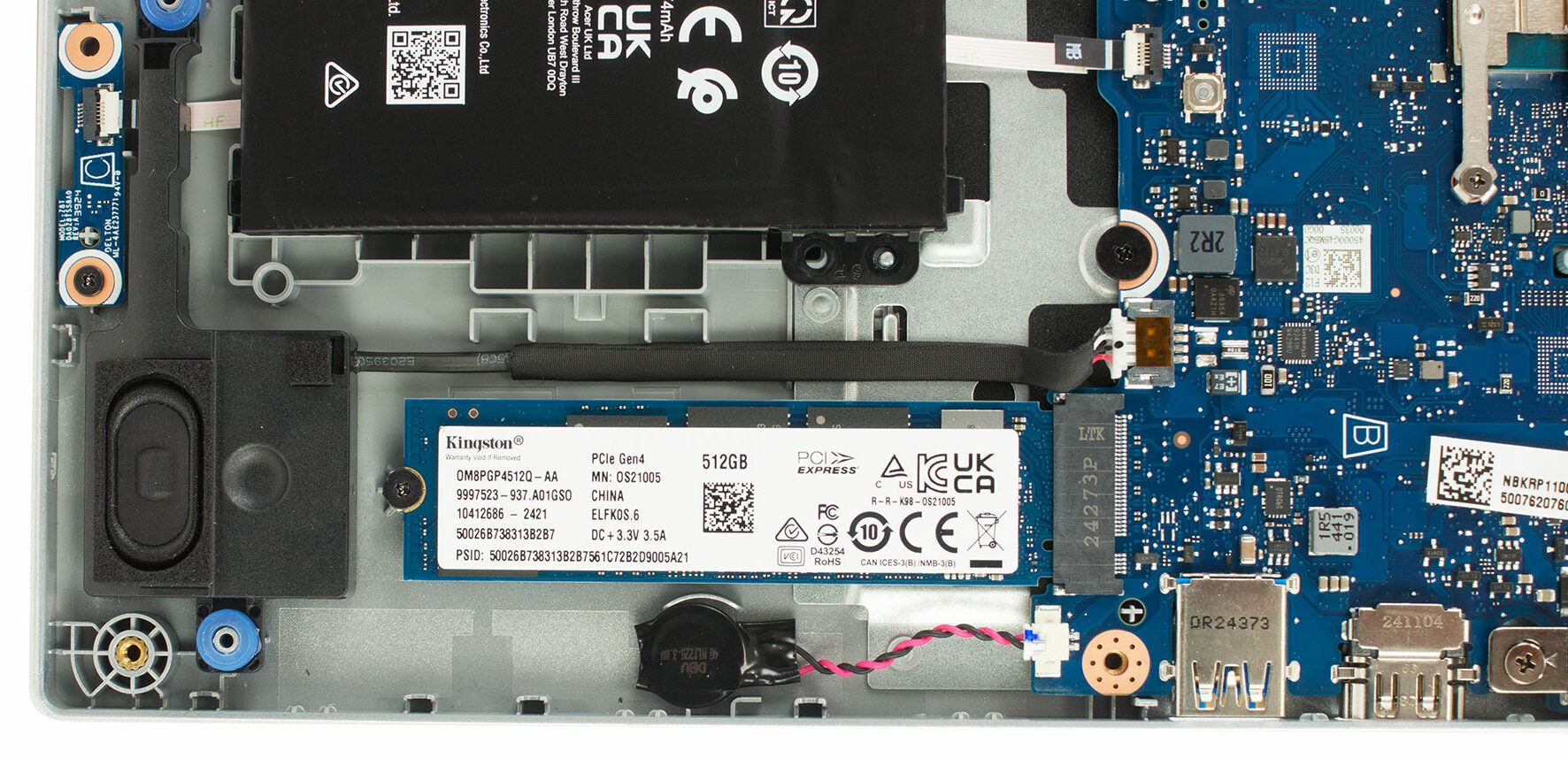
- Locate the M.2 slot next to the battery.
- Unscrew the single screw securing the SSD and gently pull the module out of the slot.
- Insert the replacement SSD at a 30-degree angle, press it down, and secure it with the screw.
More info: Although our test unit had a 512GB Kingston PCIe Gen4 x4 SSD, the slot operates at PCIe Gen3 x4 speeds due to chipset limitations.
You can find compatible SSDs here: Buy from Amazon.com (#CommissionsEarned)
Memory Configuration
Note: The RAM is soldered and not user-upgradable.
More info: The laptop is available in configurations with up to 8GB of LPDDR5 memory, soldered directly onto the motherboard.
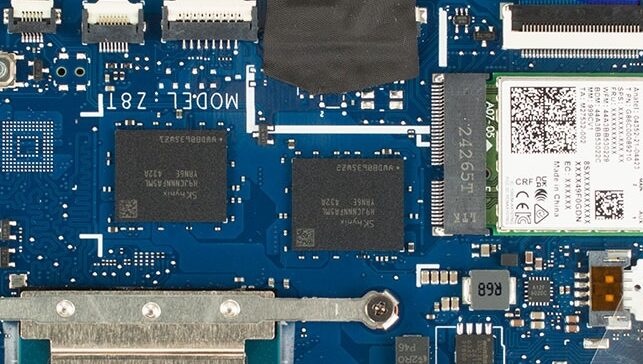
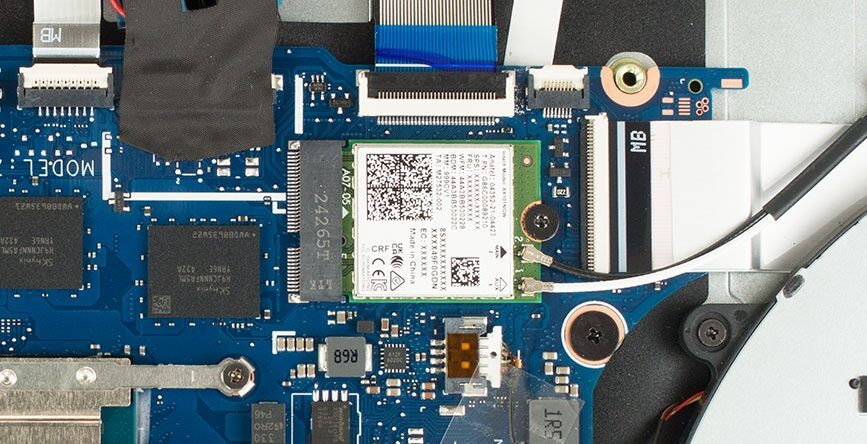
Wi-Fi Card
More info:
- The Wi-Fi module is an Intel AX101NGW (Wi-Fi 6), featuring a 1×1 antenna setup.
- It supports both 2.4 GHz and 5 GHz bands, with max theoretical speeds of 600 Mbps.
- The card is replaceable, should an upgrade be required in the future.
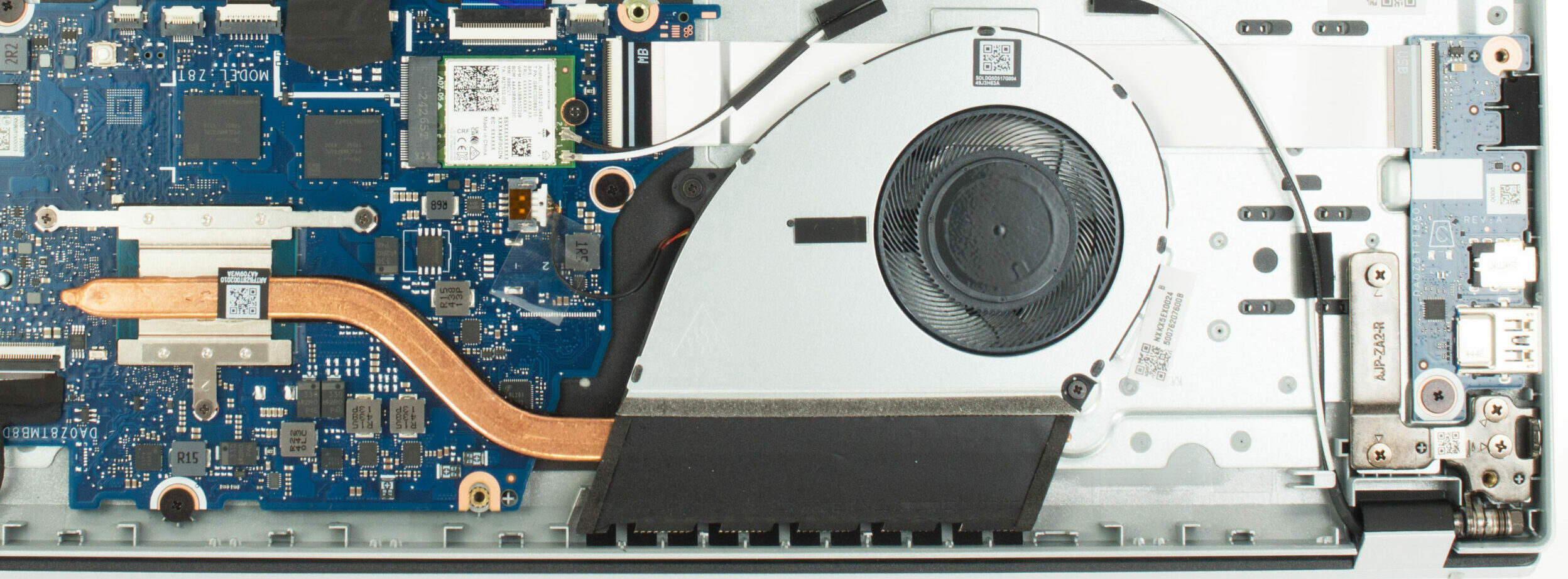
Cooling System Overview
More info: The Acer Aspire Go 15 uses a basic but adequate thermal solution for light workloads.
- A single fan circulates air through the chassis.
- A flat copper heat pipe helps transfer heat away from the CPU.
Tip: Clean the fan periodically to ensure proper airflow and reduce thermal throttling over time.
Reassembly Tips
- Ensure the battery connector is firmly reconnected before closing the laptop.
- Reinstall all screws and gently press the edges of the bottom panel to re-engage all plastic clips.
Acer Aspire Go (AG15-31P) in-depth review
You're searching for value, functionality, and maybe, just maybe, something that doesn't scream "compromise" from across the room? Enter the Acer Aspire Go 15 (AG15-31P). At first glance, it throws a curveball – a sleek, minimalist design that genuinely looks like it belongs in a higher price bracket. It catches the eye, makes you lean in closer, and perhaps wonder: have Acer cracked the code? Is this the budget champion that delivers more than its price tag suggests?But as seasoned explorers of the tech landscape, we know that surface appearances can be deceiving, especially when balanc[...]

Pros
- Surprisingly elegant design for a budget laptop
- Comfortable keyboard and excellent, large trackpad
- Versatile USB Type-C port (Gen 2, DisplayPort, Power Delivery)
- Excellent battery life - more than 10 hours!
- PWM-free display backlight ensures flicker-free viewing
- Functional port selection including HDMI 2.1
Cons
- Low CPU and GPU performance, suitable only for basic tasks
- Poor display color coverage (51% sRGB)
- Soldered RAM limits future upgradeability
- No physical webcam privacy shutter or fingerprint reader
- Keyboard backlight is optional (absent on tested unit)
 Author: Dimitar Stalev

![[August 2026] Amazon Italy: Top 10 Best-Selling Laptops – Apple MacBook Neo Claims the Crown as Budget and Mid-Range Windows Machines Dominate Volume](https://laptopmedia.com/wp-content/uploads/2026/09/Best-Selling-Laptops-IT-Top-10-400x225.jpg)
![[August 2026] Amazon Italy: Top 7 Best-Selling Gaming Laptops – ASUS V16 Claims the #1 Spot Amid Strong Mid-Range Demand](https://laptopmedia.com/wp-content/uploads/2026/09/Best-Selling-Gaming-Laptops-IT-Top-10-400x225.jpg)
![[August 2026] Best-Selling Laptop Brands on Amazon Italy – Lenovo Dominates Market Share and Revenue Leadership](https://laptopmedia.com/wp-content/uploads/2026/09/IT-Best-Brands-400x225.jpg)
![[August 2026] Amazon India: Top 10 Best-Selling Laptops – Apple MacBook Neo Dominates the Charts with Massive Sales Lead](https://laptopmedia.com/wp-content/uploads/2026/09/Best-Selling-Laptops-IN-Top-10-400x225.jpg)
![[August 2026] Amazon India: Top 10 Best-Selling Gaming Laptops – HP Victus 15 Dominates the Market with Massive Unit Lead](https://laptopmedia.com/wp-content/uploads/2026/09/Best-Selling-Gaming-Laptops-IN-Top-10-400x225.jpg)

Great breakdown on how to get into the machine – thx!. But BEWARE…This model has the solder-version of LPDDR5. Cannot upgrade to more memory! Blahhh ACER. Really, you could not add an xtra slot! What a waste.