How to open Acer Swift Edge (SFX16-61G) – disassembly and upgrade options
#CommissionsEarned
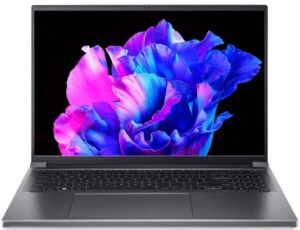
Removing the Bottom Panel
- Ensure the laptop is turned off and all peripherals are disconnected.
- Remove the 11 Torx-head screws securing the bottom panel.
- Gently pry up the bottom panel using a plastic tool, starting from one of the top two corners.
Battery
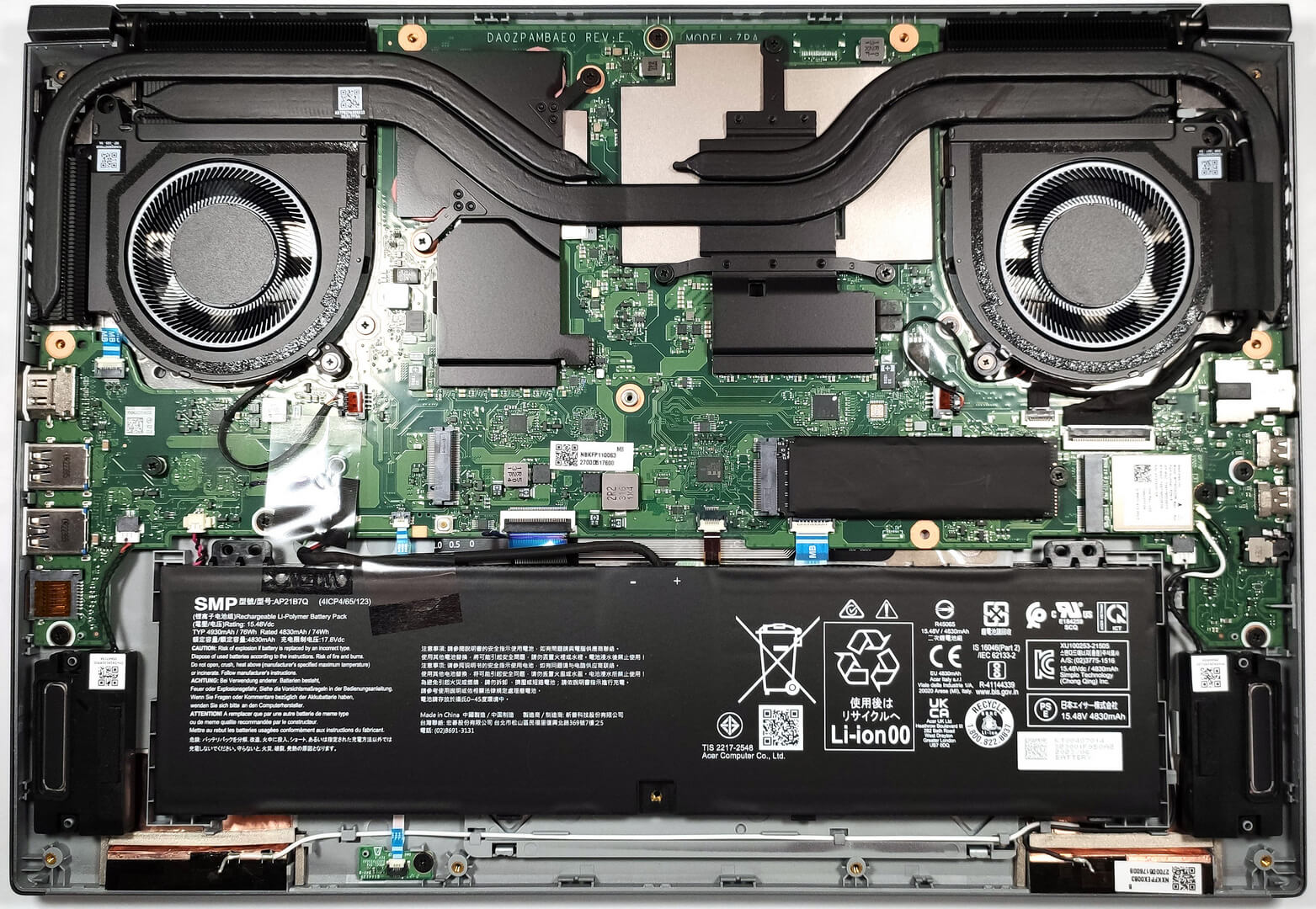
- The battery is not screwed to the base but is held in place by a dedicated socket on the inside of the bottom plate.
- To remove the battery, simply pull out its connector from the motherboard.
Note: The device features a 76Wh unit, supporting up to 6 hours and 40 minutes of web browsing or 7 hours and 42 minutes of video playback.
Memory Upgrade
Unfortunately, the Acer Swift Edge (SFX16-61G) comes with 16GB of soldered LPDDR5-6400MHz memory and does not support RAM upgrades. The provided RAM should suffice for current tasks, though it may not be considered future-proof.
Storage Upgrade
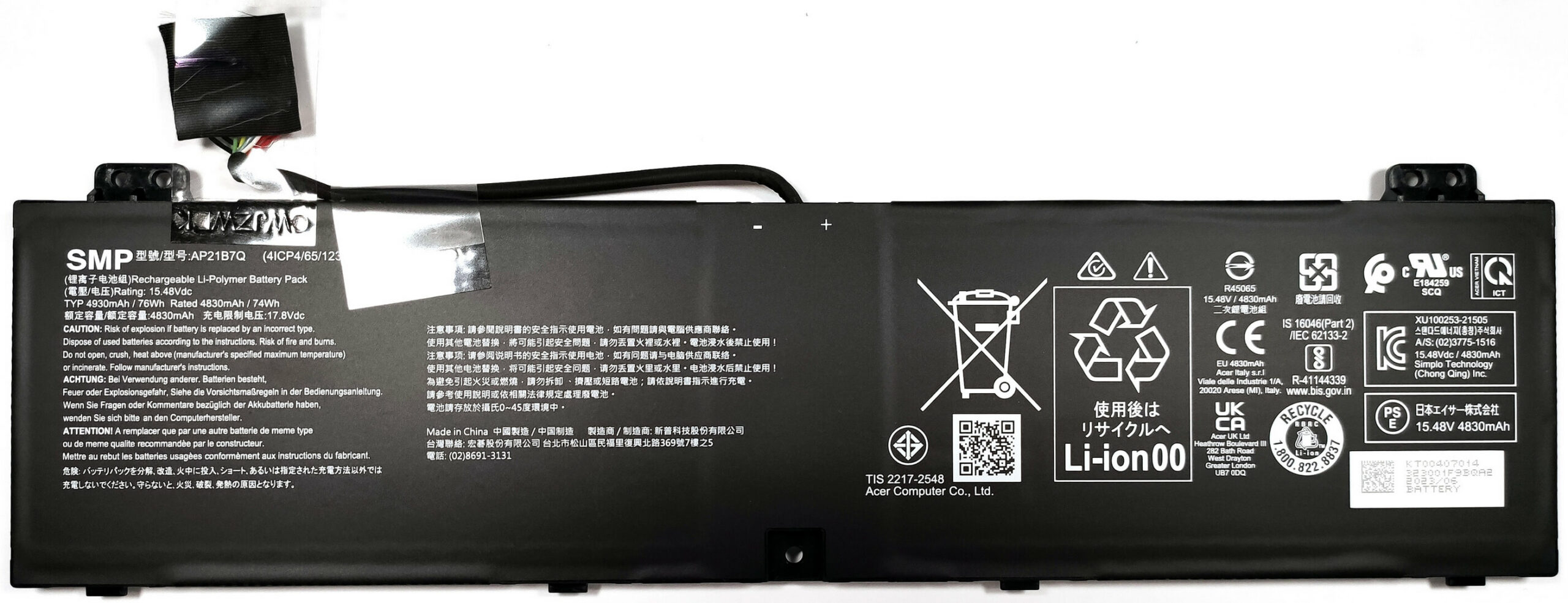
- Identify the two M.2 slots on the motherboard, both supporting Gen 4 SSDs for storage expansion or upgrades.
- Choose an appropriate Gen 4 SSD and install it into the desired slot.
You can buy Gen 4 SSDs here: Buy from Amazon.com (#CommissionsEarned)

Cooling System
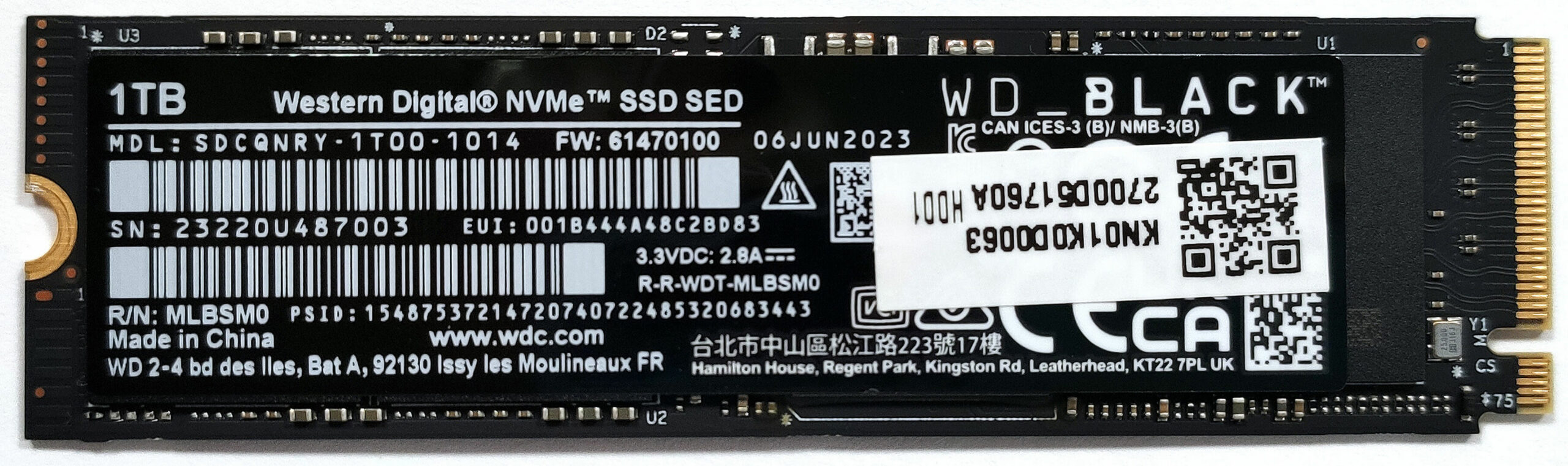
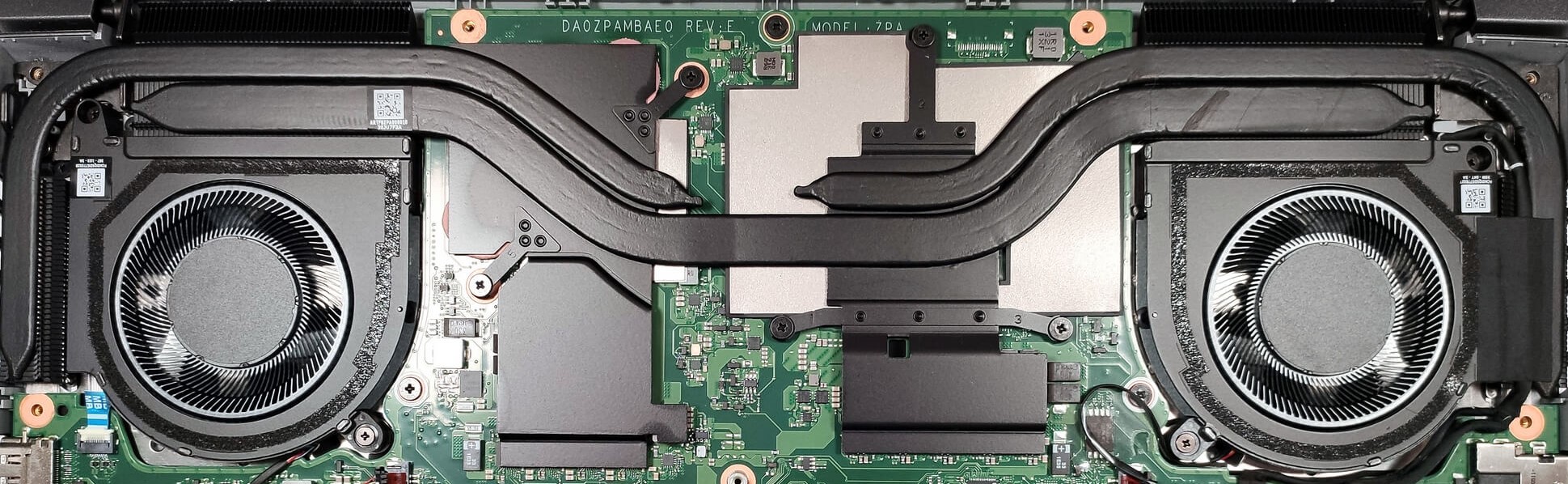
The cooling system is robust, featuring two fans, four heat sinks, and multiple heat pipes, including a thick one shared between the CPU and GPU and an additional one for each chip, along with several heat spreaders.
#CommissionsEarned
 Author: Anna Iorgova
Subscribe
0 Comments


![[August 2026] Amazon USA: Top 10 Best-Selling Laptops – Apple MacBook Neo Dominates the Market with Massive Unit Sales!](https://laptopmedia.com/wp-content/uploads/2026/09/Best-Selling-Laptops-COM-Top-10-400x225.jpg)
![[August 2026] Amazon USA: Top 10 Best-Selling Gaming Laptops – ASUS ROG Strix G16 Dominates the Market with Massive Unit Sales](https://laptopmedia.com/wp-content/uploads/2026/09/Best-Selling-Gaming-Laptops-COM-Top-10-400x225.jpg)
![[July 2026] Amazon Global: Top 10 Best-Selling Laptops – Apple MacBook Neo Dominates the Charts as Budget and Premium Notebooks Split the Market](https://laptopmedia.com/wp-content/uploads/2026/08/Best-Selling-Laptops-GLOBAL-Top-10-400x225.jpg)
![[July 2026] Amazon Global: Top 10 Best-Selling Gaming Laptops – ASUS ROG Strix G16 Dominates the Global Market with Record-Breaking Unit Sales](https://laptopmedia.com/wp-content/uploads/2026/08/Best-Selling-Gaming-Laptops-GLOBAL-Top-10-400x225.jpg)
![[July 2026] Global Ranking of Best-Selling Laptop GPUs on Amazon – RTX 5060 Dominate Premium, Intel Still Rules Budget](https://laptopmedia.com/wp-content/uploads/2026/08/Best-Selling-GPUs-GLOBAL-Top-10-400x225.jpg)
