How to open ASUS Vivobook 15 F1504 (X1504) – disassembly and upgrade options
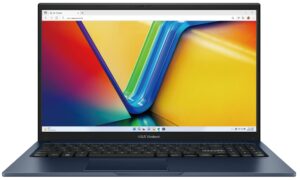
Opening the ASUS Vivobook 15
Hint: Ensure the laptop is powered off and unplugged before starting.
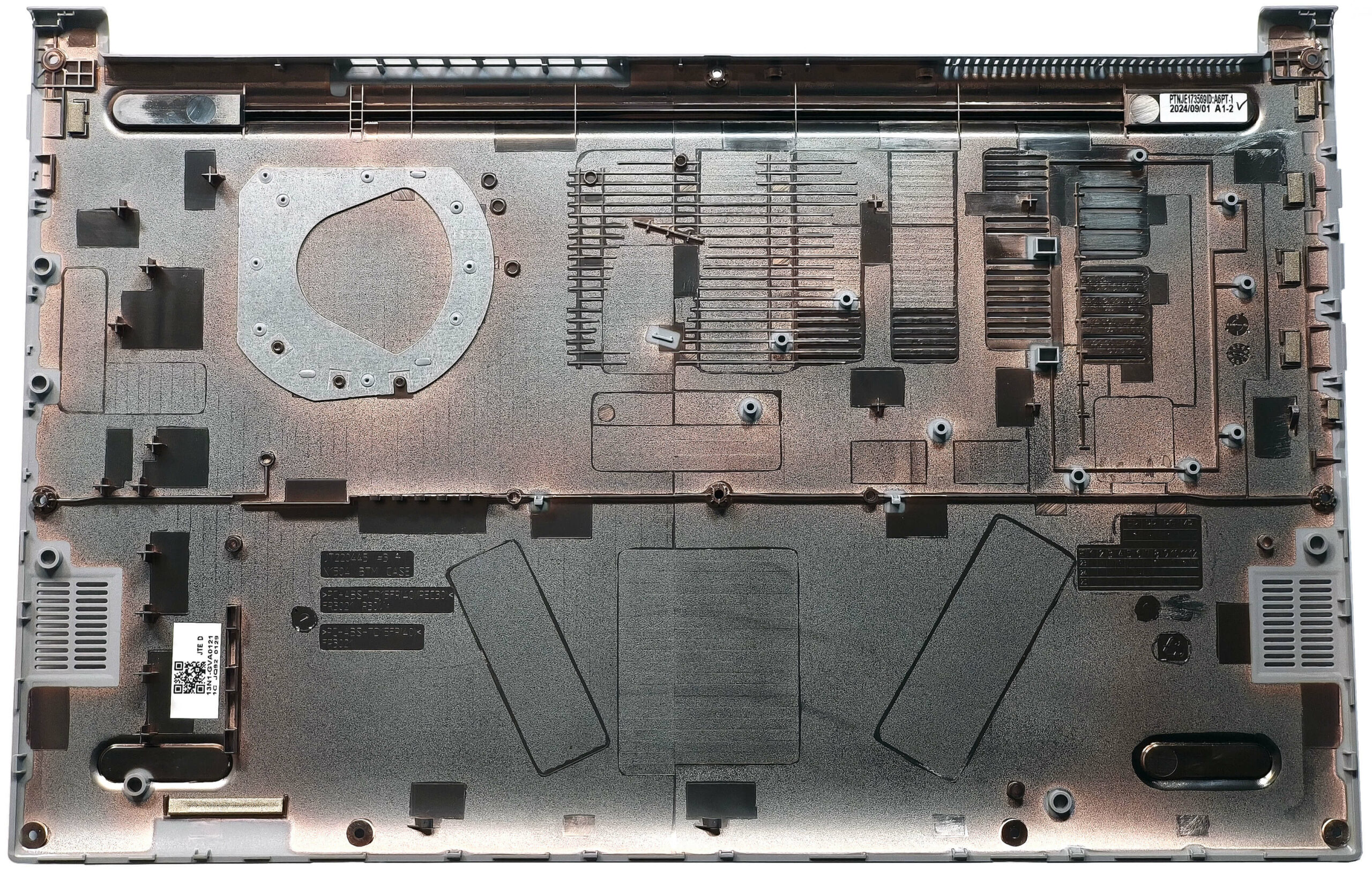
- Undo the 10 Torx-head screws securing the bottom panel to the chassis.
- Insert a thin plastic tool into the top edges to create a gap and pry along the sides to release the clips.
- Pop the front of the panel and use a lever tool to pry the rear carefully.
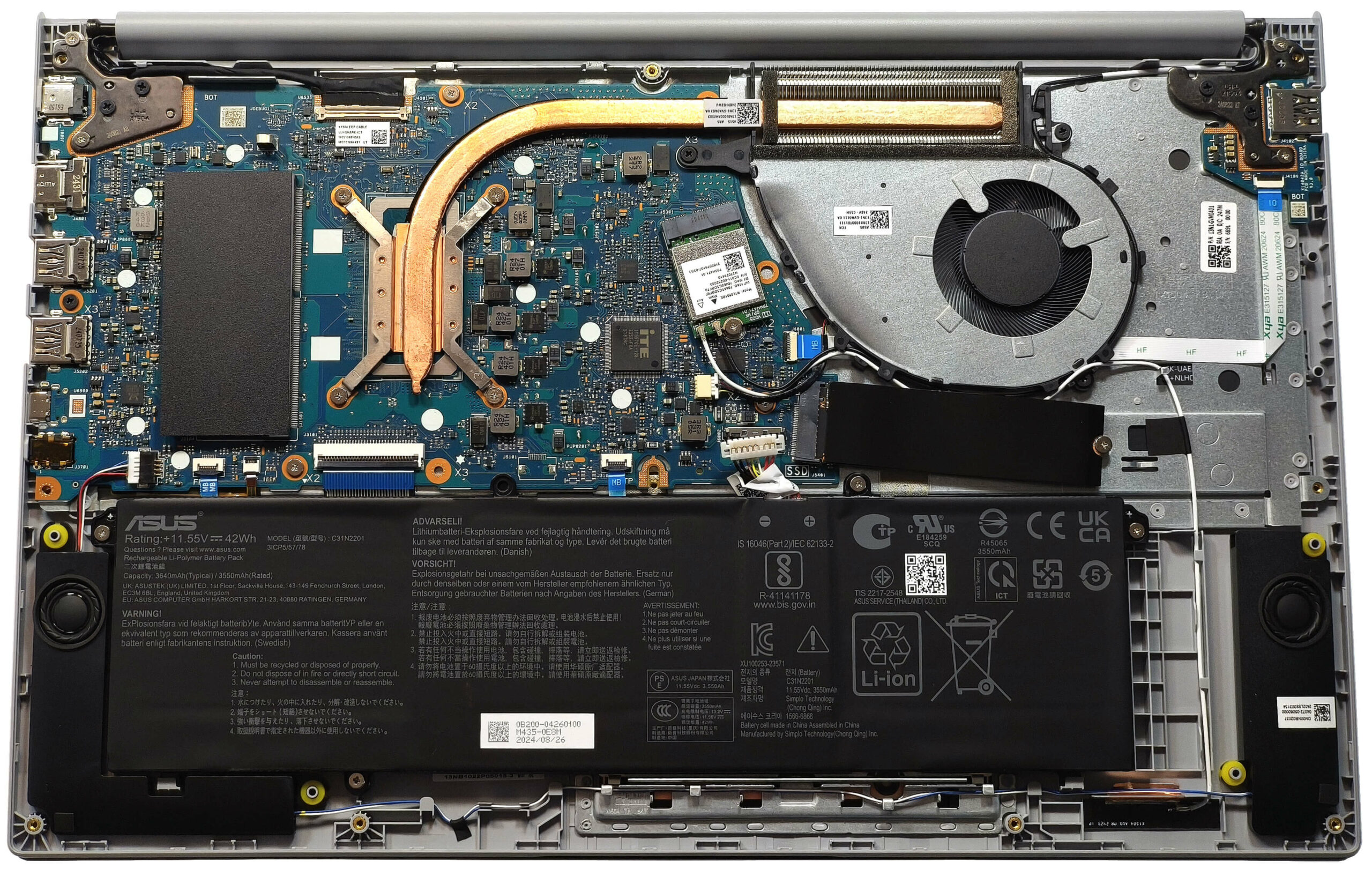
More info: The inside of the bottom panel provides access to the battery, RAM slot, Wi-Fi card, and SSD.
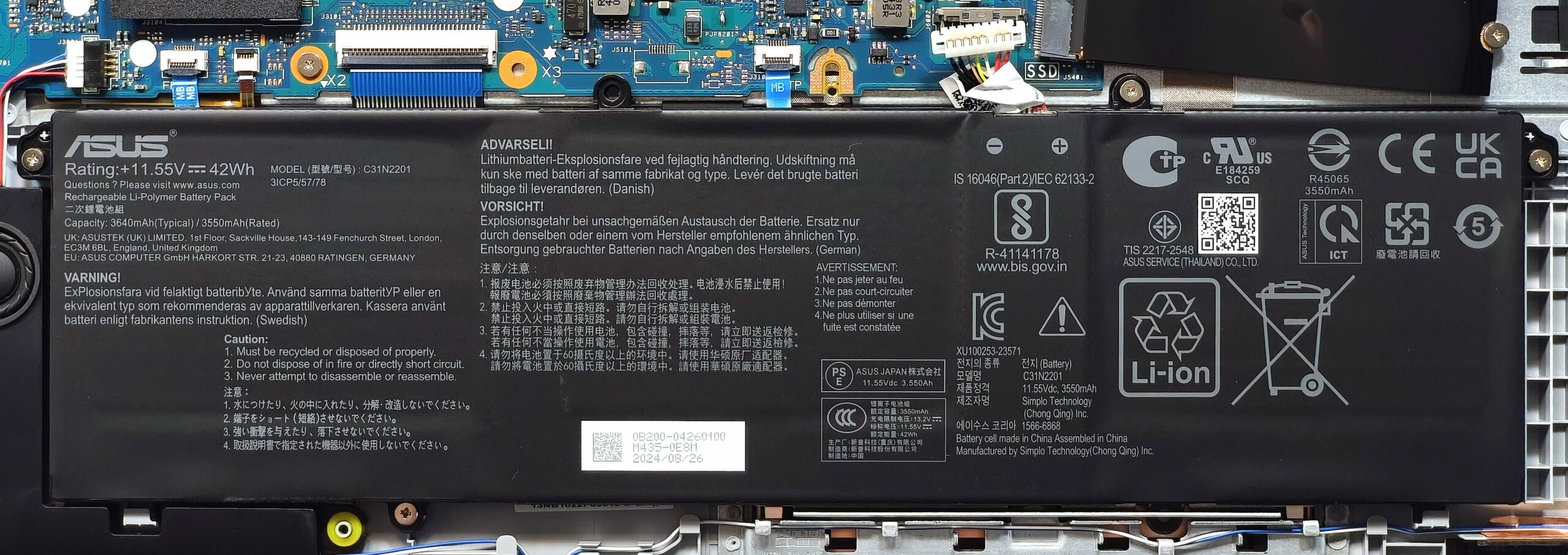
Battery Removal
Caution: Wear gloves to avoid electrical zaps and handle the battery with care.
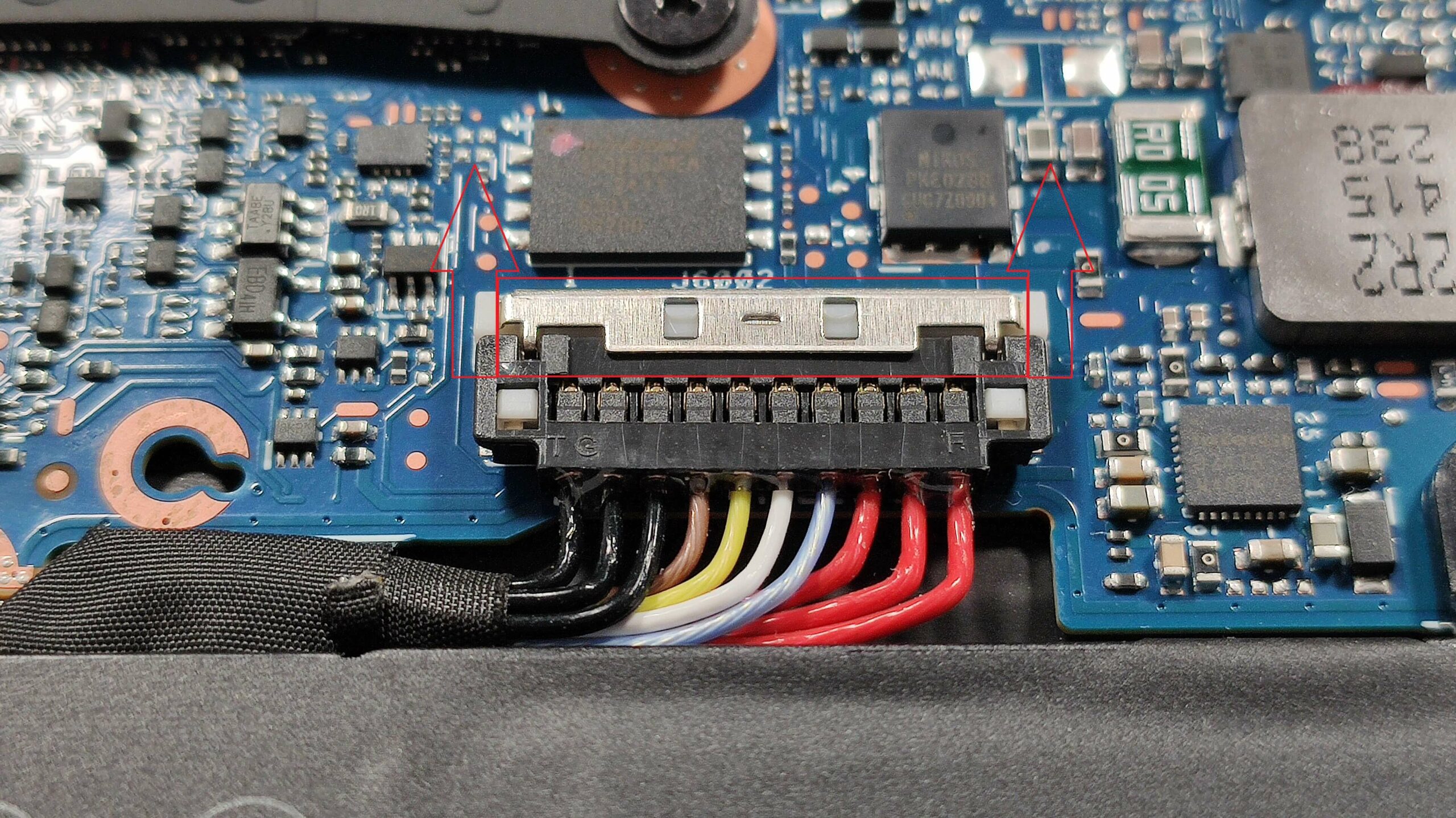
- Slide upwards the small metal shroud on top of the battery connector to release it.
- Gently lift the connector by its sides using a plastic tool.
- Undo the four Phillips-head screws securing the 42Wh battery to the chassis.
- Lift and remove the battery from the laptop.
More info: The 42Wh battery provides approximately 8 hours of video playback, making it suitable for everyday use.
You can find compatible batteries here: Buy from Amazon.com (#CommissionsEarned)
Memory Upgrade
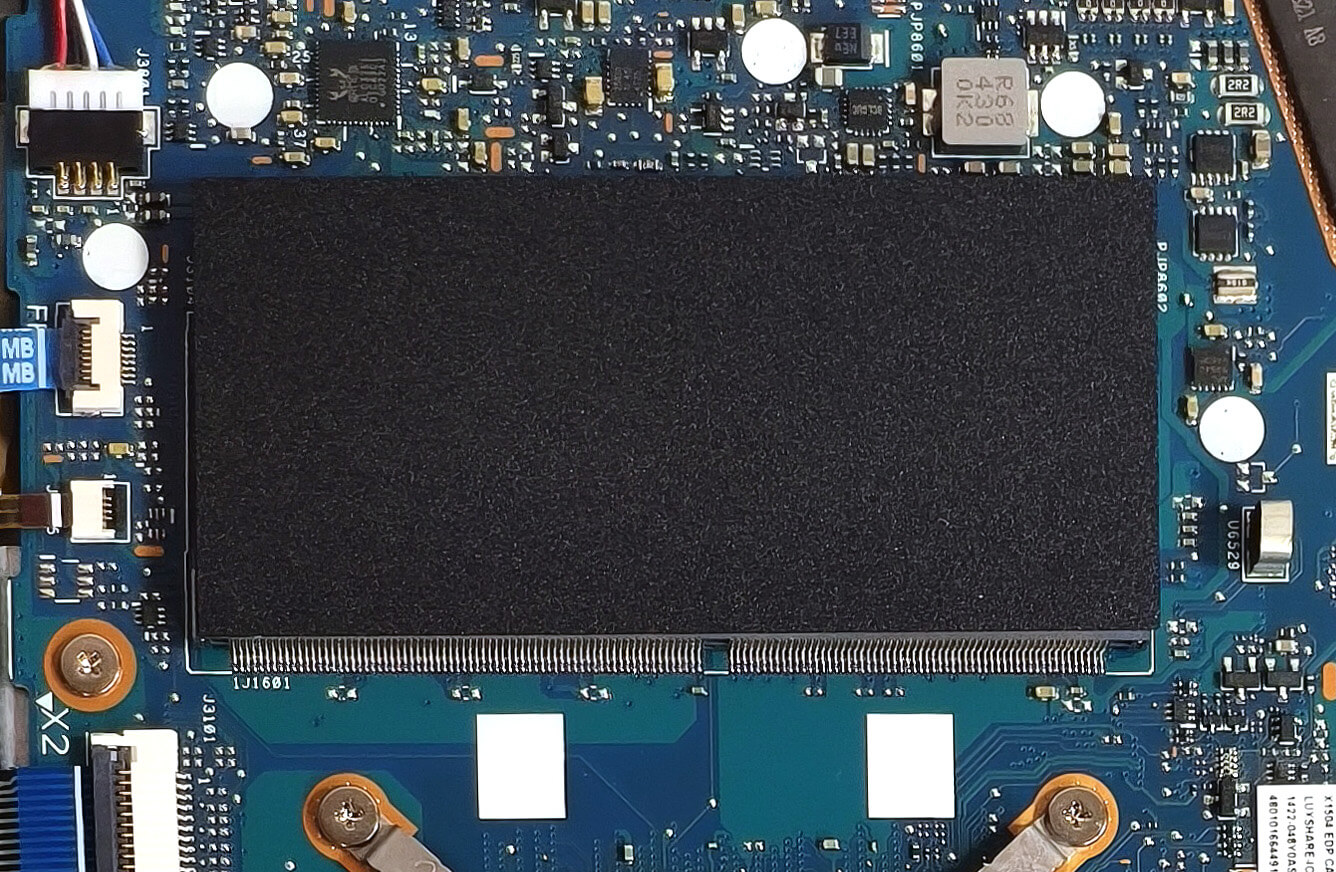
Note: The device comes with soldered RAM but includes an additional SODIMM slot for upgrades.
- Locate the SODIMM slot, which is hidden below a plastic film. Carefully lift the film to access the slot.
- Install up to 8GB of DDR4-3200MHz RAM as per ASUS specifications. The CPU can theoretically support up to 96GB, allowing for higher capacities beyond the official limit.
- Ensure the RAM module is securely seated in the slot before replacing the plastic film.
More info: Combining the soldered RAM with an additional module enables dual-channel operation, enhancing performance.
You can find compatible RAM here: Buy from Amazon.com (#CommissionsEarned)
Storage Upgrade
Hint: Handle SSD components carefully to avoid damage or data loss.
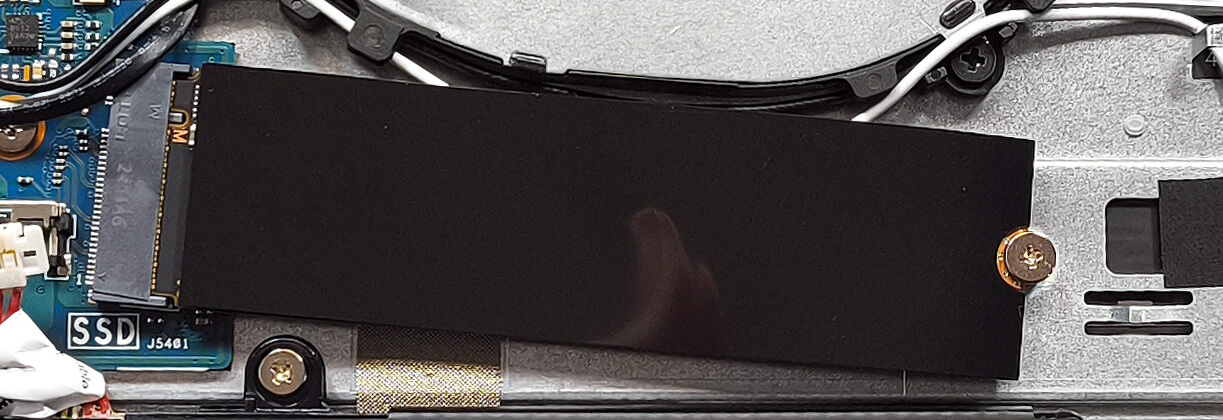
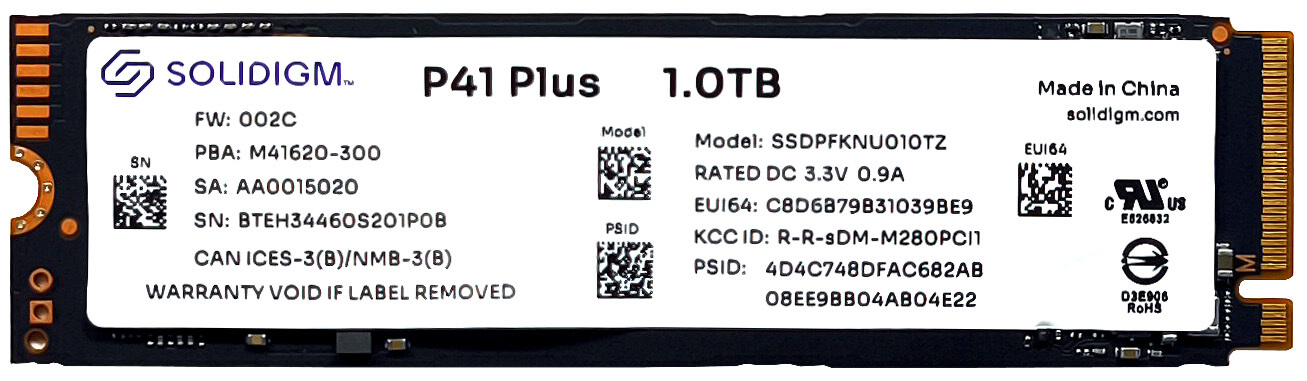
- Locate the single M.2 slot compatible with 2280 Gen 4 SSDs.
- The NVMe drive is equipped with a heat shield on top. Remove the shield carefully to access the SSD slot.
- Install the SSD into the slot at a slight angle, ensuring it is fully seated, and replace the heat shield for optimal thermal performance.
More info: The Gen 4 compatibility ensures high-speed storage performance.
You can find compatible SSDs here: Buy from Amazon.com (#CommissionsEarned)
Connectivity Options
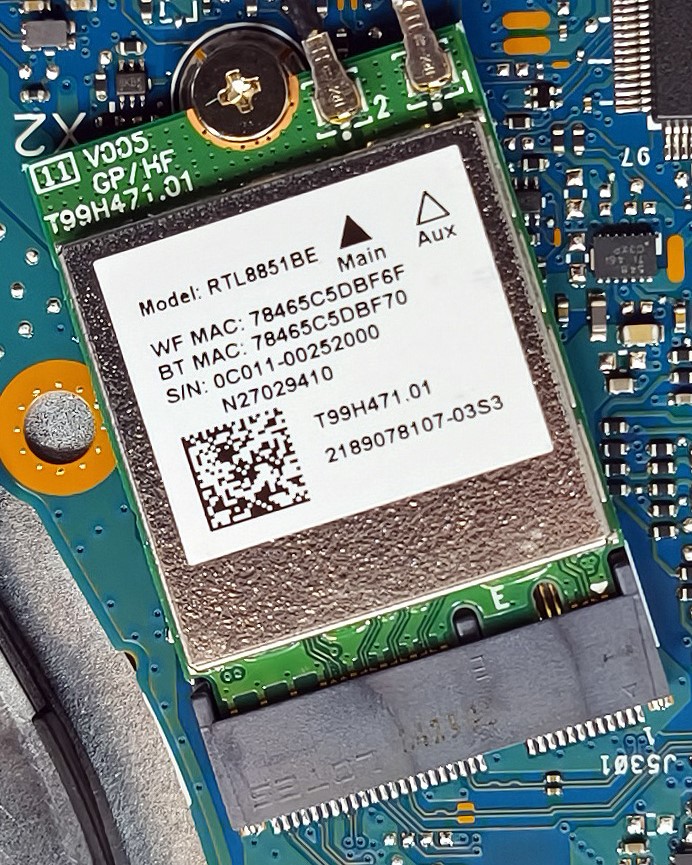
More info: The Wi-Fi 6 card is upgradable and located to the left of the fan, allowing for future connectivity upgrades if needed.
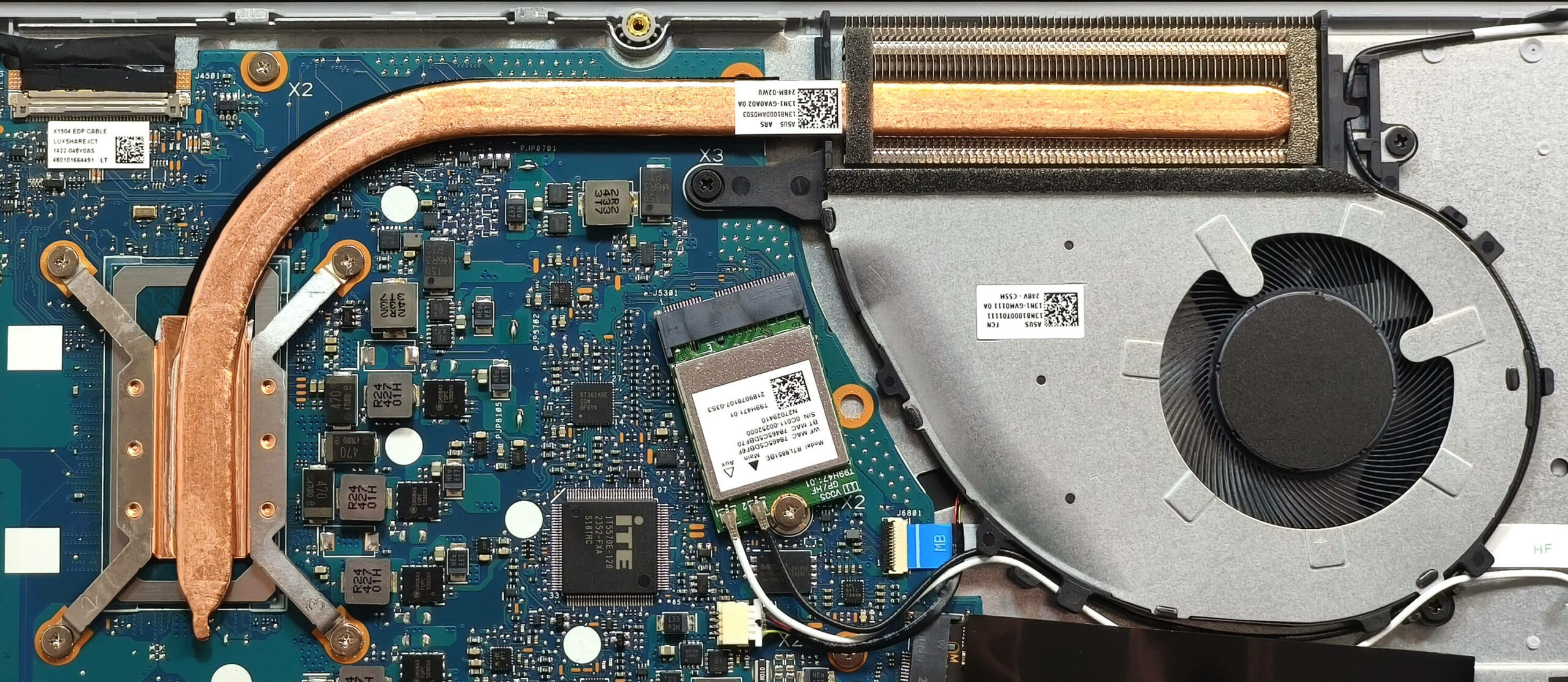
Cooling System Overview
More info: The cooling system of the ASUS Vivobook 15 is adequate for general use.
- The system includes a single fan for airflow.
- One long heat pipe directs heat away from critical components.
- A top-mounted heat sink and a heat spreader complement the cooling design to maintain stable temperatures.
Tip: Regularly clean the fan and heat pipe to maintain optimal cooling performance and prevent overheating.
ASUS Vivobook 15 F1504 (X1504 / P1504 / V1504) in-depth review
The ASUS Vivobook lineup offers plenty of machines in different price categories. One of the laptops is the ASUS Vivobook 15 F1504 (X1504). This fella doesn't cost much but it's loaded with an adequate amount of features and performance for the class.The notebook is available with Intel Raptor Lake-U chips but if you want to save some bucks, you can get the same laptop with Alder Lake-U chip. These 12th Gen processors are still powerful enough for daily tasks, office usage, and even for light gaming. There are three display options all with a 16:9 aspect ratio and 1080p resolution. One of [...]

Pros
- Affordable
- No PWM (AUO B156HAN02.1 (AUO21ED))
- Antibacterial coating
- Comfortable keyboard and touchpad
- Camera with a privacy shutter
- Nice performance for the class
- Good comfort during heavy load
Cons
- No SD card reader
- Limited I/O and the USB Type-C port is only for data transfers
- Covers 55% of sRGB colors (AUO B156HAN02.1 (AUO21ED))
- Plastic build
- NVMe with QLC memory
 Author: Dimitar Stalev

![[June 2026] Best-Selling Laptop Brands on Amazon Global – Apple’s Unrivaled Dominance in Units and Revenue](https://laptopmedia.com/wp-content/uploads/2026/07/GLOBAL-Best-Brands-400x225.jpg)
![[June 2026] Amazon Global: Top 10 Best-Selling Laptops – Apple’s New MacBook Neo Storms to #1, Reshaping the Market with Affordability](https://laptopmedia.com/wp-content/uploads/2026/07/Best-Selling-Laptops-GLOBAL-Top-10-400x225.jpg)
![[June 2026] Amazon Global: Top 10 Best-Selling Gaming Laptops – Acer’s Nitro V 16S AI Dominates Sales, While ASUS Leads Overall Revenue](https://laptopmedia.com/wp-content/uploads/2026/07/Best-Selling-Gaming-Laptops-GLOBAL-Top-10-400x225.jpg)
![[June 2026] Global Ranking of Best-Selling Laptop GPUs on Amazon – NVIDIA RTX 5060 is the Top-Selling Dedicated GPU](https://laptopmedia.com/wp-content/uploads/2026/07/Best-Selling-GPUs-GLOBAL-Top-10-400x225.jpg)
![[June 2026] Global Ranking of Best-Selling Laptop CPUs on Amazon – Apple M5 Dominates, AMD Ryzen 7 260 Gets Solid Premium Share](https://laptopmedia.com/wp-content/uploads/2026/07/Best-Selling-CPUs-GLOBAL-Top-10-400x225.jpg)

Sfortunatamente Linux non ha (ancora) i driver per wifi e bluetooth e il computer non ha la porta ethernet. Per ora l’unica soluzione è una chiavetta wifi/bt/ethernet che costa pochi euro ma è veramente scomoda in un computer portatile. Oppure usare Linux in una VM sotto Windows, ma diciamo la verità, generalmente uno usa Linux proprio per evitare Windows.
You can use kiswahili or English may be I can understand
I need to know what to do if your PC are overheating and not turn on on the screen
Your can use kiswahili or English may be I can understand
buenas tardes quiero placa board de asus bivoobook