How to open ASUS Vivobook 16 X1607 – disassembly and upgrade options
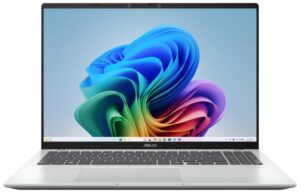
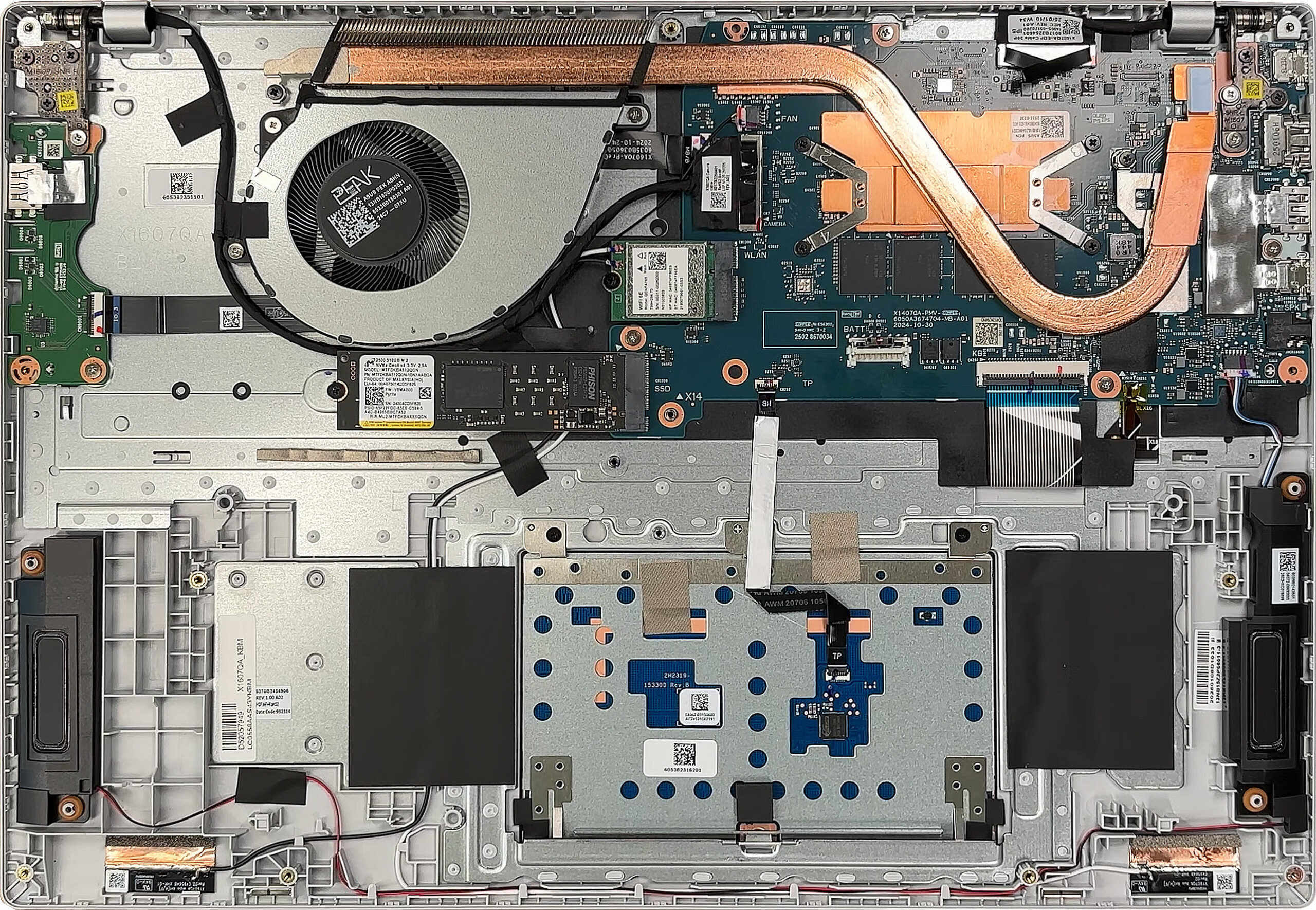
Removing ten JIS-standard screws and popping a few plastic clips is all it takes to lift the bottom panel, giving an unobstructed view of the ASUS Vivobook 16 X1607’s internals.
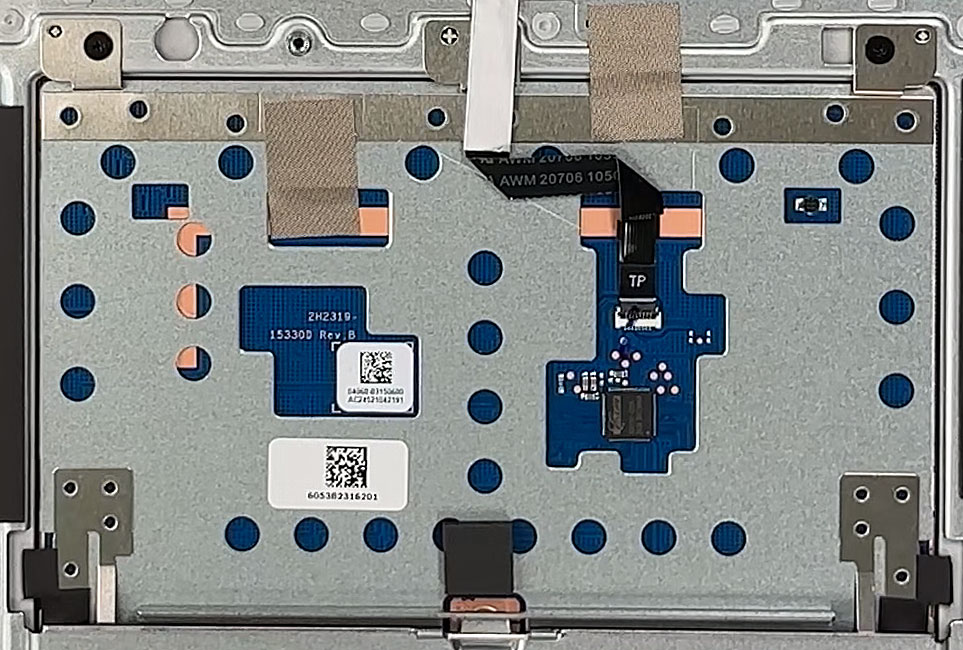
The precision-touchpad mechanism is secured by a robust steel bracket, while the keyboard and clickpad ribbon cables are routed and taped for strain relief. Servicing these input devices only requires peeling back the tape and undoing a few screws, keeping repairs simple.
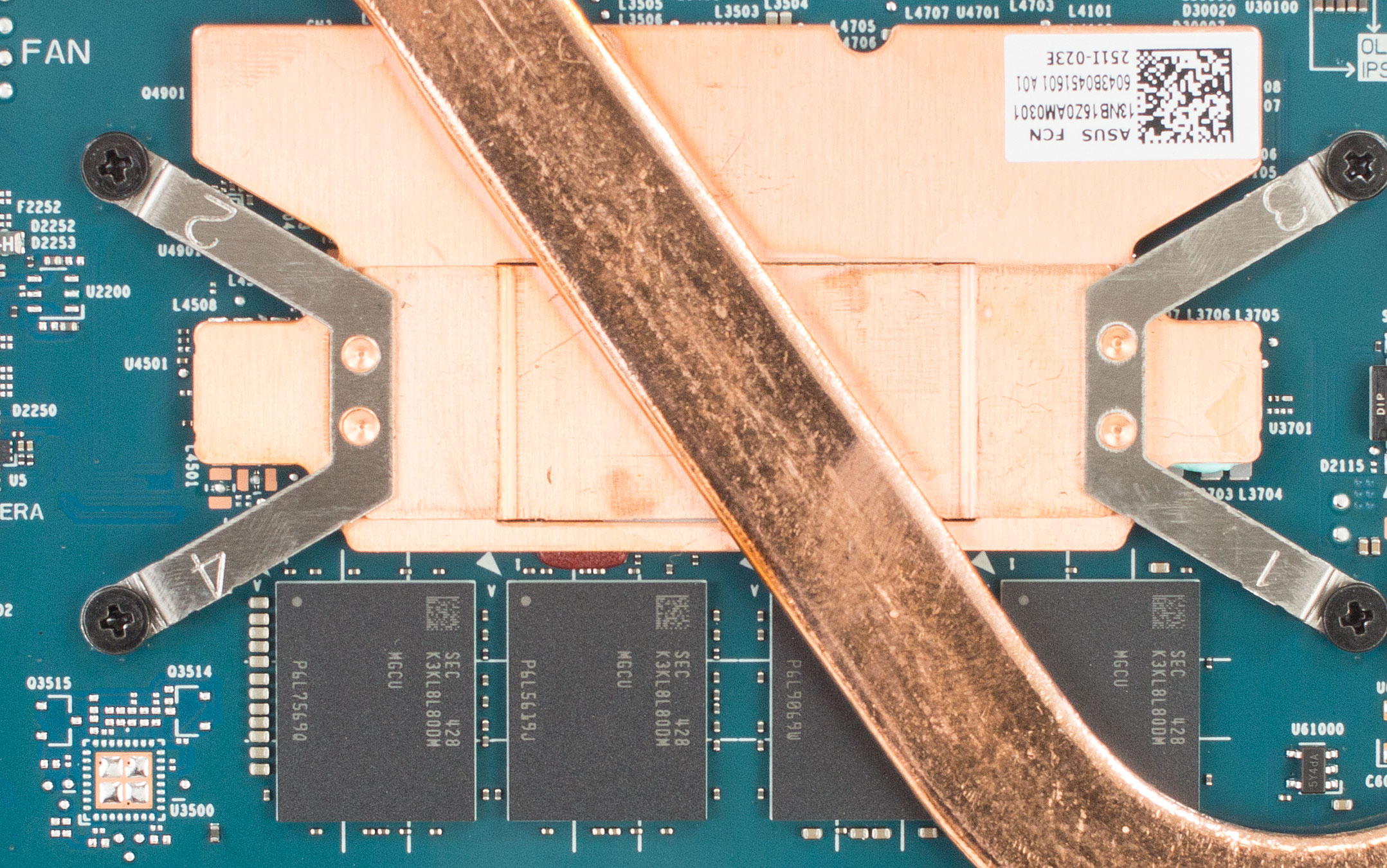
Cooling System
Cooling is managed by a single blower fan and a heat pipe that traverses a large copper plate over the CPU. Air is exhausted toward the hinge; regularly clearing dust from these outlets will help sustain optimal performance.
Memory and Storage
- Memory: 16 GB of soldered LPDDR5X memory operating in dual-channel mode; not upgradeable.
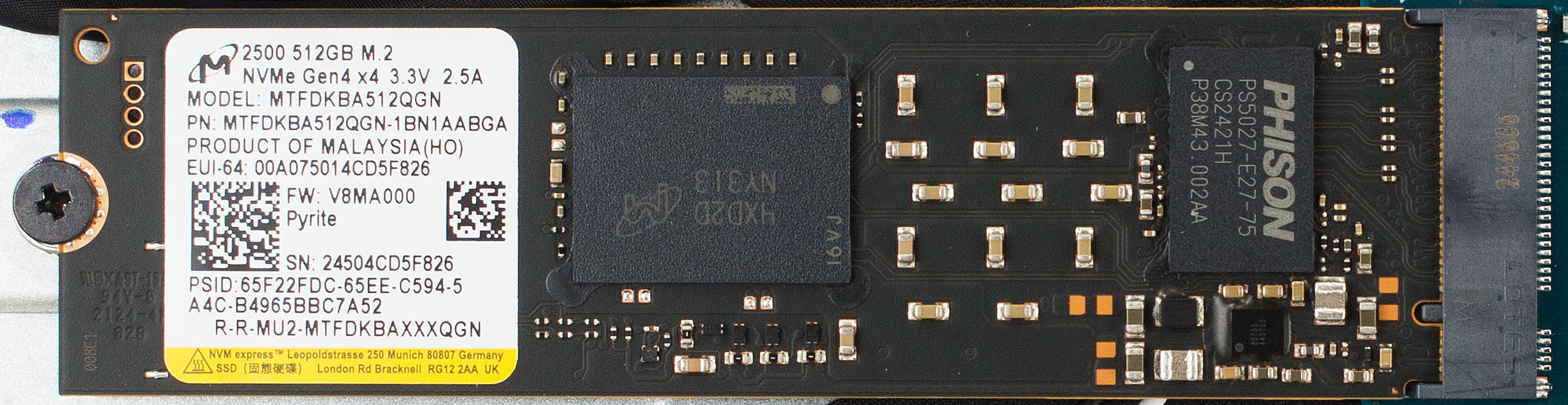
- Storage: One M.2 2280 PCIe 4.0 ×4 slot is available. Our sample shipped with a 512 GB Micron 2500 drive, and upgrades involve swapping this SSD for a larger capacity module.
Hint: Don’t forget to check out our Top M.2 SSDs Performance Rankings for insights on the best storage options available.
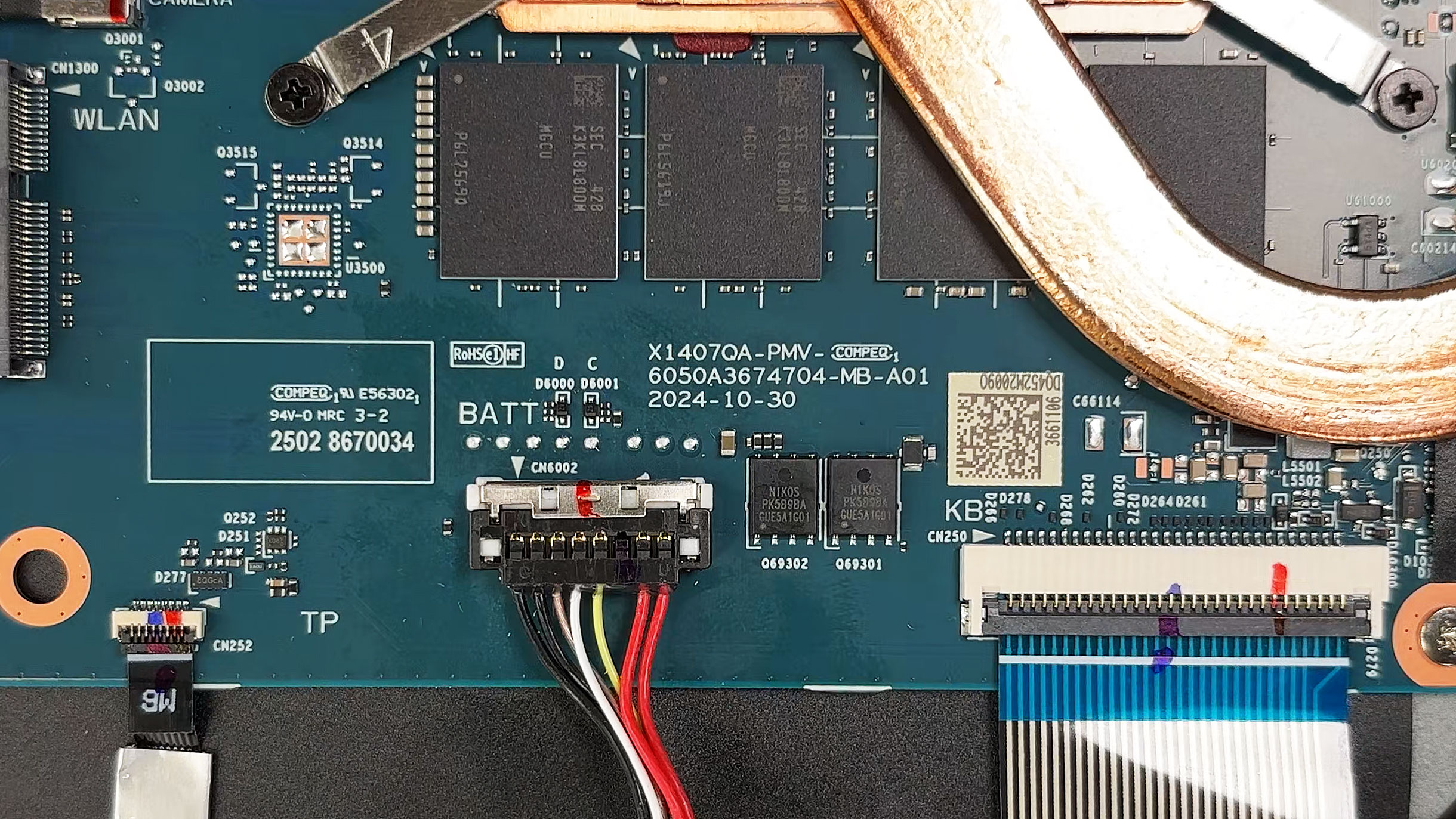
Connectivity and Battery
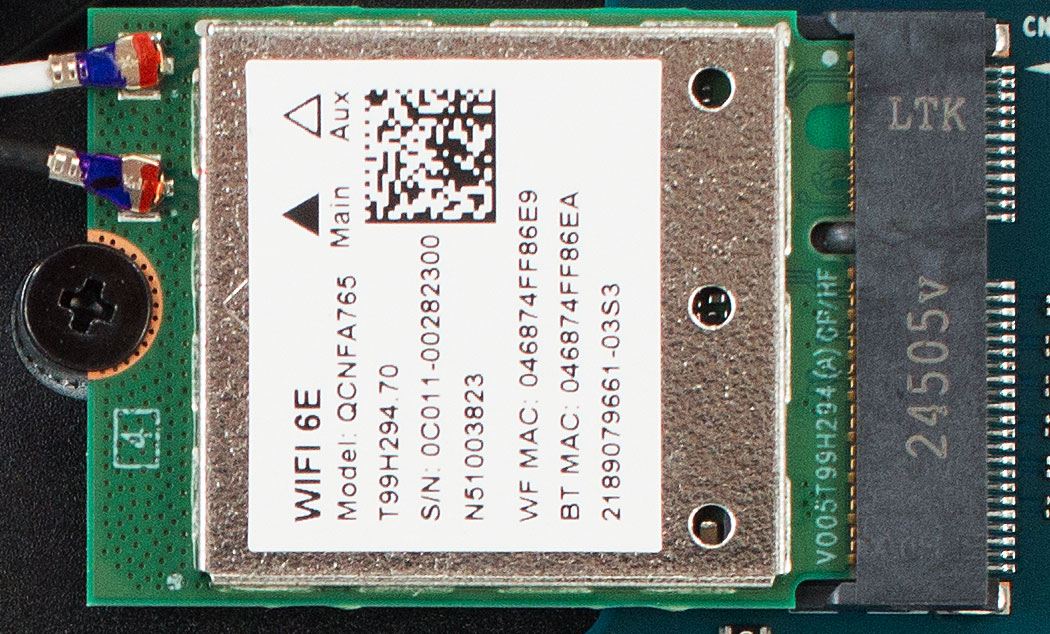
- Wi-Fi: Thankfully, the Qualcomm QCNFA765 Wi-Fi 6E card is socketed, allowing easy future upgrades or replacements. It sits under the left antenna leads.
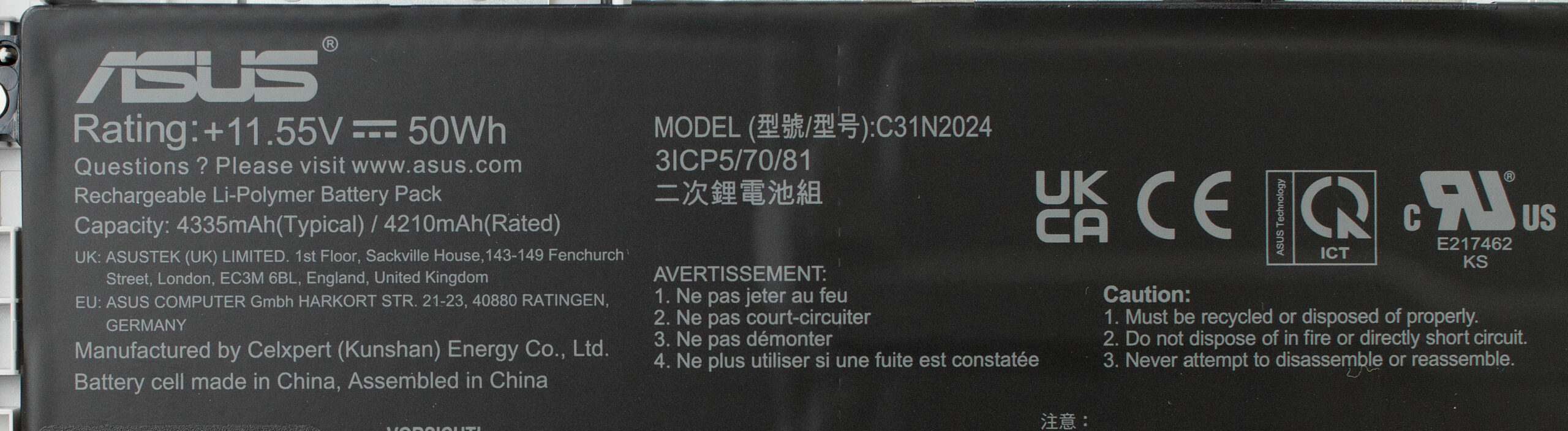
- Battery: The 50 Wh lithium-ion pack (11.55 V, 4335 mAh typical) is secured by three screws and uses a pull-up connector. It’s the last user-replaceable component before reassembling the bottom cover.
Overall, the Vivobook 16 X1607 is refreshingly straightforward to service, with easy access to key components. However, be mindful of the permanently soldered RAM and the single storage slot when planning long-term upgrades.
ASUS Vivobook 16 (X1607QA / F1607QA) in-depth review
The ASUS Vivobook 16 X1607QA arrives as one of the first heralds of the new Copilot+ PC era, built on Qualcomm's efficiency-focused Snapdragon X platform. It promises a revolution in what we can expect from a laptop's battery life, and on that front, it delivers in a way we've rarely seen. However, this marathon runner comes with a significant catch - a compromise so stark it divides the potential audience in two.This isn't a laptop for everyone; it's a device of extreme strengths and weaknesses. The question is, are they the right compromises for you?You can check the prices and c[...]
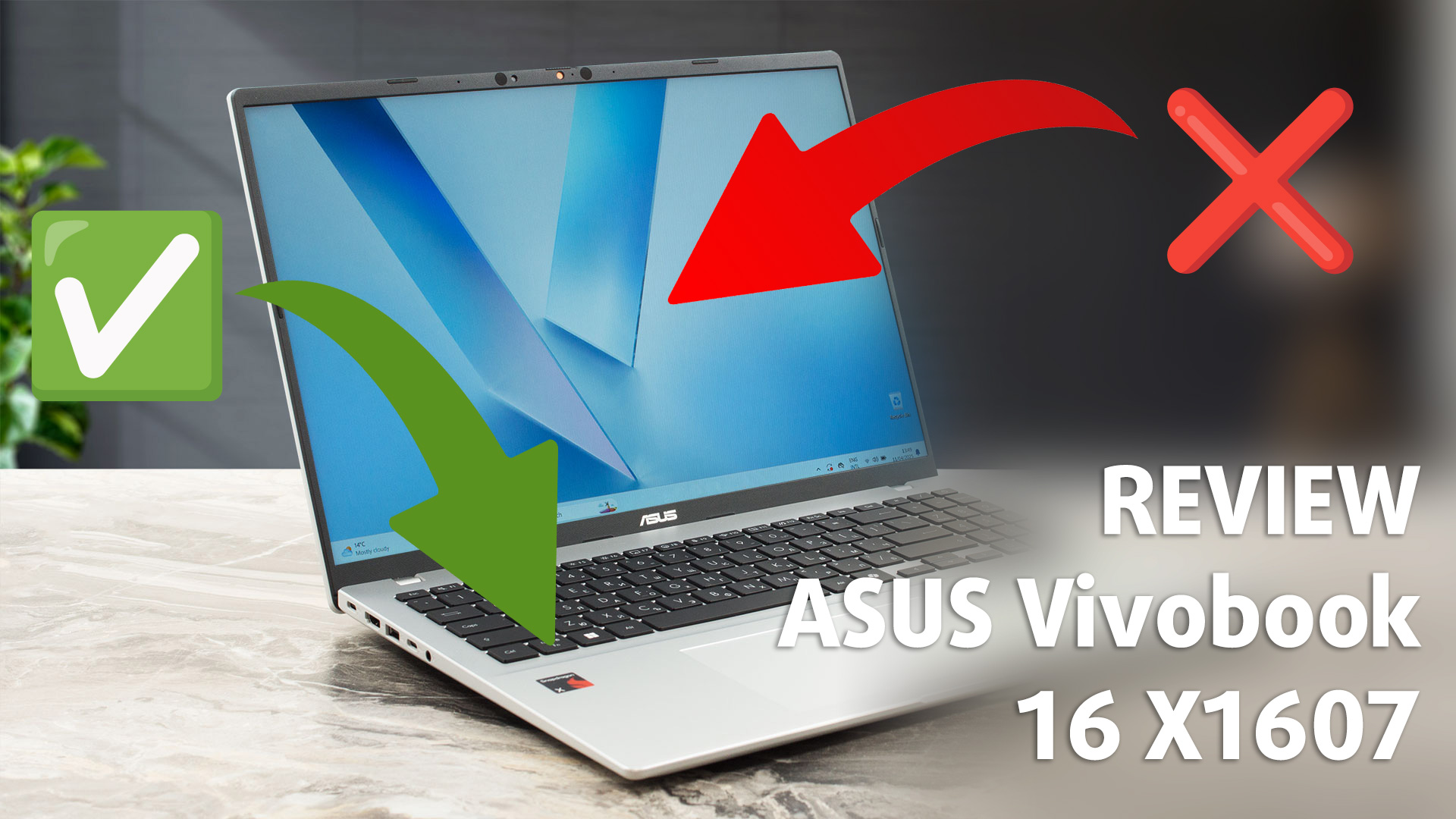
Pros
- Phenomenal, class-leading battery life
- Surprisingly robust and premium-feeling build quality
- Excellent connectivity with two future-proof USB4 ports
- Runs exceptionally cool and quiet
- PWM-free display is comfortable for long work sessions
- FHD IR camera with a physical privacy shutter
Cons
- Display has very poor color coverage (55% sRGB)
- Soldered RAM prevents any future memory upgrades
- Underwhelming performance for heavy work
 Author: Dimitar Stalev

![[August 2026] Amazon Italy: Top 10 Best-Selling Laptops – Apple MacBook Neo Claims the Crown as Budget and Mid-Range Windows Machines Dominate Volume](https://laptopmedia.com/wp-content/uploads/2026/09/Best-Selling-Laptops-IT-Top-10-400x225.jpg)
![[August 2026] Amazon Italy: Top 7 Best-Selling Gaming Laptops – ASUS V16 Claims the #1 Spot Amid Strong Mid-Range Demand](https://laptopmedia.com/wp-content/uploads/2026/09/Best-Selling-Gaming-Laptops-IT-Top-10-400x225.jpg)
![[August 2026] Best-Selling Laptop Brands on Amazon Italy – Lenovo Dominates Market Share and Revenue Leadership](https://laptopmedia.com/wp-content/uploads/2026/09/IT-Best-Brands-400x225.jpg)
![[August 2026] Amazon India: Top 10 Best-Selling Laptops – Apple MacBook Neo Dominates the Charts with Massive Sales Lead](https://laptopmedia.com/wp-content/uploads/2026/09/Best-Selling-Laptops-IN-Top-10-400x225.jpg)
![[August 2026] Amazon India: Top 10 Best-Selling Gaming Laptops – HP Victus 15 Dominates the Market with Massive Unit Lead](https://laptopmedia.com/wp-content/uploads/2026/09/Best-Selling-Gaming-Laptops-IN-Top-10-400x225.jpg)
