How to open ASUS Vivobook Pro 15 OLED (N6506) – disassembly and upgrade options
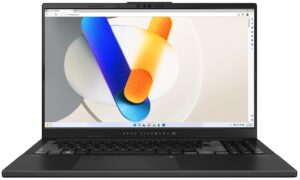
Step 1: Opening the ASUS Vivobook Pro 15 OLED (N6506)
- Ensure the ASUS Vivobook Pro 15 OLED is turned off and placed on a soft surface to prevent damage.
- Remove the 10 Torx-head screws securing the bottom panel of the laptop.
- Use a lever tool to gently lift the bottom panel from one of the top corners, creating an initial gap.
- Employ a thin plastic tool to carefully pop the panel off, paying extra attention around vents and ports to avoid damage.
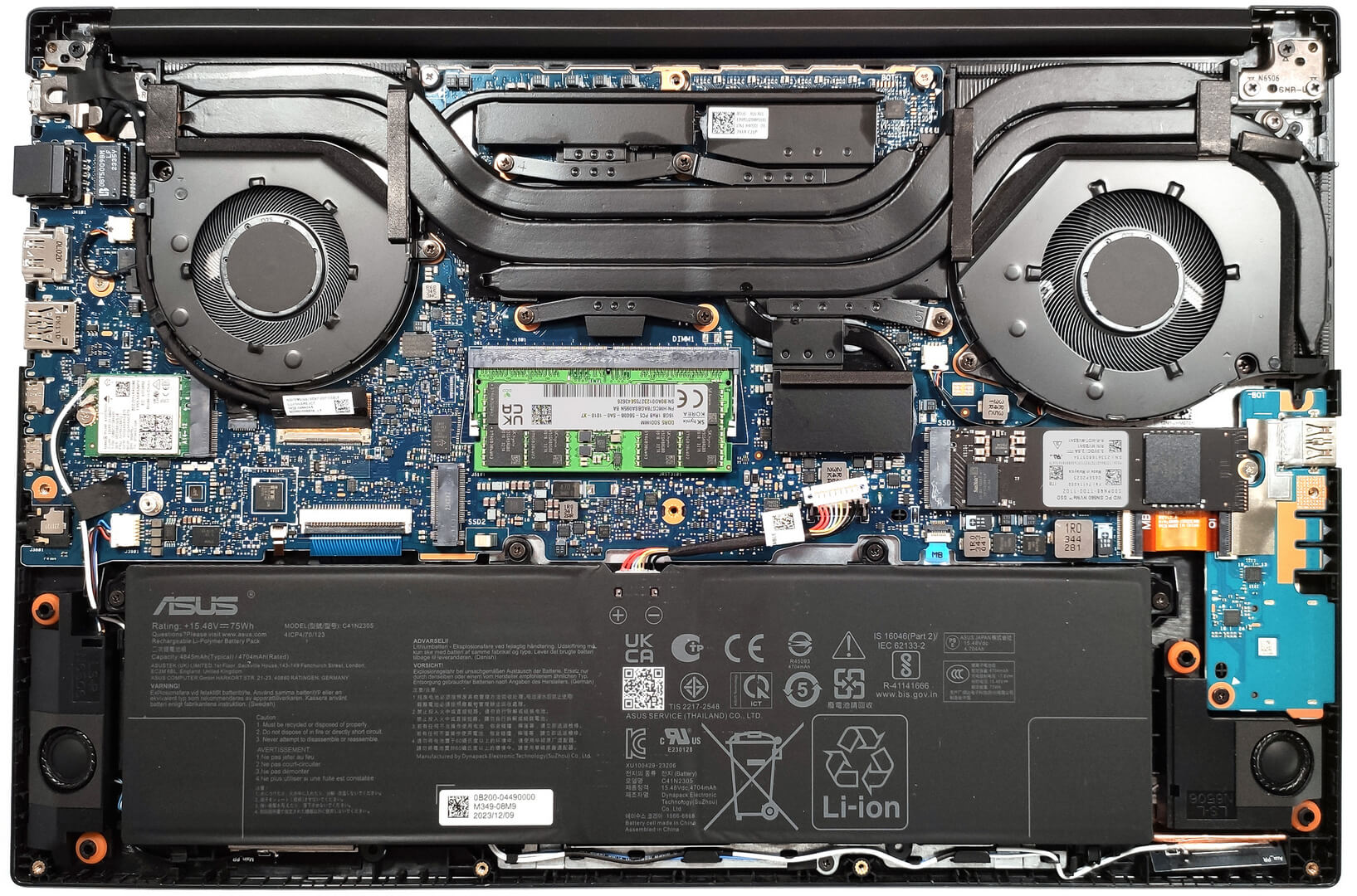
Step 2: Battery Removal
- Disconnect the battery connector from the motherboard for safety.
- Remove the 4 Phillips-head screws that secure the 75Wh battery to the chassis, then lift it away.
More info: The 75Wh battery offers substantial battery life, supporting up to 25 hours of web browsing or 6 hours and 40 minutes of video playback.

Memory Upgrade
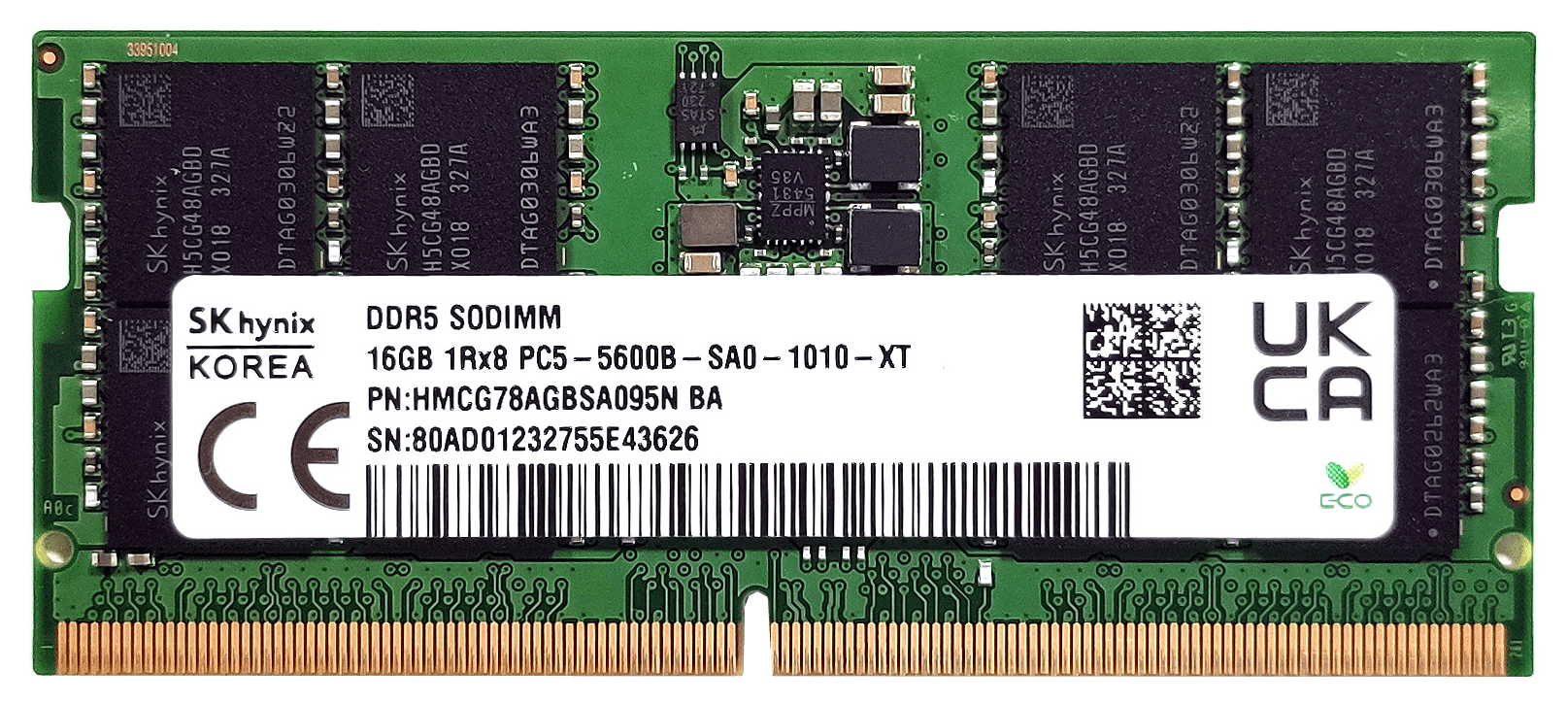
- Identify the soldered 8GB of system memory, alongside the available SODIMM slot for RAM expansion.
Upgrade Tip: Upgrading the memory through the SODIMM slot enables dual-channel mode and could increase the total RAM up to 24GB of DDR5-5600MHz.
You can buy DDR5 RAM modules here: Buy from Amazon.com (#CommissionsEarned)

Storage Upgrade
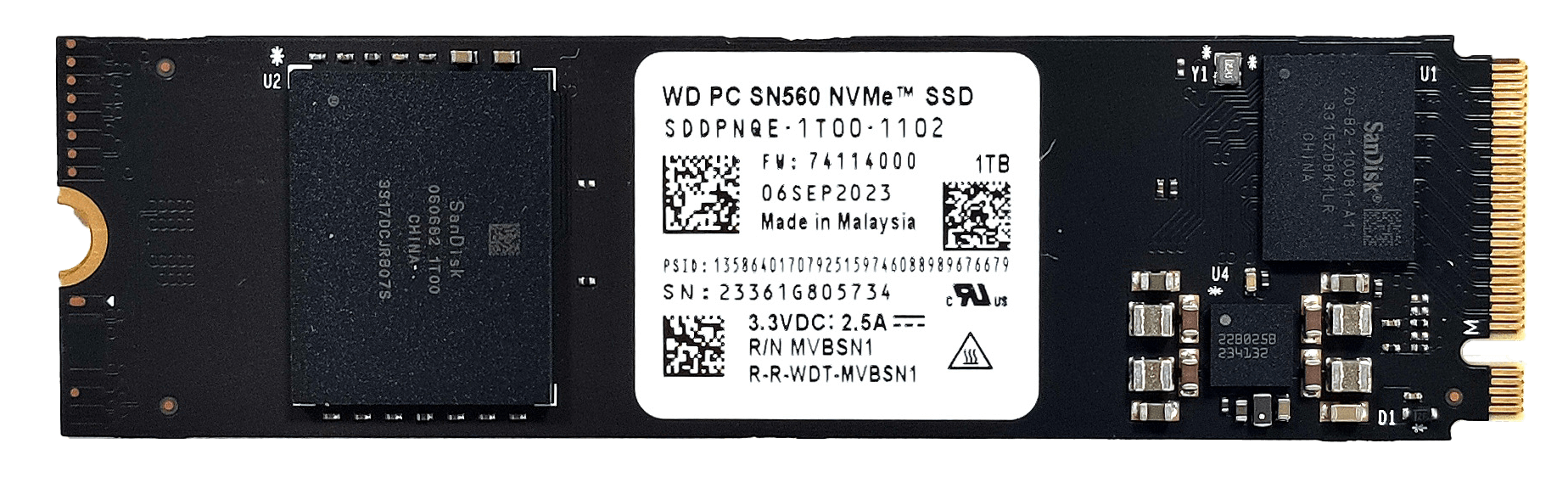
- Discover the two M.2 slots that support 2280 Gen 4 SSDs, ready for storage expansion or upgrades.
Hint: Consider reviewing our Top M.2 SSDs Performance Rankings to select the best storage solution for your needs.
You can buy Gen 4 M.2 SSD modules here: Buy from Amazon.com (#CommissionsEarned)


Cooling System Overview
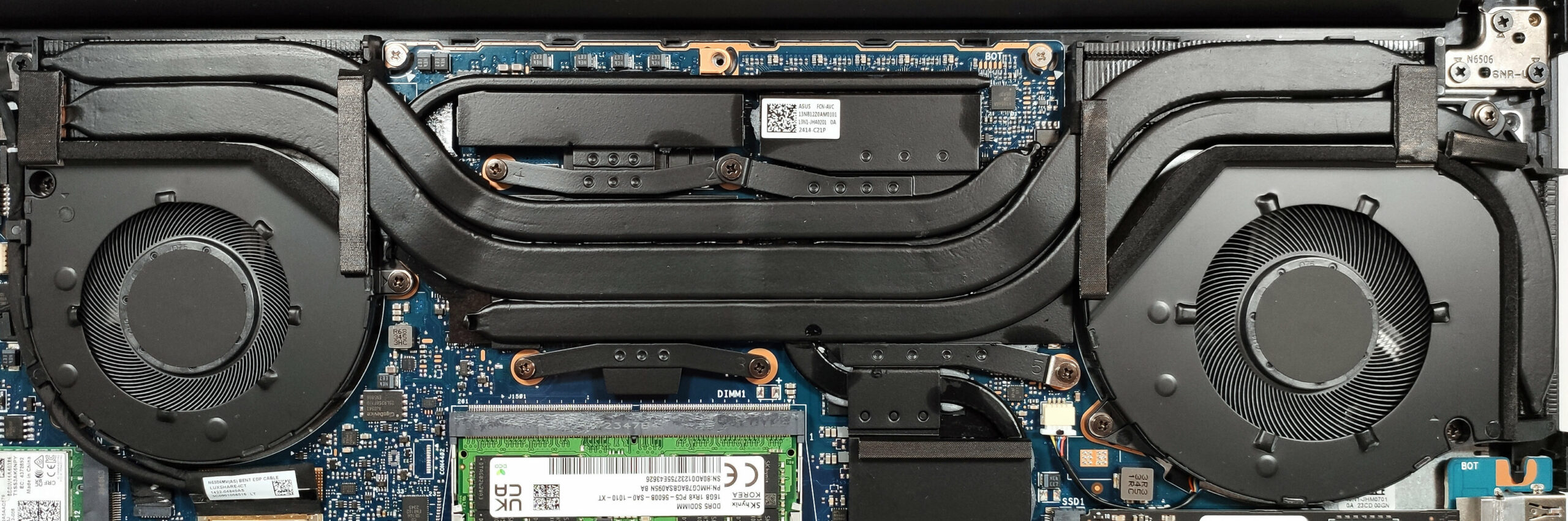
The ASUS Vivobook Pro 15 OLED features an efficient cooling system with two large fans, three heat pipes, and a combination of three heat sinks plus two large and one smaller heat spreader to effectively dissipate heat.
 Author: Anna Iorgova

![[August 2026] Amazon USA: Top 10 Best-Selling Laptops – Apple MacBook Neo Dominates the Market with Massive Unit Sales!](https://laptopmedia.com/wp-content/uploads/2026/09/Best-Selling-Laptops-COM-Top-10-400x225.jpg)
![[August 2026] Amazon USA: Top 10 Best-Selling Gaming Laptops – ASUS ROG Strix G16 Dominates the Market with Massive Unit Sales](https://laptopmedia.com/wp-content/uploads/2026/09/Best-Selling-Gaming-Laptops-COM-Top-10-400x225.jpg)
![[July 2026] Amazon Global: Top 10 Best-Selling Laptops – Apple MacBook Neo Dominates the Charts as Budget and Premium Notebooks Split the Market](https://laptopmedia.com/wp-content/uploads/2026/08/Best-Selling-Laptops-GLOBAL-Top-10-400x225.jpg)
![[July 2026] Amazon Global: Top 10 Best-Selling Gaming Laptops – ASUS ROG Strix G16 Dominates the Global Market with Record-Breaking Unit Sales](https://laptopmedia.com/wp-content/uploads/2026/08/Best-Selling-Gaming-Laptops-GLOBAL-Top-10-400x225.jpg)
![[July 2026] Global Ranking of Best-Selling Laptop GPUs on Amazon – RTX 5060 Dominate Premium, Intel Still Rules Budget](https://laptopmedia.com/wp-content/uploads/2026/08/Best-Selling-GPUs-GLOBAL-Top-10-400x225.jpg)
