How to open Dell Latitude 16 7640 – disassembly and upgrade options
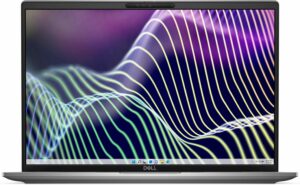
Step 1: Accessing the Internal Components
- Ensure the Dell Latitude 16 7640 is powered off and placed on a soft, clean surface to prevent scratches or damage.
- Remove the 8 Phillips-head screws from the bottom of the laptop.
- Use a plastic tool to gently pop the bottom plate off, starting from one of the top two corners.
Hint: Be gentle during this process to avoid damaging the internal clips or the laptop casing.
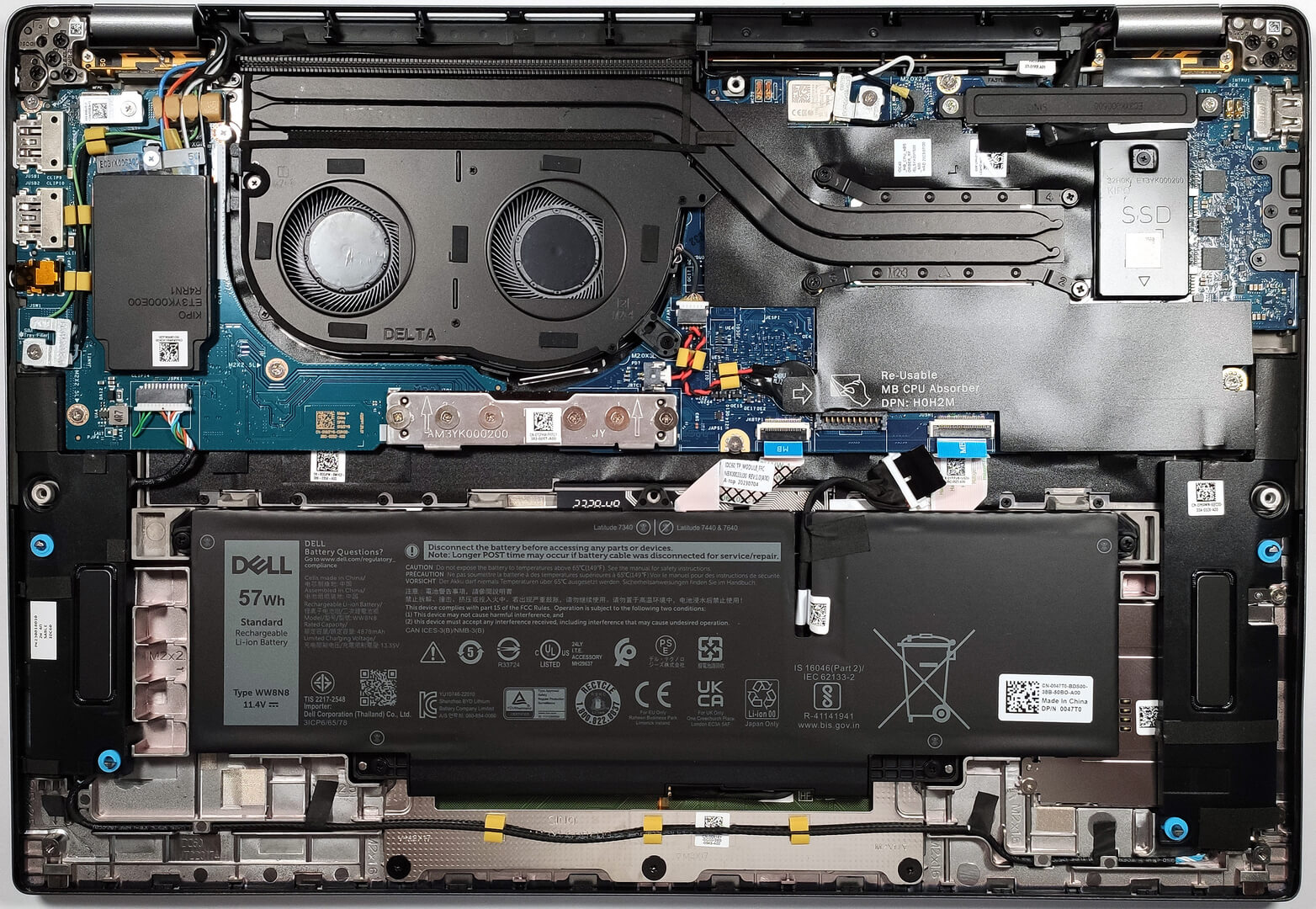
Step 2: Removing the Battery
- Disconnect the battery by pulling out its connector from the motherboard.
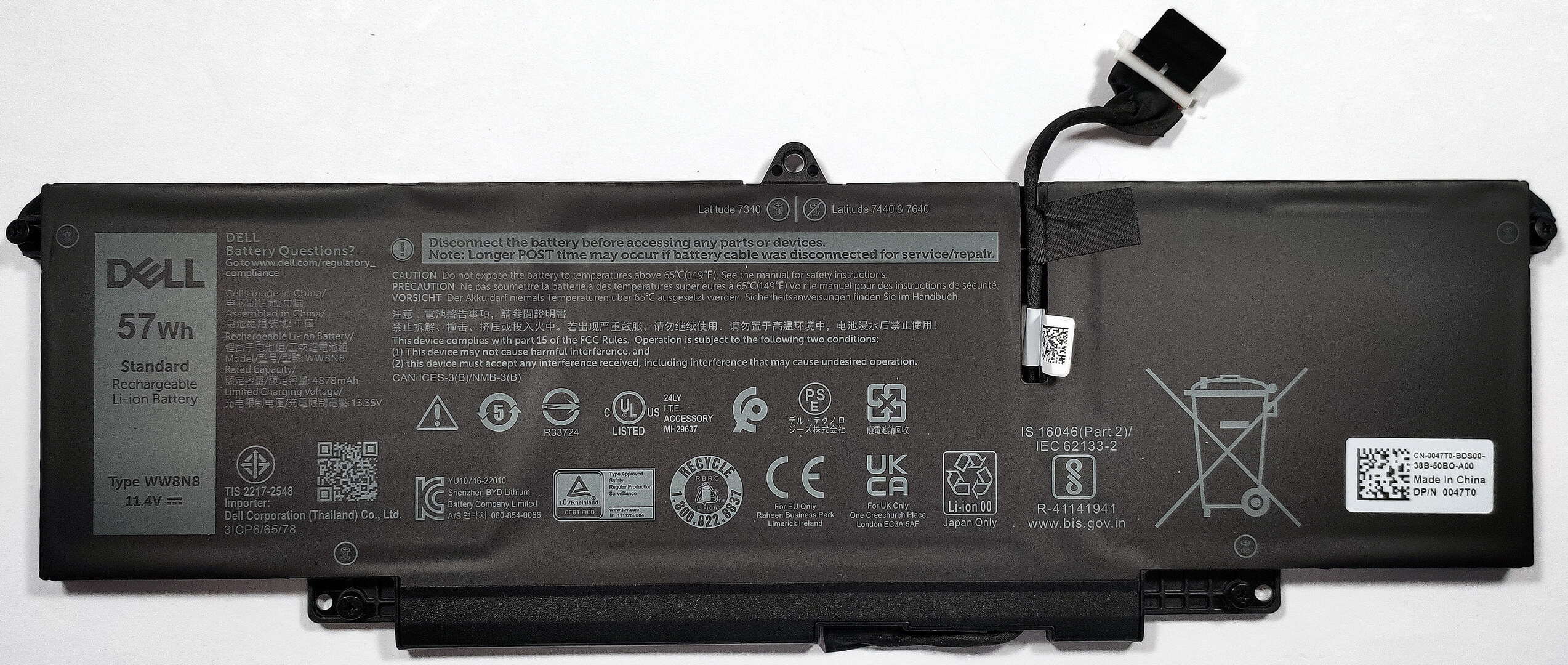
- Remove the 4 Phillips-head screws securing the battery to the laptop’s chassis, then lift the optional 57Wh battery away from the device.
Caution: Handle the battery and its connector with care to avoid any damage.
More info: The optional 57Wh battery offers up to 12 hours and 30 minutes of web browsing or 11 hours and 6 minutes of video playback, providing excellent battery life for productivity.
Memory
The Dell Latitude 16 7640 features soldered 32GB of LPDDR5-4800MHz RAM in dual-channel mode, offering ample memory for demanding applications and multitasking.
Storage Upgrade
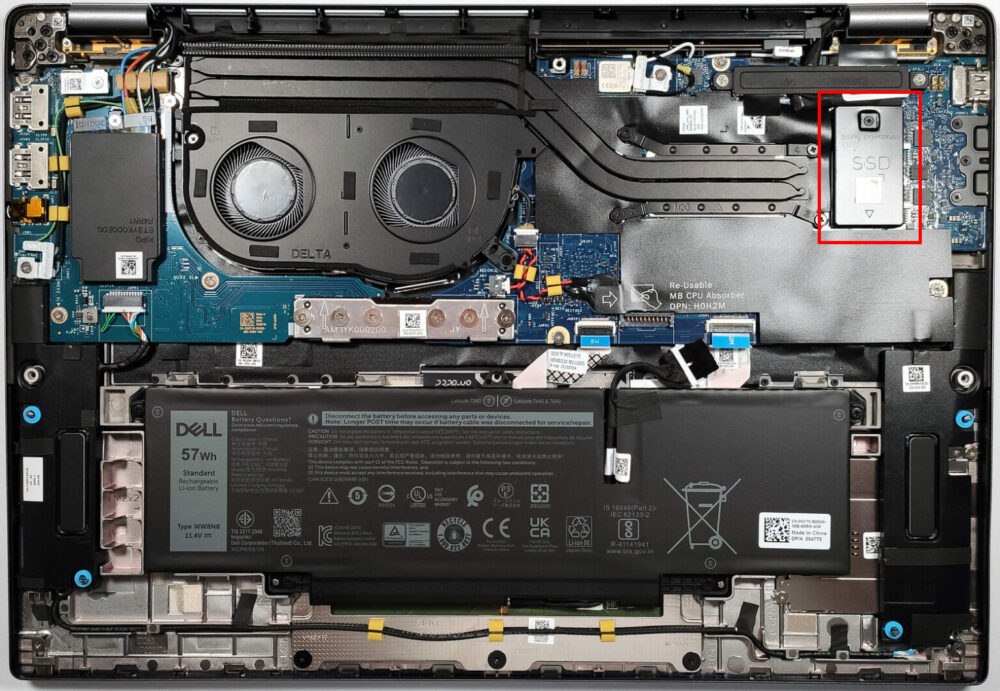
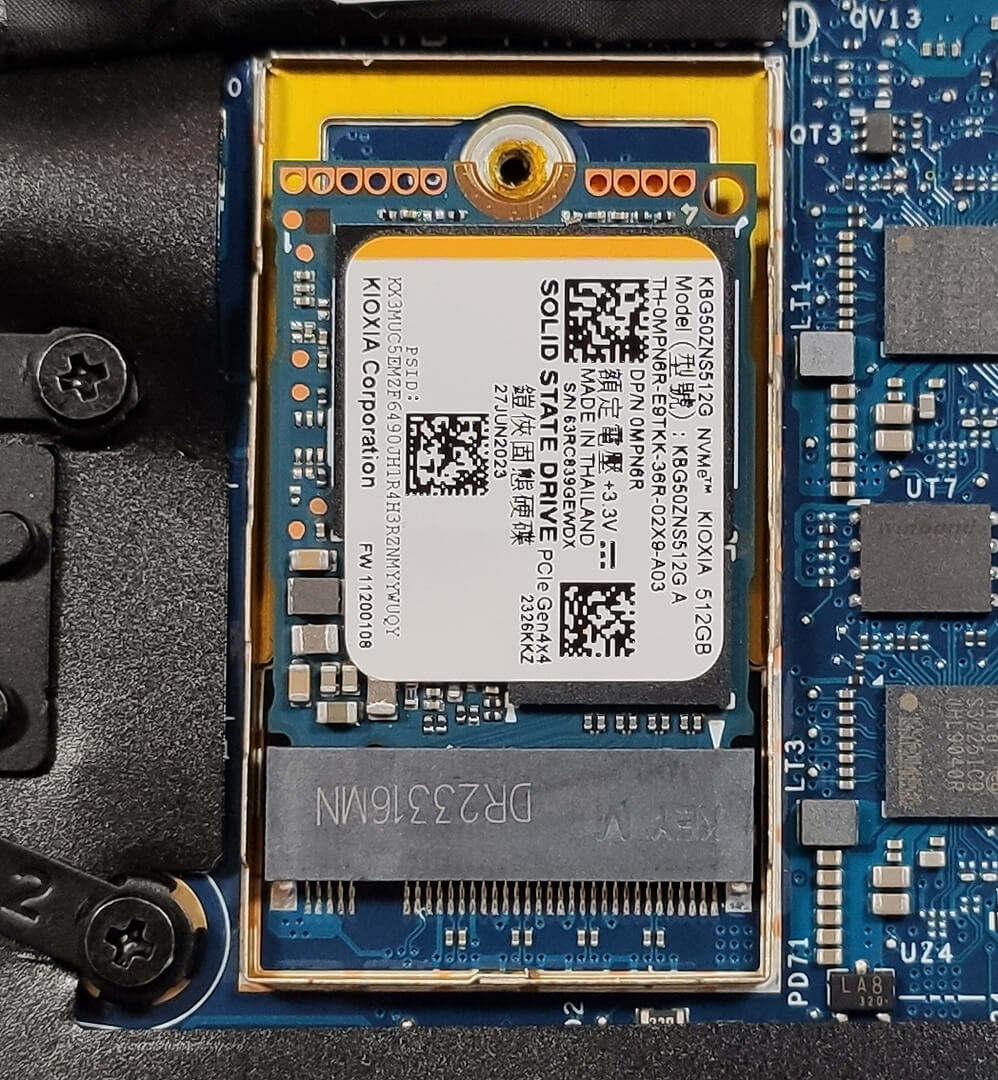
- Identify the M.2 slot compatible with 2230 Gen 4 NVMe SSDs for storage upgrades.
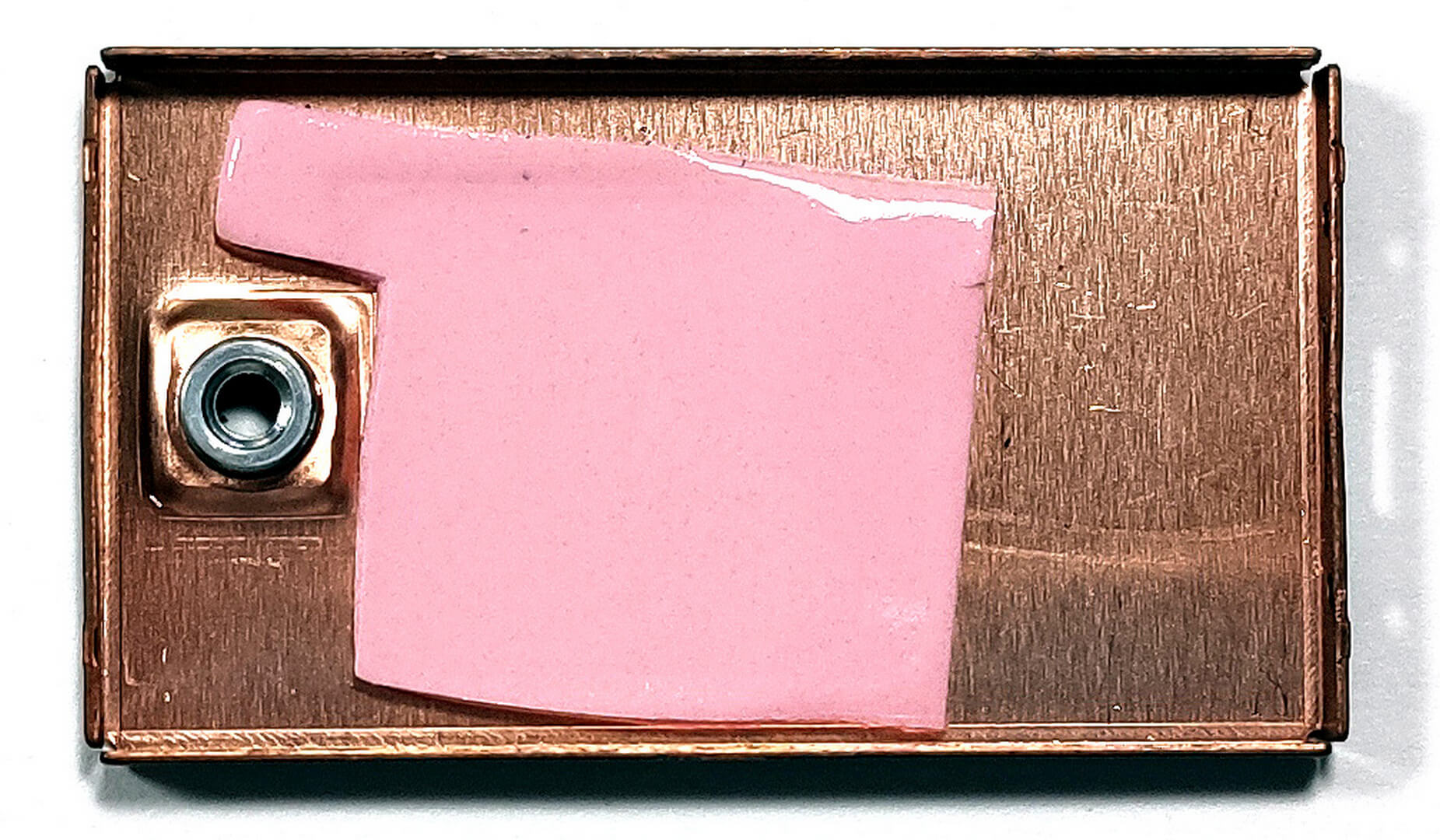
- The preinstalled SSD benefits from additional cooling provided by a metal shroud with a thermal pad on the inside.
- Choose and purchase a new drive when needed. Don’t forget to check out our Top M.2 SSDs Performance Rankings.
You can buy Gen 4 M.2 SSD modules here: Buy from Amazon.com (#CommissionsEarned)
Examining the Cooling System
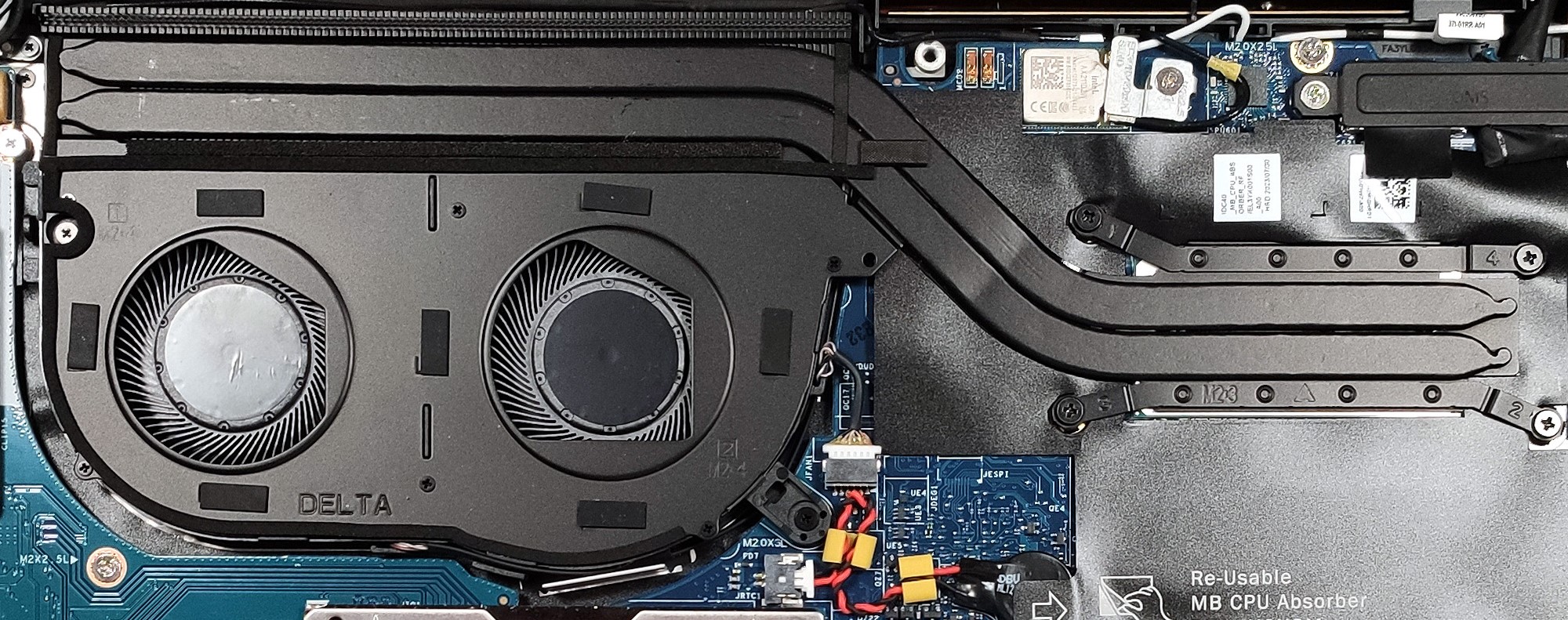
Inspect the cooling system, which includes two fans, a couple of heat pipes, a large heat sink, and a heat spreader, designed to efficiently manage the thermal output of the device.
 Author: Anna Iorgova

![[June 2026] Best-Selling Laptop Brands on Amazon Global – Apple’s Unrivaled Dominance in Units and Revenue](https://laptopmedia.com/wp-content/uploads/2026/07/GLOBAL-Best-Brands-400x225.jpg)
![[June 2026] Amazon Global: Top 10 Best-Selling Laptops – Apple’s New MacBook Neo Storms to #1, Reshaping the Market with Affordability](https://laptopmedia.com/wp-content/uploads/2026/07/Best-Selling-Laptops-GLOBAL-Top-10-400x225.jpg)
![[June 2026] Amazon Global: Top 10 Best-Selling Gaming Laptops – Acer’s Nitro V 16S AI Dominates Sales, While ASUS Leads Overall Revenue](https://laptopmedia.com/wp-content/uploads/2026/07/Best-Selling-Gaming-Laptops-GLOBAL-Top-10-400x225.jpg)
![[June 2026] Global Ranking of Best-Selling Laptop GPUs on Amazon – NVIDIA RTX 5060 is the Top-Selling Dedicated GPU](https://laptopmedia.com/wp-content/uploads/2026/07/Best-Selling-GPUs-GLOBAL-Top-10-400x225.jpg)
![[June 2026] Global Ranking of Best-Selling Laptop CPUs on Amazon – Apple M5 Dominates, AMD Ryzen 7 260 Gets Solid Premium Share](https://laptopmedia.com/wp-content/uploads/2026/07/Best-Selling-CPUs-GLOBAL-Top-10-400x225.jpg)
