How to open Dell Precision 3591 – disassembly and upgrade options
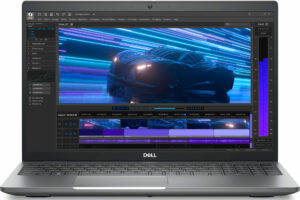
Opening the Dell Precision 3591
Hint: Ensure the laptop is completely powered off and unplugged before starting.
- Undo the eight captive Phillips-head screws on the bottom panel of the laptop.
- Use a lever tool to pry open the two zones around the hinges.
- Once the rear is loosened, fully pry the sides and front of the panel with a thin plastic tool to release all clips.
- Carefully remove the bottom plate to access the internals.
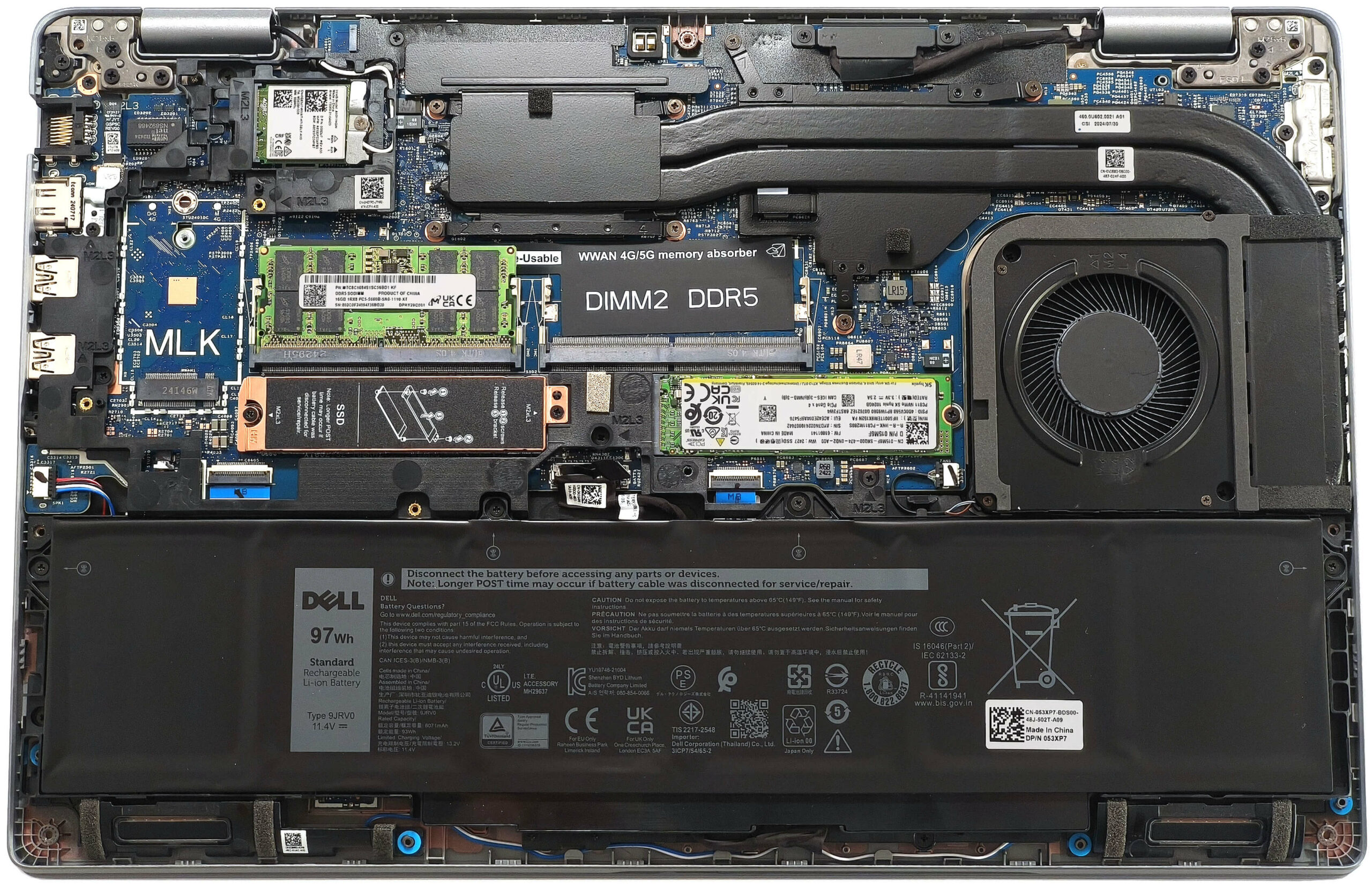
More info: The inside of the bottom plate reveals key components and the cooling design.
Battery Removal
Caution: Handle the battery carefully to avoid damage or electrical hazards.
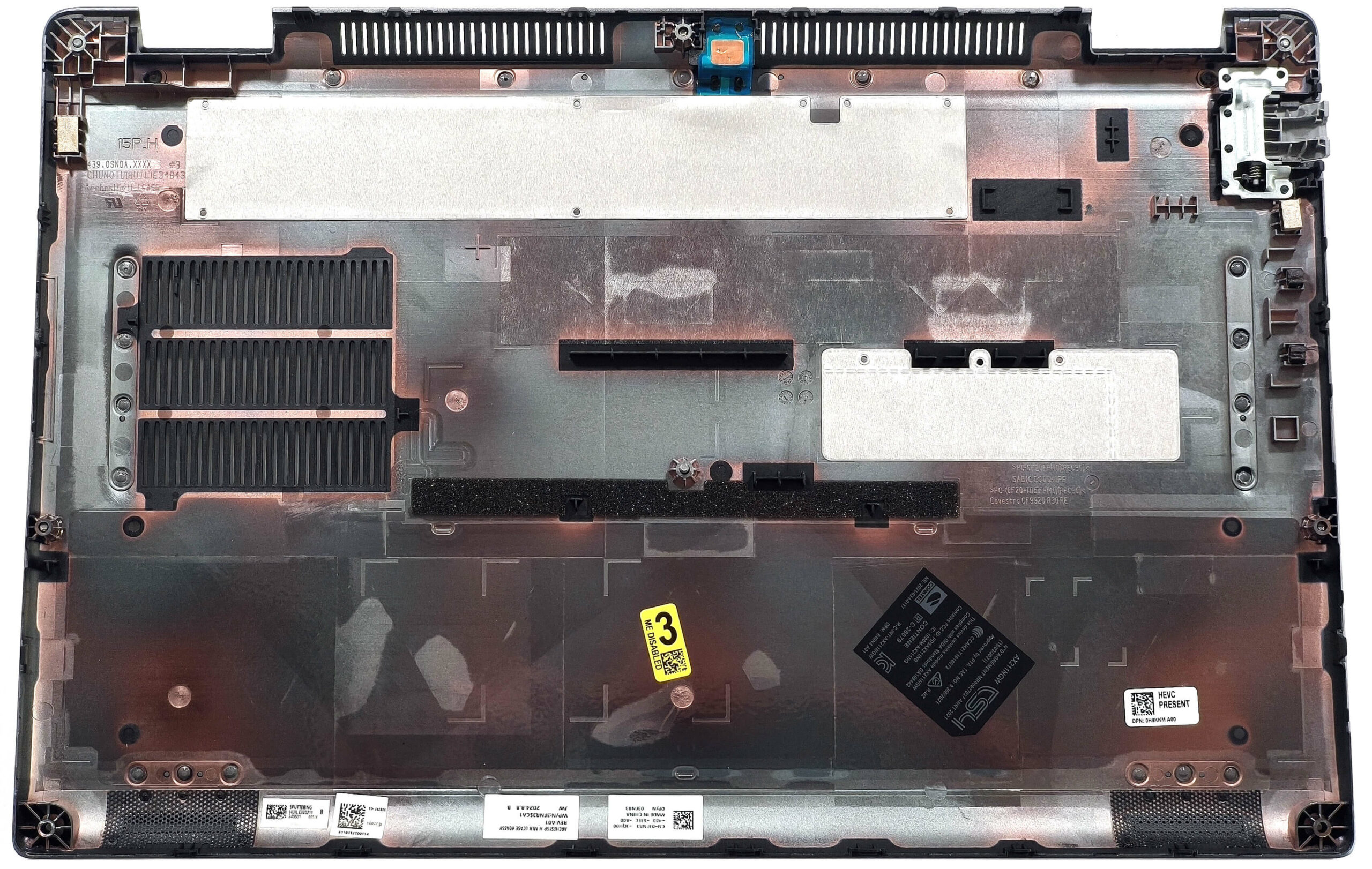
- Disconnect the battery connector by pulling it straight upwards while holding the rubber handle on top.
- Undo the four Phillips-head screws securing the battery to the chassis.
- Carefully lift and remove the battery from the laptop.
More info: The laptop can be configured with an optional 97Wh battery, which provides up to 12.5 hours of video playback. The default model includes a 64Wh battery.
You can find compatible batteries here: Buy from Amazon.com (#CommissionsEarned)
Memory Upgrade
Note: The memory slots are easily accessible for upgrades.
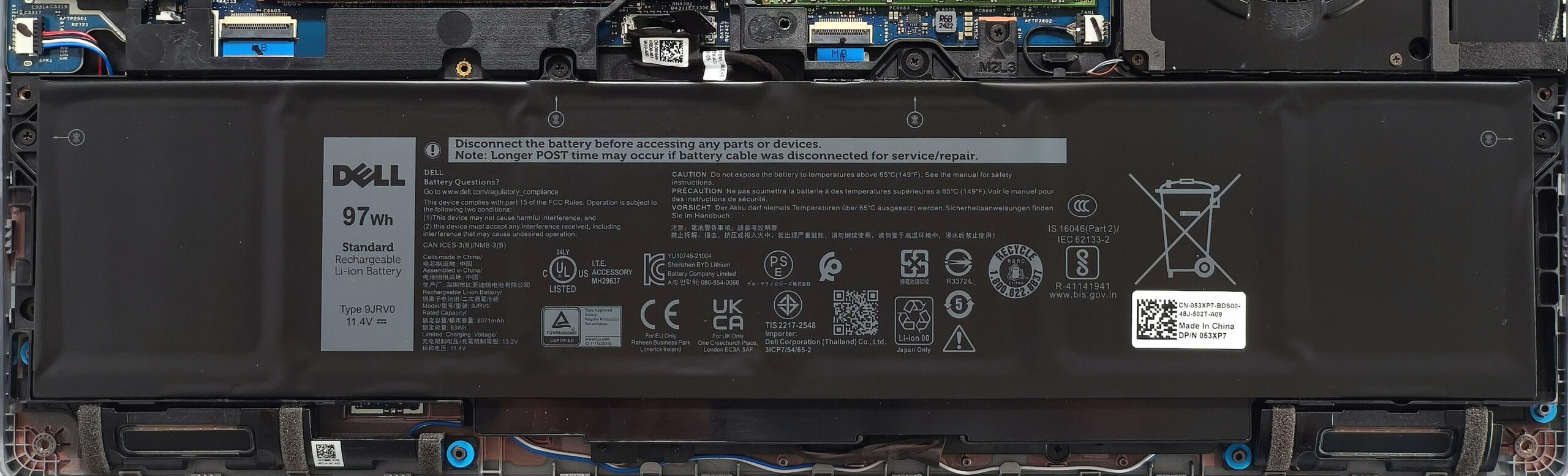
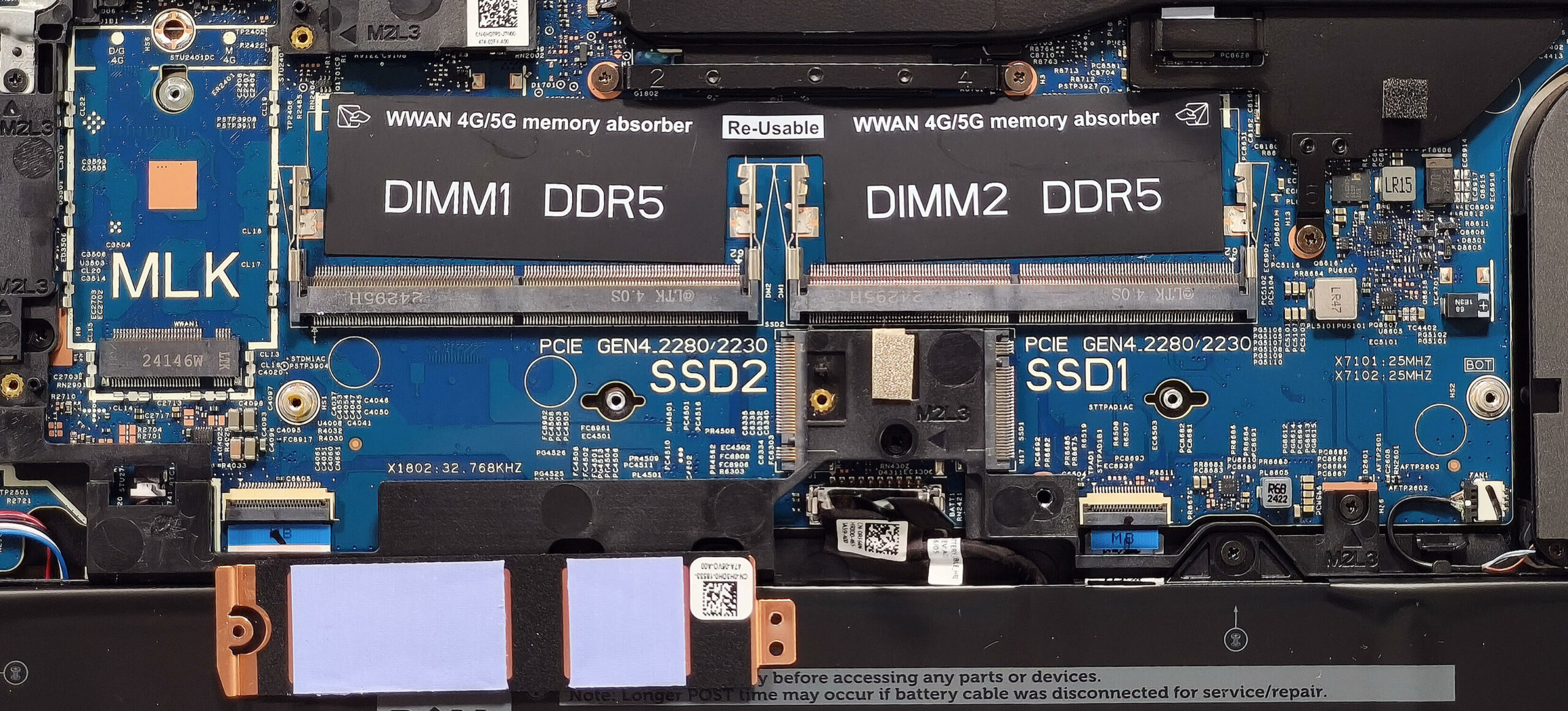
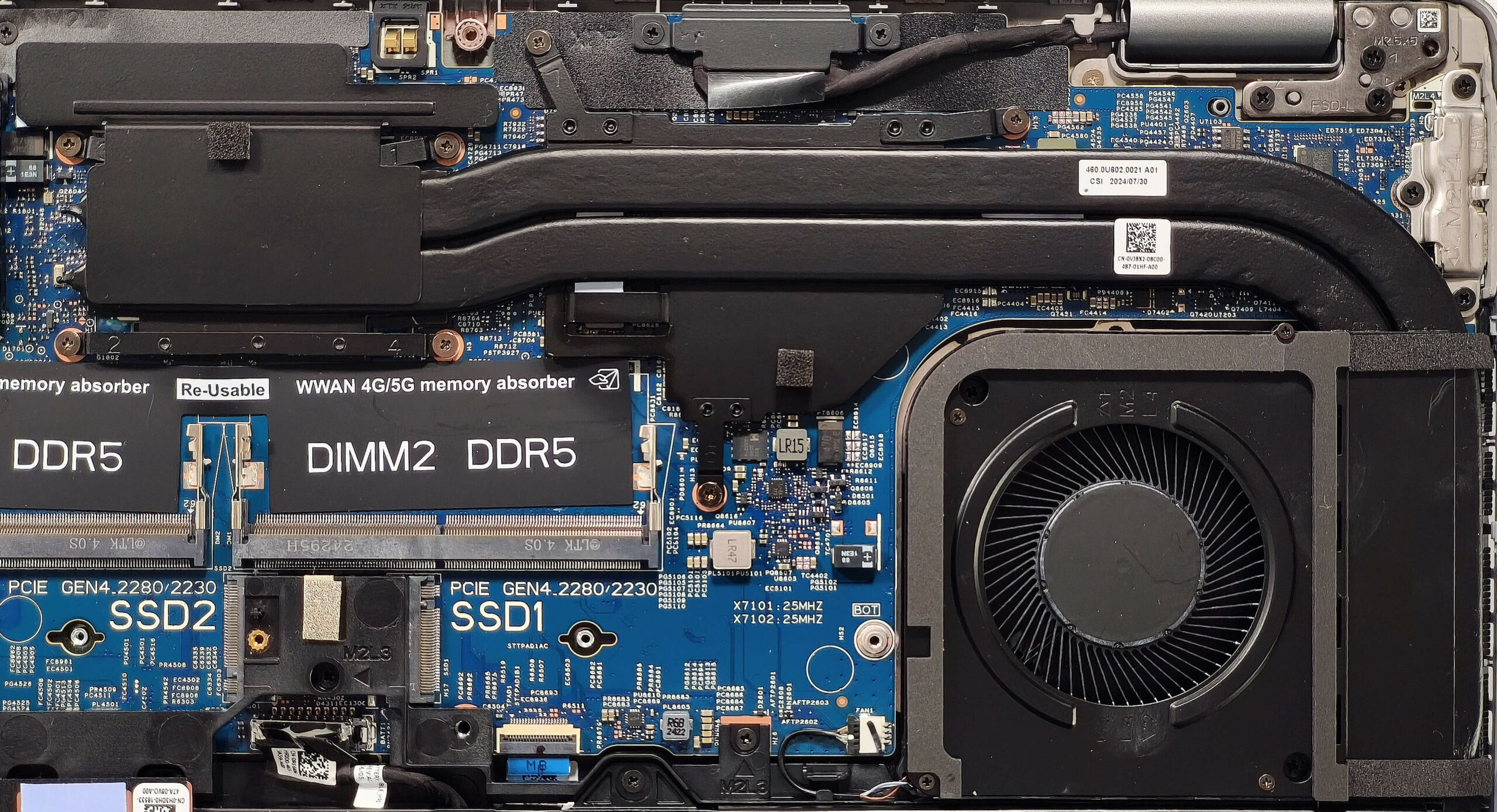
- Locate the two SODIMM slots positioned below the replaceable Wi-Fi 6E card.
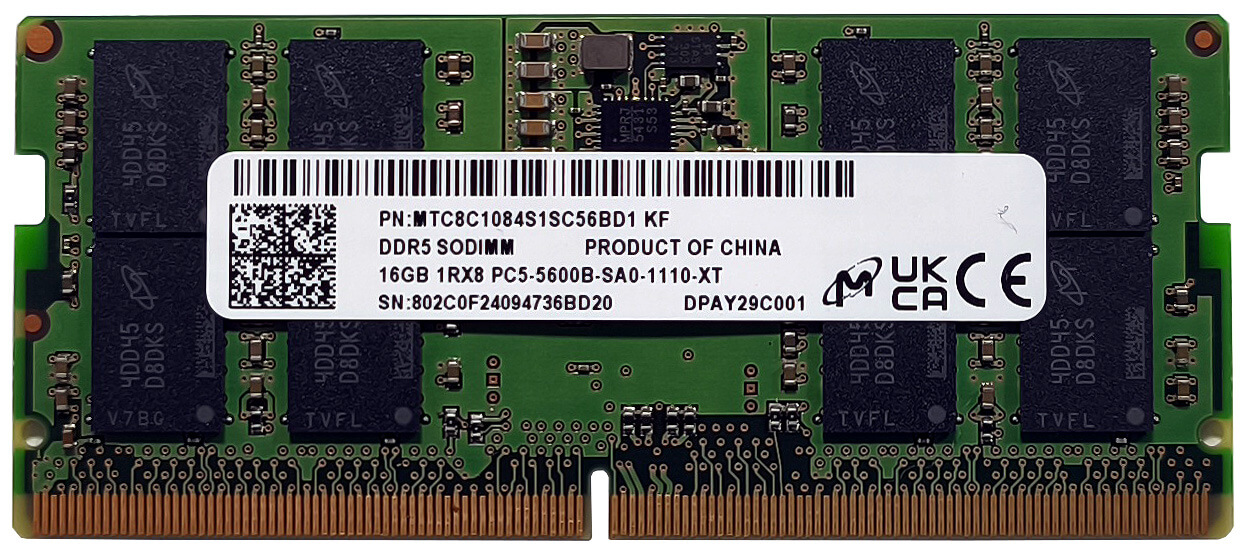
- Insert up to 64GB of DDR5-5600MHz RAM in dual-channel mode, as per Dell’s specifications. Note that the CPU can support up to 96GB, allowing for potential higher capacity upgrades.
- Press the RAM modules gently into the slots until they click into place.
More info: Ensure that the RAM is compatible with the system for optimal performance.
You can find compatible RAM here: Buy from Amazon.com (#CommissionsEarned)
Storage Upgrade
Hint: Handle SSD components carefully to avoid damage or data loss.
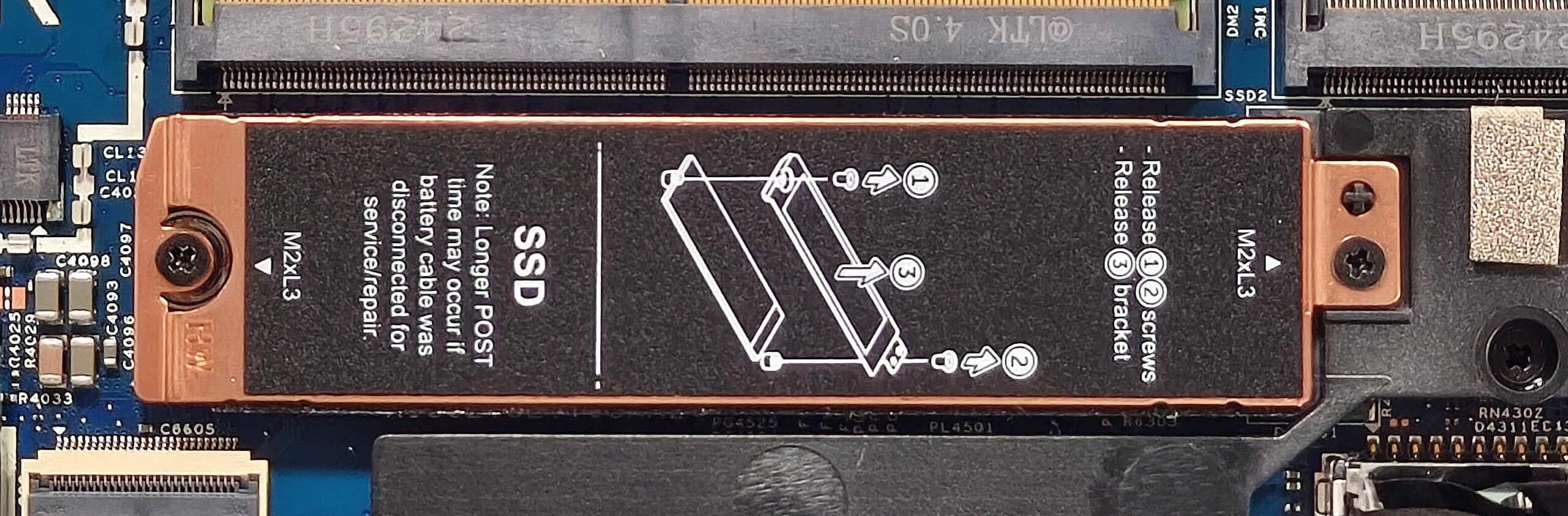
- The device features two M.2 slots for 2230 or 2280 Gen 4 SSDs.
- The left slot is covered with a metal plate secured by two screws. Remove the screws to access the slot.
- The metal shield for the left slot includes two thermal pads for cooling. Ensure these are properly seated during reassembly.
- The right slot does not have dedicated cooling pads, so monitor the SSD’s thermal performance if upgrading.
- Insert the new SSD into the slot at a slight angle and secure it with the appropriate screw.
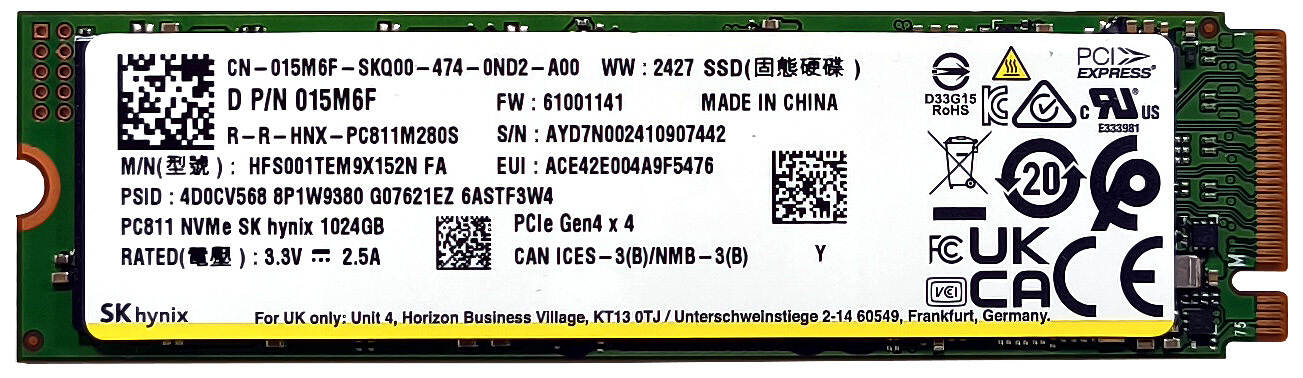
More info: The system NVMe drive is installed in the right slot, but it lacks dedicated cooling pads.
You can find compatible SSDs here: Buy from Amazon.com (#CommissionsEarned)
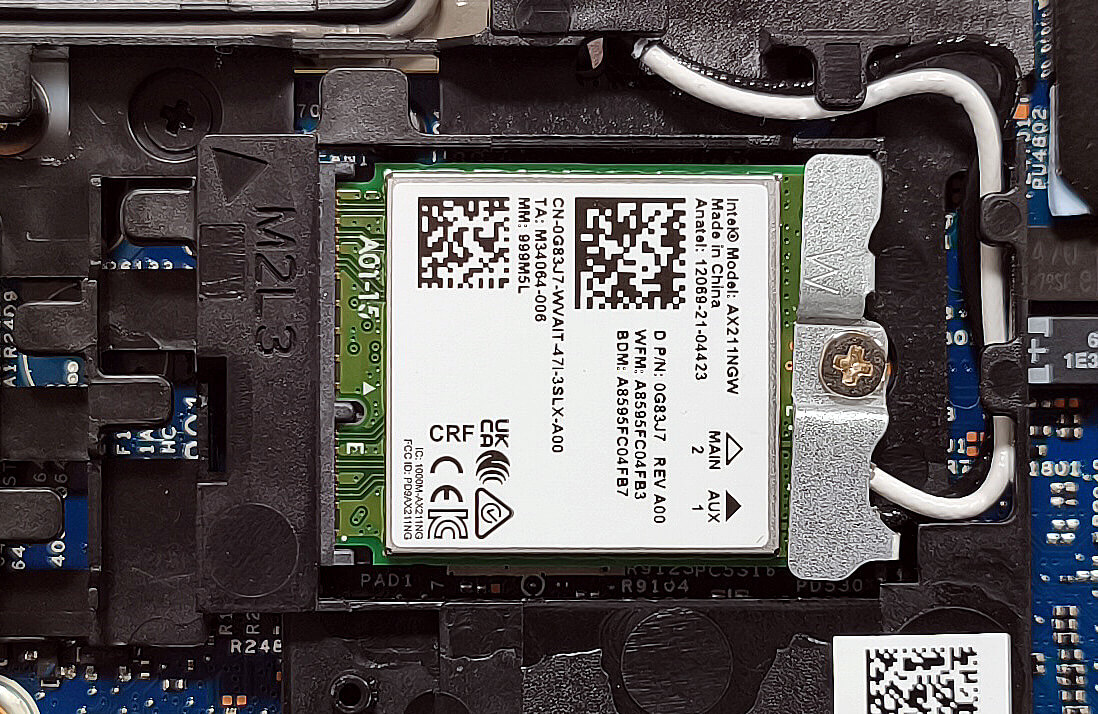
Wi-Fi Card
More Info: The replaceable Wi-Fi 6E card is positioned on top of the RAM slots and the WWAN slot for optional LTE or 5G connectivity is on the left.
Cooling System Overview
More info: The Dell Precision 3591 is equipped with a robust cooling system for high-performance workloads.
- A large fan provides efficient airflow across critical components.
- Two long heat pipes are shared between the CPU and GPU to manage thermal load effectively.
- A heat sink is located on the right side of the chassis.
- Two heat spreaders further enhance cooling performance.
Tip: Regularly inspect and clean the fan and heat pipes to maintain optimal cooling efficiency.
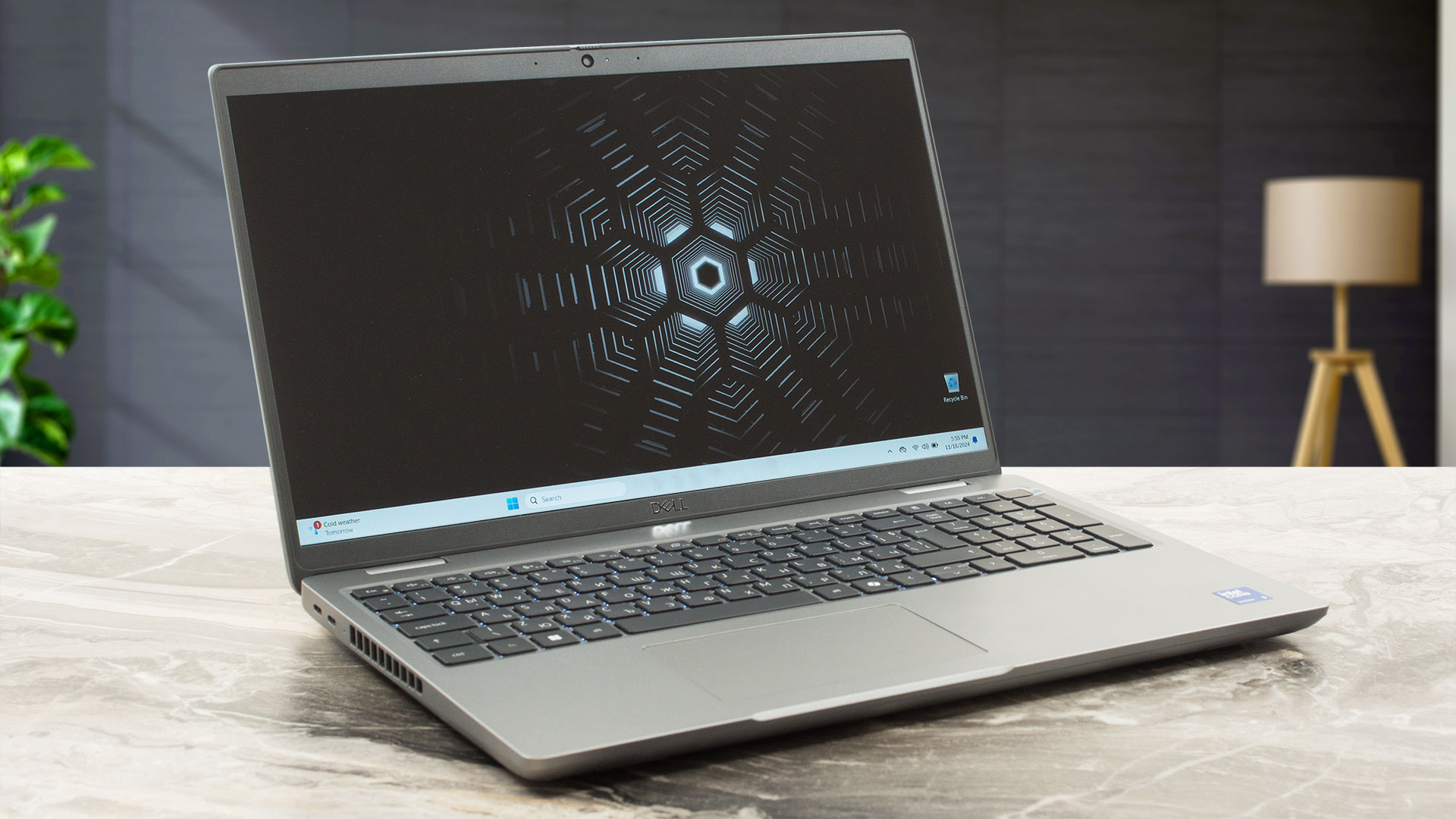
Dell Precision 15 3591 in-depth review
The Dell Precision 3591 is a not-so-expensive workstation that delivers adequate performance, making it a good choice for professionals on a budget. The device is similar to the 3590 sibling, but the 3591 model is only offered with Meteor Lake-H series CPUs (no 15W U models here) and more powerful NVIDIA RTX Ada Generation graphics cards with bumped TGPs. Keep in mind that you can find iGPU-only iterations of this notebook. The port selection is good as well as the future-proof upgradability.All three display variants are 60Hz IPS units with 1080p resolution. One of them is a touchscreen a[...]
Pros
- Rigid build
- Comfortable keyboard
- PWM-free (LGD0764)
- Wide viewing angles (LGD0764)
- 4x USB ports + LAN and HDMI 2.1
- MicroSD card slot
- Very long battery life (~ 12 hours of videos)
- 1080p Web camera with a privacy shutter
- Fingerprint reader, NFC, Smart card reader, LTE / 5G, backlit keyboard, facial recognition (all are optional)
- The CPU can maintain ~2.46 GHz / 2.37 GHz P and E core clock in long loads
- Snappy and well-cooled SSD (SK Hynix PC811)
- 2x M.2 slots + 2x SODIMMs + replaceable Wi-Fi card and a WWAN slot
- The fan isn't noisy during heavy loads in "Ultra Performance" mode
- Good sound quality
- 180-degree hinge
Cons
- Thick profile (22.70 24.70 mm)
- Low sRGB coverage and max brightness (LGD0764)
- No high-res display options
 Author: Dimitar Stalev

![[August 2026] Amazon USA: Top 10 Best-Selling Laptops – Apple MacBook Neo Dominates the Market with Massive Unit Sales!](https://laptopmedia.com/wp-content/uploads/2026/09/Best-Selling-Laptops-COM-Top-10-400x225.jpg)
![[August 2026] Amazon USA: Top 10 Best-Selling Gaming Laptops – ASUS ROG Strix G16 Dominates the Market with Massive Unit Sales](https://laptopmedia.com/wp-content/uploads/2026/09/Best-Selling-Gaming-Laptops-COM-Top-10-400x225.jpg)
![[July 2026] Amazon Global: Top 10 Best-Selling Laptops – Apple MacBook Neo Dominates the Charts as Budget and Premium Notebooks Split the Market](https://laptopmedia.com/wp-content/uploads/2026/08/Best-Selling-Laptops-GLOBAL-Top-10-400x225.jpg)
![[July 2026] Amazon Global: Top 10 Best-Selling Gaming Laptops – ASUS ROG Strix G16 Dominates the Global Market with Record-Breaking Unit Sales](https://laptopmedia.com/wp-content/uploads/2026/08/Best-Selling-Gaming-Laptops-GLOBAL-Top-10-400x225.jpg)
![[July 2026] Global Ranking of Best-Selling Laptop GPUs on Amazon – RTX 5060 Dominate Premium, Intel Still Rules Budget](https://laptopmedia.com/wp-content/uploads/2026/08/Best-Selling-GPUs-GLOBAL-Top-10-400x225.jpg)
