How to open HP EliteBook 640 G11 – disassembly and upgrade options
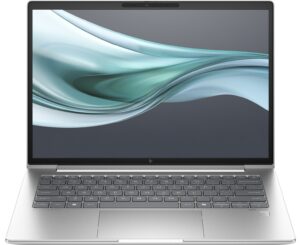
Opening the HP EliteBook 640 G11
Hint: Make sure the laptop is completely powered off and unplugged before starting.
- Undo the five captive Phillips-head screws securing the bottom panel.
- Use a lever tool to pop the areas behind the hinge cover near the top two edges and lift the middle section slightly.
- Carefully pry along the sides and front with a thin plastic tool to release all internal clips.
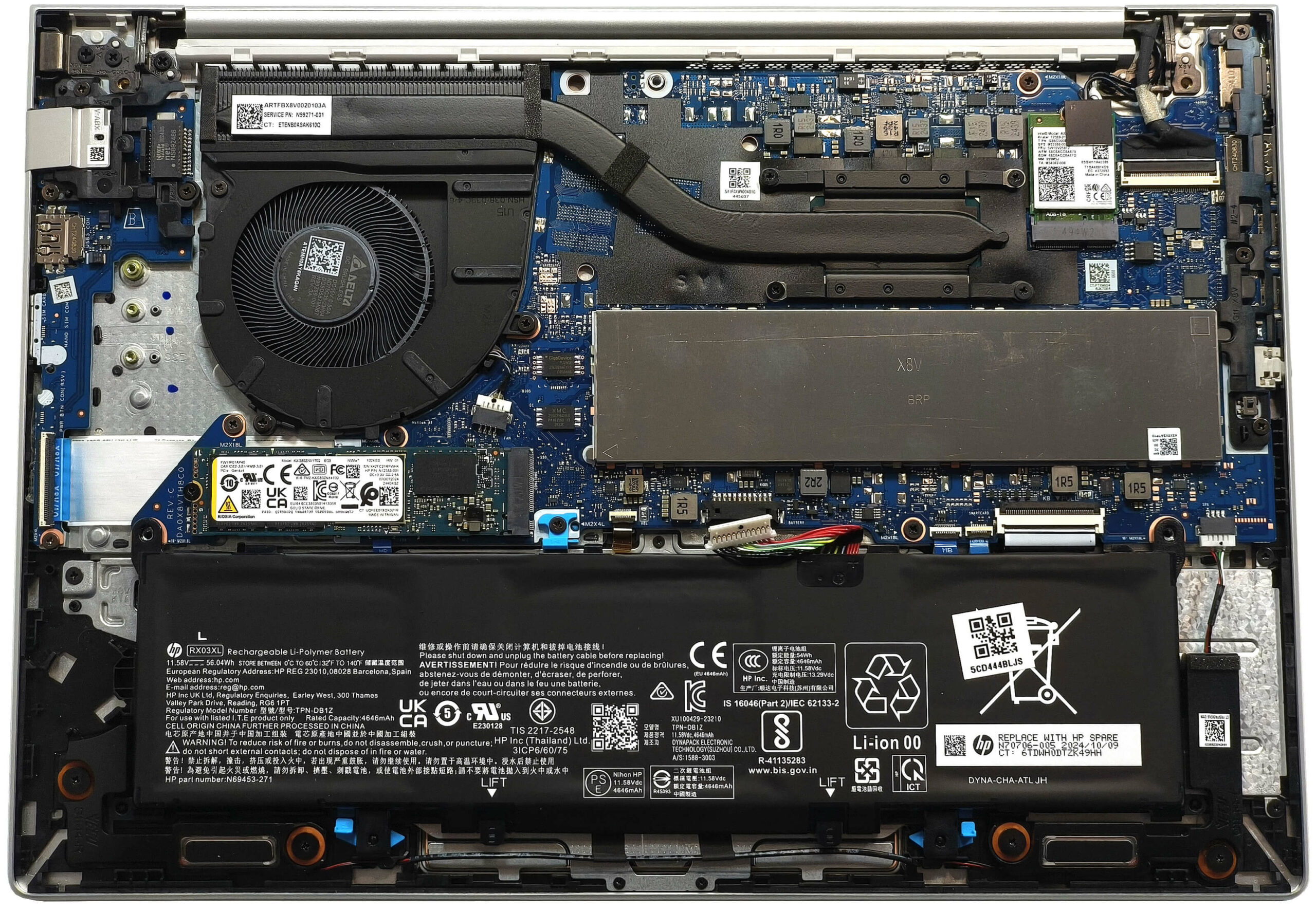
More info: The bottom panel grants access to the battery, memory, storage, and cooling system.
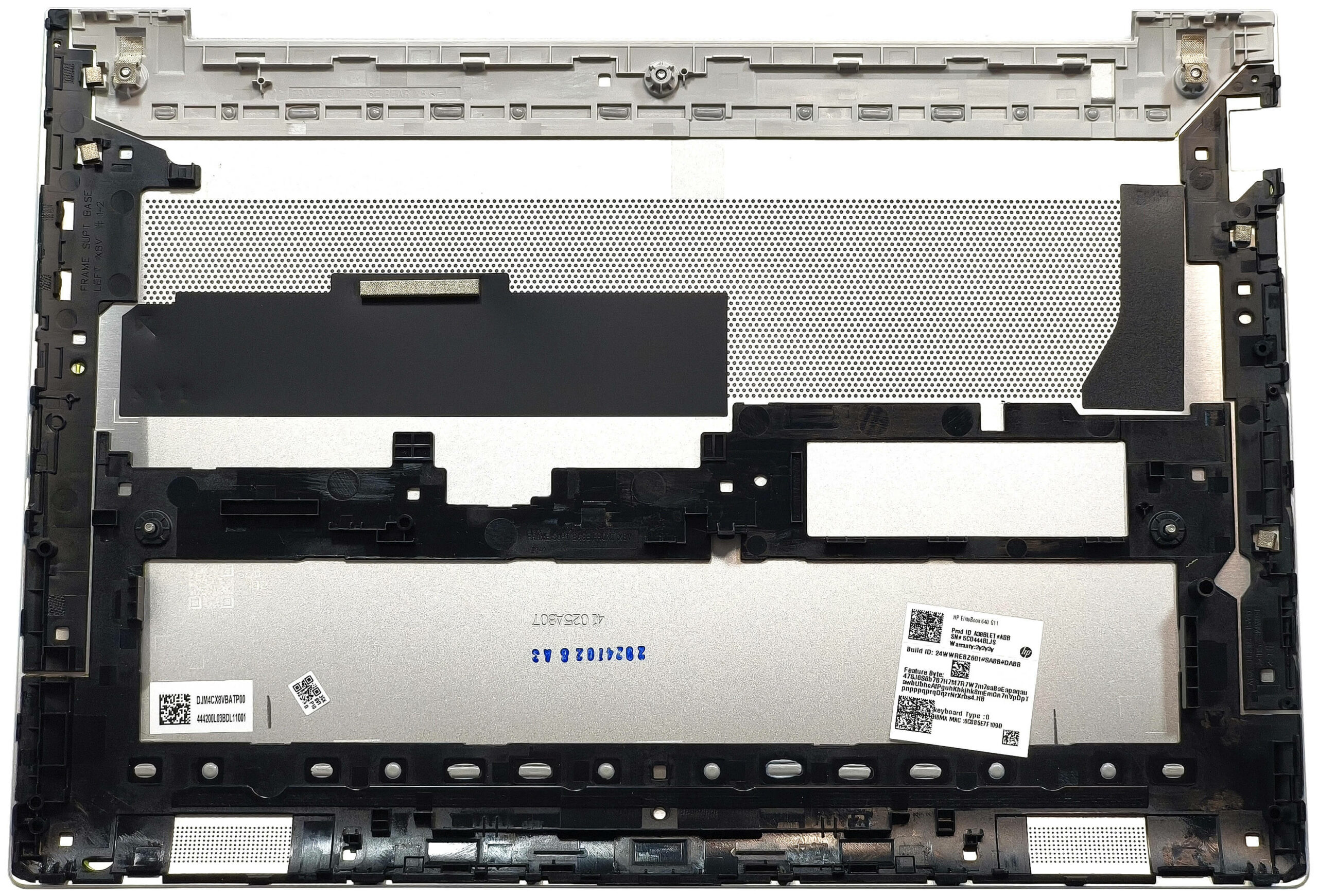
Battery Removal
Caution: Use gloves to avoid accidental static discharge or short circuits.
- Detach the battery connector by pulling it gently toward the battery.
- Open the two blue latches located on the bottom of the battery bay.
- Grab the tabs and raise the lower side of the battery to lift it away from the chassis.
More info: The tested unit includes the optional 56Wh battery, providing up to 10.5 hours of video playback. A 48Wh base version is also available.
You can find compatible batteries here: Buy from Amazon.com (#CommissionsEarned)
Memory Upgrade
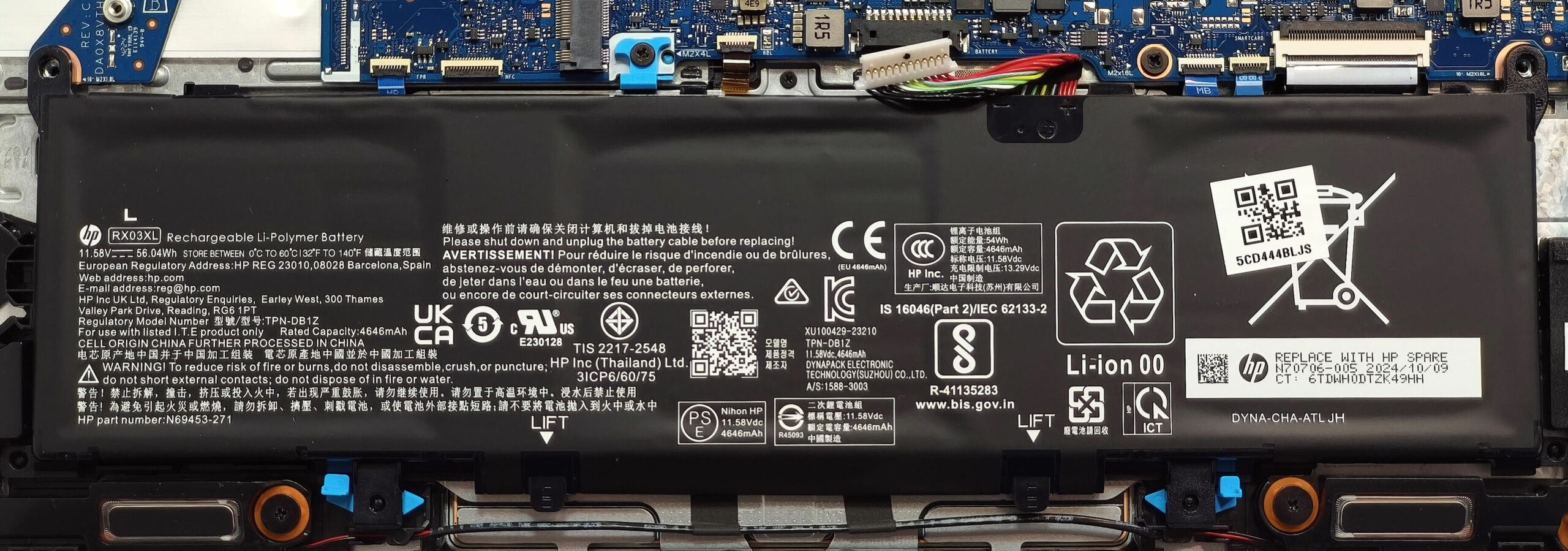
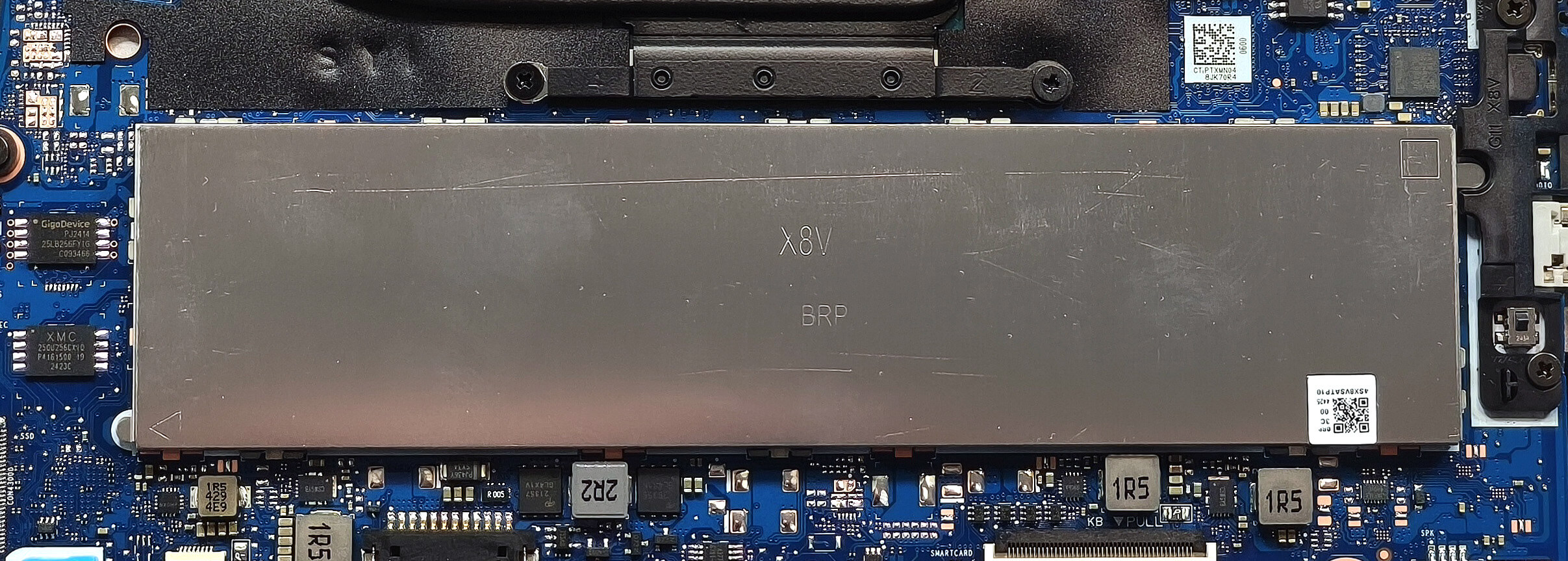
Note: The RAM slots are covered by a metal shield.
- Use a lever tool to pop the metal cover off the RAM section.
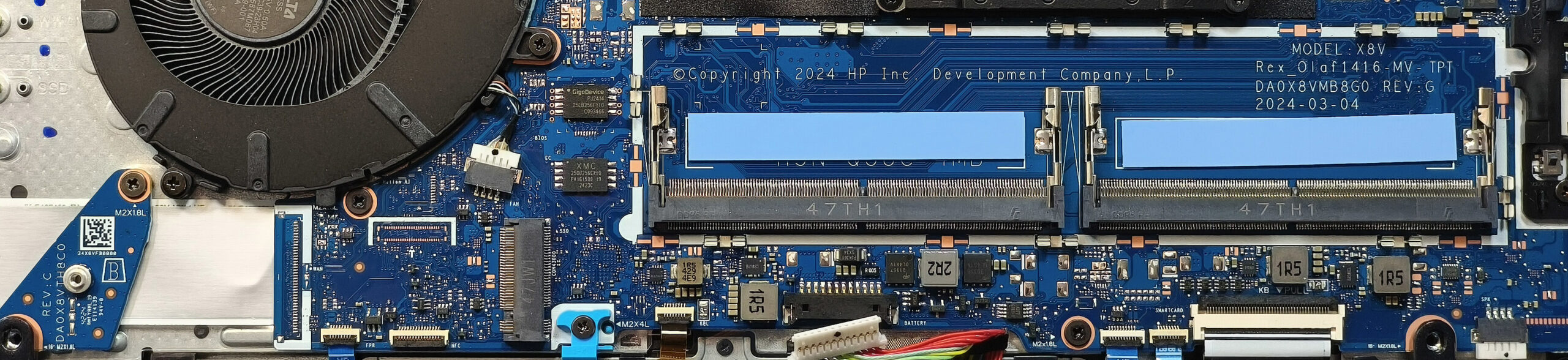
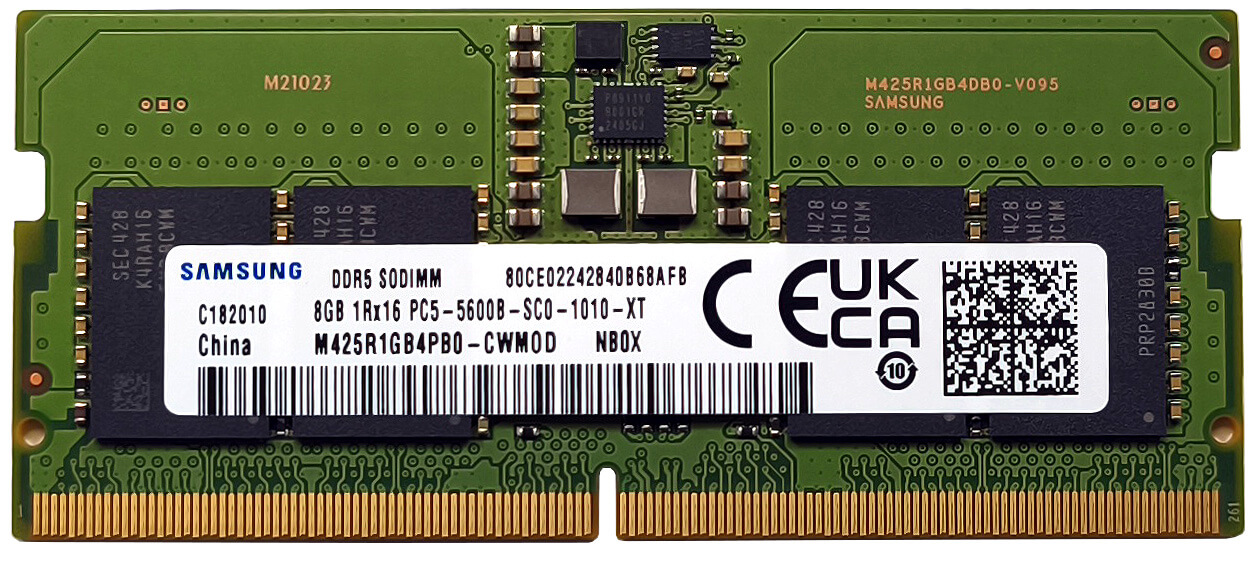
- The laptop includes two SODIMM slots, supporting up to 64GB DDR5-5600MHz RAM officially.
- Due to the CPU’s support for up to 96GB, higher-capacity modules may also work without issue.
More info: Each RAM slot features a long thermal pad in front for improved heat dissipation.
You can find compatible RAM here: Buy from Amazon.com (#CommissionsEarned)
Storage Upgrade
Hint: Be gentle when handling the SSD and nearby components.
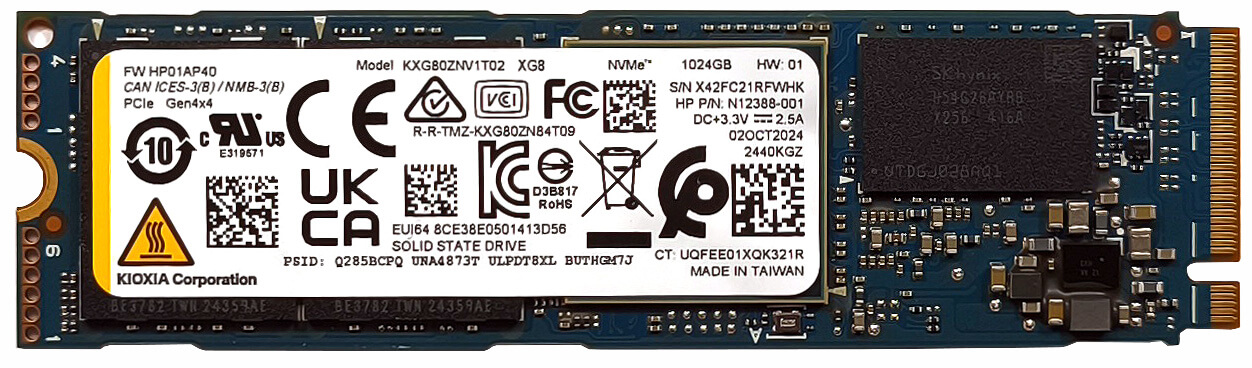
- Locate the single M.2 slot compatible with 2280 Gen 4 NVMe SSDs.
- Remove the screw (if present), install your SSD at an angle, and press it down to secure it.
More info: The system is limited to one M.2 slot, but Gen 4 support ensures fast storage performance.
You can find compatible SSDs here: Buy from Amazon.com (#CommissionsEarned)
Connectivity Options
More info:
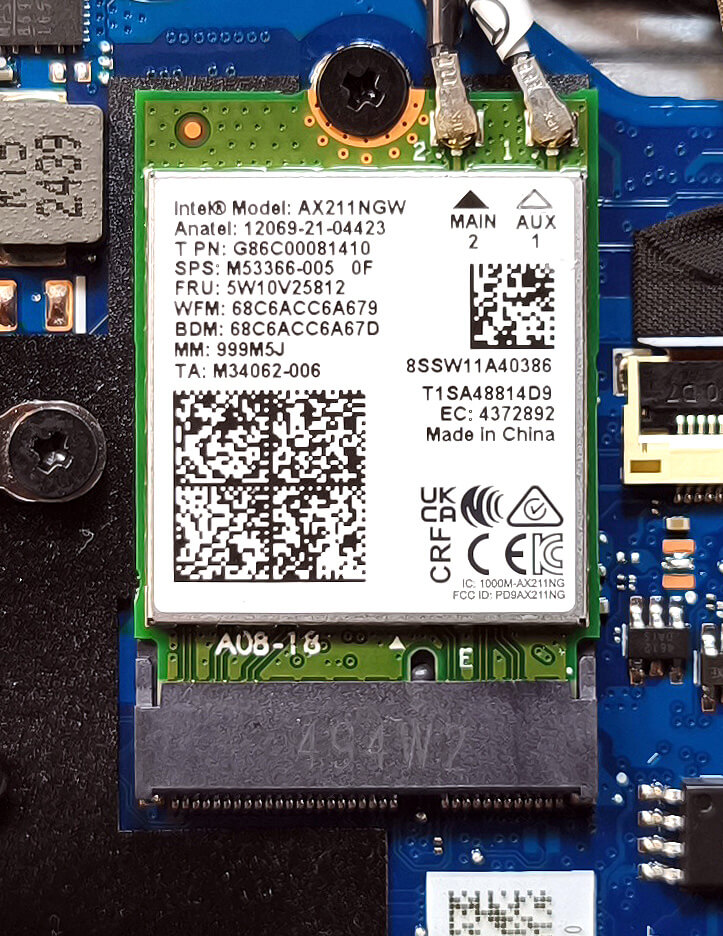
- The Wi-Fi 6E card is user-replaceable and located to the right of the cooling assembly.
Cooling System Overview
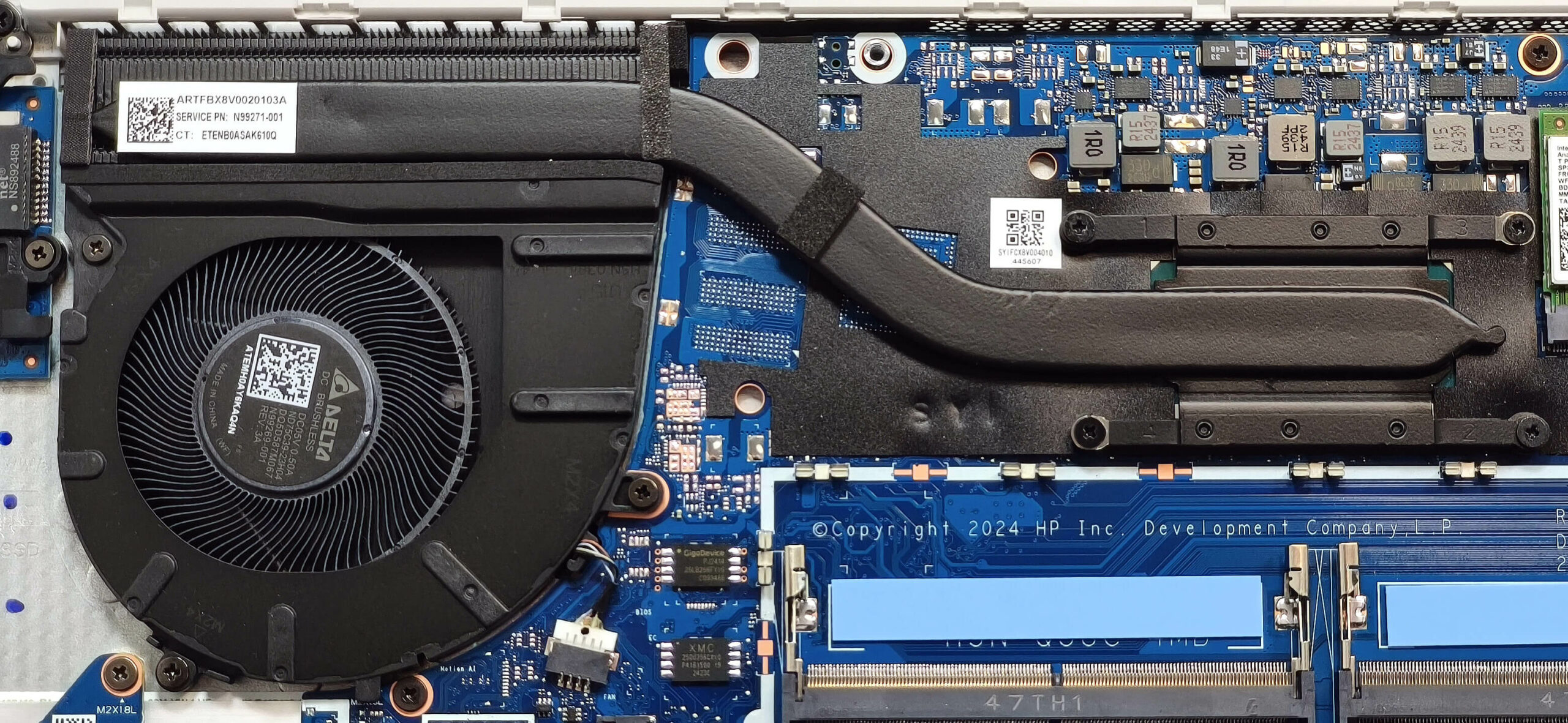
More info: The HP EliteBook 640 G11 is equipped with an efficient thermal system suitable for business and productivity use.
- One large fan helps circulate air across the internal components.
- A long, thick heat pipe draws heat away from the CPU and key components.
- The setup includes a heat sink and a heat spreader for balanced thermal management.
Tip: Clean the fan and vents periodically to prevent dust buildup and maintain optimal cooling performance.
HP EliteBook 640 G11 in-depth review
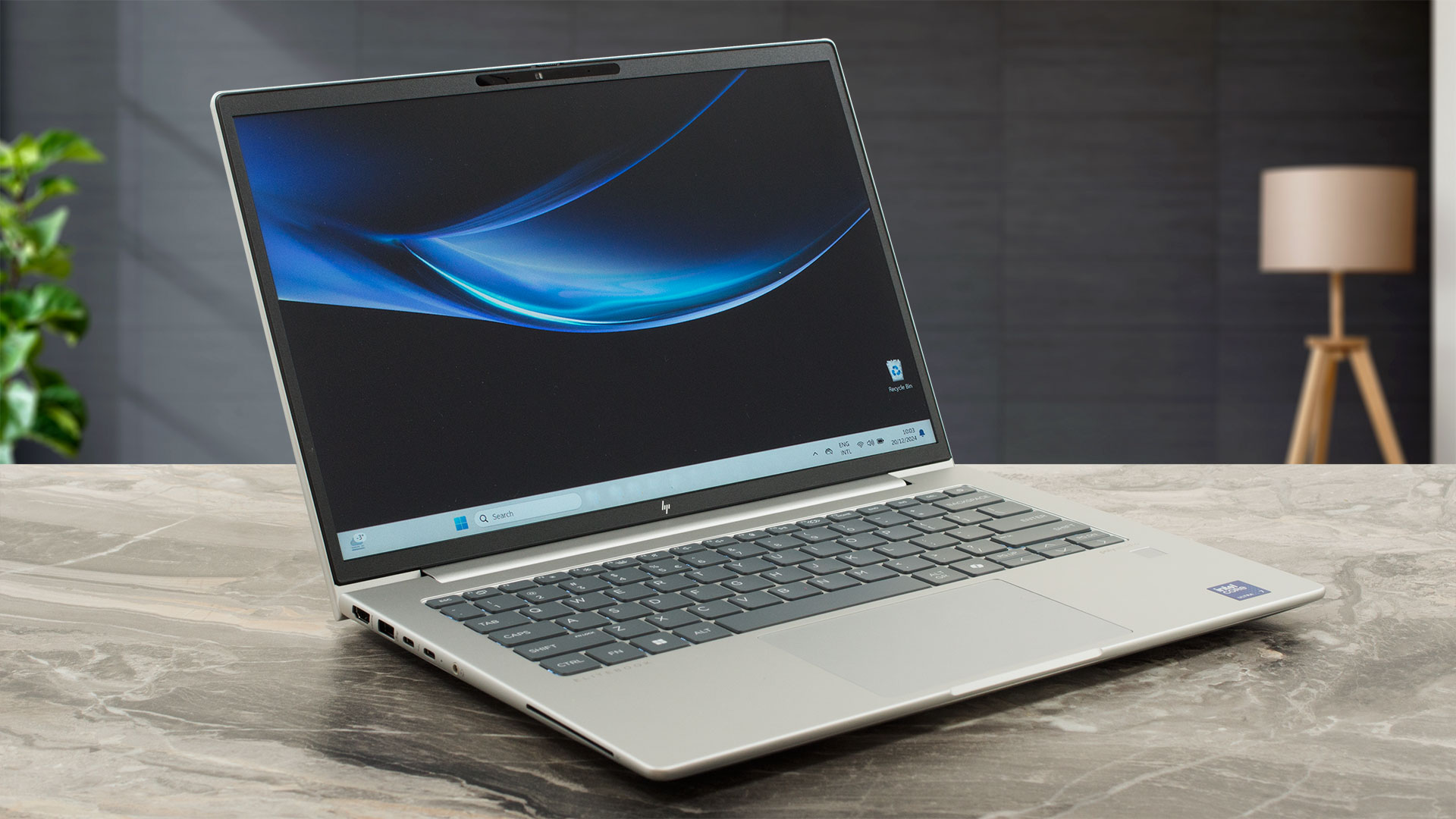
The EliteBook 640 G11 is the smaller version of the EliteBook 660 G11. Interestingly, the former device offers almost the same features and power as its bigger sibling. You can pick one with 15W or 28W Meteor Lake processors. The upgradability is decent while the port selection is great for a 14-incher thanks to the pair of Thunderbolt 4s.In terms of display variants, you can choose from four IPS units with 1200p resolution. One of them is a touchscreen. Our device is equipped with the same panel, it's not something spectacular but it's good enough for standard office work.Some of the [...]
Pros
- Clean design
- Good comfort during full loads
- Compact (1.39 - 1.40 kg / 10.9 - 17 mm)
- Good performance for a 14-incher
- Wide viewing angles (AUOB9AC)
- High max brightness of 315 nits (AUOB9AC)
- Comfortable keyboard with optional backlight
- 2x Type-A + 2x Thunderbolt 4 ports
- The fan isn't noisy even in "Best performance" mode
- Long battery battery life (~ 10 hours and a half of videos)
- Web camera with a privacy shutter
- Snappy NVMe (KIOXIA KXG80ZNV1T02)
- Lid with a lever design
- Solid metal chassis
- Optional fingerprint reader, NFC, IR Web camera, Smart Card reader, and 4G LTE connectivity
- Good sound quality
- The Core Ultra 7 155U can maintain a 2.70 GHz / 2.40 GHz P and E-core clock in long heavy loads
- 2x SODIMMs + replaceable Wi-Fi 6E card
Cons
- 1x M.2 slot
- The touchpad could be better
- You can't open the lid with one hand
- The SSD reaches 70°C during benchmarking
 Author: Dimitar Stalev

![[August 2026] Amazon Italy: Top 10 Best-Selling Laptops – Apple MacBook Neo Claims the Crown as Budget and Mid-Range Windows Machines Dominate Volume](https://laptopmedia.com/wp-content/uploads/2026/09/Best-Selling-Laptops-IT-Top-10-400x225.jpg)
![[August 2026] Amazon Italy: Top 7 Best-Selling Gaming Laptops – ASUS V16 Claims the #1 Spot Amid Strong Mid-Range Demand](https://laptopmedia.com/wp-content/uploads/2026/09/Best-Selling-Gaming-Laptops-IT-Top-10-400x225.jpg)
![[August 2026] Best-Selling Laptop Brands on Amazon Italy – Lenovo Dominates Market Share and Revenue Leadership](https://laptopmedia.com/wp-content/uploads/2026/09/IT-Best-Brands-400x225.jpg)
![[August 2026] Amazon India: Top 10 Best-Selling Laptops – Apple MacBook Neo Dominates the Charts with Massive Sales Lead](https://laptopmedia.com/wp-content/uploads/2026/09/Best-Selling-Laptops-IN-Top-10-400x225.jpg)
![[August 2026] Amazon India: Top 10 Best-Selling Gaming Laptops – HP Victus 15 Dominates the Market with Massive Unit Lead](https://laptopmedia.com/wp-content/uploads/2026/09/Best-Selling-Gaming-Laptops-IN-Top-10-400x225.jpg)
