How to open HP ProBook 440 G11 – disassembly and upgrade options
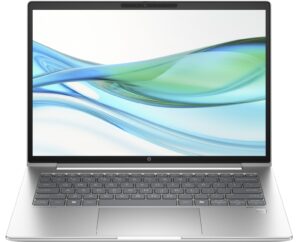
Opening the HP ProBook 440 G11
Hint: Ensure that the laptop is completely powered off and unplugged before beginning.
- Undo the five captive Phillips-head screws on the bottom panel of the laptop.
- Use a thin plastic tool to carefully pop open the back panel, starting with the top two corners.
- Continue prying along the sides and the front panel to fully release the clips and remove the bottom plate.
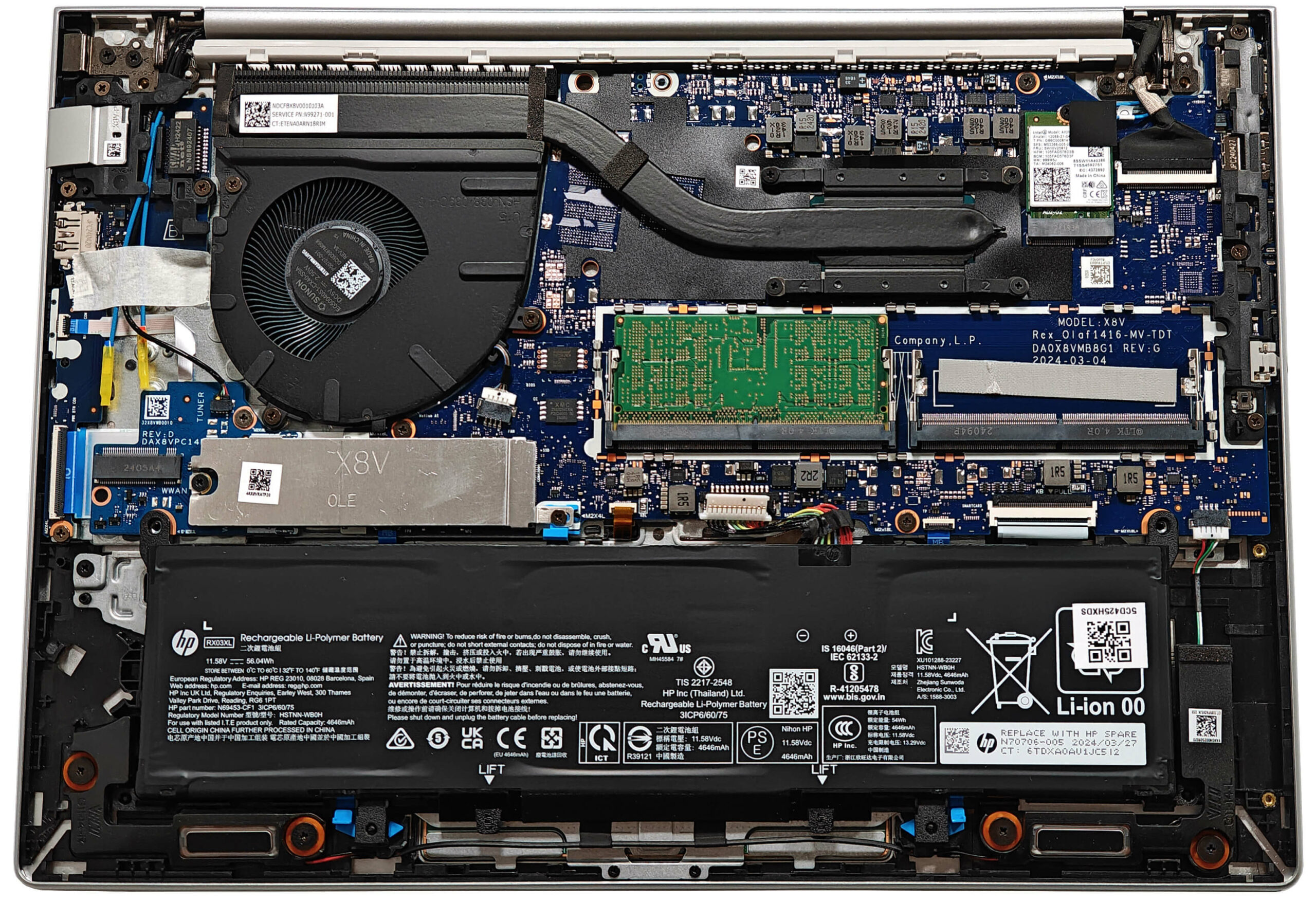
More info: The interior of the bottom plate reveals the layout and cooling design of the device’s internal components.
Battery Removal
Caution: Handle the battery with care to avoid damage or electrical hazards.
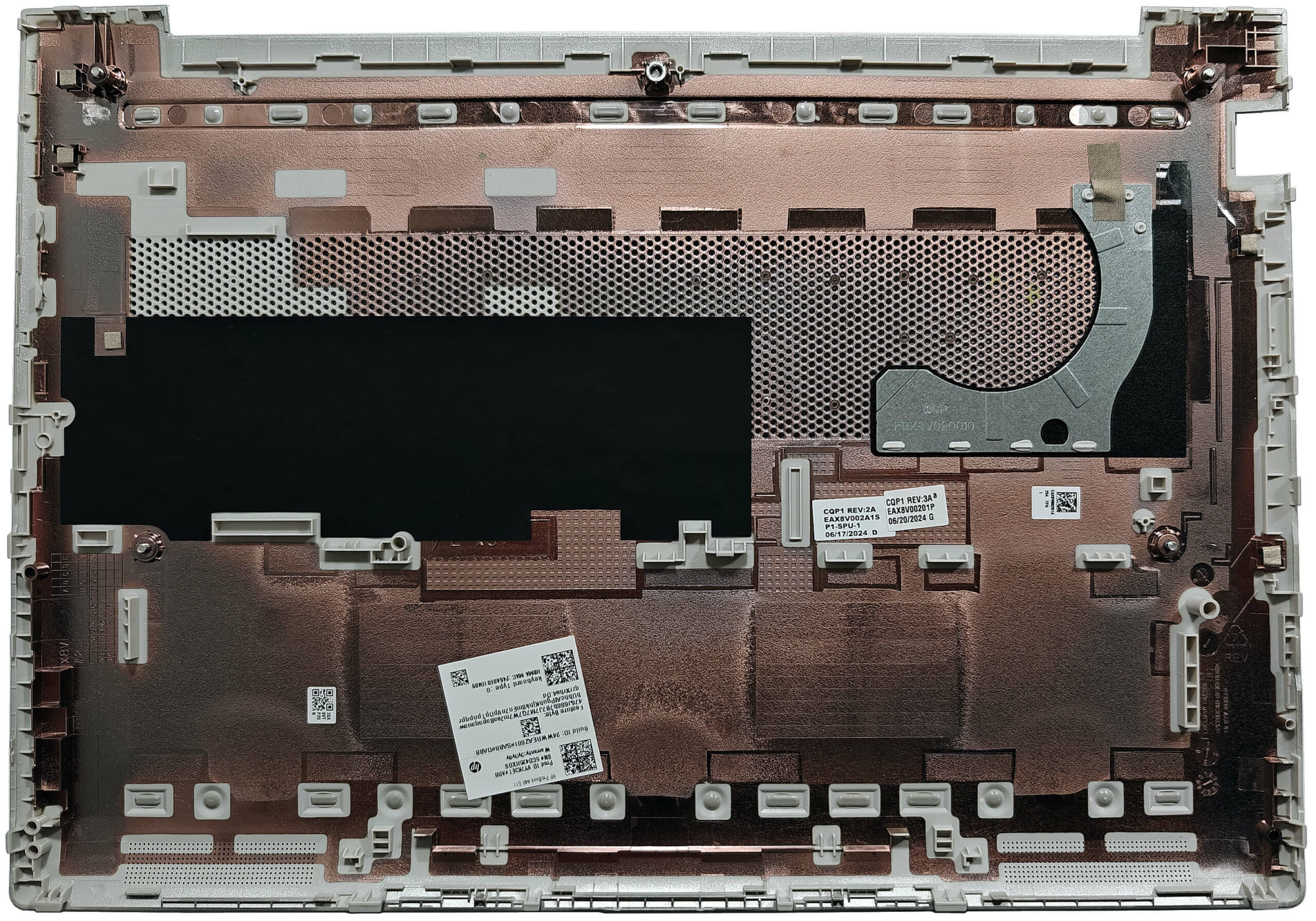
- Disconnect the battery connector by gently pulling it toward the battery.
- Rotate the two blue latches located at the bottom of the battery.
- Lift the battery out of the chassis.
More info: The optional 56Wh battery offers up to 11 hours of video playback. Base models come with a 48Wh capacity battery.
You can find compatible batteries here: Buy from Amazon.com (#CommissionsEarned)
Memory Upgrade
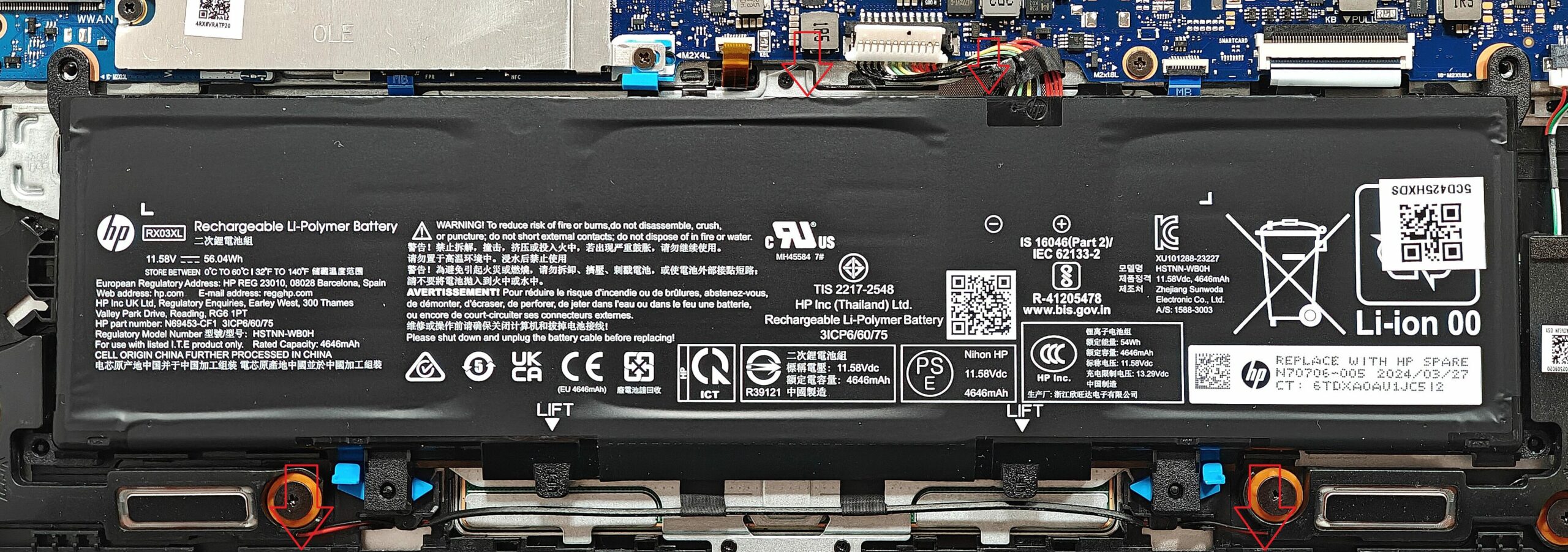
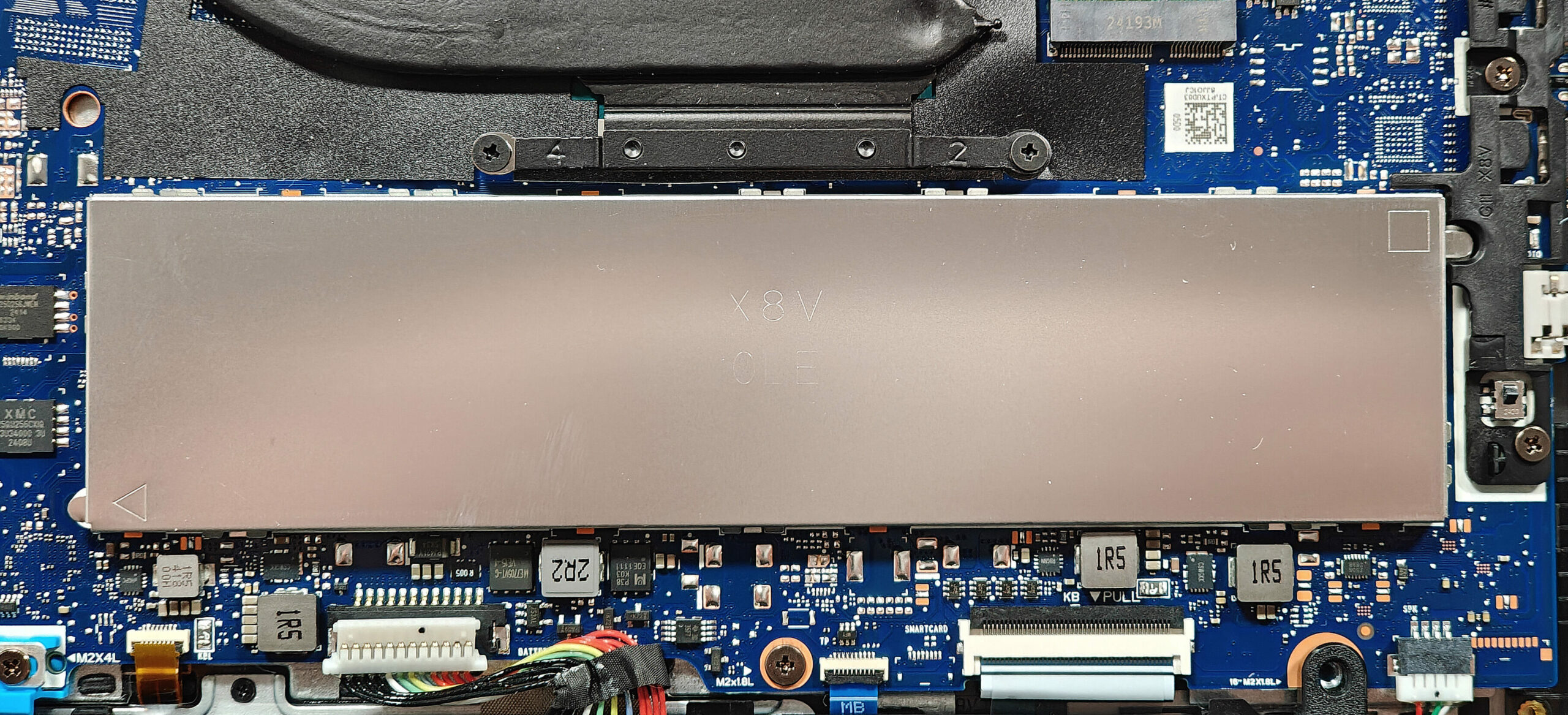
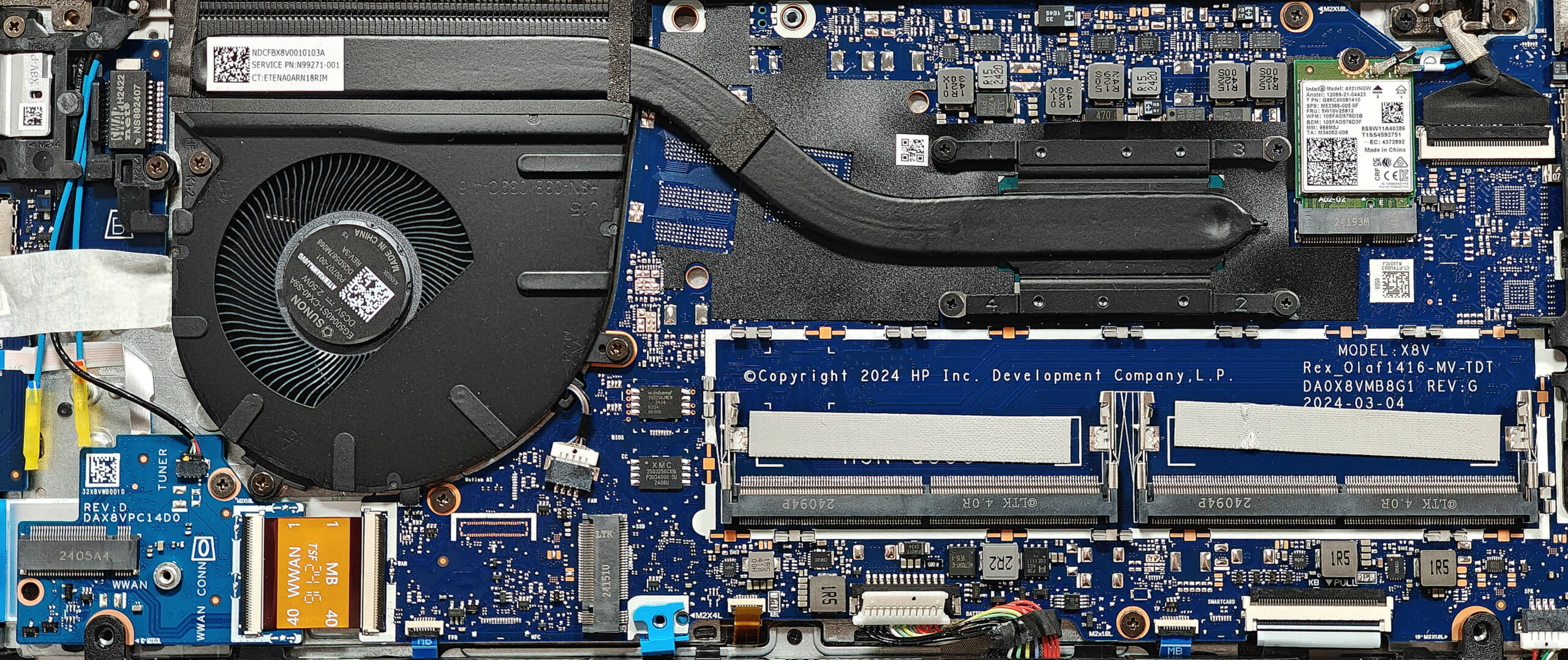
Note: The memory slots are protected by a metal shield that requires gentle removal.
- Use a lever tool to carefully pop open the metal shield above the RAM section.
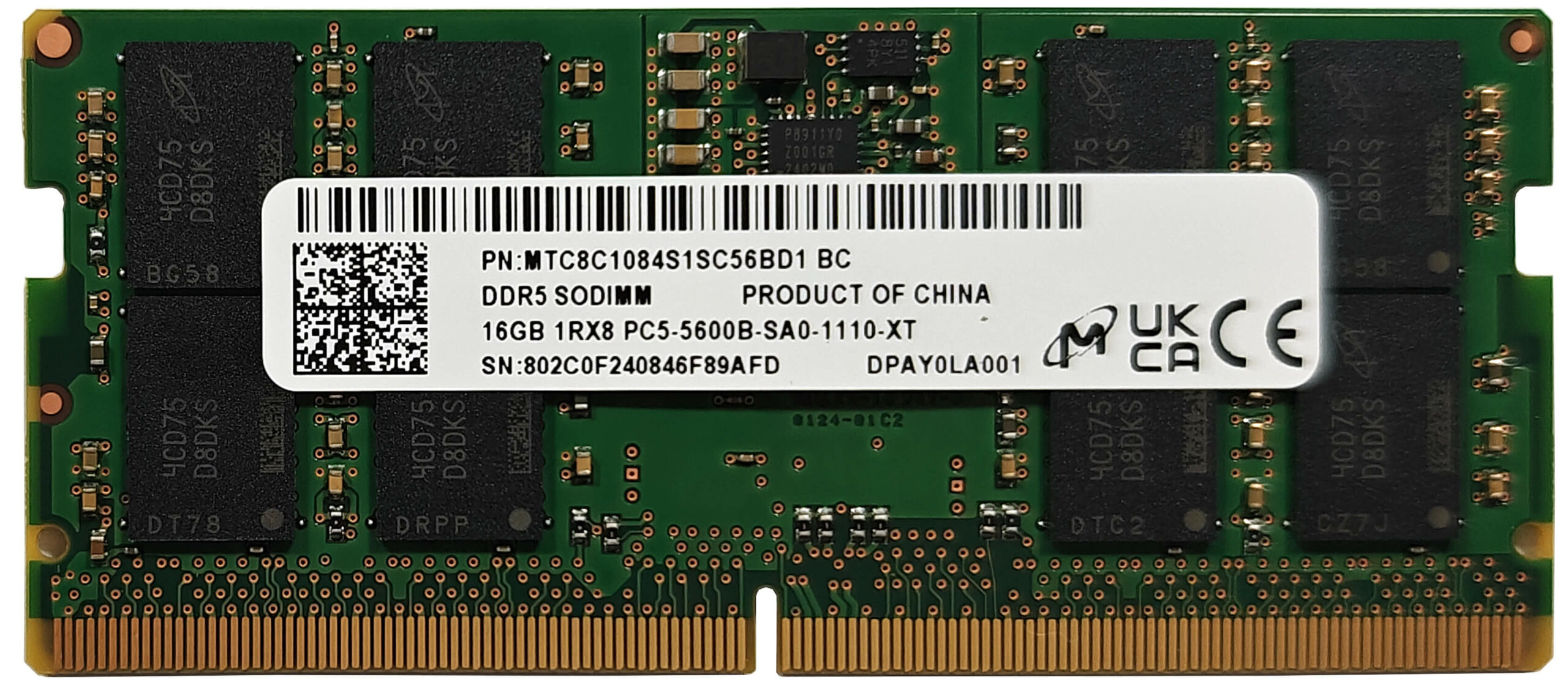
More info: This laptop supports up to 32GB of DDR5-5600 MHz RAM in dual-channel mode according to HP specifications. However, since the CPU can support up to 96GB, it may handle larger memory configurations. Each RAM module is cooled by a thermal pad on its underside.
You can buy compatible RAM here: Buy from Amazon.com (#CommissionsEarned)
Storage Upgrade
Hint: Handle SSD components with care to avoid data loss.
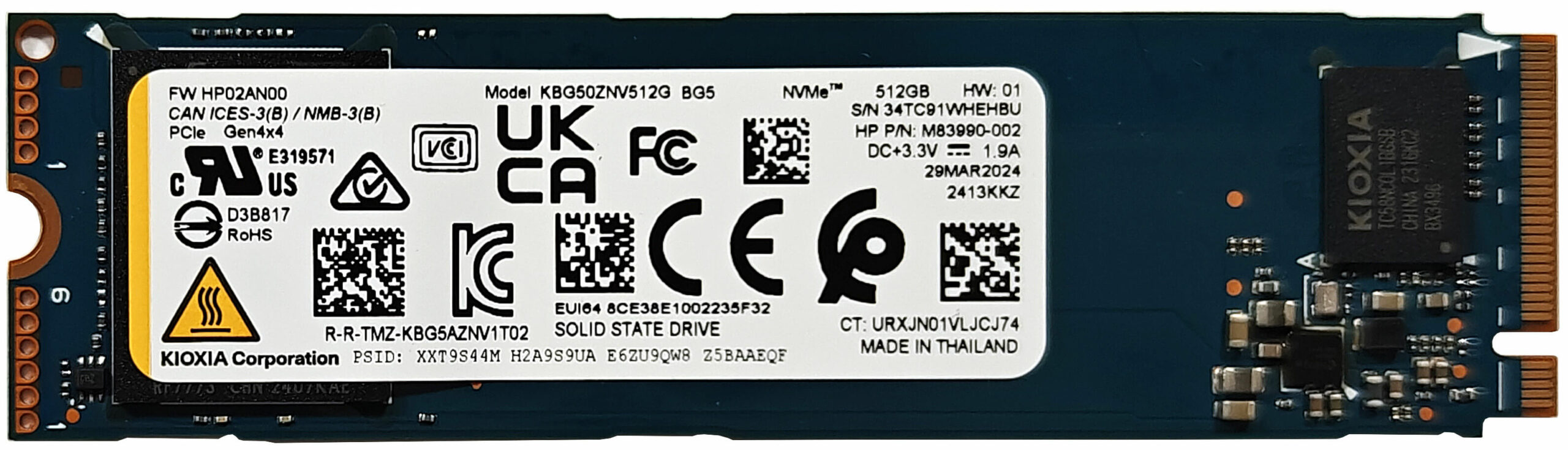
- Locate the single M.2 slot compatible with 2280 Gen 4 SSDs.
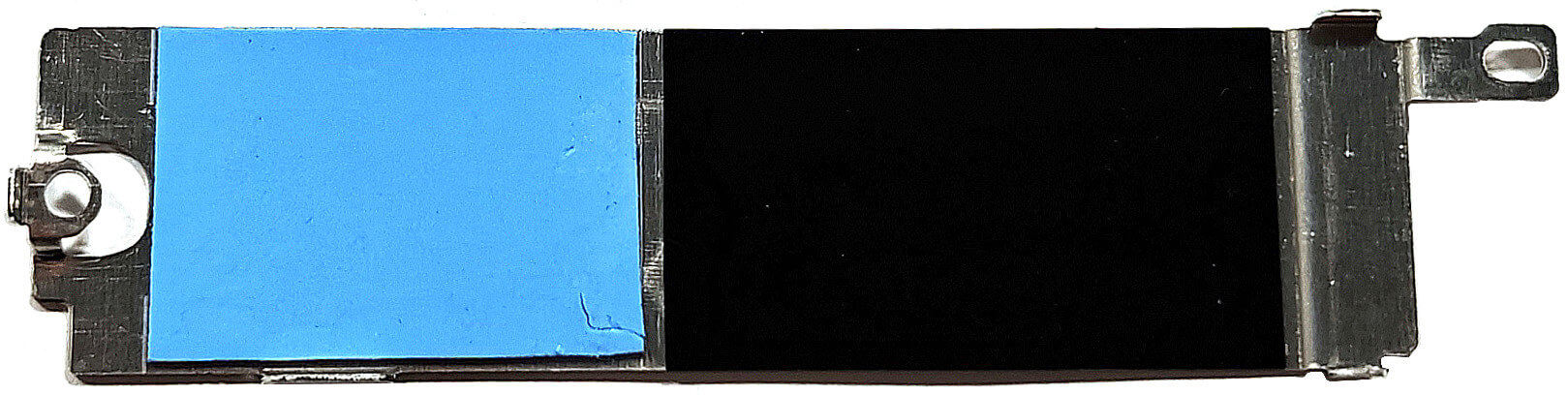
- Remove the two screws securing the metal plate covering the SSD slot.
- Lift the plate, which houses a thermal pad, and insert the new M.2 SSD.
- Secure the SSD with the metal plate and screws.
More info: The device includes an additional WWAN slot for optional 4G LTE connectivity, located on the left.
You can buy compatible SSDs here: Buy from Amazon.com (#CommissionsEarned)
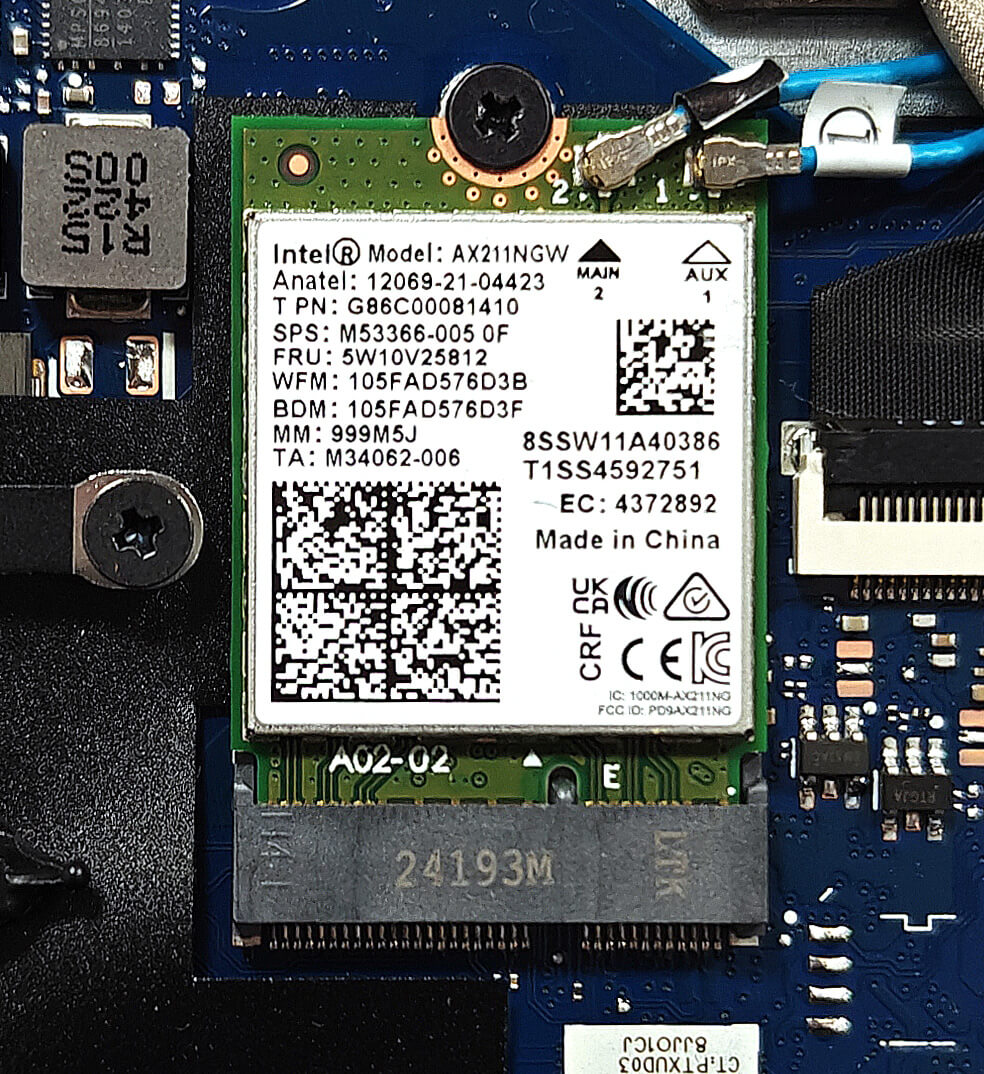
Wi-Fi Card
More Info: The Wi-Fi 6E card can be seen next to the cooling.
Cooling System Overview
More info: The thermal system of the HP ProBook 440 G11 is straightforward, designed for business productivity and moderate workloads.
- Inspect the large fan to ensure it is clean and free of dust.
- Check the heat pipe for any signs of wear or obstructions.
- Examine the heat sink and heat spreader to confirm they are properly in place and unobstructed.
HP ProBook 440 G11 in-depth review
Smaller doesn't always mean less powerful. Or at least on paper. The ProBook 440 G11 is a compact version of the bigger 460 G11 model. Both siblings share many similarities like the Meteor Lake-U and H CPU options, the good upgradability and port selection, and even the battery life is nearly identical. Not bad for a 14-incher!The situation remains unchanged in terms of security features. You get a privacy shutter, optional fingerprint reader and IR Web camera alongside a dTPM 2.0 chip and self-healing BIOS.That's not a top-end business machine which explains the lack of high-refresh r[...]
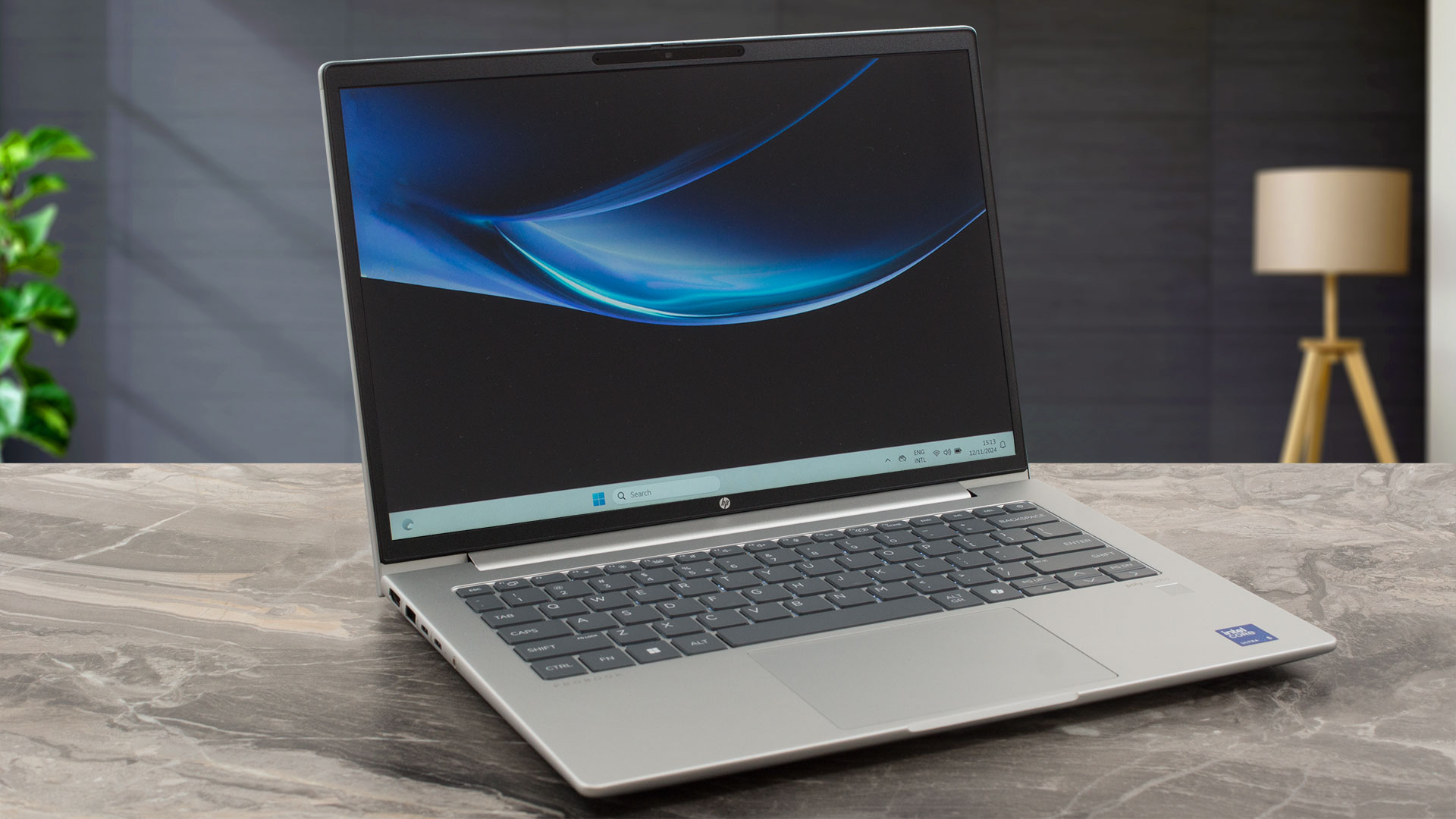
Pros
- Clean design
- Good comfort during full CPU stress
- Compact (1.398 kg / 10.9 x 17.0 mm)
- Adequate performance for office work
- Wide viewing angles and 315 nits of max brightness (AUOE3AC)
- PWM-free (AUOE3AC)
- Comfortable backlit keyboard
- 2x Type-A + 2x 20 Gbps Type-C ports
- The fan is quiet in "Performance" mode even when the CPU is loaded at 100%
- Long battery battery life (~ 11 hours of videos)
- Privacy shutter
- Lid with a lever design
- Solid build
- Optional fingerprint reader and 5MP IR Web camera
- The Core Ultra 5 125U boost to ~ 4.22 GHz / 3.14 GHz for the P and E cores in short loads
Cons
- Only one M.2 slot
- You can't open the lid with one hand
- The backlight is optional
 Author: Dimitar Stalev

![[August 2026] Amazon Italy: Top 10 Best-Selling Laptops – Apple MacBook Neo Claims the Crown as Budget and Mid-Range Windows Machines Dominate Volume](https://laptopmedia.com/wp-content/uploads/2026/09/Best-Selling-Laptops-IT-Top-10-400x225.jpg)
![[August 2026] Amazon Italy: Top 7 Best-Selling Gaming Laptops – ASUS V16 Claims the #1 Spot Amid Strong Mid-Range Demand](https://laptopmedia.com/wp-content/uploads/2026/09/Best-Selling-Gaming-Laptops-IT-Top-10-400x225.jpg)
![[August 2026] Best-Selling Laptop Brands on Amazon Italy – Lenovo Dominates Market Share and Revenue Leadership](https://laptopmedia.com/wp-content/uploads/2026/09/IT-Best-Brands-400x225.jpg)
![[August 2026] Amazon India: Top 10 Best-Selling Laptops – Apple MacBook Neo Dominates the Charts with Massive Sales Lead](https://laptopmedia.com/wp-content/uploads/2026/09/Best-Selling-Laptops-IN-Top-10-400x225.jpg)
![[August 2026] Amazon India: Top 10 Best-Selling Gaming Laptops – HP Victus 15 Dominates the Market with Massive Unit Lead](https://laptopmedia.com/wp-content/uploads/2026/09/Best-Selling-Gaming-Laptops-IN-Top-10-400x225.jpg)
