How to open HP ProBook 460 G11 – disassembly and upgrade options
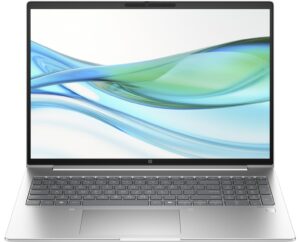
Hint: Before starting, ensure the laptop is powered off and disconnected from any power source.
- Undo the 5 captive Phillips-head screws on the back of the laptop.
- Use a thin plastic tool to pry the back cover and pop the top two edges.
- Work your way around the sides and the front to remove the bottom plate.
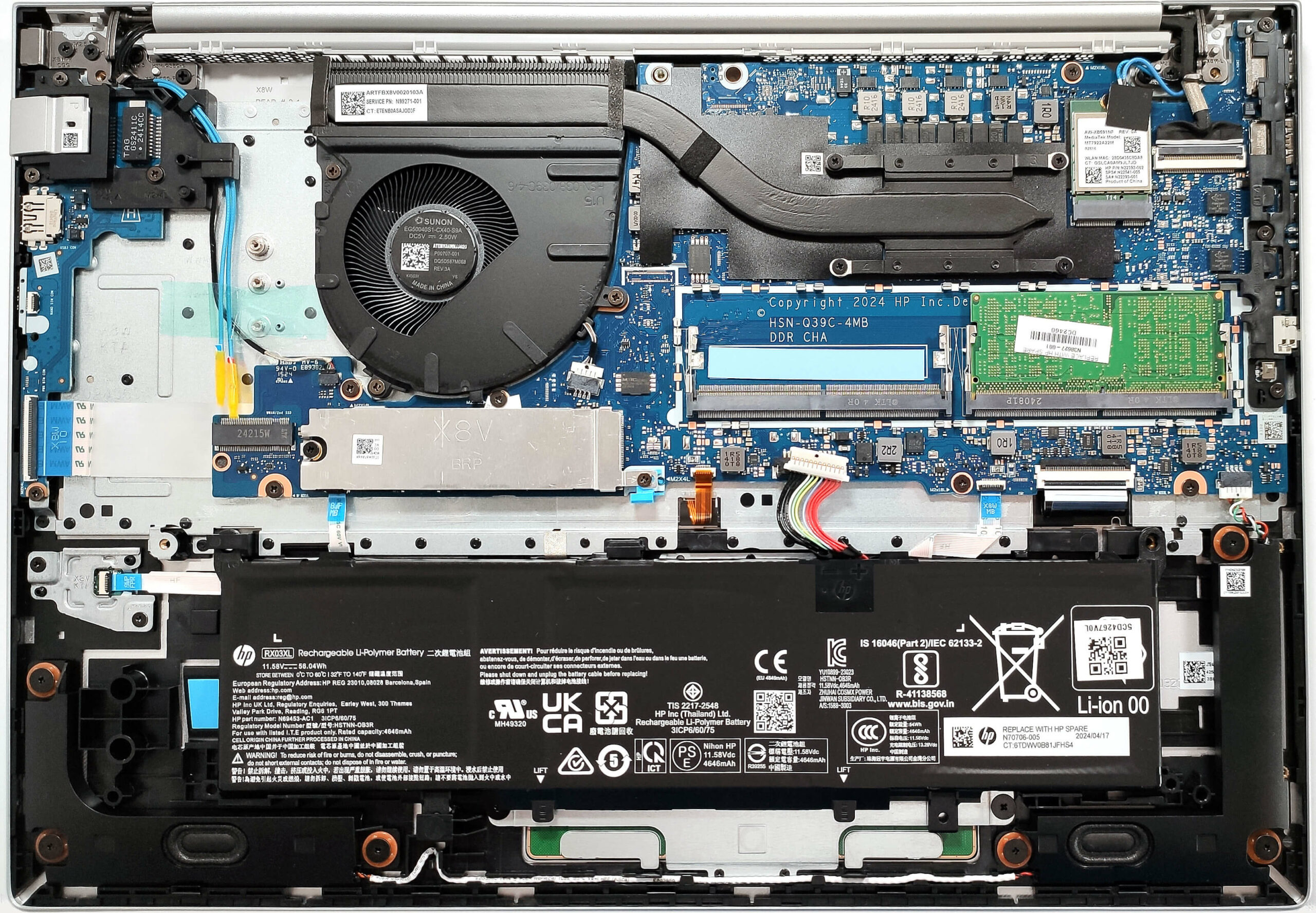
More info: Here’s how the bottom plate looks on the inside.
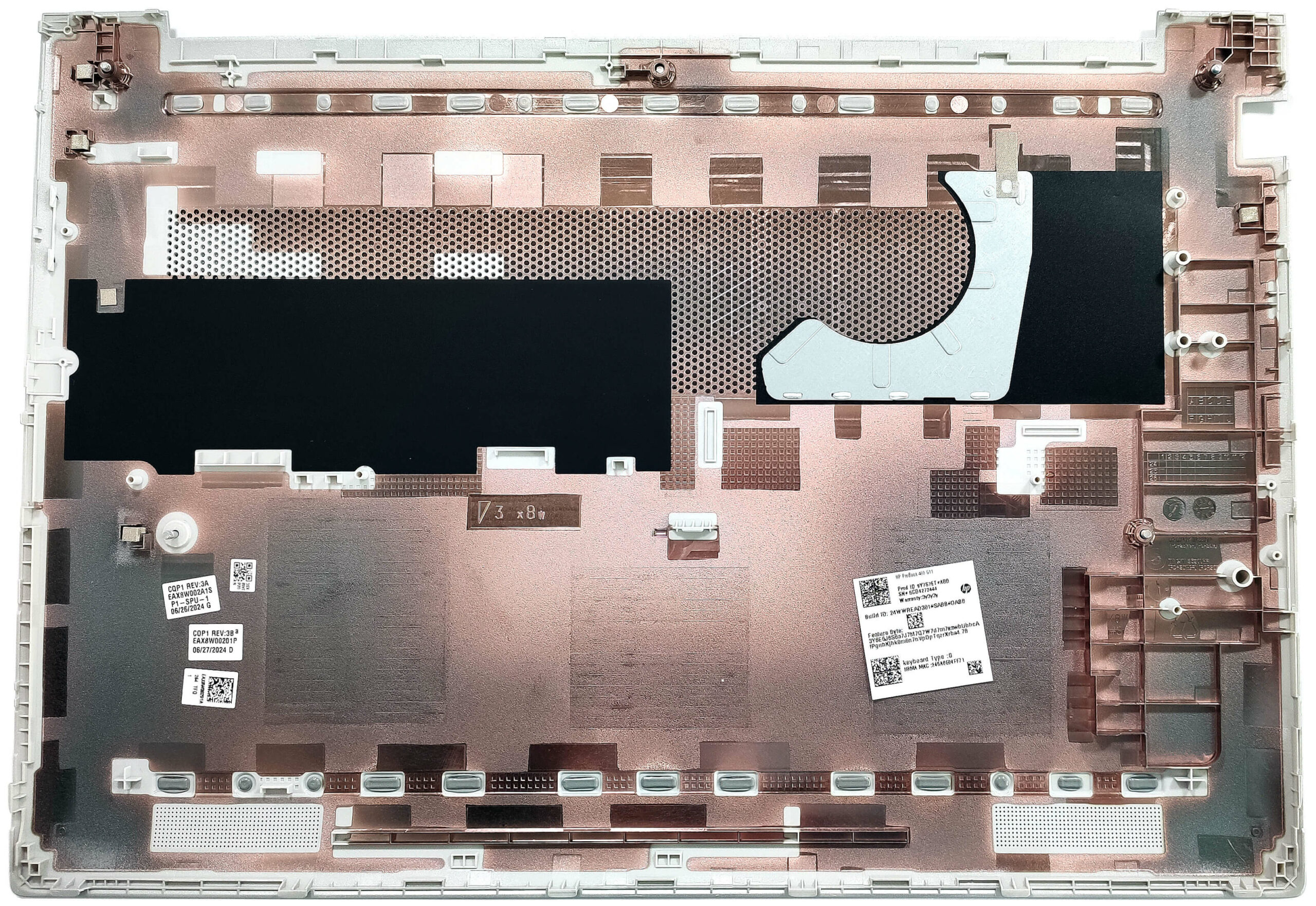
Battery Removal
Caution: Handle the battery carefully to avoid damage.
- Detach the battery connector from the motherboard.
- Press down the plastic stopper in front of the battery.
- Carefully slide the battery to the left to remove it.
More info: The laptop comes with an optional 56Wh battery; the default variant has a 48Wh capacity. The 56Wh battery provides around 10 hours of video playback.
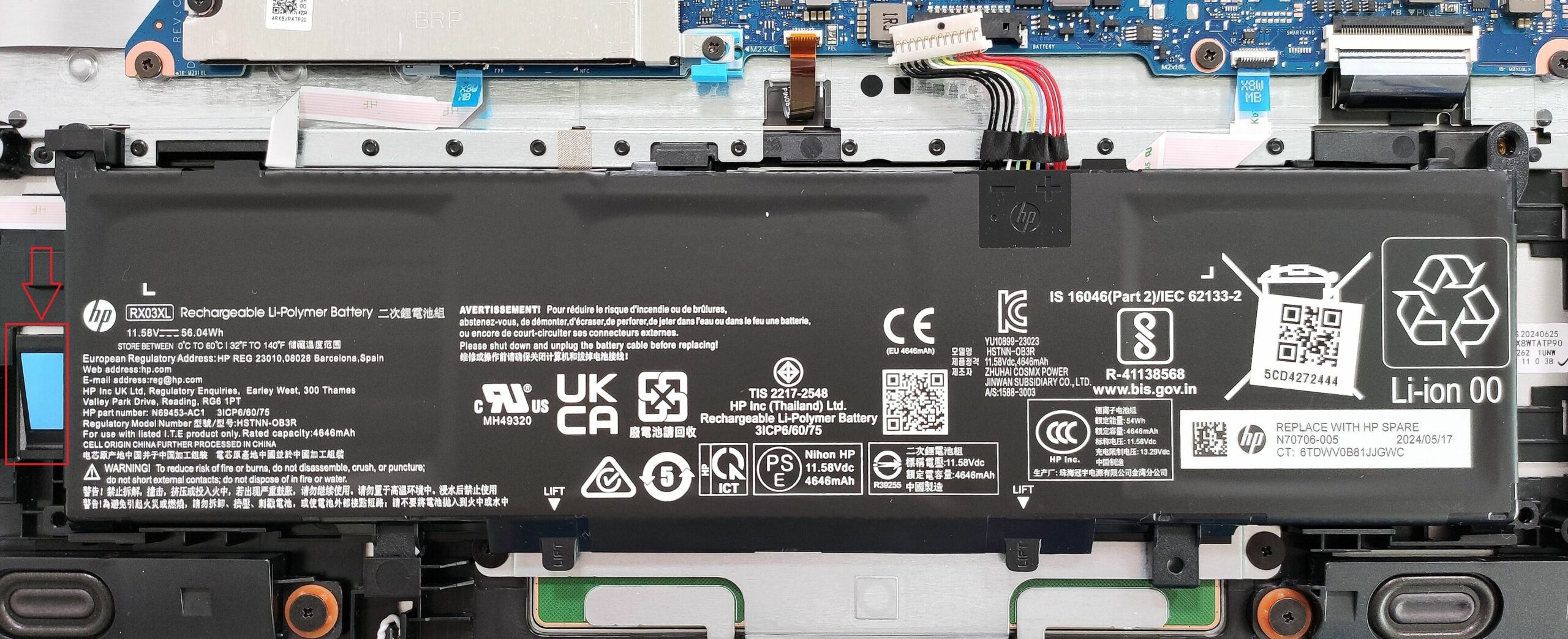
Memory Upgrade
Hint: Ensure you are grounded to prevent static electricity from damaging the components.
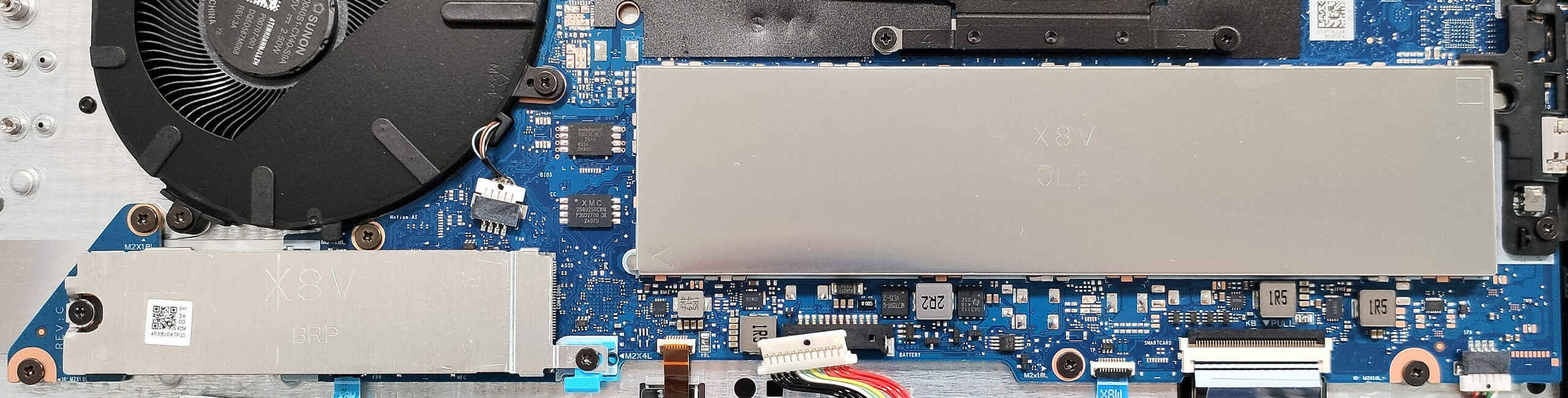
- Locate the memory zone covered with a metal shield.
- Use a lever tool to pop off the metal shield.
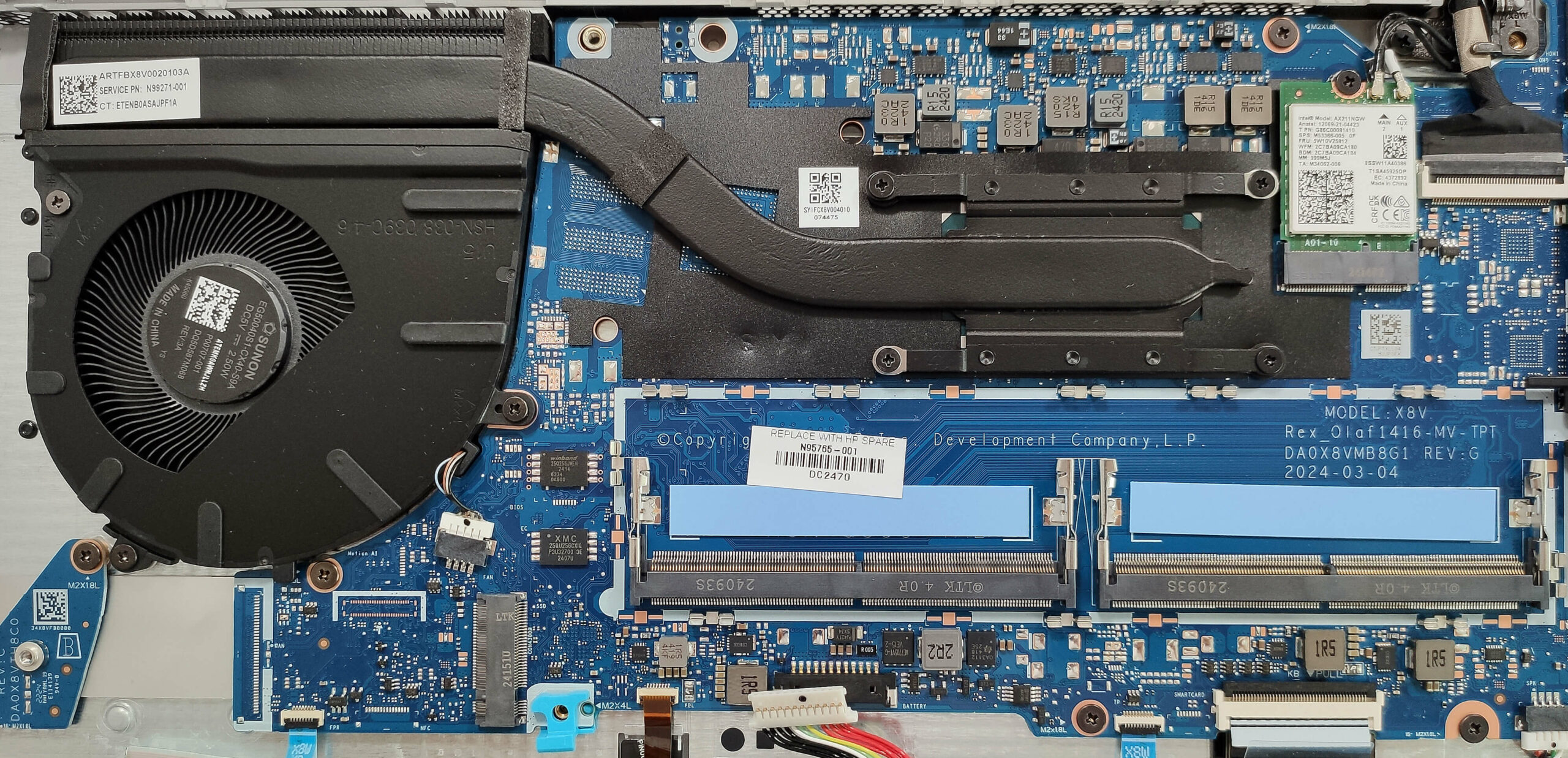
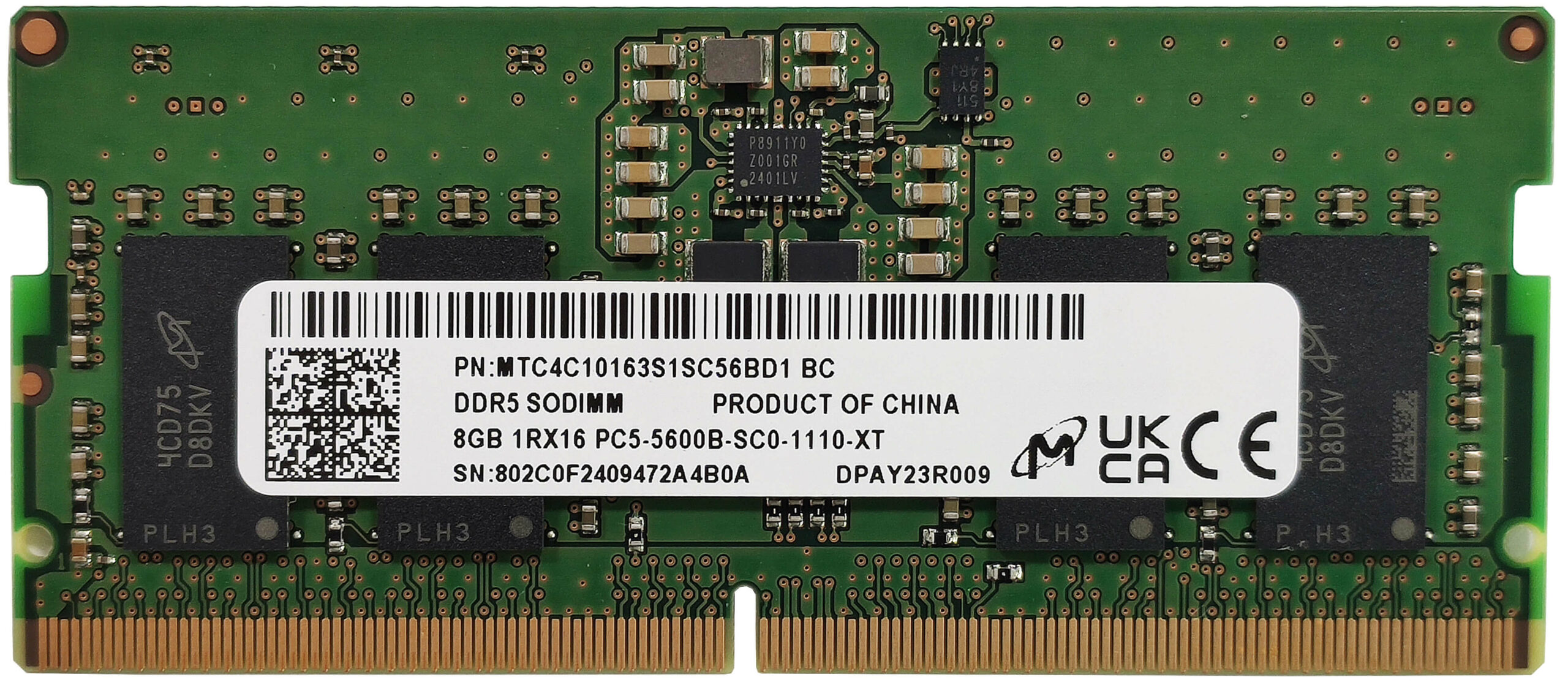
- Access the two SODIMM slots for RAM modules.
More info: The laptop supports up to 32GB of DDR5-5600 MHz RAM in dual-channel mode according to HP. However, since the CPU can support up to 96GB, it may handle a larger amount of memory than specified. Each module is additionally cooled by a thermal pad from below.
You can buy compatible RAM modules here: Buy from Amazon.com (#CommissionsEarned)
Storage Upgrade
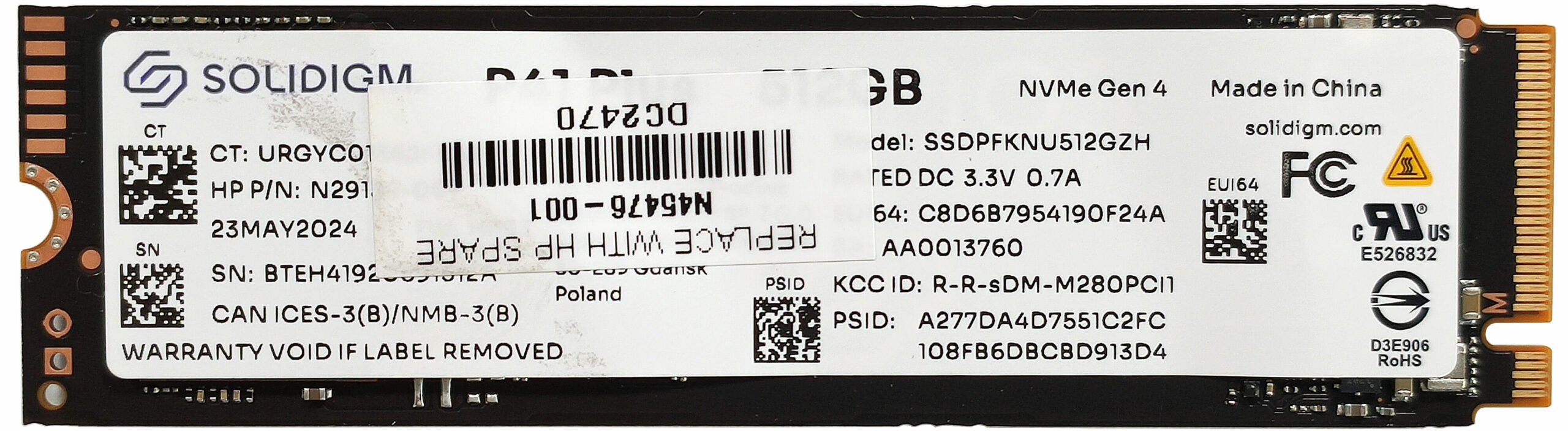
Hint: The laptop has one M.2 slot compatible with 2280 Gen 4 SSDs.
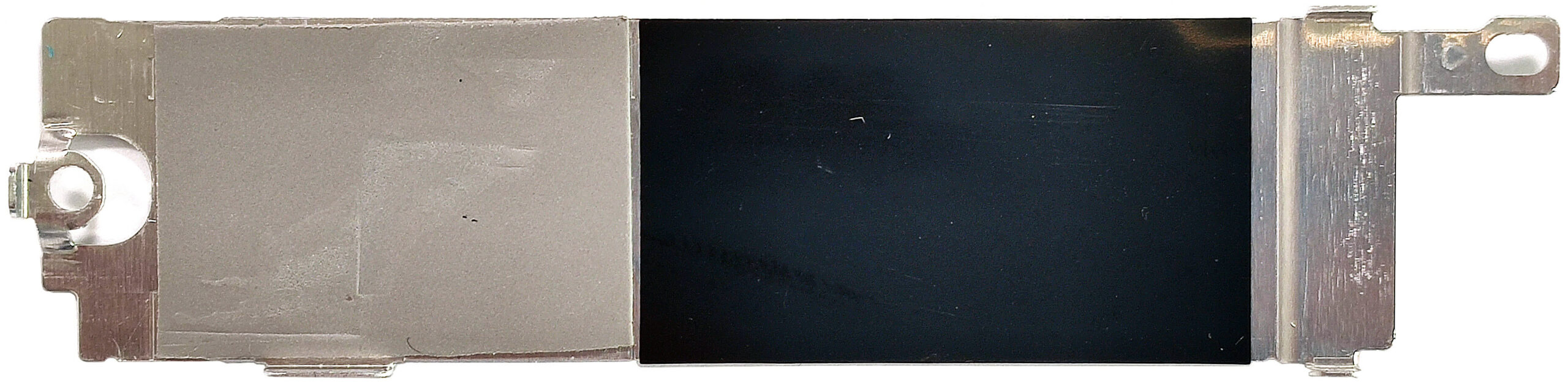
- Locate the NVMe SSD covered with a metal cap held by two screws.
- Remove the screws and take off the metal cap.
- Remove the cooling pad inside the cap to access the SSD.
- Unscrew the mounting screw and gently pull out the SSD.
More info: A cooling pad is attached inside the metal cap to help dissipate heat from the SSD.
Don’t forget to check out our Top M.2 SSDs Performance Rankings for insights on the best storage options available.
You can buy compatible SSDs here: Buy from Amazon.com (#CommissionsEarned)
Cooling System Overview
- Observe the cooling system, which includes one large fan, a heat pipe, a top-mounted heat sink, and a heat spreader.
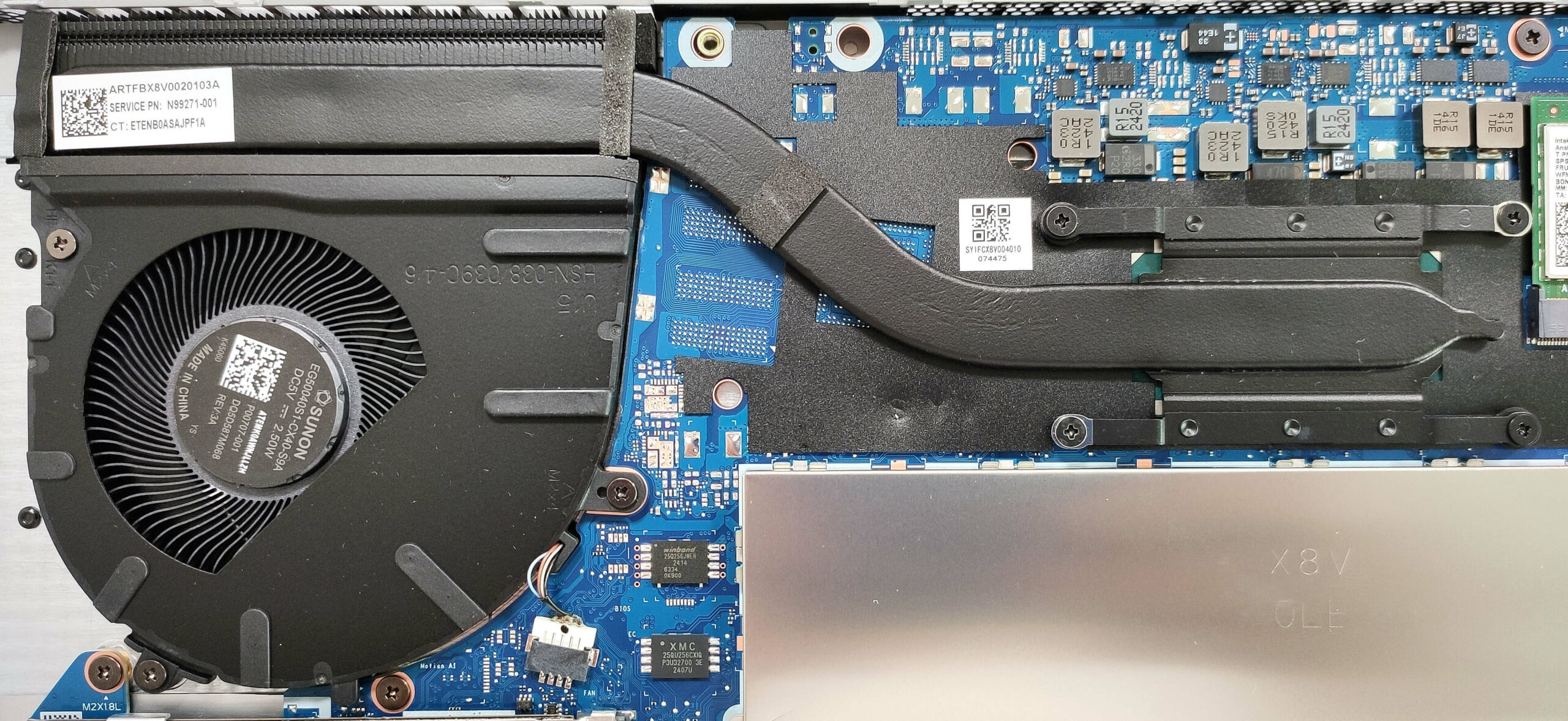
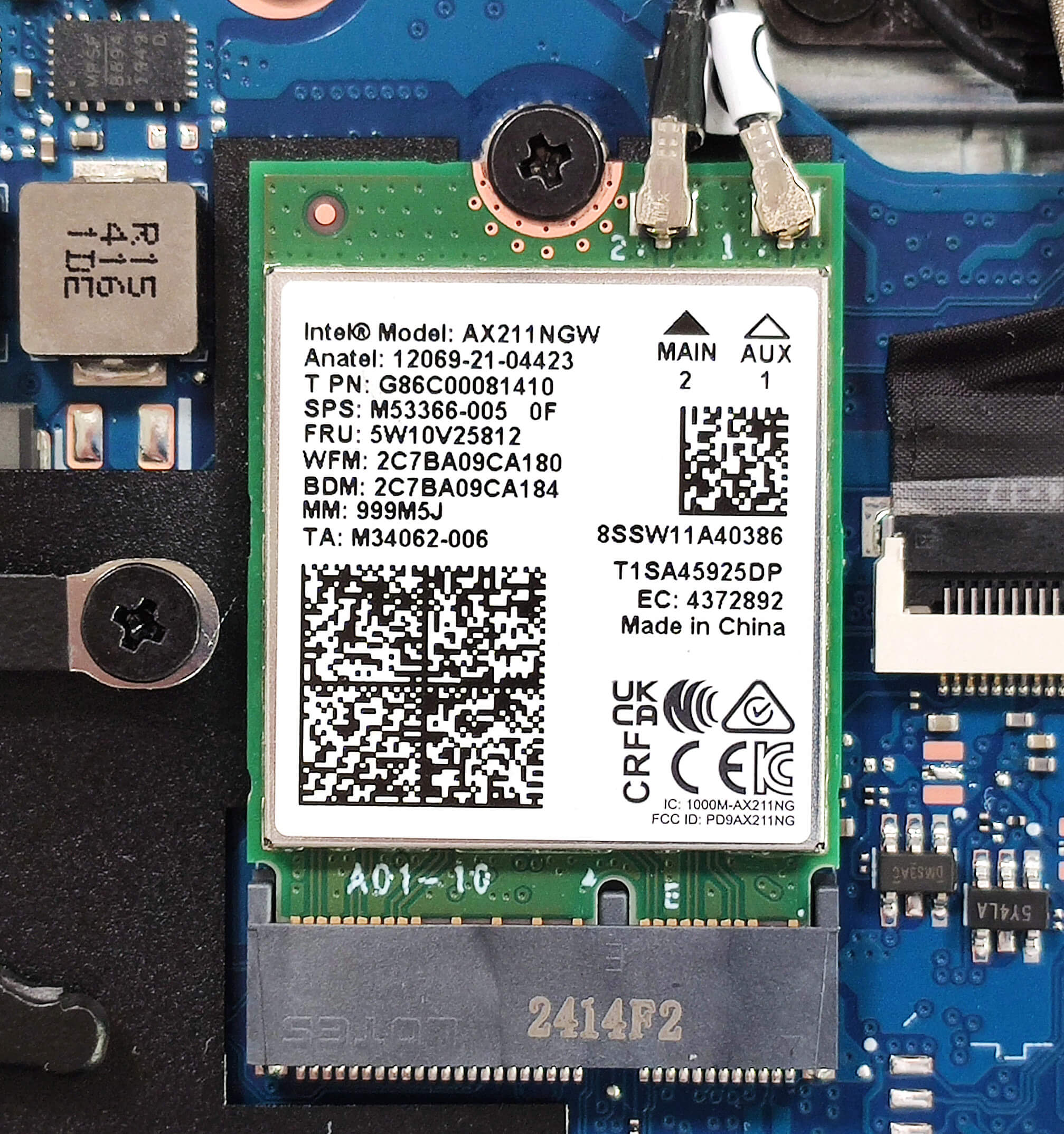
More info: The Wi-Fi card is positioned to the right of the cooling system.
HP ProBook 460 G11 in-depth review
ProBook 460 G11 is the Intel-based sibling of the 465 G11 version that we have already tested. The Team Blue model has some advantages like the more modern Meteor Lake CPU options with an NPU for boosted AI productivity, Type-C ports that support faster data transfer, an optional RTX dGPU, and SODIMMs that fit faster memory. Still, this device isn't perfect and it has one M.2 slot less than the AMD iteration which can be a no-go for some of you.According to the manufacturer, that's a laptop meant for growing businesses and hybrid productivity. That's why the security seems on point thanks [...]

Pros
- Uninstriusive and sleek design
- Very good comfort during full loads
- Compact for a 16-incher (1.748 kg grams / 10.9 - 17.01 mm)
- On-point performance for normal office tasks
- Wide viewing angles and 372 nits of max brightness (LGD078E)
- PWM-free panel (LGD078E)
- Comfortable backlit keyboard
- 2x Type-A + 2x Type-C ports
- The fan is quiet even in "Performance" mode during max CPU stress
- Long battery battery life (~ 10 hours of videos)
- Web camera with a privacy shutter
- Lid with a lever design
- Solid base
- Optional fingerprint reader and 5MP IR Web camera
- Quality audio
- The Core Ultra 5 125U can sustain 3.84 GHz / 2.92 GHz and 2.28 GHz / 2.06 GHz P and E-core clock in short and long loads
Cons
- Just one M.2 slot
- Slow QLC SSD (512GB SOLIDIGM SSDPFKNU512GZH)
 Author: Dimitar Stalev

![[June 2026] Best-Selling Laptop Brands on Amazon Global – Apple’s Unrivaled Dominance in Units and Revenue](https://laptopmedia.com/wp-content/uploads/2026/07/GLOBAL-Best-Brands-400x225.jpg)
![[June 2026] Amazon Global: Top 10 Best-Selling Laptops – Apple’s New MacBook Neo Storms to #1, Reshaping the Market with Affordability](https://laptopmedia.com/wp-content/uploads/2026/07/Best-Selling-Laptops-GLOBAL-Top-10-400x225.jpg)
![[June 2026] Amazon Global: Top 10 Best-Selling Gaming Laptops – Acer’s Nitro V 16S AI Dominates Sales, While ASUS Leads Overall Revenue](https://laptopmedia.com/wp-content/uploads/2026/07/Best-Selling-Gaming-Laptops-GLOBAL-Top-10-400x225.jpg)
![[June 2026] Global Ranking of Best-Selling Laptop GPUs on Amazon – NVIDIA RTX 5060 is the Top-Selling Dedicated GPU](https://laptopmedia.com/wp-content/uploads/2026/07/Best-Selling-GPUs-GLOBAL-Top-10-400x225.jpg)
![[June 2026] Global Ranking of Best-Selling Laptop CPUs on Amazon – Apple M5 Dominates, AMD Ryzen 7 260 Gets Solid Premium Share](https://laptopmedia.com/wp-content/uploads/2026/07/Best-Selling-CPUs-GLOBAL-Top-10-400x225.jpg)
