How to open HP ZBook Fury 16 G10 – disassembly and upgrade options
#CommissionsEarned
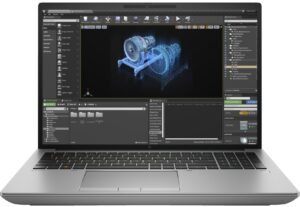
Step 1: Opening the HP ZBook Fury 16 G10
- Position the workstation on a soft, clean surface to prevent scratches.
- Locate the service door latch in the middle of the bottom side and slide it to the right to unlock.
- Gently pull upwards on the bottom panel and lift it away from the chassis to reveal the internals.
Tip: This process is designed to be user-friendly, requiring no tools for initial access.
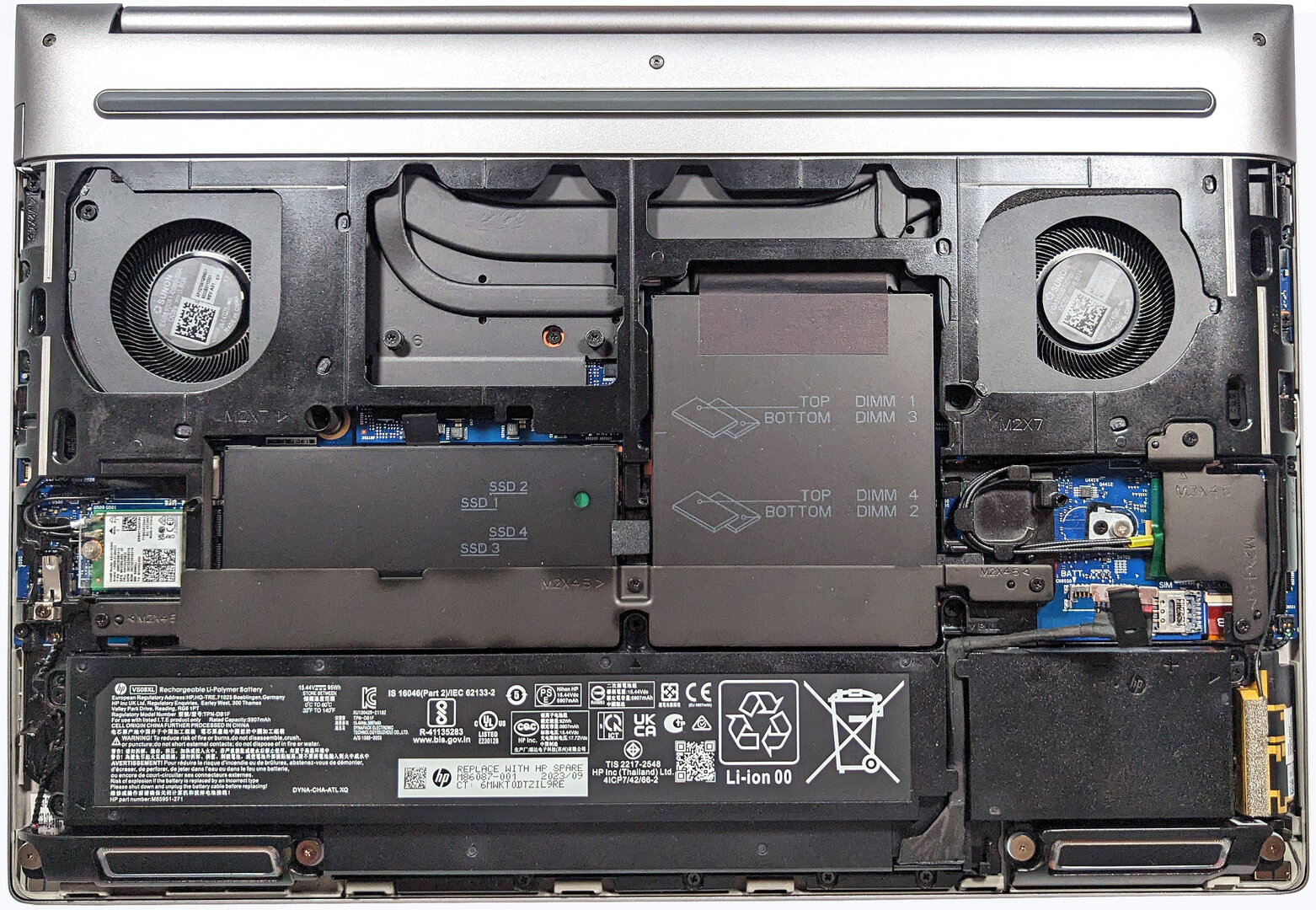
Step 2: Battery Removal
- Disconnect the battery connector from the motherboard carefully to avoid damaging any pins.
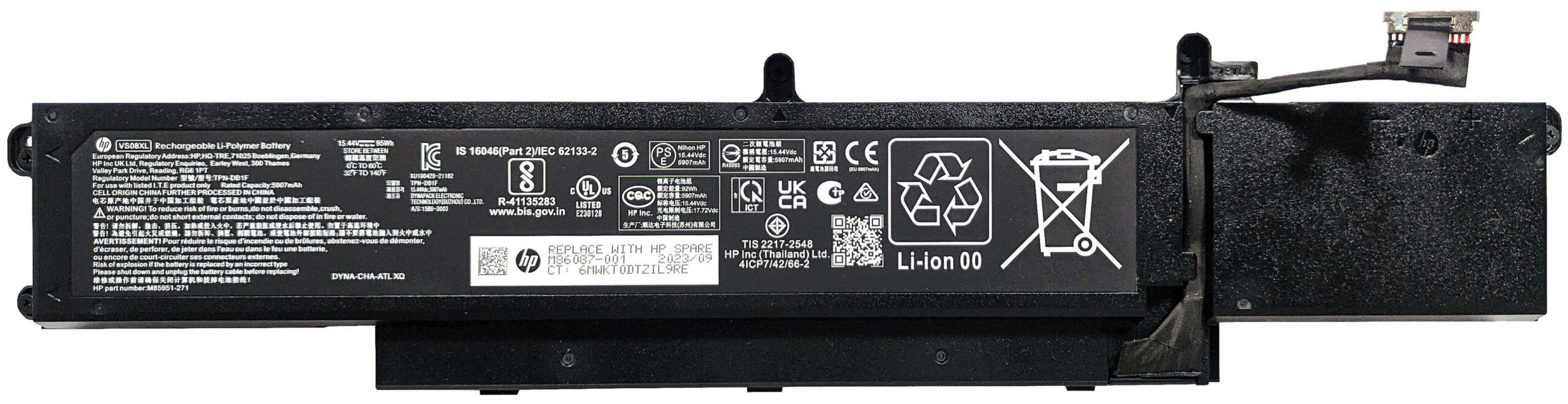
- Remove the five Phillips-head screws securing the 95Wh battery and lift it out of the workstation.
Note: The battery provides substantial usage time, offering up to 16 hours and 40 minutes of web browsing or approximately 12 hours and 30 minutes of video playback.
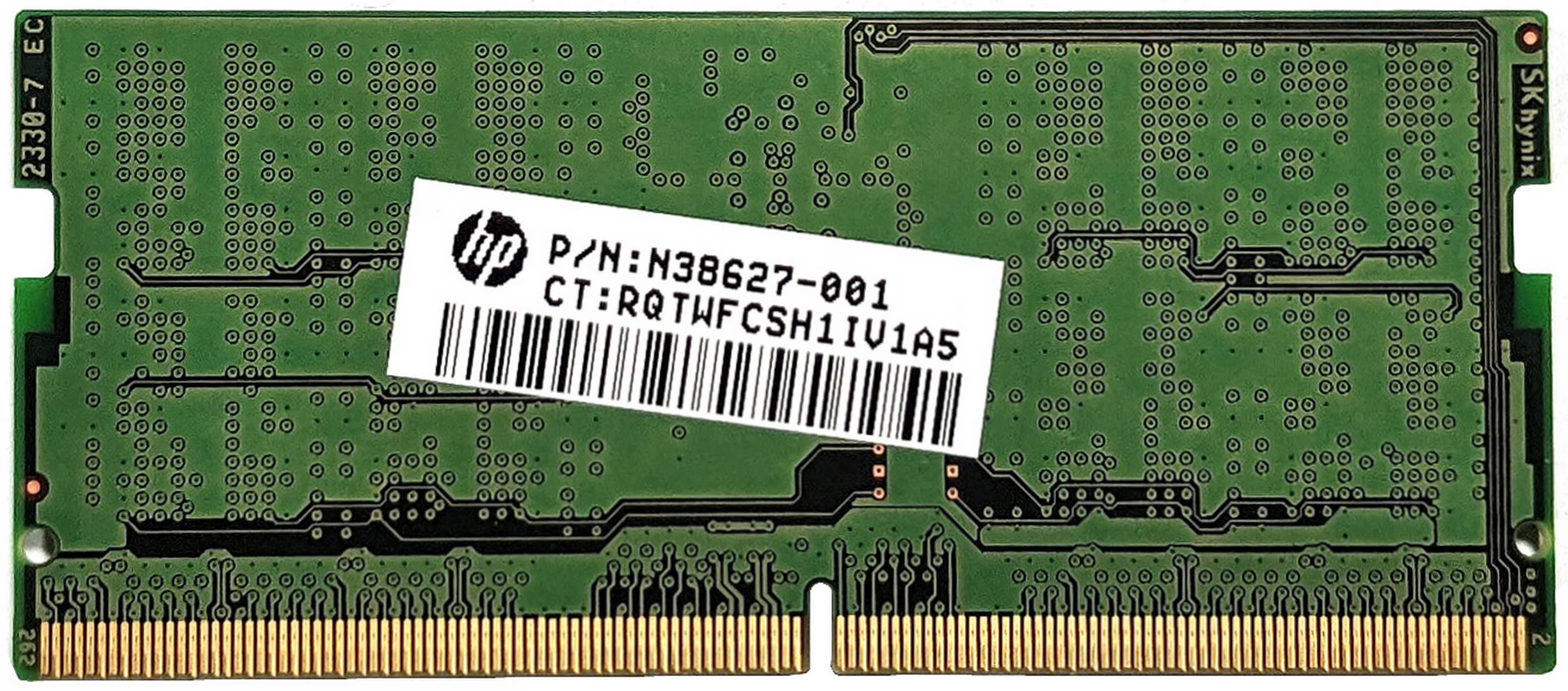
Memory Upgrade
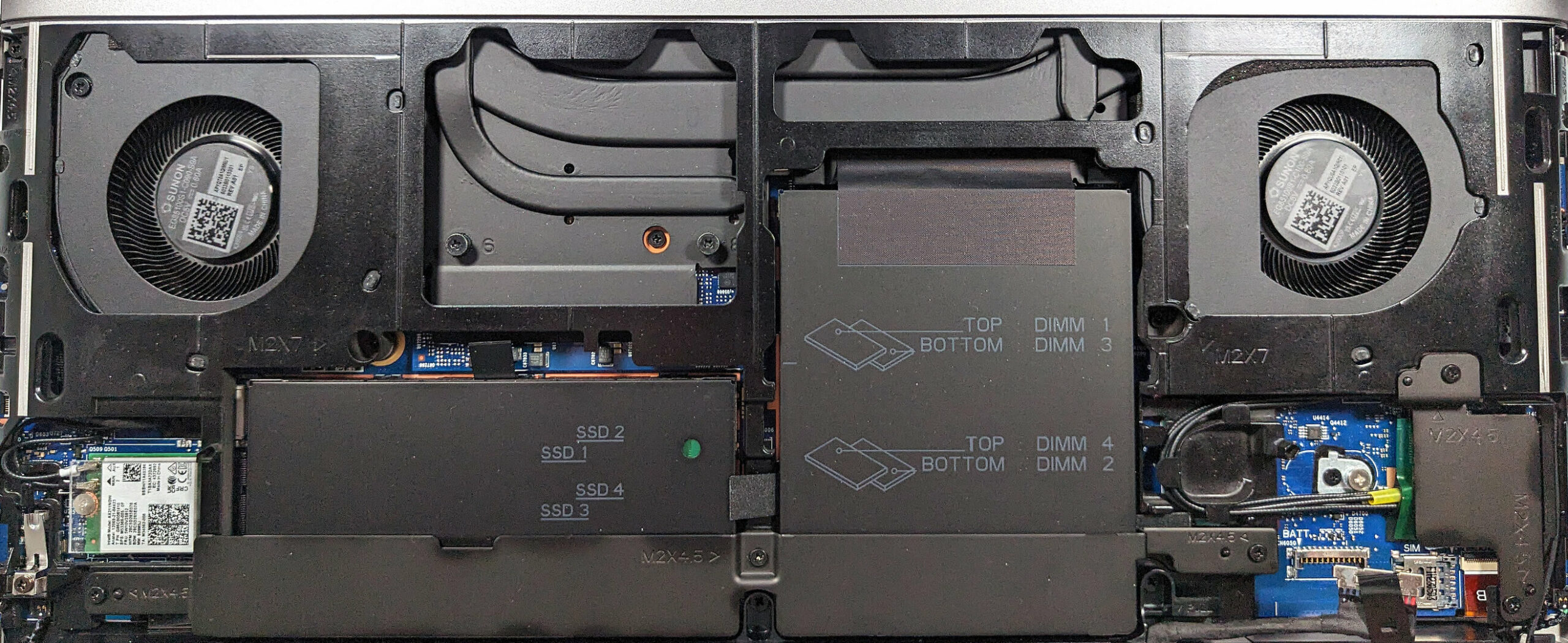
- Access the RAM slots by removing the metal service cover, which is secured by a metal retention bracket and three Phillips-head screws. Note the thermal pads on the inside for cooling.
- The workstation supports up to 128GB of DDR5-4800MHz ECC RAM or 128GB of DDR5-5600MHz non-ECC memory in dual-channel mode, with operational speeds depending on the rank of the installed RAM modules.
Upgrade Tip: Enhancing RAM can significantly improve performance, especially for memory-intensive tasks.
You can buy DDR5 RAM modules here: Buy from Amazon.com (#CommissionsEarned)



Storage Upgrade
- Locate the four M.2 slots beneath the second metal shroud, which are compatible with 2280 Gen 4 SSDs or Self-Encrypted (SED) OPAL2 units, and are cooled with thermal pads.
- Remove the retention covers by undoing two Phillips-head screws for each, to upgrade or add new SSDs.
- Don’t forget to check out our Top M.2 SSDs Performance Rankings
You can buy Gen 4 M.2 SSD modules here: Buy from Amazon.com (#CommissionsEarned)


Step 3: Cooling System Overview
- The “HP Vaporforce Thermals” system includes a large vapor chamber, metal fans, and thick metal heat pipes for efficient heat management.
Insight: This advanced cooling solution is designed to maintain optimal performance by effectively dissipating heat during intensive computing tasks.
#CommissionsEarned
 Author: Anna Iorgova

![[August 2026] Amazon Italy: Top 10 Best-Selling Laptops – Apple MacBook Neo Claims the Crown as Budget and Mid-Range Windows Machines Dominate Volume](https://laptopmedia.com/wp-content/uploads/2026/09/Best-Selling-Laptops-IT-Top-10-400x225.jpg)
![[August 2026] Amazon Italy: Top 7 Best-Selling Gaming Laptops – ASUS V16 Claims the #1 Spot Amid Strong Mid-Range Demand](https://laptopmedia.com/wp-content/uploads/2026/09/Best-Selling-Gaming-Laptops-IT-Top-10-400x225.jpg)
![[August 2026] Best-Selling Laptop Brands on Amazon Italy – Lenovo Dominates Market Share and Revenue Leadership](https://laptopmedia.com/wp-content/uploads/2026/09/IT-Best-Brands-400x225.jpg)
![[August 2026] Amazon India: Top 10 Best-Selling Laptops – Apple MacBook Neo Dominates the Charts with Massive Sales Lead](https://laptopmedia.com/wp-content/uploads/2026/09/Best-Selling-Laptops-IN-Top-10-400x225.jpg)
![[August 2026] Amazon India: Top 10 Best-Selling Gaming Laptops – HP Victus 15 Dominates the Market with Massive Unit Lead](https://laptopmedia.com/wp-content/uploads/2026/09/Best-Selling-Gaming-Laptops-IN-Top-10-400x225.jpg)

Thank you, very useful!