How to open Lenovo IdeaPad Slim 3 (15, Gen 8) – disassembly and upgrade options
#CommissionsEarned
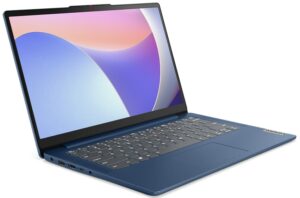

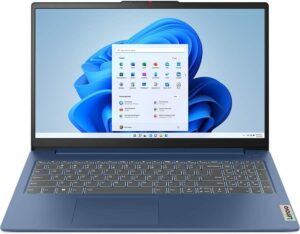
Step 1: Accessing the Internal Components
- Ensure the Lenovo IdeaPad Slim 3 (15, Gen 8) is powered off and placed on a soft, clean surface to prevent scratches or damage.
- Remove the 10 Phillips-head screws from the bottom of the laptop.
- Use a plastic tool to gently pry the bottom panel off, starting from the back.
Hint: Be careful when prying to avoid damaging the internal clips or the laptop casing.
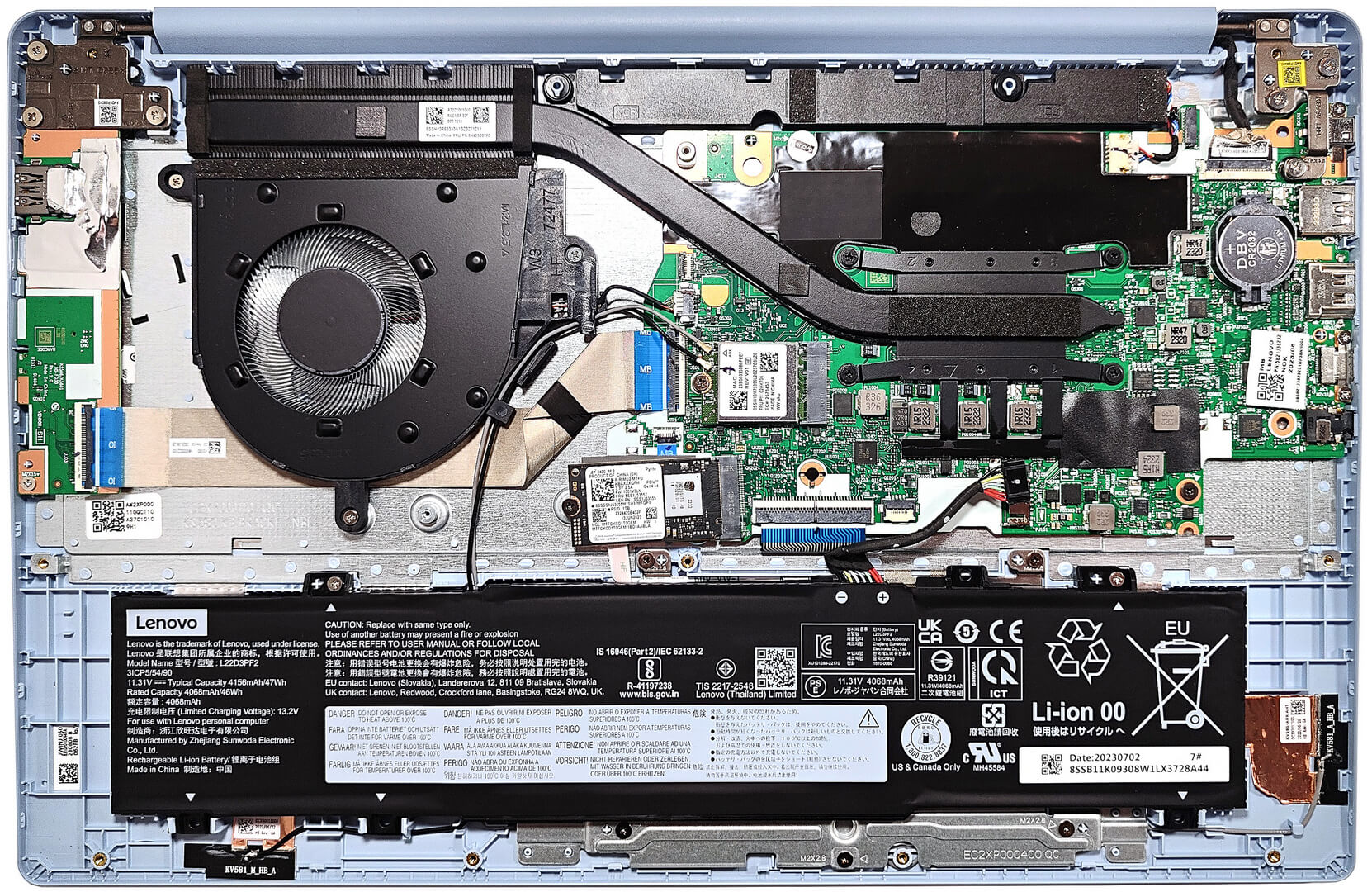
Step 2: Removing the Battery
- Disconnect the battery by unplugging its connector from the motherboard.
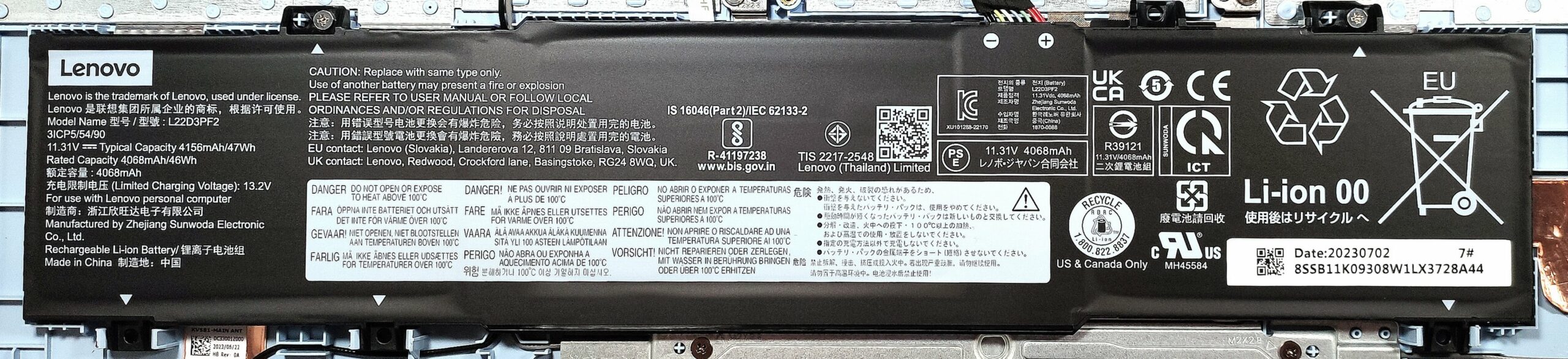
- Remove the 2 Phillips-head screws securing the battery to the laptop’s chassis, then lift the 47Wh battery away from the device.
Caution: Handle the battery and its connector with care to avoid any damage.
More info: The 47Wh battery provides up to 11 hours and 7 minutes of web browsing, or 8 hours and 20 minutes of video playback, offering good battery life for daily activities.
Memory
- The device comes with 8GB, 12GB, or 16GB of soldered DDR4-3200MHz memory. The configuration determines whether the memory operates in single-channel or dual-channel mode.
More info: While memory is not upgradable due to its soldered nature, the available configurations should meet the needs of most users for multitasking and productivity tasks.
Storage Upgrade
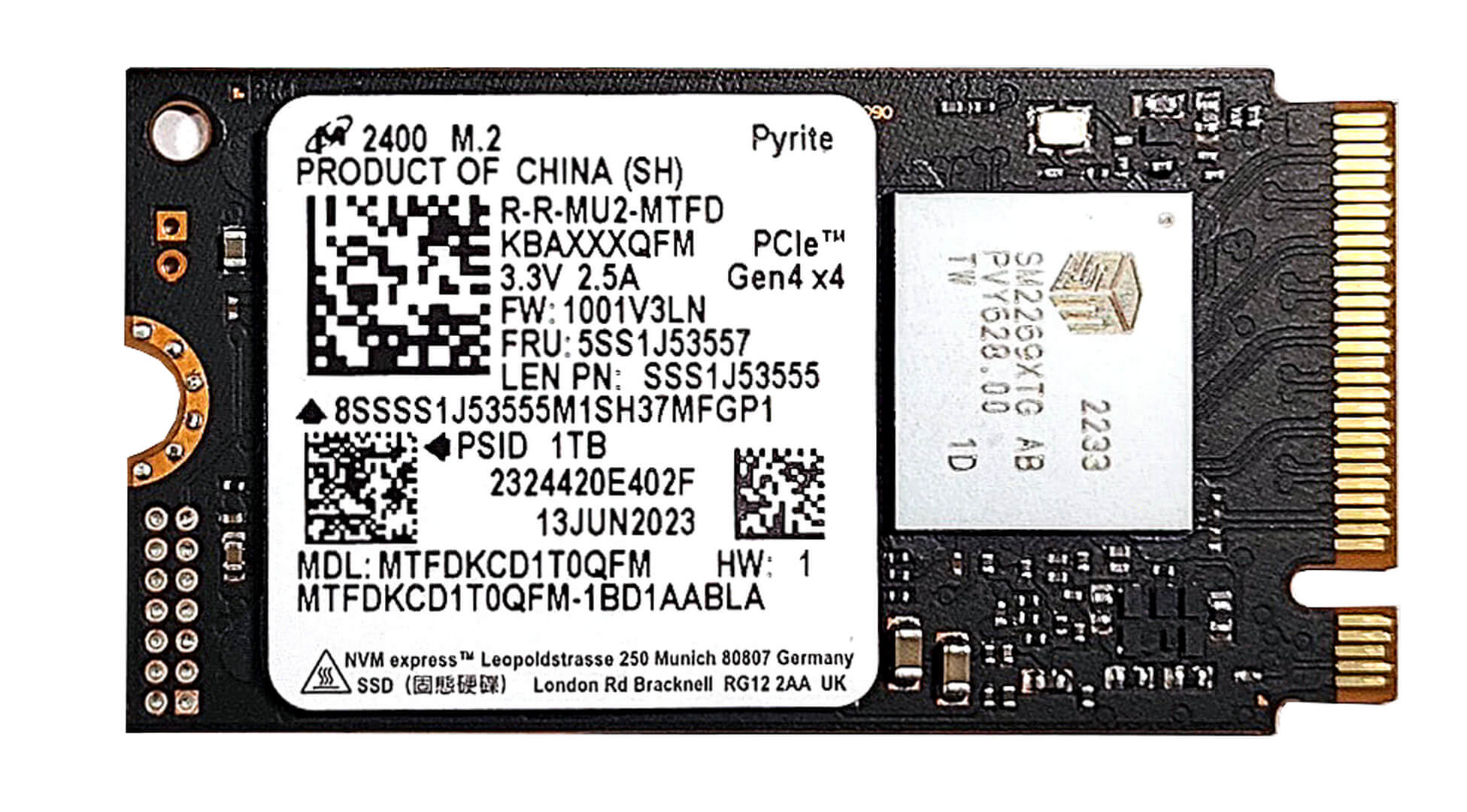
- Identify the single M.2 slot on the motherboard that supports 2242 Gen 4 SSDs. Note that due to AMD platform limitations, the slot operates at Gen 3 speeds.
- Consider upgrading or adding an NVMe SSD to enhance the laptop’s storage capacity or improve overall system responsiveness and load times.
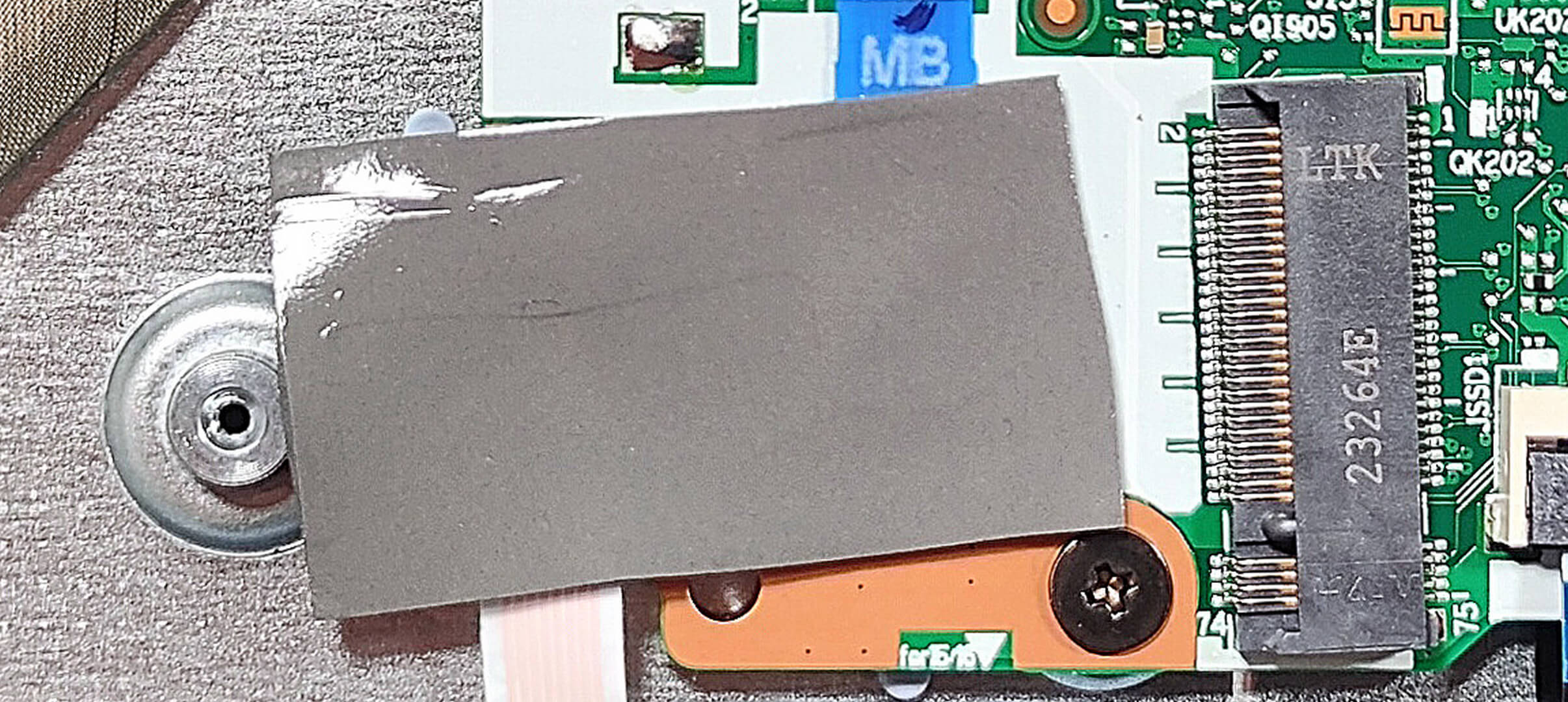
More info: A thermal pad beneath the preinstalled NVMe helps manage heat, ensuring sustained performance.
You can buy Gen 3 M.2 SSD modules here: Buy from Amazon.com (#CommissionsEarned)
Step 3: Examining the Cooling System
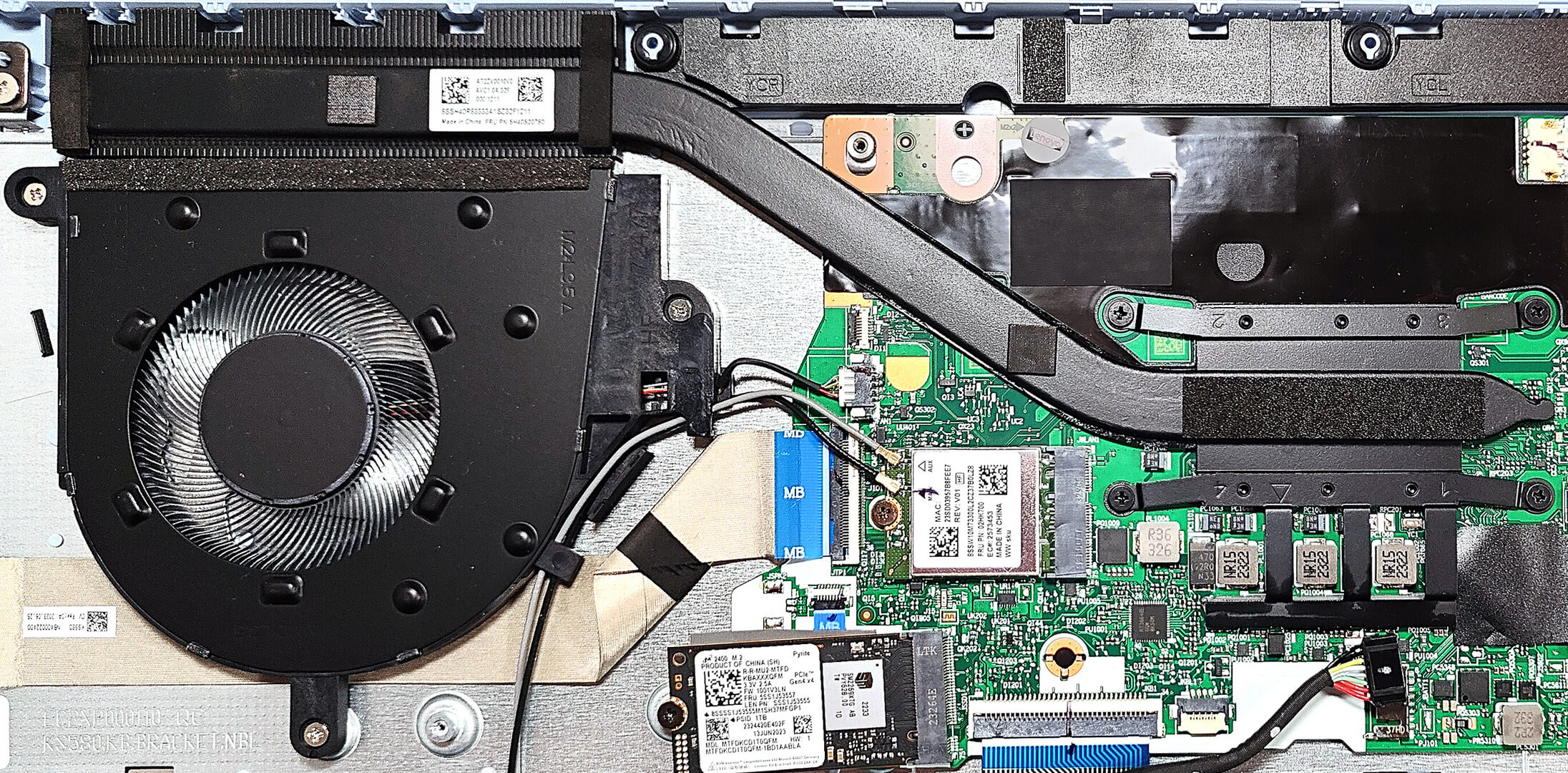
- Review the cooling system, which includes one fan, one heat pipe, a single heat sink, and a heat spreader, designed to efficiently manage the thermal output of the laptop.
#CommissionsEarned
 Author: Anna Iorgova
Subscribe
0 Comments


![[August 2026] Amazon Italy: Top 10 Best-Selling Laptops – Apple MacBook Neo Claims the Crown as Budget and Mid-Range Windows Machines Dominate Volume](https://laptopmedia.com/wp-content/uploads/2026/09/Best-Selling-Laptops-IT-Top-10-400x225.jpg)
![[August 2026] Amazon Italy: Top 7 Best-Selling Gaming Laptops – ASUS V16 Claims the #1 Spot Amid Strong Mid-Range Demand](https://laptopmedia.com/wp-content/uploads/2026/09/Best-Selling-Gaming-Laptops-IT-Top-10-400x225.jpg)
![[August 2026] Best-Selling Laptop Brands on Amazon Italy – Lenovo Dominates Market Share and Revenue Leadership](https://laptopmedia.com/wp-content/uploads/2026/09/IT-Best-Brands-400x225.jpg)
![[August 2026] Amazon India: Top 10 Best-Selling Laptops – Apple MacBook Neo Dominates the Charts with Massive Sales Lead](https://laptopmedia.com/wp-content/uploads/2026/09/Best-Selling-Laptops-IN-Top-10-400x225.jpg)
![[August 2026] Amazon India: Top 10 Best-Selling Gaming Laptops – HP Victus 15 Dominates the Market with Massive Unit Lead](https://laptopmedia.com/wp-content/uploads/2026/09/Best-Selling-Gaming-Laptops-IN-Top-10-400x225.jpg)
