How to open Lenovo IdeaPad Slim 5 (16″ AMD) – disassembly and upgrade options
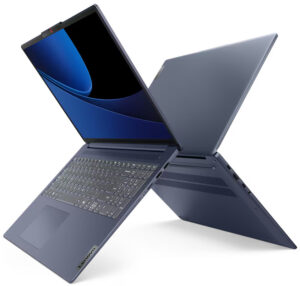
Opening the Device
- Undo the nine Torx-head screws securing the bottom panel.
- Use a lever tool to pop the back behind the hinge cover in the zones close to the top two corners.
- Pry the sides and the front with a thin plastic tool.
- Fully pry the back to remove the bottom panel.
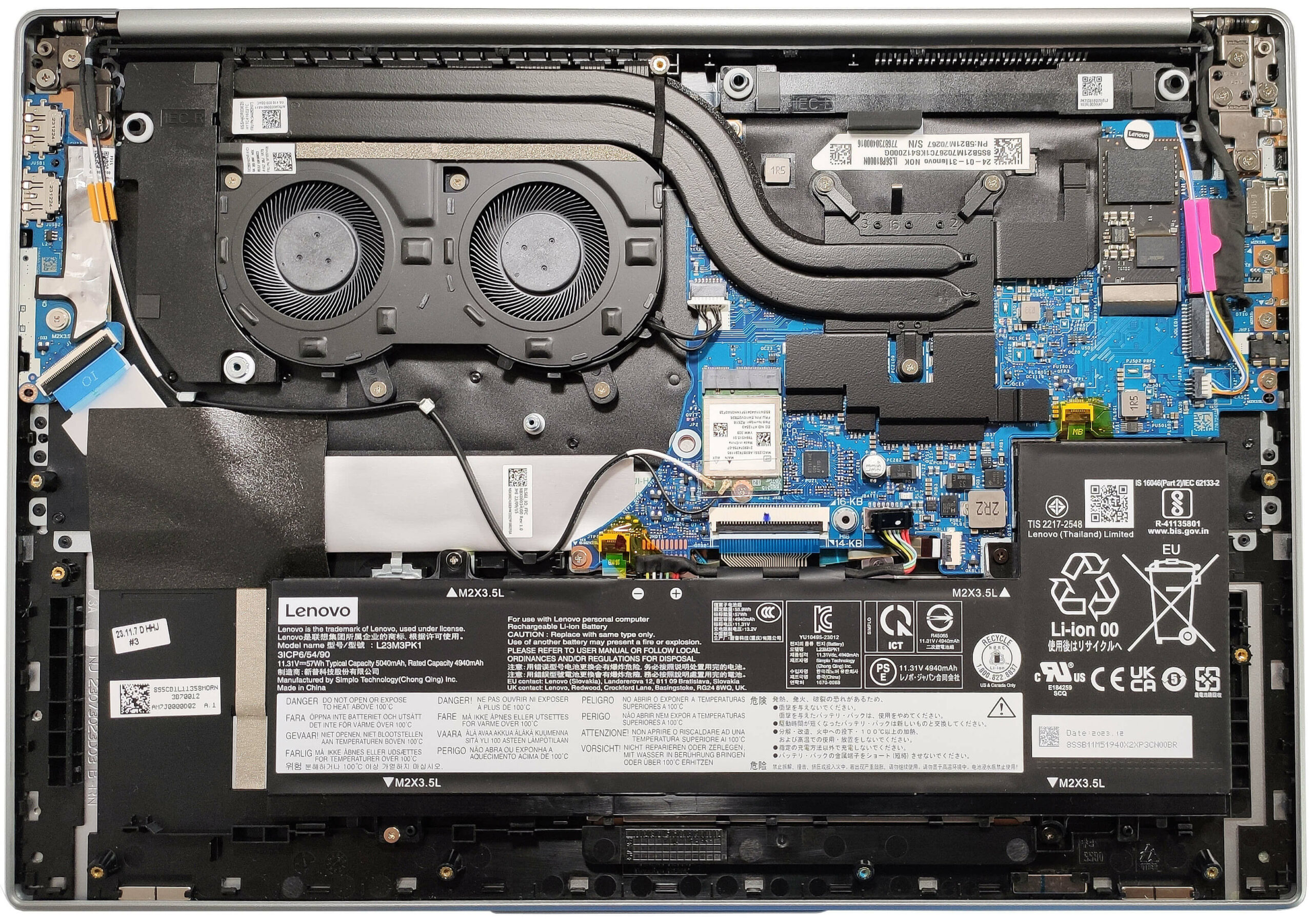
More info: Here’s how the bottom panel looks on the inside.
Battery Removal
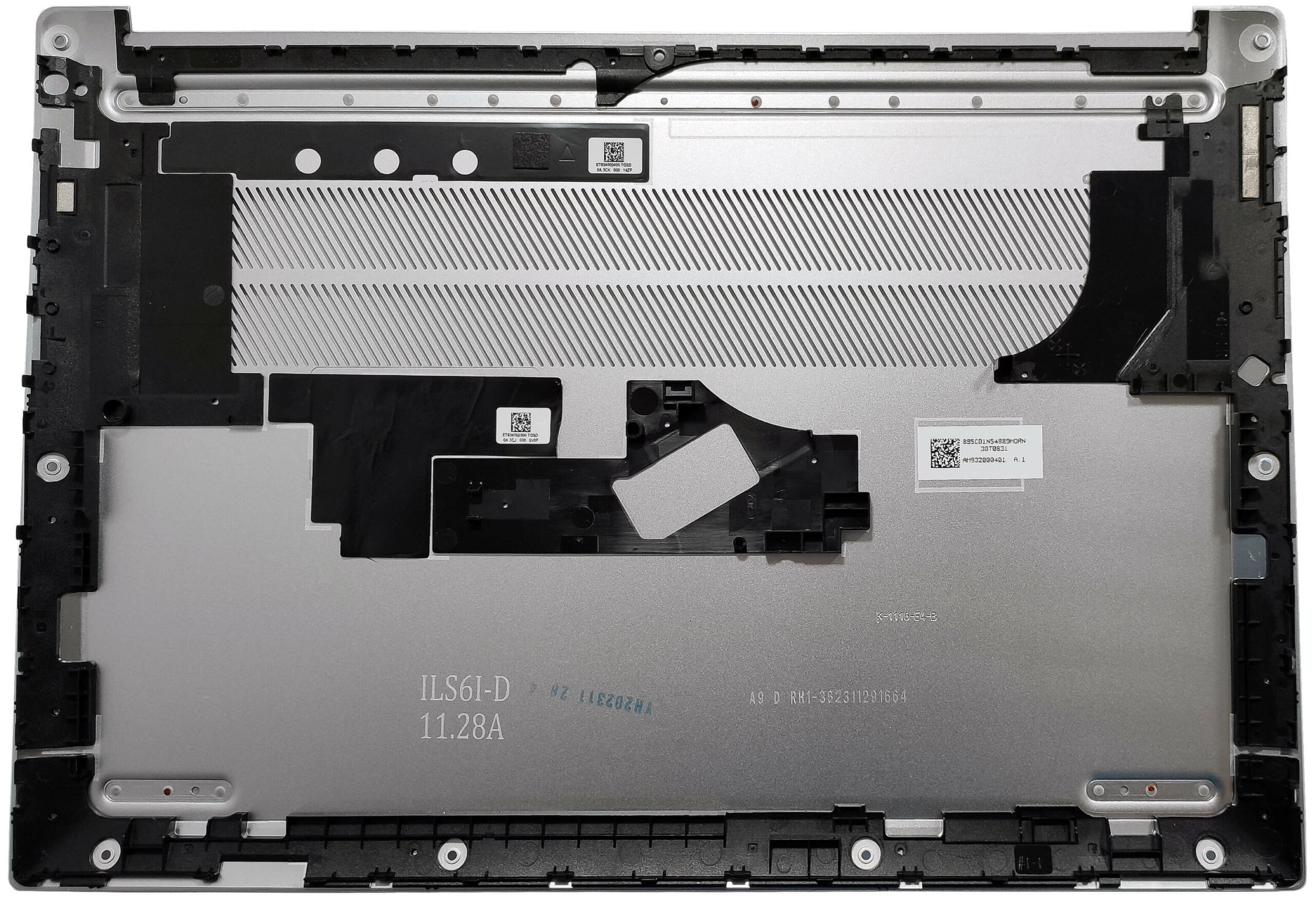
- Pull out the battery connector from the motherboard.
- Undo the 4 Phillips-head screws securing the battery.
- Lift the battery to remove it from the device.
Note: Our notebook has an optional 57Wh battery, with the default being a 47Wh model and an optional 76Wh unit. The 57Wh battery provides approximately 9 hours of video playback.
Memory Information
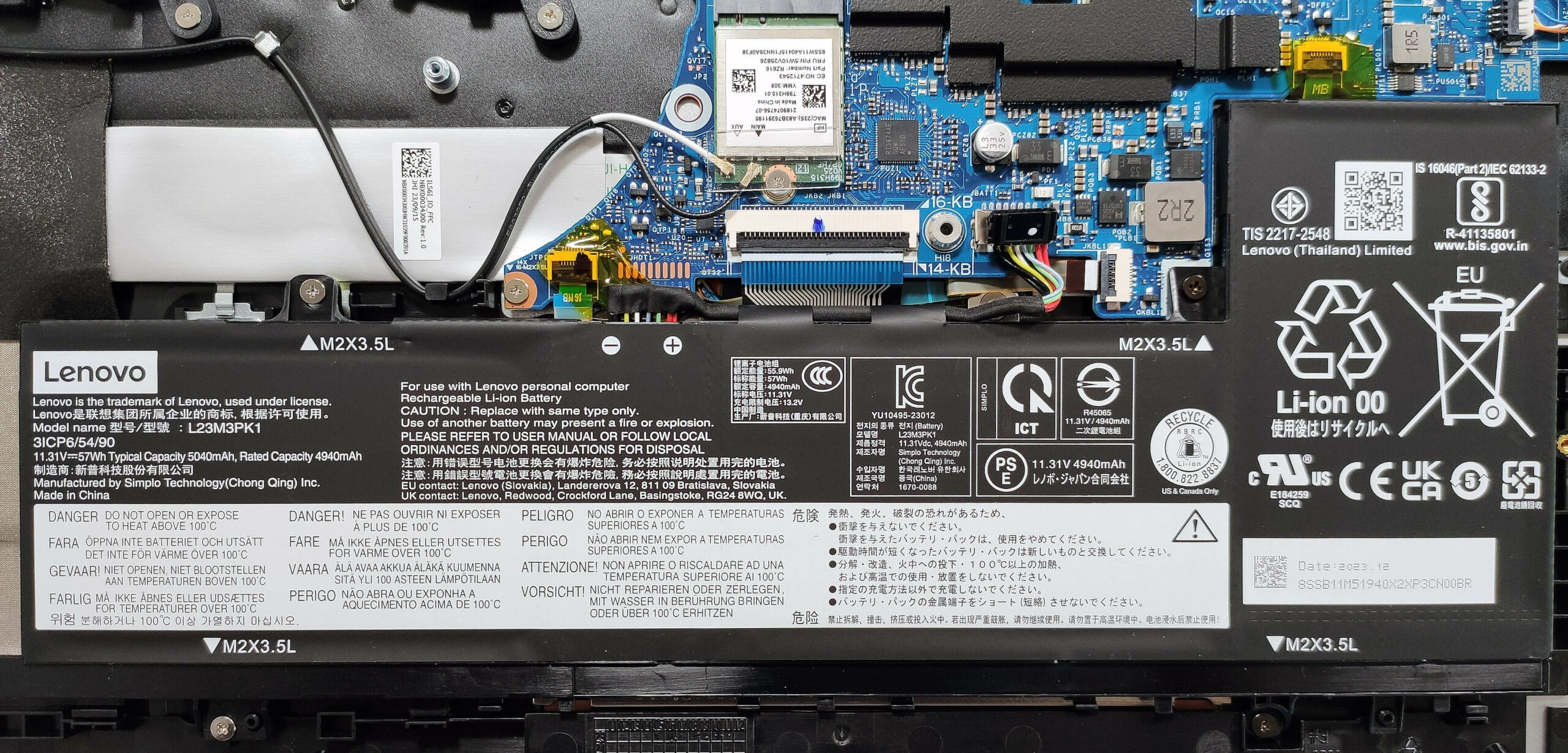
Note: The RAM is soldered. You can order this machine with up to 32GB of LPDDR5x-6400MHz memory in dual-channel mode, which should be sufficient for most users.
Storage Upgrade
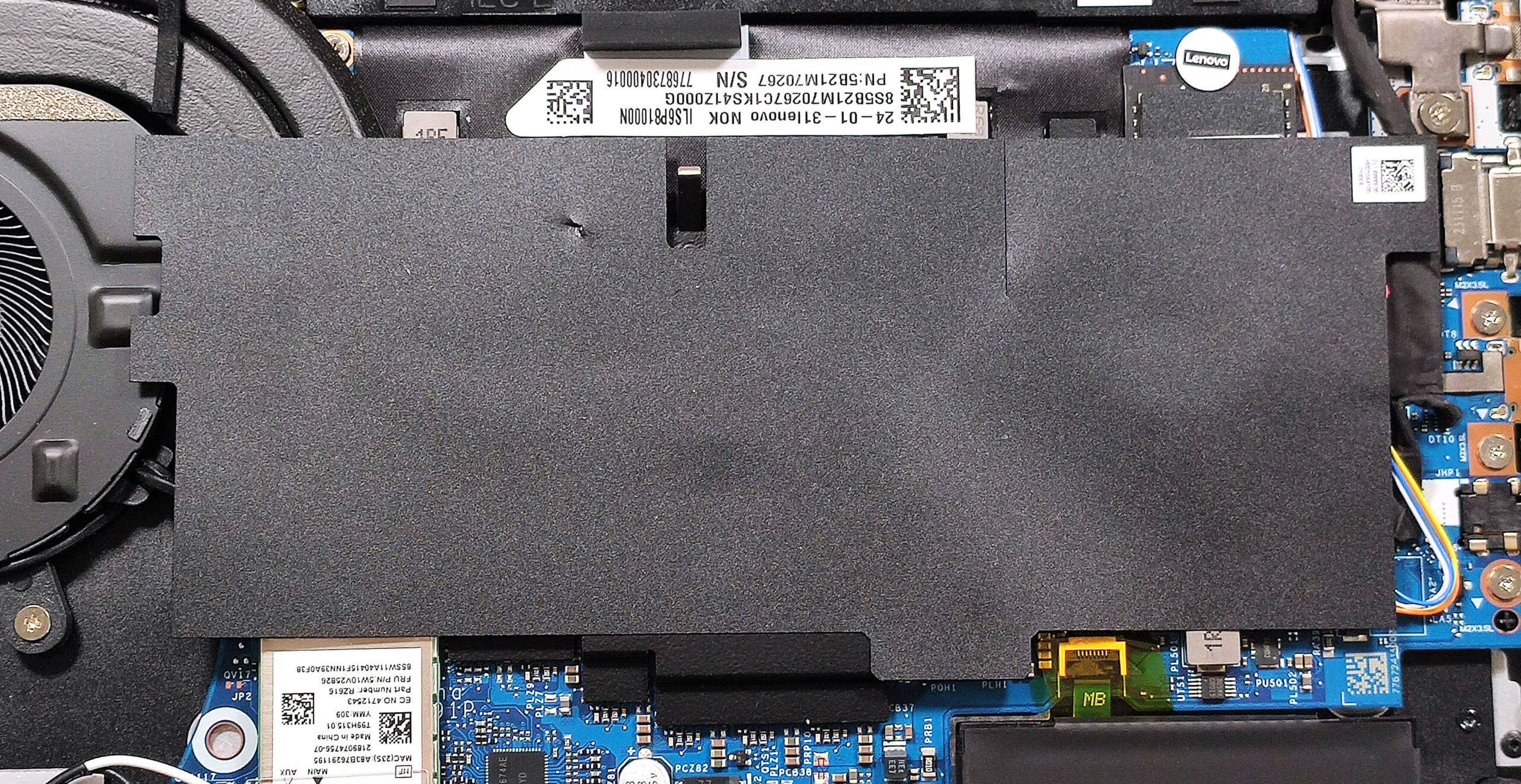
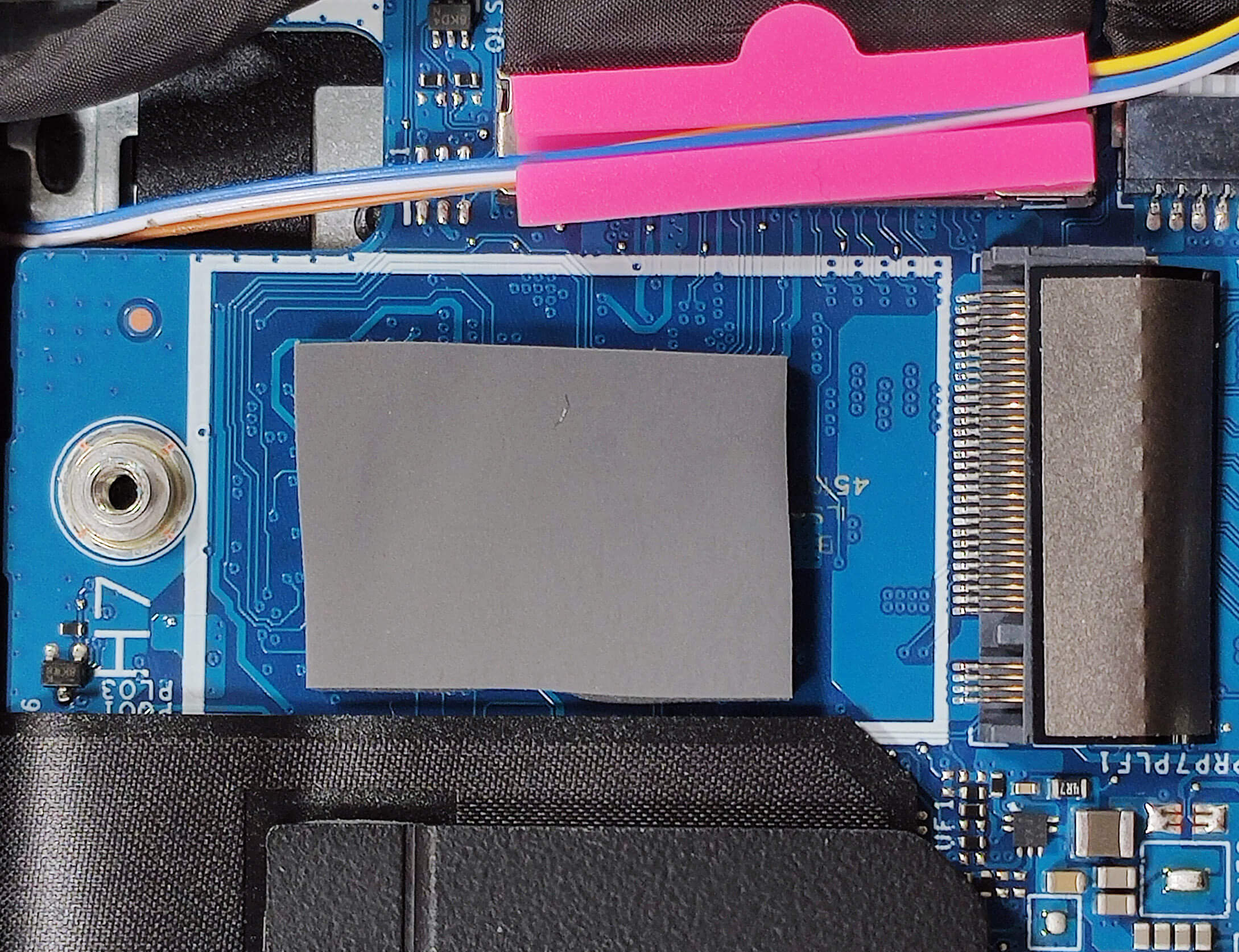
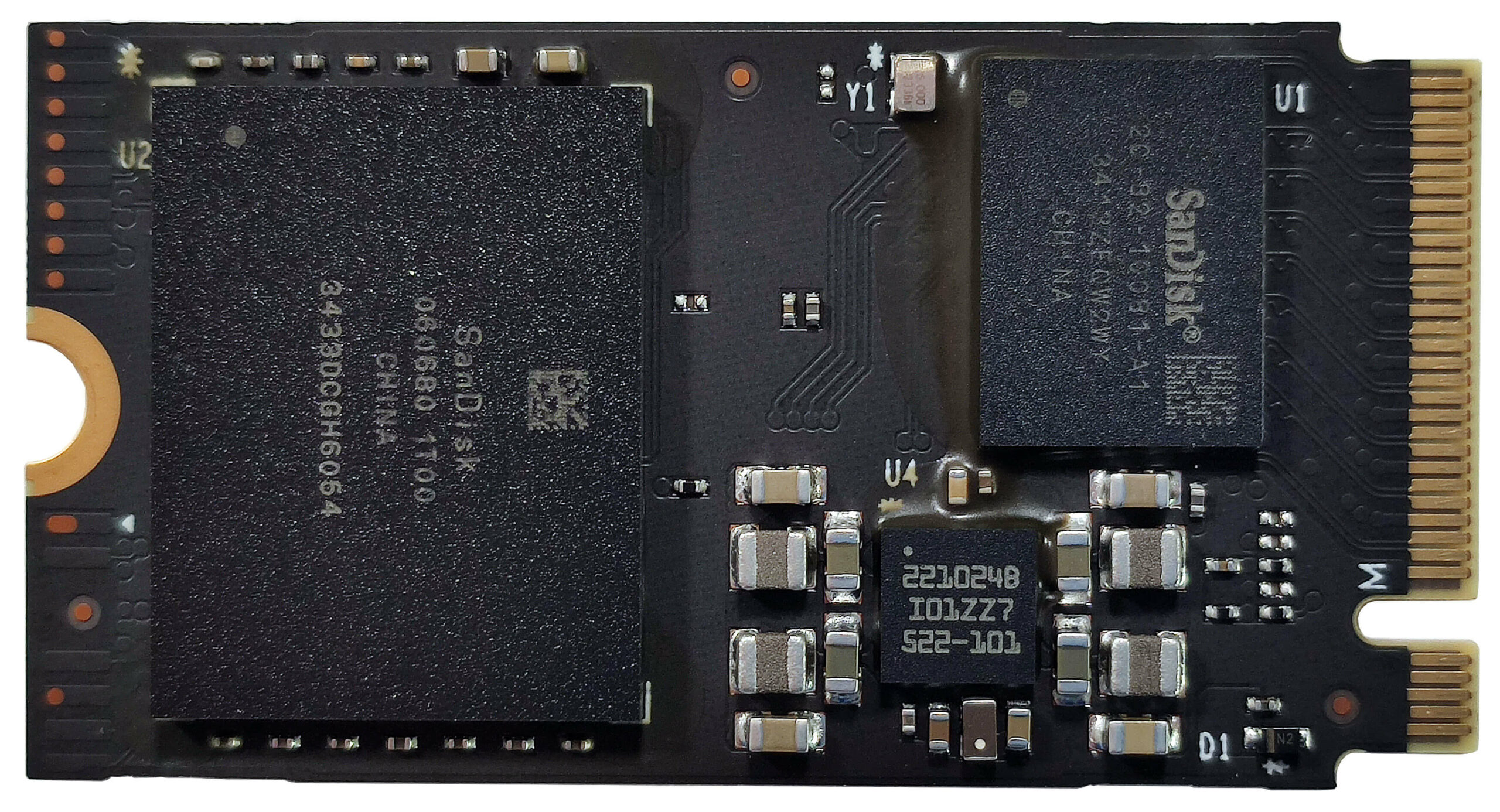
- Locate the single M.2 slot compatible with 2242 Gen 4 SSDs.
- Peel off the Mylar film covering part of the cooling and the SSD.
- Remove the preinstalled SSD and the thermal pad underneath, if present.
- Install the new SSD in the slot.
Hint: Don’t forget to check out our Top M.2 SSDs Performance Rankings for insights on the best storage options available.
You can buy compatible SSDs here: Buy from Amazon.com (#CommissionsEarned)
Wi-Fi Card
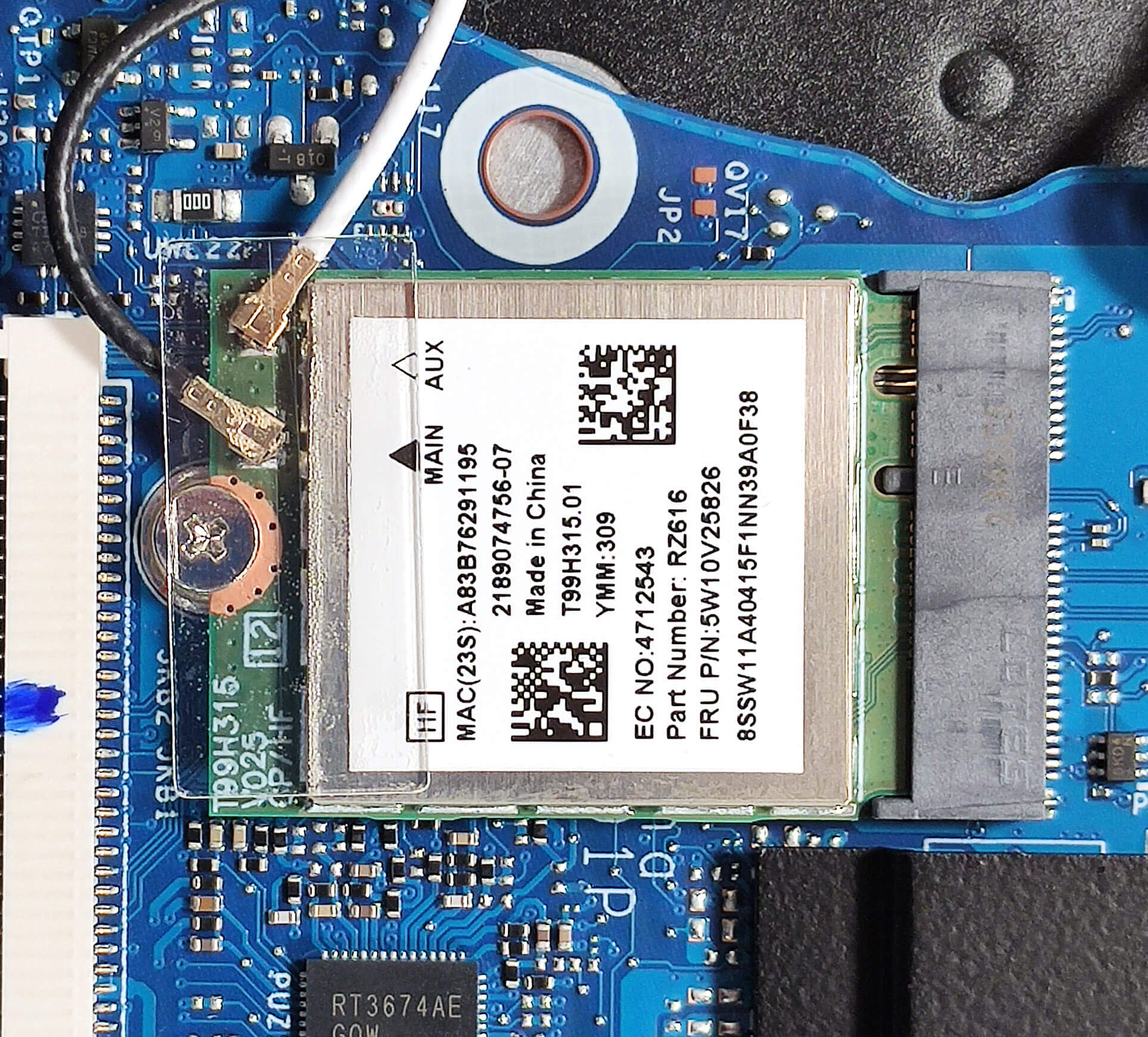
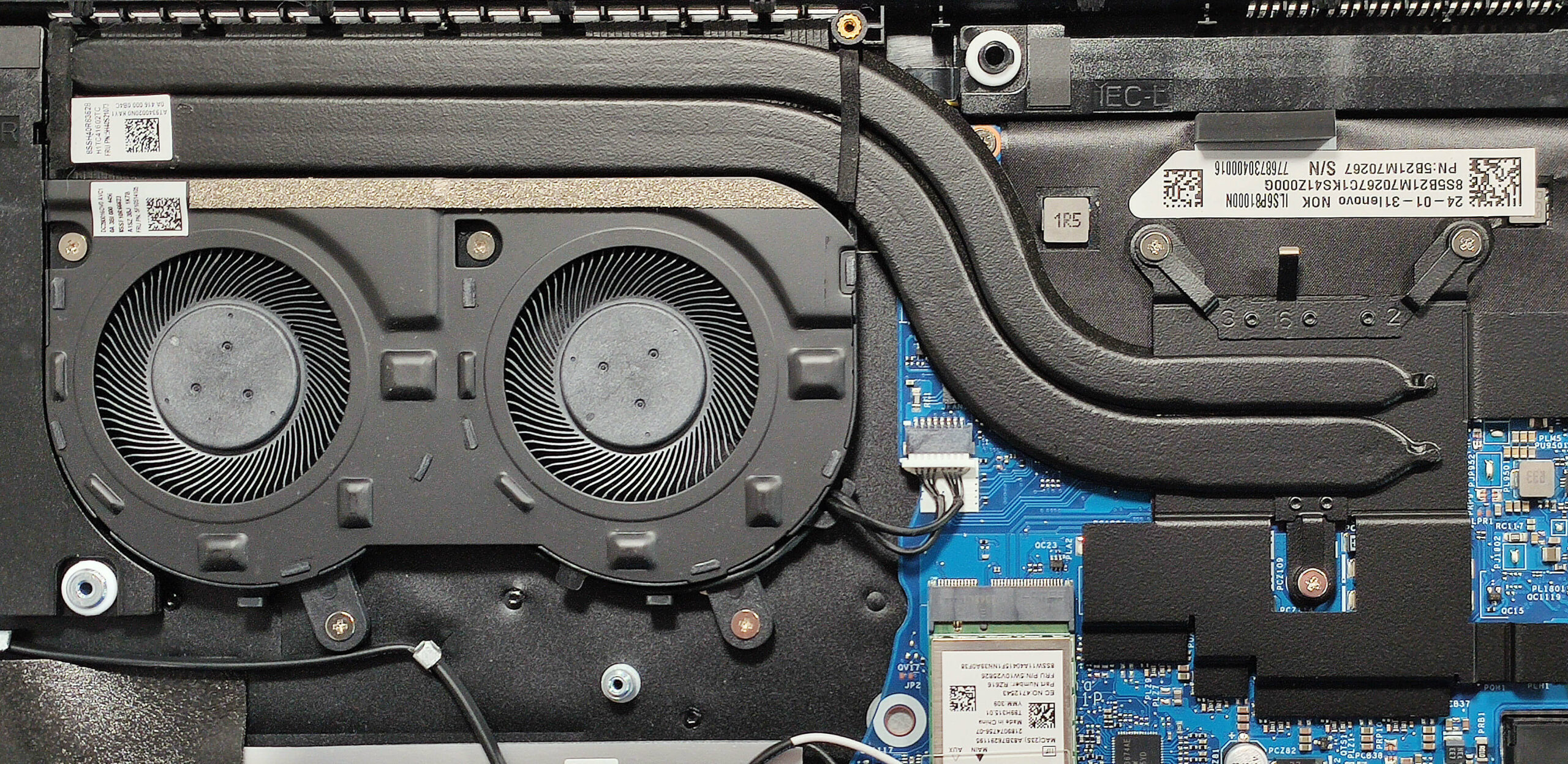
- The Wi-Fi card is located to the left of the cooling system.
Cooling System Overview
- The thermal system includes two fans, a pair of heat pipes, one long top-mounted heat sink, and a large heat spreader.
- Ensure all cooling components are clean and free of dust for optimal performance.
Lenovo IdeaPad Slim 5 (16AHP9) in-depth review
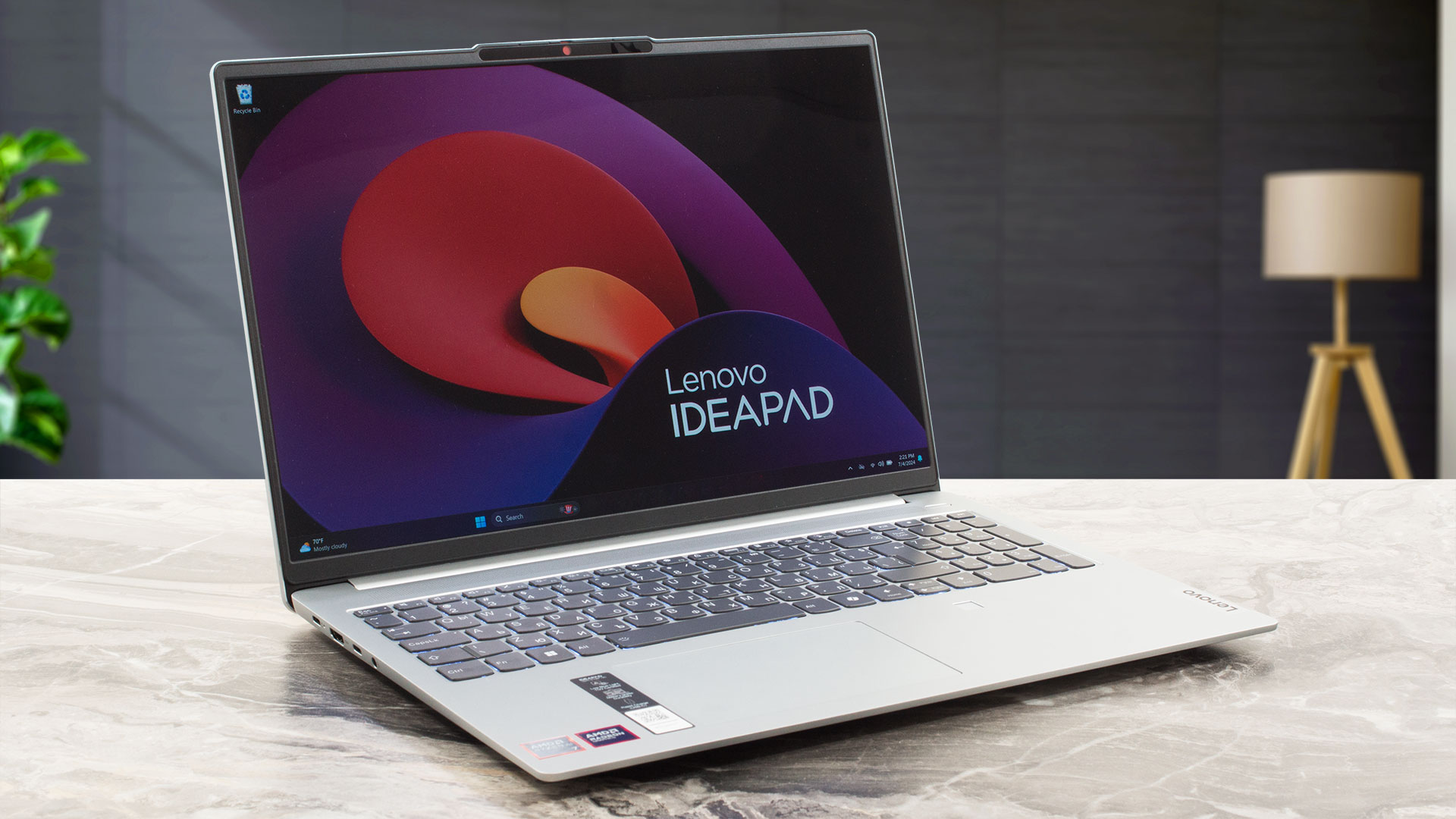
The Lenovo IdeaPad Slim 5 (16″ AMD) is the bigger version of the IdeaPad Slim 5 Gen 9 (14″ AMD). Both devices are pretty similar and of course, the main differences are the display options, the keyboard, and the cooling. By the way, the laptop that we are about to show you today is also known as IdeaPad Slim 5 16AHP9. Just like the smaller sibling, the 16-incher relies on 45W AMD Zen 4 Hawk Point-HS processors and AMD 760M or 780M for graphics. Again, the RAM is soldered and you get a lot of USB ports.This Lenovo machine is offered with four display models - three 60Hz 1200p IPS units [...]
Pros
- Optional fingerprint reader and IR Web camera
- Thin, light, and solid aluminum chassis
- Infinite contrast ratio + 120Hz refresh rate (LEN8ABC)
- Wide viewing angles + 403 nits max brightness (LEN8ABC)
- 100% sRGB and DCI-P3 coverage (LEN8ABC)
- MicroSD card slot and 4x USB ports
- Feels snappy for work
- Long battery life
- The fan isn't noisy during long full CPU loads
- Comfortable keyboard with a NumPad
- Quality speakers
- Snappy iGPU
- 45W Zen 4 CPU options
Cons
- Soldered memory and just one M.2 slot
- PWM usage (LEN8ABC)
- All ports are rated at 5 Gbps
- The Ryzen 7 8845HS struggles to reach its base clock in long loads
 Author: Severin Kolakov

![[August 2026] Amazon Italy: Top 10 Best-Selling Laptops – Apple MacBook Neo Claims the Crown as Budget and Mid-Range Windows Machines Dominate Volume](https://laptopmedia.com/wp-content/uploads/2026/09/Best-Selling-Laptops-IT-Top-10-400x225.jpg)
![[August 2026] Amazon Italy: Top 7 Best-Selling Gaming Laptops – ASUS V16 Claims the #1 Spot Amid Strong Mid-Range Demand](https://laptopmedia.com/wp-content/uploads/2026/09/Best-Selling-Gaming-Laptops-IT-Top-10-400x225.jpg)
![[August 2026] Best-Selling Laptop Brands on Amazon Italy – Lenovo Dominates Market Share and Revenue Leadership](https://laptopmedia.com/wp-content/uploads/2026/09/IT-Best-Brands-400x225.jpg)
![[August 2026] Amazon India: Top 10 Best-Selling Laptops – Apple MacBook Neo Dominates the Charts with Massive Sales Lead](https://laptopmedia.com/wp-content/uploads/2026/09/Best-Selling-Laptops-IN-Top-10-400x225.jpg)
![[August 2026] Amazon India: Top 10 Best-Selling Gaming Laptops – HP Victus 15 Dominates the Market with Massive Unit Lead](https://laptopmedia.com/wp-content/uploads/2026/09/Best-Selling-Gaming-Laptops-IN-Top-10-400x225.jpg)
