How to open Lenovo Legion 5 (15″, Gen 10) – disassembly and upgrade options
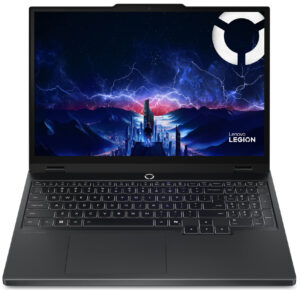
Step 1: Opening the Bottom Panel
- Undo the screws that secure the bottom plate.
- Use a thin plastic pry tool to work around the edges.
- Lift the panel to reveal the internals.
Note: The internal layout is typical for the Legion lineup — battery at the front, motherboard in the center, and a large cooling system across the top.
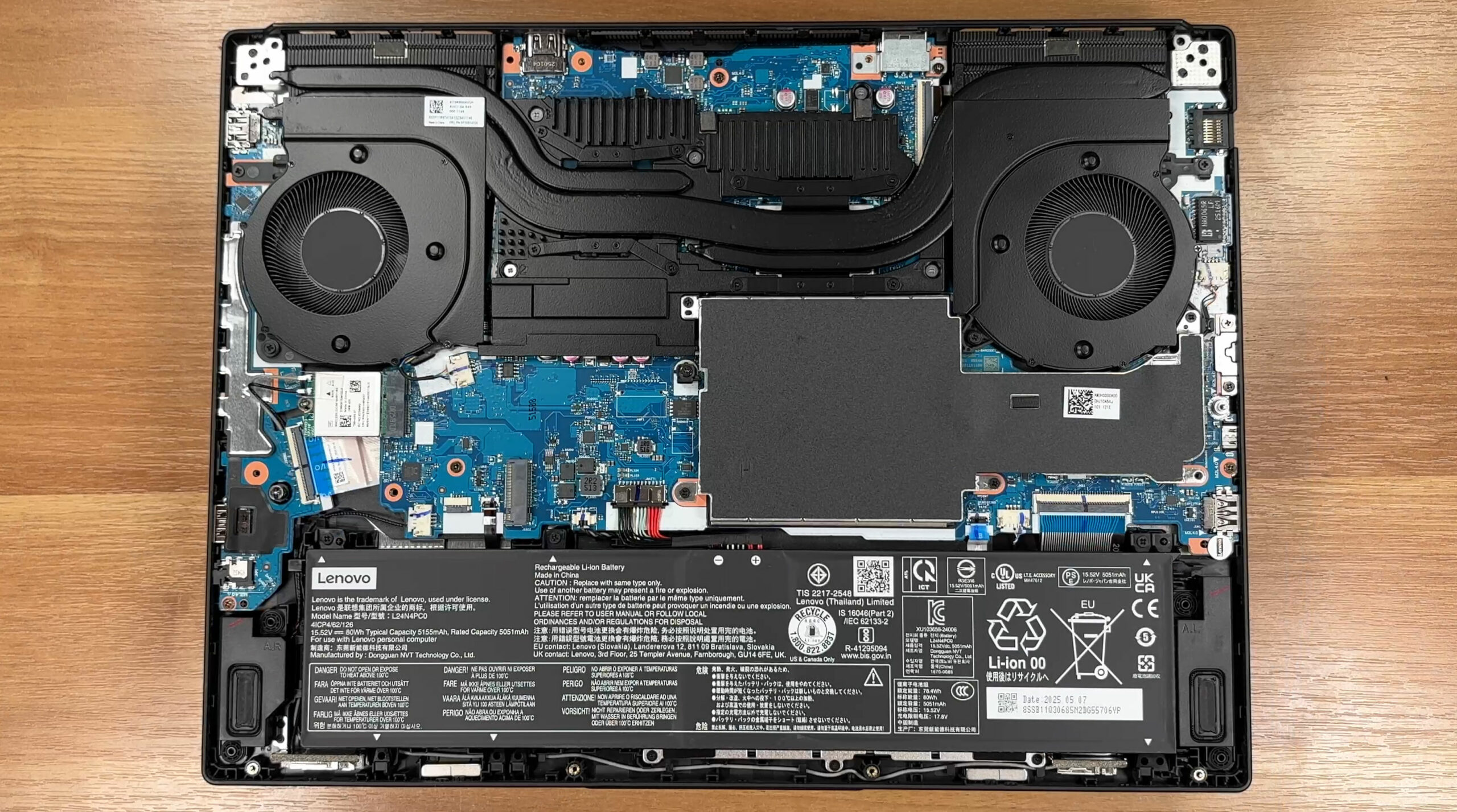
Battery
- The Legion 5 (Gen 10) comes with either a 60 Wh or an 80 Wh pack.
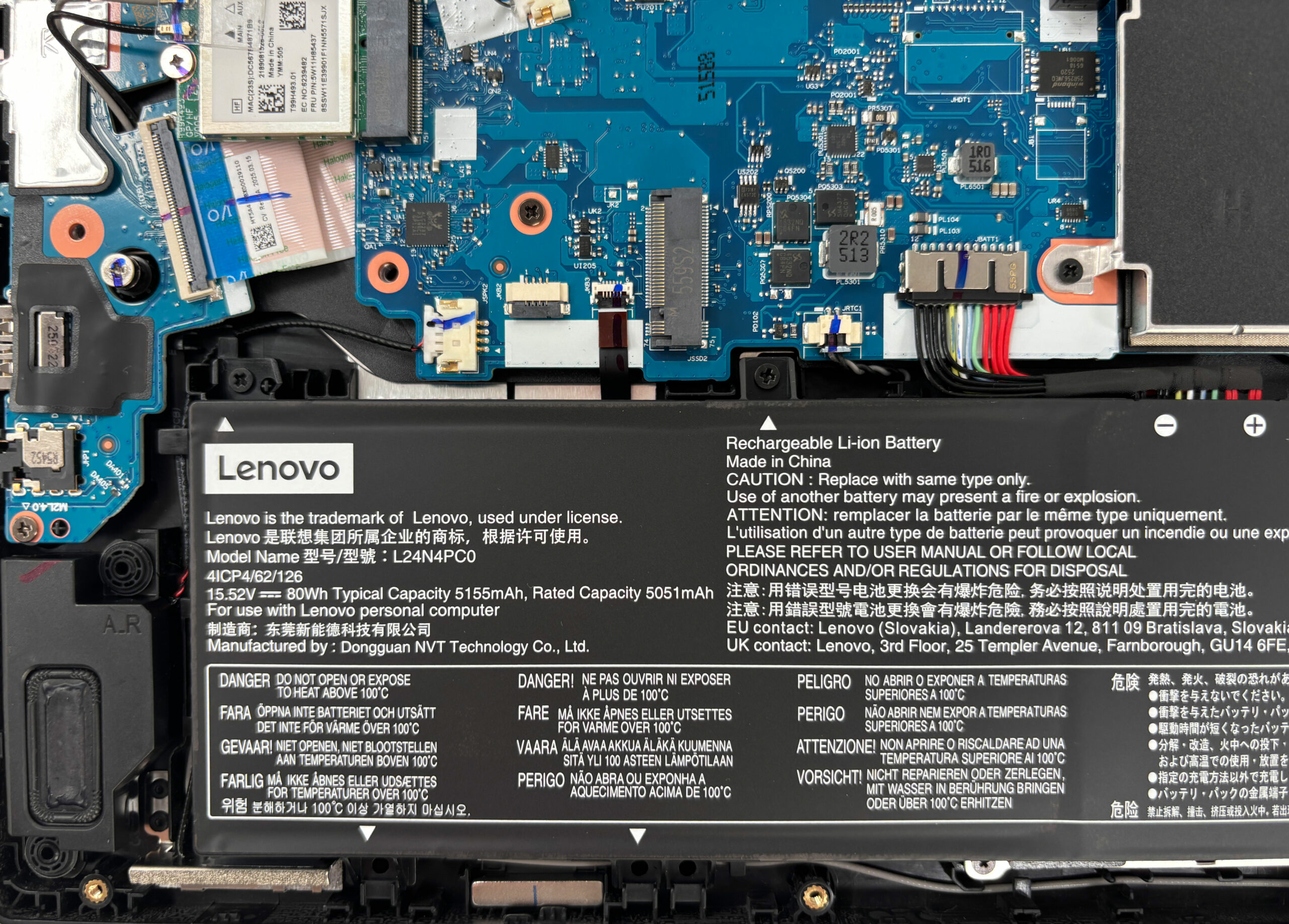
- Our unit carries the larger 80 Wh L24N4PC0 battery, secured by three screws and a pull-tab connector.
- It supports Lenovo’s Super Rapid Charge, charging up to ~70% in 30 minutes.
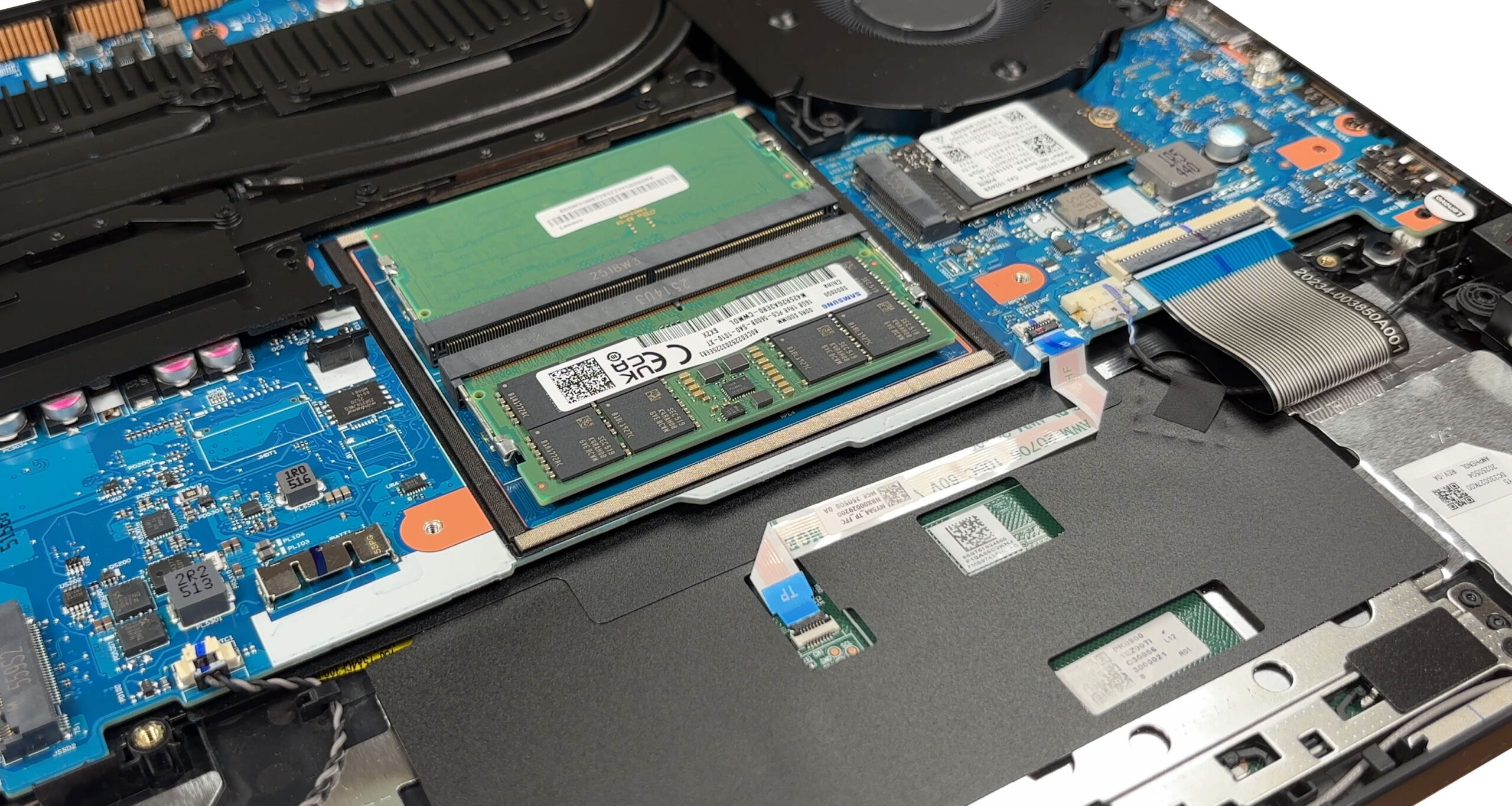
Memory Upgrades
- Memory sits beneath a removable EMI shield.
- There are two DDR5 SO-DIMM slots supporting up to 64 GB DDR5-5600 RAM in dual-channel mode.
- Our sample shipped with 2×16 GB Samsung sticks.
- The shield is secured by one screw shared with the bottom plate and stabilized by a foam gasket.
You can buy DDR5 SO-DIMM memory here: Buy from Amazon.com (#CommissionsEarned)
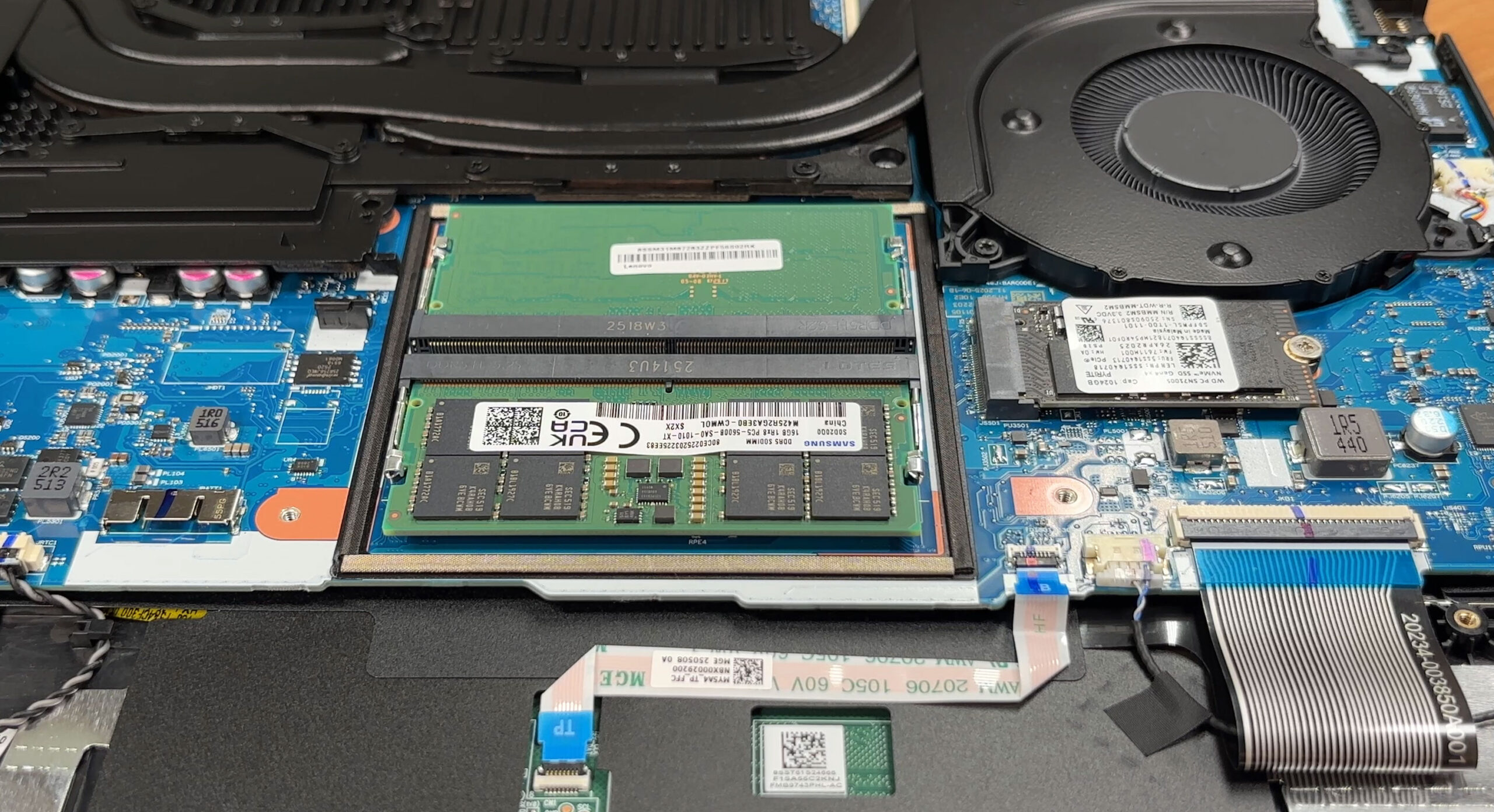
Storage Upgrades
- The laptop offers two PCIe Gen 4 M.2 2280 NVMe slots.
- RAID 0 is supported for maximum throughput.
- Our review unit includes a WD PC SN7100S 1 TB drive in the first slot, while the second bay is free.
- A thermal pad is applied between the SSD and the metal cover for better heat dissipation.
Hint: Don’t forget to check our Top M.2 SSDs Performance Rankings for the best storage choices.
You can buy Gen 4 SSDs here: Buy from Amazon.com (#CommissionsEarned)
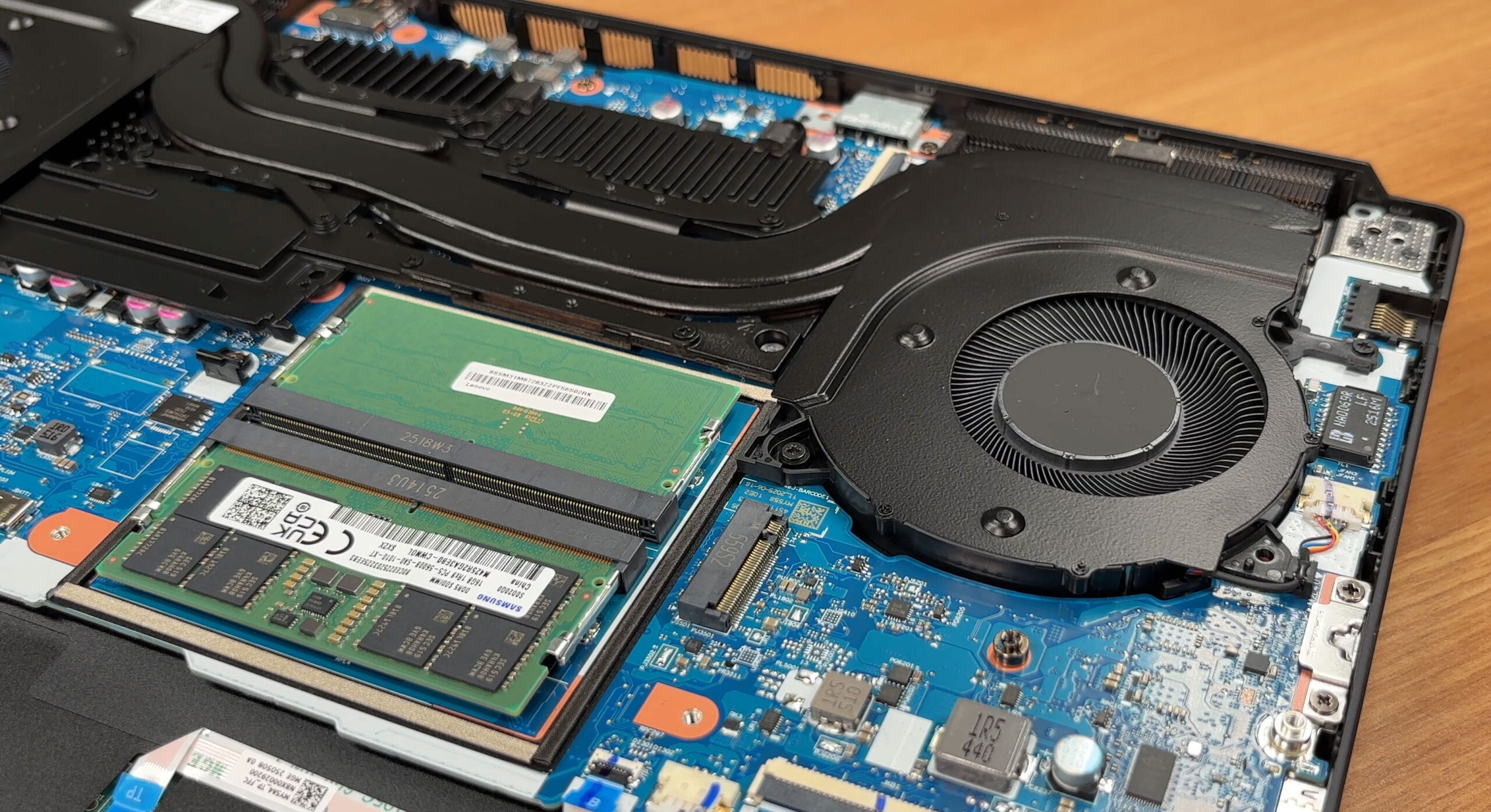
Wireless Connectivity
- The Wi-Fi card is replaceable and secured with one screw.
- Depending on configuration, Lenovo installs either a MediaTek MT7921 or an Intel Wi-Fi 7 BE card.
- Our review unit carried Lenovo FRU 5W11H85437 with two antenna leads (Main/Aux).
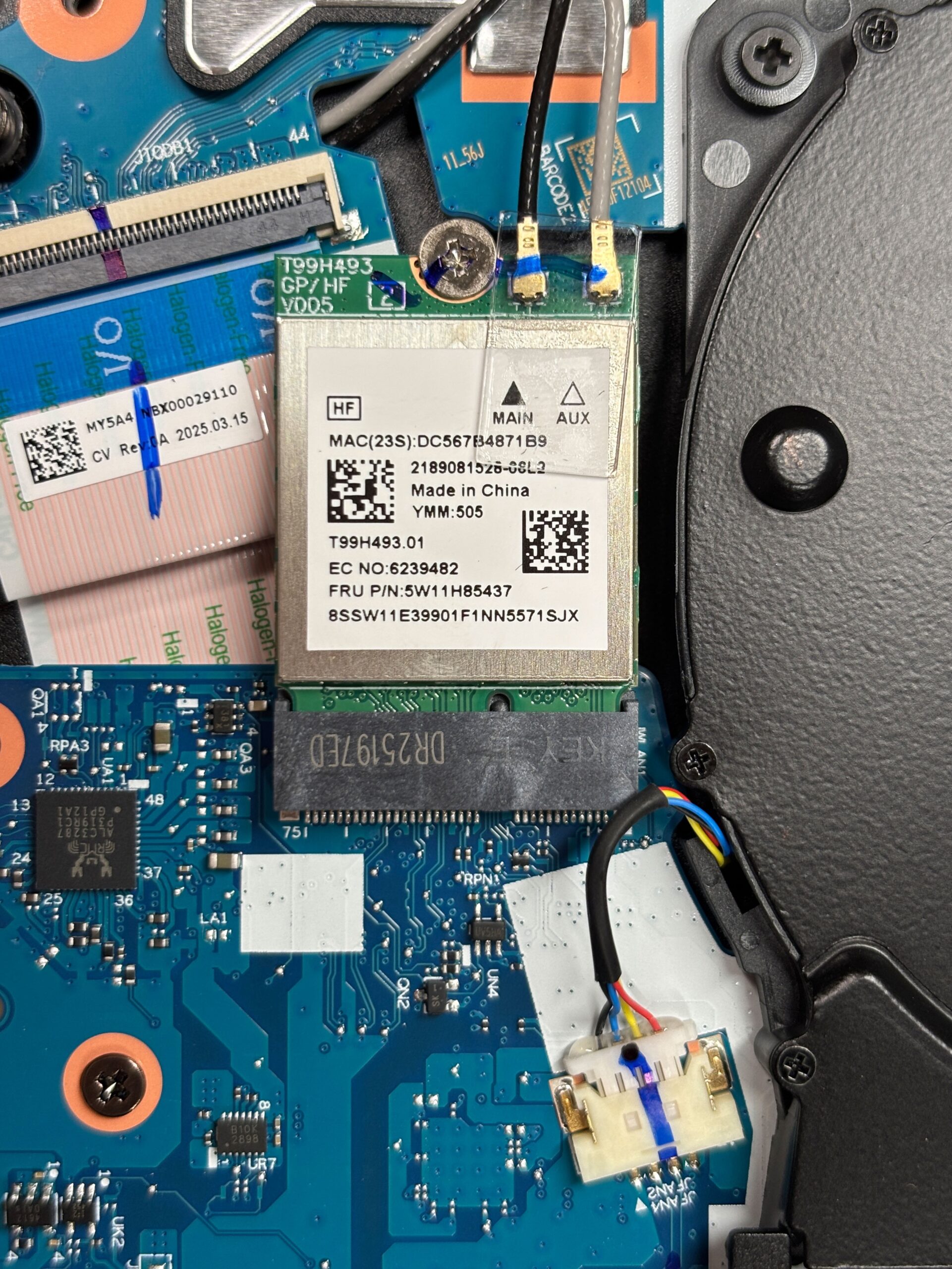
Cooling System
- The Legion Coldfront Hyper design features dual radial fans, multiple heat pipes, and fin stacks on both sides.
- Additional 3D copper pipes and a vacuum-sealed hyperchamber enhance heat transfer.
- AI Engine+ and Legion Space govern fan behavior dynamically.
- Shrouds over the VRMs and RAM help direct airflow to the hottest components.
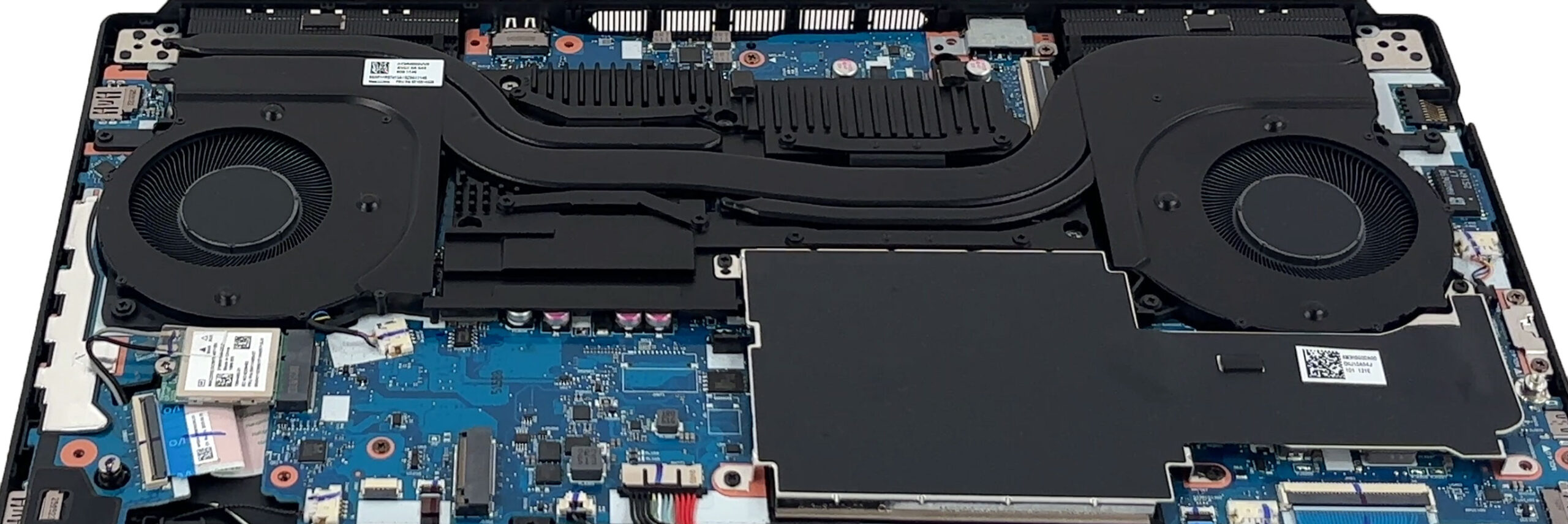
Other Replaceable Parts
- Both fans
- 2 × 2 W stereo speakers
- Hinge brackets and daughterboard-mounted ports (easier servicing)
Summary: The Lenovo Legion 5 (15″, Gen 10) offers excellent serviceability with socketed RAM, dual M.2 slots, a replaceable Wi-Fi module, and straightforward battery removal. The advanced Coldfront Hyper cooling design ensures reliable thermal performance even under heavy load.
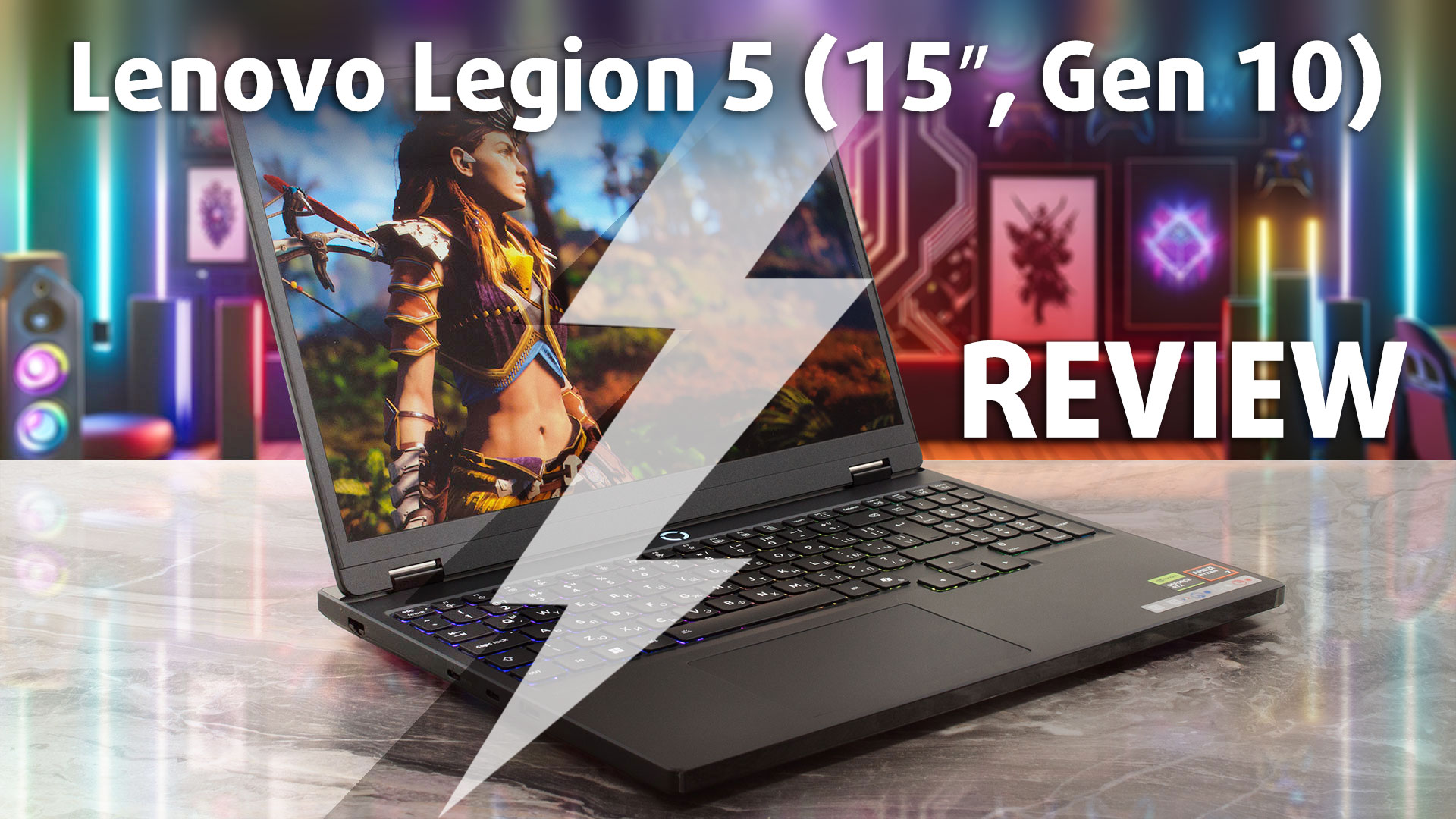
Lenovo Legion 5 (15", Gen 10) in-depth review
The Lenovo Legion 5 (15", Gen 10) arrives not just as an update, but as a bold statement in the mid-range gaming laptop market. It's a machine that feels decidedly premium, centered around a spectacular OLED display that could easily belong on a device twice its price. However, this pursuit of excellence comes with a fiery consequence, as its aggressive performance tuning pushes the CPU to its absolute limit. Adding to the intrigue, Lenovo has made a fascinating choice: the very materials and build of the laptop change depending on which screen you select. Is this the best mid-range gamer [...]
Pros
- Stunning 165Hz OLED display with 100% DCI-P3 coverage
- Excellent gaming stability and great GPU thermal management
- Fantastic upgradeability with two RAM and two M.2 slots
- Very good battery life for a gaming laptop
- Premium and slim aluminium build (on the OLED model)
- PWM-free screen is great for eye comfort
Cons
- CPU runs extremely hot (99°C) under sustained load
- OLED screen is highly reflective and glossy
- The physical build material and thickness depend on the screen choice
 Author: Dimitar Stalev

![[August 2026] Amazon Italy: Top 10 Best-Selling Laptops – Apple MacBook Neo Claims the Crown as Budget and Mid-Range Windows Machines Dominate Volume](https://laptopmedia.com/wp-content/uploads/2026/09/Best-Selling-Laptops-IT-Top-10-400x225.jpg)
![[August 2026] Amazon Italy: Top 7 Best-Selling Gaming Laptops – ASUS V16 Claims the #1 Spot Amid Strong Mid-Range Demand](https://laptopmedia.com/wp-content/uploads/2026/09/Best-Selling-Gaming-Laptops-IT-Top-10-400x225.jpg)
![[August 2026] Best-Selling Laptop Brands on Amazon Italy – Lenovo Dominates Market Share and Revenue Leadership](https://laptopmedia.com/wp-content/uploads/2026/09/IT-Best-Brands-400x225.jpg)
![[August 2026] Amazon India: Top 10 Best-Selling Laptops – Apple MacBook Neo Dominates the Charts with Massive Sales Lead](https://laptopmedia.com/wp-content/uploads/2026/09/Best-Selling-Laptops-IN-Top-10-400x225.jpg)
![[August 2026] Amazon India: Top 10 Best-Selling Gaming Laptops – HP Victus 15 Dominates the Market with Massive Unit Lead](https://laptopmedia.com/wp-content/uploads/2026/09/Best-Selling-Gaming-Laptops-IN-Top-10-400x225.jpg)
