How to open Lenovo ThinkPad T16 Gen 3 – disassembly and upgrade options
#CommissionsEarned
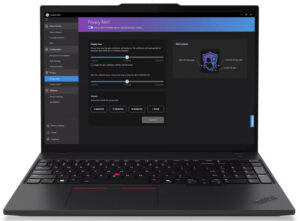
Opening the Lenovo ThinkPad T16 Gen 3
- Undo the seven captive Phillips-head screws.
- Use a lever tool to pop the two zones behind the hinges.
- Pry the rear and sides of the laptop. It’s not necessary to pop the front.
- Tilt the panel and lift it away from the chassis.
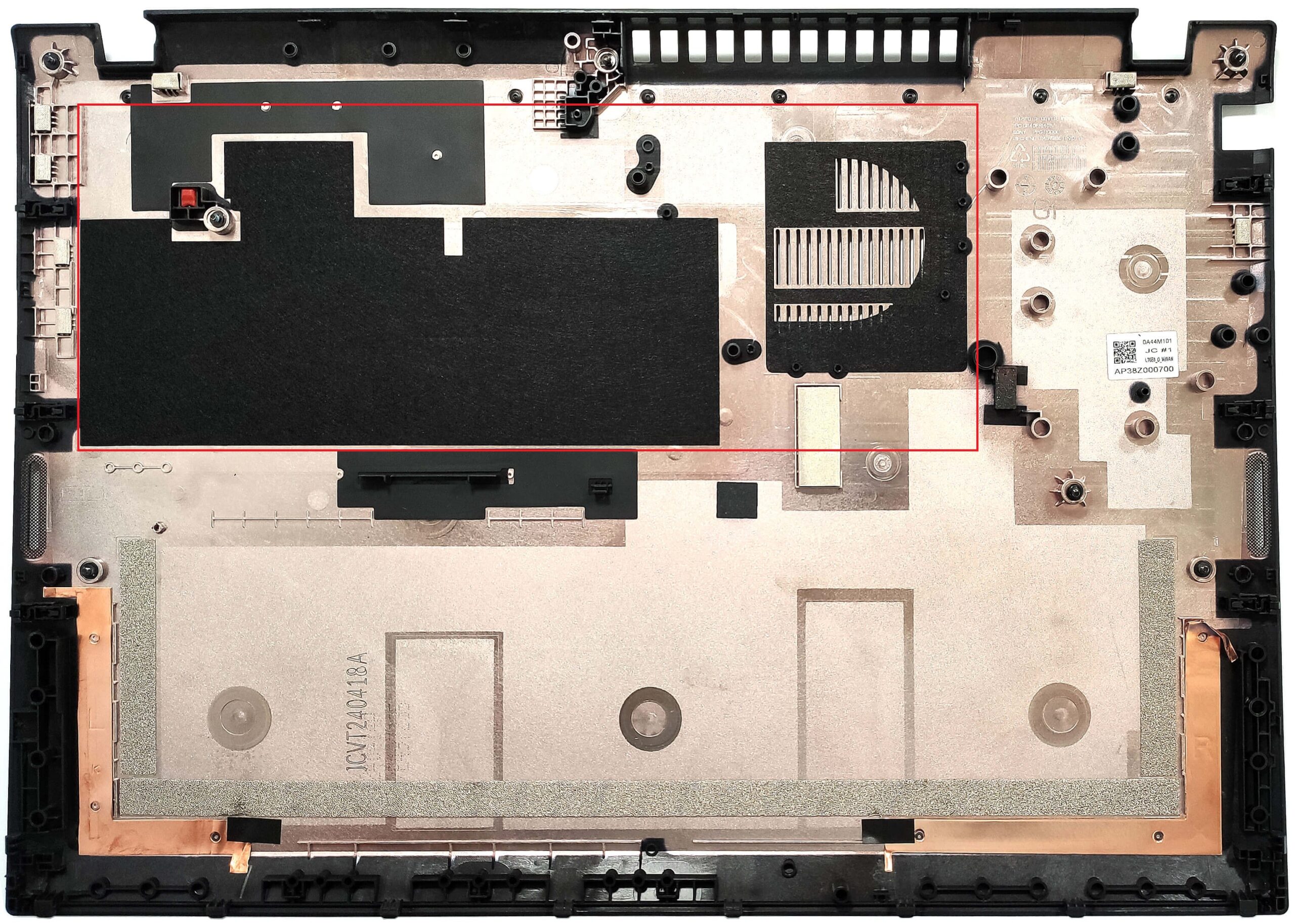
Note: The bottom panel houses dust filters for the ventilation grills.
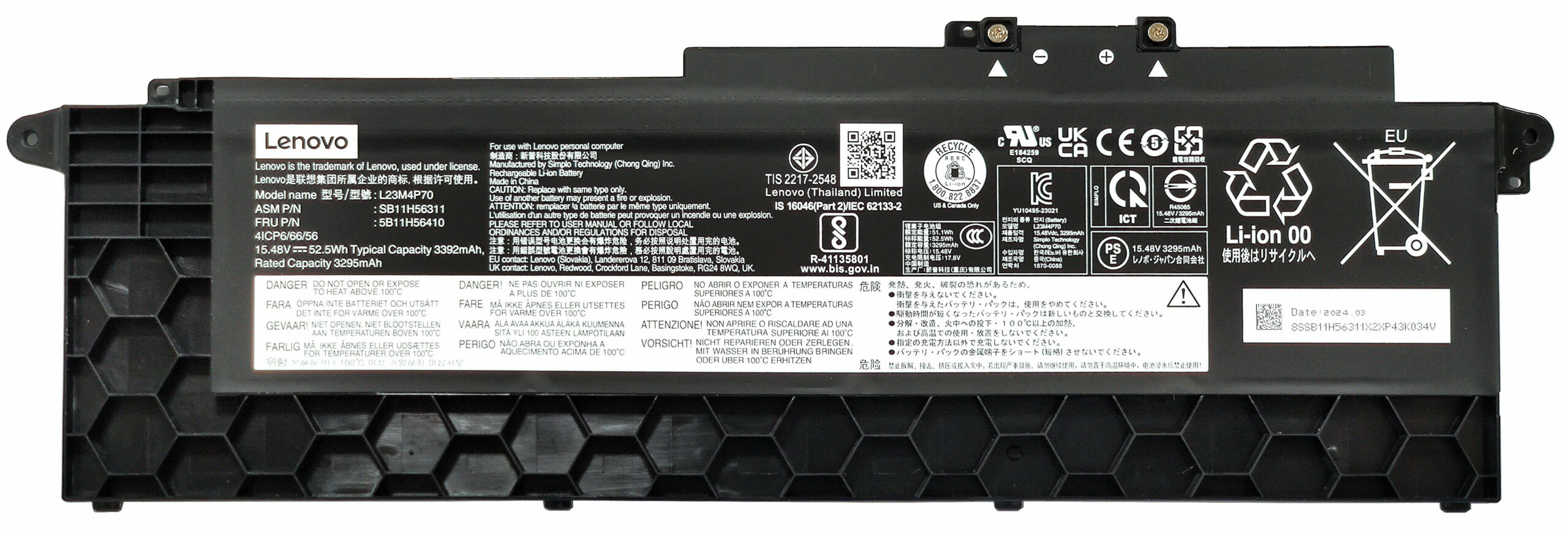
Battery Removal
- Our device has the base 52.5Wh battery, but you can opt for an 86Wh variant for extended battery life.
- To remove the battery, disconnect the built-in connector and undo the two captive screws holding the battery in place.
Note: The 52.5Wh battery offers around 12 hours of video playback.
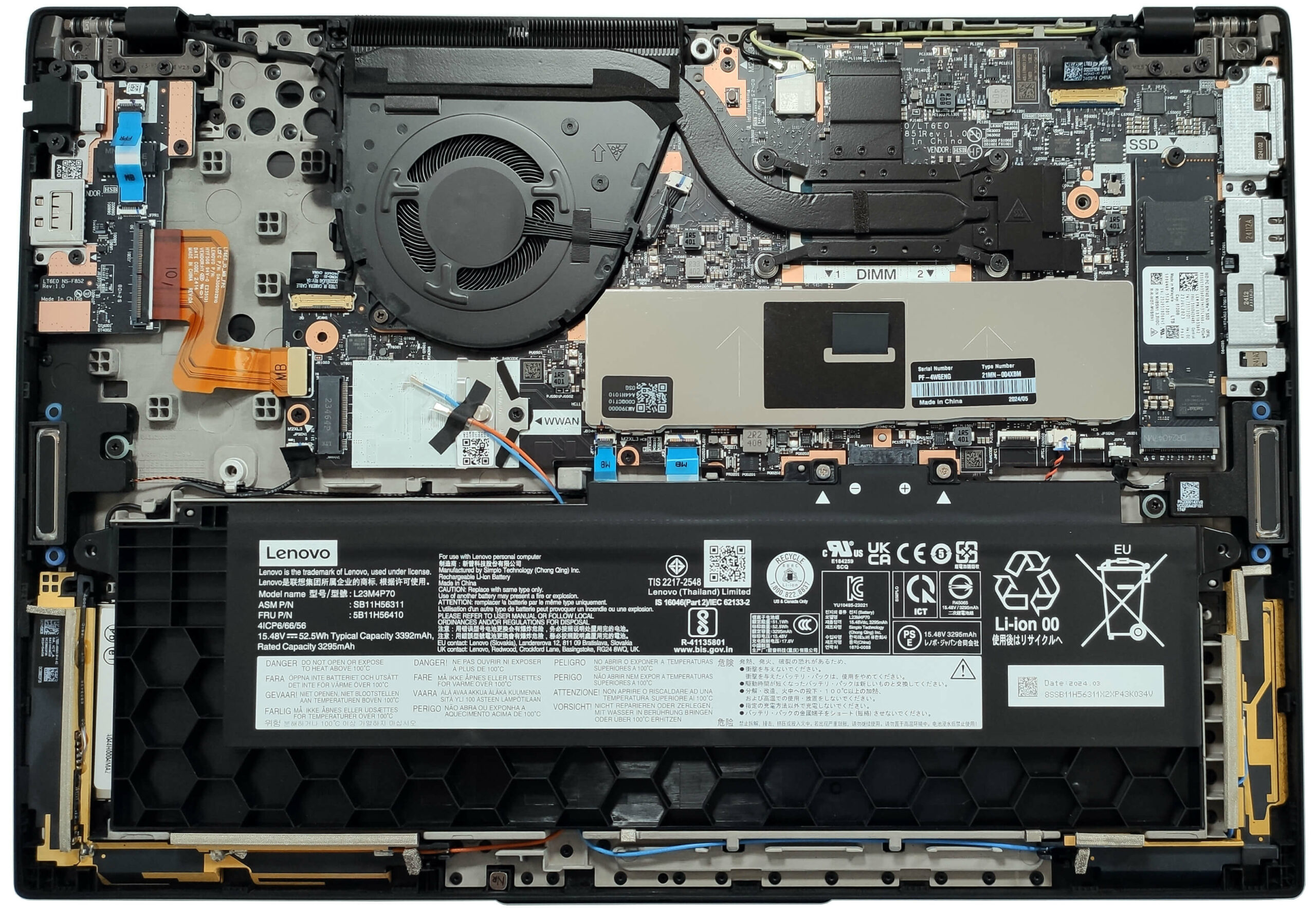
Memory and Storage
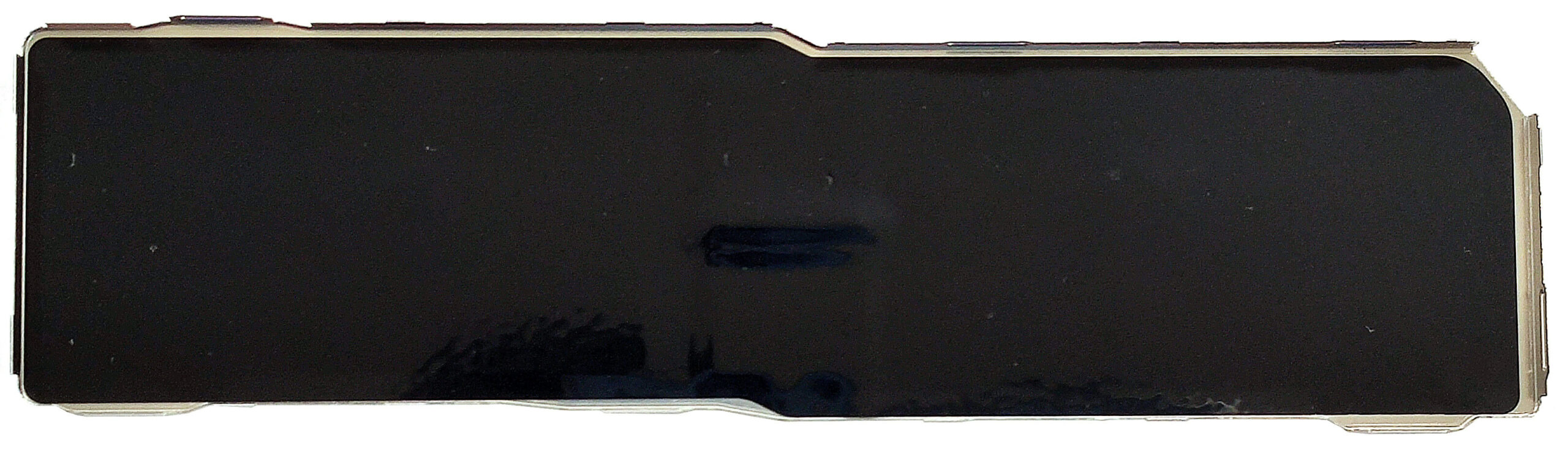
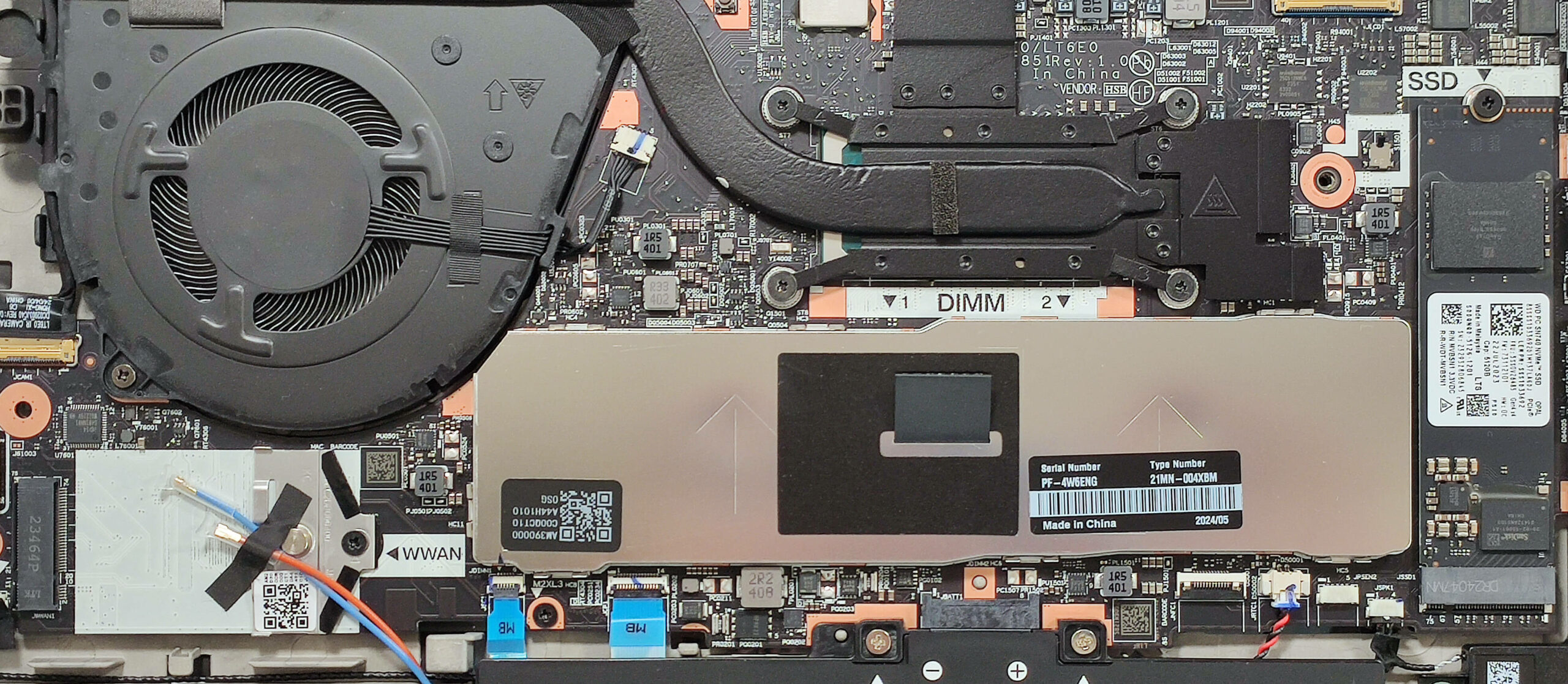
- The RAM section is covered by a metal cap, which can be removed by pulling the fabric handle upwards.
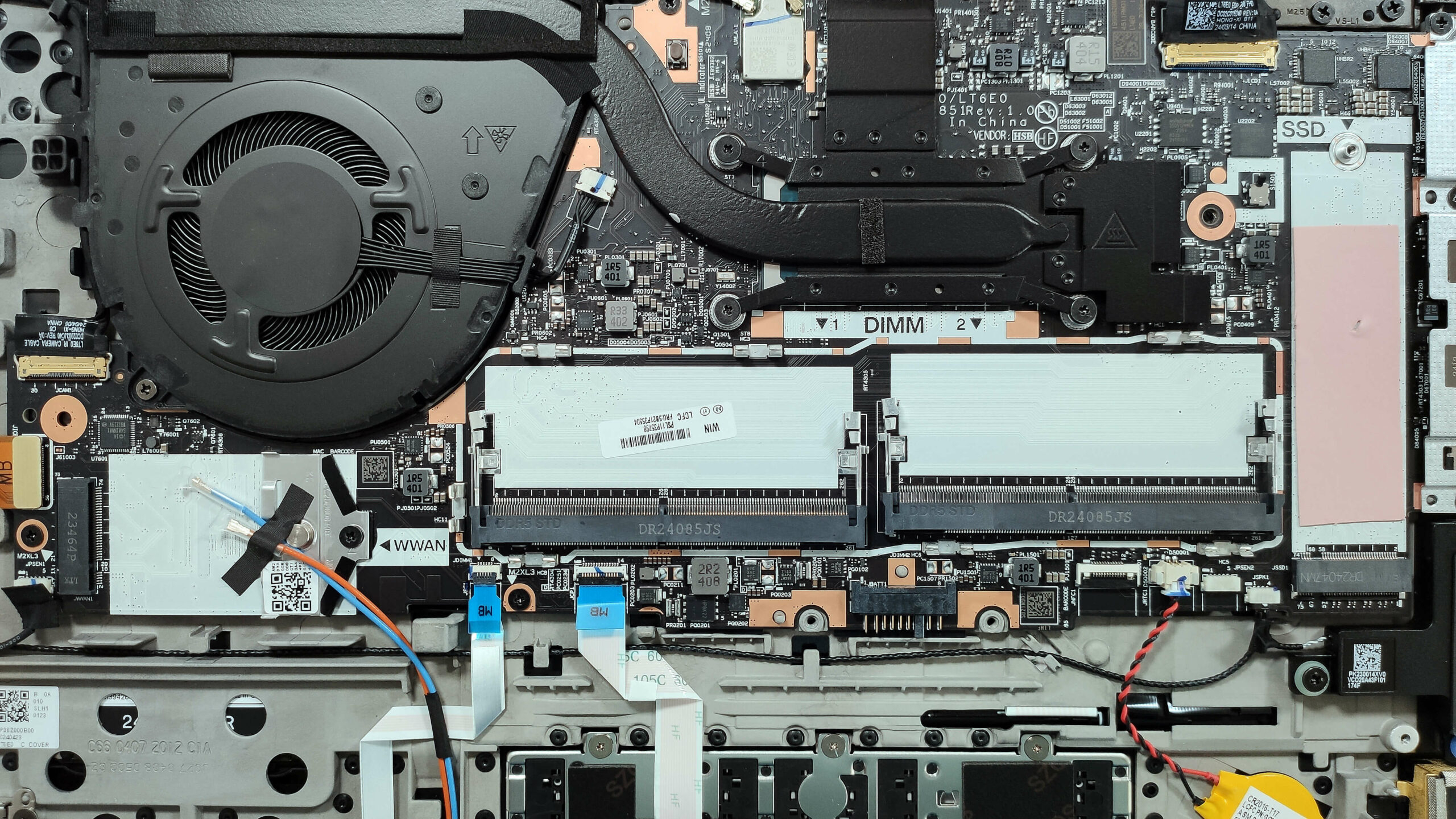
- The two SODIMMs support up to 64GB of DDR5-5600MHz RAM in dual-channel mode, but the CPU can handle up to 96GB.
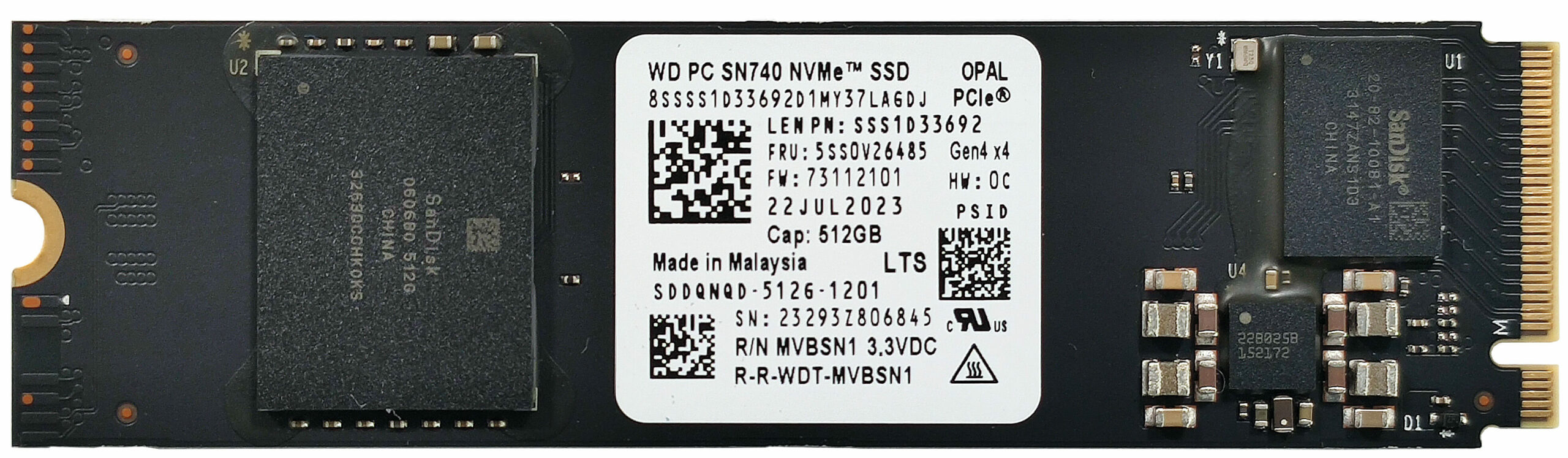
- For storage, there is just one M.2 slot compatible with 2280 Gen 4 SSDs, which is additionally cooled by a thermal pad beneath the NVMe drive.
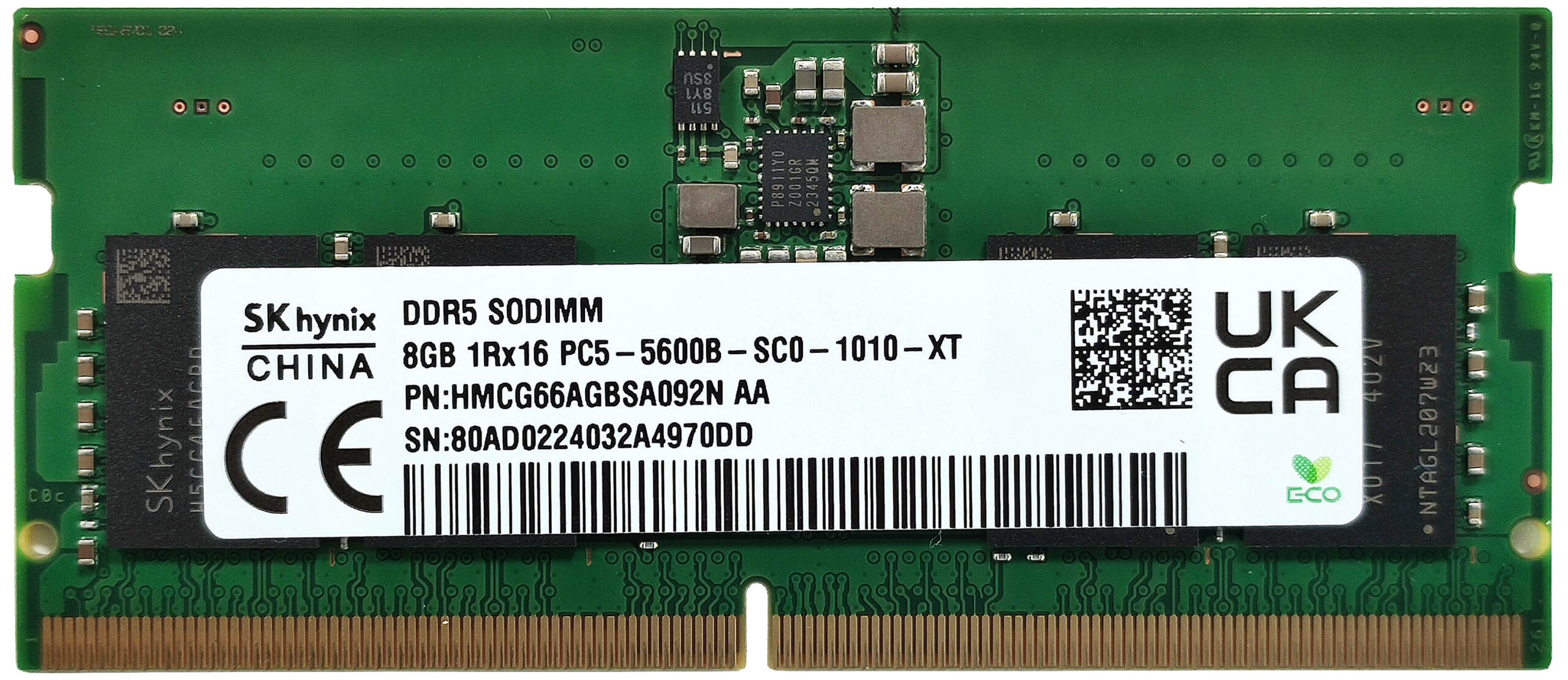
Additional Features
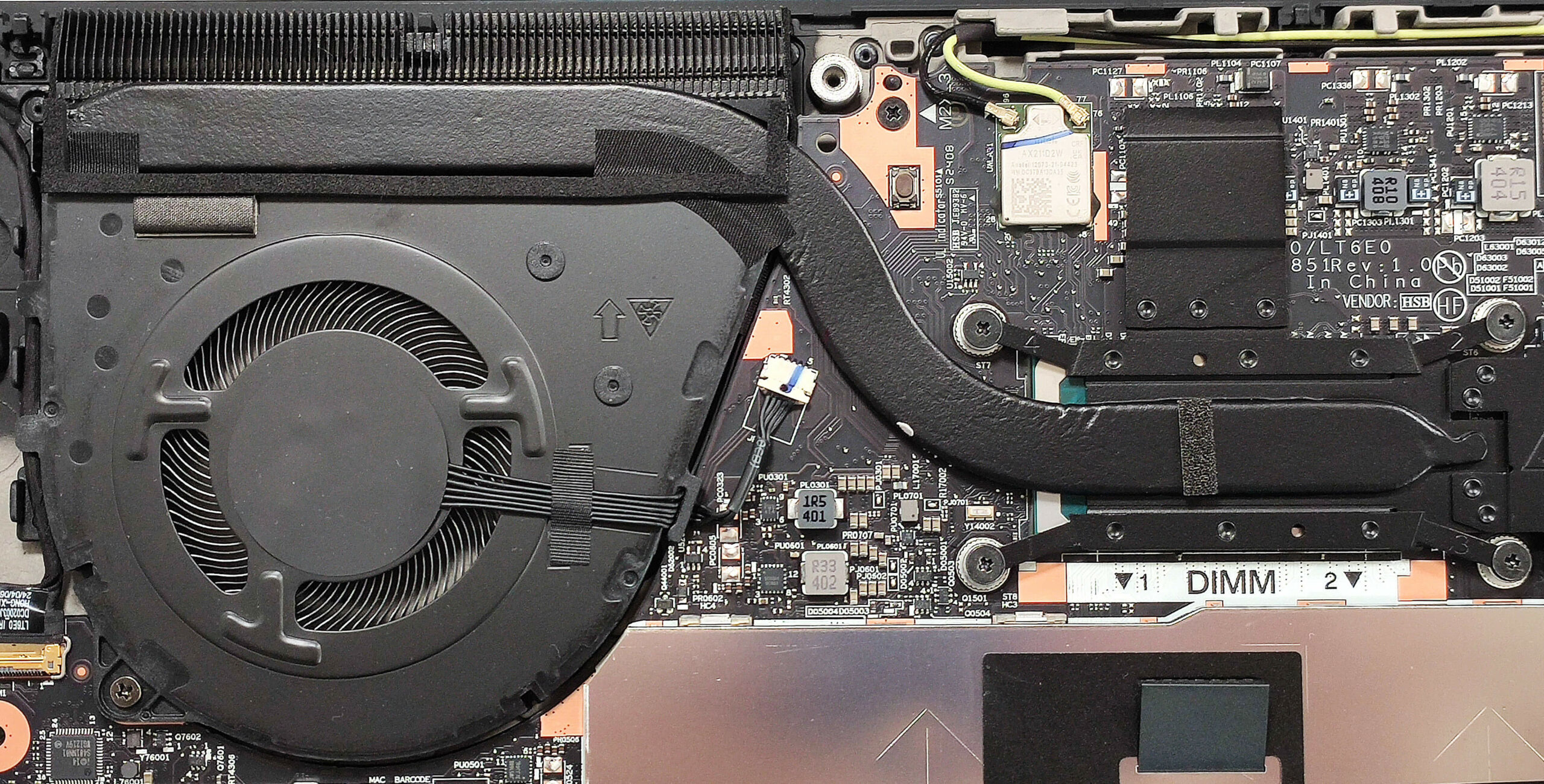
- The WWAN slot for optional 4G or 5G connectivity is located beneath the fan.
- The soldered Wi-Fi card is positioned near the cooling heat spreader.
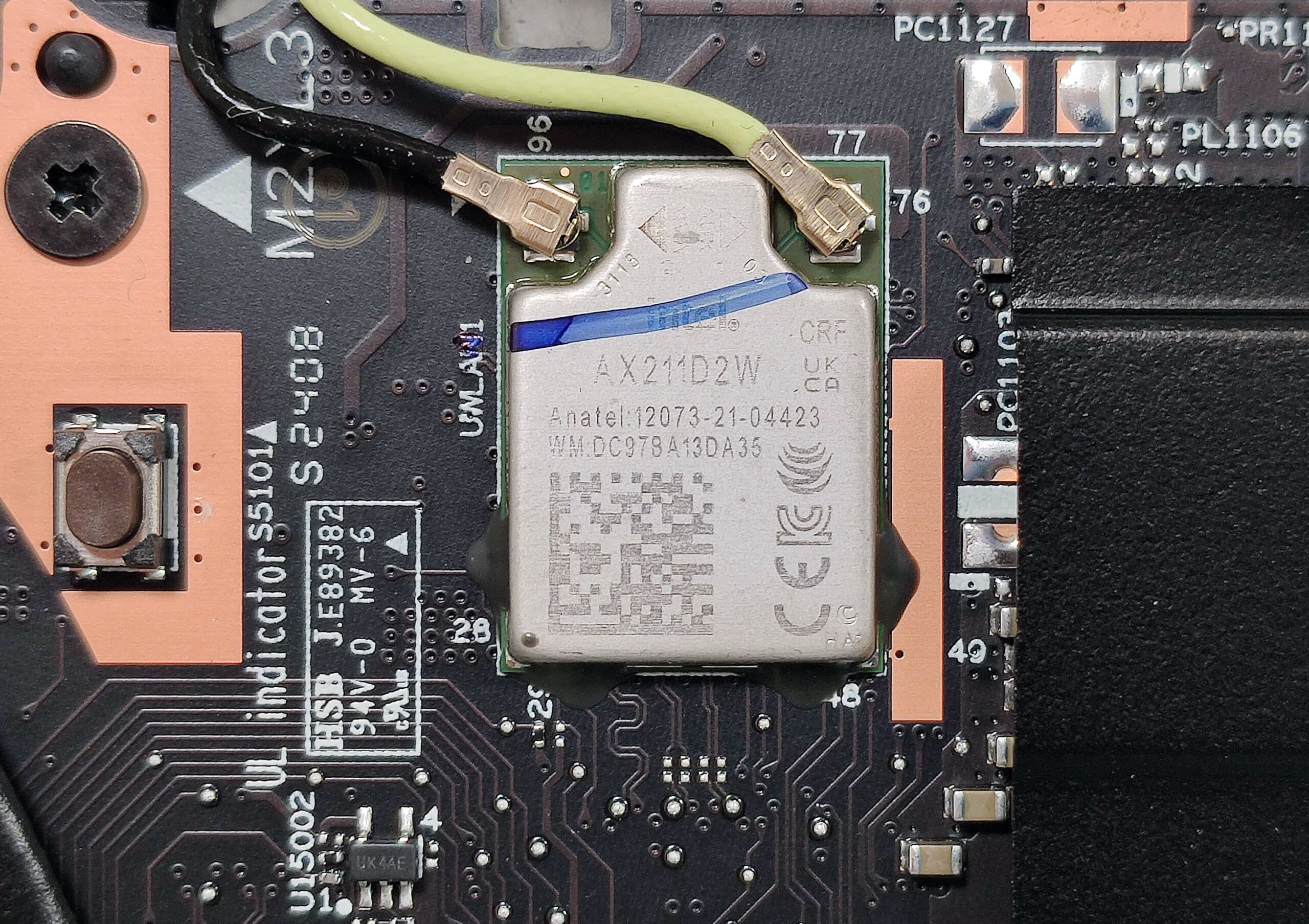
Cooling System
- The thermal system includes one fan, a heat pipe, a heat sink, and a heat spreader.
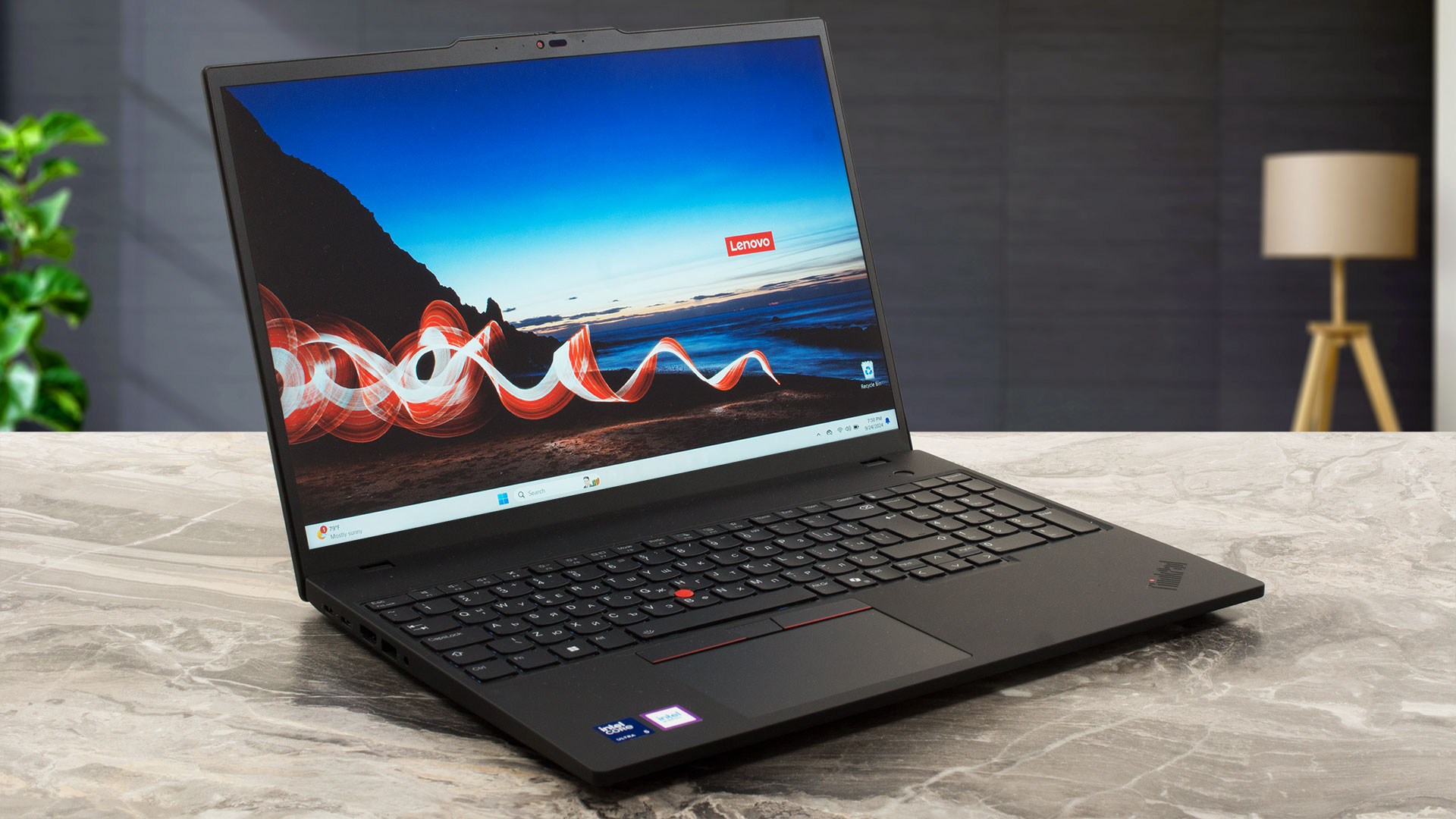
Lenovo ThinkPad T16 Gen 3 in-depth review
The Lenovo ThinkPad T16 Gen 3 is a refreshed version of last year's Gen 2 machine. The new one is offered with 15W (for better battery life) or 28W Meteor Lake CPUs (for bumped performance). Also, these chips have NPU units for AI-assisted productivity (unlike the Raptor Lake-based previous-gen model).This time around, you can also pick a device with Wi-Fi 7 but this will cost you an extra amount of money. Speaking of which, there are a whole bunch of optional goodies. The list is long and it includes an IR Web camera, the keyboard's backlight, an NFC module, a fingerprint reader, a bigger[...]
Pros
- Good build quality
- Feels fast for normal work
- The fan is near quiet during max CPU stress in "Best Performance" mode
- PWM-free panel (LEN41B7)
- Comfortable viewing angles (LEN41B7)
- 435 nits of max brightness + 1840:1 contrast ratio (LEN41B7)
- 98% sRGB coverage + good color accuracy when our "Design and Gaming" profile is applied (LEN41B7)
- 5MP Web camera with a privacy shutter
- Modern port selection with two Type-C ports
- Comfortable keyboard and touchpad
- 2x SODIMMs
- vPro CPU, IR Web camera, fingerprint reader, Nano-SIM card slot, Smart card reader, Wi-Fi 7, NFC (all are optional)
- High CPU clocks in short and medium loads but...
Cons
- ....At the expense of 100°C chip temperature
- Plethora of optional features
- Just 1x M.2 slot + soldered Wi-Fi card
#CommissionsEarned
 Author: Dimitar Stalev
Subscribe
0 Comments


![[June 2026] Best-Selling Laptop Brands on Amazon Global – Apple’s Unrivaled Dominance in Units and Revenue](https://laptopmedia.com/wp-content/uploads/2026/07/GLOBAL-Best-Brands-400x225.jpg)
![[June 2026] Amazon Global: Top 10 Best-Selling Laptops – Apple’s New MacBook Neo Storms to #1, Reshaping the Market with Affordability](https://laptopmedia.com/wp-content/uploads/2026/07/Best-Selling-Laptops-GLOBAL-Top-10-400x225.jpg)
![[June 2026] Amazon Global: Top 10 Best-Selling Gaming Laptops – Acer’s Nitro V 16S AI Dominates Sales, While ASUS Leads Overall Revenue](https://laptopmedia.com/wp-content/uploads/2026/07/Best-Selling-Gaming-Laptops-GLOBAL-Top-10-400x225.jpg)
![[June 2026] Global Ranking of Best-Selling Laptop GPUs on Amazon – NVIDIA RTX 5060 is the Top-Selling Dedicated GPU](https://laptopmedia.com/wp-content/uploads/2026/07/Best-Selling-GPUs-GLOBAL-Top-10-400x225.jpg)
![[June 2026] Global Ranking of Best-Selling Laptop CPUs on Amazon – Apple M5 Dominates, AMD Ryzen 7 260 Gets Solid Premium Share](https://laptopmedia.com/wp-content/uploads/2026/07/Best-Selling-CPUs-GLOBAL-Top-10-400x225.jpg)
