How to open Lenovo ThinkPad X9-15 Gen 1 – disassembly and upgrade options
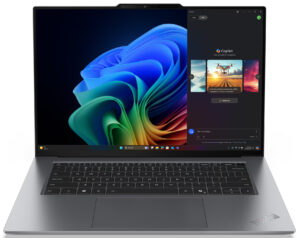
Step 1: Opening the Lenovo ThinkPad X9-15 Gen 1
- Power off the laptop and place it on a flat, static-free surface.
- Loosen the six captive Phillips-head screws on the bottom panel—these screws stay attached to the panel, making reassembly easier and preventing loss.
- Using a thin plastic pry tool, gently pop the edges starting near one of the hinges. Work your way around the sides to detach the panel without applying excessive force. Once unclipped, lift it off the chassis.
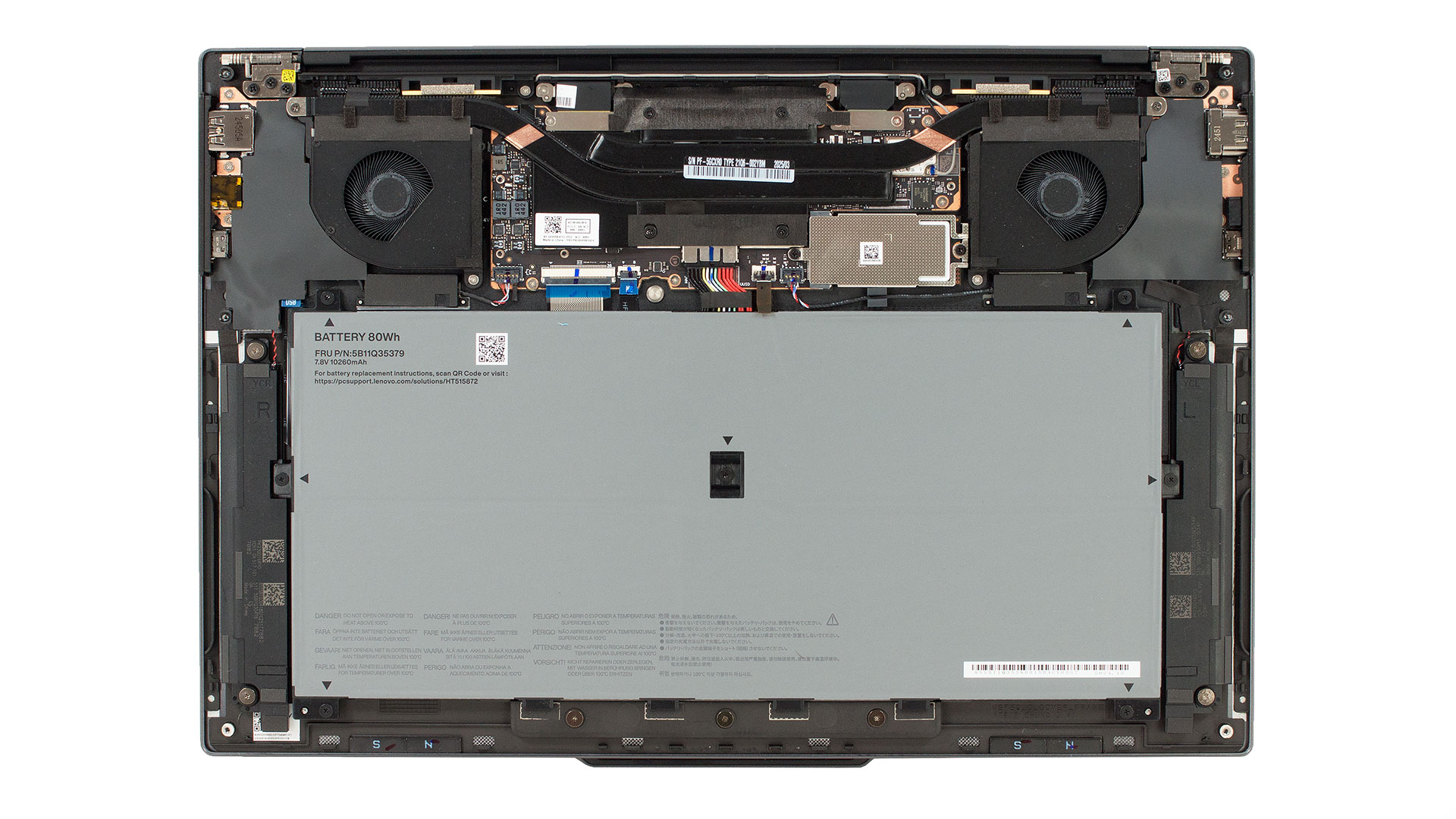
Battery Removal
- The device comes with an 80Wh lithium-ion battery secured by seven captive screws—note the central screw that must also be loosened.
- Once all screws are undone, disconnect the battery connector by pulling it straight out from the motherboard. Lift the battery and remove it carefully.
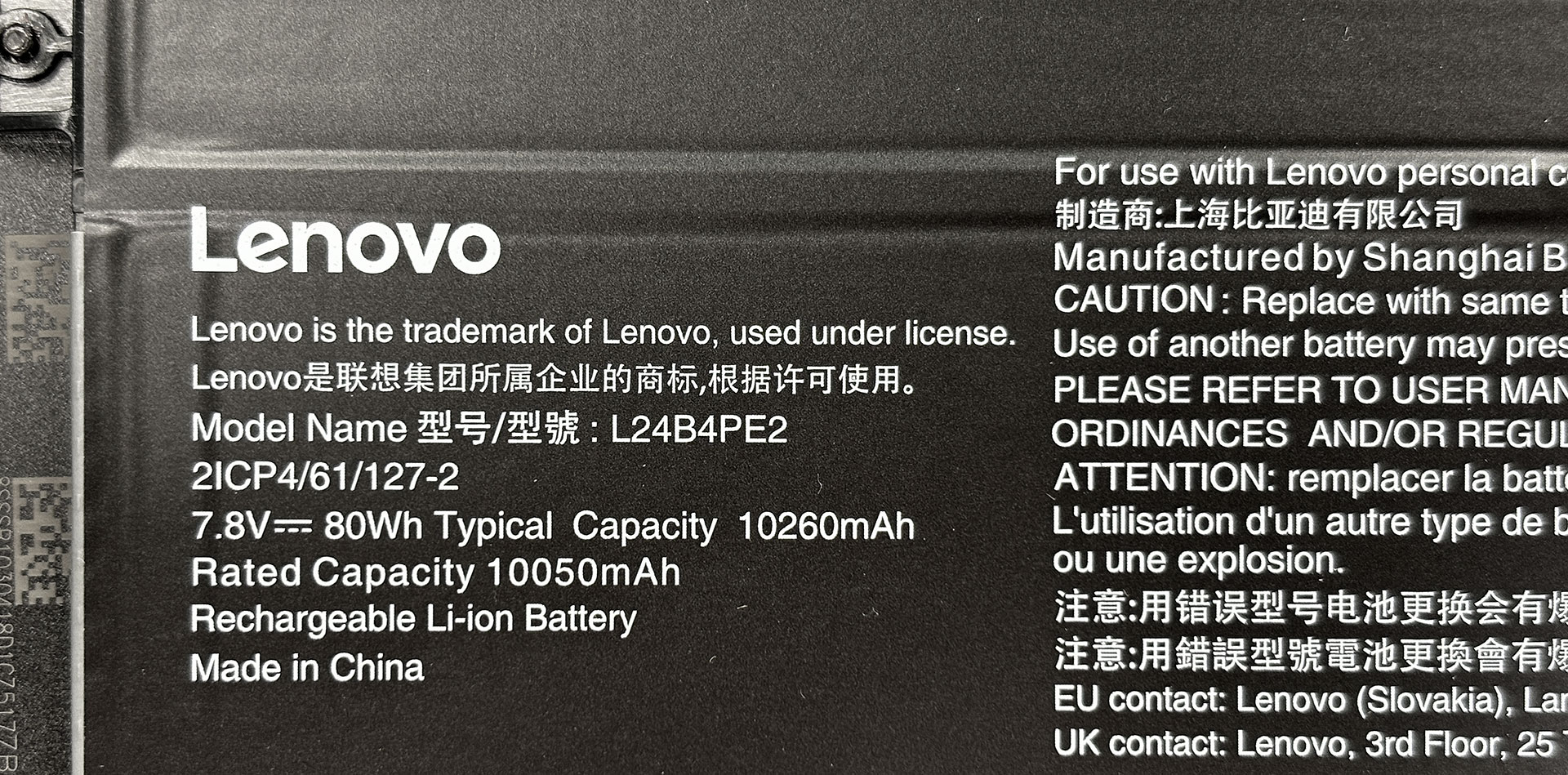
Storage Upgrade
- The laptop features a single compact M.2 2242 PCIe 4.0 x4 slot for storage upgrades. The preinstalled SSD is protected by a metal shield for additional durability and heat management.
- Remove the shield to access the SSD, then swap or upgrade as needed.
Hint: Don’t forget to check out our Top M.2 SSDs Performance Rankings for insights on the best storage options available.
You can buy Gen 4 2242 NVMe SSDs here: Buy from Amazon.com (#CommissionsEarned)
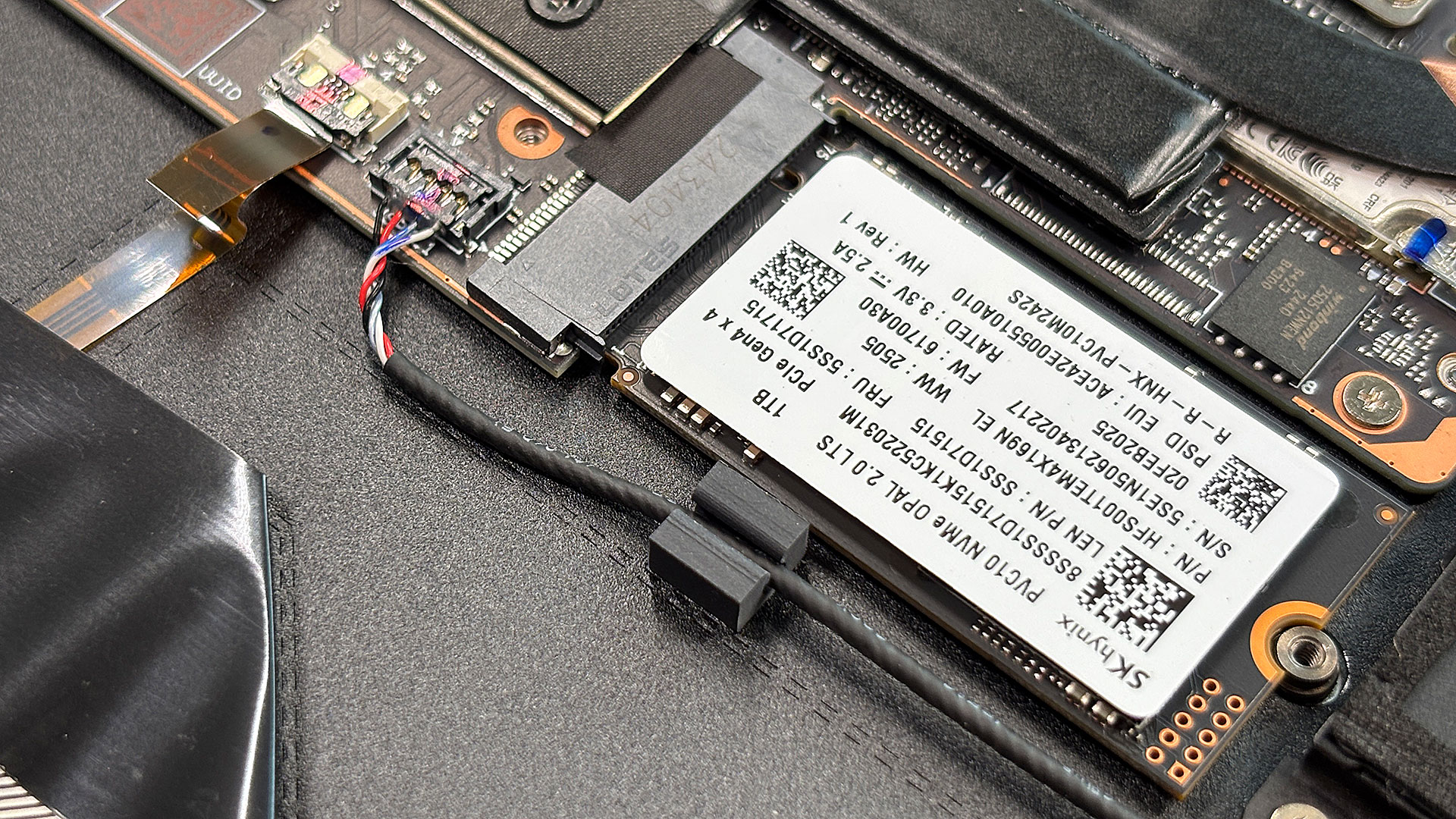
Maintenance Tips
- With the bottom panel off, you can access the cooling fan and heat sink assembly for cleaning or thermal paste replacement, helping maintain optimal performance and longevity of your ThinkPad X9-15 Gen 1.
Lenovo ThinkPad X9-15 Gen 1 in-depth review
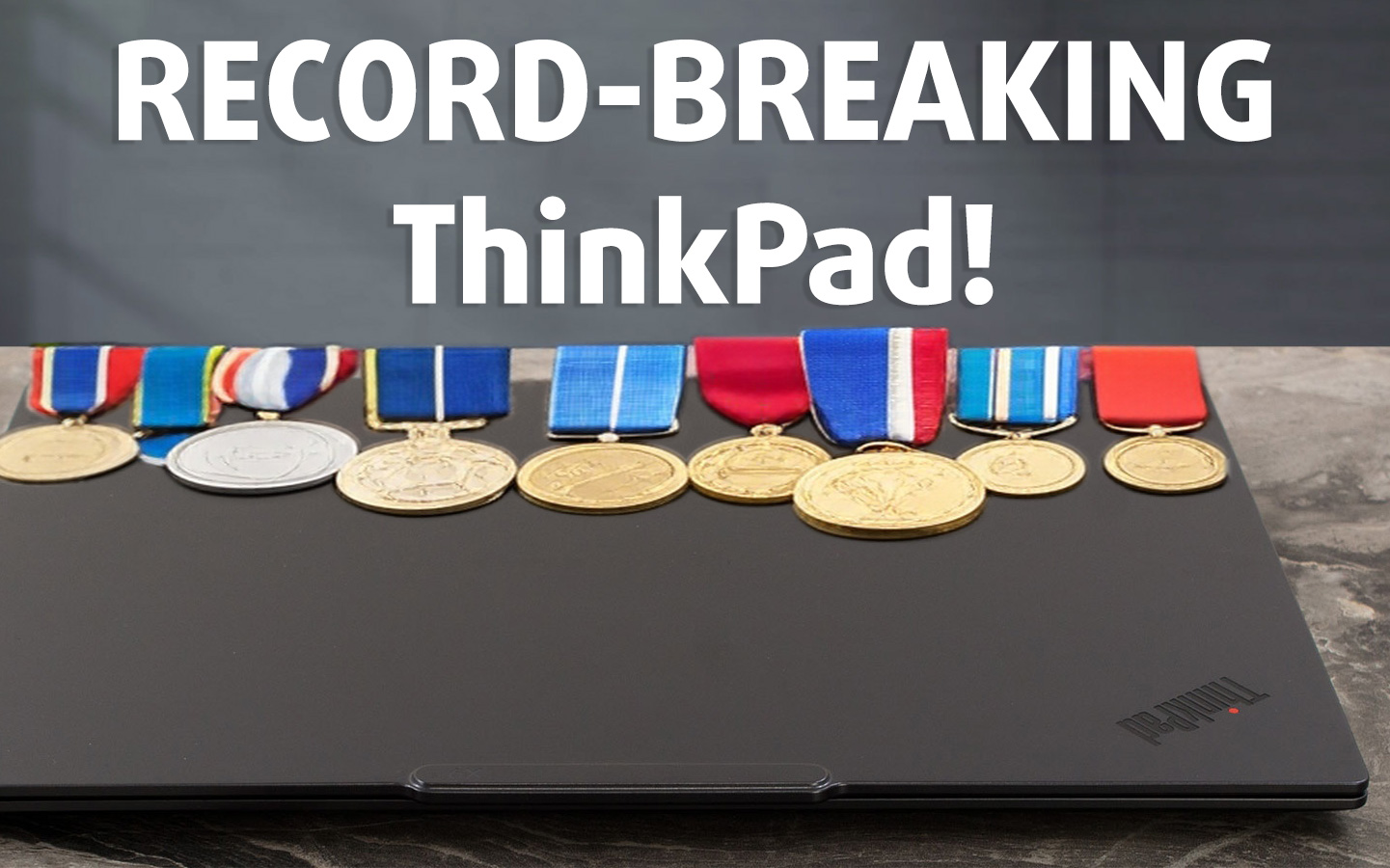
If you thought the 14-inch ThinkPad X9 was a design marvel, prepare to be even more impressed by its 15-inch sibling. The Lenovo ThinkPad X9-15 Gen 1 isn't just a laptop; it’s a design statement, a sliver of "Thunder Grey" aluminum that feels as robust as it is impossibly thin – we're talking barely half an inch thick! It’s the kind of machine that makes you wonder how Lenovo's engineers managed to fit anything inside, let alone components capable of breaking records.And break records it does. Lenovo has somehow packed in what isn't just a beautiful 15.3-inch 2.8K OLED screen, but on[...]
Pros
- Stunning, futuristic, and incredibly robust all-aluminum design
- Exceptionally thin and lightweight for a 15-inch laptop
- Phenomenal 15.3-inch 2.8K 120Hz VRR OLED display
- Full DCI-P3 color coverage and excellent factory color accuracy
- Outstanding, world-leading battery life (21+ hours)
- Strong performance from Intel® Core™ Ultra processors and Arc graphics
- Excellent thermal management under sustained load
- Fast NVMe SSD storage
- Modern connectivity with dual Thunderbolt 4, HDMI 2.1, and Wi-Fi 7
- Large and comfortable trackpad
- Virtually PWM-free display backlight
- Fingerprint-resistant finish
- Very compact 65W power adapter
Cons
- Minimalist port selection (only one USB-A, no Ethernet)
- Keyboard offers short key travel due to thinness
- No dedicated NumPad
- Single M.2 2242 slot limits internal storage expansion
 Author: Dimitar Stalev

![[August 2026] Amazon USA: Top 10 Best-Selling Laptops – Apple MacBook Neo Dominates the Market with Massive Unit Sales!](https://laptopmedia.com/wp-content/uploads/2026/09/Best-Selling-Laptops-COM-Top-10-400x225.jpg)
![[August 2026] Amazon USA: Top 10 Best-Selling Gaming Laptops – ASUS ROG Strix G16 Dominates the Market with Massive Unit Sales](https://laptopmedia.com/wp-content/uploads/2026/09/Best-Selling-Gaming-Laptops-COM-Top-10-400x225.jpg)
![[July 2026] Amazon Global: Top 10 Best-Selling Laptops – Apple MacBook Neo Dominates the Charts as Budget and Premium Notebooks Split the Market](https://laptopmedia.com/wp-content/uploads/2026/08/Best-Selling-Laptops-GLOBAL-Top-10-400x225.jpg)
![[July 2026] Amazon Global: Top 10 Best-Selling Gaming Laptops – ASUS ROG Strix G16 Dominates the Global Market with Record-Breaking Unit Sales](https://laptopmedia.com/wp-content/uploads/2026/08/Best-Selling-Gaming-Laptops-GLOBAL-Top-10-400x225.jpg)
![[July 2026] Global Ranking of Best-Selling Laptop GPUs on Amazon – RTX 5060 Dominate Premium, Intel Still Rules Budget](https://laptopmedia.com/wp-content/uploads/2026/08/Best-Selling-GPUs-GLOBAL-Top-10-400x225.jpg)
