How to open MSI Sword 16 HX B14V – disassembly and upgrade options
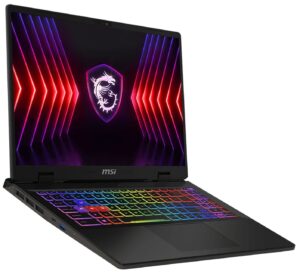
Opening the Device
- Undo the 13 Phillips-head screws securing the bottom panel.
- Find the visible tiny gap in the front and start prying the panel from there.
- Pop the sides until reaching the far end of the exhaust vents.
- Create a small gap between the plate and the base in the top two corners.
- Pry the rear by gliding the plastic tool carefully.
- Lift the panel on the right and slide it to the left where the audio jack is located.
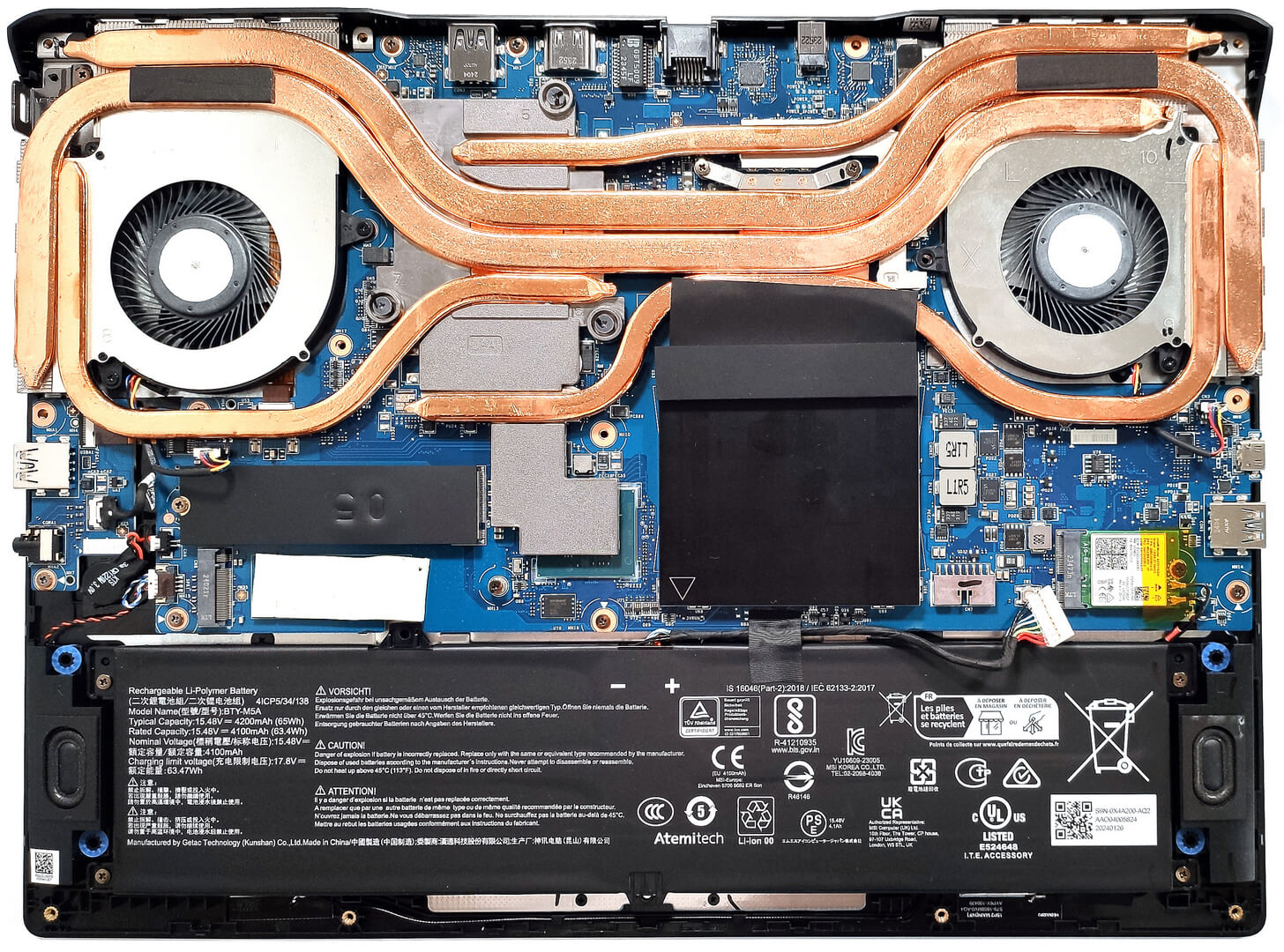
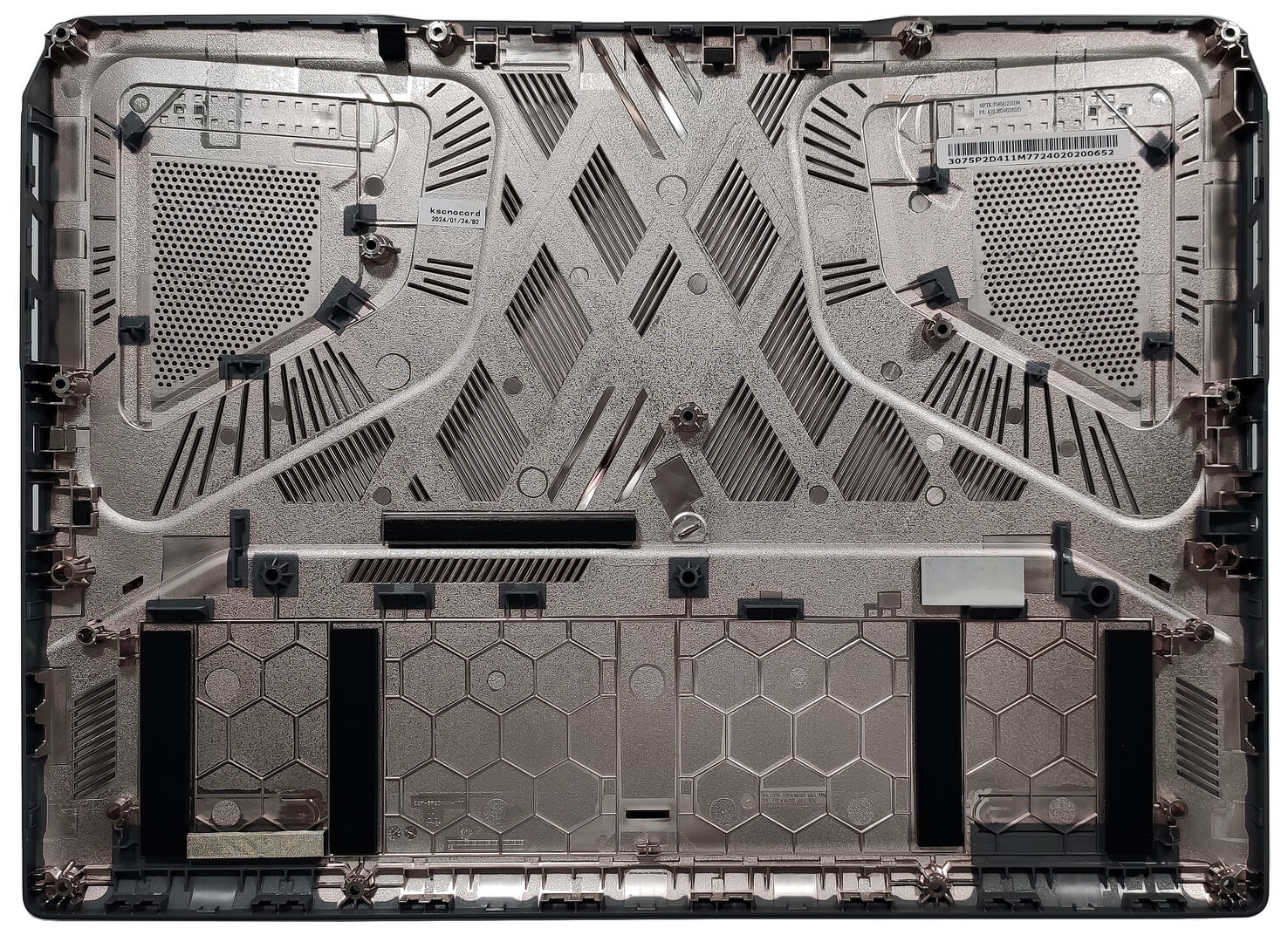
More info: Here’s how the bottom panel looks on the inside.
Battery Removal
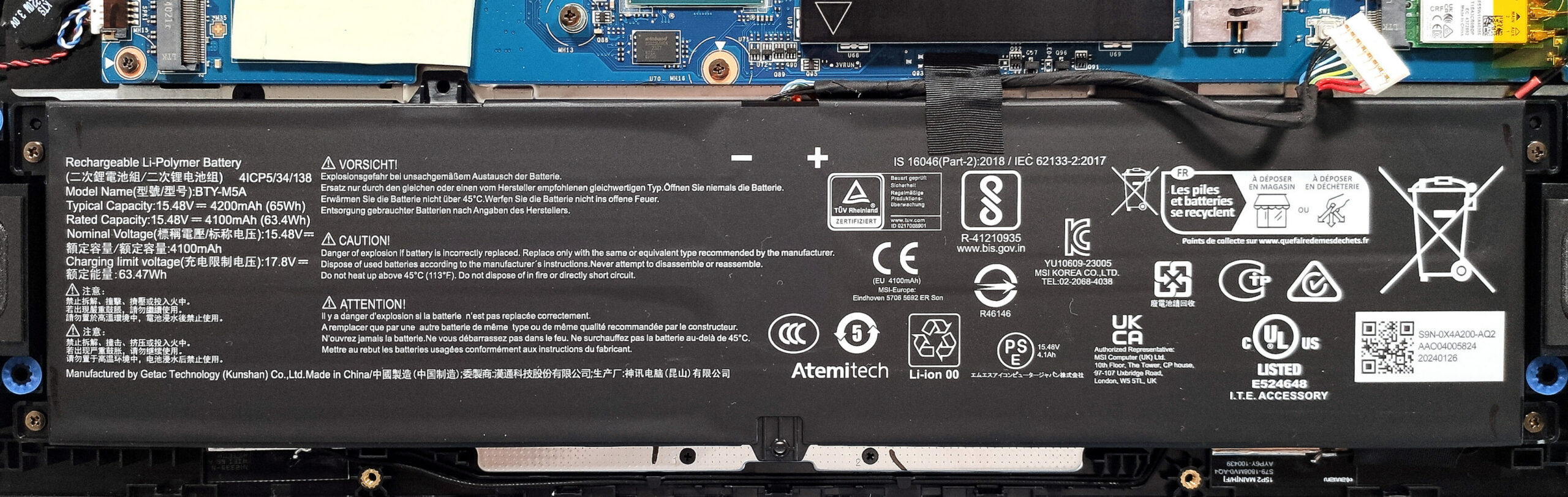
- Detach the battery connector from the motherboard.
- Undo the 4 Phillips-head screws securing the battery.
- Lift the battery to remove it from the device.
Note: The device uses a 65Wh battery, providing approximately 5 hours and 18 minutes of video playback.
Memory Upgrade
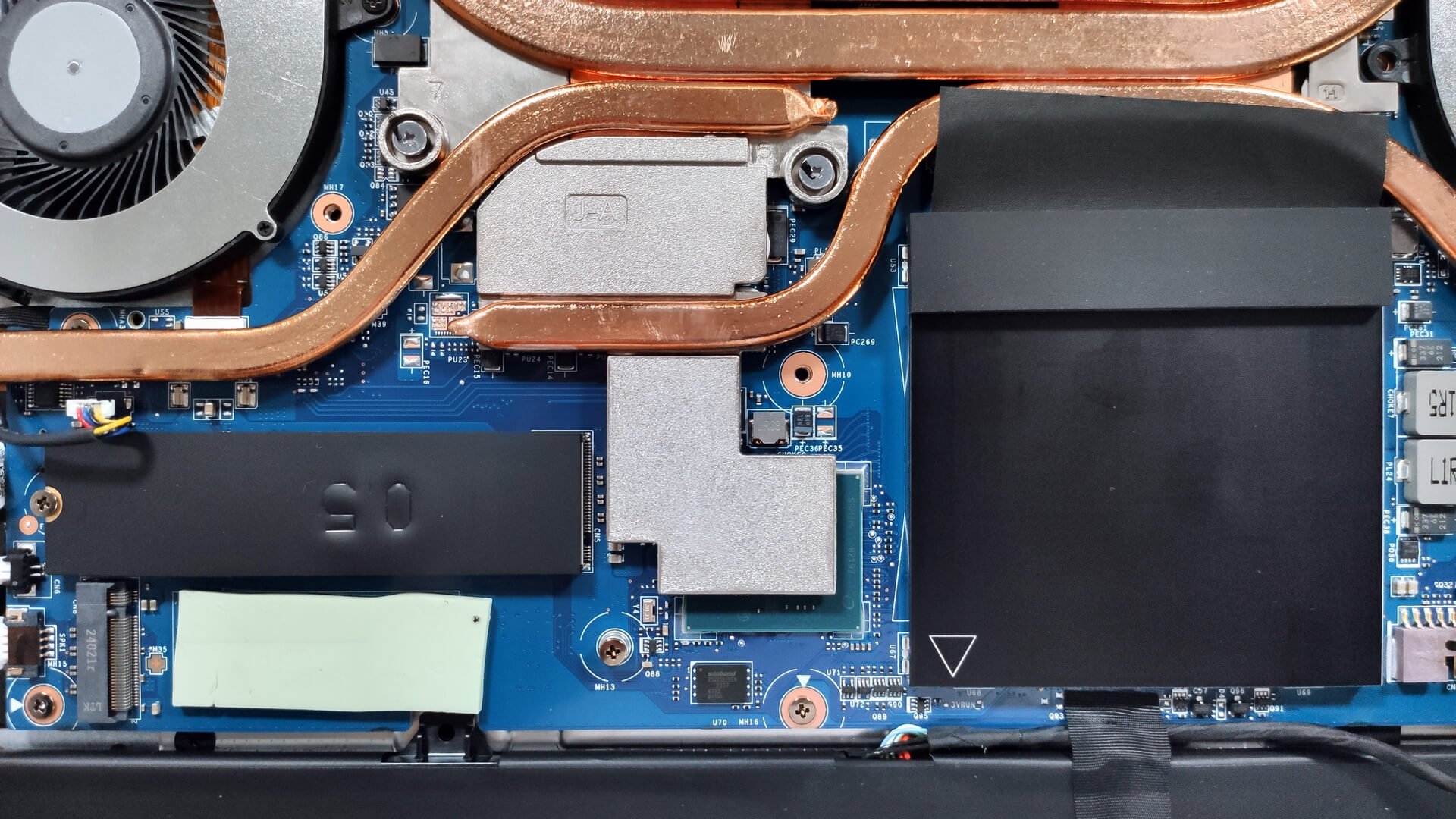
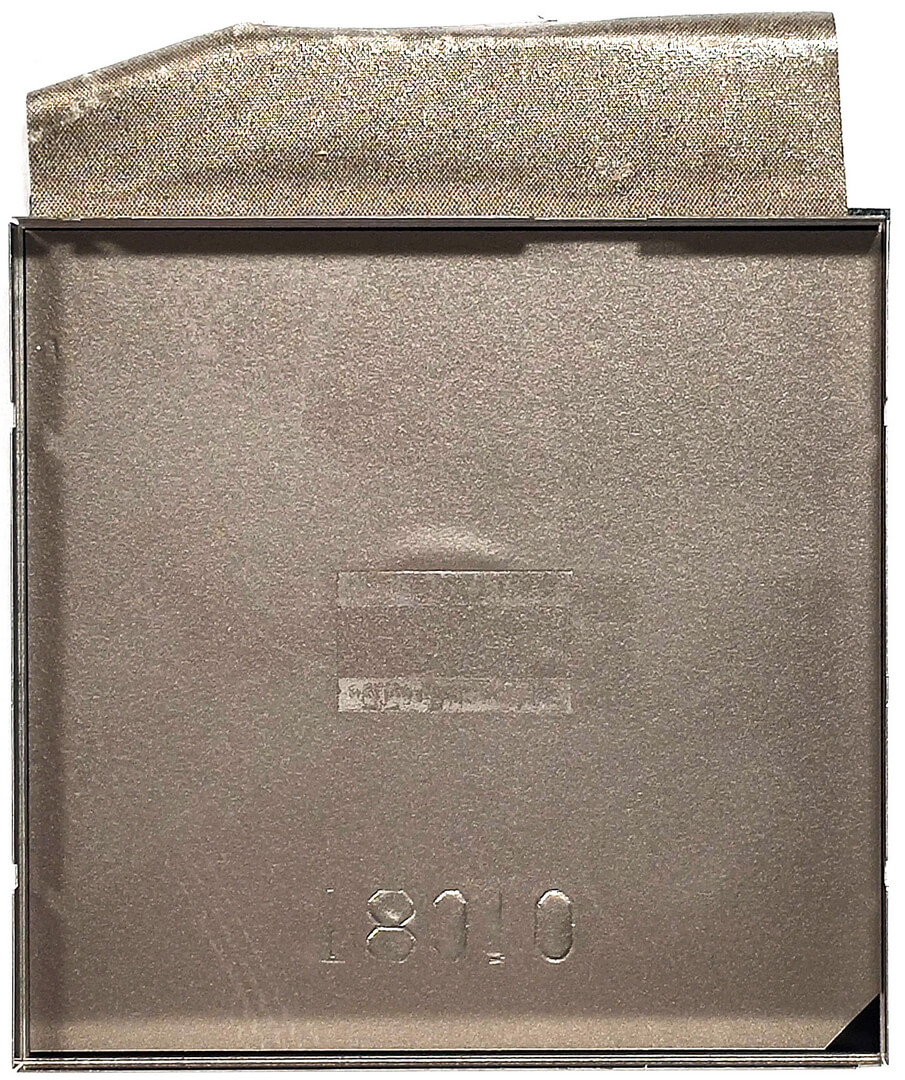
- Locate the memory area protected by a metal shroud with a rubber foot on top.
- Lift the metal cap using a lever tool to access the SODIMM slots.
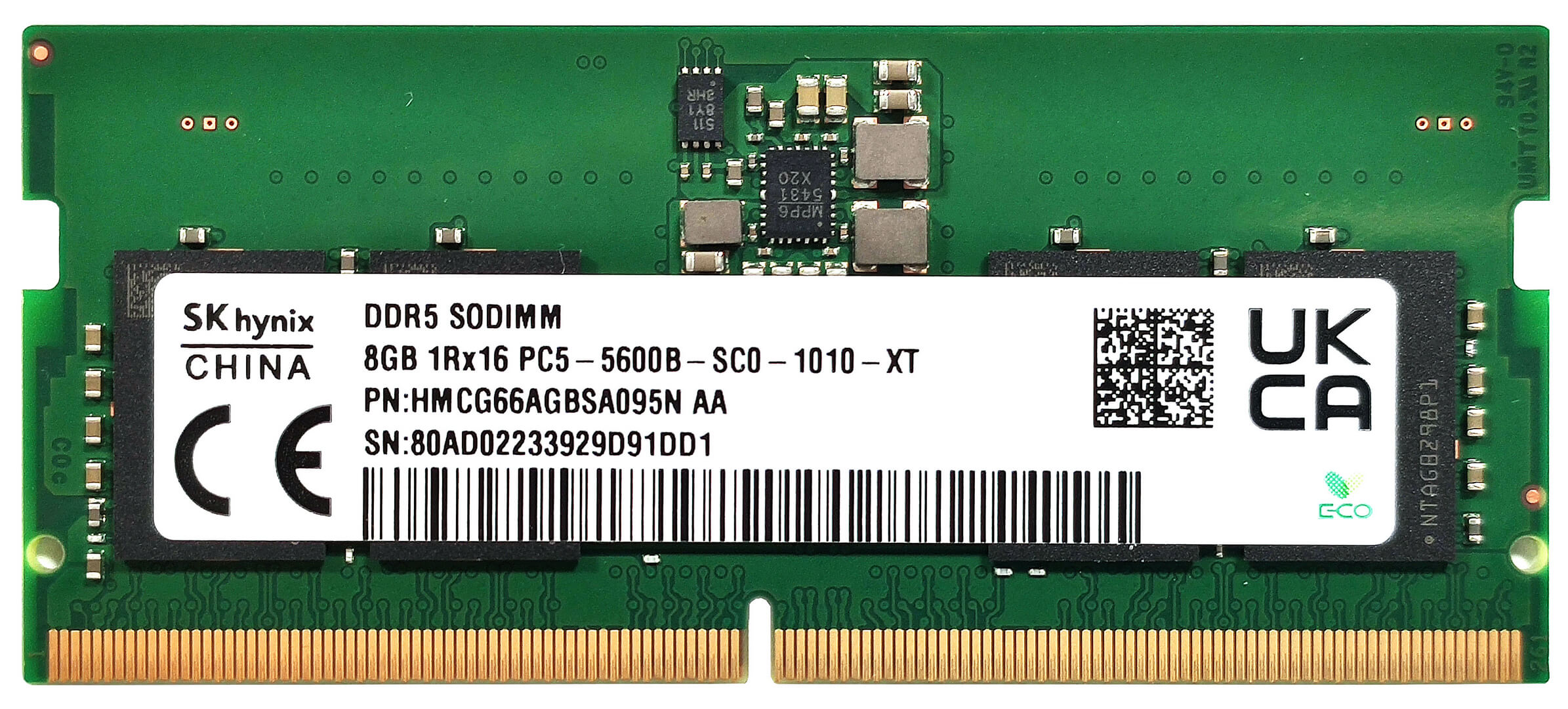
- According to MSI, the two SODIMMs can handle up to 96GB of DDR5-5600MHz RAM in dual-channel mode.
Note: The CPU can support up to 192GB, so the laptop likely wouldn’t have issues running more than the official manufacturer’s specified limit.
You can buy compatible RAM modules here: Buy from Amazon.com (#CommissionsEarned)
Storage Upgrade
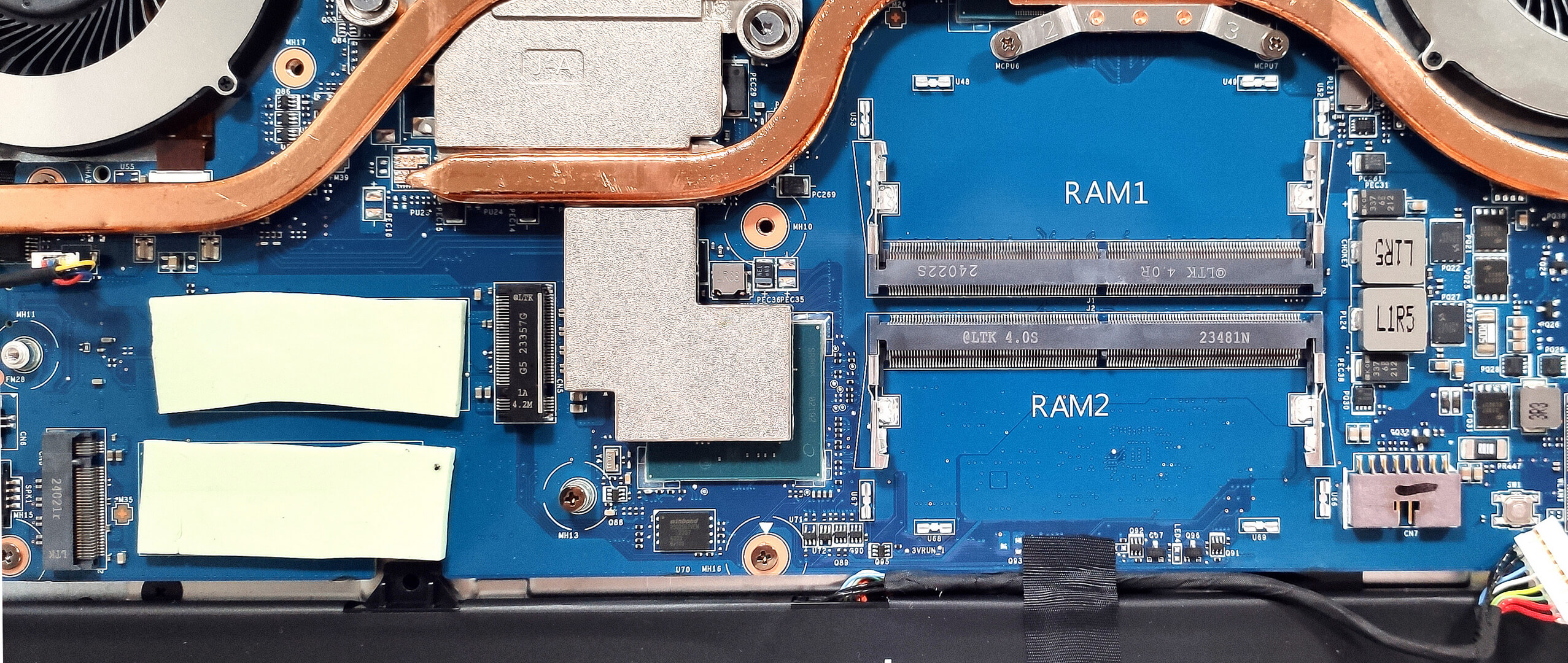
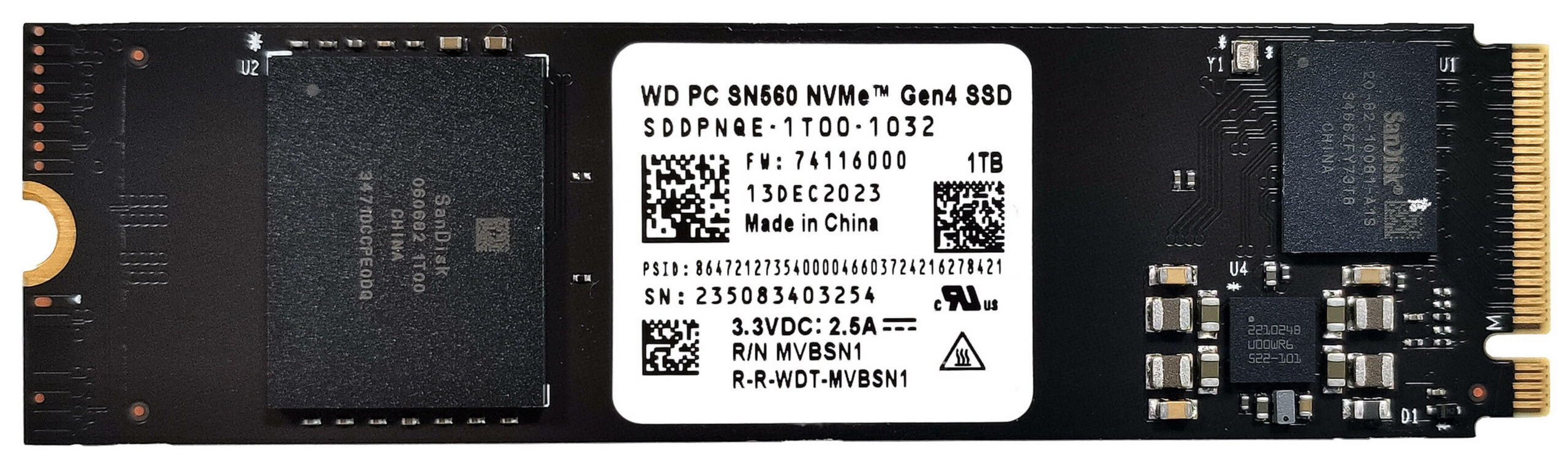
- Locate the two M.2 slots for NVMe SSDs.
- The top NVMe slot is compatible with Gen 5 SSDs, while the lower one is for Gen 4 units.
- Each M.2 slot has a big thermal pad for better heat dissipation.
- Install the new SSD in the appropriate slot.
Hint: Don’t forget to check out our Top M.2 SSDs Performance Rankings for insights on the best storage options available.
You can buy compatible SSDs here: Buy from Amazon.com (#CommissionsEarned) or Buy from Amazon.com (#CommissionsEarned)
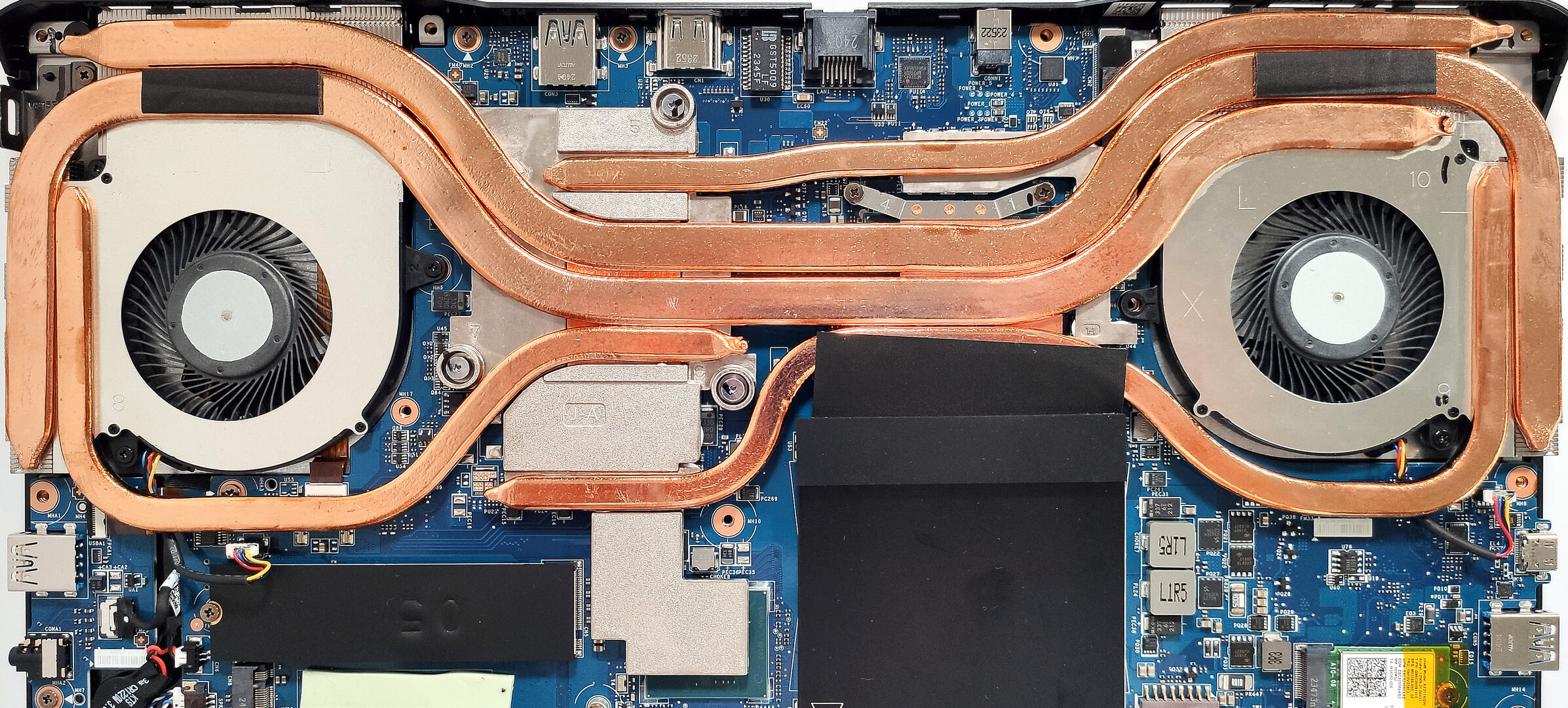
Cooling System Overview
- The cooling system, called Cooler Boost 5, includes two fans and four long, thick heat pipes shared between the CPU and GPU. A fifth heat pipe is solely dedicated to the GPU.
- The thermal system offers four heat sinks, a heat spreader for the processor, and a large metal plate for the video card that also covers its memory and VRMs, making contact with the chipset as well.
- Ensure all cooling components are clean and free of dust for optimal performance.
Note: The cooling system is impressively large and designed to handle high-performance components.
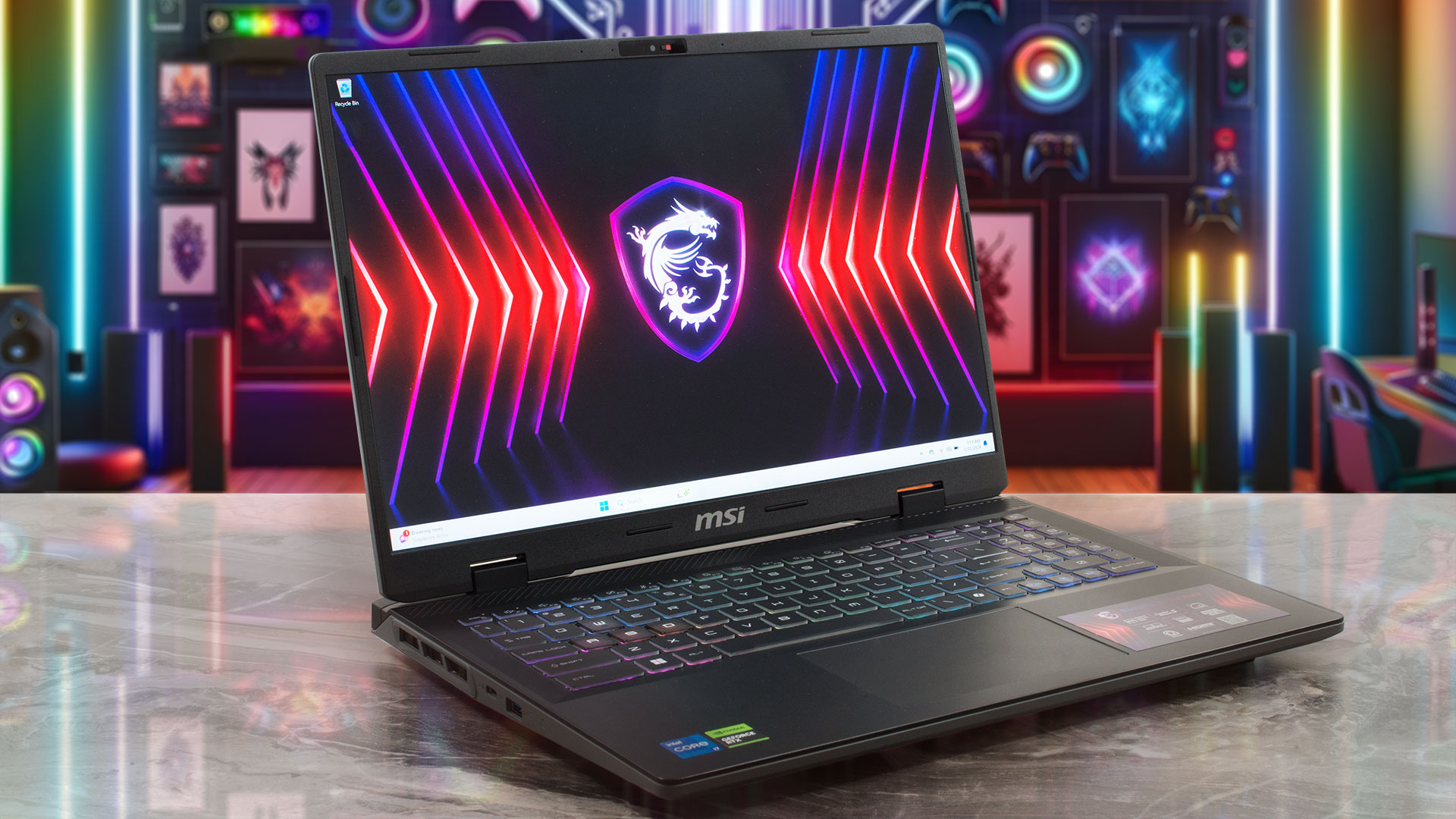
MSI Sword 16 HX (B13Vx / B14Vx) in-depth review
If you think that the MSI Sword 16 HX B14V is just a smaller version of the Sword 17 HX B14V, you are actually (almost) right. We have already reviewed the 17-ich version and yes, both machines look, feel, and perform nearly the same. This means that with the 16-incher you get a 20-core Intel Core i7-14700HX (or an i7-14650HX) alongside 115W NVIDIA RTX 4000 graphics cards. The upgradability is good and even one of the M.2 slots is for Gen 5 NVMe drives. The port selection remains decent at best.The base display is a 1200p unit with a 144Hz refresh rate. If you can stretch your wallet, you [...]
Pros
- Good gaming performance
- 2x SODIMMs + 2x M.2 slot (one is for Gen 5 SSDs)
- 1600p resolution + 240Hz refresh rate (CMN162F)
- PWM-free (CMN162F)
- Full sRGB and 98% DCI-P3 coverage + accurate color with our "Design and Gaming" profile (CMN162F)
- High max brightness (510 cd/m2) and fast pixel response times (9 ms) for an IPS panel (CMN162F)
- Superb 24-Zone RGB Gaming keyboard with long key travel, NumPad, and big Arrow keys
- Solid build quality
- High GPU clocks (~2400 MHz) under gaming given the 115W TGP
- The MSI Center offers plenty of customizations
- 4 USB ports + HDMI 2.1
- Decent battery life for a 65Wh capacity
- Quality audio
- MUX switch
- The fan noise isn't intrusive in "Extreme Performance" mode
Cons
- Bulky
- Low CPU clocks (~2.70 GHz / 2.10 GHz for the P and E cores) and power limit (80W) under any kind of load
- Plastic chassis
- No G-Sync or NVIDIA Advanced Optimus support
- Three Gen 1 Type-A ports
 Author: Severin Kolakov

![[August 2026] Amazon Global: Top 10 Best-Selling Laptops – Apple MacBook Neo Dominates the Charts as Budget and Mid-Range Windows Portables Fight for Volume](https://laptopmedia.com/wp-content/uploads/2026/09/Best-Selling-Laptops-GLOBAL-Top-10-400x225.jpg)
![[August 2026] Best-Selling Laptop Brands on Amazon Global – Apple Dominates Revenue While HP Leads in Model Variety](https://laptopmedia.com/wp-content/uploads/2026/09/GLOBAL-Best-Brands-400x225.jpg)
![[August 2026] Amazon Global: Top 10 Best-Selling Gaming Laptops – HP Victus 15 Captures the Crown as Budget-Friendly Models Dominate the Charts](https://laptopmedia.com/wp-content/uploads/2026/09/Best-Selling-Gaming-Laptops-GLOBAL-Top-10-400x225.jpg)
![[August 2026] Best-Selling Laptop Brands on Amazon Japan – Apple Dominates Market Share and Revenue Led by Strong Unit Sales](https://laptopmedia.com/wp-content/uploads/2026/09/CO.JP-Best-Brands-1-400x225.jpg)
![[August 2026] Best-Selling Laptop Brands on Amazon USA – Apple Dominates Market Revenue and Volume Despite Lower Model Diversity](https://laptopmedia.com/wp-content/uploads/2026/09/COM-Best-Brands-1-400x225.jpg)
