How to open Fujitsu LifeBook U7512 – disassembly and upgrade options
Fujitsu is back with one of the best business notebooks in its class. As such, it offers a good amount of upgradeability. Take a look!
Check out all Fujitsu LifeBook U7512 prices and configurations in our Specs System, or read more in our In-Depth review.
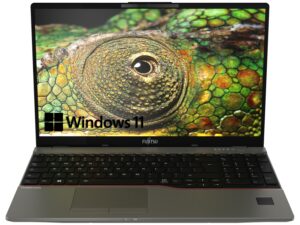
1. Remove the bottom plate
To get inside this machine, you need to undo 14 captive Phillips-head screws. Then, pry the bottom panel with a plastic tool.

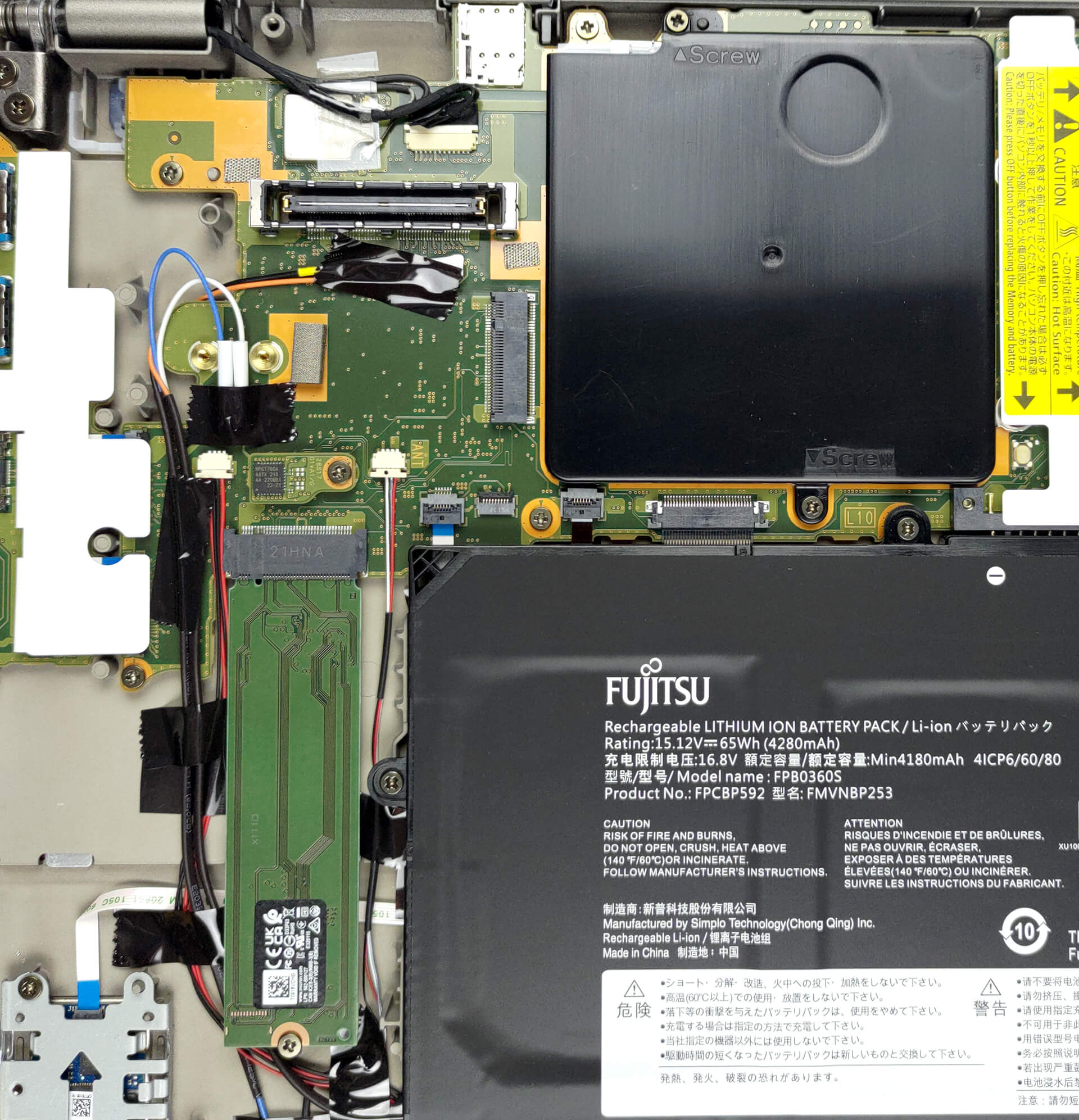
2. Remove the battery
To get inside this machine, you need to undo 14 captive Phillips-head screws. Then, pry the bottom panel with a plastic tool.
3. Upgrade memory and storage
Here, we see a metal cover over the two RAM SODIMM slots. To access the memory, undo the two captive Phillips-head screws and take the cover away. The laptop supports up to 64GB of DDR4 RAM in dual-channel mode. Storage-wise, there is one M.2 PCIe x4 slot.
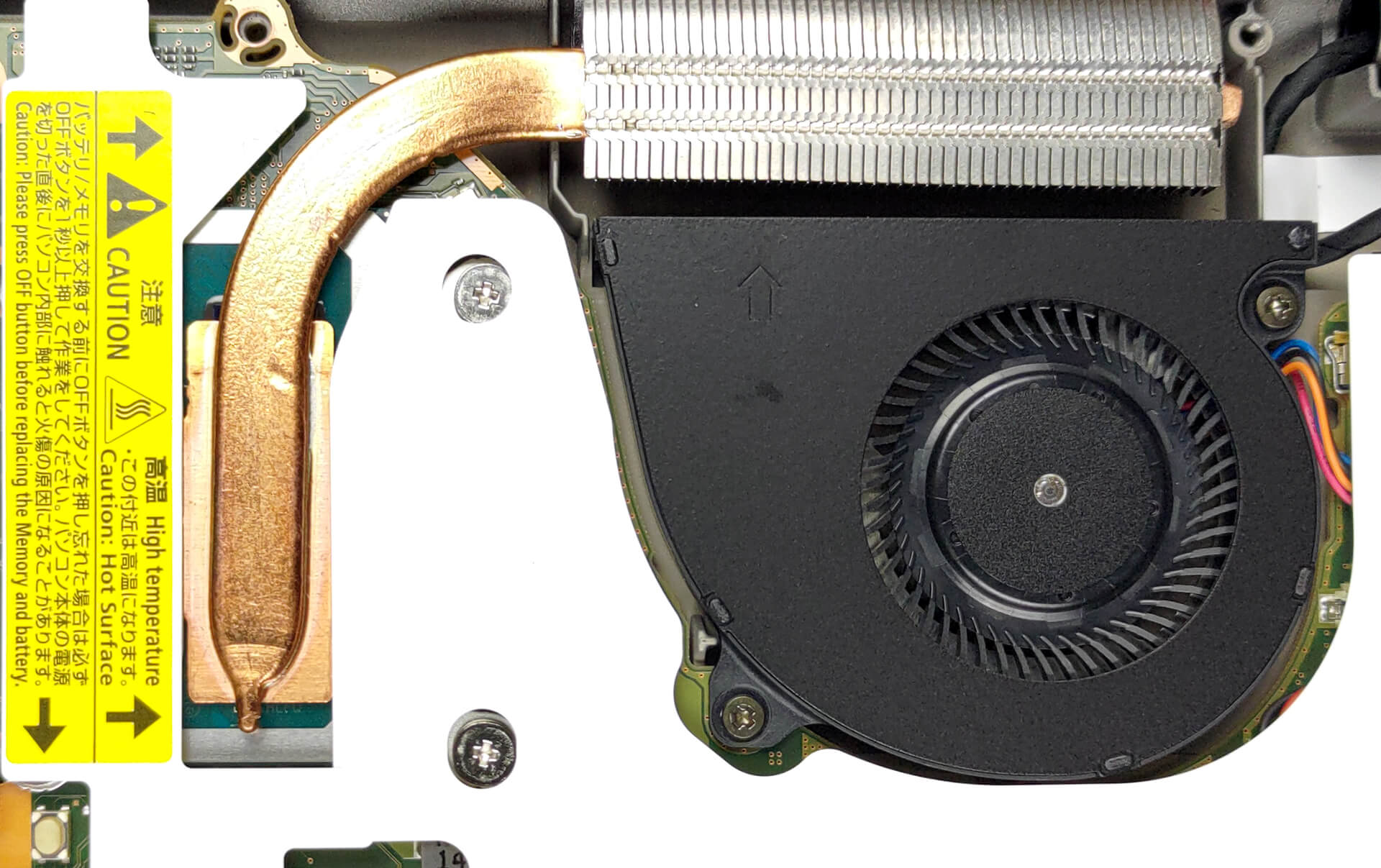
4. Cooling system
As for the cooling, there is one small heat pipe, a quite beefy heat sink, and a rather small fan.
Check out all Fujitsu LifeBook U7512 prices and configurations in our Specs System, or read more in our In-Depth review.
Fujitsu LifeBook U7512 in-depth review
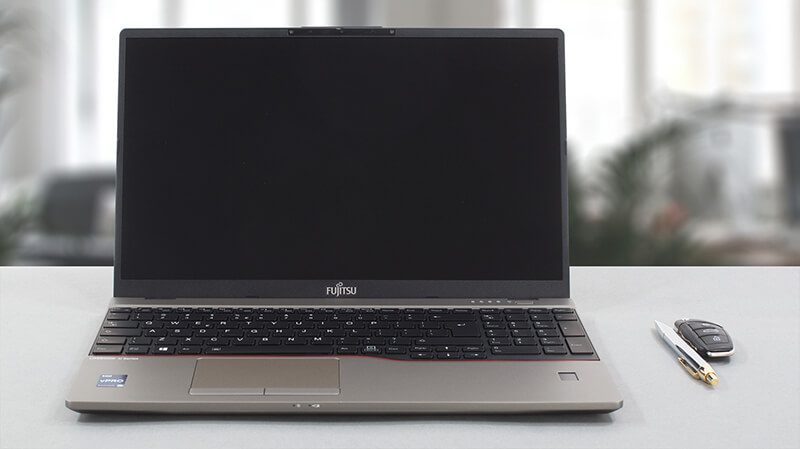
Fujitsu is one of the oldest, yet one of the least active players in the laptop market. Regardless of that, they never let us down, which makes us super excited to test the LifeBook U7512.While it looks 15 years old, this is a brand-new notebook, built around Intel's Alder Lake processors. It is interesting that Fujitsu has picked both the 15W and the 28W options for its device.It is loaded with tech, including IR face recognition, a fingerprint reader, Fujitsu's own PalmSecure sensor, and more. Actually, the whole point of this device is business, security, and privacy.Regardless[...]
Pros
- Great spill-resistant backlit keyboard
- Great battery life
- Optional IR face scanner, fingerprint reader (or PalmSecure sensor)
- Dual Thunderbolt 4 support
- Optional 5G card
- No harmful PWM (Sharp LQ156M1JW24 (SHP1534)
- 99% sRGB coverage and accurate color representation with our Gaming and Web design profile (Sharp LQ156M1JW24 (SHP1534)
- Super light and super strong magnesium chassis
- Decent performance
- Abundance of ports
- Up to 64GB of DDR4 RAM
Cons
- Dated design
- Uncomfortable touchpad buttons
 Author: Alex Iliev

![[August 2026] Best-Selling Laptop Brands on Amazon Japan – Apple Dominates Market Share and Revenue Led by Strong Unit Sales](https://laptopmedia.com/wp-content/uploads/2026/09/CO.JP-Best-Brands-1-400x225.jpg)
![[August 2026] Best-Selling Laptop Brands on Amazon USA – Apple Dominates Market Revenue and Volume Despite Lower Model Diversity](https://laptopmedia.com/wp-content/uploads/2026/09/COM-Best-Brands-1-400x225.jpg)
![[August 2026] Amazon Germany: Top 8 Best-Selling Gaming Laptops – Acer Dominates the Market as the Premium Nitro V 17 AI Takes the #1 Spot](https://laptopmedia.com/wp-content/uploads/2026/09/Best-Selling-Gaming-Laptops-DE-Top-10-1-400x225.jpg)
![[August 2026] Best-Selling Laptop Brands on Amazon France – Apple Dominates Revenue Despite Lenovo and HP Leading in Catalog Breadth and Volume](https://laptopmedia.com/wp-content/uploads/2026/09/FR-Best-Brands-1-400x225.jpg)
![[August 2026] Amazon Italy: Top 10 Best-Selling Laptops – Apple MacBook Neo Claims the Crown as Budget and Mid-Range Windows Machines Dominate Volume](https://laptopmedia.com/wp-content/uploads/2026/09/Best-Selling-Laptops-IT-Top-10-400x225.jpg)
