How to open HP EliteBook 840 G9 – disassembly and upgrade options
As a premium business notebook, the EliteBook 840 G9 offers good upgradeability. This includes a couple of memory slots, as well as a storage port.
Check out all HP EliteBook 840 G9 prices and configurations in our Specs System, or read more in our In-Depth review.
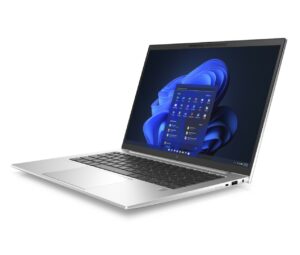
1. Remove the bottom plate
Accessing this notebook’s internals is pretty easy. You just need to undo the 5 captive Phillips-head screws. Then, pry the bottom panel using a plastic tool, starting from the back.
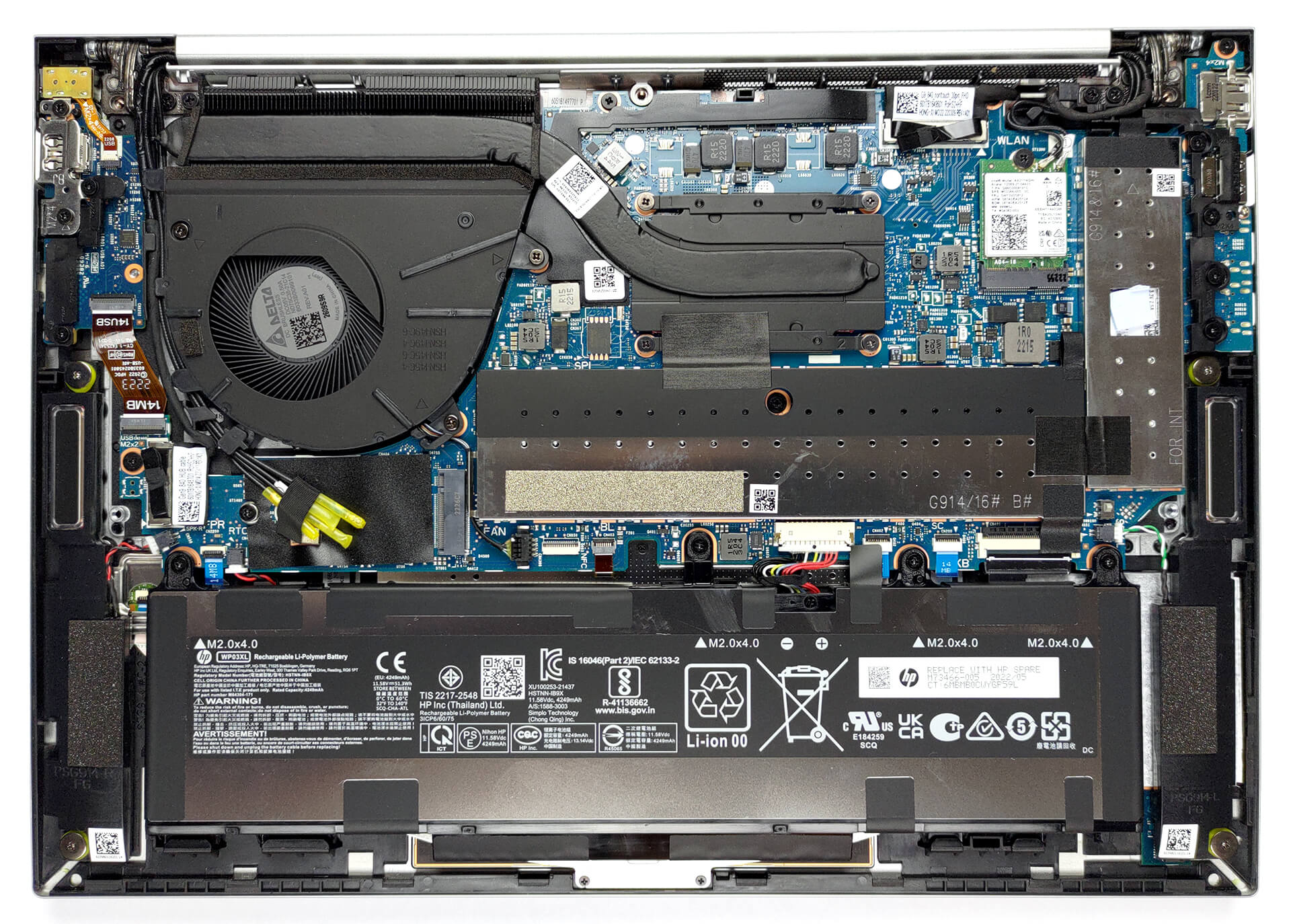
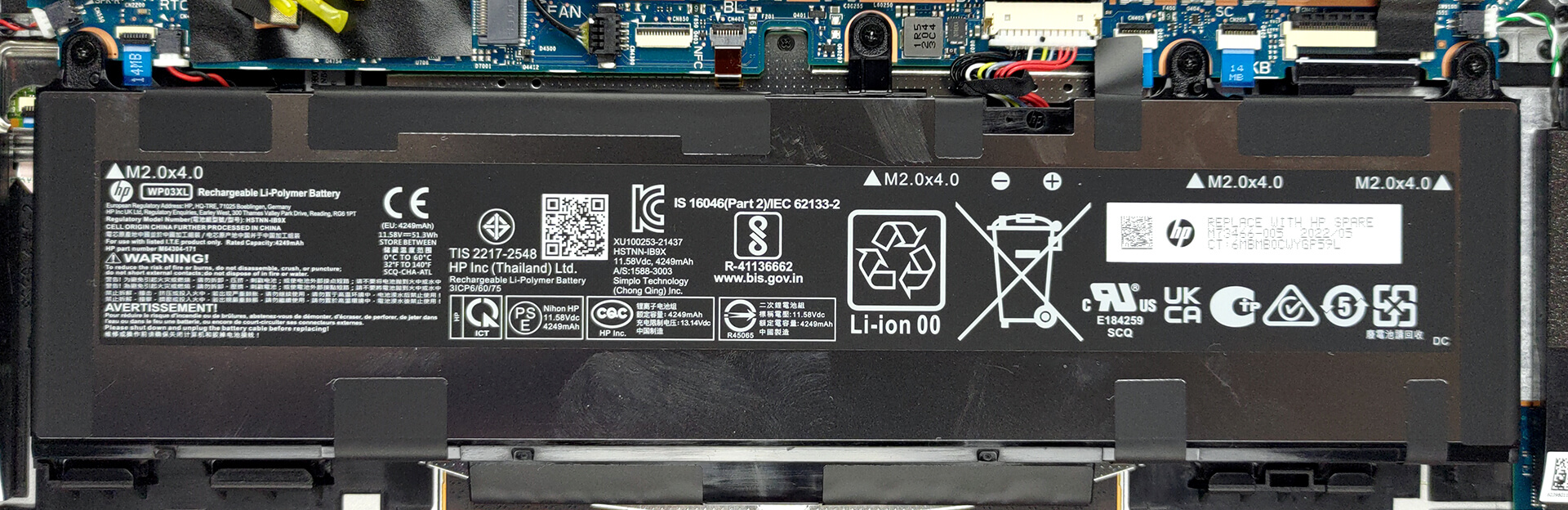
2. Remove the battery
Inside, we find a 51Wh battery pack. It lasts for 14 hours and 30 minutes of Web browsing, or nearly 12 hours of video playback. To take it out, unplug the battery connector from the motherboard, and undo the four Phillips-head screws that secure it to the chassis.
3. Upgrade memory and storage
You can upgrade the memory via two SODIMM slots, hidden beneath a metal bracket. The maximum supported amount is 64GB of DDR5 RAM, working in dual-channel mode. Storage-wise, there is one M.2 PCIe x4 slot, which supports Gen 4 SSDs.
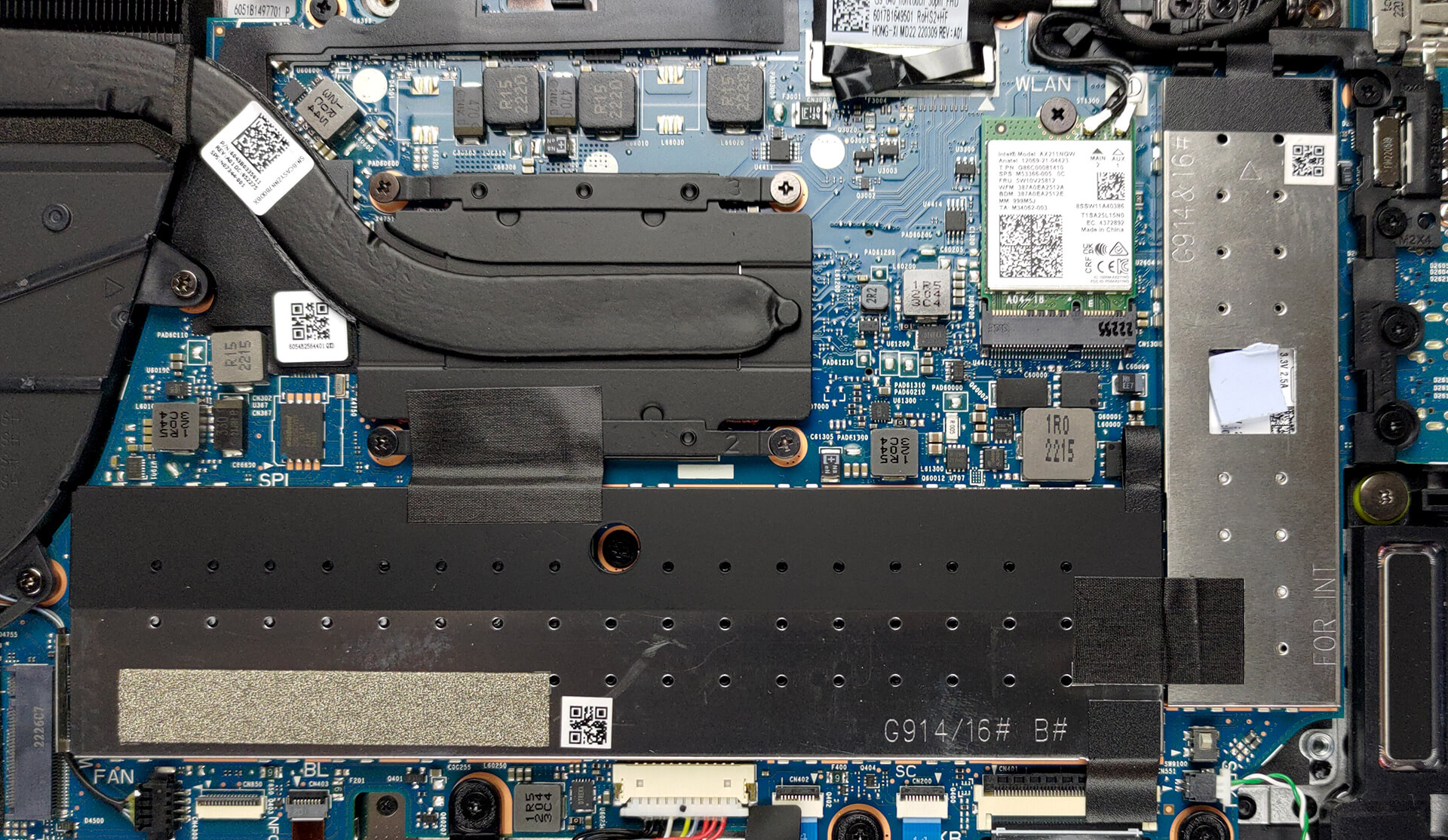
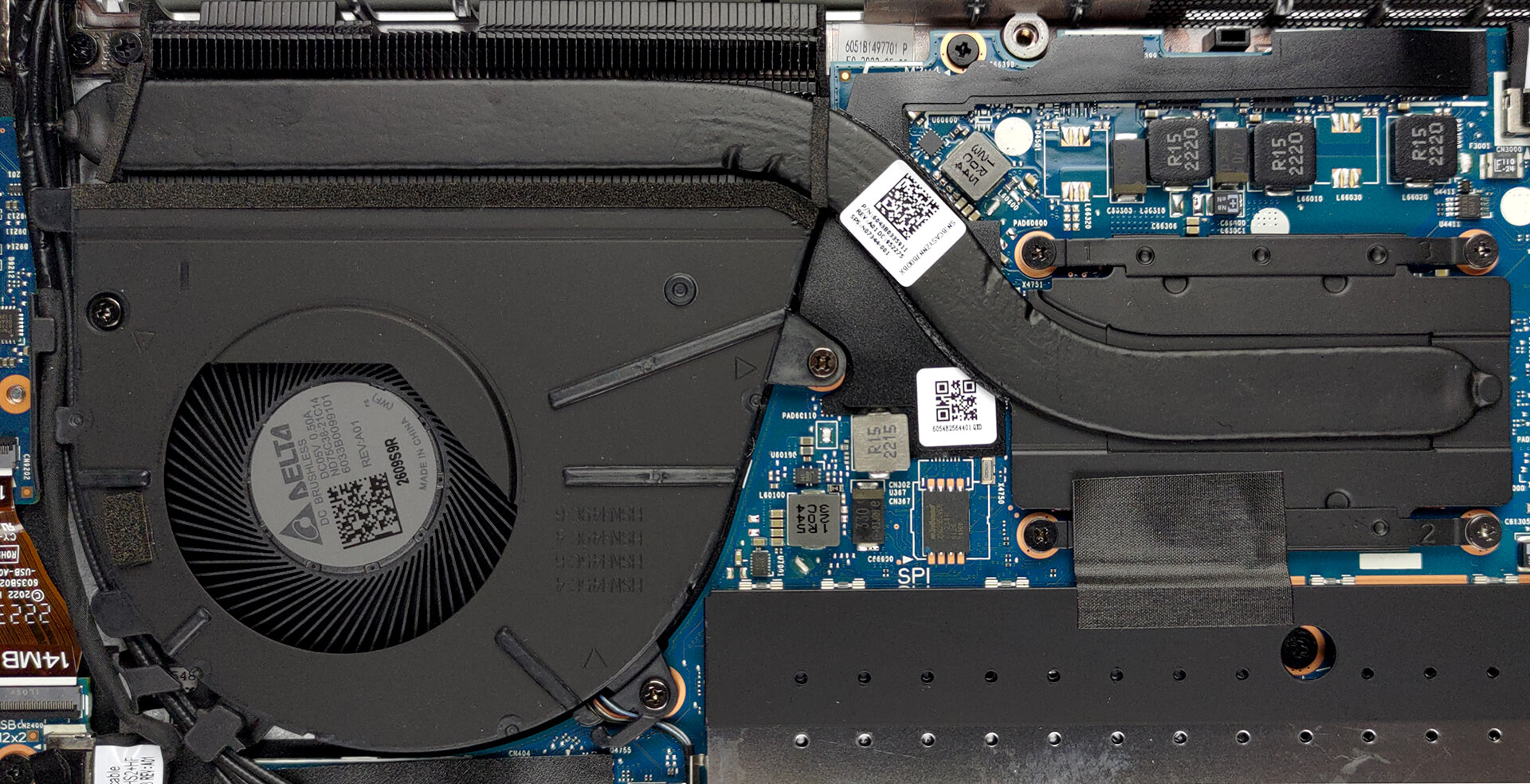
4. Cooling system
The cooling comprises one heat pipe, a heat sink, and a medium-sized fan.
Check out all HP EliteBook 840 G9 prices and configurations in our Specs System, or read more in our In-Depth review.
HP EliteBook 840 G9 in-depth review
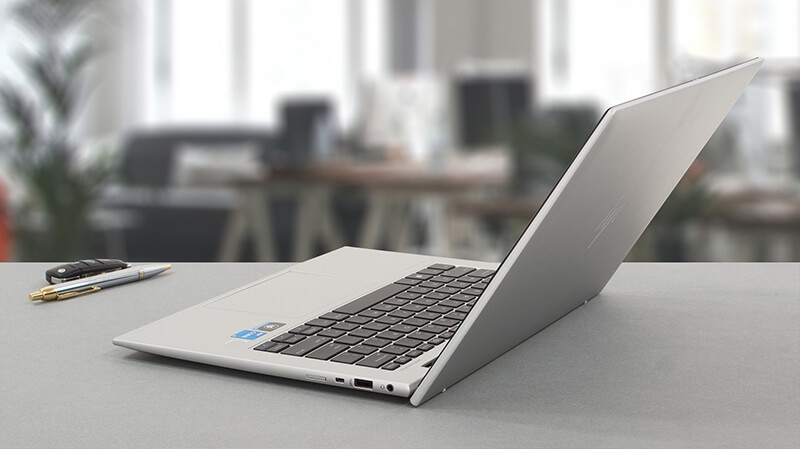
One of the more premium business offerings by HP, the EliteBook 840 G9 has to justify its rather high price tag. True business people are placed in front of a difficult choice since there is a ton of great 14-inch premium office solutions.HP aims to win you with a large roster of processors. Including devices from both the Alder Lake-U and Alder Lake-P lineups, you can get exactly what works best for you. It may be the Core i5-1235U if you need something fast on the go. And if you can take advantage of more power for your 3D projects, or large data crunches, then, pretty much anything fro[...]
Pros
- Good battery life
- PCIe x4 Gen 4 support + 64GB of DDR5 memory in dual-channel
- Two Thunderbolt 4 connectors, Wi-Fi 6, and optional 5G support
- 97% of sRGB coverage and great color accuracy with our Gaming and Web design profile (AUO AUOA49A)
- No PWM (AUO AUOA49A)
- Spill-resistant keyboard
- IR face recognition and fingerprint reader
Cons
- No SD card reader
- Crippled performance in long runs
 Author: Alex Iliev

![[June 2026] Best-Selling Laptop Brands on Amazon Global – Apple’s Unrivaled Dominance in Units and Revenue](https://laptopmedia.com/wp-content/uploads/2026/07/GLOBAL-Best-Brands-400x225.jpg)
![[June 2026] Amazon Global: Top 10 Best-Selling Laptops – Apple’s New MacBook Neo Storms to #1, Reshaping the Market with Affordability](https://laptopmedia.com/wp-content/uploads/2026/07/Best-Selling-Laptops-GLOBAL-Top-10-400x225.jpg)
![[June 2026] Amazon Global: Top 10 Best-Selling Gaming Laptops – Acer’s Nitro V 16S AI Dominates Sales, While ASUS Leads Overall Revenue](https://laptopmedia.com/wp-content/uploads/2026/07/Best-Selling-Gaming-Laptops-GLOBAL-Top-10-400x225.jpg)
![[June 2026] Global Ranking of Best-Selling Laptop GPUs on Amazon – NVIDIA RTX 5060 is the Top-Selling Dedicated GPU](https://laptopmedia.com/wp-content/uploads/2026/07/Best-Selling-GPUs-GLOBAL-Top-10-400x225.jpg)
![[June 2026] Global Ranking of Best-Selling Laptop CPUs on Amazon – Apple M5 Dominates, AMD Ryzen 7 260 Gets Solid Premium Share](https://laptopmedia.com/wp-content/uploads/2026/07/Best-Selling-CPUs-GLOBAL-Top-10-400x225.jpg)
