Inside Acer Aspire F 15 (F5-573G) – disassembly, internal photos and upgrade optionss
The next device we are going to take a deep look at is the refreshed Acer Aspire F 15 (F5-573G). This mid-ranger has tons of cool features and powerful hardware to offer but what about maintenance? What about upgrade options? We find out in this article.
You can find some of the available configurations here: http://amzn.to/2ic1YOH
1. Service lid
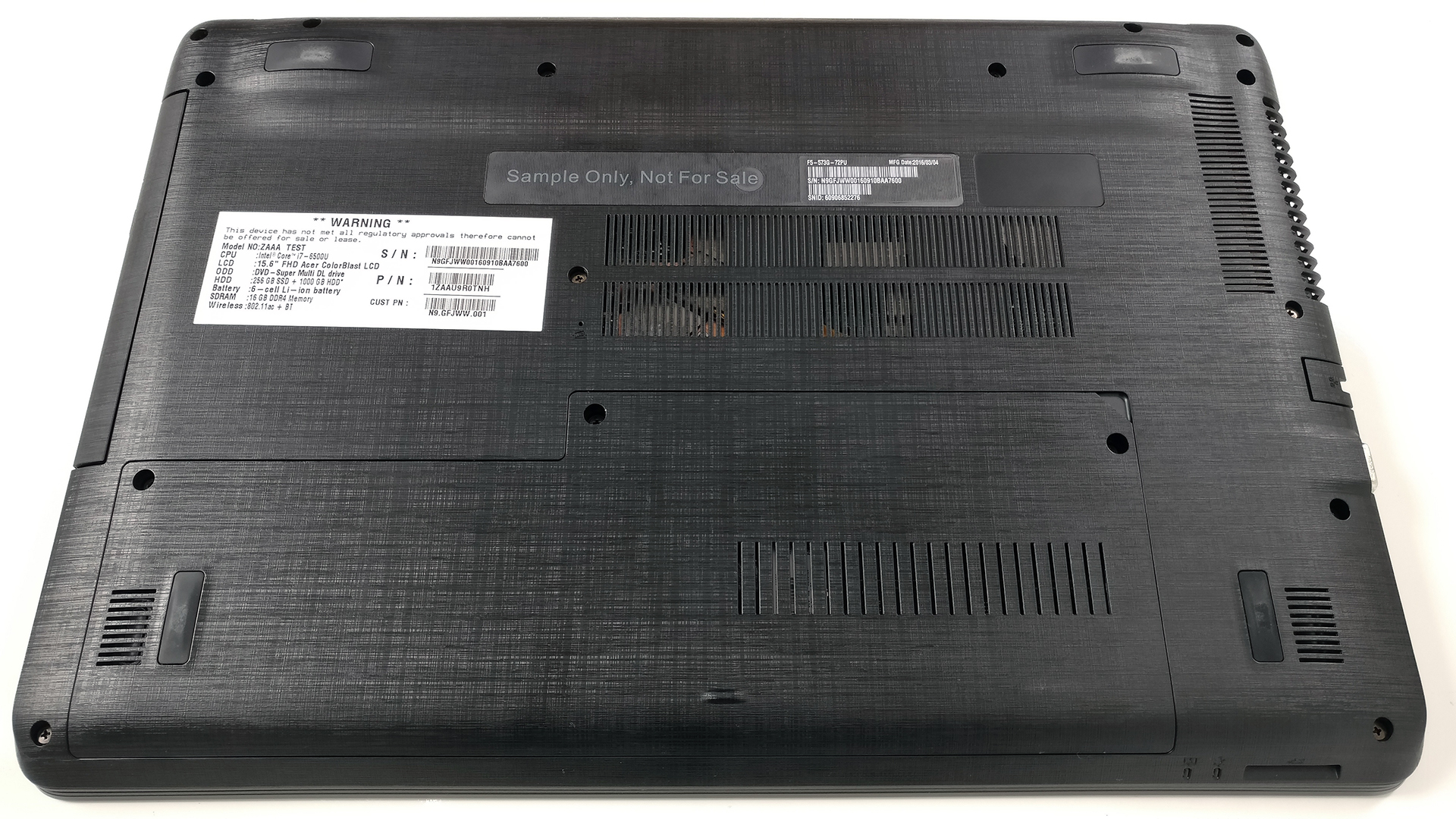
There’s one service lid that offers easy access to the storage and RAM. So if you need to upgrade, you’ll probably do it yourself since it’s really easy.
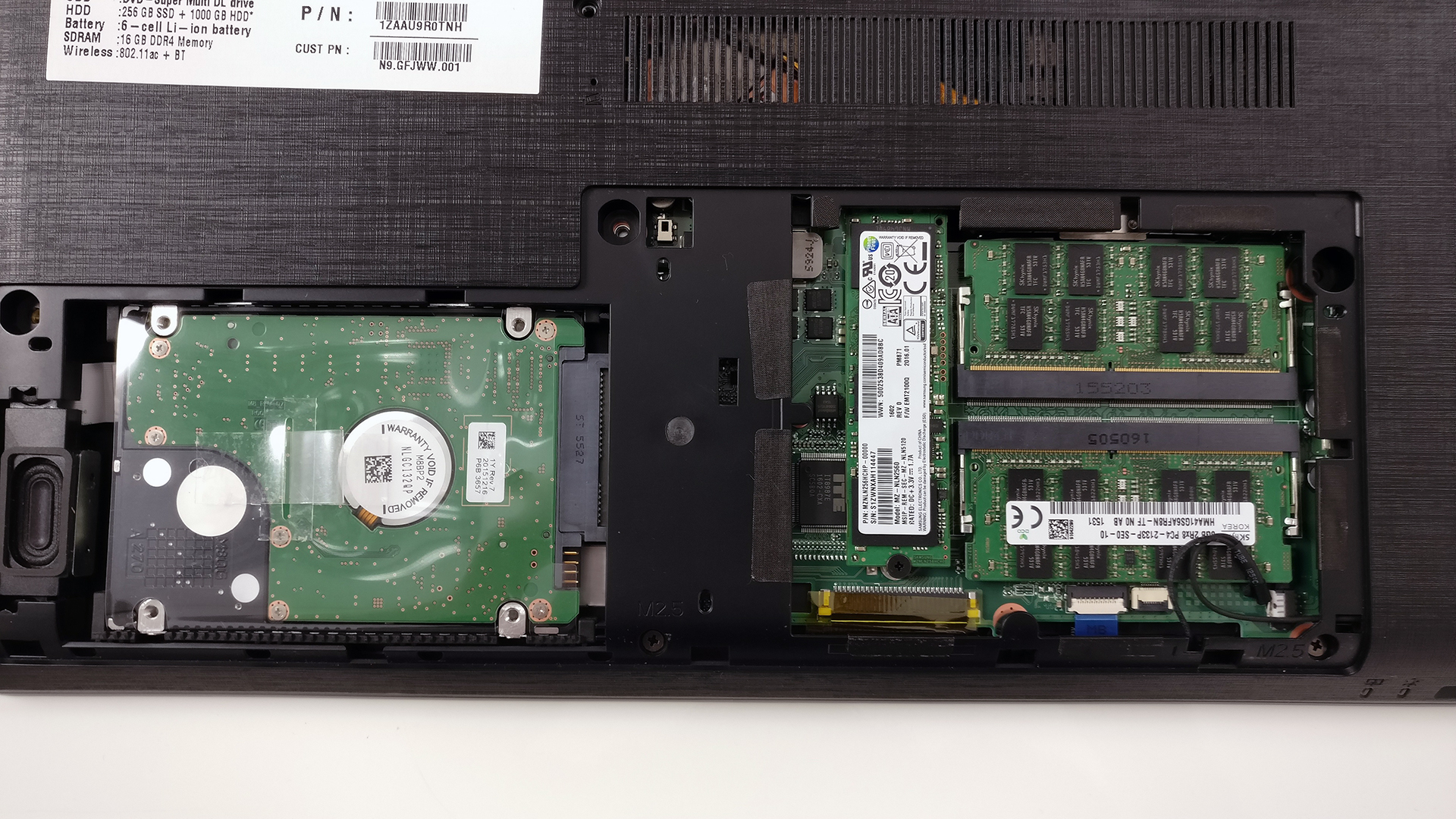
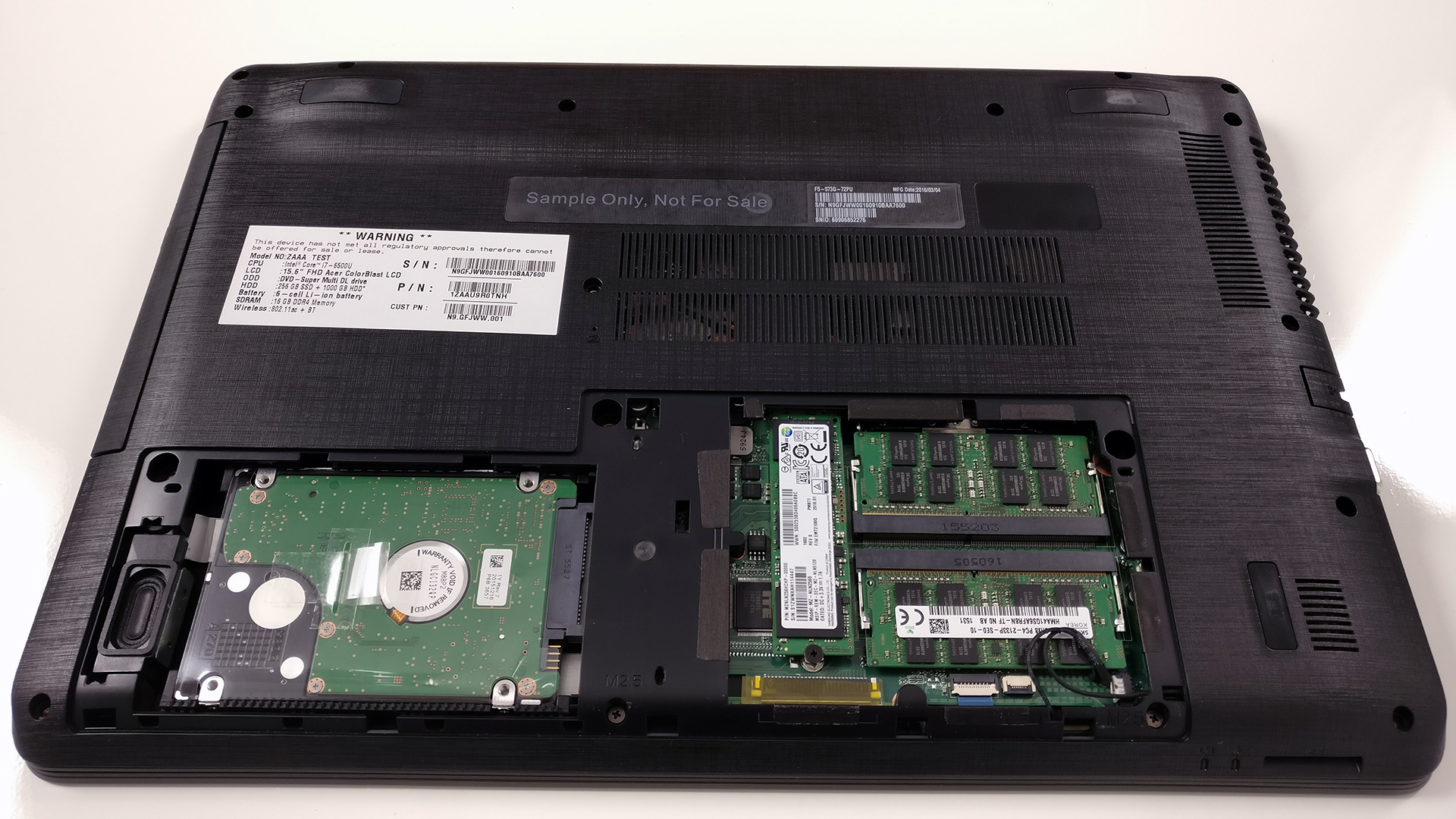
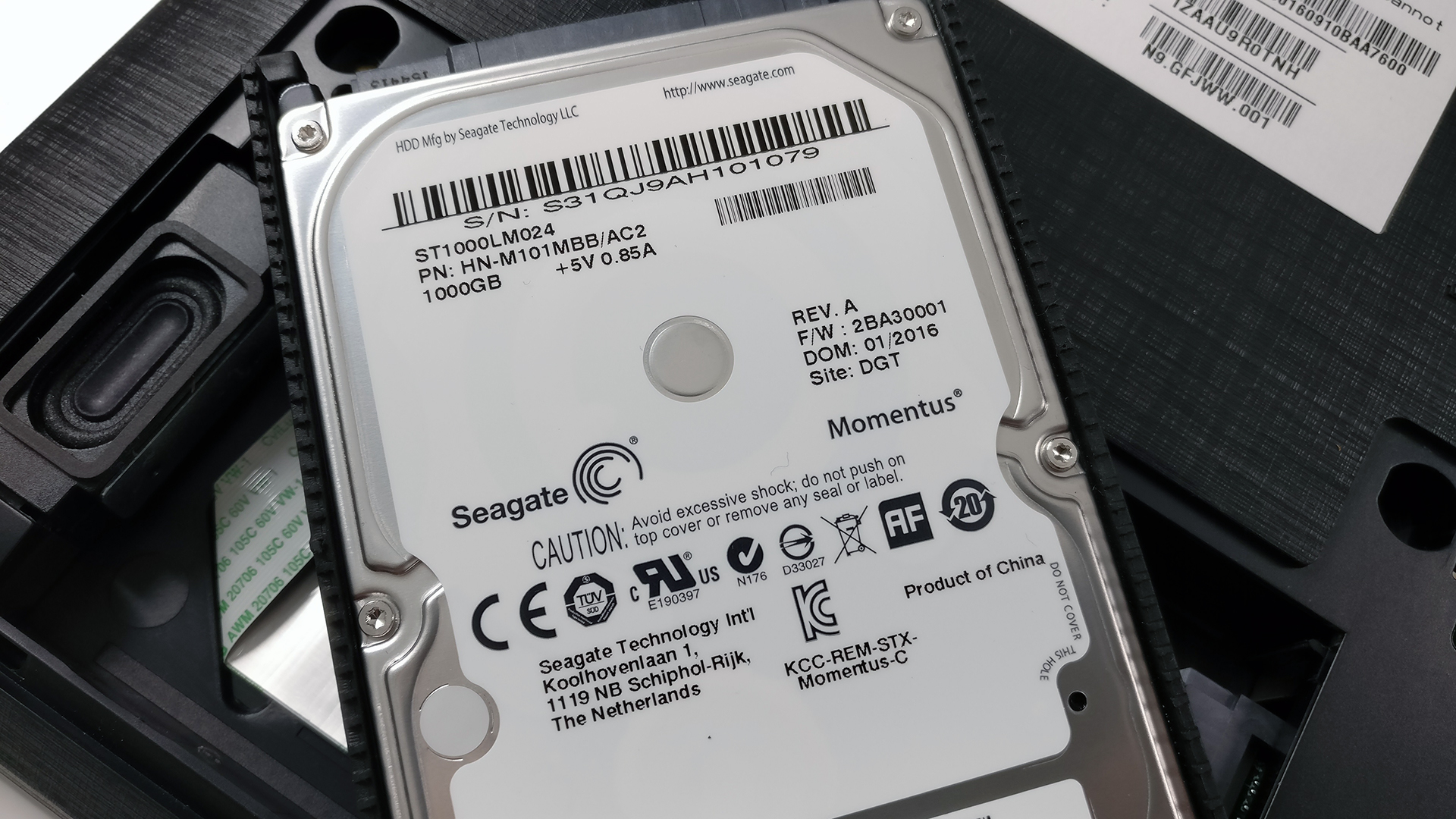
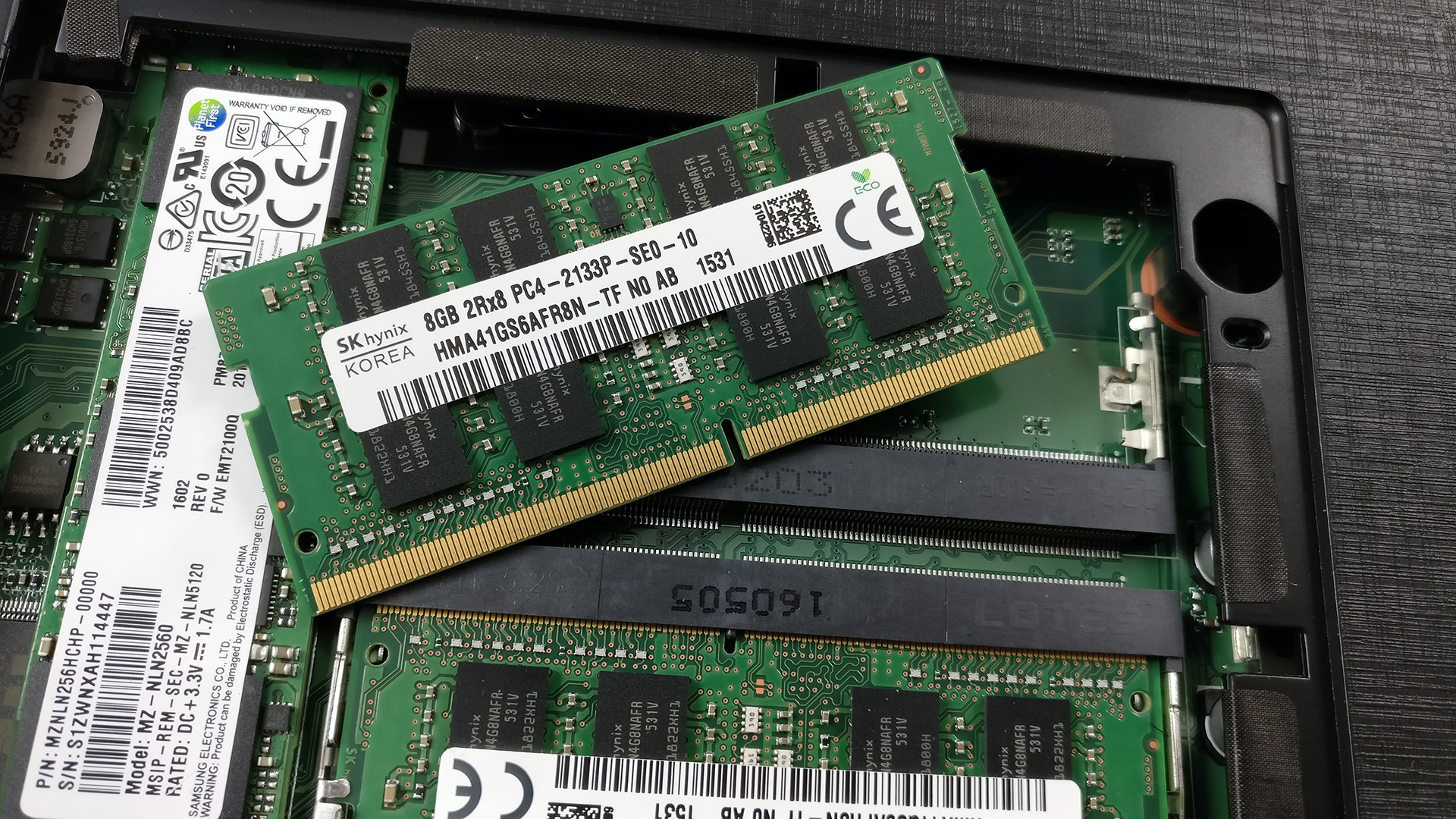
As you can see, the notebook offers a 2.5-inch HDD, which in our case is Seagate 1TB and an M.2 SATA SSD manufactured by Samsung with model number PM871 (the connector supports 2280 drives with B & M or M key connectors). That’s a really big deal because the previous generation didn’t have that option.

The RAM slots are two and support DDR4-2133 sticks. In our case, they are both occupied by two SK Hynix 8GB DDR4-2133 chips.
2. Removing the bottom piece
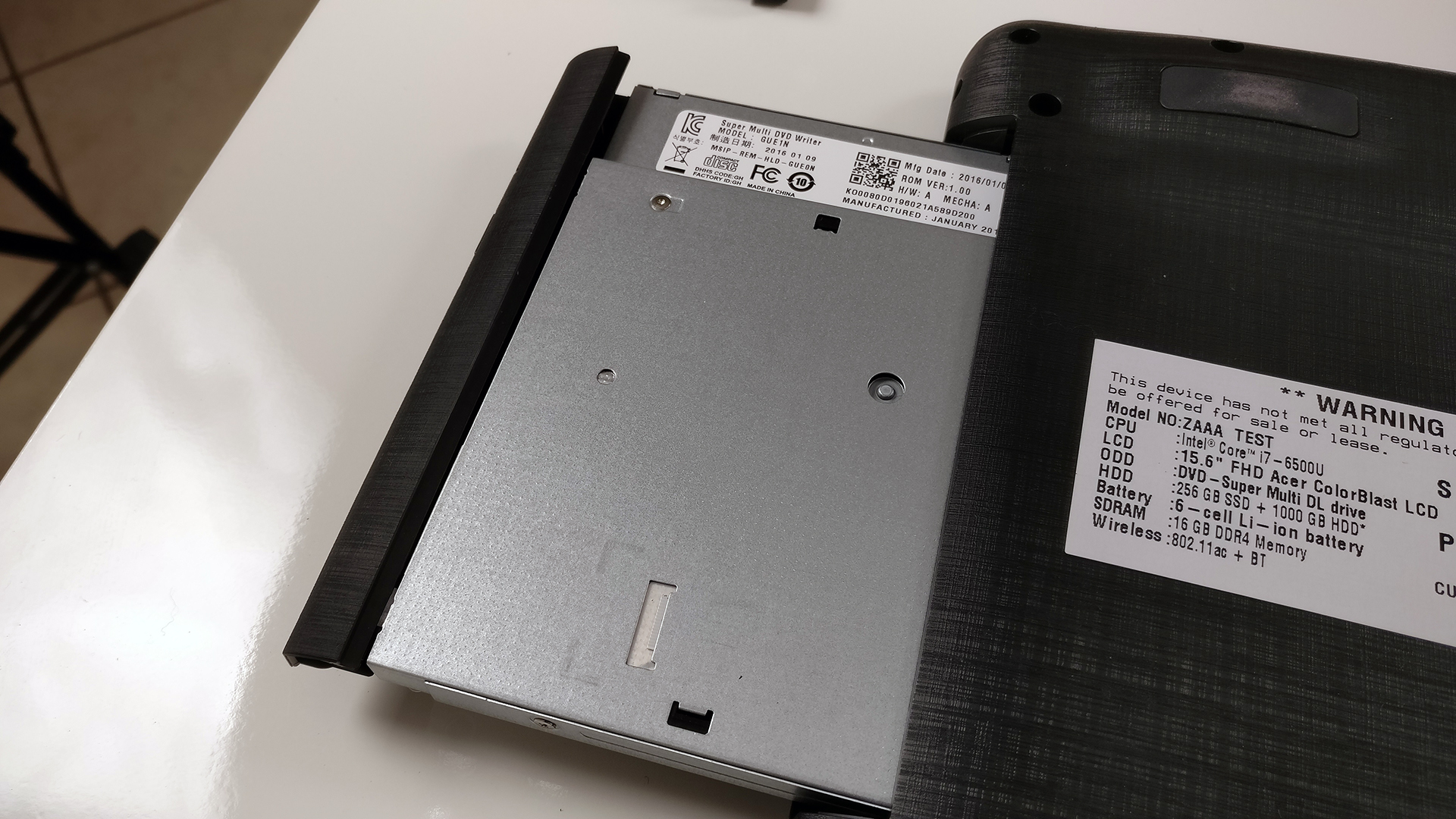
If you wish to proceed for whatever reason, you will have to remove the optical drive along with the screws under it and all other bolts surrounding the chassis. Then, the bottom can be easily pried up.
3. Battery and Wi-Fi card
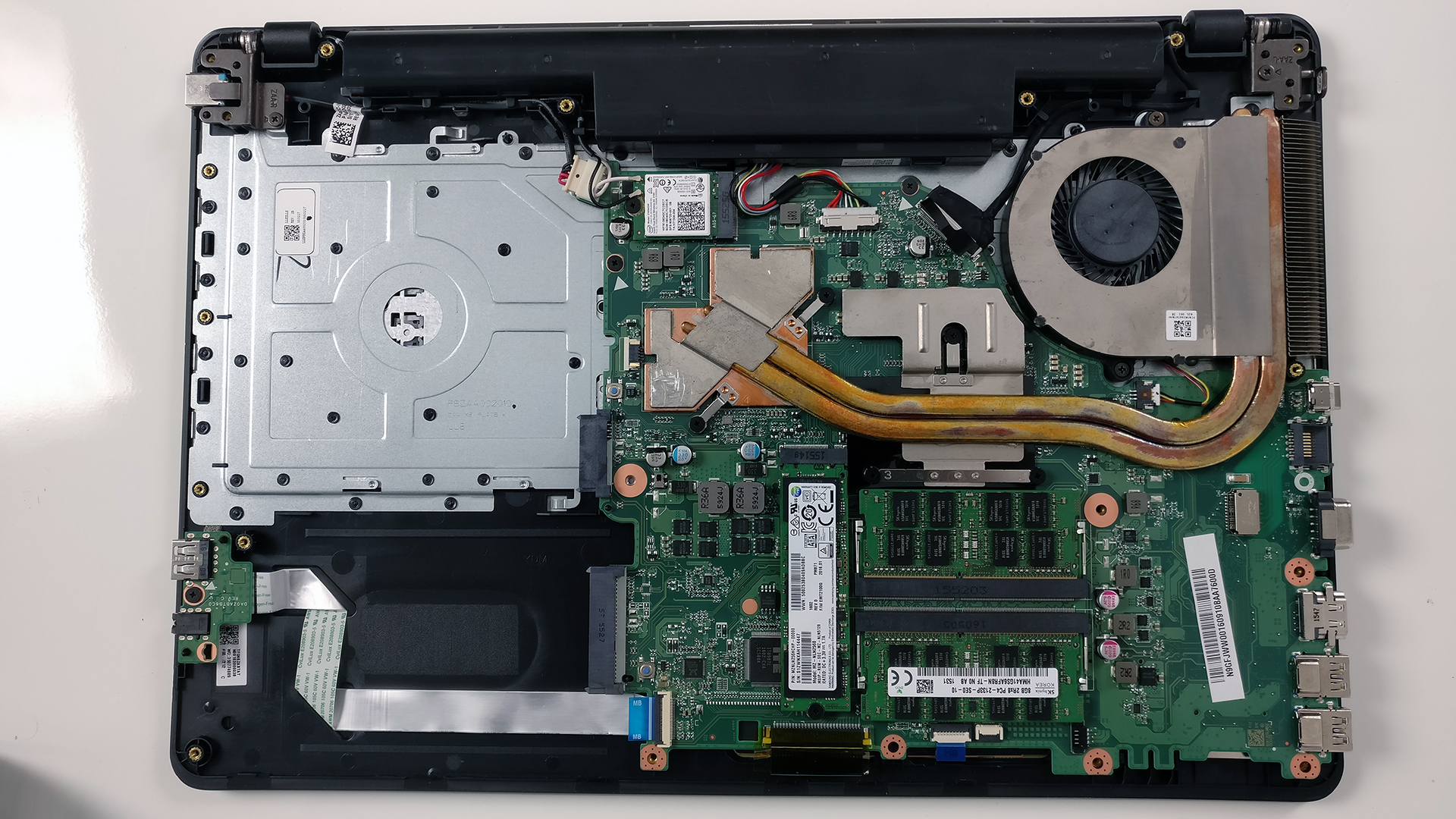
By removing the bottom cover, you will have access to the battery, which is rated at 62Wh and…
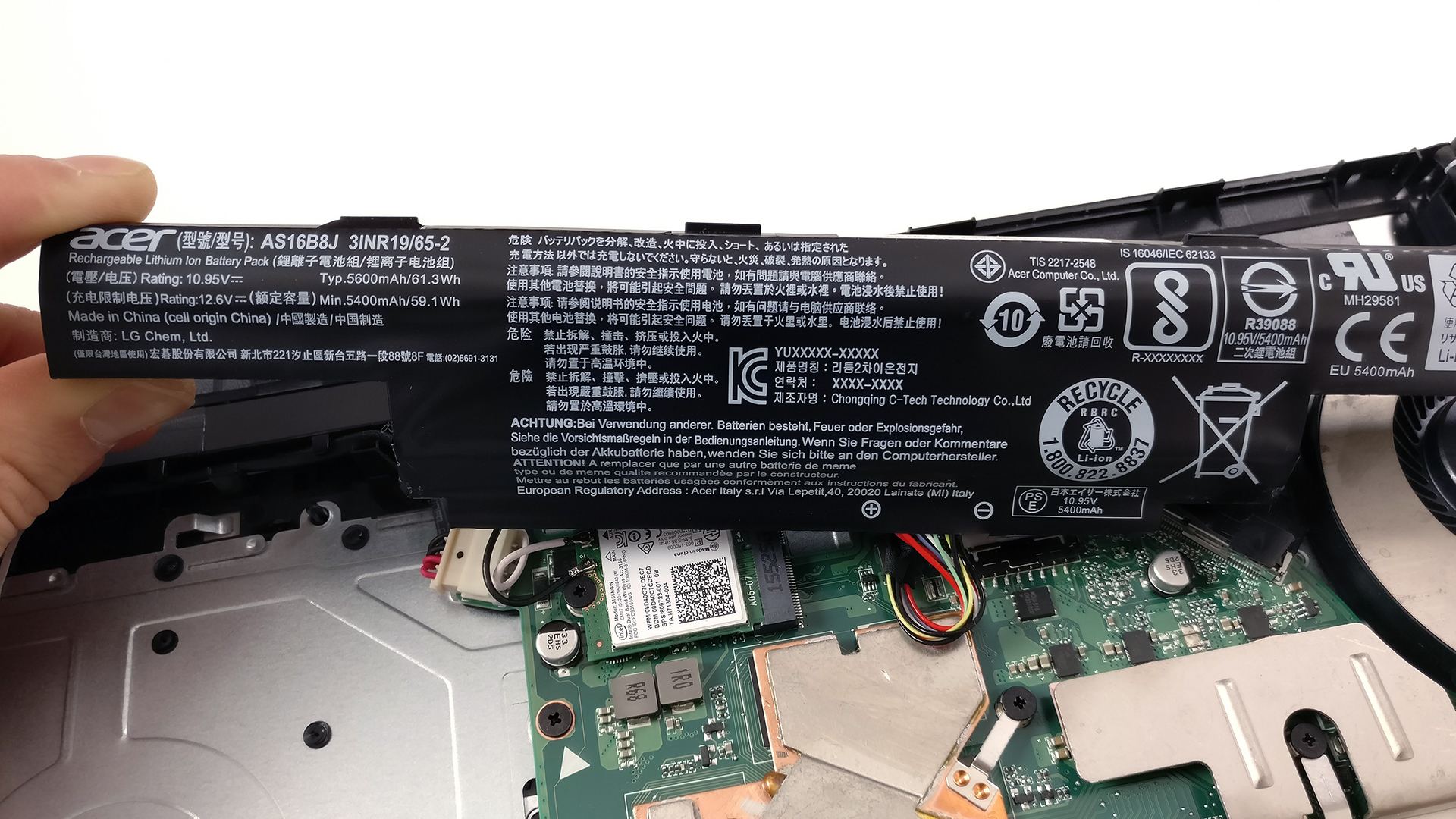
… the Wi-Fi card from Intel with model number 3165NGW.

4. Cooling system
The cooling system is quite simple but gets the job done. You can see the two copper heat pipes connecting the main heat sink for both chips – the CPU and GPU – and the cooling fan.
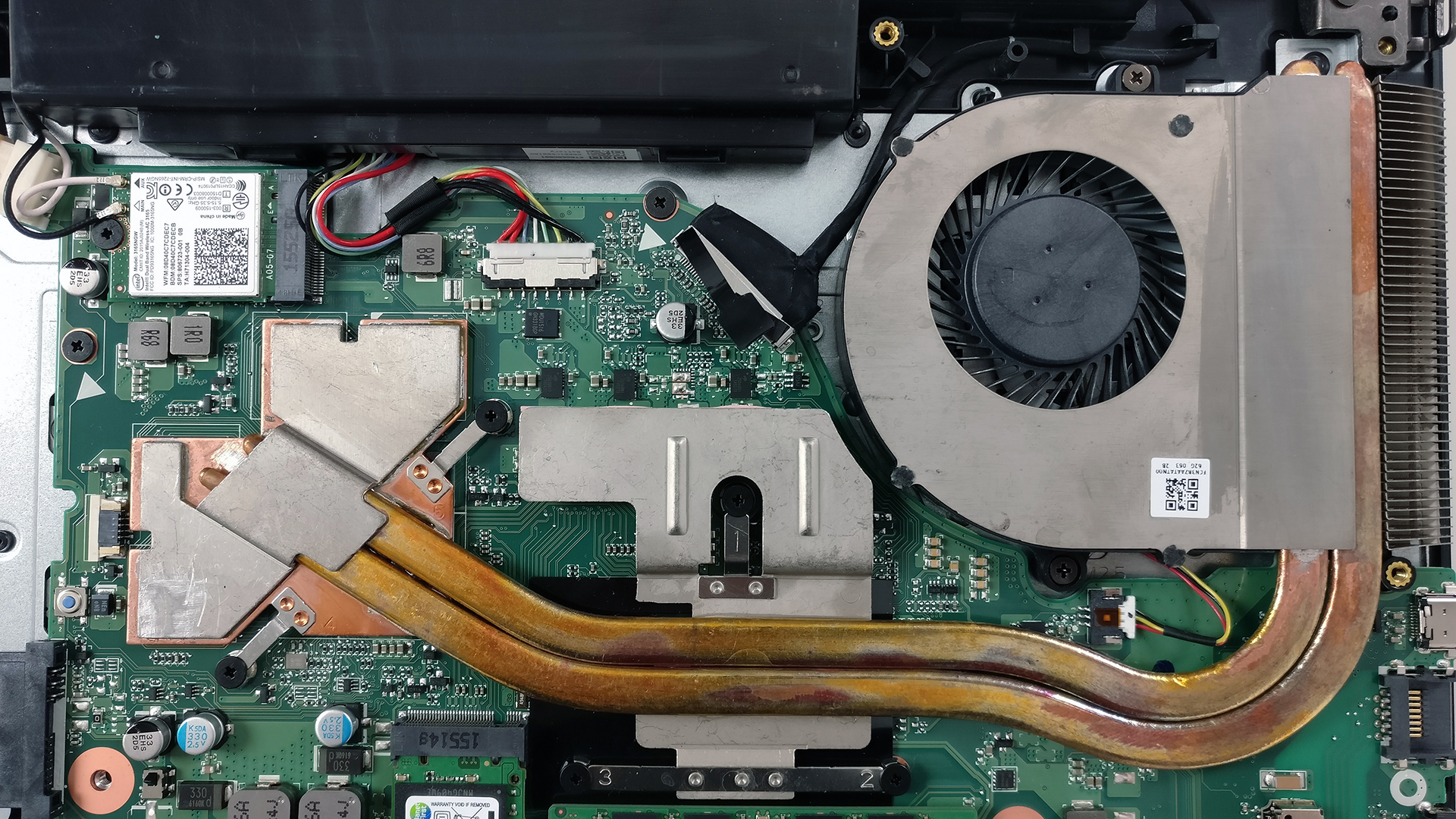
You can find some of the available configurations here: http://amzn.to/2ic1YOH
 Author: Rossen Pandev

![[June 2026] Best-Selling Laptop Brands on Amazon Global – Apple’s Unrivaled Dominance in Units and Revenue](https://laptopmedia.com/wp-content/uploads/2026/07/GLOBAL-Best-Brands-400x225.jpg)
![[June 2026] Amazon Global: Top 10 Best-Selling Laptops – Apple’s New MacBook Neo Storms to #1, Reshaping the Market with Affordability](https://laptopmedia.com/wp-content/uploads/2026/07/Best-Selling-Laptops-GLOBAL-Top-10-400x225.jpg)
![[June 2026] Amazon Global: Top 10 Best-Selling Gaming Laptops – Acer’s Nitro V 16S AI Dominates Sales, While ASUS Leads Overall Revenue](https://laptopmedia.com/wp-content/uploads/2026/07/Best-Selling-Gaming-Laptops-GLOBAL-Top-10-400x225.jpg)
![[June 2026] Global Ranking of Best-Selling Laptop GPUs on Amazon – NVIDIA RTX 5060 is the Top-Selling Dedicated GPU](https://laptopmedia.com/wp-content/uploads/2026/07/Best-Selling-GPUs-GLOBAL-Top-10-400x225.jpg)
![[June 2026] Global Ranking of Best-Selling Laptop CPUs on Amazon – Apple M5 Dominates, AMD Ryzen 7 260 Gets Solid Premium Share](https://laptopmedia.com/wp-content/uploads/2026/07/Best-Selling-CPUs-GLOBAL-Top-10-400x225.jpg)

Having had Acer laptops over 13 years I am very interested to buy new 573G. The model sub refs available here in Qatar are 55Y5 and 54RU. I cannot find from the Acer onboard information what the panel is to check if it is the Innolux N156HGE-EAL as suitable for your available Display Profiles. Can anyone advise if the panel used in the reference models I give are the same Innolux.
in some Acer there is statement as to be generic and LG0505
any help on this appreciated
Could I change the F5 CPU or GPU?
Could be possible if you lucky and got some special tools, but its too torublesome to resolder the pins, as its soldered down on motherboard reather than in some socket, so basicaly its a BIG NO for that – the cheapest and best option is to buy whole new laptop or scavenge the whole motherboard wich would fit the one you use, and got all the best of the line of manufacture GPU and CPU.
can i upgtade the m2 sata to nvme like samsung 960 evo?
No problem. I have in my acer F5-573G NVMe SSD samsung PM961 256GB.
where is the cmos?