Inside Acer Predator Triton 300 (PT315-51) – disassembly and upgrade options
The Predator Triton 300 is the new boy in the Predator line-up of Gaming notebooks of Acer. Let’s see how does it look on the inside, and give you a quick run-through of its components.
Check out all Acer Predator Triton 300 (PT315-51) prices and configurations in our Specs System or read more in our In-Depth review.
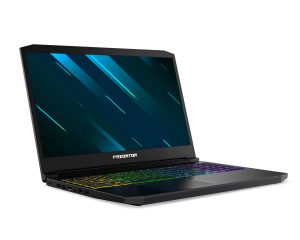
1. Remove the bottom plate
What do you need to remove the bottom panel? Just unscrew the 11 Phillips-head screws and pop it open with a plastic tool.

2. Battery
For your own safety and that of the machine, remove the battery connector before you proceed with upgrading your machine. The unit itself is a 58.75Wh one and can be removed by unscrewing two screws.
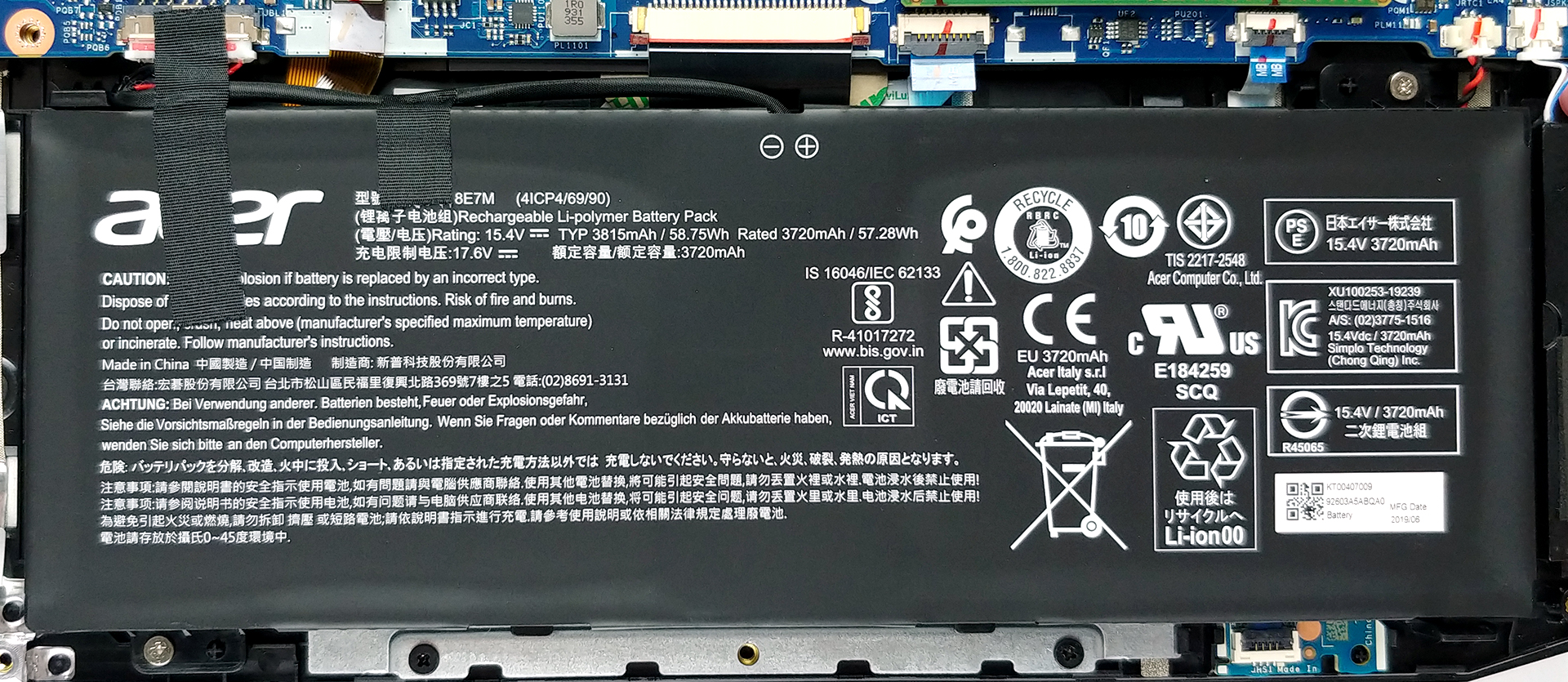
3. Memory and storage
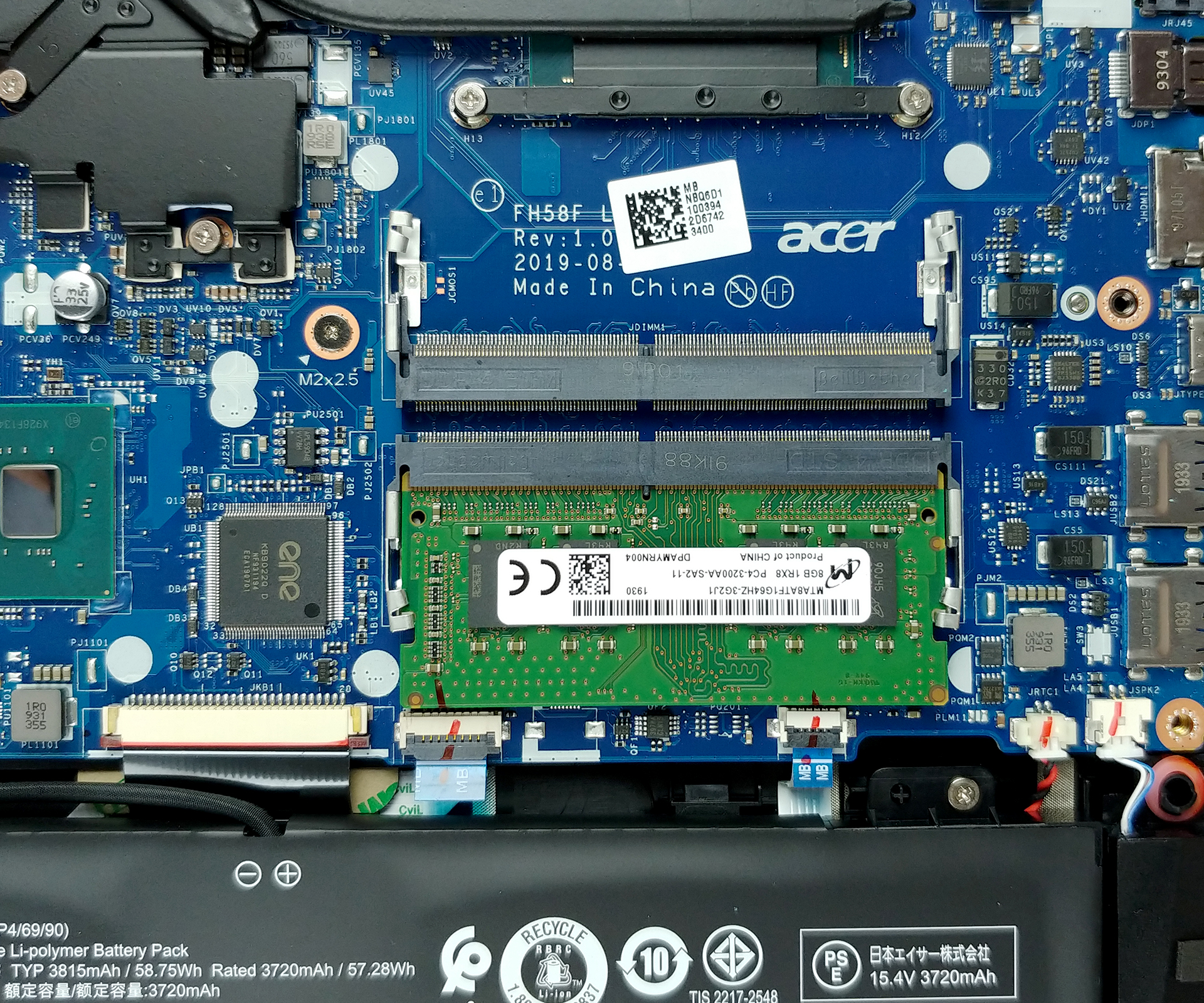
In terms of upgradability, we are looking at another champ here. It can be upgraded with up to 32GB of DDR4 memory via two RAM DIMMs, while the storage department features a 2.5″ SATA drive, as well as two M.2 slots. For now, there is no information about RAID 0 support.

4. Cooling system
As far as the cooling is concerned, it pretty much copies those of the Helios 300 (PH315-54) and the Nitro 5 (AN515-54). It features three heat pipes – two are cooling both the CPU and the GPU, while the third is only attached to the graphics card. What is interesting here is that the second fan is actually coming from the 4th Generation AeroBlade 3D technology and is made out of metal.

Check out all Acer Predator Triton 300 (PT315-51) prices and configurations in our Specs System or read more in our In-Depth review.
 Author: Alex Iliev

![[August 2026] Best-Selling Laptop Brands on Amazon Japan – Apple Dominates Market Share and Revenue Led by Strong Unit Sales](https://laptopmedia.com/wp-content/uploads/2026/09/CO.JP-Best-Brands-1-400x225.jpg)
![[August 2026] Best-Selling Laptop Brands on Amazon USA – Apple Dominates Market Revenue and Volume Despite Lower Model Diversity](https://laptopmedia.com/wp-content/uploads/2026/09/COM-Best-Brands-1-400x225.jpg)
![[August 2026] Amazon Germany: Top 8 Best-Selling Gaming Laptops – Acer Dominates the Market as the Premium Nitro V 17 AI Takes the #1 Spot](https://laptopmedia.com/wp-content/uploads/2026/09/Best-Selling-Gaming-Laptops-DE-Top-10-1-400x225.jpg)
![[August 2026] Best-Selling Laptop Brands on Amazon France – Apple Dominates Revenue Despite Lenovo and HP Leading in Catalog Breadth and Volume](https://laptopmedia.com/wp-content/uploads/2026/09/FR-Best-Brands-1-400x225.jpg)
![[August 2026] Amazon Italy: Top 10 Best-Selling Laptops – Apple MacBook Neo Claims the Crown as Budget and Mid-Range Windows Machines Dominate Volume](https://laptopmedia.com/wp-content/uploads/2026/09/Best-Selling-Laptops-IT-Top-10-400x225.jpg)

Can i put 2 SSDs instead of the hard drive?
Is the 2 ram slots dual channeled? can I add 2 rams to get the complete use of both the rams?
yes its dual channel and yes you can add and can use at their full potential
What is the maximum capacity supported in the M.2 ssd?
What’s the maximum capacity supported in the hdd/ssd 2.5″ bay?