Inside ASUS ZenBook 14 UX425 – disassembly and upgrade options
Perhaps to no surprise, the upgrade options for this notebook are extremely limited. On the bright side, there are still some surprises.
Check out all ASUS ZenBook 14 UX425 prices and configurations in our Specs System or read more in our In-Depth review.
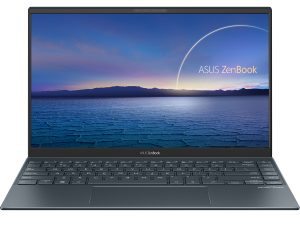
1. Remove the bottom plate
In the same fashion as its 13-inch sibling, this notebook requires the removal of its bottom panel in order to access the internals. Thankfully, this is not difficult at all, and you have to undo 5 Torx-head screws plus two hidden beneath the back rubber feet. After that, pry your way around the laptop with a plastic tool and lift the panel away.
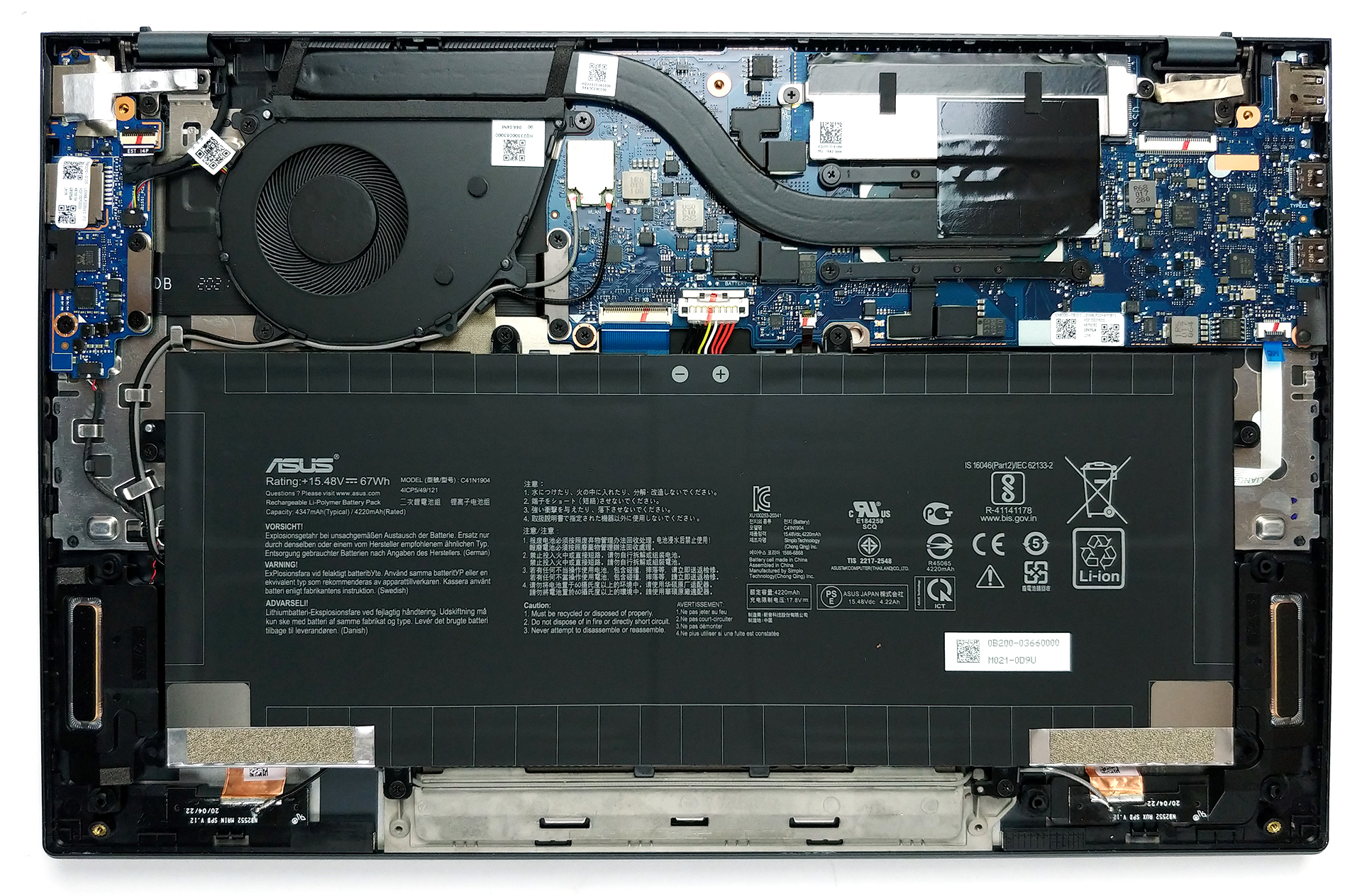
2. Battery
First, there is the battery, which has a formidable capacity of 67Wh.

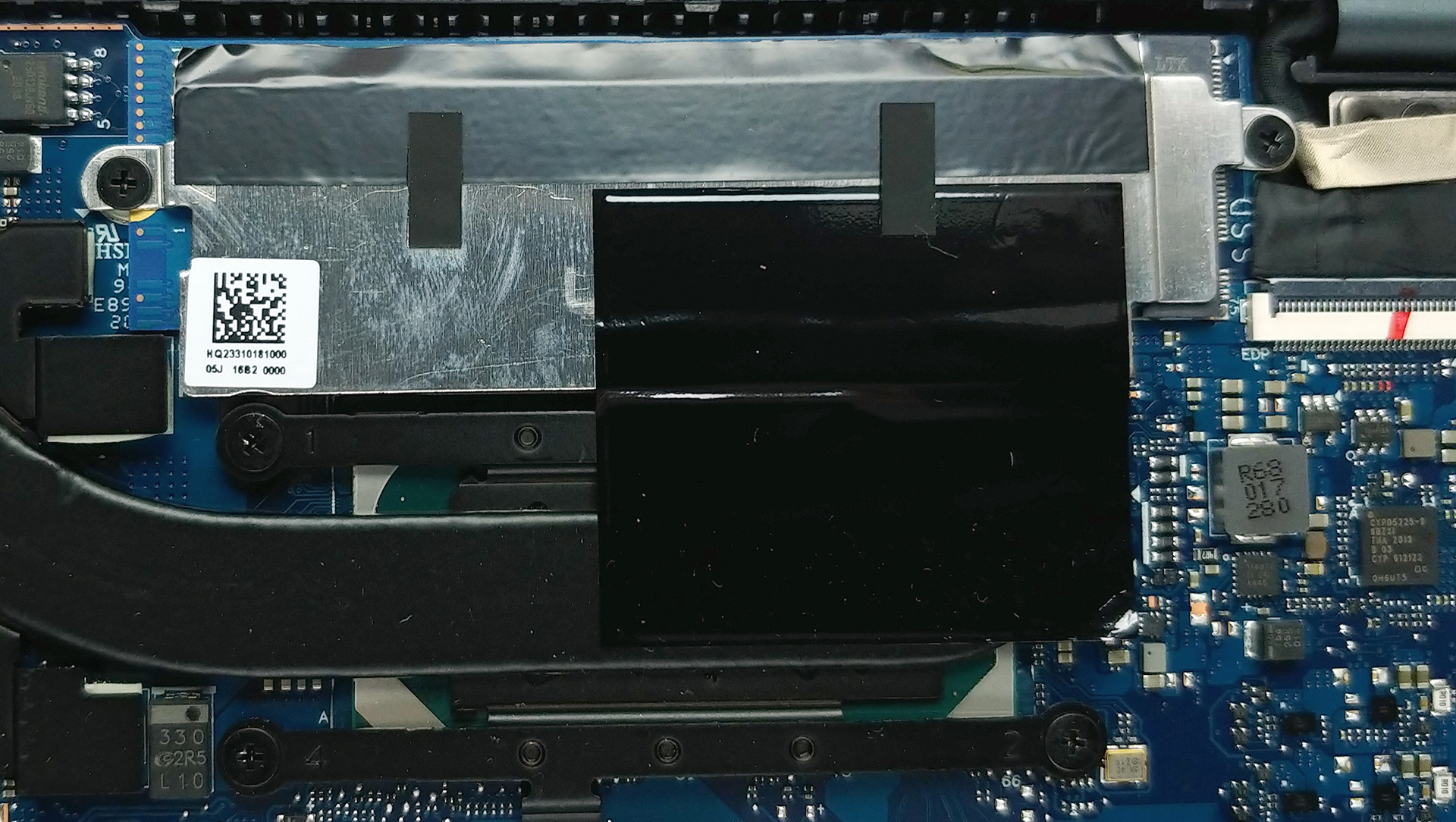
3. Memory and storage
Again, the memory on this device is soldered, meaning no upgrades possible. However, you can configure your notebook with up to 32GB of LPDDR4X memory upon purchase. Additionally, you can pick up to 2TB of PCIe x4 M.2 SSD, and you can always change it via the M.2 slot present just above the processor.
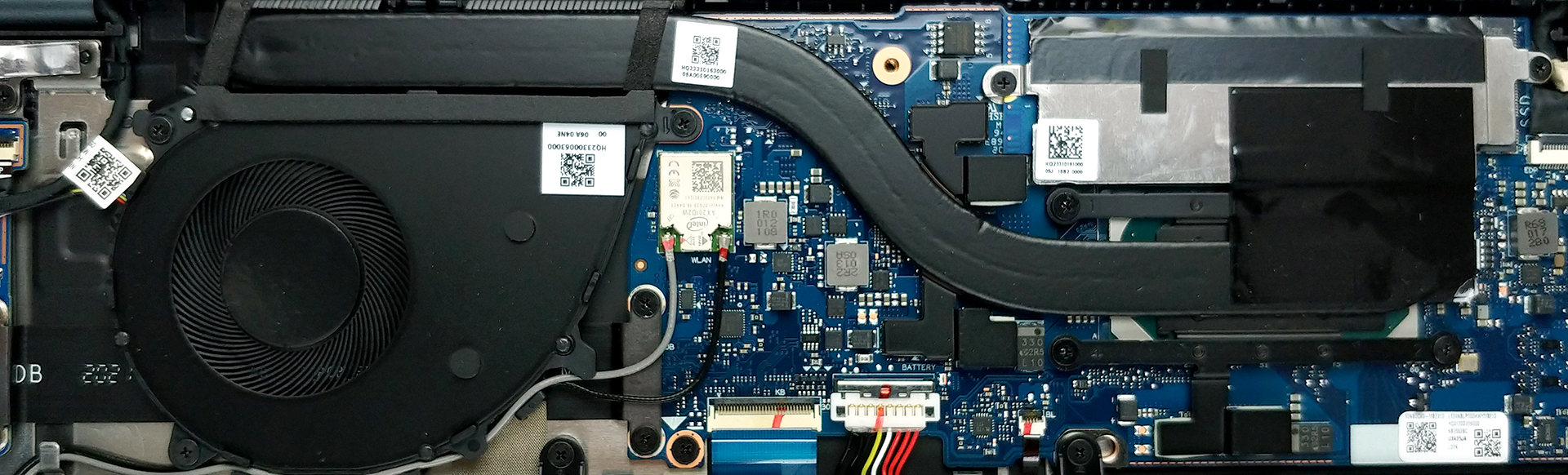
4. Cooling system
At first glance, the cooling solution is nothing spectacular. It employs a single heat pipe, as well as a fan, whose profile is extremely thin.
Check out all ASUS ZenBook 14 UX425 prices and configurations in our Specs System or read more in our In-Depth review.
 Author: Alex Iliev

![[August 2026] Amazon Italy: Top 10 Best-Selling Laptops – Apple MacBook Neo Claims the Crown as Budget and Mid-Range Windows Machines Dominate Volume](https://laptopmedia.com/wp-content/uploads/2026/09/Best-Selling-Laptops-IT-Top-10-400x225.jpg)
![[August 2026] Amazon Italy: Top 7 Best-Selling Gaming Laptops – ASUS V16 Claims the #1 Spot Amid Strong Mid-Range Demand](https://laptopmedia.com/wp-content/uploads/2026/09/Best-Selling-Gaming-Laptops-IT-Top-10-400x225.jpg)
![[August 2026] Best-Selling Laptop Brands on Amazon Italy – Lenovo Dominates Market Share and Revenue Leadership](https://laptopmedia.com/wp-content/uploads/2026/09/IT-Best-Brands-400x225.jpg)
![[August 2026] Amazon India: Top 10 Best-Selling Laptops – Apple MacBook Neo Dominates the Charts with Massive Sales Lead](https://laptopmedia.com/wp-content/uploads/2026/09/Best-Selling-Laptops-IN-Top-10-400x225.jpg)
![[August 2026] Amazon India: Top 10 Best-Selling Gaming Laptops – HP Victus 15 Dominates the Market with Massive Unit Lead](https://laptopmedia.com/wp-content/uploads/2026/09/Best-Selling-Gaming-Laptops-IN-Top-10-400x225.jpg)

it’s possible upgrade RAM 8GB to 16?
no, it’s soldered, so need to pick up 16gb model from store if need more ram
can we upgrade storage?
yes
How do we upgrade the storage?