Inside ASUS ZenBook UX303UB – disassembly, internal photos and upgrade options
The all-aluminum design of the ASUS ZenBook UX303UB doesn’t get in the way during upgrade and disassembly but you do need to watch out for some small details before proceeding. If not, you can get yourself a bent aluminum bottom plate.
You can find the notebook’s price and configurations here: http://amzn.to/2a5d1oR
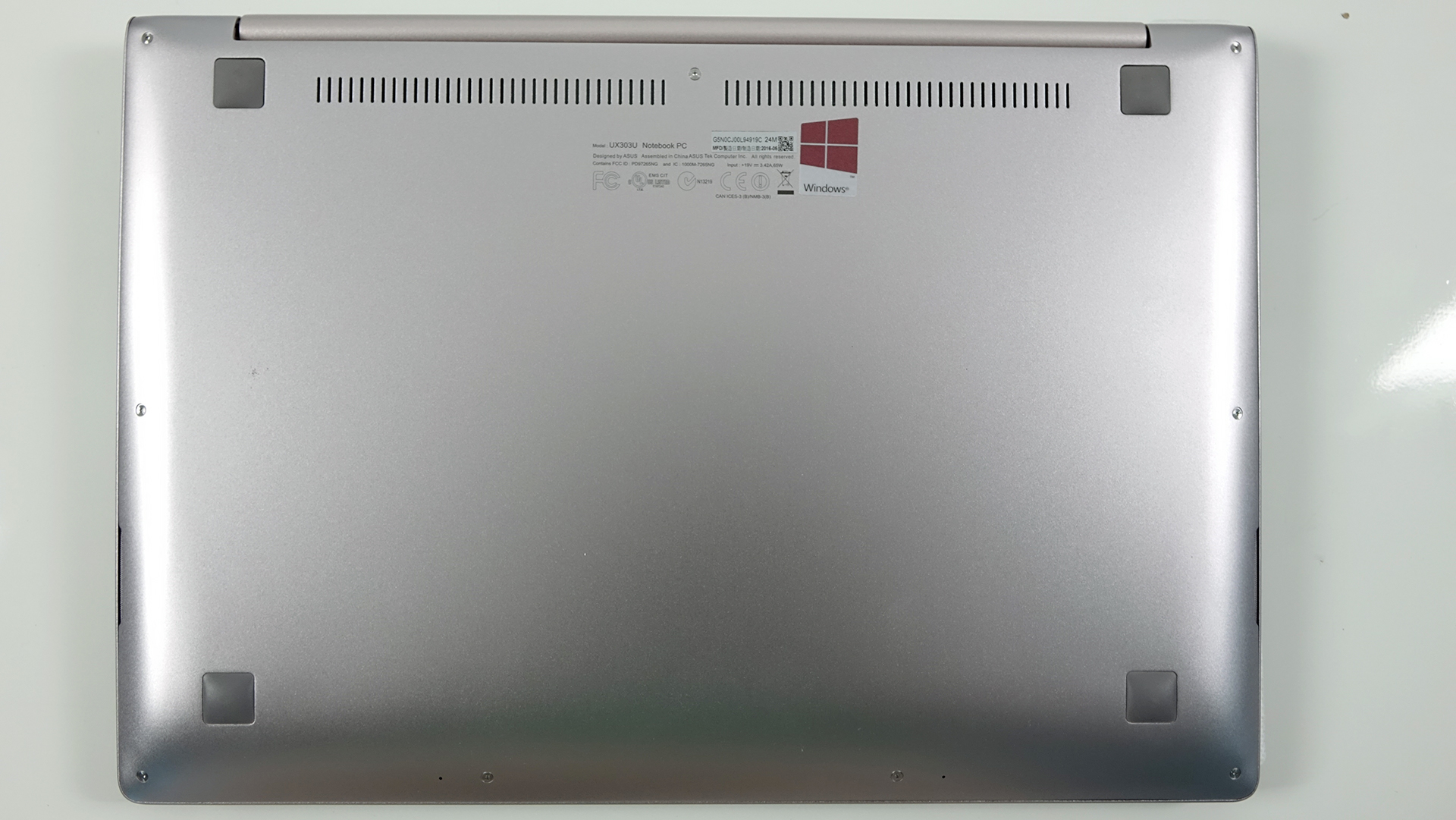
1. Removing the bottom piece
Torx screws keep the lid tightly shut so you need to have a proper screwdriver to remove them. Also, you will have to remove two of the silicone feet near the hinge as they hide two more regular screws. Then, you are free to pry it up.


2. Storage options
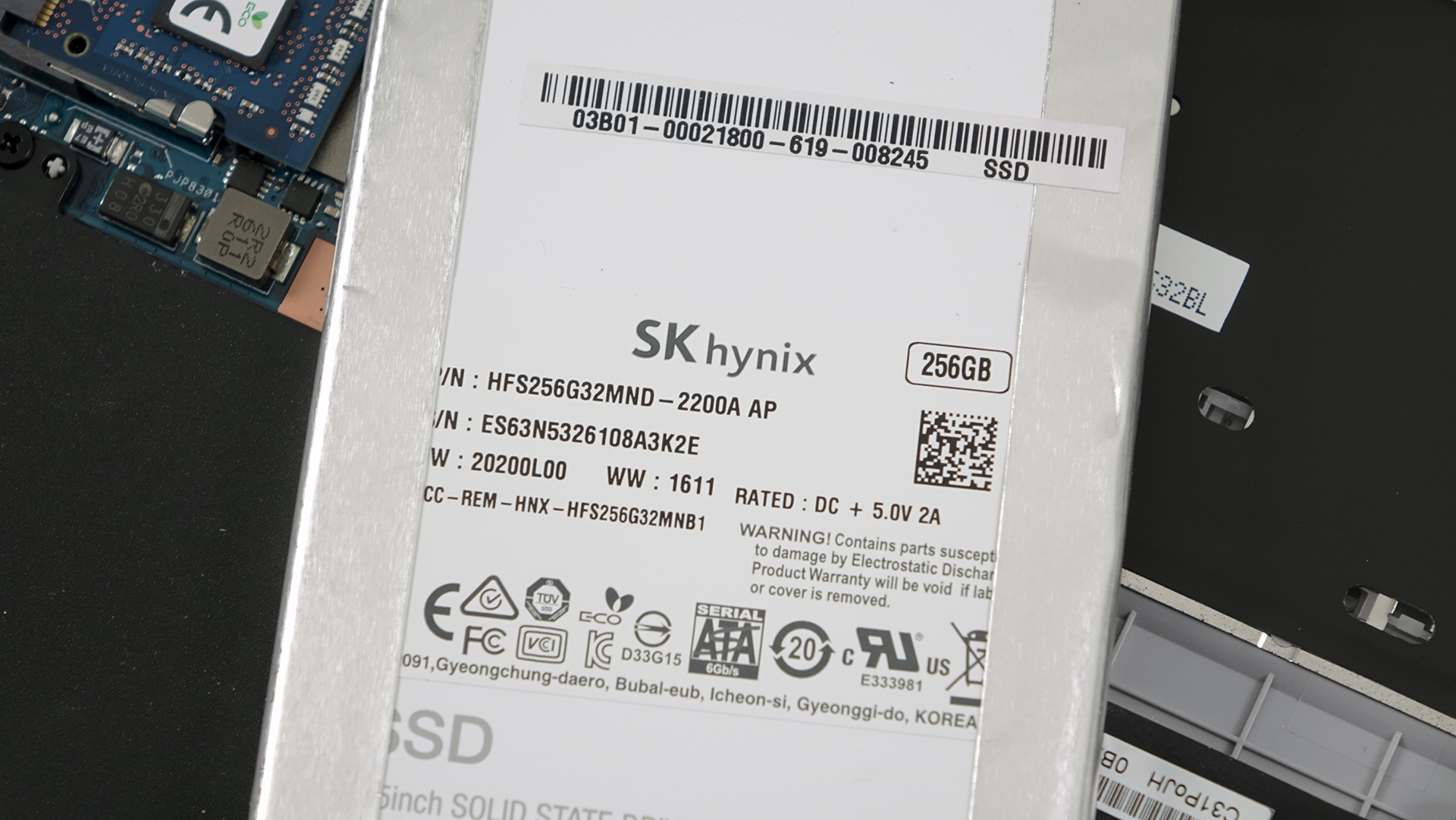
Unfortunately, the new model doesn’t support M.2 SSD sticks so you will have to make most of it with the provided 2.5-inch SATA SSD, which in our case is SK hynix HFS256G32MND-2200a with 256GB capacity.
3. Battery, RAM and Wi-Fi module
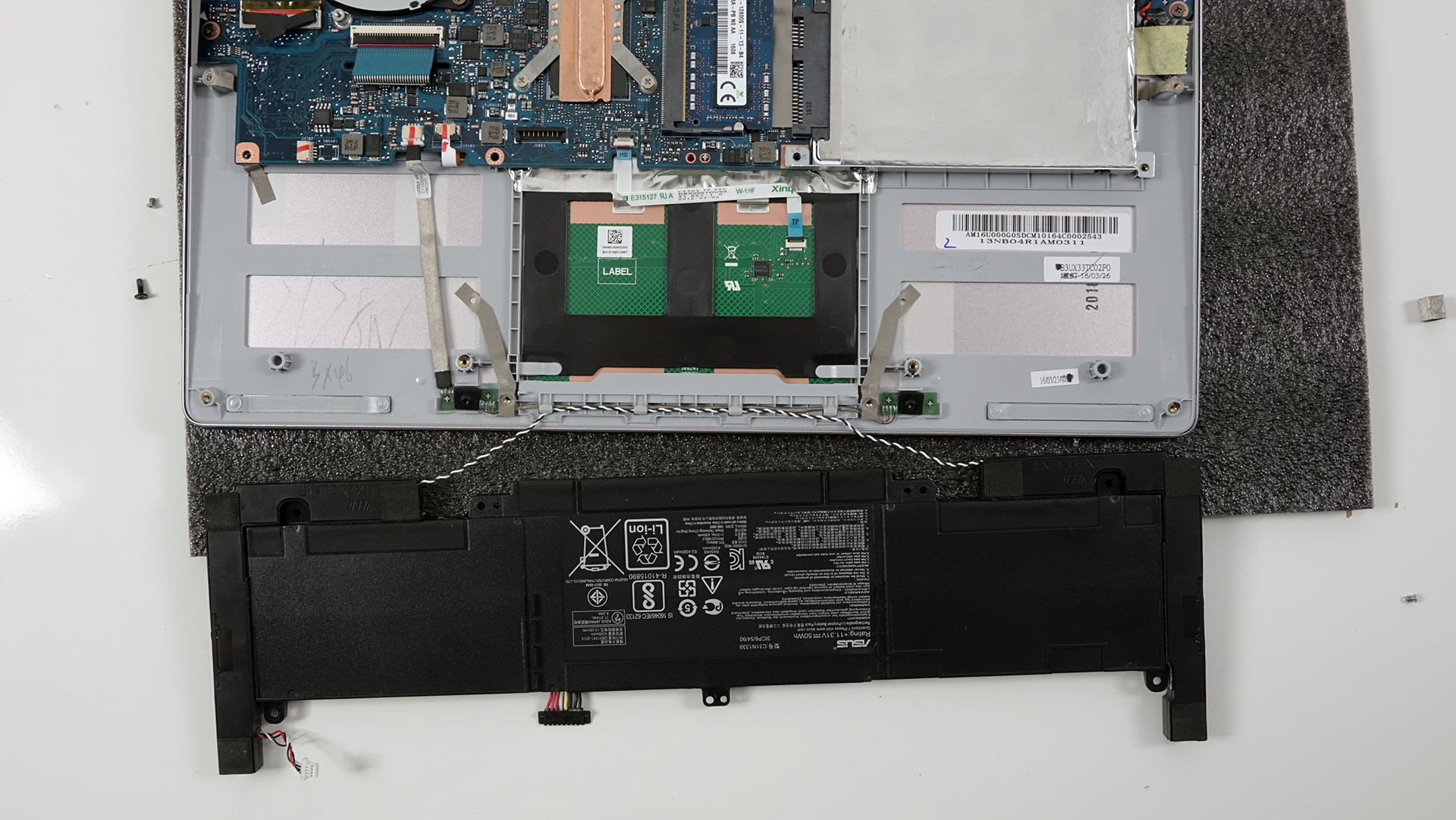
The battery pack doesn’t seem too big, opposed to other 13-inchers we’ve disassembled, but it does hold a big 50Wh charge. Long battery runtimes are expected.

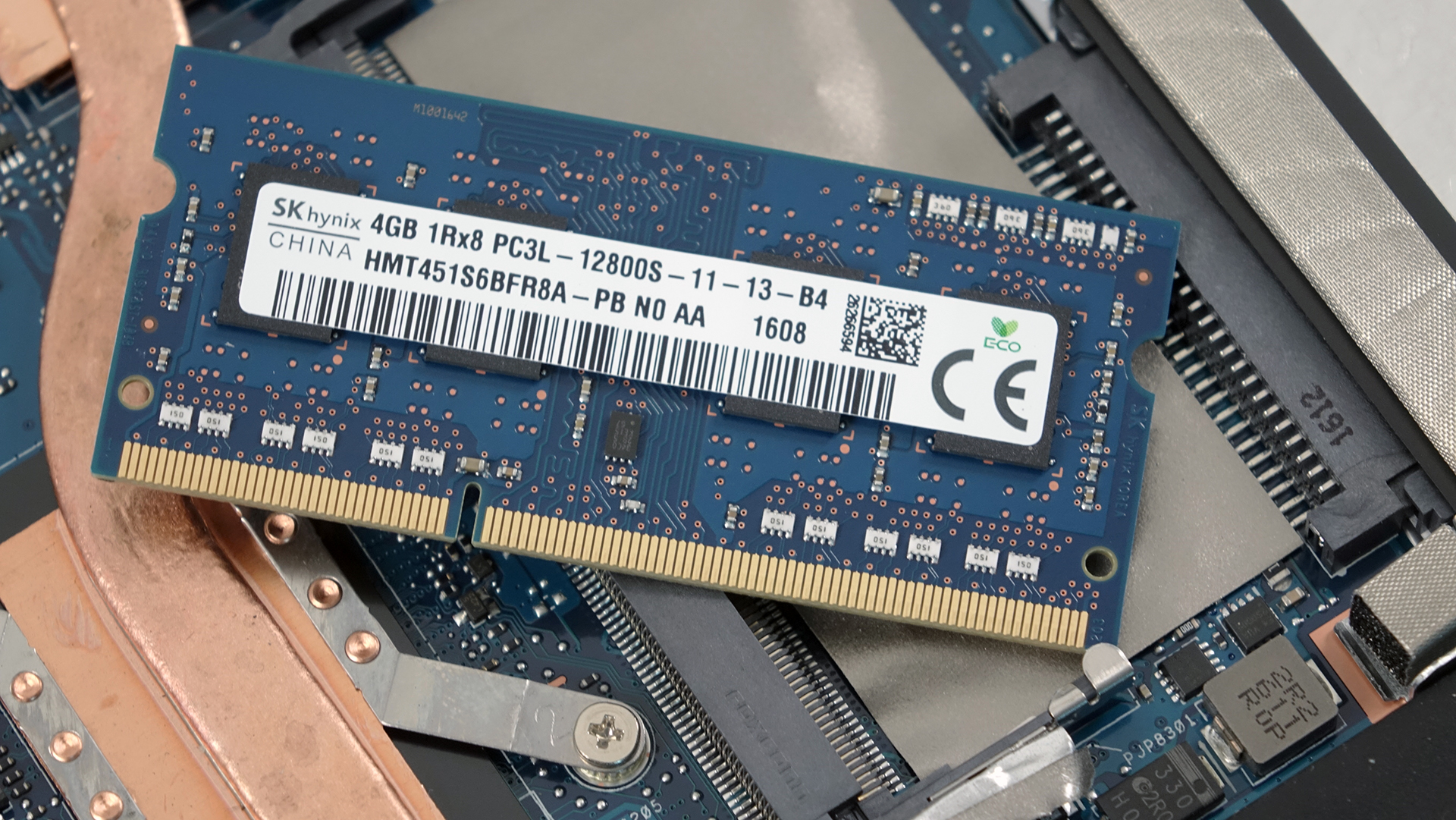
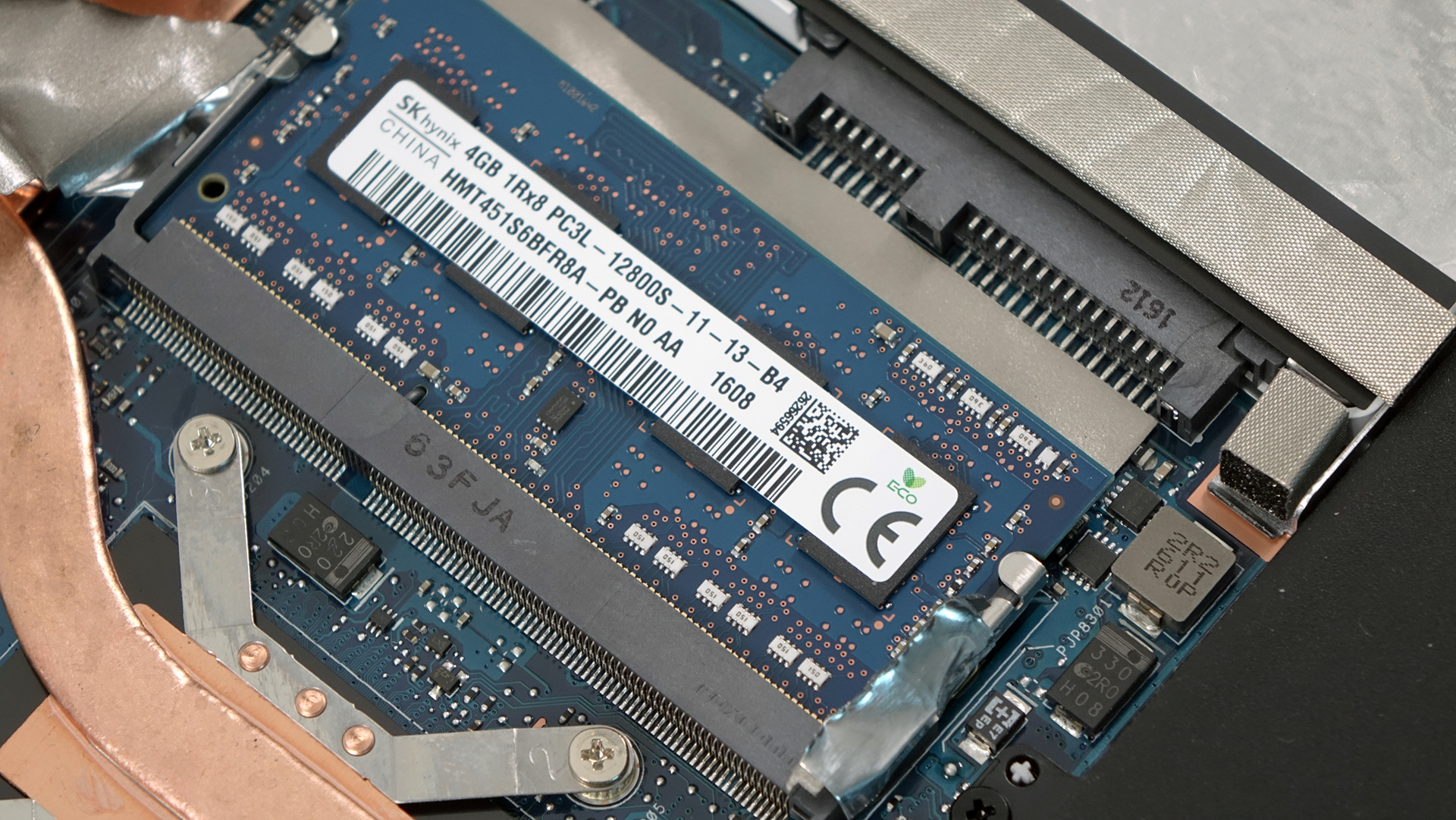
The motherboard holds an integrated 4GB RAM chip along with one slot, which in our case is taken by a 4GB SK hynix stick.
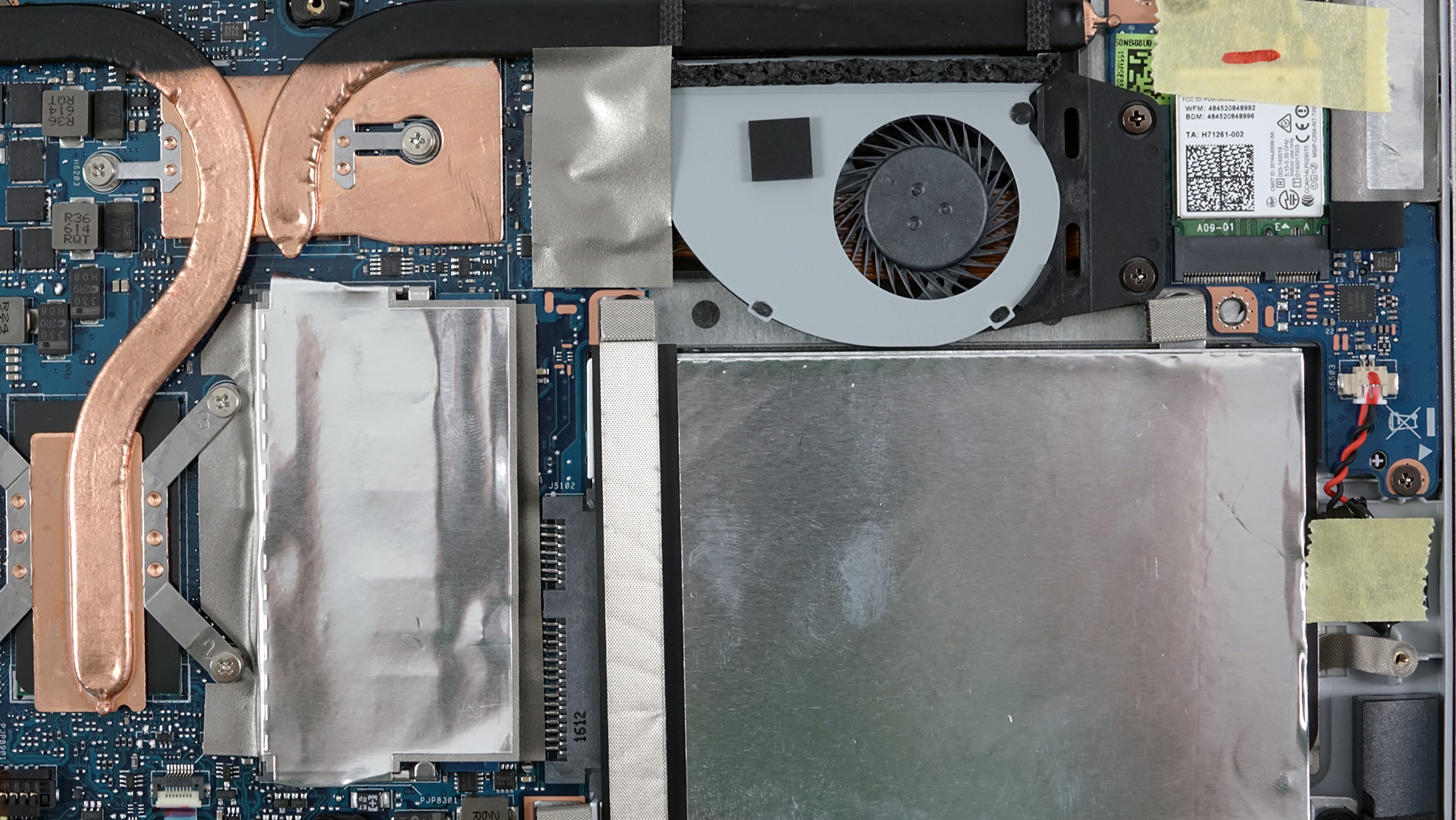
The Wi-Fi module is, of course, Intel Dual Band Wireless-AC 7265 located near the small fan.

4. Cooling system
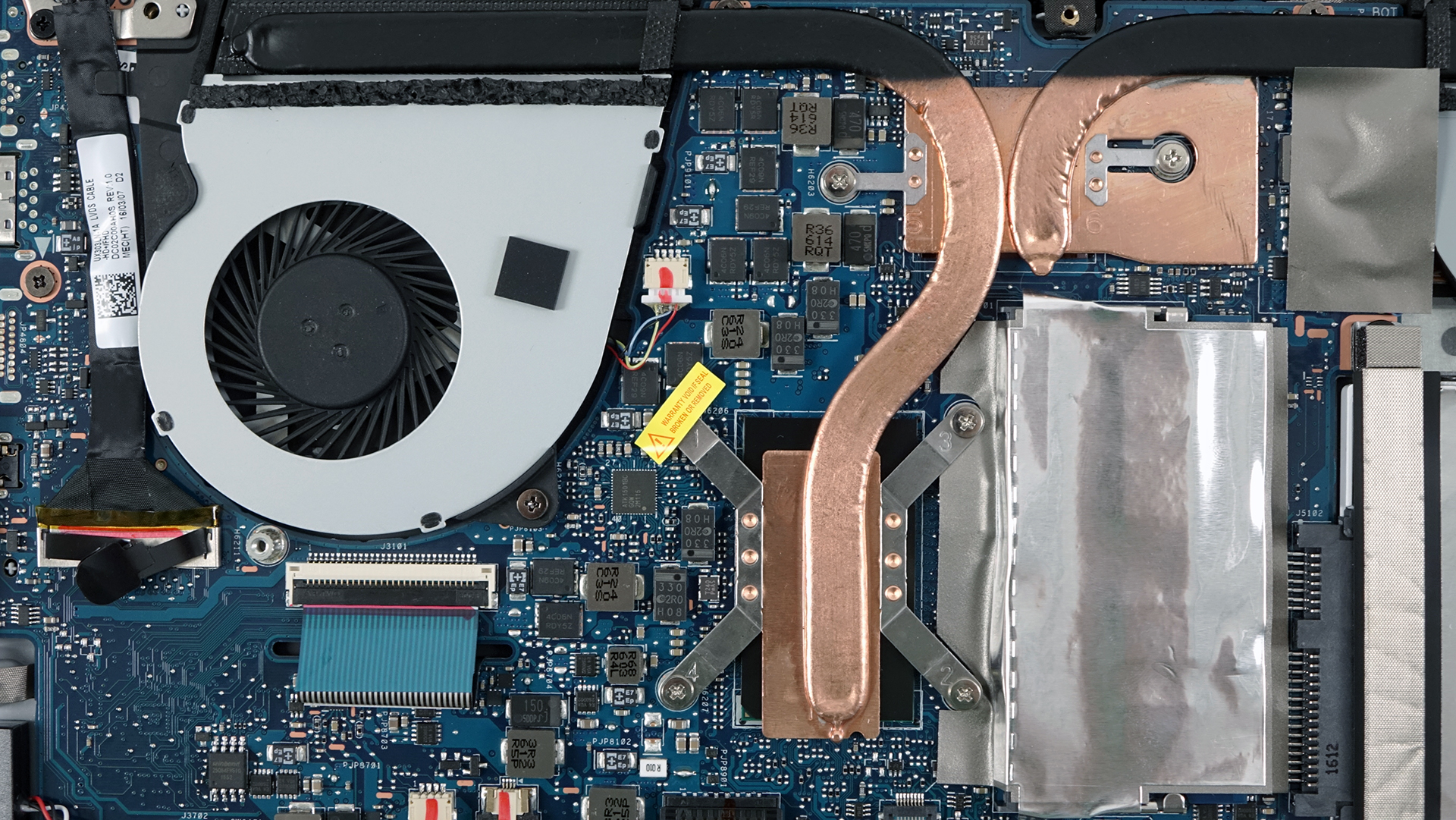
The cooling system takes a lot of space inside the machine and it’s understandable given the powerful hardware (up to Core i7-6500U) and NVIDIA GeForce 940M GPU. It’s a 13-inch ultrabook after all. We’ve got one big fan and a smaller one positioned at the back of the notebook pushing hot air through two vent openings. Heat pipes connect the two heat sinks mounted on the CPU and GPU so we can assume that heat will be shared during heavy workload. We will make sure to check how good the system utilizes the full potential of the CPU and GPU in our upcoming full review.
You can find the notebook’s price and configurations here: http://amzn.to/2a5d1oR
 Author: Rossen Pandev

![[June 2026] Best-Selling Laptop Brands on Amazon Global – Apple’s Unrivaled Dominance in Units and Revenue](https://laptopmedia.com/wp-content/uploads/2026/07/GLOBAL-Best-Brands-400x225.jpg)
![[June 2026] Amazon Global: Top 10 Best-Selling Laptops – Apple’s New MacBook Neo Storms to #1, Reshaping the Market with Affordability](https://laptopmedia.com/wp-content/uploads/2026/07/Best-Selling-Laptops-GLOBAL-Top-10-400x225.jpg)
![[June 2026] Amazon Global: Top 10 Best-Selling Gaming Laptops – Acer’s Nitro V 16S AI Dominates Sales, While ASUS Leads Overall Revenue](https://laptopmedia.com/wp-content/uploads/2026/07/Best-Selling-Gaming-Laptops-GLOBAL-Top-10-400x225.jpg)
![[June 2026] Global Ranking of Best-Selling Laptop GPUs on Amazon – NVIDIA RTX 5060 is the Top-Selling Dedicated GPU](https://laptopmedia.com/wp-content/uploads/2026/07/Best-Selling-GPUs-GLOBAL-Top-10-400x225.jpg)
![[June 2026] Global Ranking of Best-Selling Laptop CPUs on Amazon – Apple M5 Dominates, AMD Ryzen 7 260 Gets Solid Premium Share](https://laptopmedia.com/wp-content/uploads/2026/07/Best-Selling-CPUs-GLOBAL-Top-10-400x225.jpg)

what size torx screw is used?
T5 is the size.
I ordered a precision screwdriver set with a t5 screwdriver, does t5 have any more size or dimensions? I need to upgrade to an SSD and add more ram, but i cant find find a proper link to purchase a screwdriver set for my zenbook ux303
Thank you for posting this!
What is the maximum memory for this laptop? 4GB soldered and 8GB more or somebody says 16GB more and then it is 20GB total?
In theory, the motherboard should hold up to 20GB of RAM (4GB of soldered + 16GB of single RAM chip).
I upgraded my UX303U to 20G with a 16GB stick, works great.
Micron 16GB PC3L-12800 DDR3L-1600Mhz 204Pin Unbuffered Sodimm
I have also confirm successful upgrade on my UX303UB to 20G with a 16GB stick
Jurca, which brand or model of RAM did you opt for? Cheers!
Hi, thank’s to Matt and Jurca. I confirm I also have successfully upgraded my UX303UB to 20GB by replacing the 4GB card by a new 16GB card using the same reference provided. https://www.crucial.com/usa/en/ct204864bf160b (Despite Asus claim it’s 12GB max) I got the 16GB on Amazon (as returns are possible) for 159€ ++++++++++++ *-memory description: System Memory physical id: 12 slot: System board or motherboard size: 20GiB *-bank:0 description: SODIMM DDR3 Synchronous 1600 MHz (0.6 ns) product: M471B5173DB0-YK0 vendor: Samsung physical id: 0 serial: 00000000 slot: ChannelA-DIMM0 size: 4GiB width: 64 bits clock: 1600MHz (0.6ns) *-bank:1 description: SODIMM DDR3 Synchronous 1600… Read more »
Hi Uggy,
The data that you shared, are those the results of running a benchmark, with confirmation that the laptop actually uses the 20gb ram, and not 12gb out of the 20gb installed?
Hi!
By removing the blackplate I violate the warranty of the product, if I want to upgrade the HDD/SSD or the RAM?
It strongly depends on the retailer or your regional importer but in most cases no.
I cannot find any proper sized screw driver?! What did you use?
Could anyone confirm if a Samsung 850 512GB SSD can be used in this laptop. I am intending to upgrade to one and changing the OS to Linux. Do confirm. Thanks in Advance!
Hi! I have a Samsung 850 250GB ssd. It works perfectly for me!
I have a 2tb samsung EVO installed
Are there any other possible upgrade options available for this babe?
Yes the buletooth wifi module
Intel WiFi 6 AX200 802.11ax MU-MIMO 80MHz+80MHz/160MHz Network Card Bluetooth 5from ebay about 21USD