Inside Dell Latitude 14 5410 – disassembly and upgrade options
This one is a pretty solid business device with lots of security features, very good battery life, and, alas, great upgrade options.
Check out all Dell Latitude 14 5410 prices and configurations in our Specs System or read more in our In-Depth review.
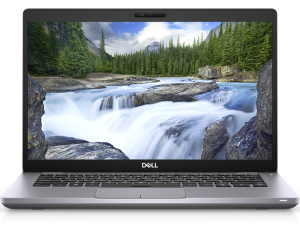
1. Remove the bottom plate
There are 8 Phillips-head captive screws you need to undo before you pry the bottom panel and lift it away.
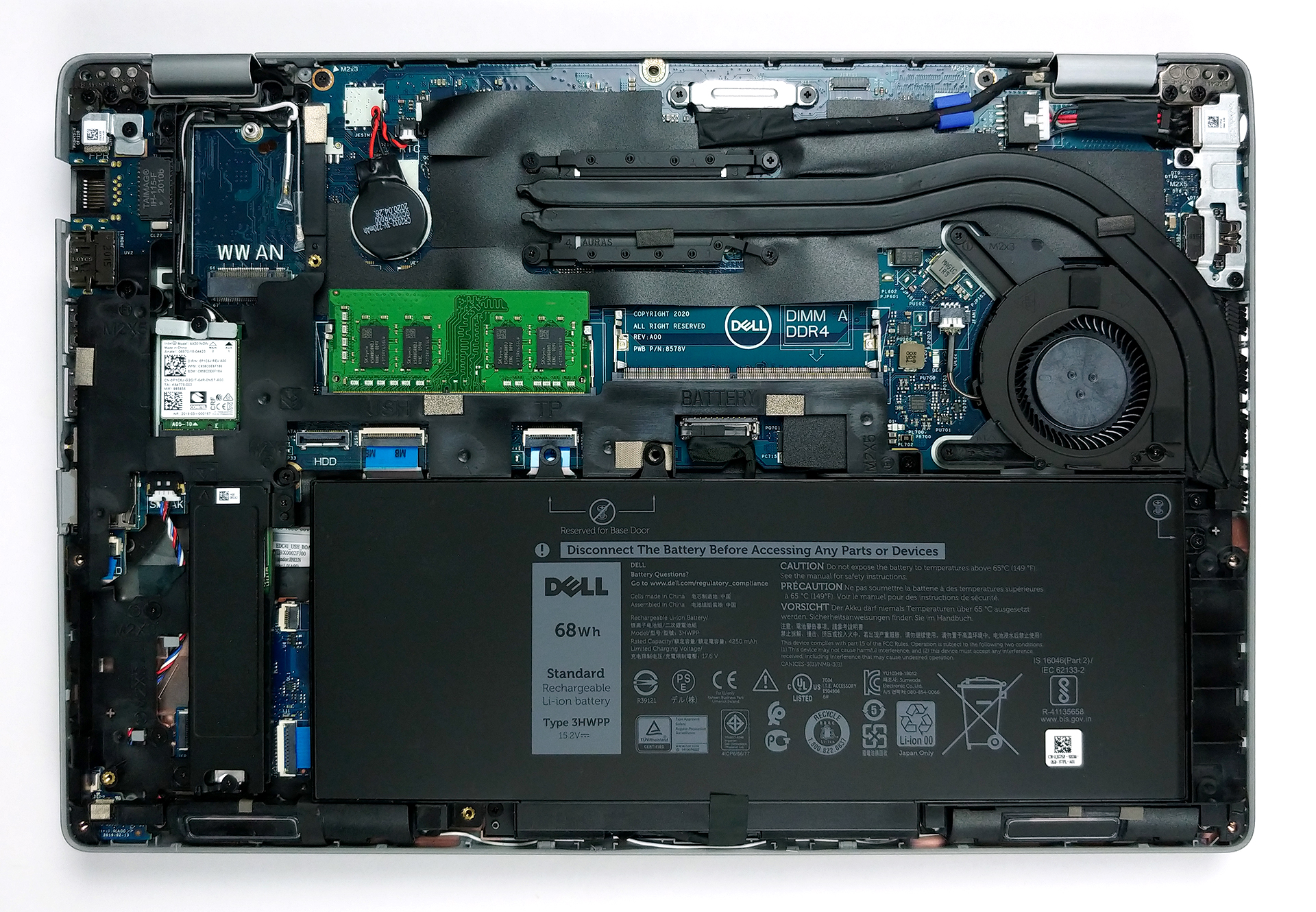
2. Battery
Interestingly, in terms of battery, this device comes with three different units, when it comes to the capacity – a 42Wh, 51Wh, and a 68Wh one. Should you get a unit with the smallest of them, there will be space inside for one 2.5-inch SATA drive as well.
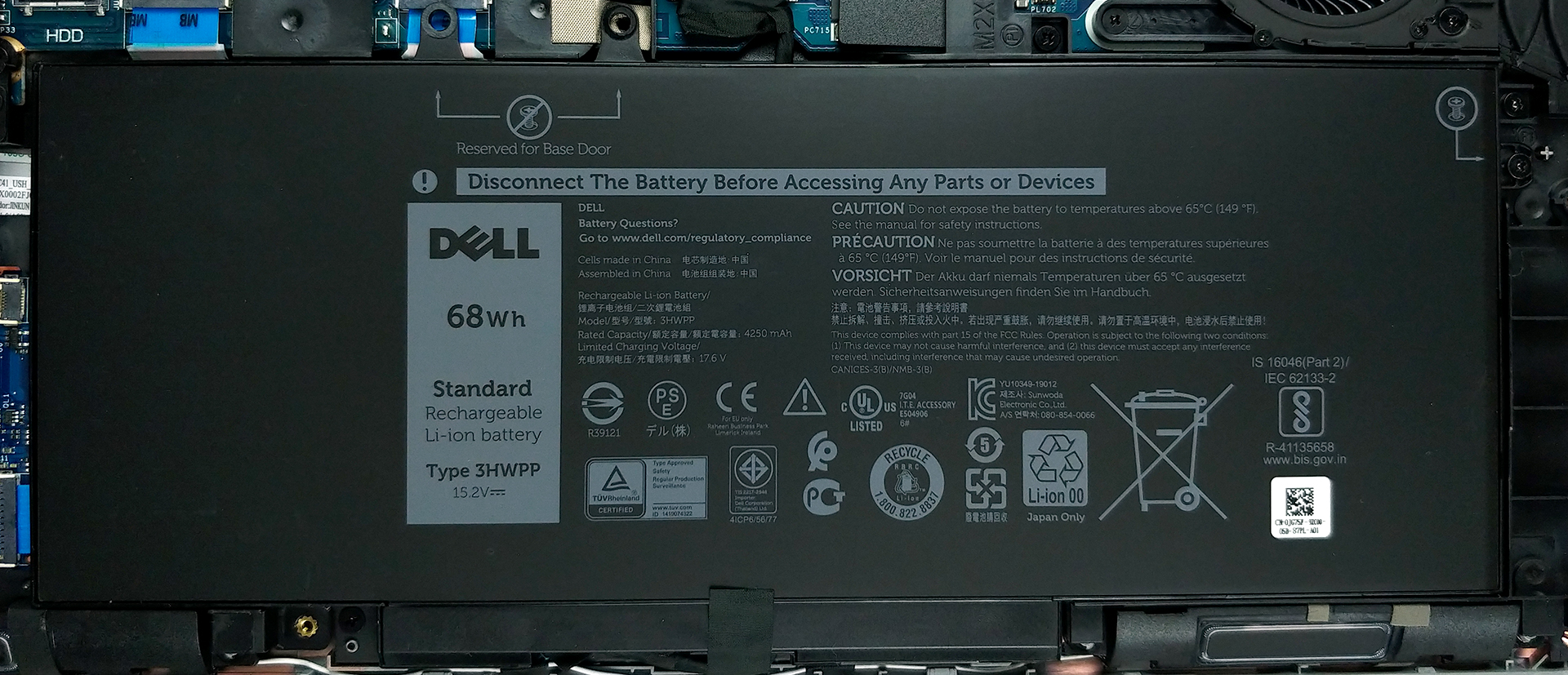
3. Memory and storage
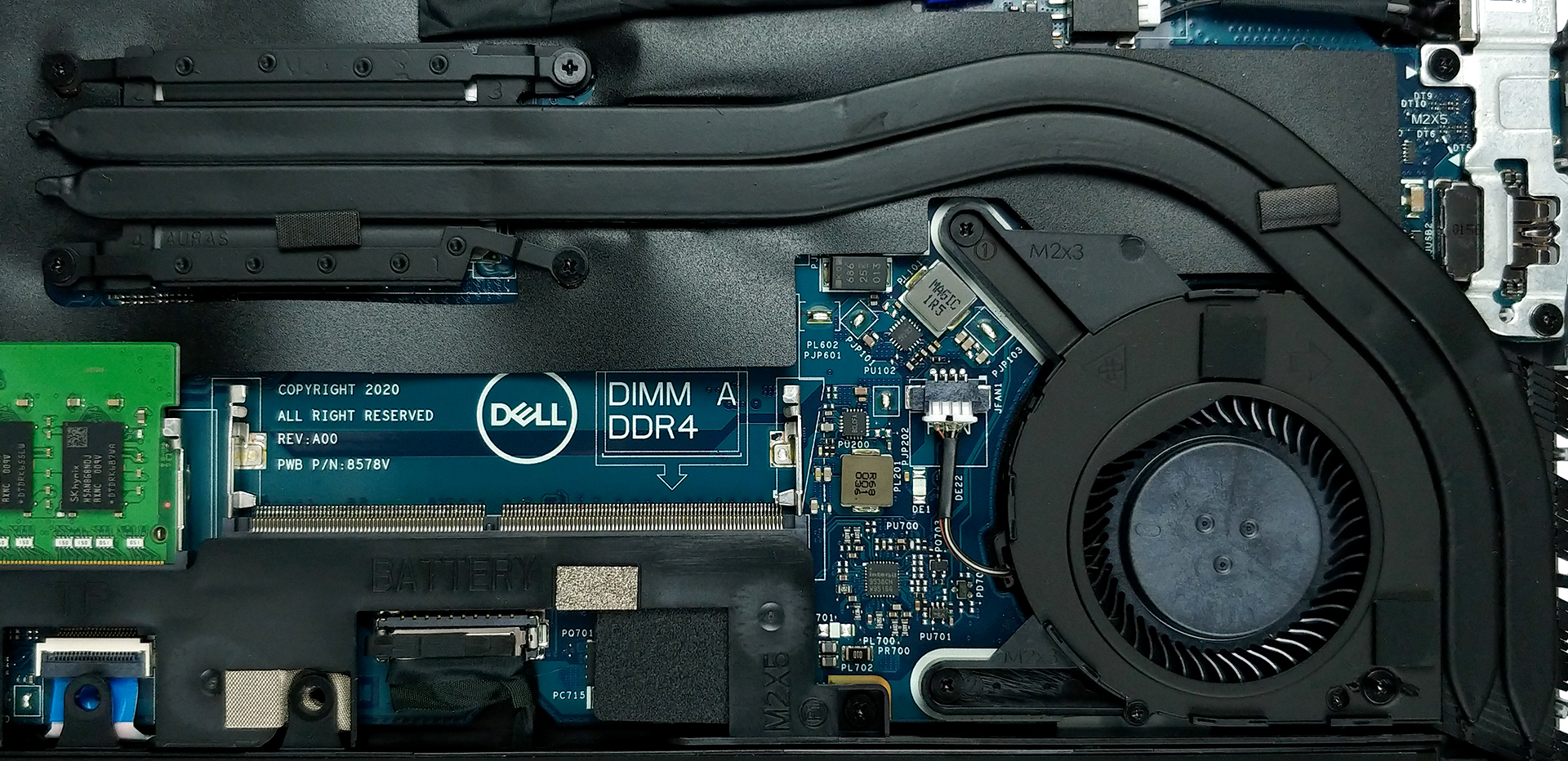
Two RAM SODIMM provide up to 32GB of dual-channel DDR4 memory, operating at 2667 MHz. In terms of storage, there is one M.2 slot.
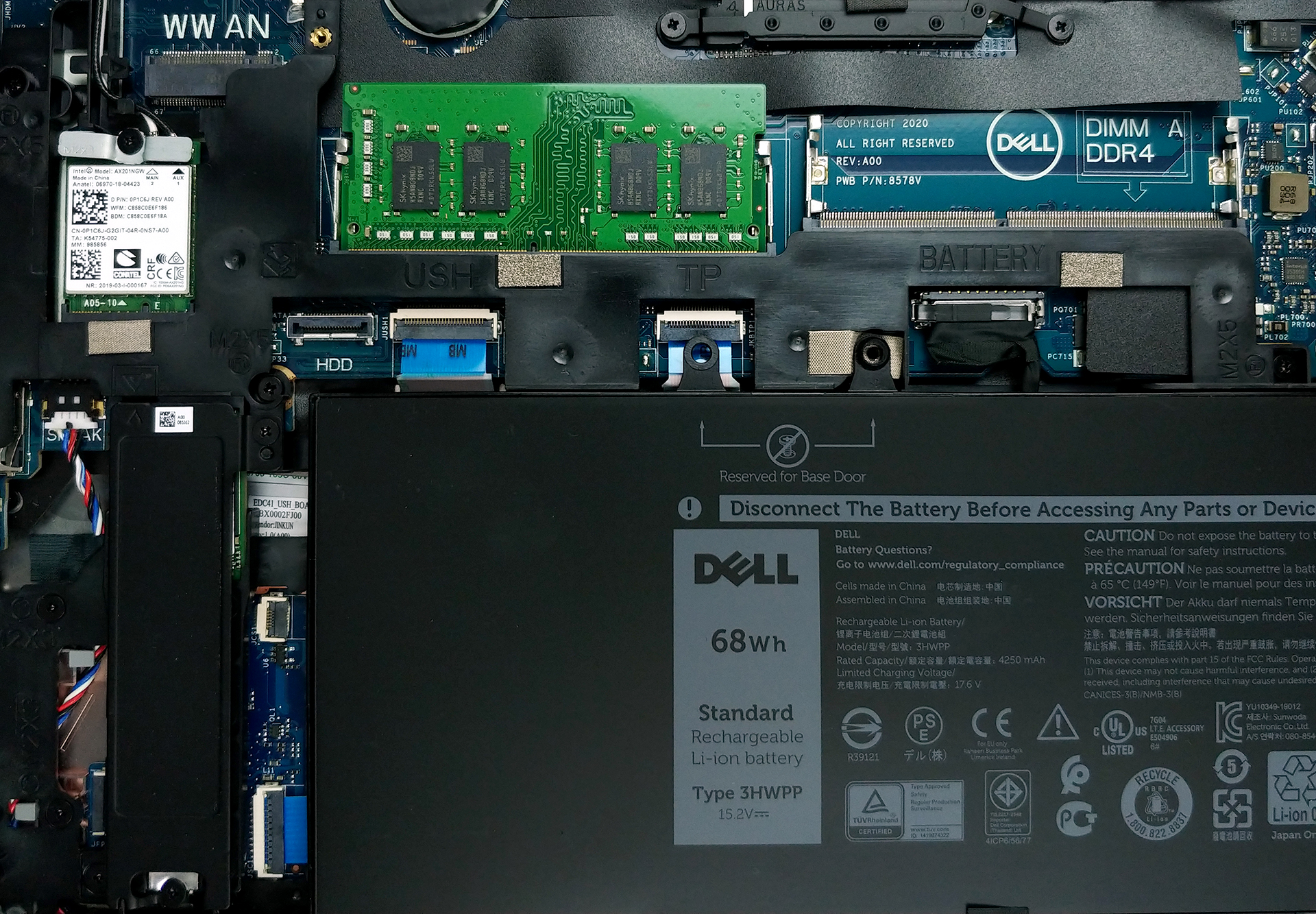
4. Cooling system
Inside, we see two relatively thin heat pipes making their way to the side of the notebook. Then, the heat is blown away by the single rather small fan.
Check out all Dell Latitude 14 5410 prices and configurations in our Specs System or read more in our In-Depth review.
 Author: Alex Iliev

![[August 2026] Amazon USA: Top 10 Best-Selling Laptops – Apple MacBook Neo Dominates the Market with Massive Unit Sales!](https://laptopmedia.com/wp-content/uploads/2026/09/Best-Selling-Laptops-COM-Top-10-400x225.jpg)
![[August 2026] Amazon USA: Top 10 Best-Selling Gaming Laptops – ASUS ROG Strix G16 Dominates the Market with Massive Unit Sales](https://laptopmedia.com/wp-content/uploads/2026/09/Best-Selling-Gaming-Laptops-COM-Top-10-400x225.jpg)
![[July 2026] Amazon Global: Top 10 Best-Selling Laptops – Apple MacBook Neo Dominates the Charts as Budget and Premium Notebooks Split the Market](https://laptopmedia.com/wp-content/uploads/2026/08/Best-Selling-Laptops-GLOBAL-Top-10-400x225.jpg)
![[July 2026] Amazon Global: Top 10 Best-Selling Gaming Laptops – ASUS ROG Strix G16 Dominates the Global Market with Record-Breaking Unit Sales](https://laptopmedia.com/wp-content/uploads/2026/08/Best-Selling-Gaming-Laptops-GLOBAL-Top-10-400x225.jpg)
![[July 2026] Global Ranking of Best-Selling Laptop GPUs on Amazon – RTX 5060 Dominate Premium, Intel Still Rules Budget](https://laptopmedia.com/wp-content/uploads/2026/08/Best-Selling-GPUs-GLOBAL-Top-10-400x225.jpg)
