Inside Dell Latitude 14 9420 (2-in-1) – disassembly and upgrade options
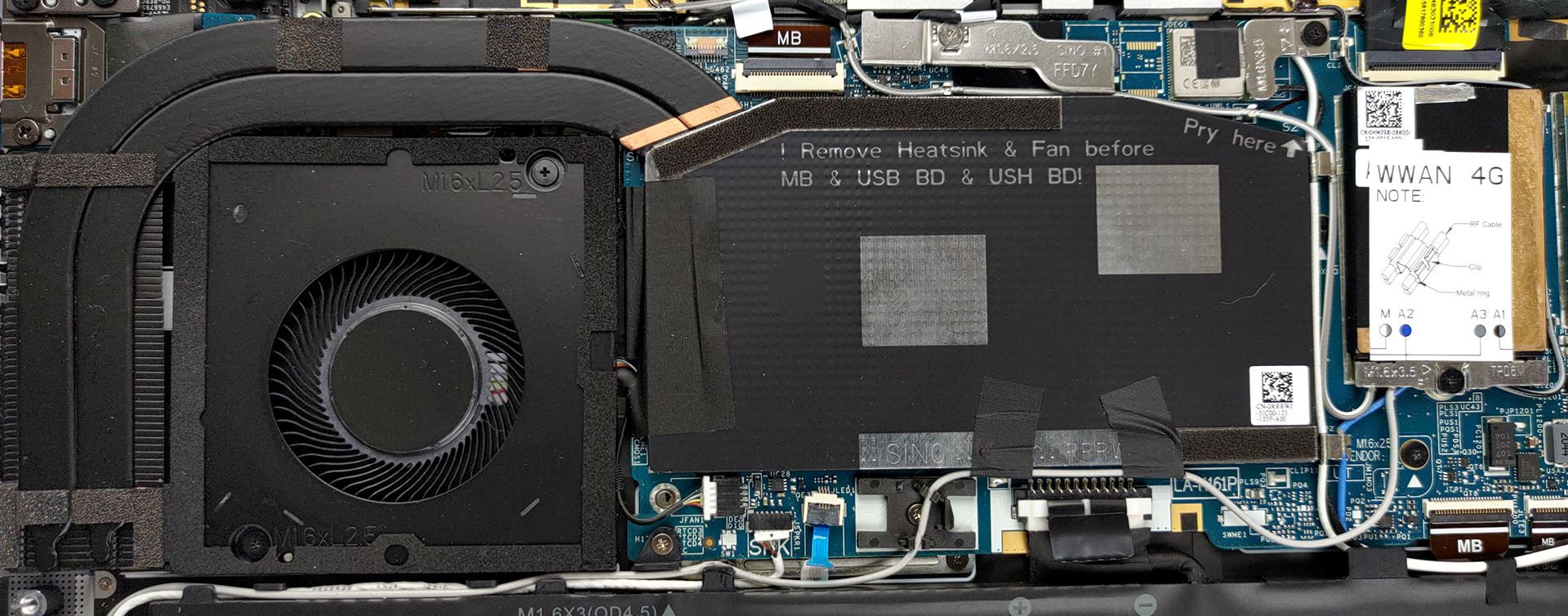
Unfortunately, here, you will be met by soldered memory and no options for upgrades. On the bright side, the build quality is on point.
Check out all Dell Latitude 14 9420 (2-in-1) prices and configurations in our Specs System or read more in our In-Depth review.
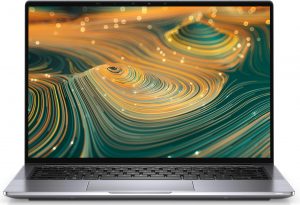
1. Remove the bottom plate
To get this laptop open, you need to undo 8 captive Phillips-head screws. Then, you have to pry the bottom panel with a plastic tool, starting from the hinge gaps.
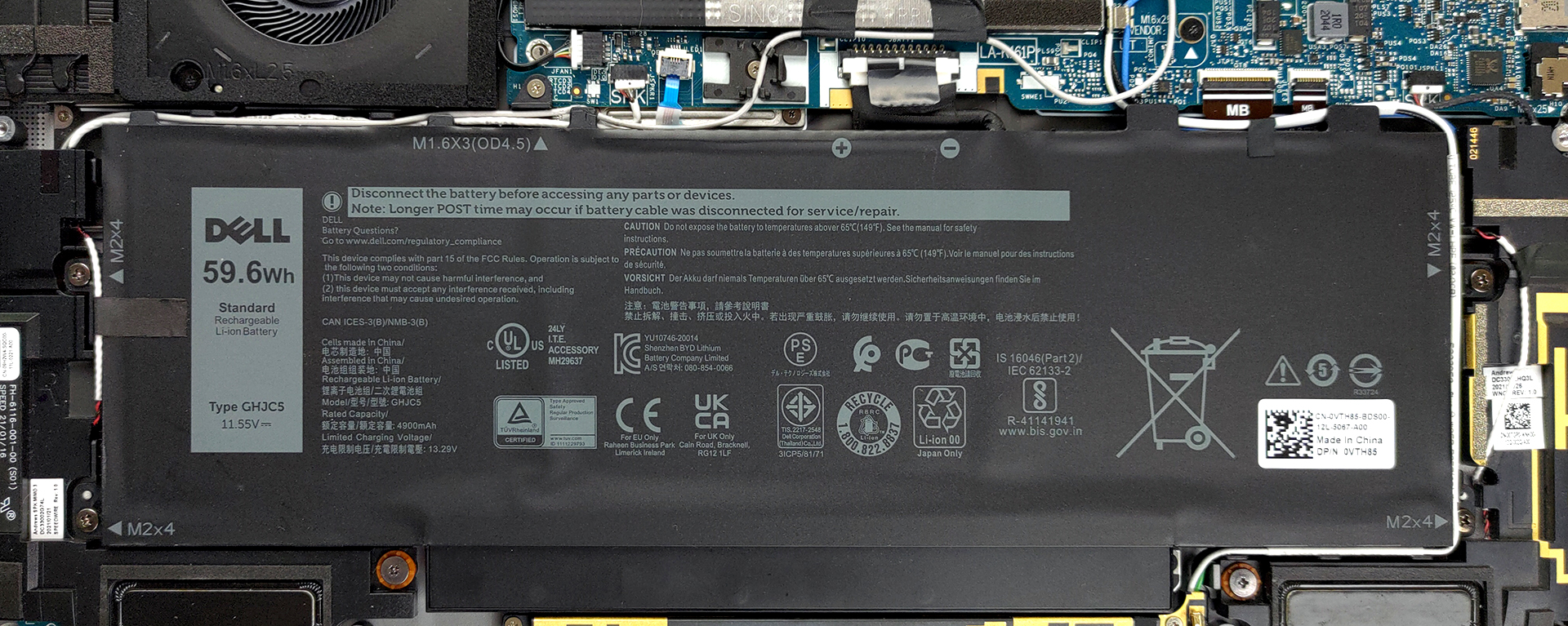
2. Battery
The battery inside can be either a 40 or 60Wh unit.
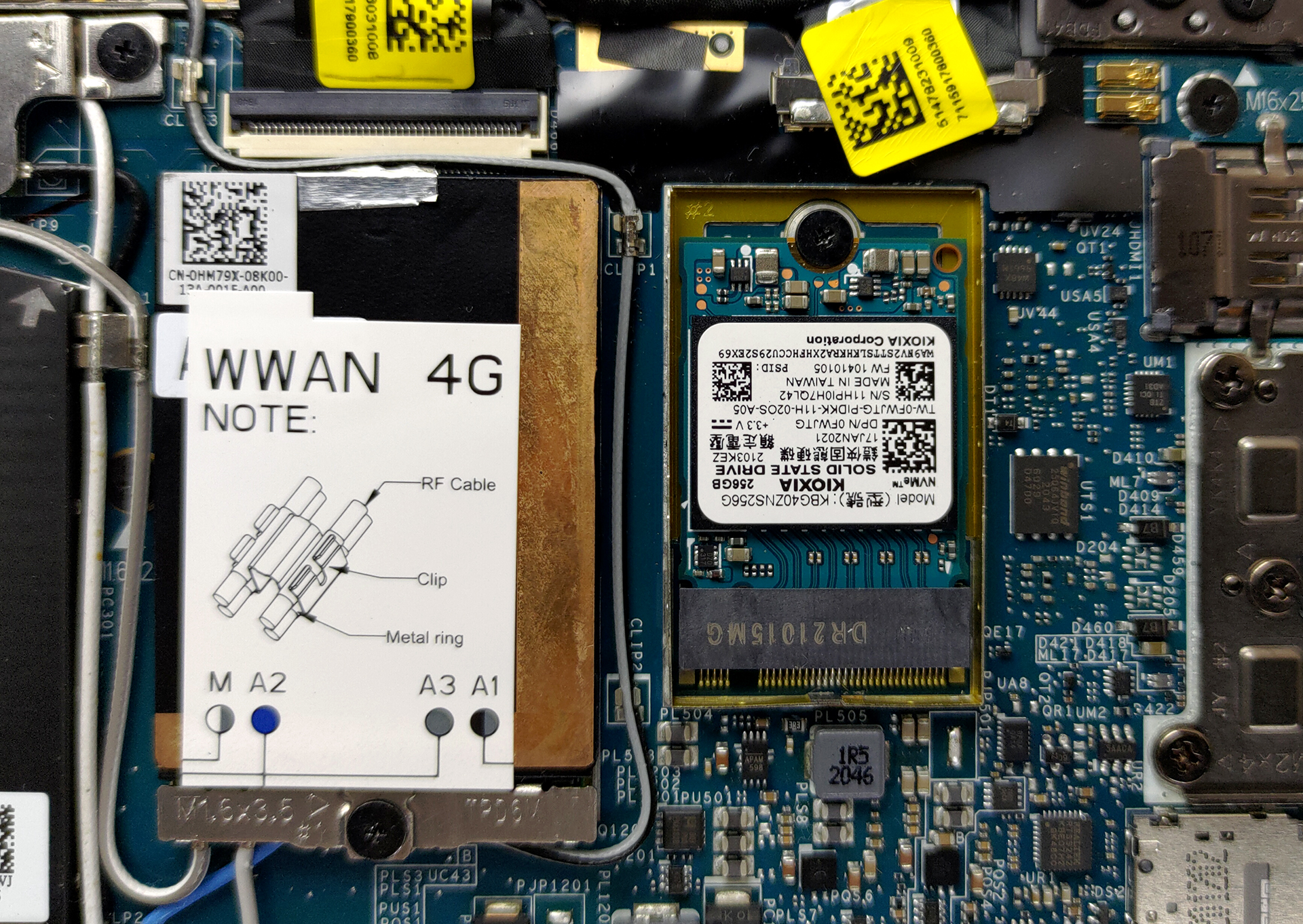
3. Мemory and storage
Sadly, all of the memory is soldered to the motherboard. There are configurations with 8, 16, or 32GB, and all of them work in dual-channel mode. On the other hand, the storage options comprise one M.2 PCIe x4 slot, which fits 30mm drives.
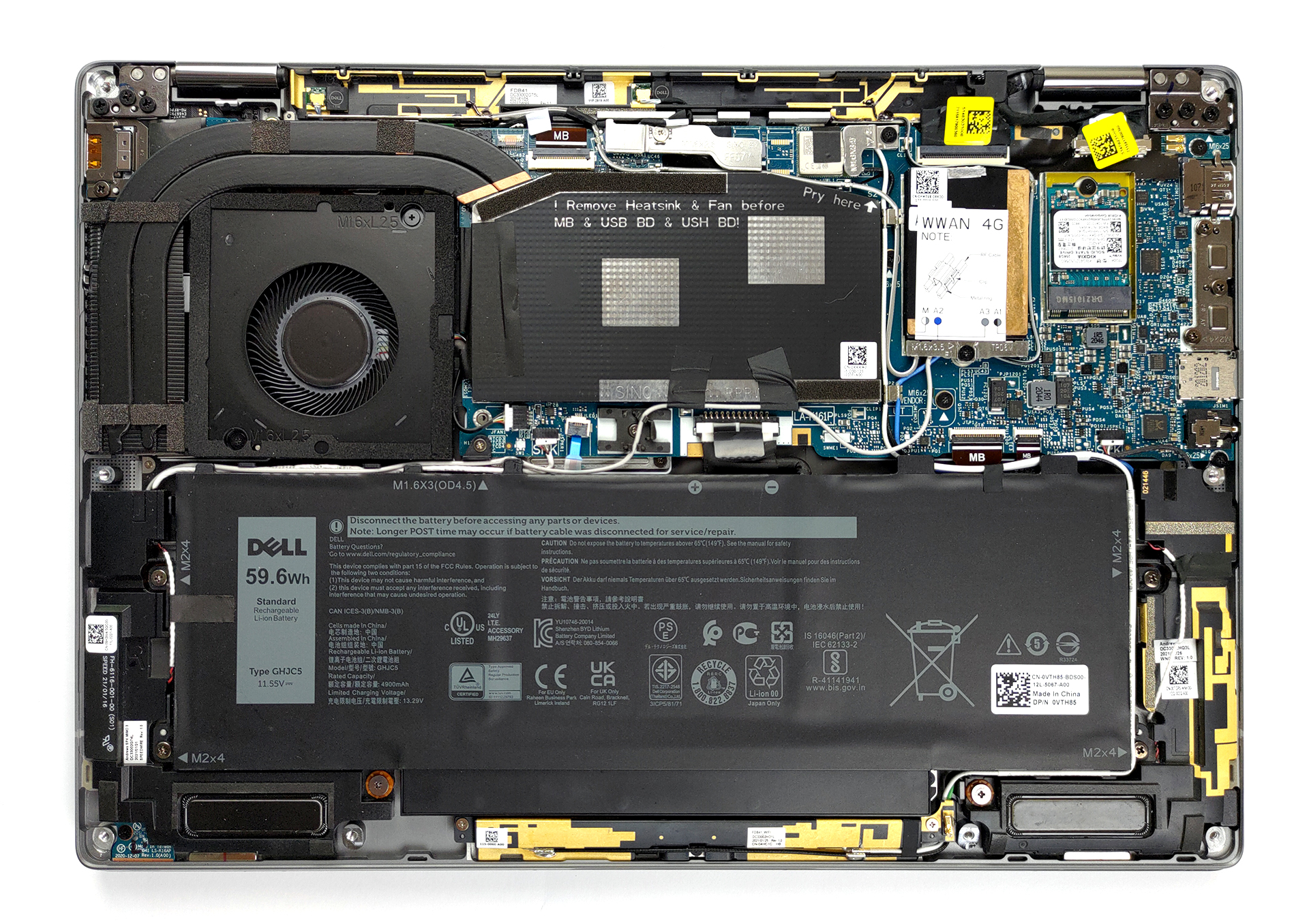
4. Cooling system
Lastly, there is the cooling solution. It features two heat pipes, and a fan, which blows the hot air through the side.
Check out all Dell Latitude 14 9420 (2-in-1) prices and configurations in our Specs System or read more in our In-Depth review.
Dell Latitude 14 9420 (2-in-1) in-depth review
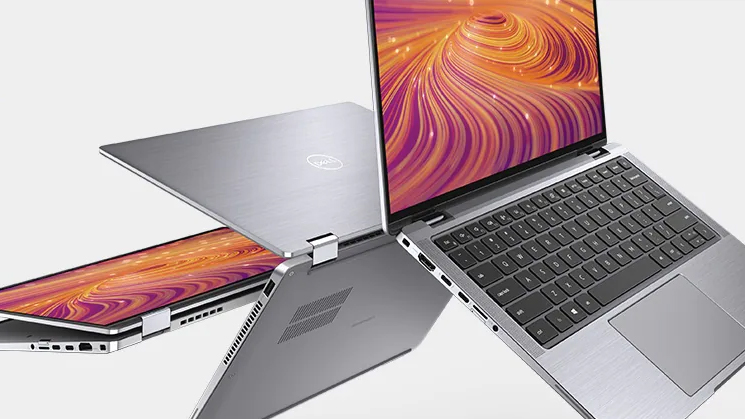
Today we have a super premium business convertible. It is the Latitude 9420 2-in-1 and comes flooded with features. Some of them include 5G support, automatic SafeShutter, and a proximity sensor.It is made from premium materials, which further enhances the high-end look. Ultimately, Dell targets a very narrow segment of the business market, as not many people are willing to pay more than $2000 for their work notebook. This means that the Latitude 14 9420 2-in-1 won't be the best-selling device for the brand, but will definitely challenge the status quo in the world of business computing. [...]
Pros
- Stylish and strong all-aluminum design
- 99% sRGB coverage a great color accuracy with our Gaming and Web design profile (AUO 5NW15-B140QAN (AUOD911))
- Great battery life
- Two Thunderbolt 4.0 ports, a MicroSD card reader, and an optional 5G connection
- Supports PCIe x4 M.2 SSDs
- No PWM (AUO 5NW15-B140QAN (AUOD911))
- IR face recognition and fingerprint reader
- Good input devices
Cons
- No stylus
- Soldered memory
 Author: Alex Iliev

![[August 2026] Best-Selling Laptop Brands on Amazon Japan – Apple Dominates Market Share and Revenue Led by Strong Unit Sales](https://laptopmedia.com/wp-content/uploads/2026/09/CO.JP-Best-Brands-1-400x225.jpg)
![[August 2026] Best-Selling Laptop Brands on Amazon USA – Apple Dominates Market Revenue and Volume Despite Lower Model Diversity](https://laptopmedia.com/wp-content/uploads/2026/09/COM-Best-Brands-1-400x225.jpg)
![[August 2026] Amazon Germany: Top 8 Best-Selling Gaming Laptops – Acer Dominates the Market as the Premium Nitro V 17 AI Takes the #1 Spot](https://laptopmedia.com/wp-content/uploads/2026/09/Best-Selling-Gaming-Laptops-DE-Top-10-1-400x225.jpg)
![[August 2026] Best-Selling Laptop Brands on Amazon France – Apple Dominates Revenue Despite Lenovo and HP Leading in Catalog Breadth and Volume](https://laptopmedia.com/wp-content/uploads/2026/09/FR-Best-Brands-1-400x225.jpg)
![[August 2026] Amazon Italy: Top 10 Best-Selling Laptops – Apple MacBook Neo Claims the Crown as Budget and Mid-Range Windows Machines Dominate Volume](https://laptopmedia.com/wp-content/uploads/2026/09/Best-Selling-Laptops-IT-Top-10-400x225.jpg)
