Inside Dell Precision 15 3560 – disassembly and upgrade options
As with every workstation, memory and storage expansion is crucial. Thankfully, this notebook offers a good amount of both, plus ease of access, because of the effortless removal of the bottom panel. Moreover, you get access to some of the latest tech out there in the face of PCIe Gen 4.
Check out all Dell Precision 15 3560 prices and configurations in our Specs System or read more in our In-Depth review.
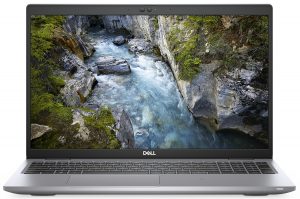
1. Remove the bottom plate
The procedure of getting inside this notebook requires the removal of the bottom panel. This means you need to undo 8 Phillips-head screws and pry the panel with a plastic tool.
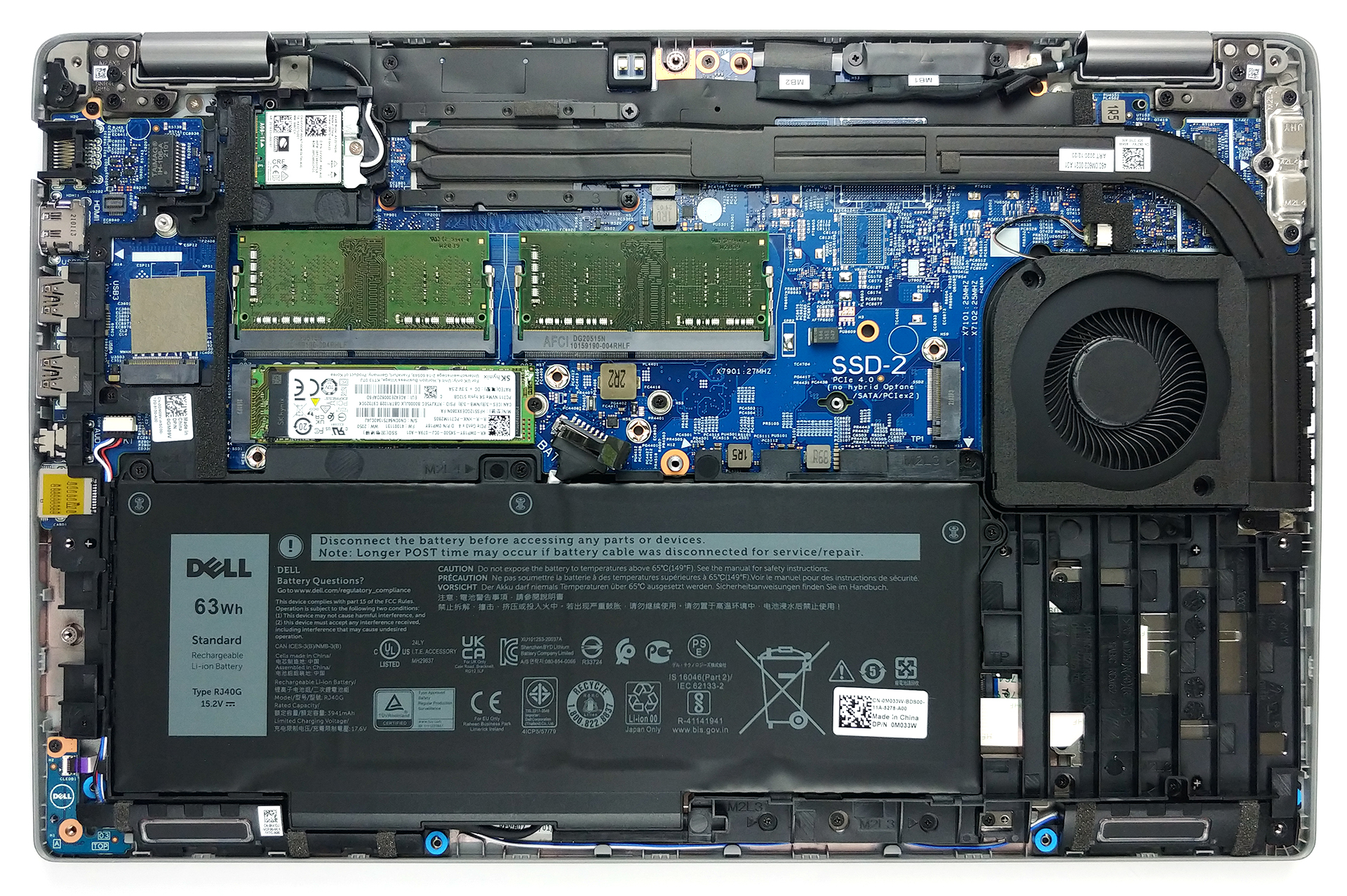
2. Battery
This model can be found with one of two batteries. You get either a 42Wh or a 63Wh solution.
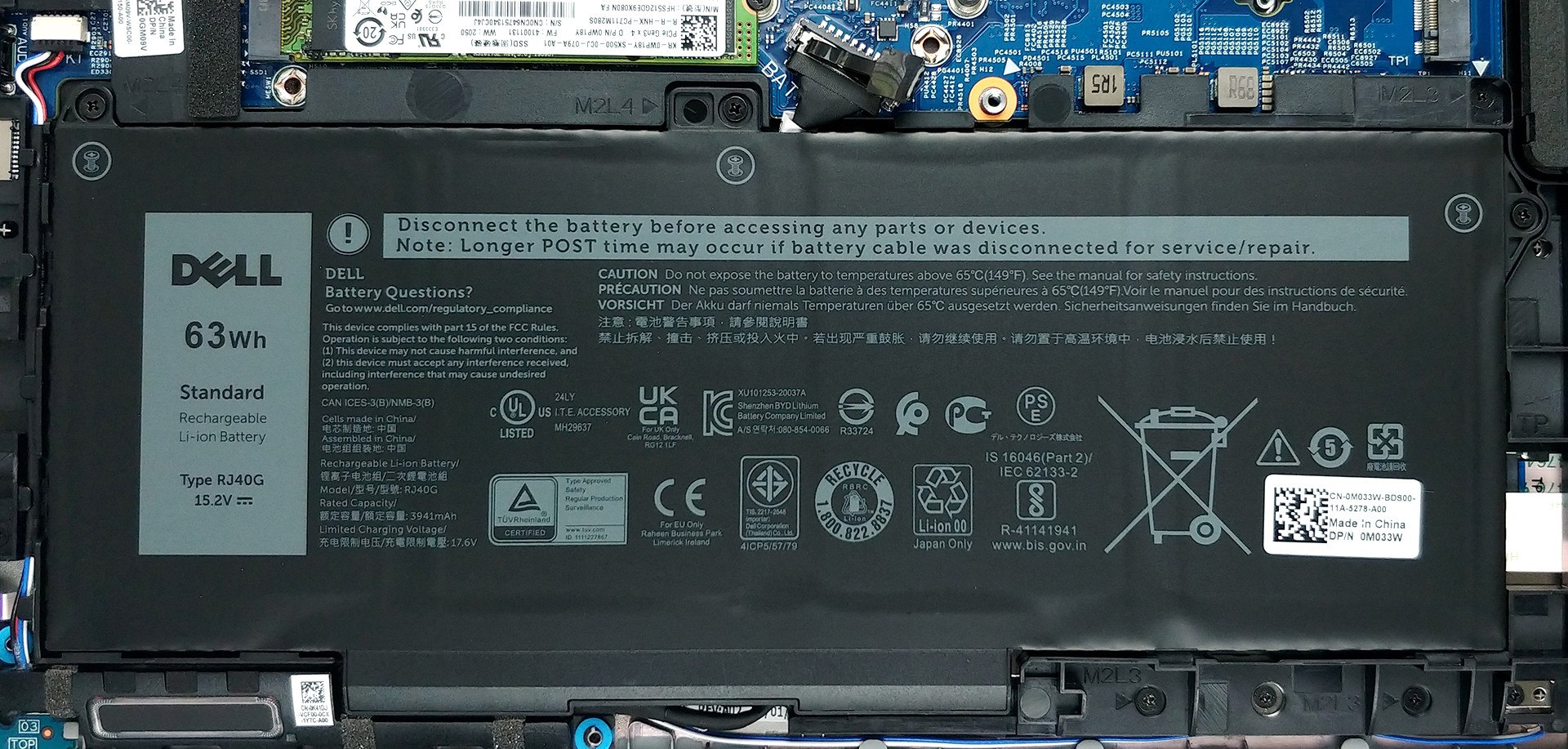
3. Мemory and storage
Thankfully, this portable workstation comes with two RAM SODIMM slots which fit up to 64GB in total, working at dual-channel mode. As for the storage, there are two M.2 slots, one of which can fit PCIe Gen 4 drives.

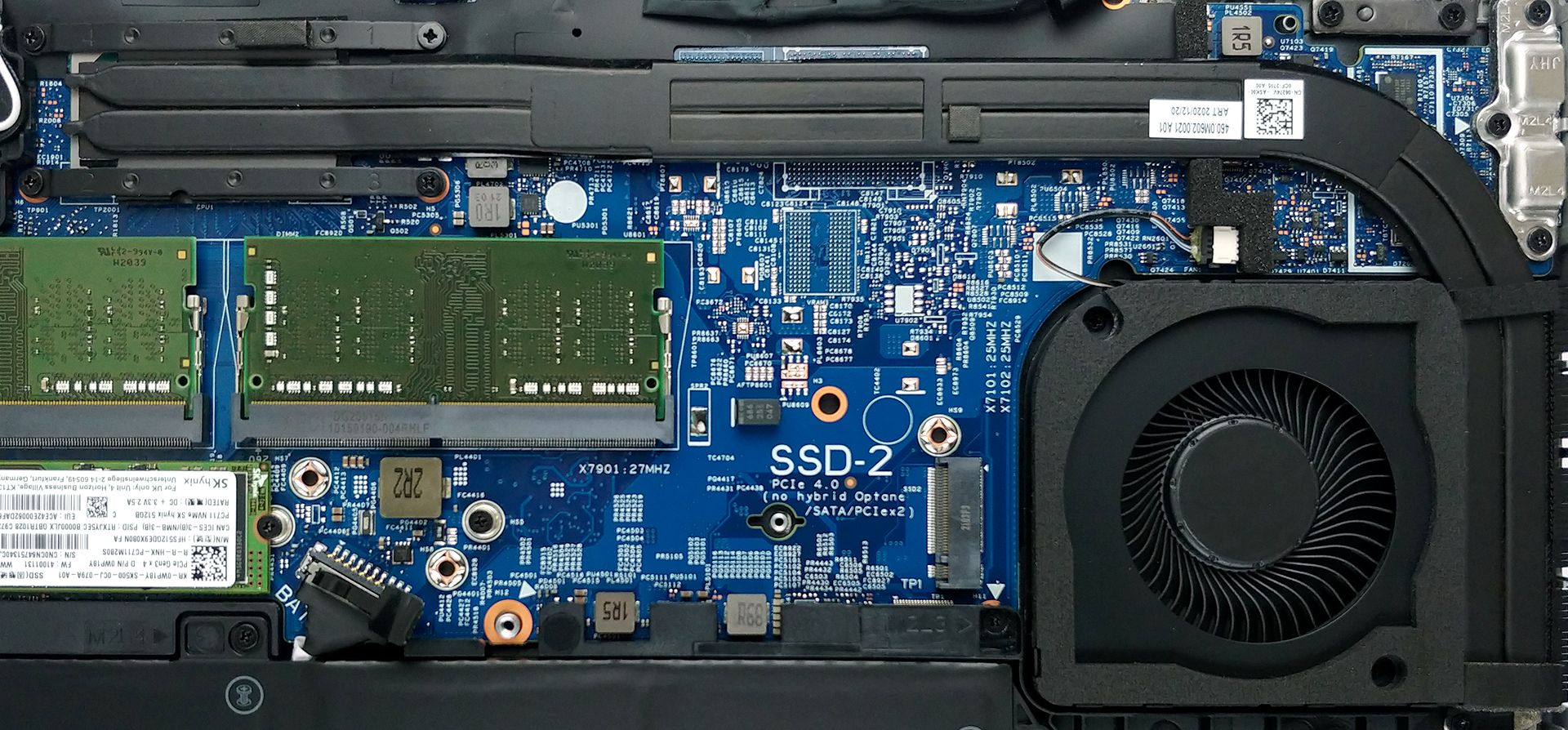
4. Cooling system
Cooling-wise, you get two long heat pipes, which lead to a side-mounted heat sink.
Check out all Dell Precision 15 3560 prices and configurations in our Specs System or read more in our In-Depth review.
Dell Precision 15 3560 in-depth review
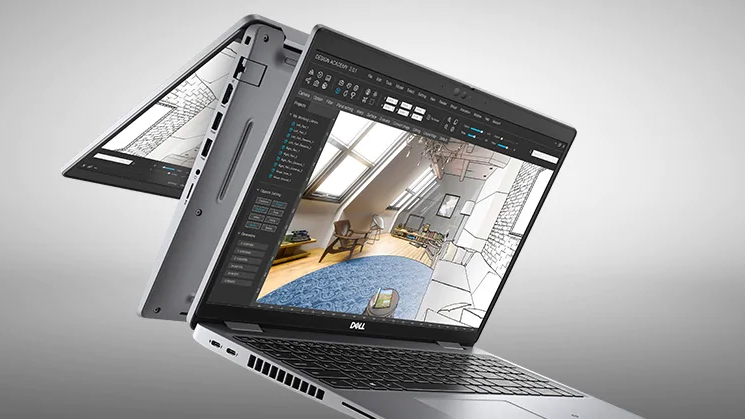
The words mobile and workstation are so far from each other, that when someone mentions them in the same sentence, it provokes laughter. However, as time passed, mobile processors became more and more powerful. This could only mean one thing... mobile workstations might actually be something real.And this is where the Dell Precision 15 3560 comes into place. It can be outfitted with up to the Core i7-1185G7 in a combination with the NVIDIA Quadro T500 - a professional-grade graphics card, based on the GeForce MX450. Also, there are configurations bundled with a 4K IPS panel, which should [...]
Pros
- Wide I/O, which includes a MicroSD card reader
- Two M.2 storage slots, one of which runs at 4.0 speeds + 2x RAM SODIMM slots
- Fingerprint reader embedded in the power button + optional IR face recognition
- Wi-Fi 6, PCIe x4, Thunderbolt 4
- Doesn't use PWM above 88 nits (40%) (VNCT2-156DL02 (NCP0057))
- Comfortable keyboard with a backlight
- Good battery life
Cons
- Covers only 53% of sRGB (VNCT2-156DL02 (NCP0057))
- Drops the dedicated touchpad buttons and the trackpoint + unsatisfactory touchpad experience
- High price
 Author: Alex Iliev

![[October 2026] Best-Selling Laptop Brands on Amazon Global – Apple Dominates Revenue Despite HP Leading in Model Variety](https://laptopmedia.com/wp-content/uploads/2026/11/GLOBAL-Best-Brands-400x225.jpg)
![[October 2026] Amazon Global: Top 10 Best-Selling Laptops – Apple Dominates the Global Market as the M5-Powered MacBook Air 13 Claims the #1 Spot](https://laptopmedia.com/wp-content/uploads/2026/11/Best-Selling-Laptops-GLOBAL-Top-10-400x225.jpg)
![[October 2026] Amazon Global: Top 10 Best-Selling Gaming Laptops – HP Victus 15 Claims the Crown as Budget-Friendly Configurations Dominate Global Sales](https://laptopmedia.com/wp-content/uploads/2026/11/Best-Selling-Gaming-Laptops-GLOBAL-Top-10-400x225.jpg)
![[October 2026] Global Ranking of Best-Selling Laptop GPUs on Amazon – Apple M5 Dominates as NVIDIA’s RTX 5060 Leads Dedicated GPUs in October 2026](https://laptopmedia.com/wp-content/uploads/2026/11/Best-Selling-GPUs-GLOBAL-Top-10-400x225.jpg)
![[October 2026] Global Ranking of Best-Selling Laptop CPUs on Amazon – Apple’s M5 Dominates as Intel and AMD Battle for Scraps](https://laptopmedia.com/wp-content/uploads/2026/11/Best-Selling-CPUs-GLOBAL-Top-10-400x225.jpg)

Dont Buy! We bought it because of additional SSD slot as you can see on the picture. The laptop came with only one slot. The other one is missing!!!
SAME HERE ! But the DataSheet states two slots. I am sending mine back.
Looks like a crap