Inside Lenovo IdeaPad Creator 5 (16″) – disassembly and upgrade options
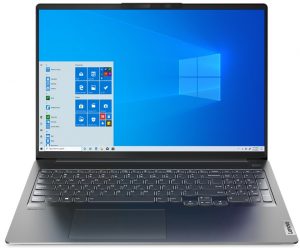
The Lenovo IdeaPad Creator 5 (16″) is a good laptop that brings powerful 45W AMD Zen 3 CPUs and a thin profile to the table.
Check out all Lenovo IdeaPad Creator 5 (16″) prices and configurations in our Specs System or read more in our In-Depth review.
1. Remove the bottom plate
Opening the bottom plate isn’t too hard. You have to undo 9 Torx-head screws, and then you can pop up the bottom plate with a plastic pry tool.

2. Battery
Here, the battery is a 75Wh unit.

3. Memory and storage
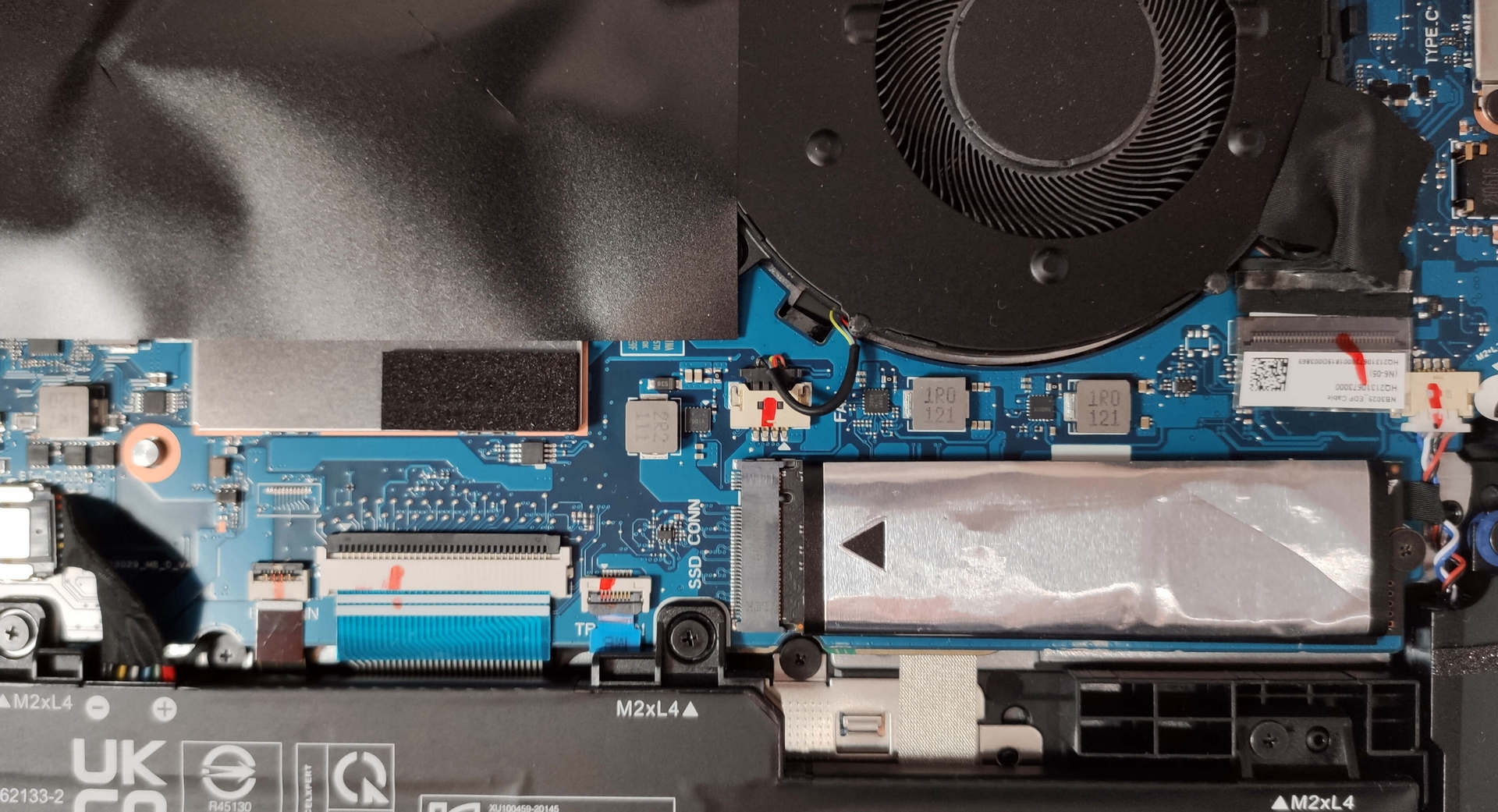
Unfortunately, the memory is soldered to the motherboard. The laptop can be configured with up to 32GB of DDR4 3200MHz memory. In terms of storage, there is just one M.2 PCIe x4 slot.
4. Cooling system
The cooling solution comprises two heat pipes that are shared for CPU and GPU cooling. In addition, we can spot two cooling plates and two fans.

Check out all Lenovo IdeaPad Creator 5 (16″) prices and configurations in our Specs System or read more in our In-Depth review.
Lenovo IdeaPad Creator 5 (16") in-depth review
We already have reviewed an Ideapad Creator device and that is the Lenovo Ideapad Creator 5 (15) which at first sight advanced version of the Ideapad Gaming 3 (15). For this review, we got the 16-inch version that looks much more premium and can't be mistaken for a budget gaming laptop.The Lenovo Ideapad Creator 5 (16″) has a premium-looking build and unlike its 15" cousin that relies on Intel Comet Lake-H CPUs, this one can be configured with the more efficient 45W AMD Zen 3 processors. In addition, these CPUs can definitely bring more performance to the table alongside lower power cons[...]
Pros
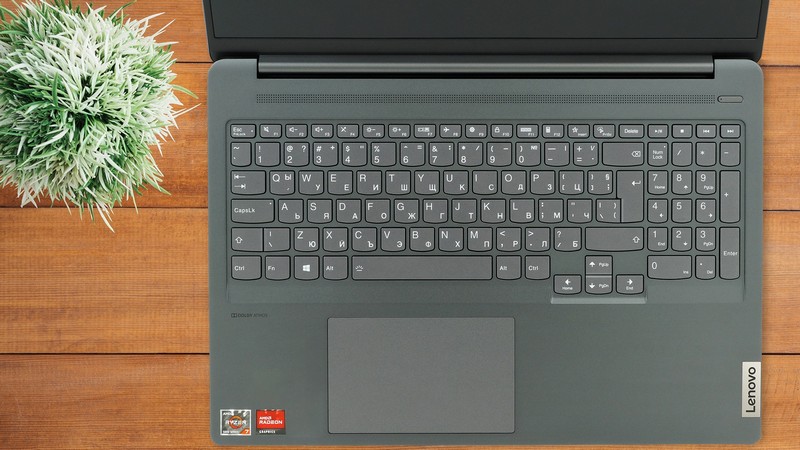
- Thin and compact body
- Strong aluminum chassis
- Covers 89% of the sRGB color gamut and has accurate color representation with our Gaming and Web design profile
- High resolution and 16:10 aspect ratio
- SD card slot
- Decent performance for its class
- IR face recognition
Cons
- Hot CPU no matter the load
- The GPU is slightly underperforming in some tests
- Soldered memory
 Author: Nikolay Palaozov

![[August 2026] Amazon Italy: Top 10 Best-Selling Laptops – Apple MacBook Neo Claims the Crown as Budget and Mid-Range Windows Machines Dominate Volume](https://laptopmedia.com/wp-content/uploads/2026/09/Best-Selling-Laptops-IT-Top-10-400x225.jpg)
![[August 2026] Amazon Italy: Top 7 Best-Selling Gaming Laptops – ASUS V16 Claims the #1 Spot Amid Strong Mid-Range Demand](https://laptopmedia.com/wp-content/uploads/2026/09/Best-Selling-Gaming-Laptops-IT-Top-10-400x225.jpg)
![[August 2026] Best-Selling Laptop Brands on Amazon Italy – Lenovo Dominates Market Share and Revenue Leadership](https://laptopmedia.com/wp-content/uploads/2026/09/IT-Best-Brands-400x225.jpg)
![[August 2026] Amazon India: Top 10 Best-Selling Laptops – Apple MacBook Neo Dominates the Charts with Massive Sales Lead](https://laptopmedia.com/wp-content/uploads/2026/09/Best-Selling-Laptops-IN-Top-10-400x225.jpg)
![[August 2026] Amazon India: Top 10 Best-Selling Gaming Laptops – HP Victus 15 Dominates the Market with Massive Unit Lead](https://laptopmedia.com/wp-content/uploads/2026/09/Best-Selling-Gaming-Laptops-IN-Top-10-400x225.jpg)
