Inside Lenovo ThinkBook 15 – disassembly and upgrade options
Part of the debuting line up of ThinkBook devices from Lenovo, the 15-inch model leaves the door open to some improvements but shines with one thing – value.
Check out all Lenovo ThinkBook 15 prices and configurations in our Specs System or read more in our In-Depth review.
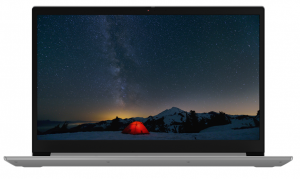
1. Remove the bottom plate
This notebook’s bottom panel is held in place by 10 Phillips-head screws. After you remove them, just pry the panel with a plastic pick and you will be able to effortlessly lift it out of the body.
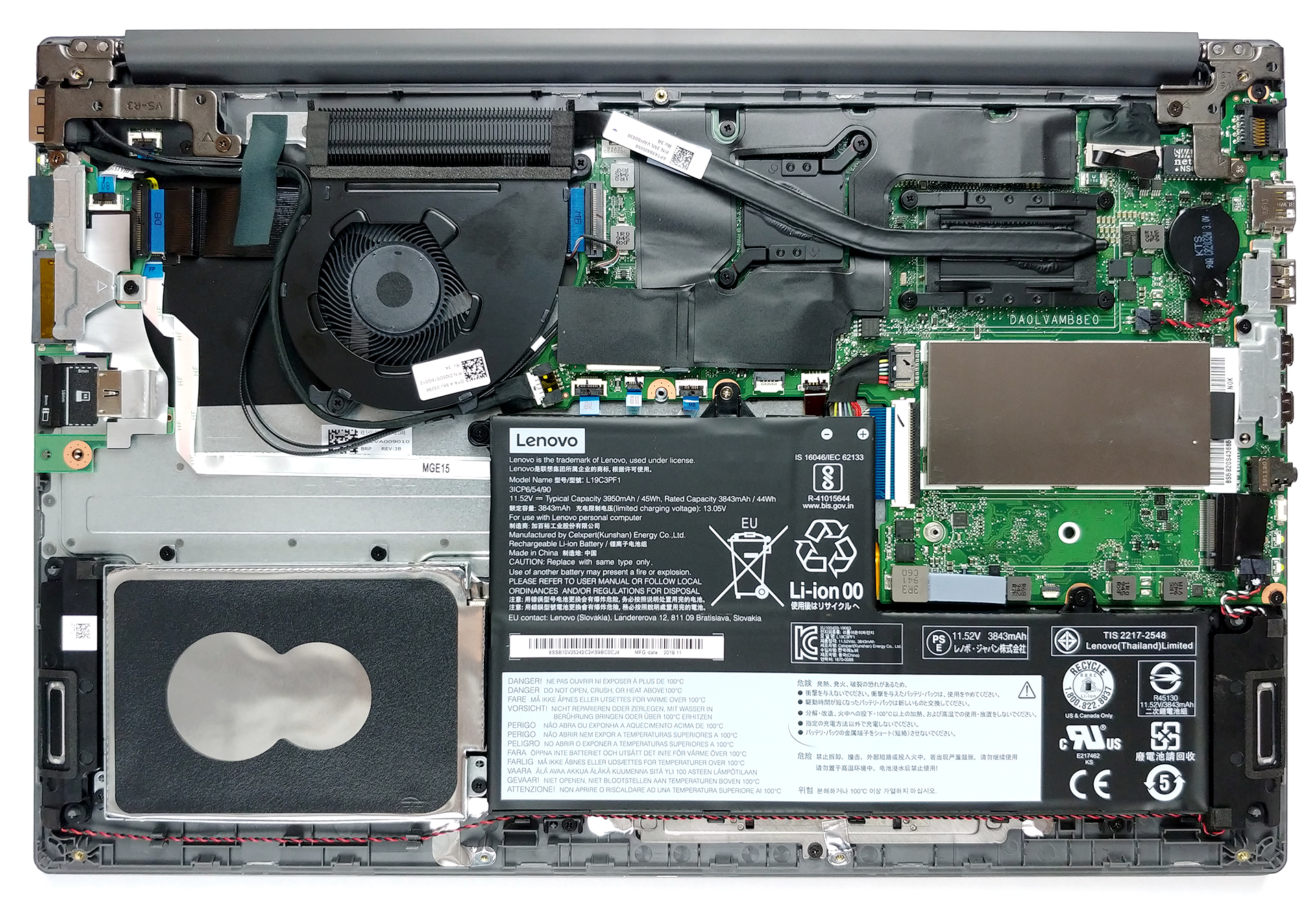
2. Battery
There are two battery options – a 45Wh one and a 57Wh one.
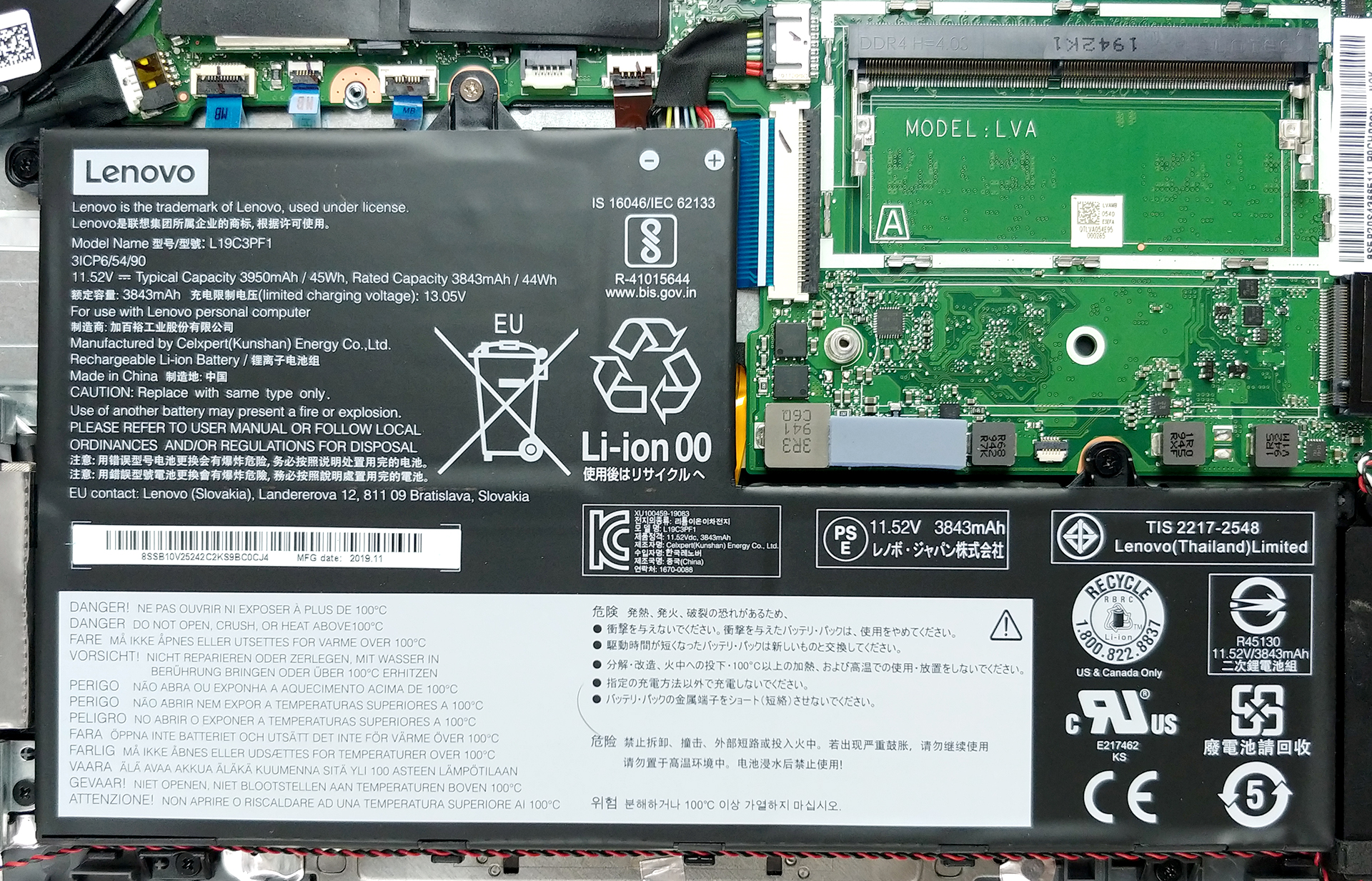
3. Memory and storage
Memory-wise there is one RAM SODIMM slot that supports up to 16GB of DDR4 memory. Additionally, the notebook comes with either 4GB or 8GB soldered to the motherboard. As far as the storage goes, you can see the M.2 slot just beneath the SODIMM. It fits M.2 2242/2280 PCIe x2/x4 drives. On the other side of the battery, there is a 2.5″ SATA drive slot.
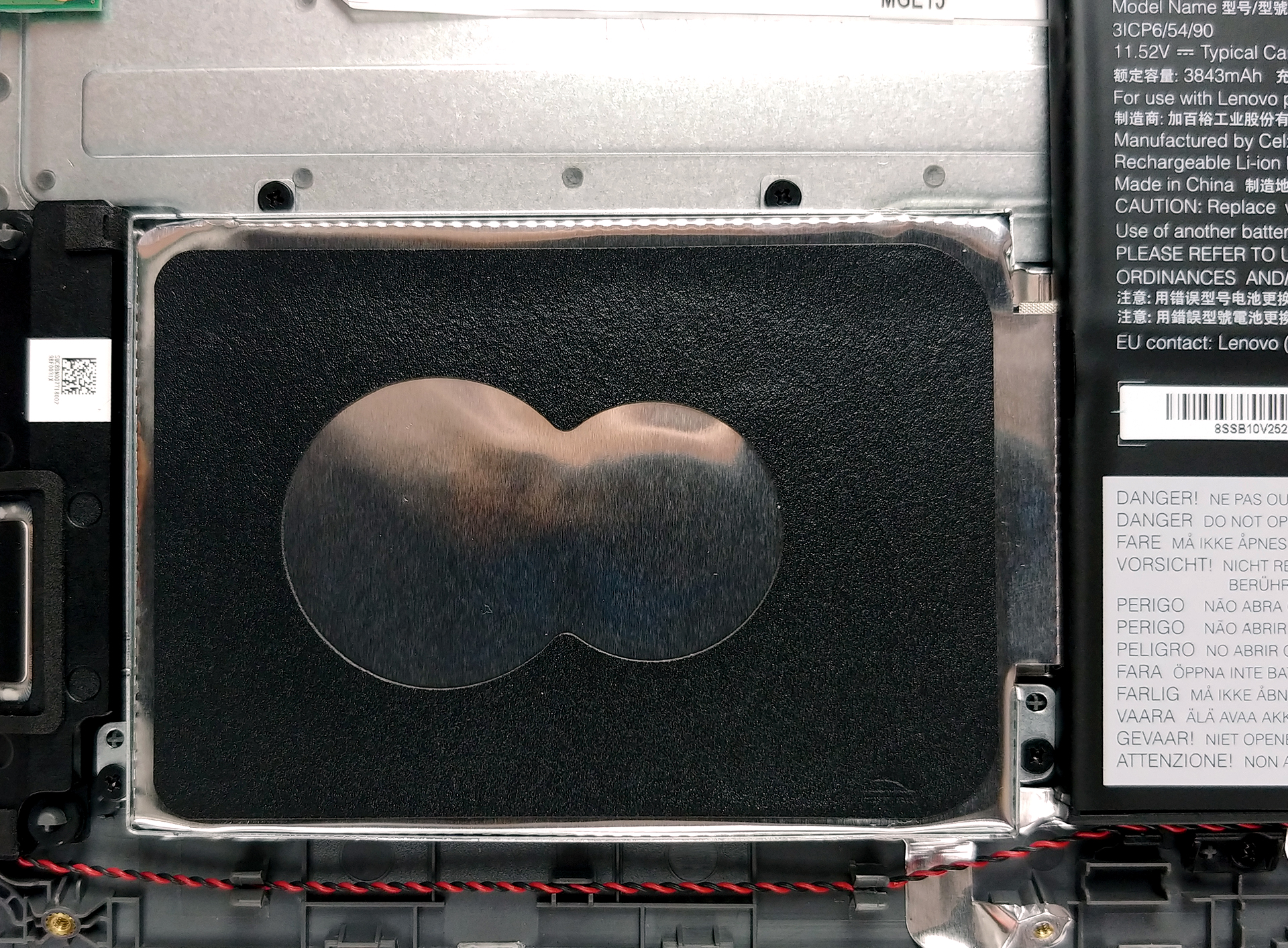

4. Cooling system
Weirdly enough, there is only one, long and thin heat pipe cooling both the CPU and the GPU. This works extremely impotent, but our Temperature tests are going to provide more information.
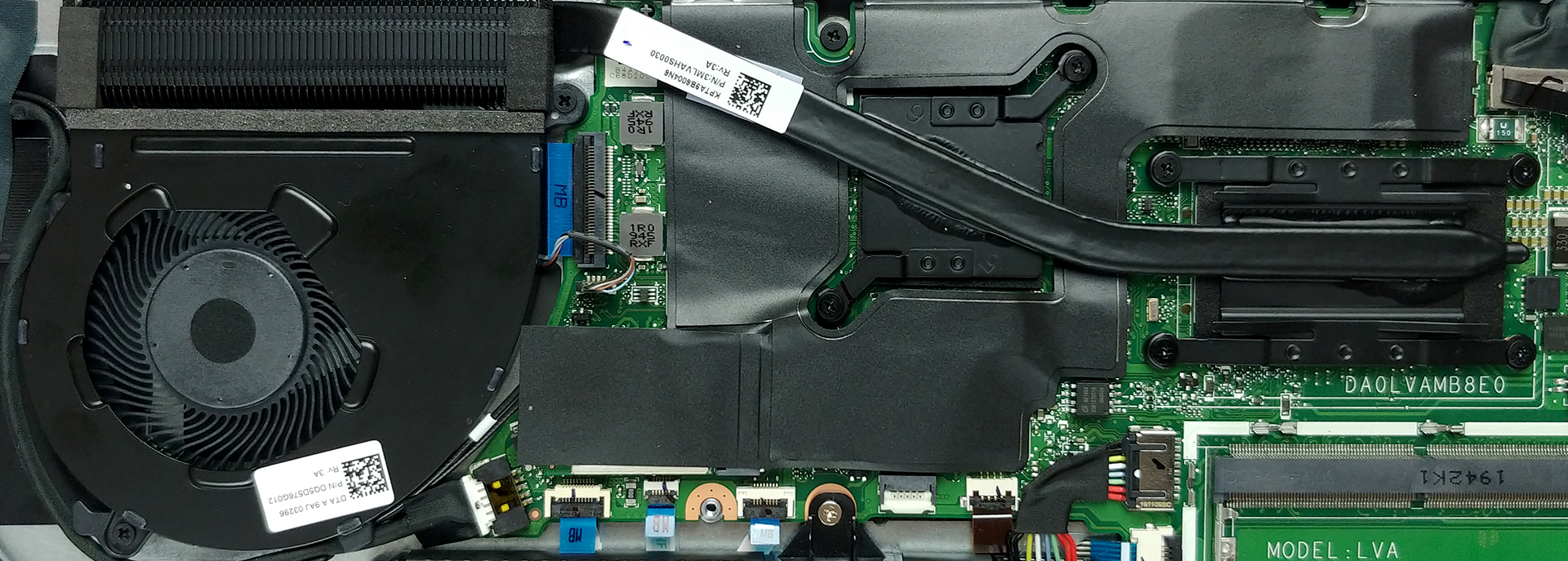
Check out all Lenovo ThinkBook 15 prices and configurations in our Specs System or read more in our In-Depth review.
 Author: Alex Iliev

![[August 2026] Best-Selling Laptop Brands on Amazon Japan – Apple Dominates Market Share and Revenue Led by Strong Unit Sales](https://laptopmedia.com/wp-content/uploads/2026/09/CO.JP-Best-Brands-1-400x225.jpg)
![[August 2026] Best-Selling Laptop Brands on Amazon USA – Apple Dominates Market Revenue and Volume Despite Lower Model Diversity](https://laptopmedia.com/wp-content/uploads/2026/09/COM-Best-Brands-1-400x225.jpg)
![[August 2026] Amazon Germany: Top 8 Best-Selling Gaming Laptops – Acer Dominates the Market as the Premium Nitro V 17 AI Takes the #1 Spot](https://laptopmedia.com/wp-content/uploads/2026/09/Best-Selling-Gaming-Laptops-DE-Top-10-1-400x225.jpg)
![[August 2026] Best-Selling Laptop Brands on Amazon France – Apple Dominates Revenue Despite Lenovo and HP Leading in Catalog Breadth and Volume](https://laptopmedia.com/wp-content/uploads/2026/09/FR-Best-Brands-1-400x225.jpg)
![[August 2026] Amazon Italy: Top 10 Best-Selling Laptops – Apple MacBook Neo Claims the Crown as Budget and Mid-Range Windows Machines Dominate Volume](https://laptopmedia.com/wp-content/uploads/2026/09/Best-Selling-Laptops-IT-Top-10-400x225.jpg)

does this laptop have only one ram slot?
Yes
No dear..this laptop have 2 ram slots. One is located when you open the back cover. whereas for the second location, you will have to remove the motherboard, since it’s on the other side.
Hmm, can you supply a photo of that, and are you sure that you are talking about the same laptop?
Read the text of the article. It says “Memory-wise there is one RAM SODIMM slot that supports up to 16GB of DDR4 memory. Additionally, the notebook comes with either 4GB or 8GB soldered to the motherboard.”
So if it’s soldered that still means there’s one slot
Immediately to the right of the silver laptop battery screw, there is an unused connector for a pci ribbon, do you know what the purpose of this connector is?
Also, is the secondary SSD port ribbon a combined SATA/PCI-E type connector? Is it possible to add a second NVME drive to this laptop?
the ram is it integreated in the mother card ??
No….there are two ram slots both are removable….one location is at back whereas second ram is on other side of motherboard.
From the article: “Memory-wise there is one RAM SODIMM slot that supports up to 16GB of DDR4 memory. Additionally, the notebook comes with either 4GB or 8GB soldered to the motherboard.”
When I Open Task Manager and Go to the Memory option, It Says 1 of 2 slots used. I guess there is 2 slots
Can I upgrade webcam, because its terrible
Sure… usbexternal