Inside Lenovo ThinkPad E14 Gen 3 – disassembly and upgrade options
Despite the almost invisible changes on the outside, the ThinkPad E14 Gen 3 is a huge improvement on the laptop from last year. Thankfully, the upgrade options have remained pretty solid.
Check out all Lenovo ThinkPad E14 Gen 3 prices and configurations in our Specs System or read more in our In-Depth review.
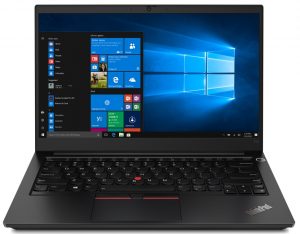
1. Remove the bottom plate
To take this notebook apart, you need to undo all 7 captive Phillips-head screws. After that, pry the bottom panel with a plastic tool, starting from the front two corners.

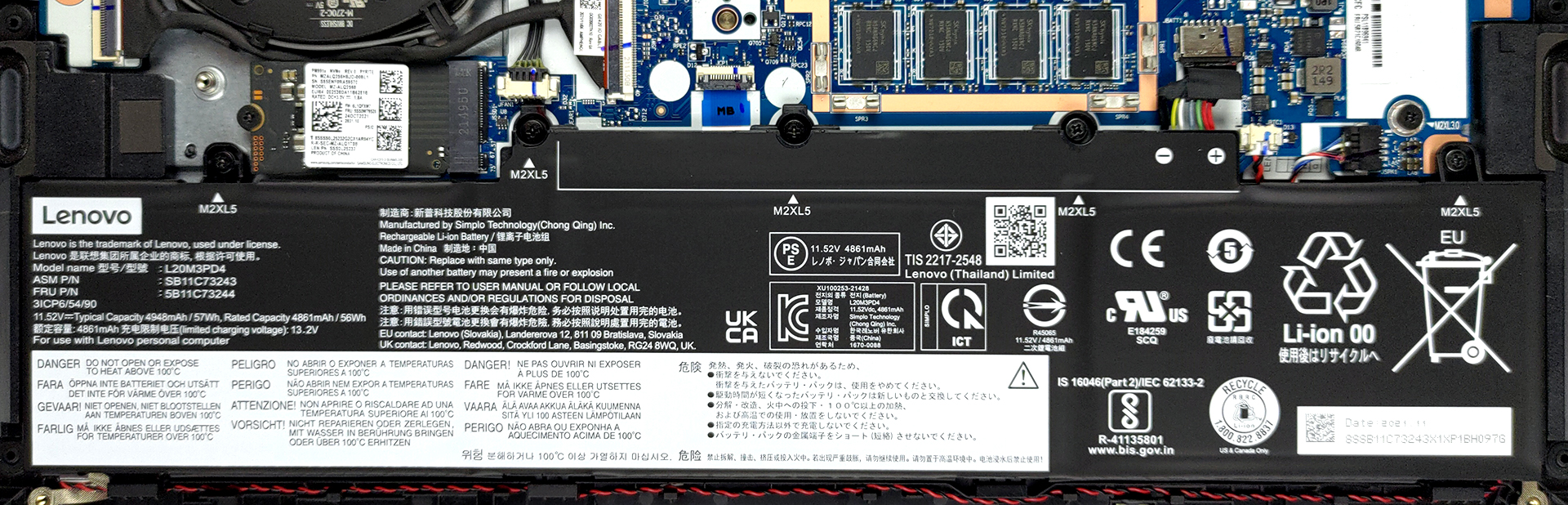
2. Battery
Inside, we see a 57Wh battery. It lasted us for nearly 14 hours of either Web browsing or video playback. To continue, unplug the battery connector. Then, undo all 5 Phillips-head screws. This will let you remove the battery from the chassis.
3. Memory and storage
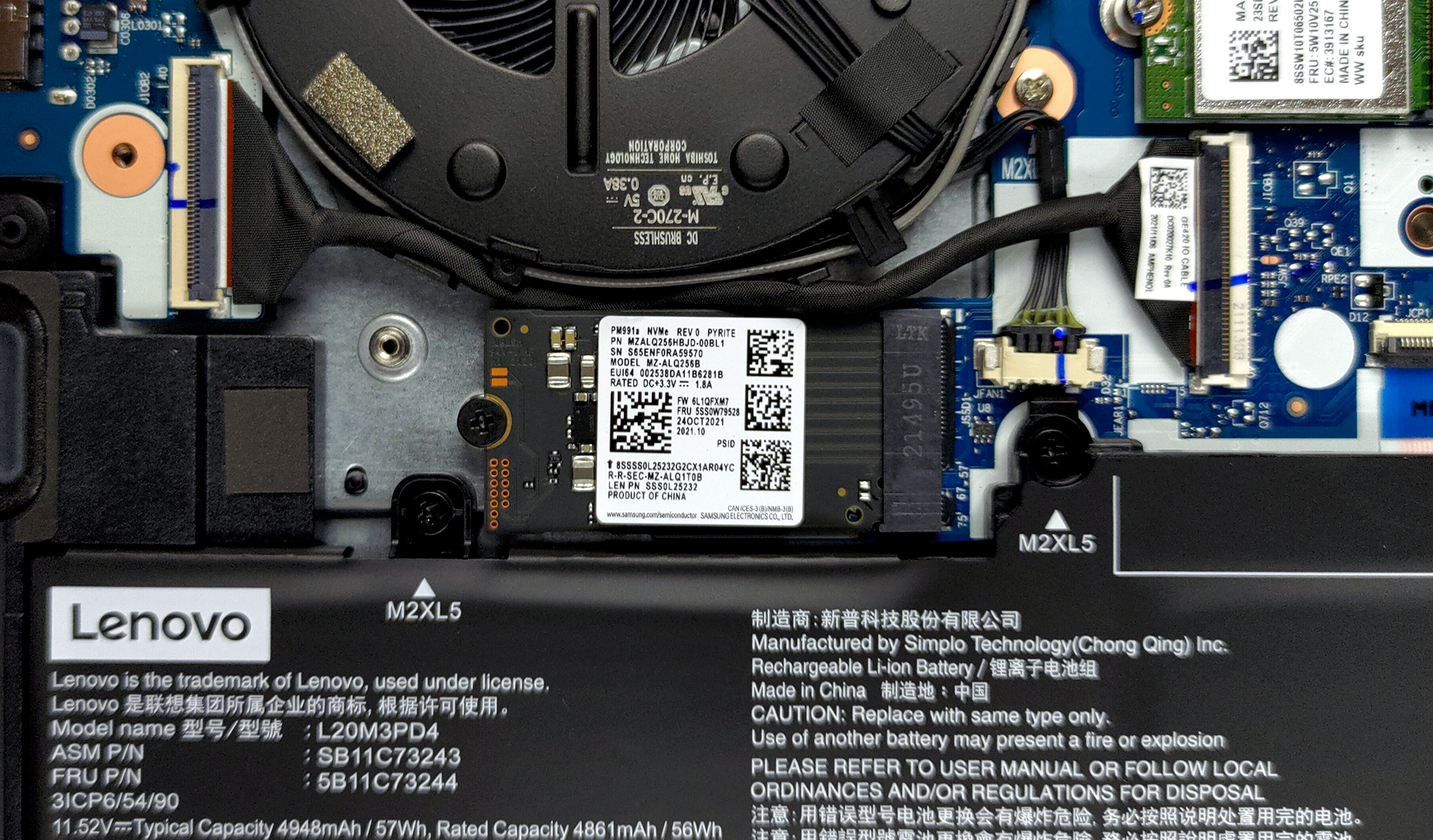
Here, we see either 4 or 8GB of soldered memory. In addition to that, there is one SODIMM RAM slot. Storage-wise, there are two M.2 slots. One of them fits 42mm drives, while the other holds 80mm ones.

4. Cooling system
As you can see, the cooling comprises two heat pipes, a heat sink, and a medium-sized fan.

Check out all Lenovo ThinkPad E14 Gen 3 prices and configurations in our Specs System or read more in our In-Depth review.
Lenovo ThinkPad E14 Gen 3 (AMD) in-depth review
The ThinkPad E-series has been one of the best-selling business laptops out there. It has a very competitive price while remaining pretty capable in terms of both performance and versatility. This particular model is the ThinkPad E14 Gen 3, and it comes equipped with Ryzen 5000U processors.This includes some rebranded Zen 2 CPUs, as well as the brand new Zen 3 devices. Of course, this will change when the Zen 3+ processors hit the market. However, this laptop is not all about performance, as the main target group is the office worker. With that said, Lenovo needed to make the laptop a bar[...]
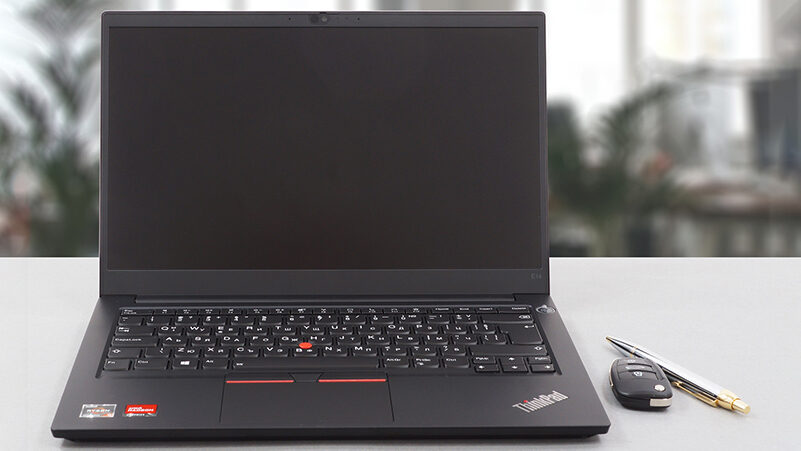
Pros
- Its keyboard is backlit, spill-resistant and great for typing
- Optional fingerprint reader and IR face recognition
- Good contrast ratio and comfortable viewing angles (LG LP140WFH-SPP2)
- Supports dual PCIe x4 SSDs, and some models feature a WiFi 6 card
- Doesn't use PWM (LG LP140WFH-SPP2)
- Charges via USB Type-C
- Great battery life
Cons
- Covers only 51% of sRGB (LG LP140WFH-SPP2)
- Lacks an SD card reader
 Author: Alex Iliev

![[August 2026] Amazon Italy: Top 10 Best-Selling Laptops – Apple MacBook Neo Claims the Crown as Budget and Mid-Range Windows Machines Dominate Volume](https://laptopmedia.com/wp-content/uploads/2026/09/Best-Selling-Laptops-IT-Top-10-400x225.jpg)
![[August 2026] Amazon Italy: Top 7 Best-Selling Gaming Laptops – ASUS V16 Claims the #1 Spot Amid Strong Mid-Range Demand](https://laptopmedia.com/wp-content/uploads/2026/09/Best-Selling-Gaming-Laptops-IT-Top-10-400x225.jpg)
![[August 2026] Best-Selling Laptop Brands on Amazon Italy – Lenovo Dominates Market Share and Revenue Leadership](https://laptopmedia.com/wp-content/uploads/2026/09/IT-Best-Brands-400x225.jpg)
![[August 2026] Amazon India: Top 10 Best-Selling Laptops – Apple MacBook Neo Dominates the Charts with Massive Sales Lead](https://laptopmedia.com/wp-content/uploads/2026/09/Best-Selling-Laptops-IN-Top-10-400x225.jpg)
![[August 2026] Amazon India: Top 10 Best-Selling Gaming Laptops – HP Victus 15 Dominates the Market with Massive Unit Lead](https://laptopmedia.com/wp-content/uploads/2026/09/Best-Selling-Gaming-Laptops-IN-Top-10-400x225.jpg)

I think the sRGB value is given wrong here. On the website it clearly says 100% sRGB.